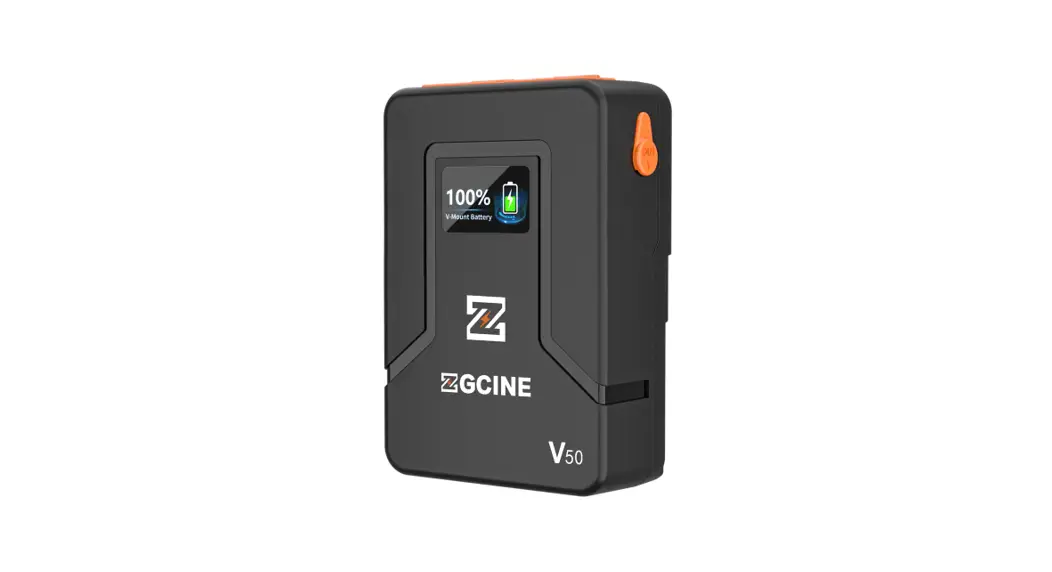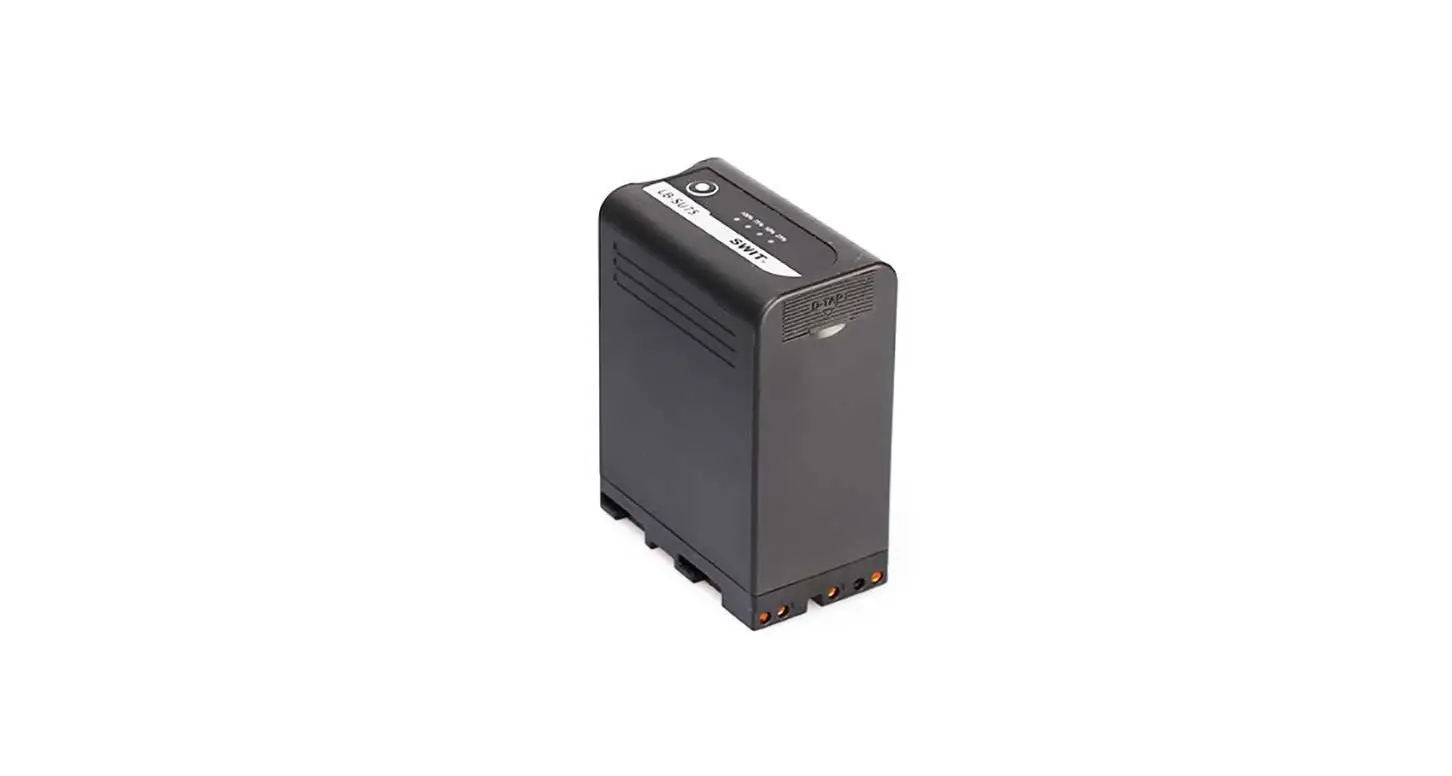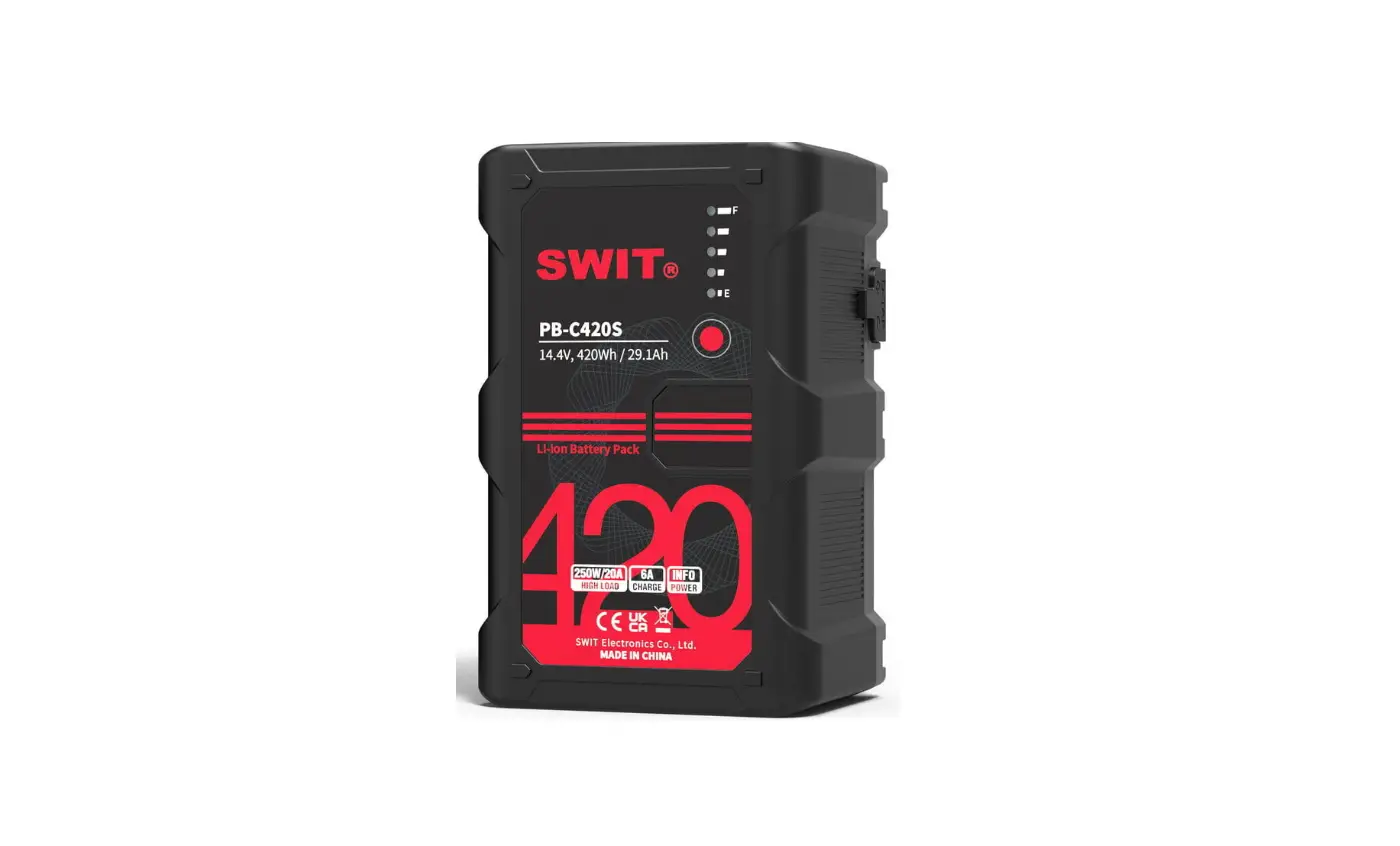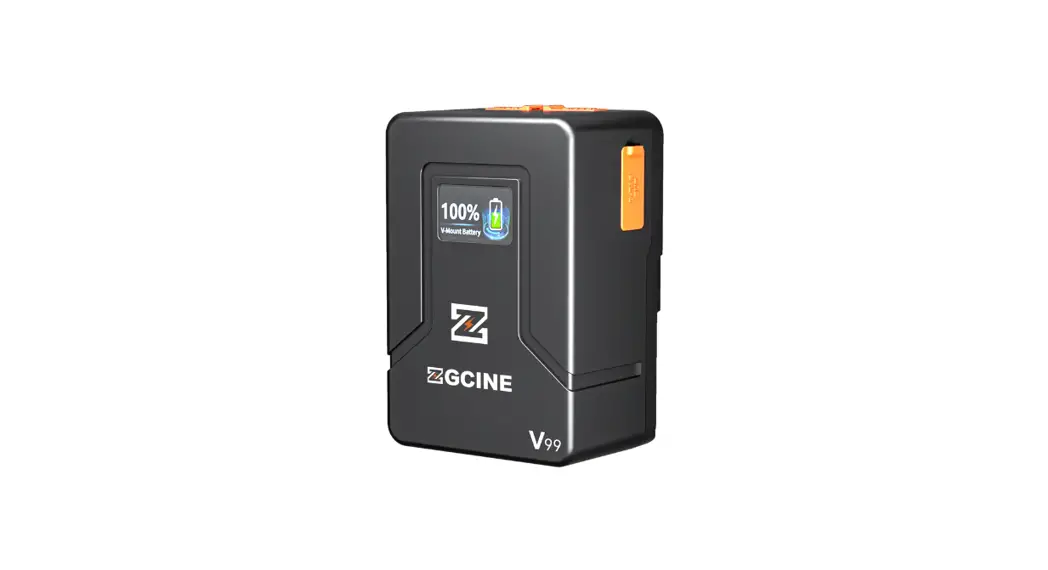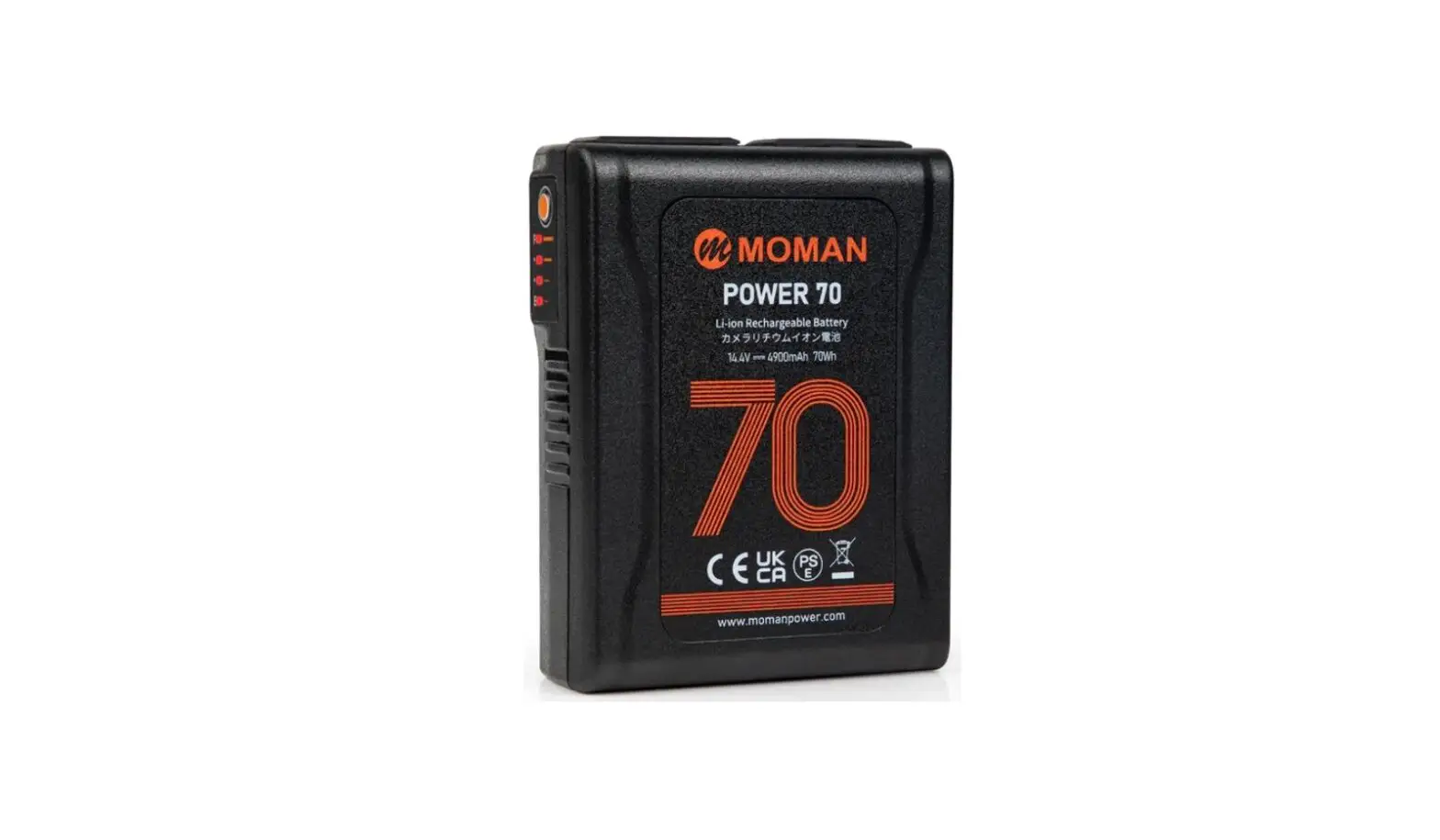
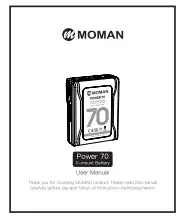
MOMAN POWER 70 V Mount Li Ion Rechargeable Battery User Manual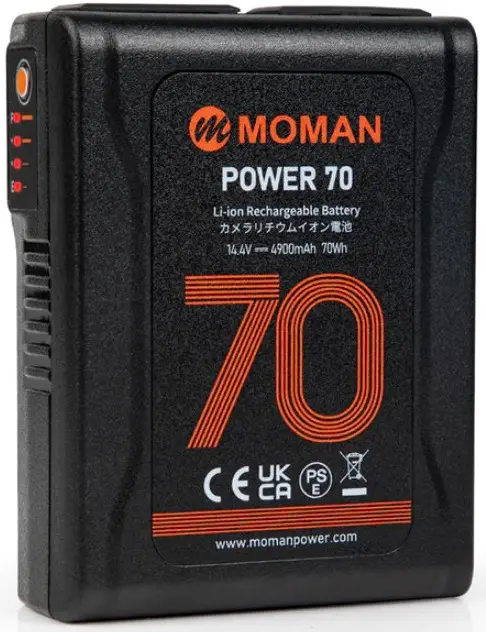
Thank you for choosing MOMAN product. Please read this manual carefully before use and follow all instructions mentioned herein.
Caring For Your MOMAN Product
- Please keep the product in a dry, clean, dust-free environment.
- Keep corrosive chemicals, liquids and heat source away from the product to prevent mechanics damage.
- Use only a soft and dry cloth for cleaning the product.
- Malfunction may be caused by dropping, impact of external force.
- Do not attempt to disassemble the product. Doing so voids warranty.
- Please have the product checked or repaired by authorized technicians if any malfunctions happened.
- Failure to follow all the instructions may result in mechanics damage.
- Warranty does not apply to human errors
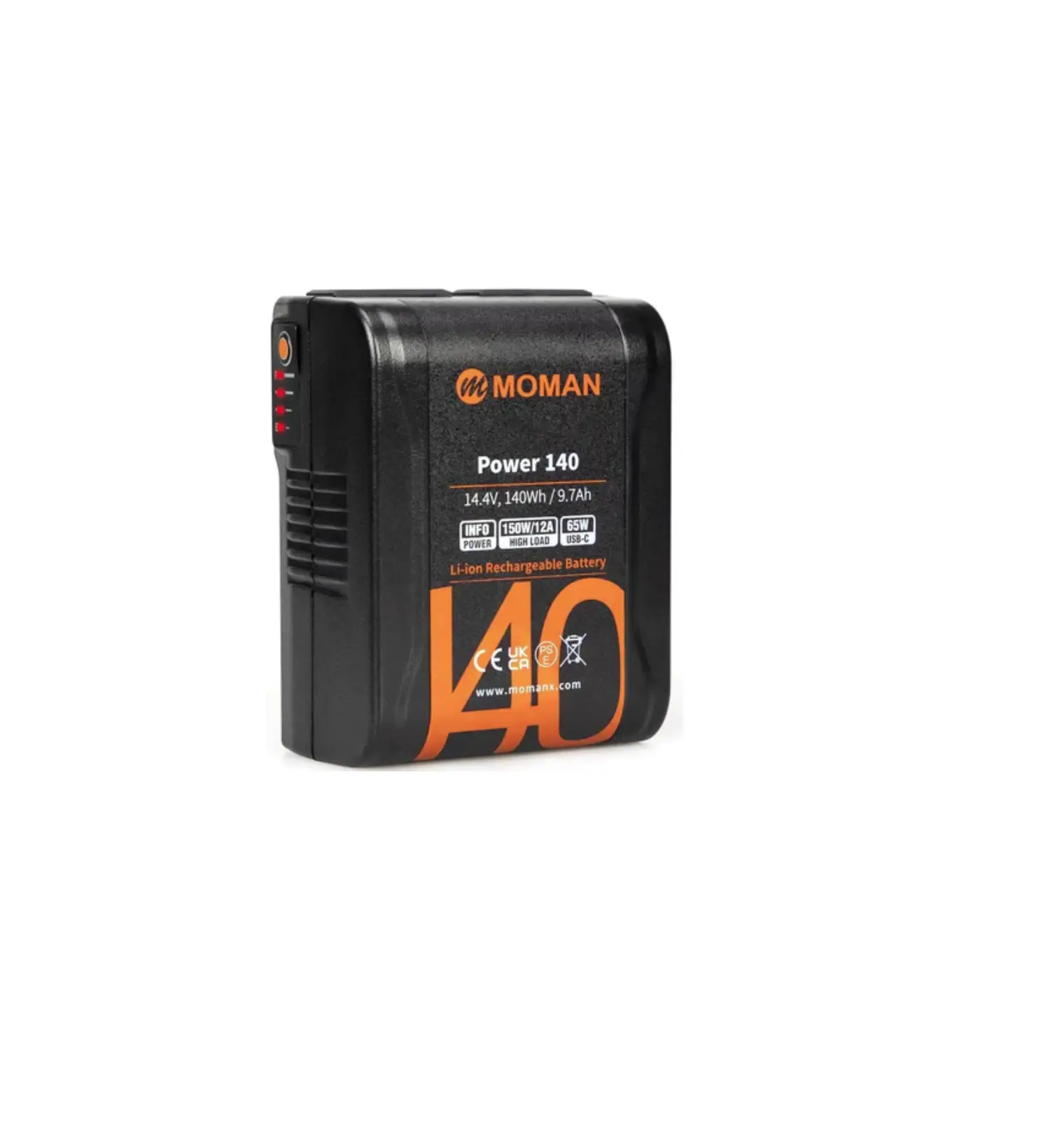
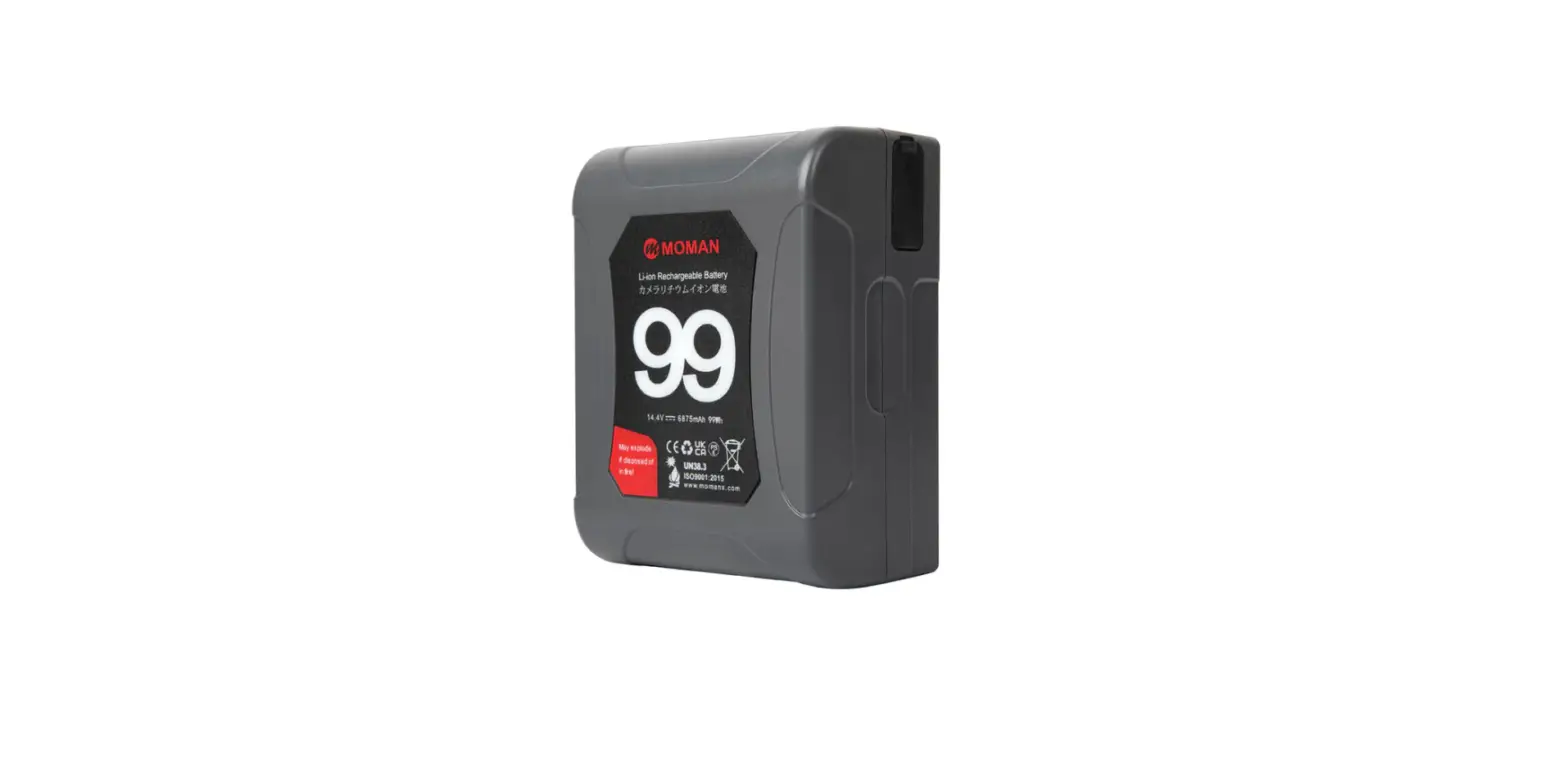
Appearance
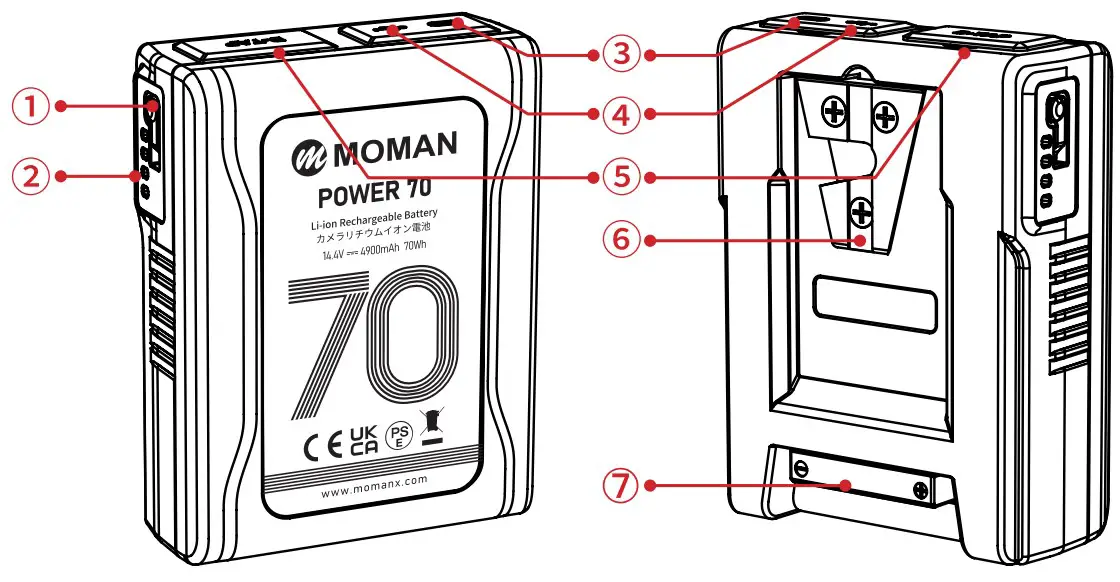
- Switch Button
- Power indicator light
- USB-C
- USB-A
- D-tap
- V-Mount
- BP Interface
Attention
- It is normal for batteries to get hot during charging and use.
- Keep the pole of the battery clean to ensure a better use experience.
- Keep the battery in a cool and dry place for long-term storage. It is recommended to keep the battery level above 50%.
- After ten days, the battery will enter sleep mode automatically and the output will be turned off. Press the indicator light button to restore the output.
Product feature
- One both-way Type-c interface,can supply power to mobile device or becharged with Type-c charger.
- One both-way D-TAP interface,can supply power to other device or becharged with this interface.
- One USB-A interface,can supply power to other device.
- Four level LED show the life and percentage of the battery capacity.
- Built-in multiple control circuit, with temperature, voltage, current allround protection.
Charging Instruction
- During the charging process, the LED light shows the percentage of remaining battery(25%,50%,75%,90%).
- Batteries can be charged in the temperature range of 0~40° C, but we recommend charging in the temperature range of 10~30° C to ensure optimal battery performance.
Discharging Instruction
- At low temperatures, the internal resistance of the battery increases, and the discharge time is shortened. When the load is heavy, the battery may be automatically cut off.
- USB and D-TAP interface overload will cause output shutdown, press the button to restore.
- Please put on the rubber cover immediately after use to avoid dust.
- The battery can discharge in-20℃ ~50℃ ;The battery performs best when used in the temperature range of-10 ~40℃ .
Indicator Light
The LED indicator from E to F respectively reprensents the percentage of electric quantity : 25%、50%、75%、90% .
| Capacity percentage | F → E ( :on: :on:  flash) flash) |
| ≥ 90% |  |
| 75%~90% |  |
| 50%~75% |  |
| 25%~50% |  |
| < 25% |  |
Troubleshoot (: on : flash)
F-__E
The battery runs out or is protected.Wait for a period of time and check the indicator status.If the indicator status is recovered, it indicates that the battery is exhausted. Charge the battery as soon as possible.
F-__E
Overcurrent, overtemperature or overvoltage of charge. Please remove the battery and wait for the battery to recover by itself. Overcharging please put the battery in the shade, after a few minutes of cooling, the battery will automatically recover; Remove the battery and discharge it to reduce the battery voltage.
F-__E
The battery cannot be charged or discharged. Please put the battery in a cool place and wait for the core temperature to decrease ( recommended>30 minutes ).
Then hang the battery on the charger and try to charge.
If the battery is charged normally , the battery will return to normal.
Specification
| Mount Type | V-mount | ||||
| Nominal Voltage | 14.4V | ||||
| Capacity | 70Wh/4.9Ah | ||||
| Interface | ElectricPole×1 | Output | 100W/8A | ||
| Input | 16.8V⎓3A | ||||
| TYPE-C ×1 | Output | 65W(Max),5V/9V/12V/15V/20V(Max)⎓3.25AProtocol:1.BC1.2, IOS and SAMSUNG2.QC2.0,3.03.FCP,SCP4.PD2.0,3.0 | |||
| Input | 5V/9V/12V/15V(Max)⎓2.4A | ||||
| D-TAP ×1 | Output | 100W/8A | |||
| lnput | 16.8V⎓3A | ||||
| USB×1 | Output | 10W,5V⎓2A | |||
| Total Output | 100W/8A | ||||
| Charging Temperature | 0~40℃ (suggest 10~30℃ ) | ||||
| Discharging Temperature | -20~50℃ (suggest-10~40℃ ) | ||||
| Other Parameters | ElectromagneticCompatibility | EN55032,EN55035 | |||
| Safety | IEC62368,UN38.3 | ||||
| Fall | 1.2m bare device falls freely | ||||
| 105mm*79.6mm*37.3mm | |||||
| Net Weight | 0.417kg | ||||
Package List
- Power 70 V-Mount Battery x1

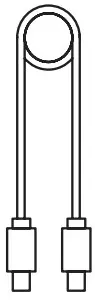
- USB-C Charging Cable x1

- User Manual x1

Moman (UK) Limited
 Unit 25 Basepoint Business Centre, Aviation Park, West Christchurch, United Kingdom BH23 6NX
 www.momanpower.com
 @MomanGlobal
 https://moman.co/youtube

 Best Online Site to Sell Photography Equipment | Moman
 YouTube