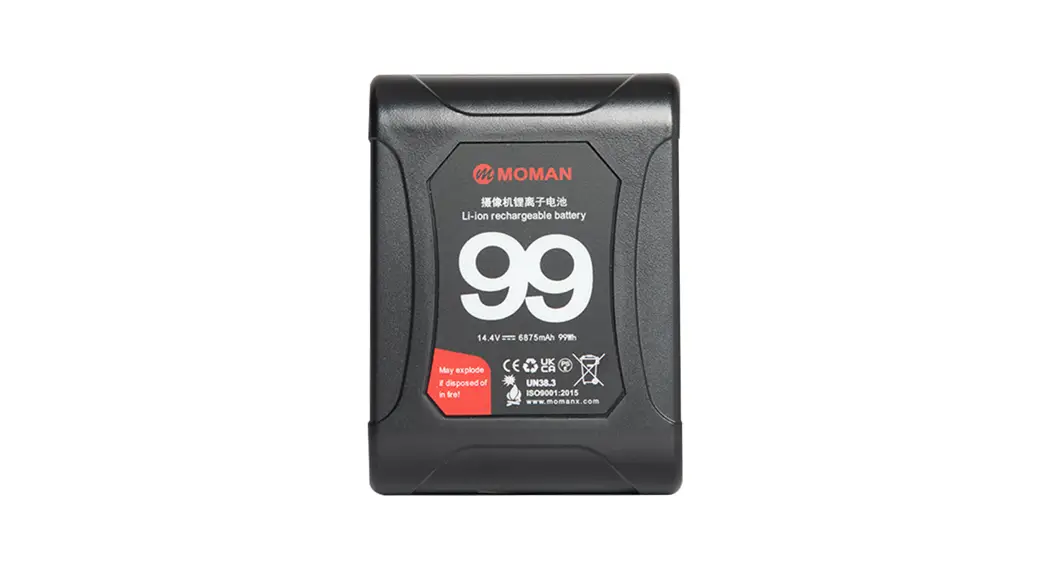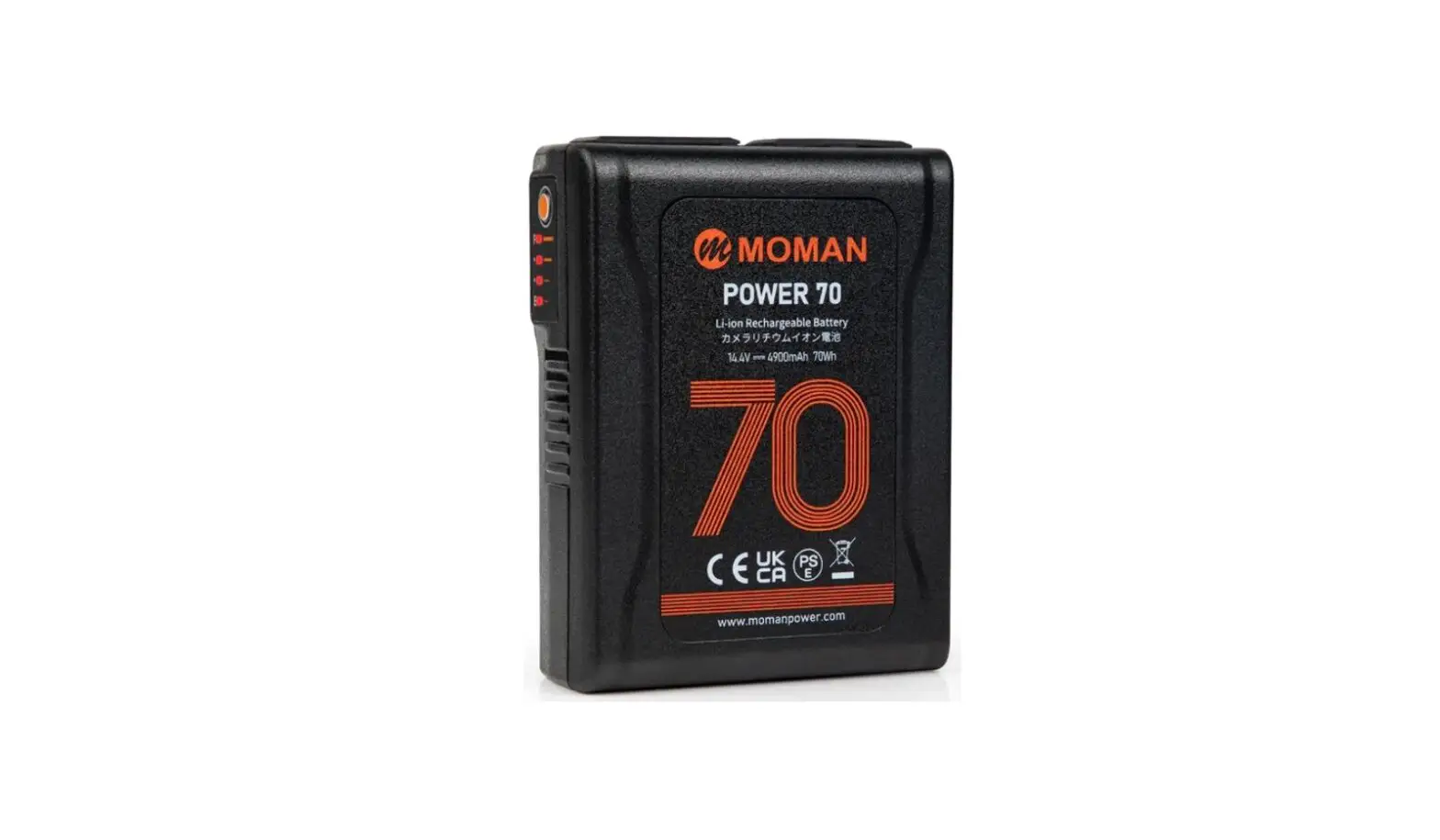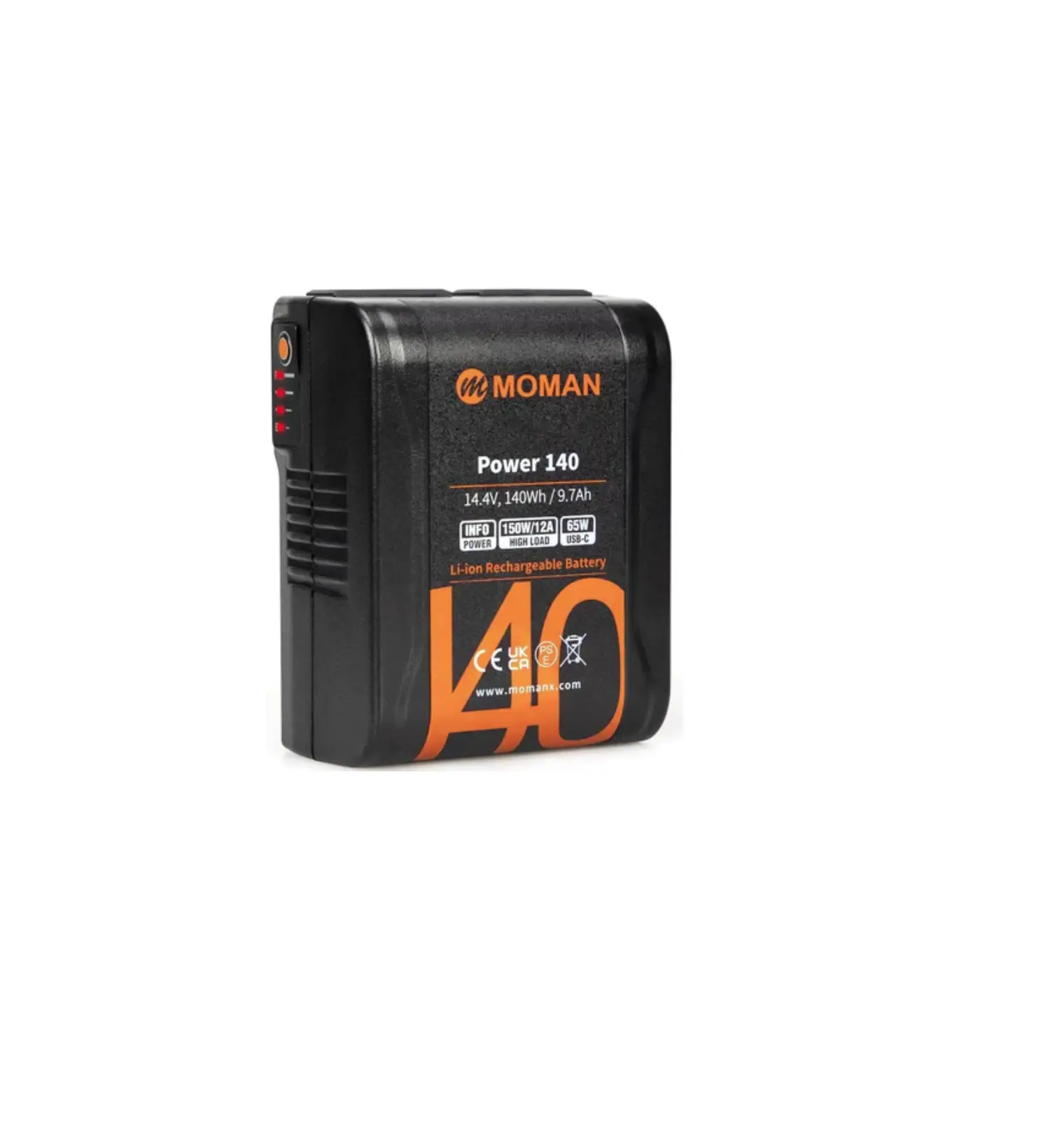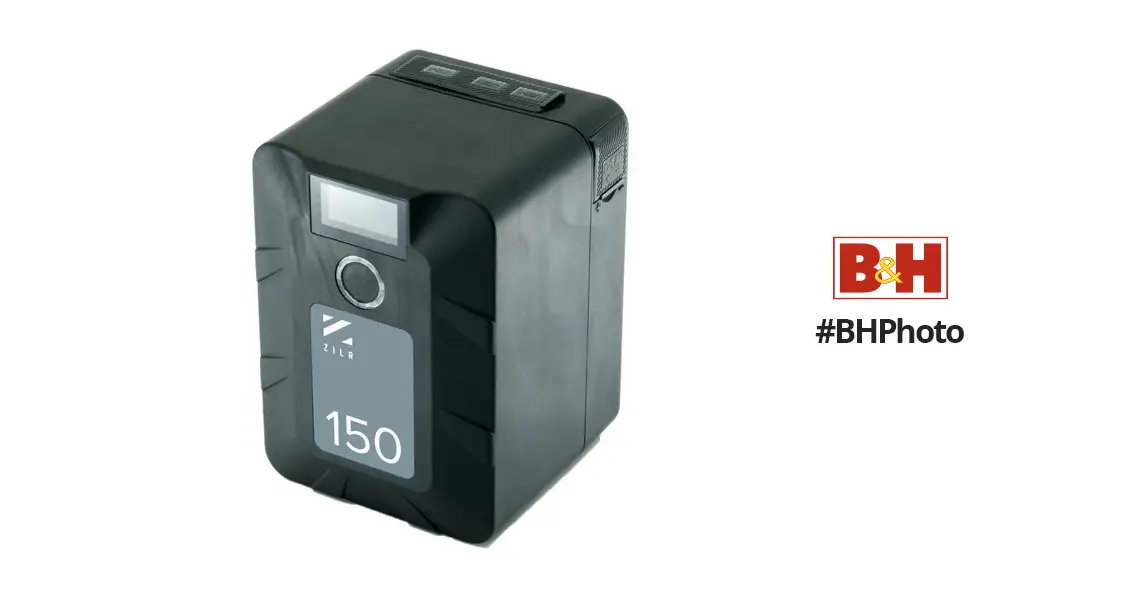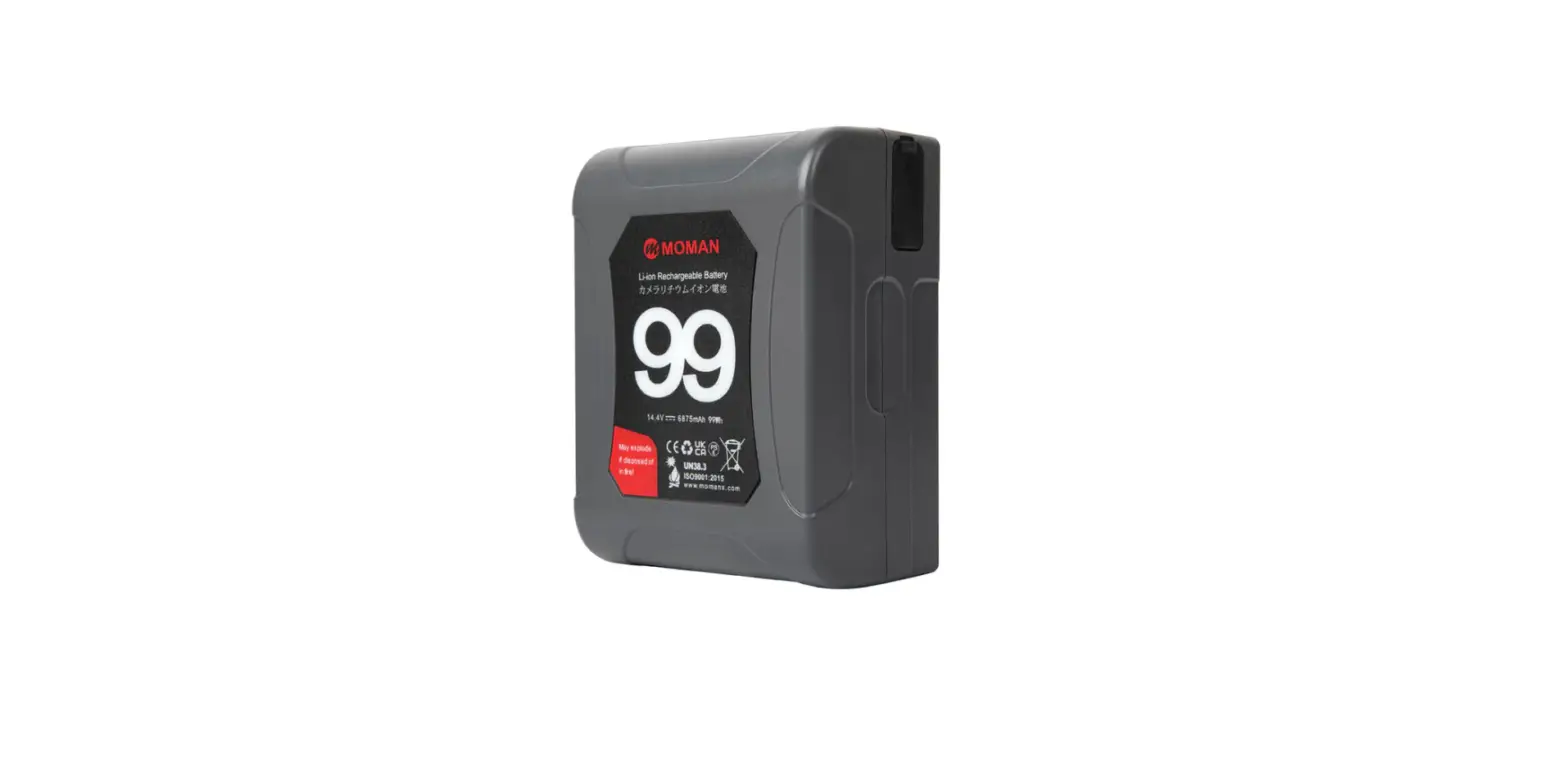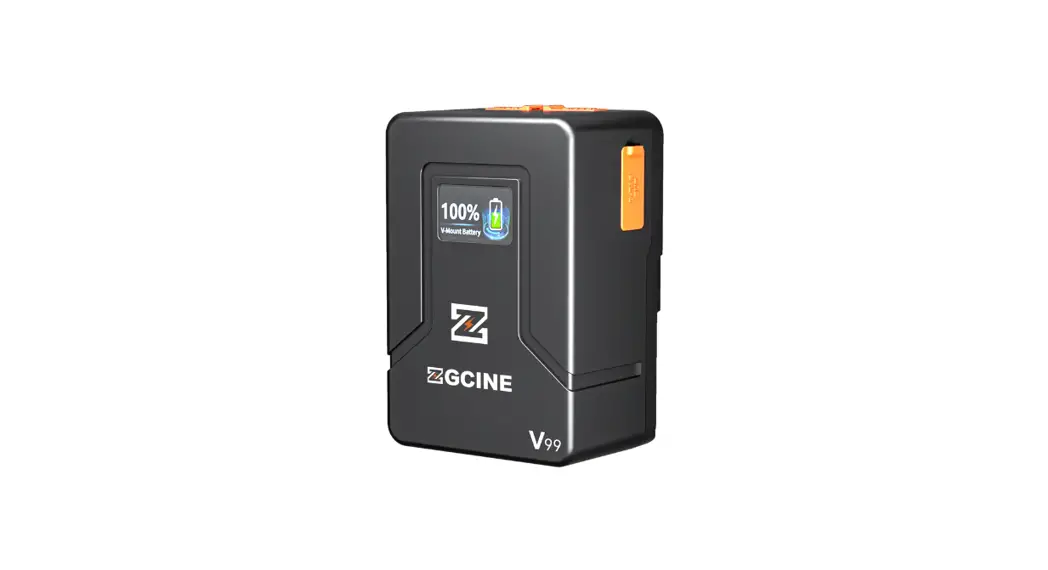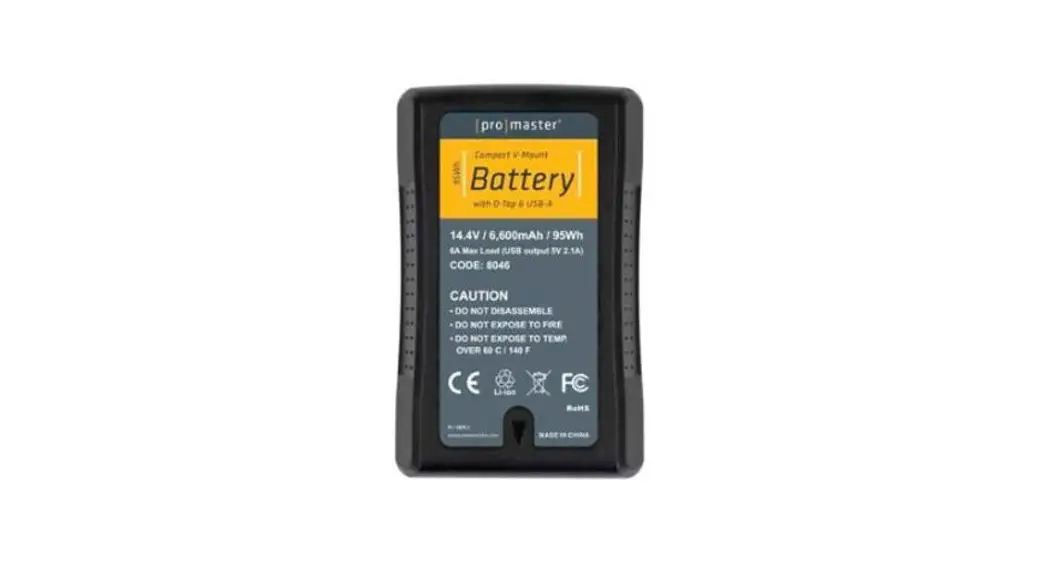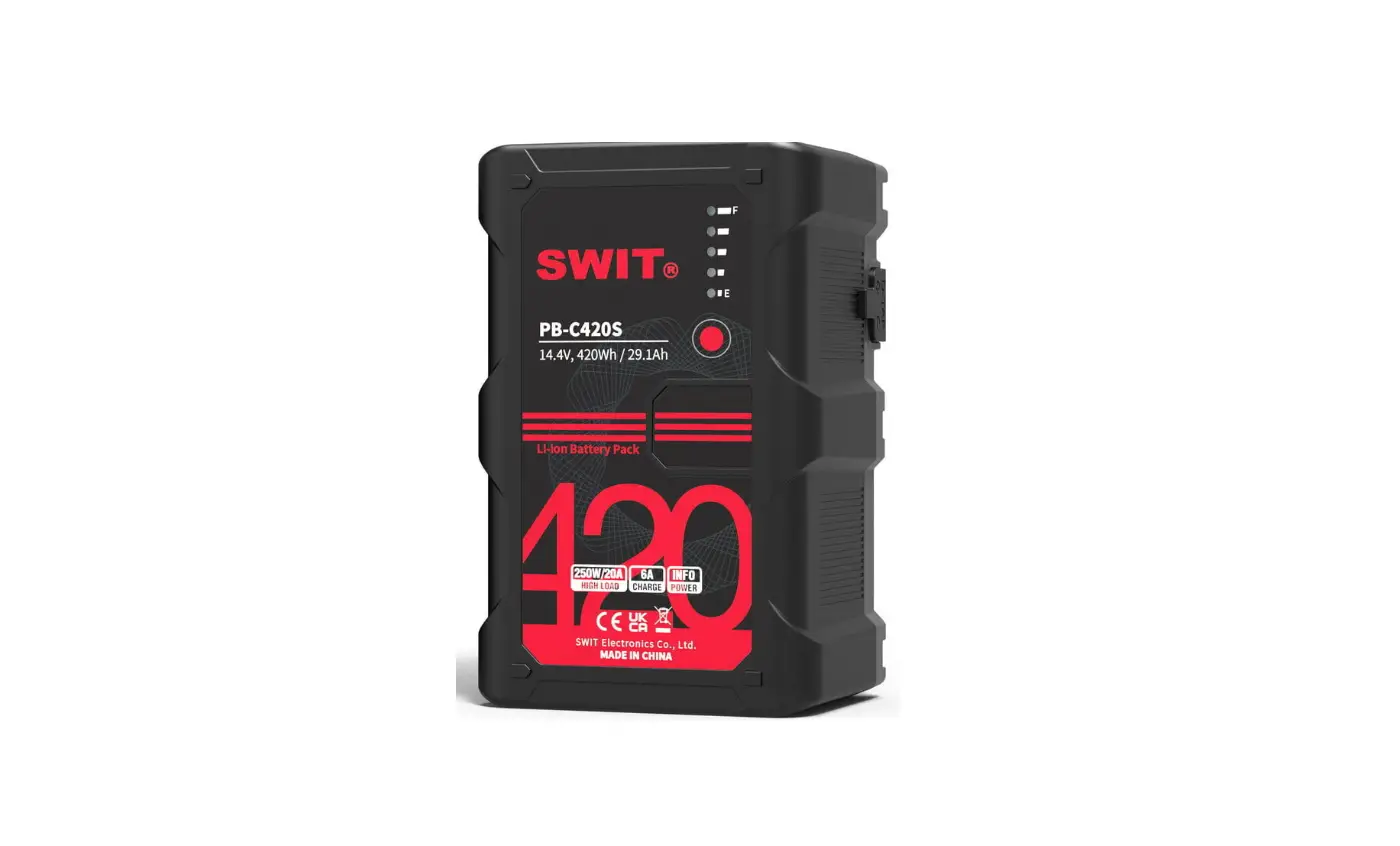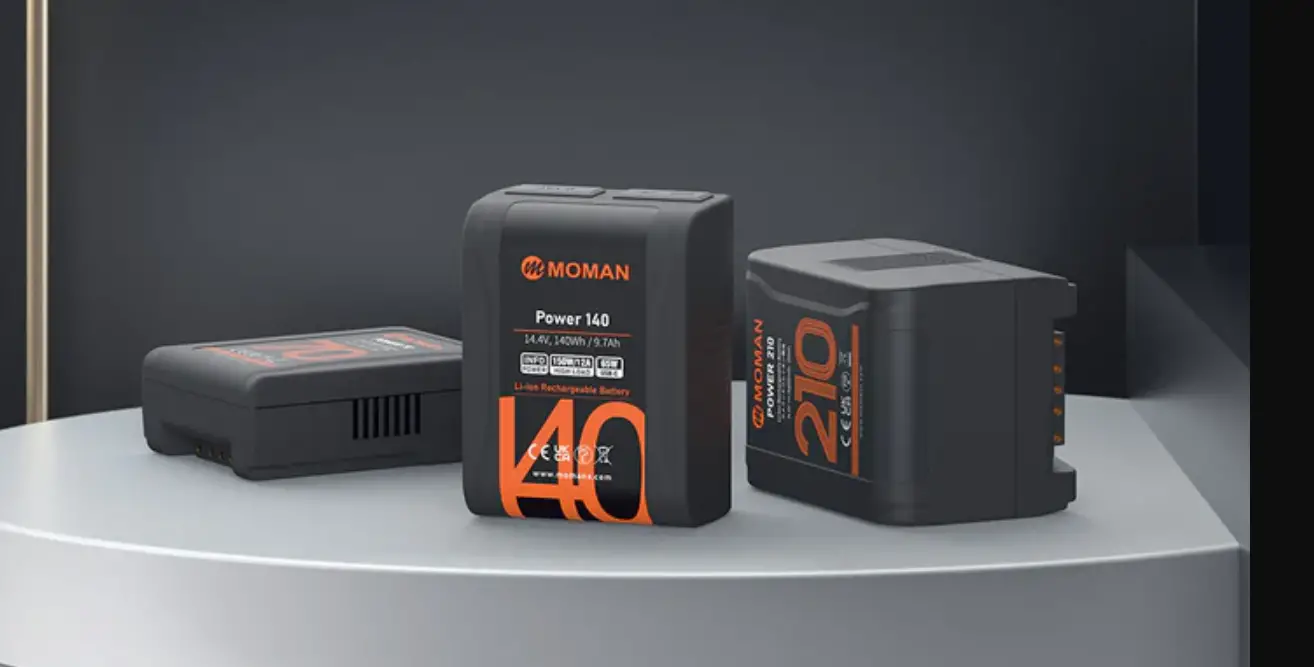

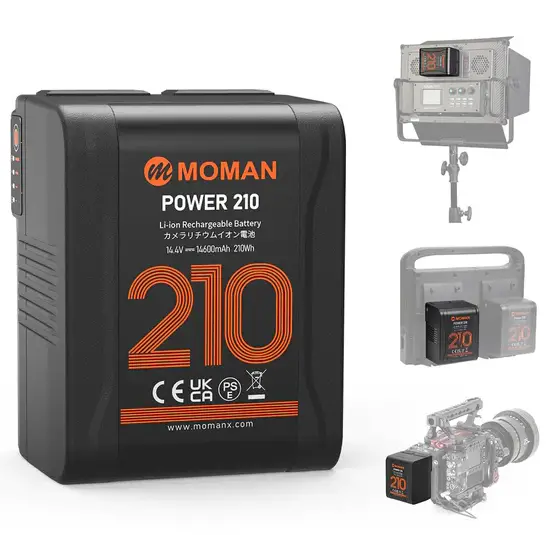
MOMAN Power 210 V Mount Battery
Caring For Your MOMAN Product
- Please keep the product in a dry, clean, dust-free environment.
- Keep corrosive chemicals, liquids and heat source away from the product to prevent mechanics damage.
- Use only a soft and dry cloth for cleaning the product.
- Malfunction may be caused by dropping, impact of external force.
- Do not attempt to disassemble the product. Doing so voids warranty. Please have the product checked or repaired by authorized technicians if any malfunctions happened.
- Failure to follow all the instructions may result in mechanics damage. Warranty does not apply to human errors.
Appearance
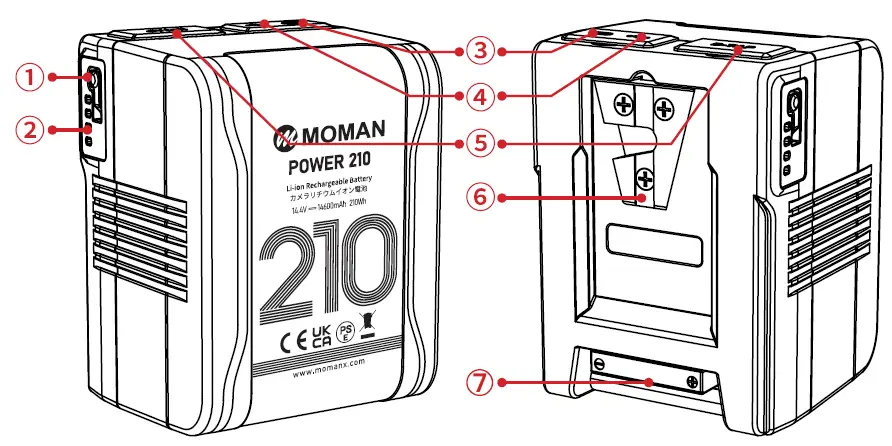
- Switch Button
- Power indicator light
- USB-C
- USB-A
- D-tap
- V-Mount
- BP Interface
Attention
- It is normal for batteries to get hot during charging and use.
- Keep the pole of the battery clean to ensure a better use experience.
- Keep the battery in a cool and dry place for long-term storage. It is recommended to keep the battery level above 50%.
- After ten days, the battery will enter sleep mode automatically and the output will be turned off. Press the indicator light button to restore the output.
Product feature
- One both-way Type-c interface, can supply power to mobile device or be charged with Type-c charger.
- One both-way D-TAP interface, can supply power to other device or be charged with this interface.
- One USB-A interface, can supply power to other device.
- Four level LED show the life and percentage of the battery capacity.
- Built-in multiple control circuit, with temperature, voltage, current all-round protection.
Charging Instruction
- During the charging process, the LED light shows the percentage of remaining battery (25%,50%,75%,90%).
- Batteries can be charged in the temperature range of 0~40° C, but we recommend charging in the temperature range of 10~30° C to ensure optimal battery performance.
Discharging Instruction
- At low temperatures, the internal resistance of the battery increases, and the discharge time is shortened. When the load is heavy, the battery may be automatically cut off.
- USB and D-TAP interface overload will cause output shutdown, press the button to restore.
- Please put on the rubber cover immediately after use to avoid dust.
- The battery can discharge in-20℃ ~50℃ ;The battery performs best when used in the temperature range of-10 ~40℃ .
Indicator Light
The LED indicator from E to F respectively represents the percentage of electric quantity :
| Capacity percentage | F → E (  : on : on  : flash) : flash) |
| ≥ 90% | |
| 75%~90% | |
| 50%~75% |  |
| 25%~50% | |
| < 25% | |
Troubleshoot (  : on
: on  : flash)
| F → E
| The battery runs out or is protected. Wait for a period of time and check the indicator status If the indicator status is recovered, it indicates that the battery is exhausted. Charge the battery as soon as possible. |
| F → E | Overcurrent, overtemperature or overvoltage of charge. Please remove the battery and wait for the battery to recover by itself. Overcharging please put the battery in the shade, after a few minutes of cooling, the battery will automatically recover; Remove the battery and discharge it to reduce the battery voltage. |
| F → E
| The battery cannot be charged or discharged. Please put the battery in a cool place and wait for the core temperature to decrease ( recommended>30 minutes ). Then hang the battery on the charger and try to charge. If the battery is charged normally , the battery will return to normal. |
Specification
| Mount Type | V-mount | |||
| Nominal Voltage | 14.4V | |||
| Capacity | 210Wh/14.6Ah | |||
| Interface | Electric Pole×1 | Output | 200W/16A | |
| Input | 16.8V⎓6A | |||
| TYPE-C ×1 | Output | 65W(Max),5V/9V/12V/15V/20V(Max)⎓3.25A Protocol:
| ||
| Input | 5V/9V/12V/15V/20V(Max)⎓2.4A | |||
| D-TAP ×1 | Output | 100W/8A | ||
| input | 16.8V⎓6A | |||
| USB×1 | Output | 10W,5V⎓2A | ||
| Total Output | 200W/16A | |||
| Charging Temperature | 0~40℃ (suggest 10~30℃ ) | |||
| Discharging Temperature | -20~50℃ (suggest-10~40℃ ) | |||
| Other Parameters | Electromagnetic Compatibility | EN55032, EN55035 | ||
| Safety | IEC62368,UN38.3 | |||
| Fall | 1.2m bare device falls freely | |||
| Dimension | 105mm*79.6mm*73.7mm | |||
| Net Weight | 1.023kg | |||
Package List
Moman (UK) Limited
- Address: Unit 25 Basepoint Business Centre, Aviation Park, West Christchurch, United Kingdom BH23 6NX
- Website: www.momanpower.com
 @MomanGlobal
- Email: https://moman.co/youtube
 @MomanGlobal
 Best Online Site to Sell Photography Equipment | Moman
 YouTube