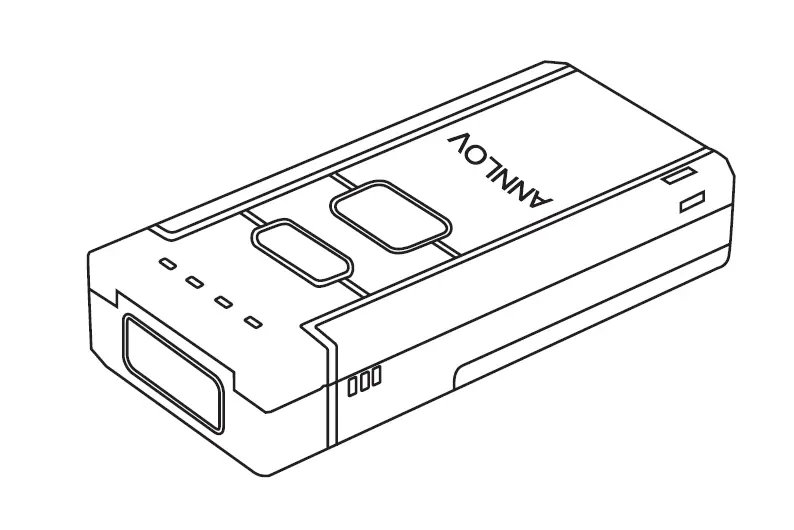
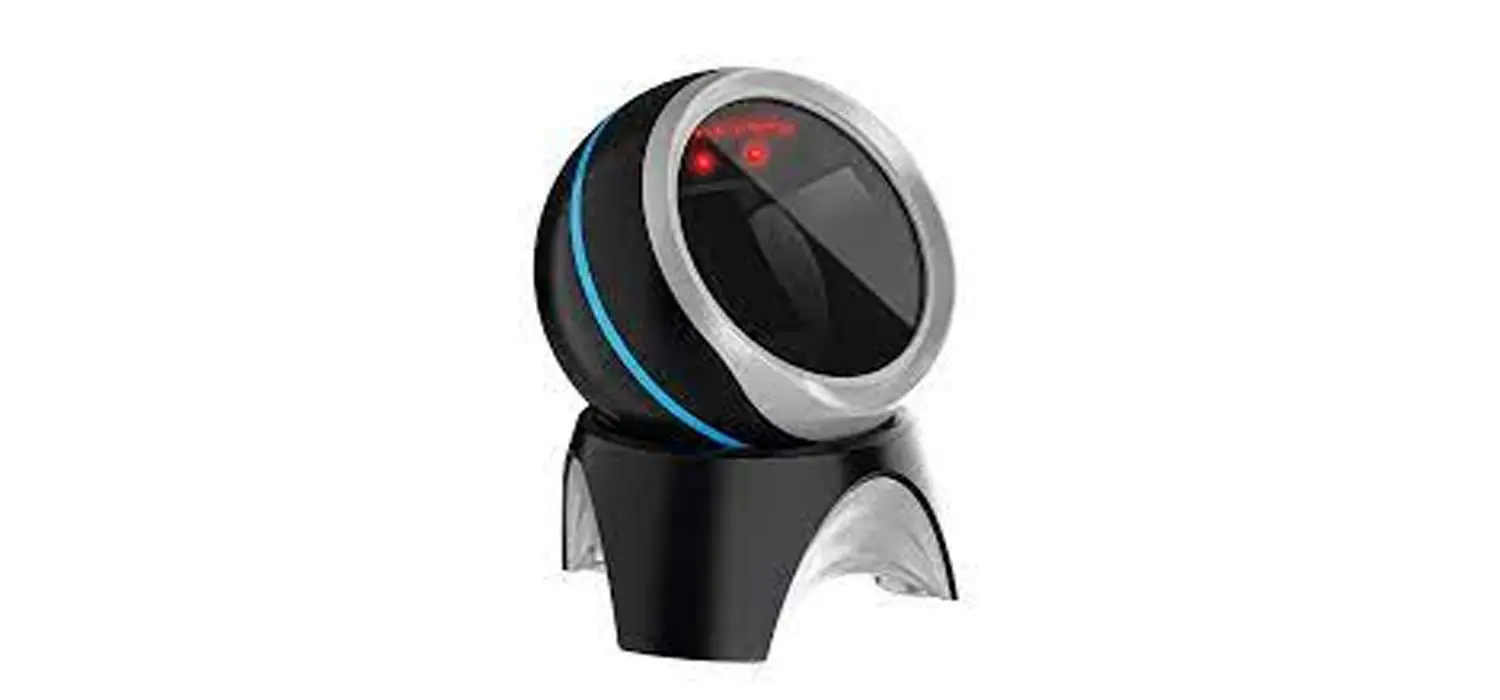
CR1100 Barcode Scanner
Product Information
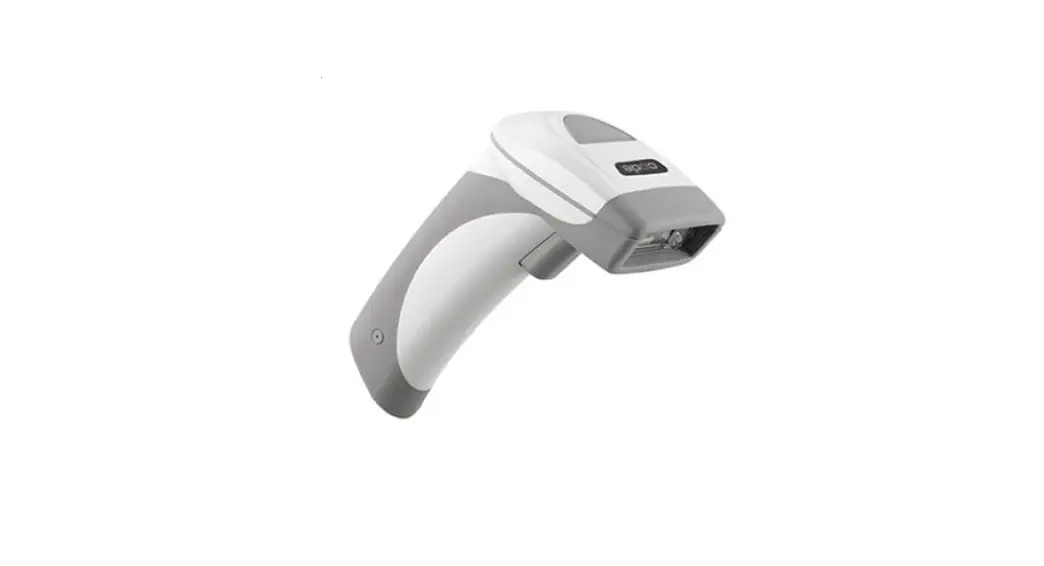
The CR1100 is a code reader device manufactured by Code
Corporation. It is designed to comply with Industry Canada
license-exempt RSS standards. The device operates under the
following conditions: (1) it may not cause interference, and (2) it
must accept any interference, including interference that may cause
undesired operation of the device.
The software described in the user manual can only be used in
accordance with the terms of its license agreement. Reproduction of
any part of this publication in any form or by any means without
written permission from Code Corporation is prohibited.
The CR1100 code reader software utilizes the Mozilla
SpiderMonkey JavaScript engine and is based on the work of the
Independent JPEG Group. The device is patented or pending patent by
Code Corporation.
Product Usage Instructions
Unpacking & Installation
CR1100 & Cables
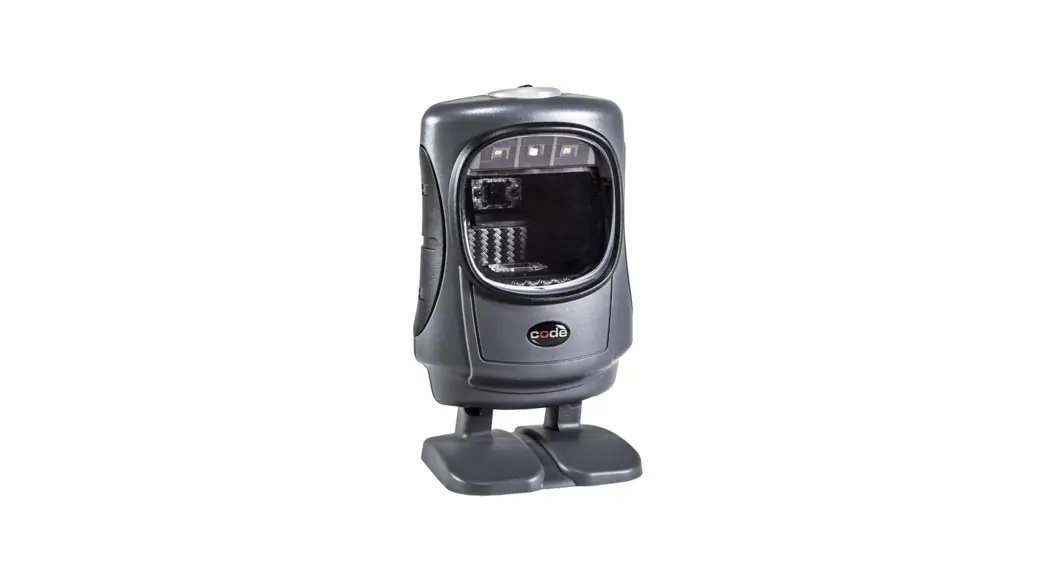
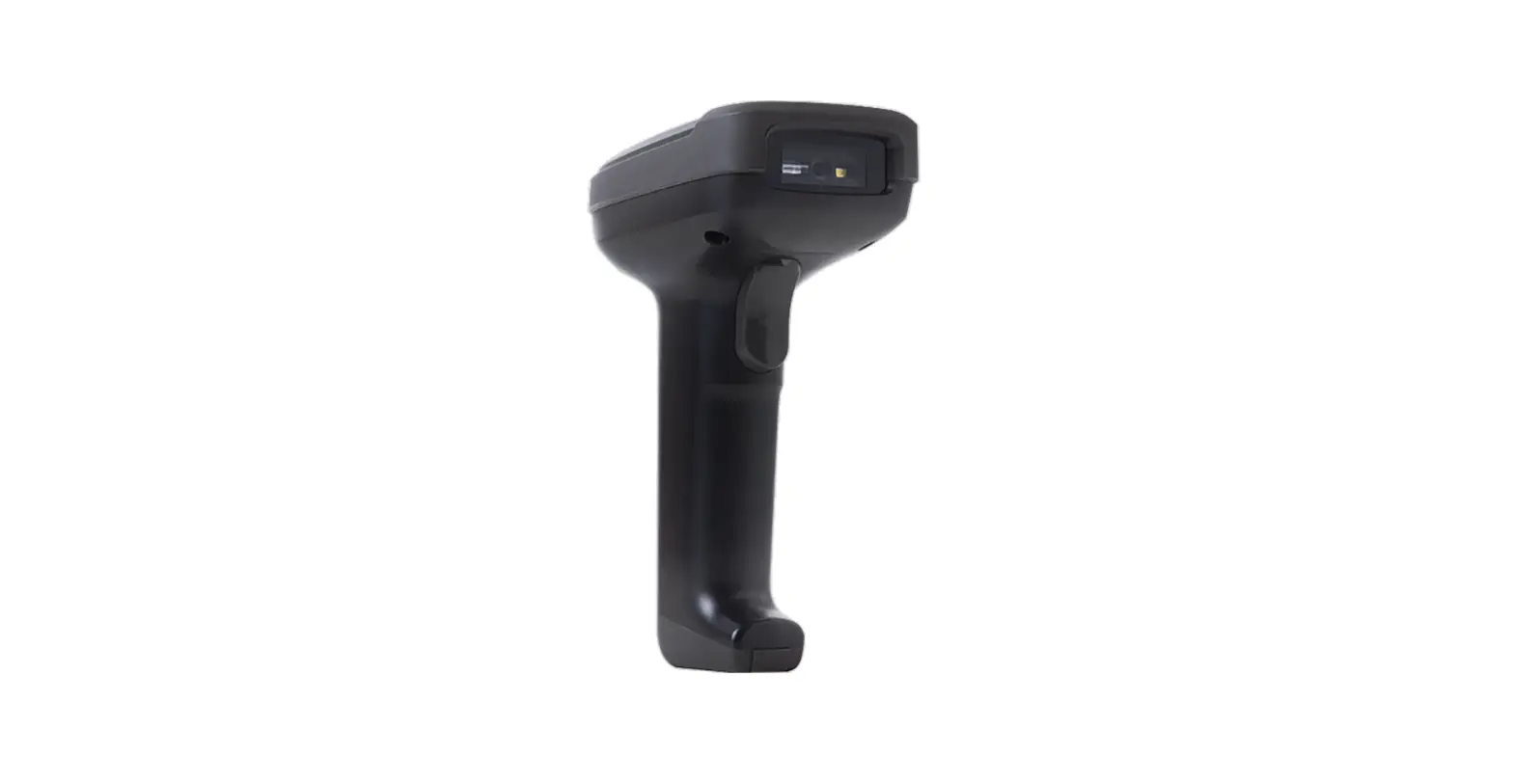
When unpacking the CR1100 code reader, ensure that you have
received all the necessary cables. The CR1100 is available in two
colors: light gray and dark gray.
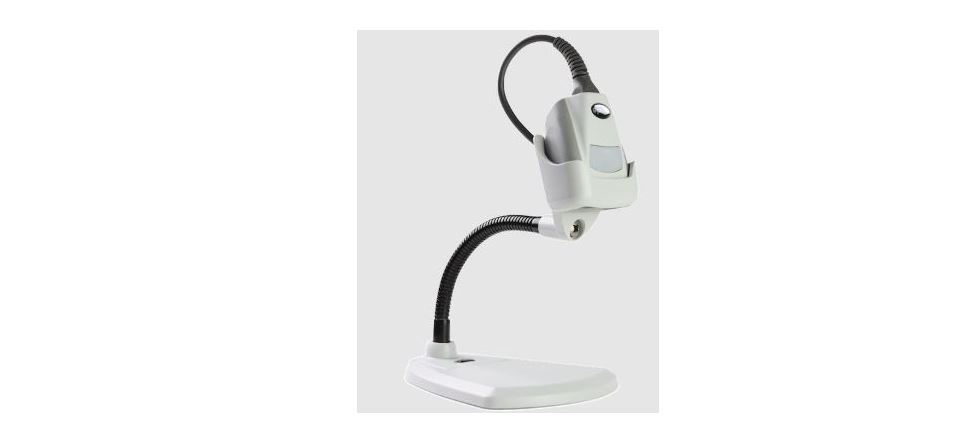
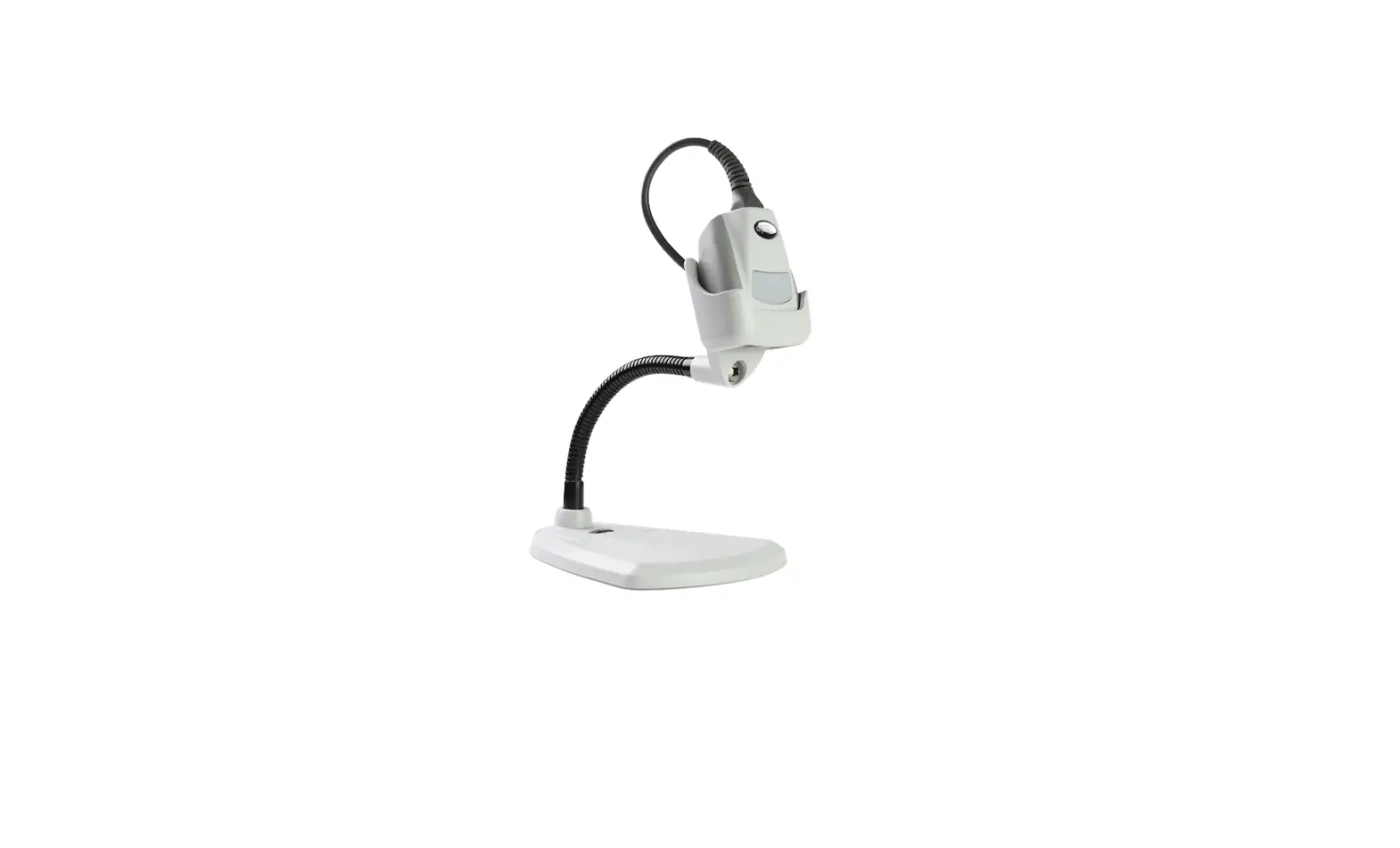
Universal Stand
The CR1100 is compatible with the CR1xxx universal stand. The
stand is available in light gray and dark gray colors. It can be
used to securely hold the code reader during operation.
CR1100 Readers & Accessories
| Part Number | Description |
|---|---|
| CR1100-K10x | Cabled, Light Gray |
| CR1100-K20x | Cabled, Dark Gray |
Accessories
| Part Number | Description |
|---|---|
| CRA-US2 | CR1xxx – Stand, Light Gray |
| CRA-US3 | CR1xxx – Stand, Dark Gray |
| CRA-MB9 | CR1xxx – Vice Clamp Mount |
| CRA-WMB3 | CR1xxx – Wall Mount Bracket (Light Gray) |
Power Supplies
| Part Number | Description |
|---|---|
| CRA-P4 | USB Power Adapter for All Cabled Readers |
| CRA-P5 | International Power Supply, USB, with US/EU/UK/AU Adapter Clips |
| CRA-P6 | International Power Supply, Barrel Plug 5V/1A, with US/EU/UK/AU Adapter Clips |
| CR2AG-P1 | US Power Supply for RS232 |
| CR2AG-P2 | EU Power Supply for RS232 |
Cables
Refer to the Code Corporation website (codecorp.com) for a complete list of
available cables.
USER MANUAL
CR1100
MANUAL VERSION 03 UPDATED: OCTOBER 2022
D032078_03_CR1100_User_Manual
1
Statement of Agency Compliance
NOTE: This equipment has been tested and found to comply with the limits for a Class B digital device, pursuant to part 15 of the FCC Rules. These limits are designed to provide reasonable protection against harmful interference in a residential installation. This equipment generates, uses and can radiate radio frequency energy and, if not installed and used in accordance with the instructions, may cause harmful interference to radio communications. However, there is no guarantee that interference will not occur in a particular installation. If this equipment does cause harmful interference to radio or television reception, which can be determined by turning the equipment off and on, the user is encouraged to try to correct the interference by one or more of the following measures: · Reorient or relocate the receiving antenna. · Increase the separation between the equipment and receiver. · Connect the equipment into an outlet on a circuit different from that to which the receiver is connected. · Consult the dealer or an experienced radio/TV technician for help.
Industry Canada (IC)
This device complies with Industry Canada license-exempt RSS standard(s). Operation is subject to the following two conditions: (1) this device may not cause interference, and (2) this device must accept any interference, including interference that may cause undesired operation of the device.
Industrie Canada (IC)
Le présent appareil est conforme aux CNR d’Industrie Canada applicables aux appareils radio exempts de licence. L’exploitation est autorisée aux deux conditions suivantes : (1) l’appareil ne doit pas produire de brouillage, et (2) l’utilisateur de l’appareil doit accepter tout brouillage radioélectrique subi, même si le brouillage est susceptible d’en compromettre le fonctionnement.
Code ReaderTM 1100 User Manual Legal Disclaimer
Copyright © 2022 Code® Corporation.
All Rights Reserved.
The software described in this manual may only be used in accordance with the terms of its license agreement.
No part of this publication may be reproduced in any form or by any means without written permission from Code Corporation. This includes electronic or mechanical means such as photocopying or recording in information storage and retrieval systems.
NO WARRANTY. This technical documentation is provided AS-IS. Further, the documentation does not represent a commitment on the part of Code Corporation. Code Corporation does not warrant that it is accurate, complete or error free. Any use of the technical documentation is at the risk of the user. Code Corporation reserves the right to make changes in specifications and other information contained in this document without prior notice, and the reader should in all cases consult Code Corporation to determine whether any such changes have been made. Code Corporation shall not be liable for technical or editorial errors or omissions contained herein; nor for incidental or consequential damages resulting from the furnishing, performance, or use of this material. Code Corporation does not assume any product liability arising out of or in connection with the application or use of any product or application described herein.
NO LICENSE. No license is granted, either by implication, estoppel, or otherwise under any intellectual property rights of Code Corporation. Any use of hardware, software and/or technology of Code Corporation is governed by its own agreement.
The following are trademarks or registered trademarks of Code Corporation:
CodeShield®, CodeXML®, MakerTM, QuickMakerTM, CodeXML® MakerTM, CodeXML® Maker ProTM, CodeXML® RouterTM, CodeXML® Client SDKTM, CodeXML® FilterTM, HyperPageTM, CodeTrackTM, GoCardTM, GoWebTM, ShortCodeTM, GoCode®, Code RouterTM, QuickConnect CodesTM, Rule RunnerTM, CortexTM, CortexRM®, CortexMobile®, Code®, Code ReaderTM, CortexAGTM, CortexStudio®, CortexTools®, AffinityTM, and CortexDecoder®.
All other product names mentioned in this manual may be trademarks of their respective companies and are hereby acknowledged.
The software and/or products of Code Corporation include inventions that are patented or that are the subject of patents pending. Relevant patent information is available on Code’s Patent Marking page at codecorp.com.
The Code Reader software uses the Mozilla SpiderMonkey JavaScript engine, which is distributed under the terms of the Mozilla Public License Version 1.1.
The Code Reader software is based in part on the work of the Independent JPEG Group.
Code Corporation, 434 W. Ascension Way, Ste. 300, Murray, Utah 84123
codecorp.com
D032078_03_CR1100_User_Manual
2
Table of Contents
1. CR1100 Readers & Accessories …………………………………………………………………… 4 1.1 Readers……………………………………………………………………………………………………… 4 1.2 Accessories……………………………………………………………………………………………….. 4 1.3 Power Supplies ………………………………………………………………………………………….. 4 1.4 Cables……………………………………………………………………………………………………….. 4
2. Unpacking & Installation……………………………………………………………………………… 5 2.1 CR1100 & Cables ……………………………………………………………………………………….. 5 2.2 Universal Stand ………………………………………………………………………………………….. 5
3. Attaching & Detaching a Cable …………………………………………………………………….. 6 4. Setup………………………………………………………………………………………………………. 6 5. Using a CR1100 Outside of a Universal Stand …………………………………………………. 7 6. Using a CR1100 in a Universal Stand ……………………………………………………………. 7 7. Typical Reading Ranges ……………………………………………………………………………… 7 8. Reader Feedback ………………………………………………………………………………………. 8 9. Symbologies Turned On by Default ……………………………………………………………….. 8 10. Symbologies Turned Off by Default……………………………………………………………… 8 11. Reader ID, Firmware Version & License ………………………………………………………… 9 12. CR1100 Hole Mounting Pattern ………………………………………………………………….. 9 13. CR1100 Overall Dimensions …………………………………………………………………….. 10 14. USB Cable Example with Pinouts ………………………………………………………………. 10 15. RS232 Cable Examples with Pinouts………………………………………………………….. 10 16. Reader Pinouts ……………………………………………………………………………………… 11 17. CR1100 Maintenance ……………………………………………………………………………… 11 18. Online Resources for the CR1100 ……………………………………………………………… 12 19. Contact Code for Support………………………………………………………………………… 12 20. Warranty ………………………………………………………………………………………………. 12
D032078_03_CR1100_User_Manual
3
1. CR1100 Readers & Accessories
1.1 Readers
Part Number CR1100-K10x CR1100-K20x
1.2 Accessories
Part Number CRA-US2 CRA-US3 CRA-MB9 CRA-WMB3
1.3 Power Supplies
Part Number CRA-P4 CRA-P5 CRA-P6 CR2AG-P1 CR2AG-P2
Description Cabled, Light Gray Cabled, Dark Gray
Description CR1xxx – Stand, Light Gray CR1xxx – Stand, Dark Gray CR1xxx – Vice Clamp Mount CR1xxx – Wall Mount Bracket (Light Gray)
Description USB Power Adapter for All Cabled Readers International Power Supply, USB, with US/EU/UK/AU Adapter Clips International Power Supply, Barrel Plug 5V/1A, with US/EU/UK/AU Adapter Clips US Power Supply for RS232 EU Power Supply for RS232
1.4 Cables
Refer to codecorp.com for a complete list of available cables.
D032078_03_CR1100_User_Manual
4
2. Unpacking & Installation
2.1 CR1100 & Cables
CR1100
2.2 Universal Stand
USB Cable
RS232 Cable
5VDC Power Supply
D032078_03_CR1100_User_Manual
5
3. Attaching & Detaching a Cable
4. Setup
D032078_03_CR1100_User_Manual
USB RS232
1
Plug In
2
Wait 2 seconds
2 Sec.
3
LED will Flash
4
2x
Reader will beep
6
5. Using a CR1100 Outside of a Universal Stand
6. Using a CR1100 in a Universal Stand
10 cm
10 cm
7. Typical Reading Ranges
Test Barcode
3 mil Code 39 7.5 mil Code 39 10.5 mil GS1 DataBar 13 mil UPC 5 mil DM 6.3 mil DM 10 mil DM 20.8 mil DM
Min Inches (mm)
3.3″ (84 mm) 1.9″ (47 mm) 0.6″ (16 mm) 0.6″ (16 mm) 1.9″ (48 mm) 1.4″ (35 mm) 0.6″ (14 mm) 1.0″ (25 mm)
Max Inches (mm)
4.3″ (109 mm) 7.0″ (177 mm) 7.7″ (196 mm) 11.3″ (286 mm) 4.8″ (121 mm) 5.6″ (142 mm) 7.2″ (182 mm) 12.6″ (319 mm)
Note: Working ranges are a combination of both the wide and high density fields. All samples were high quality codes and were read along a physical center line at a 10° angle. Measured from the front of the reader with default settings. Testing conditions may impact reading ranges.
D032078_03_CR1100_User_Manual
7
8. Reader Feedback
Scenario
CR1100 successfully powers up CR1100 successfully enumerates with host (via cable) Attempting to decode Successful decode and data transfer Configuration code successfully decoded and processed Configuration code successfully decoded but wasn’t successfully processed Downloading file/firmware Installing file/firmware
Top LED Light
Green LED flashes Once enumerated, the green LED turns off Green LED light is off Green LED flashes Green LED flashes Green LED flashes Amber LED flashes Red LED is on
Sound
1 beep 1 beep None 1 beep 2 beeps 4 beeps None 3-4 beeps*
*Depending on comm port configuration
9. Symbologies Turned On by Default
The following are symbologies that are turned on by default. To turn symbologies on or off, scan the symbology barcodes in the CR1100 Configuration Guide–located on the CR1100 product page:
codecorp.com/products/code-reader-1100
· Aztec · Codabar · Code 39 · Code 93 · Code 128 · Data Matrix · Data Matrix
Rectangle
· All GS1 DataBar · Interleaved 2 of 5 · PDF417 · QR Code · UPC/EAN/JAN
D032078_03_CR1100_User_Manual
10. Symbologies Turned Off by Default
Code barcode readers can read a number of barcode symbologies that are not enabled by default. To turn symbologies on or off, scan the symbology barcodes in the CR1100 Configuration Guide–located on the CR1100 product page:
codecorp.com/products/code-reader-1100
· Codablock F · Code 11 · Code 32 · Code 49 · Composite · Grid Matrix · Han Xin Code · Hong Kong 2 of 5 · IATA 2 of 5 · Matrix 2 of 5
· Maxicode · Micro PDF417 · MSI Plessey · NEC 2 of 5 · Pharmacode · Plessey · Postal Codes · Standard 2 of 5 · Telepen · Trioptic
8
11. Reader ID, Firmware Version & License
For device management and obtaining support from Code, reader information will be needed. To find out the Reader ID, firmware version and optional licenses,open a text editor program (e.g., Notepad, Microsoft Word, etc.) and scan the Reader ID and Firmware configuration barcode on the right.
Scan for Reader ID, Firmware, and Licenses
You will see a text string indicating your firmware version and CR1100 ID number. Example:
<RD><RR MD=”CR1100″ /></RD><RD><RR SN=”1060000003″ /></RD><RD><FW VS=”1.1.4 ” /></RD><RD><LC GL=”” /></RD>
Model Number
Serial Number
Firmware Version Number
License Part Number (if there is any)
<RD><RR MD=”CR1100″ /></RD><RD><RR SN=”1060000003″ /></RD><RD><FW VS=”1.1.4″ /></RD><RD><LC GL=”” /></RD>
Note: Code will periodically release new firmware for CR1100 readers. For information on the latest firmware, please see codecorp.com/products/code-reader-1100.
12. CR1100 Hole Mounting Pattern
10.4 mm (0.41″) 30.2 mm (1.19″)
34.1 mm (1.34″) 15.5 mm (0.6″)
27.0 mm (1.06″)
D032078_03_CR1100_User_Manual
31.1 mm (1.23″)
NOTE 1: Locating holes are 2 mm (0.08″) diameter, hole depth is 1.5 mm (0.06″)
NOTE 2: Mounting inserts are M3 x 0.5 internal thread, 3.8 mm (0.15″) length.
9
13. CR1100 Overall Dimensions
67.5 mm (2.7″)
29.7 mm (1.2″)
52.5 mm (2.1″)
14. USB Cable Example with Pinouts
Notes: 1. Part to be RoHS and Reach compliant. 2. Maximum voltage tolerance = 5V +/- 10% 3. Caution: Exceeding the maximum voltage will void
manufacturer warranty.
Connector A 1
4
CONNECTOR A
1 2 3 4 SHELL
NAME
VIN DD+ GND SHIELD
CONNECTOR B
1 2 3 10 NC
Connector B 1
10
15. RS232 Cable Example with Pinouts
Notes:
1. Part to be RoHS and Reach compliant. 2. Maximum voltage tolerance = 5V +/- 10% 3. Caution: Exceeding the maximum voltage will void
manufacturer warranty.
Connector A 1
10
Connector C
CONN A
1 4 5 6 7 10 NC
NAME
VIN TX RTS RX CTS GND SHIELD
CONN B
9 2 8 3 7 5 SHELL
CONN C TIP
RING
Connector B
9
5
6
1
D032078_03_CR1100_User_Manual
10
16. Reader Pinouts
The connector on the CR1100 is an RJ-50 (10P-10C). Pinouts:
Pin 1 Pin 2 Pin 3 Pin 4 Pin 5 Pin 6 Pin 7 Pin 8 Pin 9 Pin 10
+VIN (5v) USB_DUSB_D+ RS232 TX (output from reader) RS232 RTS (output from reader) RS232 RX (input to reader) RS232 CTS (input to reader) External Trigger (active low input to reader) N/C Ground
17. CR1100 Maintenance
The CR1100 device needs only a minimum of maintenance to operate. A few tips are given below for maintenance suggestions.
Cleaning the CR1100 Window CR1100 window should be clean to allow the best performance of the device. The window is the clear plastic piece inside the head of the reader. Do not touch the window. Your CR1100 uses CMOS technology that is much like a digital camera. A dirty window may stop the CR1100 from reading barcodes. If the window becomes dirty, clean it with a soft, non-abrasive cloth or a facial tissue (no lotions or additives) that has been moistened with water. A mild detergent may be used to clean the window, but the window should be wiped with a water moistened cloth or tissue after using the detergent. Technical Support and Returns For returns or technical support visit codecorp.com.
D032078_03_CR1100_User_Manual
11
18. Online Resources for the CR1100
Please visit codecorp.com for resources to set up and manage the CR1100. On the CR1100 product page, you will find various information about the product. The Firmware and Software tabs contain downloads for the device. They include:
· The latest device firmware · CortexTools3, a Windows utility program to configure your code Reader, create configuration
barcodes, update reader firmware, set data parsing rules, load custom JavaScript applications, upload images to your PC and much more · Various Drivers (OPOS, JPOS, Virtual COM, etc.) To configure the CR1100, go to “Support” and select “Device Configuration” to view the manual configuration codes.
19. Contact Code for Support
If any problem is encountered when using a Code device, contact your facility’s technical support first. If they determine the problem lies with the Code device, they should contact the Code Support department at codecorp.com. To obtain support, please provide the following information:
· Device model number · Device serial number · Firmware version Code Support will respond by telephone or email. If it is deemed necessary to return the device to Code for repair, Code Support will provide a Return Authorization (RMA) Number and shipping instructions. Packaging or shipping improperly may result in damage to the device and void the warranty.
20. Warranty
For complete Warranty and RMA information, go to codecorp.com.
D032078_03_CR1100_User_Manual
12