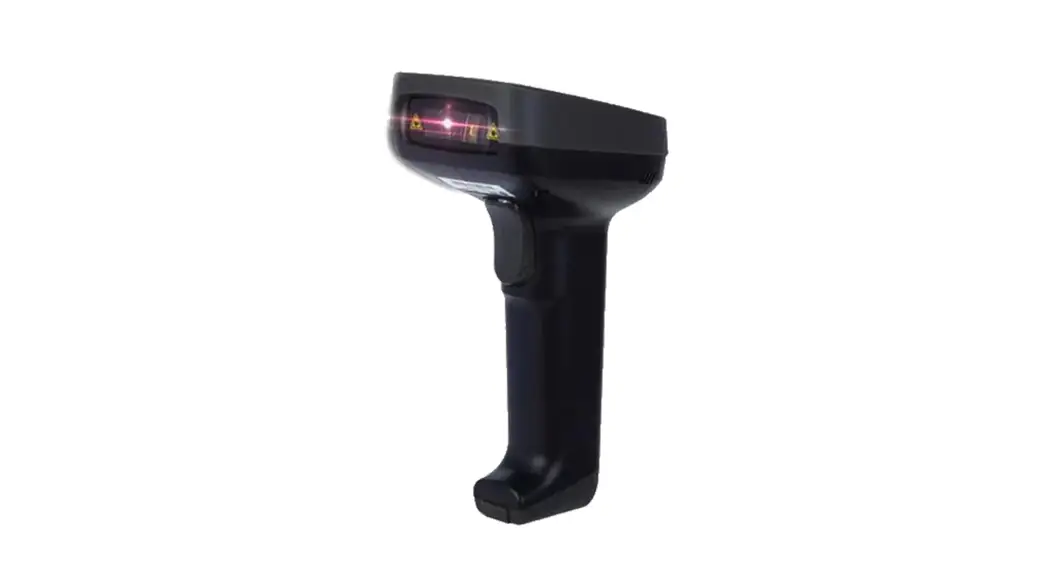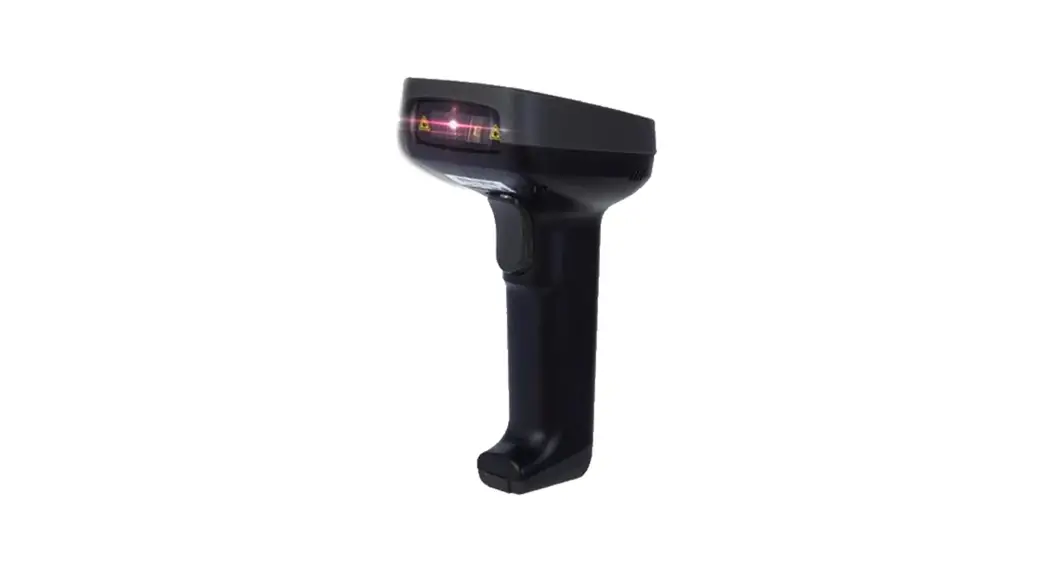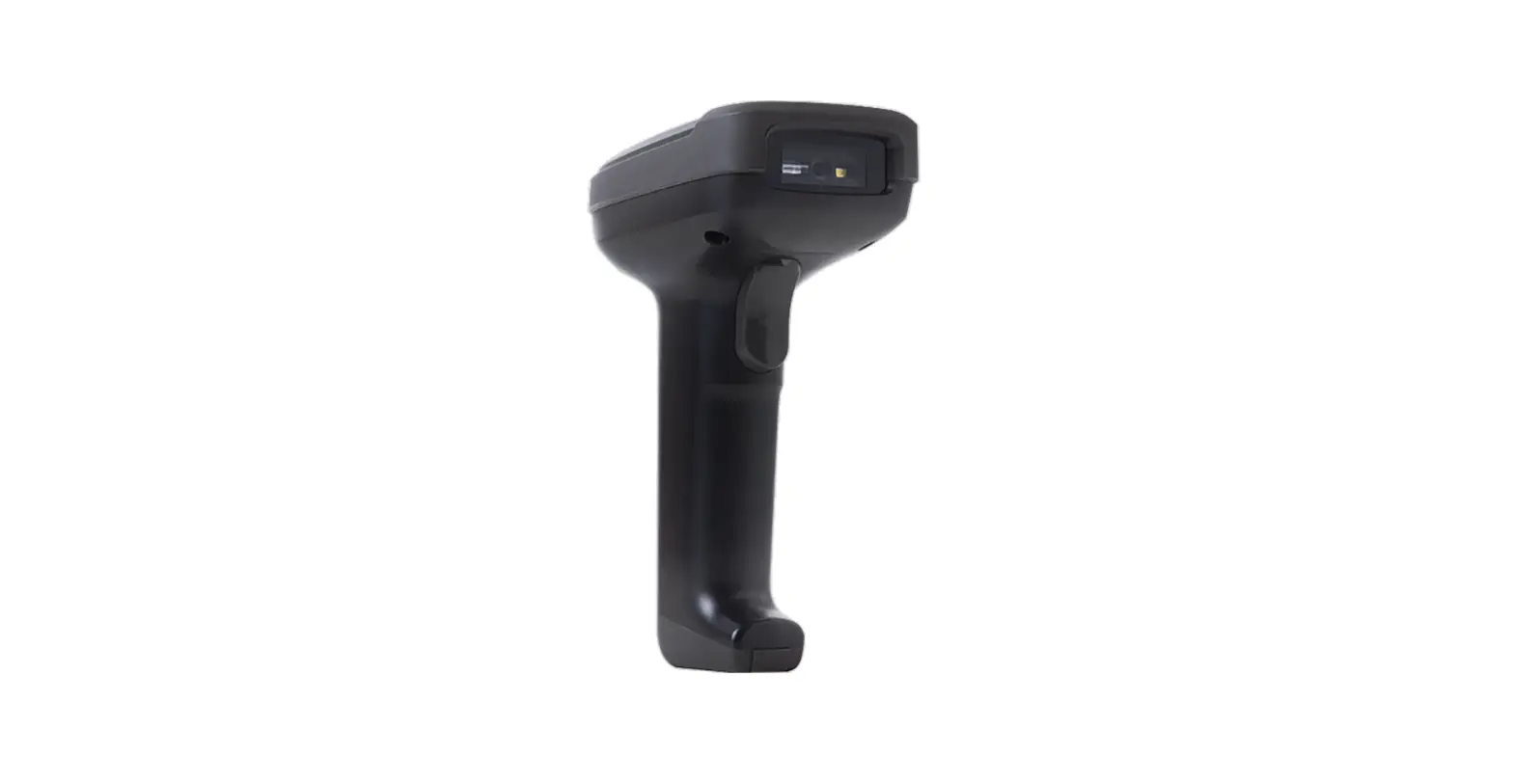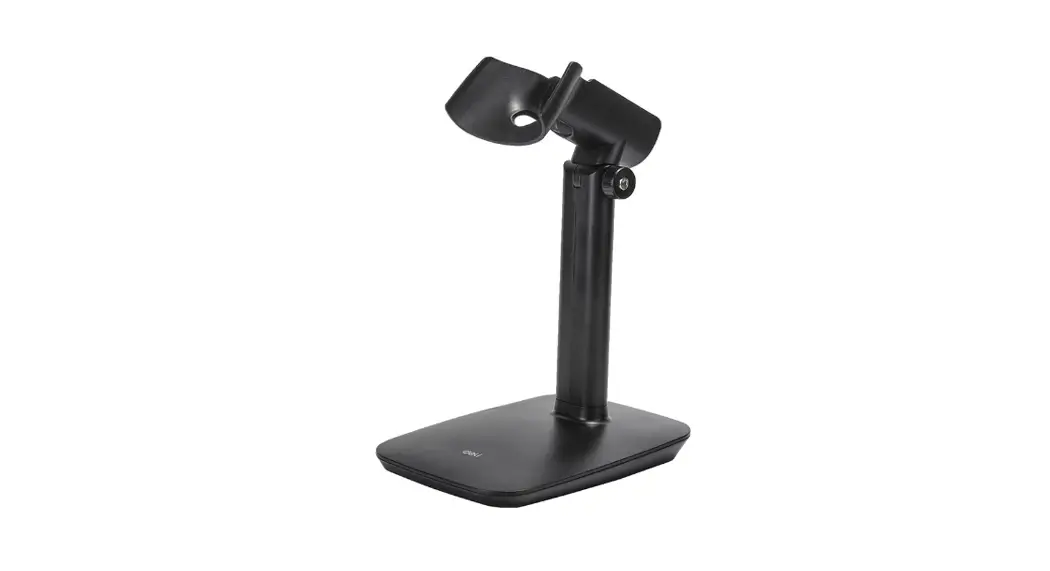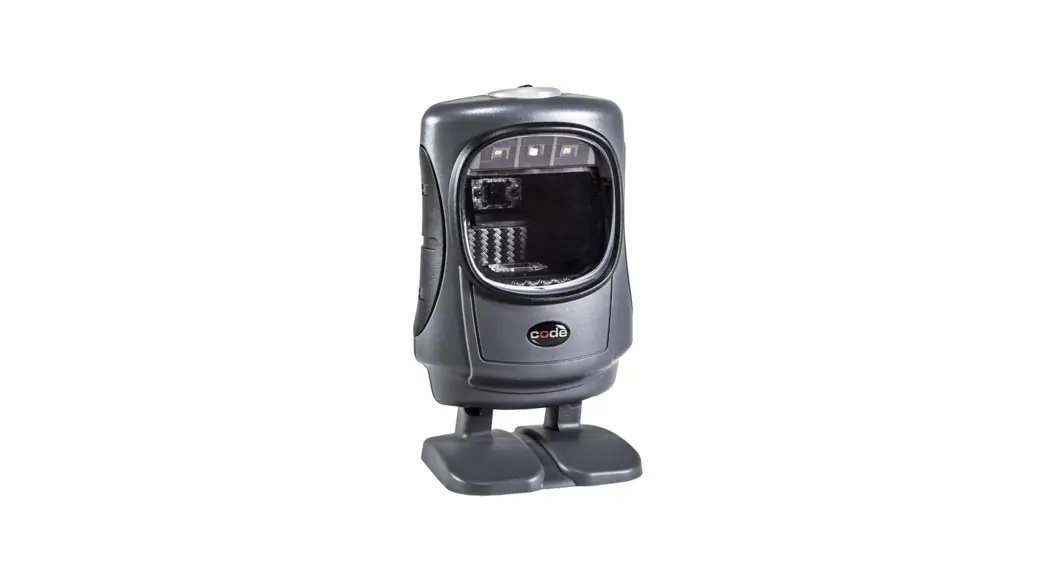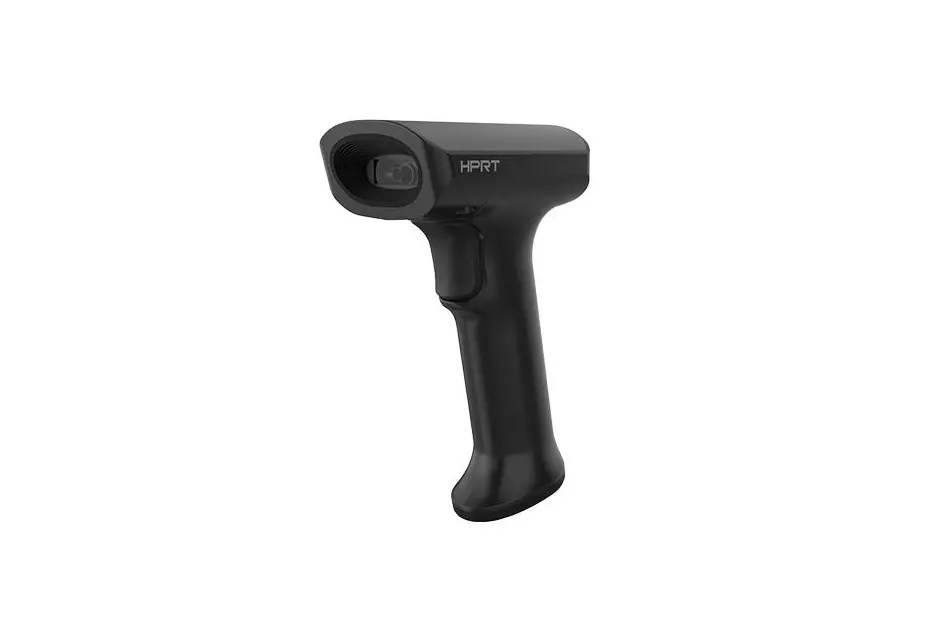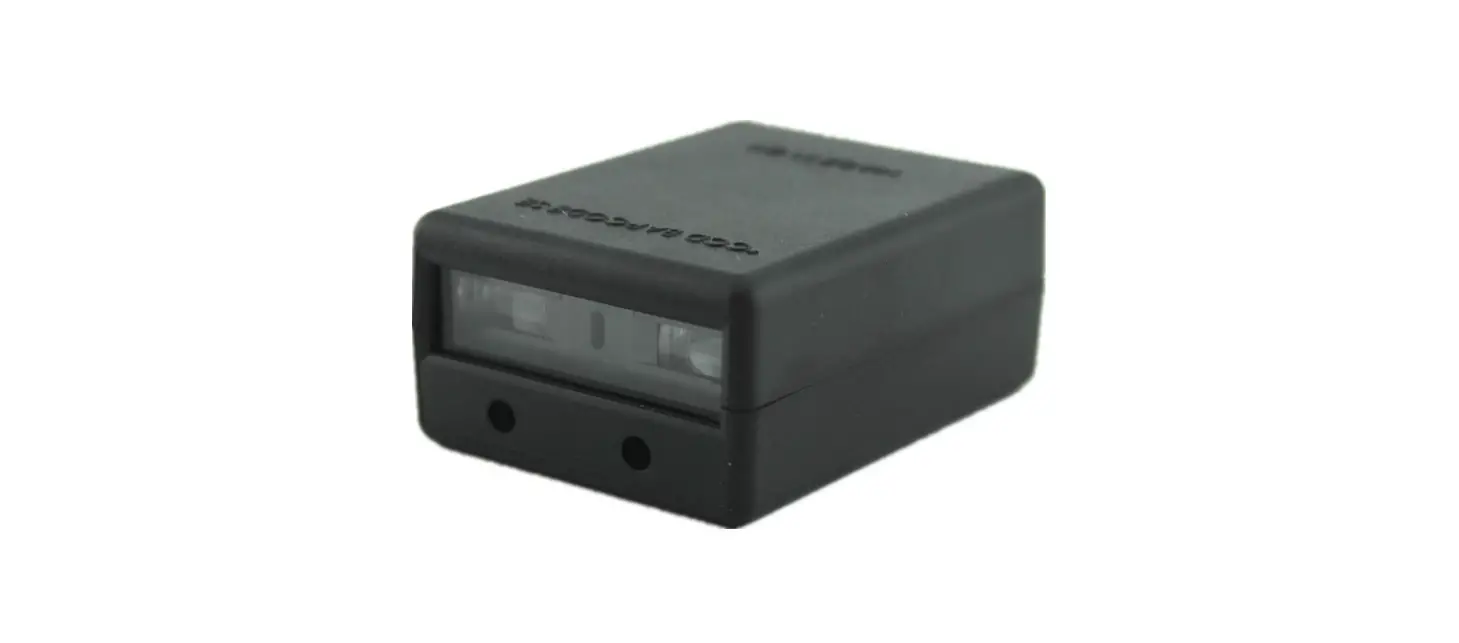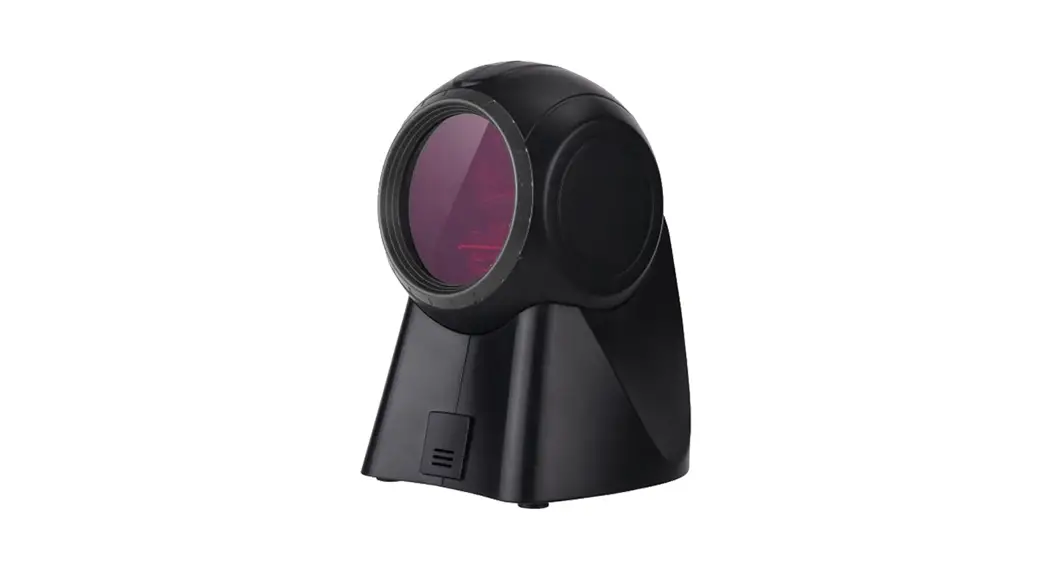

E14884 Stand Barcode Scanner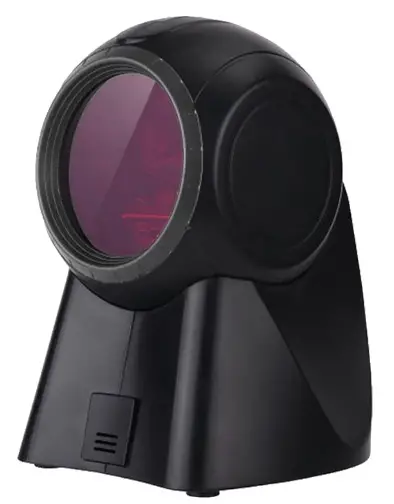
User Manual
E14884 Stand Barcode Scanner
Dear customers, thank you for your purchase of our products. we are committed to providing our customers with high quality products. To ensure best performance, please read this monual carefully before use!
How to use a barcode scanner correctly
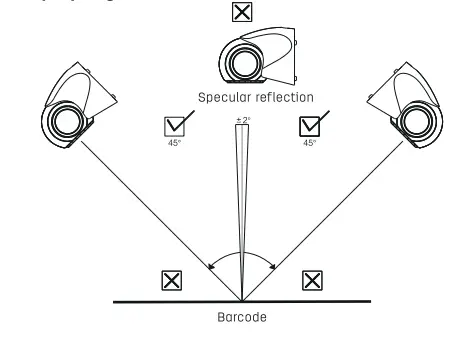
- Please tilt the scanner in an appropriate angle to achieve optimal decoding.
- Don’t scan the barcode in a 90-degree angle, because the scanner cannot read correctly in this angle.
- To scan a barcode, aim correctly and ensure the scan line crosses every bar and space of the symbol, other-wise, there might be an error.
Read properly as below:
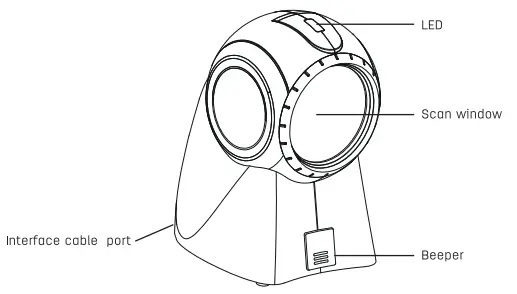
Overview of scanner parts
Removing the interface cable
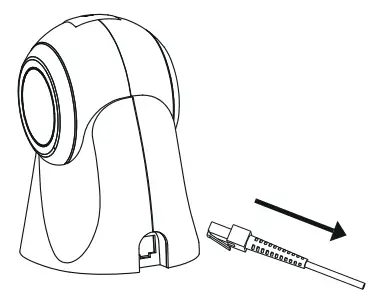
Remove the interface cable as follow: Unplug the installed cable’s modular connector by depressing the connector clip with your hand and carefully slide out the cable.
Packing list
Barcode Scannerxl, USB Cablexl, User Manualxl.
Technical parameters
| Operating voltage | DC 5)/t 0.5V |
| Operating current | 265mA (typical value) |
| Light source | Laser 650nm±lOnm |
| Laser power | lmW-4mW |
| Scanning mode | Laser |
| Barcode types | 1D code |
| Resolution | thrill! |
| Applicable barcodes | Code 11, Code 39, Code 93, Code128, Codebar, EAN-8, EAN-I3, Industrial 25• Interleaved 2 of 5. ISBN, Matrix 2 of 5. MSI-Plessey, UPC-A, UPC-E, GSI-RSS14, ITF-14. |
| Operating temperature | 0C—+50C |
| Storage temperature | -20 C —+60 C |
| Operating humidity | 5%-90% (No condensated water) |
| Indication | Buzzer/Indicator Light |
| Interface type | USB |
| Anti-shock capability | Pass the 1.0m free fall test |
Basic Settings
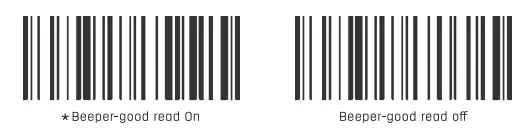
 Good Read Indicator
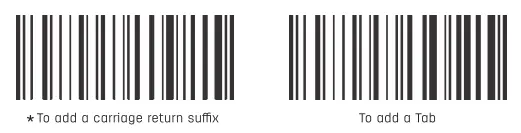
 Common suffix setting
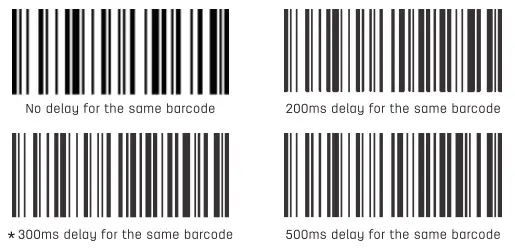
Re-read delay
To protect against rereods of the same borcode in a short period time, you moy set the borcode scanner locked upon the second reading within the set unit time until the target barcode is removed.
Troubleshooting
| NO. | Problem | Possible Causes | Solution |
| I | Interface cable installed properly, but no loser beom | No power to the scanner | Ensure the host is plugged in and turned on. When using the USB cable. plug it Into the computers motherboard USB ports, no extended USB ports or USB extension cord should be used. |
| The Interface cable is not connected properly | Check for loose cable connections. | ||
| 2 | Laser comes on. but symbol does not decode | Scanner is not programmed for this type of barcode | Scan the setup symbol to enable this type of barcode. |
| The borcode is defaced | Try scanning test borcode of the some borcode type. | ||
| Distance between scanner and barcode is incorrect | Move the scanner closer CO or further from the borcode. | ||
| Distance between scanner and bar code is not enough and the scan line is not crossing the full code | Make sure the scan line aim at the barcode correctly. | ||
| 3 | Scanned data is incorrectly displayed on the host | Incorrect Input method | Change the Input method to Standard English. |
| Other scanner settings ore changed | Restore the scanner to factory defaults, or contact the manufacturer service center. | ||
| 4 | Scanned data is displayed os messy code or an error | The keyboard country is improperly configured | Select the keyboard layout of your country. |
| 5 | Other decoding • failures | Connection errors | Disconnect power supply: reconnect host cable; reconnect power supply: restore factory defaults and re-scan the barcode. |
Simple maintenance methods
- Stains and dusts on the scanning window can some-times affect the scanner’s performance. Please use good-quality tissue to gently wipe the scanning window and then blow any excess dust from the window using a dust blower. Use of poor-quality tissue for a long period of time will damage the surface smoothness and affect reading accuracy.
- The shell of the scanner may be cleaned with a soft cloth. If needed, clean the exterior using a soft cloth with a mild detergent-water solution .
Maintenance
- For product failures occur under normal operating circumstances, free of charge repair service shall be provided by our company within one year commencing from date of purchase.
- The period of warranty shall start from the date of purchase and invoice date.
- Customers are required to present the warranty card and the invoice upon request for repairing service.
- Please keep this warranty card in proper condition for free warranty service. There is no replacement if lost. The purchase date filled must be consistent with what is indicated in the invoice, otherwise it will be invalid.
- Any alteration to this warranty card renders it invalid.
- Our Repair Service Center will be glad to provide services to customers for out-of-warranty products.
Under any of the following circumstances, no free of charge repair service shall be provided:
- The warranty period has expired.
- The user cannot present the invoice or dated proof of purchase.
- The user requires a replacement of the product with the excuse that the product appearance looks old naturally due to use.
- Machine failure is caused by use in violation of instructions.
- Machine failure is caused by falling or collision.
- Machine failure is caused by self-assembly, self-dis-assembly and self-repair
- Commercial samples and goods sold at reduced prices, as well as products that hove undergone performance overload tests.
* Note: The Information In this document is subject to change without notice.
The table of toxic and hazardous substances/elements and their content
| Part name | Hazardous and noxious substance or elements | |||||
| Pb | Hg | Cd | Cr(vi) | POD | PBDE | |
| Cable | 0 | 0 | 0 | 0 | 0 | 0 |
| Electronic parts | X | 0 | 0 | 0 | 0 | 0 |
| Injection molded ports | 0 | 0 | 0 | 0 | 0 | 0 |
0: Indicates that this toxic or hazardous substance contained in all of the homogeneous materials for this part is below the limit requirement in SJ/T11363-2006 « Requirements for Concentration Limits for Certain Hozord-ousSubstances in Electronic Information Products>>.
X: Indicates that this toxic or hazardous substance contained in of least one of the homogeneous materials used for this part is above the limit requirement in SJ/T 11363-2006 «Requirements for Concentration Limits for Certain Hozardous Substances in Electronic Information Products >>. Due to limitations of science and technology development these toxic or hazardous substances cannot be replaced or reduced for now. Under normal use conditions, no leakage or abrupt change will occur within 10 years. nor will it cause pollution to the environment or damage to people and property.
 Environment-Friendly Use Period:
This mark refers to the environment-friendly use period of electronic and electrical products sold in accordance with the Regulation of the People’s Republic of China on Limit on Use of Hazardous Substances in Electric and Electronic Products and General Guidelines of Environ-ment-friendly Use Period of Electronic Information Products.
Precautions
- Avoid eye or skin exposure to direct laser beams!
- Do not look into the beam directly or with any optical instruments (e.g. telescopes)!
- Do not remove the laser shield by yourself, otherwise, laser will emit radiation. Avoid direct eye exposure to the laser beam.
- Please ask a professional for disassembling, adjusting or repairing!
- Please keep the product out of reach of children!
- Do not disassemble, bump, squeeze or throw the product into fire. Stop using it if severe swelling occurs. Do not place it in an area of high temperature.

Special disclaimer
While information of this manual has been carefully checked for accuracy, no guarantee is given for the completeness and correctness of the contents. Such errors and omissions will be corrected in the new edition of user manual without further notice. The intellectual property of this manual belongs to our company and no organization or individual is allowed to change the content.
CERTIFICATE
Inspector:
Date of manufacture:
DELI GROUP CO., LTD.
301 Xuxiake Ave. Ninghai County
Ningbo 315600 China
Made in China
[email protected]
www.deliworld.com KEEP FOR FUTURE USE
Version: 1.0 Date: 07-2019