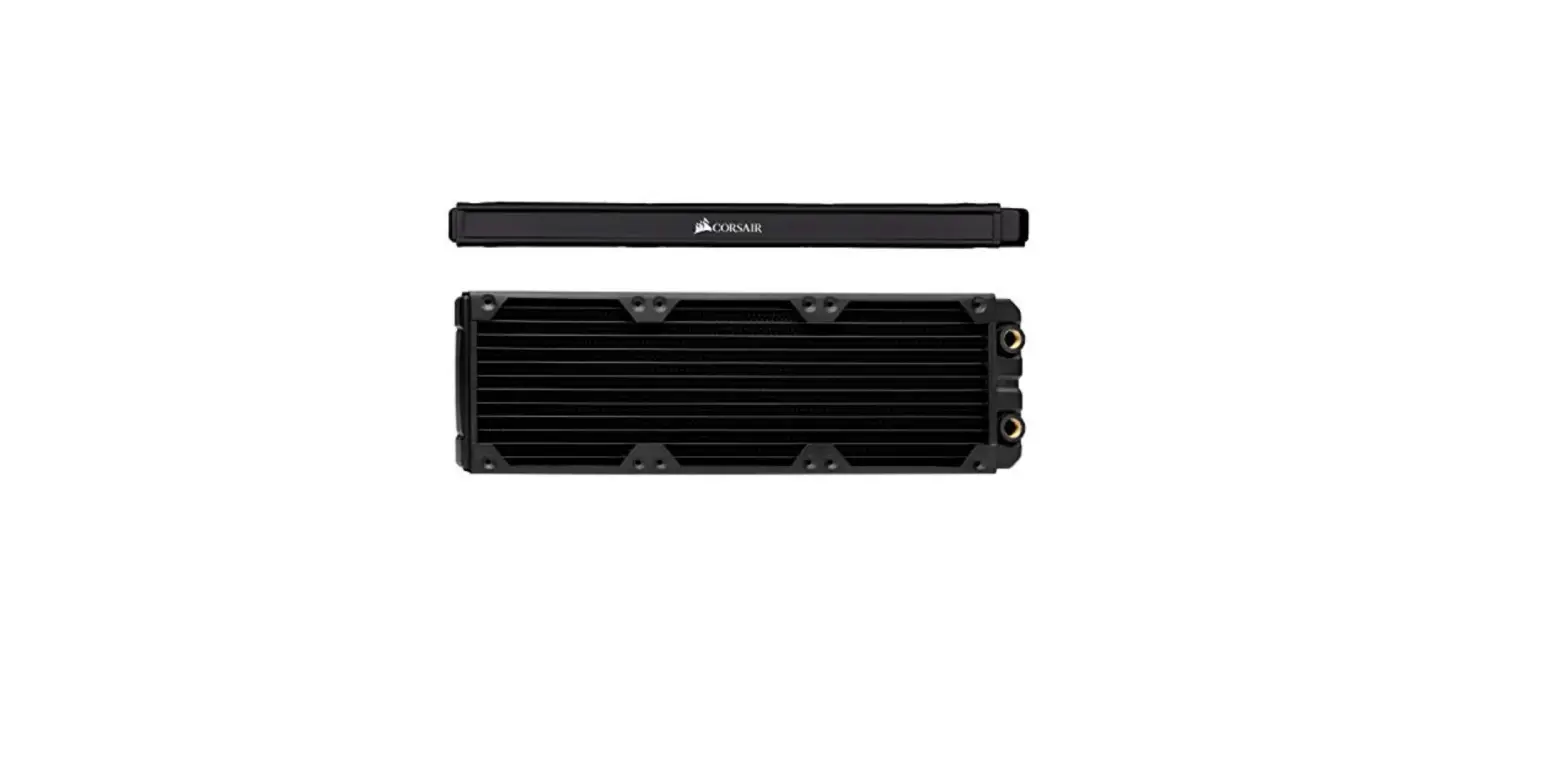

CORSAIR XR5 Water Cooling Radiators
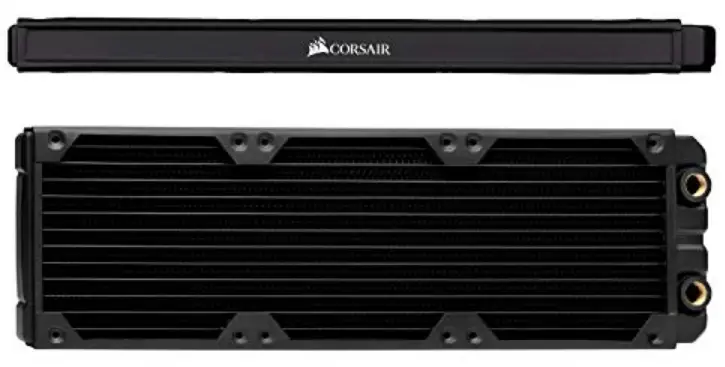
IMPORTANT INFORMATION
This radiator comes pre-cleaned from the factory. Please refrain from using any kind of strong acid, base, or alcohol to clean the radiator. CORSAIR does not recommend the use of any third-party radiator cleaning agents – doing so might void your warranty.
Please follow these guidelines for cleaning the radiator:
Internals: Purge the radiator using distilled water only. If especially dirty, use dishwashing soap to degrease the internals. A thorough flush with distilled water is required!
Externals: Use compressed air and a gentle brush. Keep at least a 10cm (4″) distance between the nozzle and radiator.
WARNING: Remove protective caps before use. Note that these caps cannot be used to close any open threads in the loop!
INSTALLATION
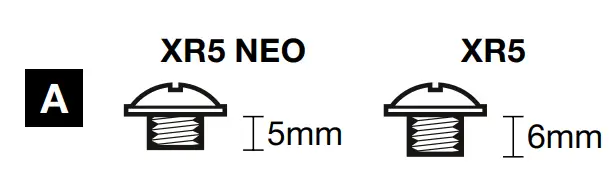
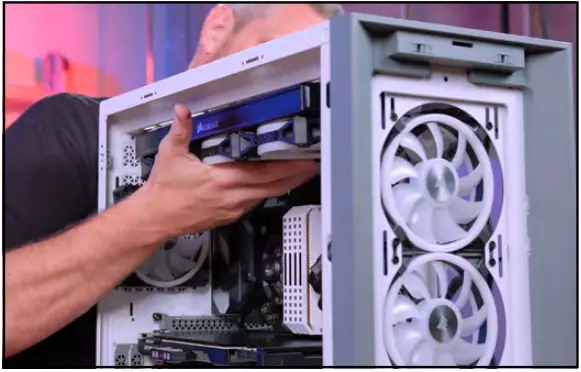
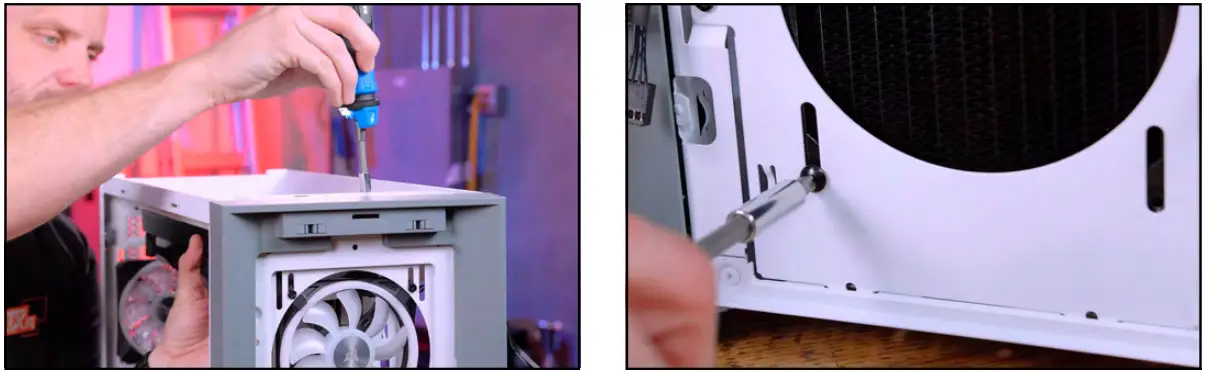
This CORSAIR XR Series radiator comes with three sets of screws.
- A: Used when mounting the radiator directly to a chassis.


- Web: corsair.com
- Phone: (888) 222-4346
- Warranty: corsair.com/support/warranty
- Support: support.corsair.com
- Blog: corsair.com/blog
- Forum: forum.corsair.com
- YouTube: youtube.com/corsairhowto
- © 2018–2022 CORSAIR MEMORY, Inc. All rights reserved. CORSAIR and the sails logo are registered trademarks of CORSAIR in the United States and/or other countries.All other trademarks are the property of their respective owners. Product may vary slightly from those pictured. 49-002664 AA
 PC Components | Gaming Gear | CORSAIR
 Home - Corsair Community