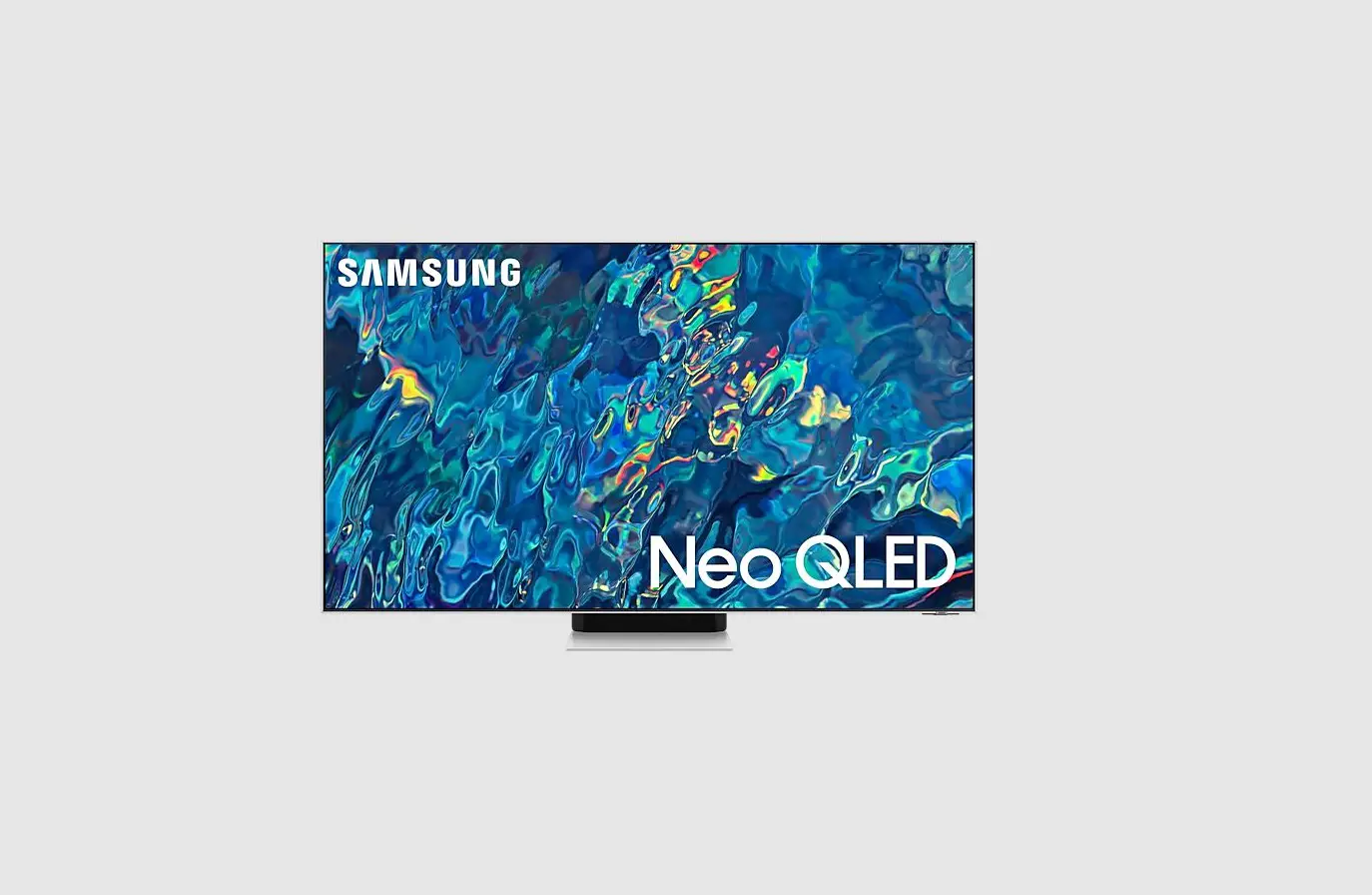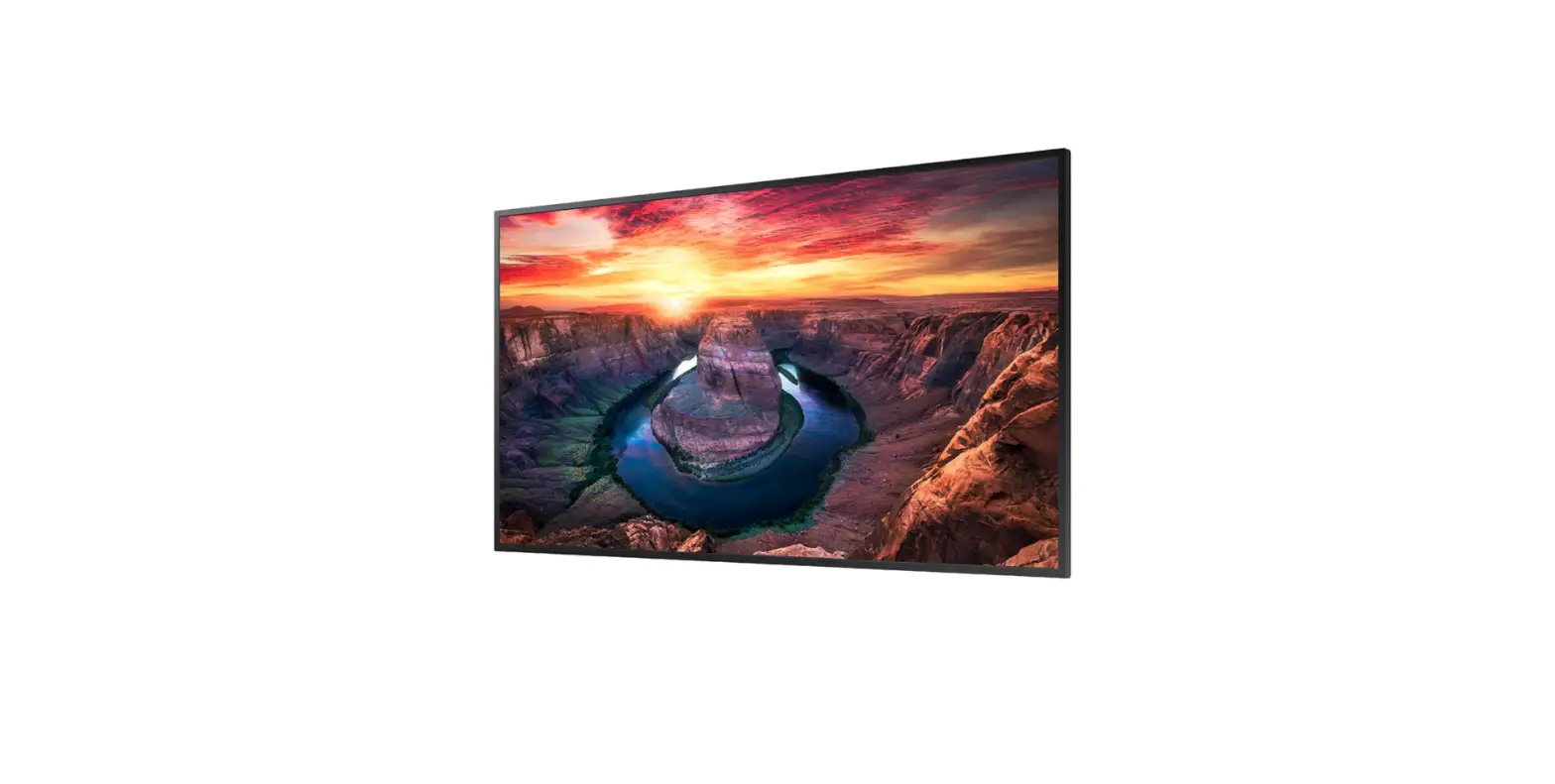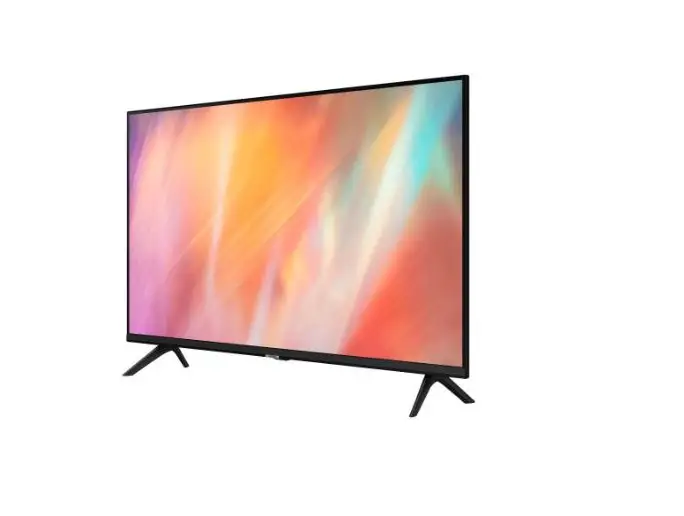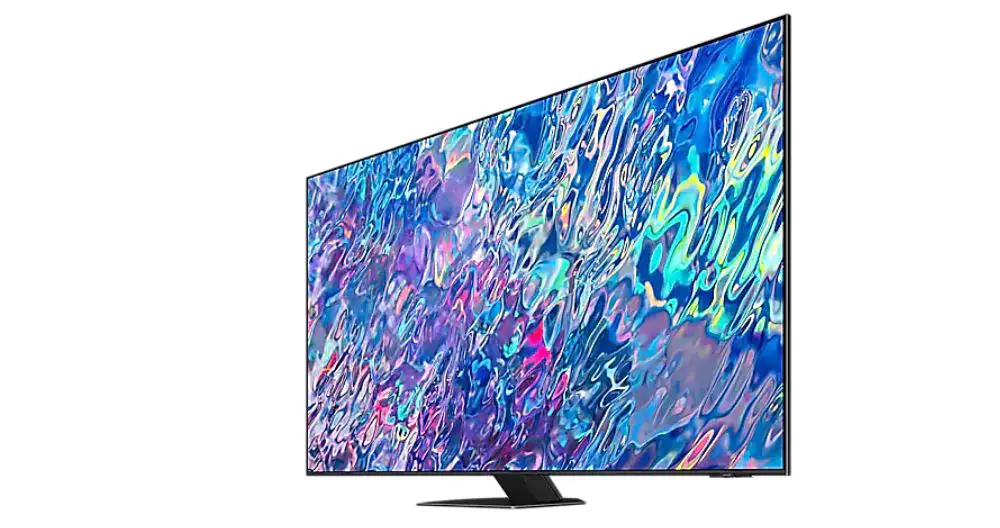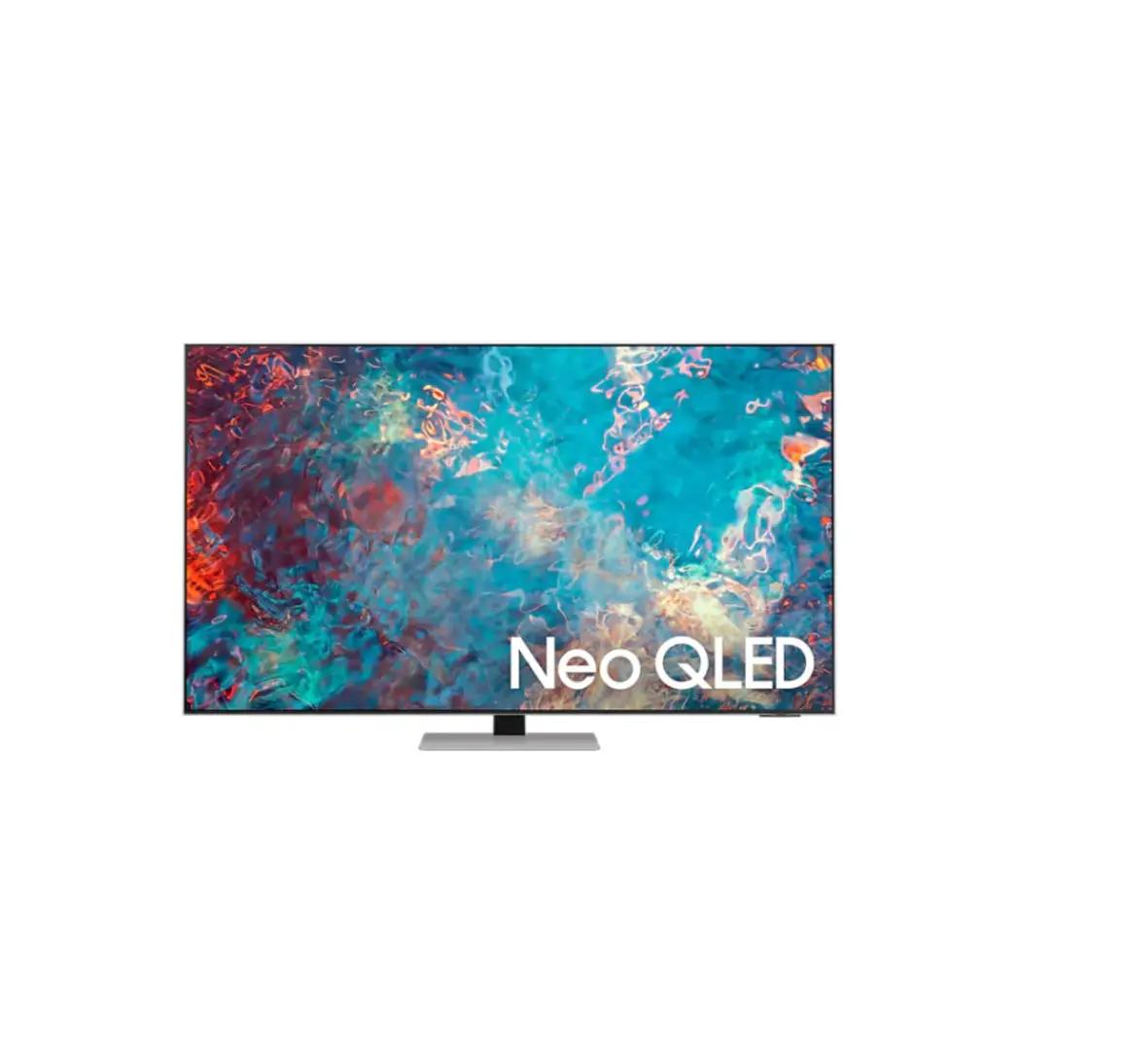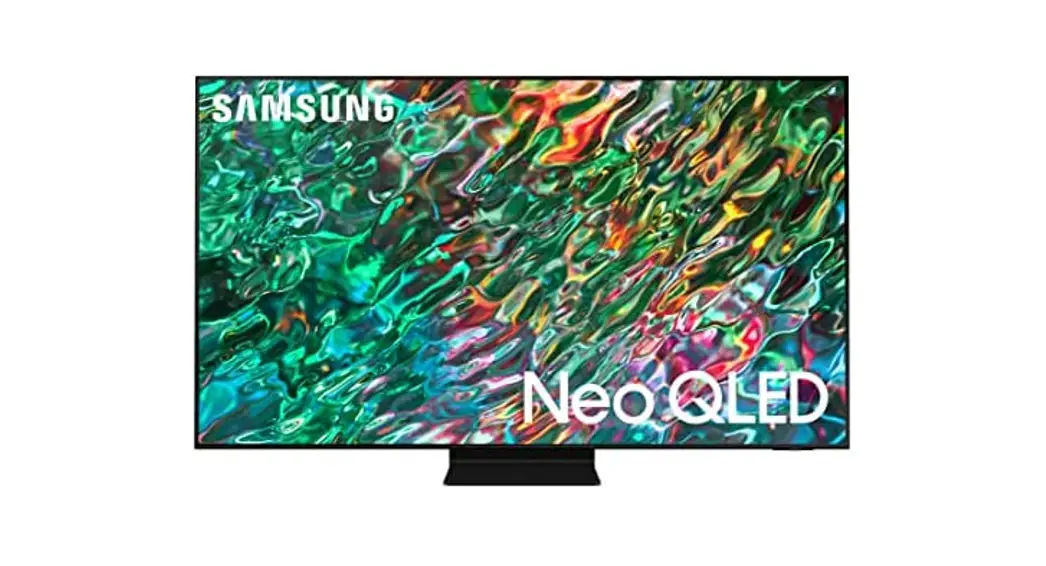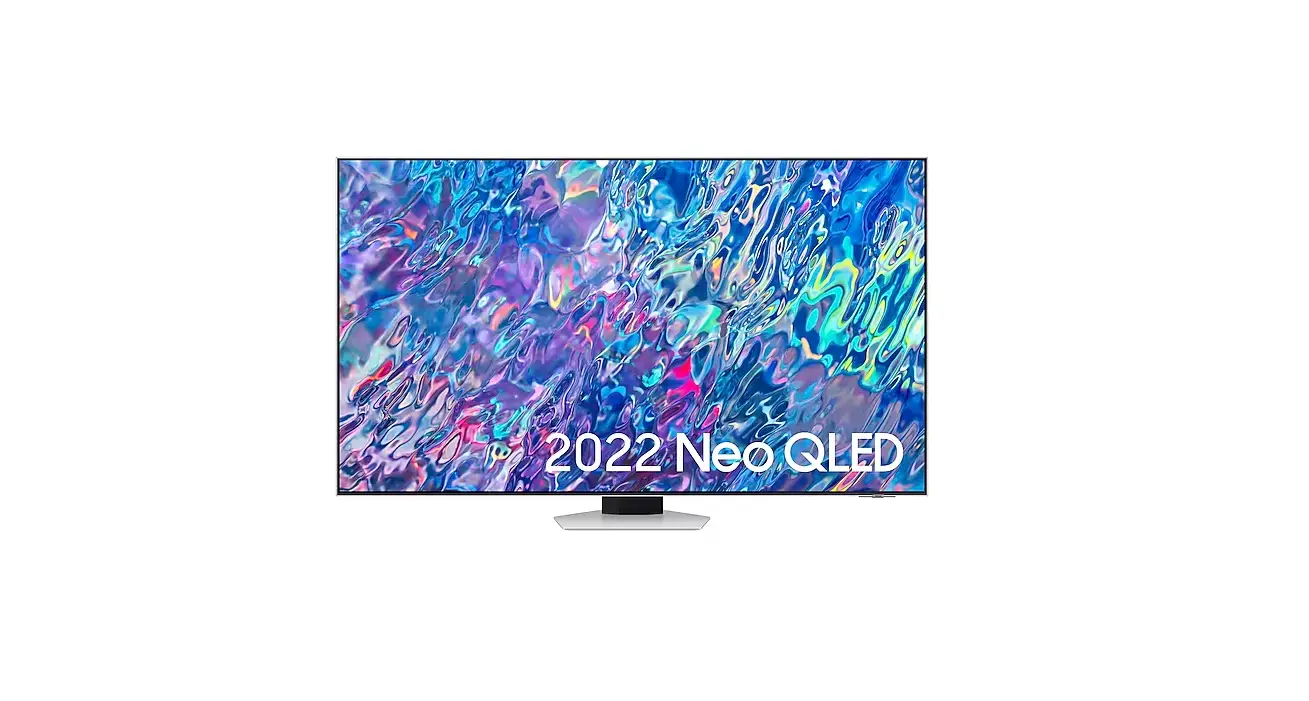

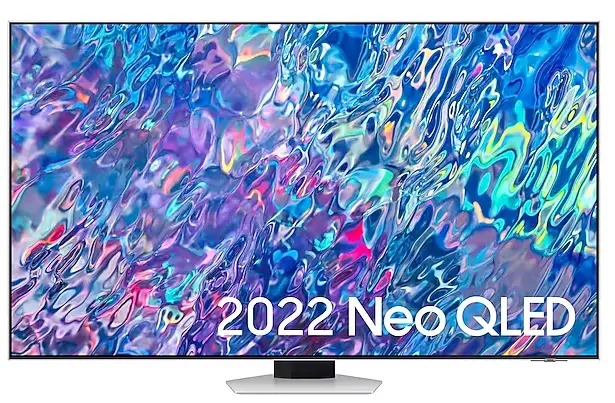
SAMSUNG QE75QN85BATXXH Smart LED Display
Product Information
The product name is the 55QN8*B, 55QNB8*, 65QN8*B, 65QNB8*, 75QN8*B, and 85QN8*B. The product comes in different sizes: 55 inches, 65 inches, 75 inches, and 85 inches. The product dimensions vary based on the size and are as follows:
| Size | Dimensions (inches) | Dimensions (mm) | Weight (lbs) |
|---|---|---|---|
| 55 inches | 48.3 x 27.8 x 10.0 | 1227.4 x 705.6 x 253.0 | 37.9 |
| 65 inches | 56.9 x 32.6 x 11.2 | 1446.3 x 828.7 x 285.7 | 52.2 |
| 75 inches | 65.7 x 37.7 x 12.3 | 1670.0 x 957.4 x 313.5 | 75.0 |
| 85 inches | 74.5 x 42.6 x 12.9 | 1892.2 x 1081.9 x 326.6 | 94.1 |
The product is compatible with VESA x (mm) sizes of 200 x 200, 400 x 300, 400 x 400, and 600 x 400. The product also comes with a quick setup guide and installation instructions.
Product Usage Instructions
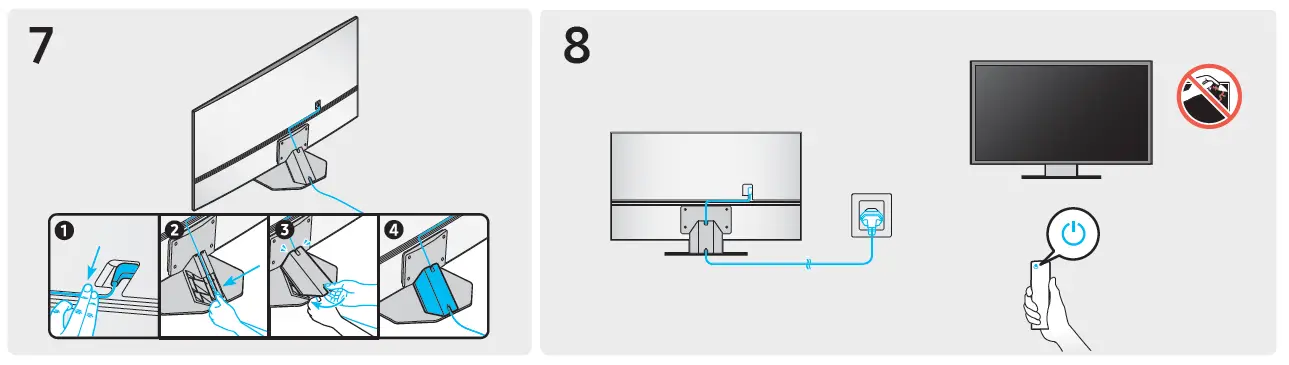
- Choose a location for the TV that is near an electrical outlet and has enough space for the TV to fit comfortably.
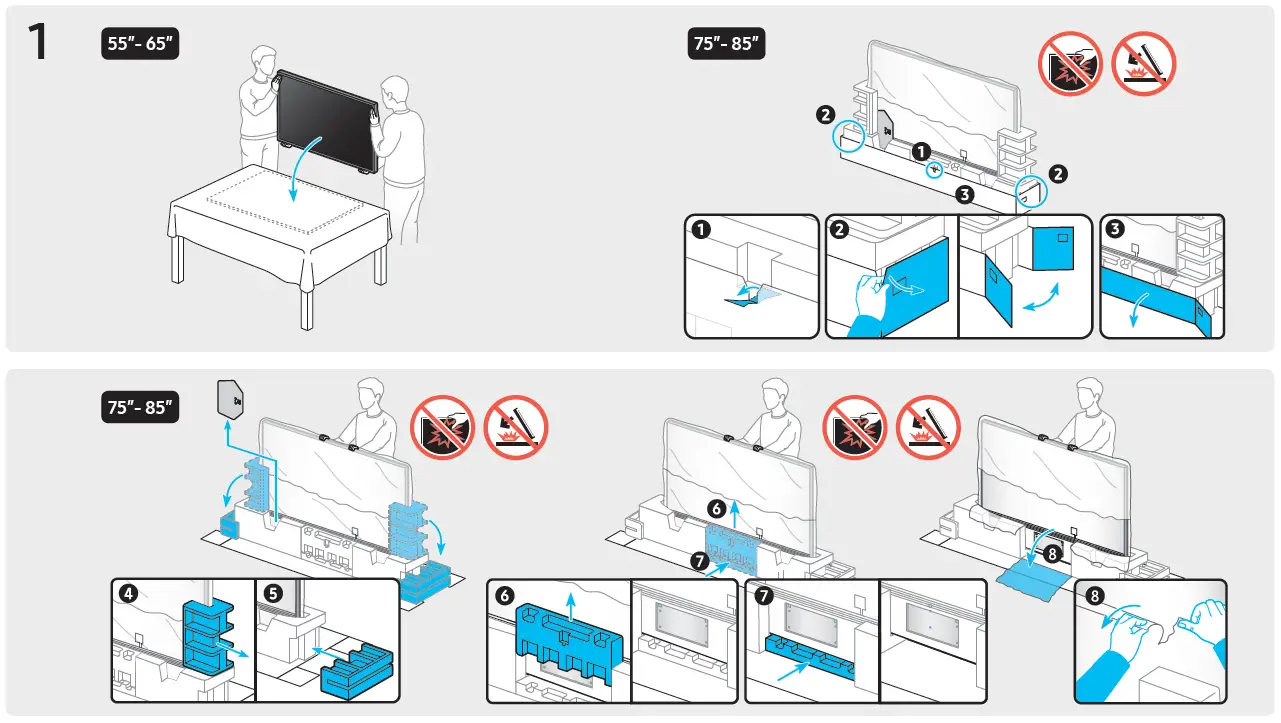
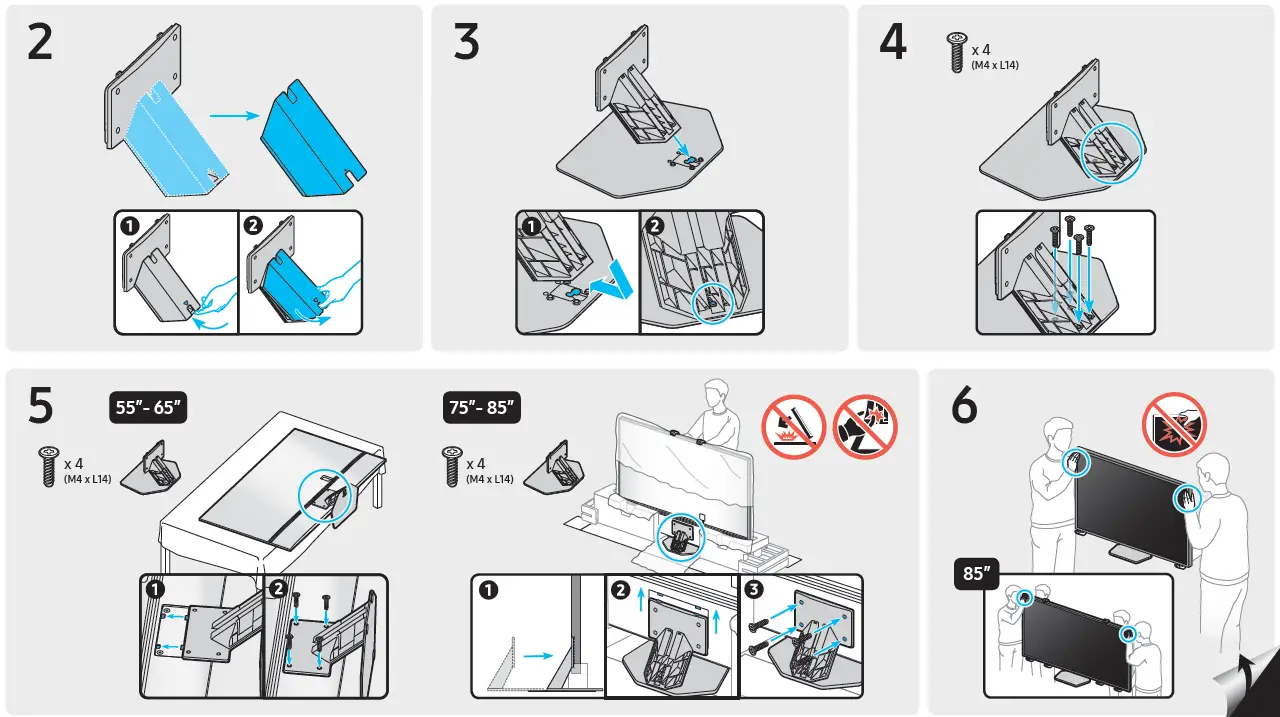
- Attach the base stand or wall mount to the TV according to the instructions provided in the installation guide.
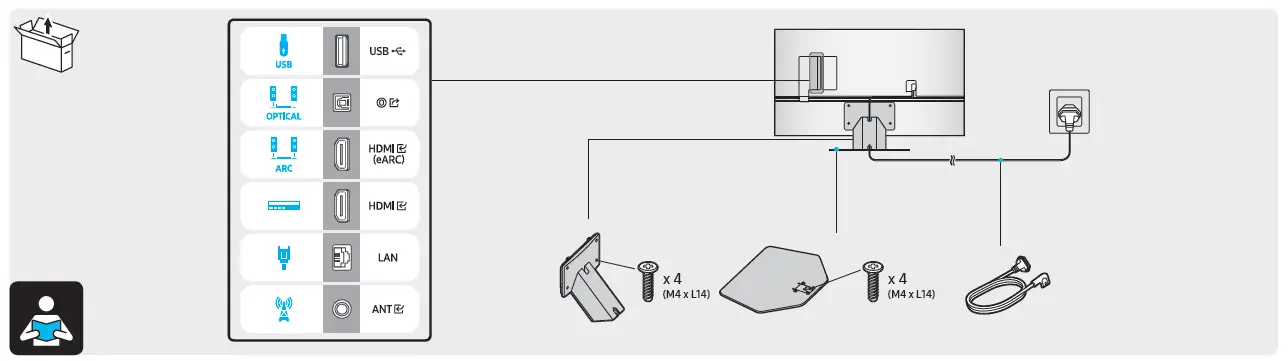
- Connect the power cord to the TV and plug it into an electrical outlet.
- Connect any necessary cables, such as an HDMI cable or antenna cable, to the TV and to the appropriate devices.
- Turn on the TV using the power button on the remote control or on the TV itself.
- Follow the on-screen instructions to set up the TV, including selecting a language, connecting to Wi-Fi, and scanning for channels.
- Enjoy your TV!
QUICK SETUP GUIDE
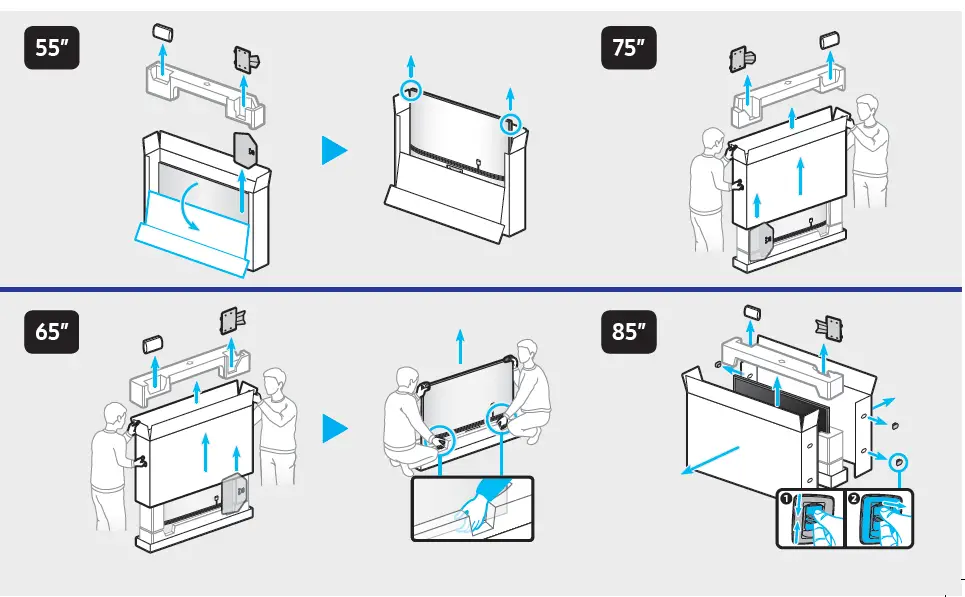
What’s In the Box
Installation Instructions
Dimensions
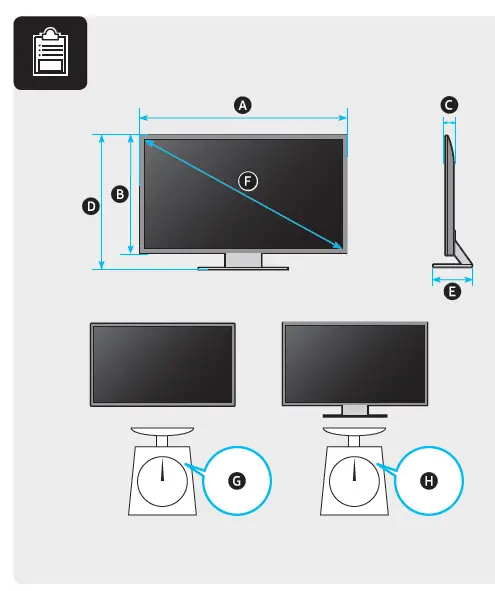
| 55QN8*B 55QNB8* | 48.3 inches (1227.4 mm) (122.74 cm) | 27.8 inches (705.6 mm) (70.56 cm) | 1.1 inches (26.9 mm) (2.69 cm) | 30.2 inches (767.9 mm) (76.79 cm) | 10.0 inches (253.0 mm) (25.30 cm) | 54.6 inches (138 cm) | 37.9 lbs (17.2 kg) | 44.5 lbs (20.2 kg) |
| 65QN8*B 65QNB8* | 56.9 inches (1446.3 mm) (144.63 cm) | 32.6 inches (828.7 mm) (82.87 cm) | 1.1 inches (26.9 mm) (2.69 cm) | 35.1 inches (891.1 mm) (89.11 cm) | 11.2 inches (285.7 mm) (28.57 cm) | 64.5 inches (163 cm) | 52.2 lbs (23.7 kg) | 60.2 lbs (27.3 kg) |
| 75QN8*B | 65.7 inches (1670.0 mm) (167.00 cm) | 37.7 inches (957.4 mm) (95.74 cm) | 1.1 inches (27.7 mm) (2.77 cm) | 40.1 inches (1019.8 mm) (101.98 cm) | 12.3 inches (313.5 mm) (31.35 cm) | 74.5 inches (189 cm) | 75.0 lbs (34.0 kg) | 88.0 lbs (39.9 kg) |
| 85QN8*B | 74.5 inches (1892.2 mm) (189.22 cm) | 42.6 inches (1081.9 mm) (108.19 cm) | 1.1 inches (27.2 mm) (2.72 cm) | 45.1 inches (1144.8 mm) (114.48 cm) | 12.9 inches (326.6 mm) (32.66 cm) | 84.5 inches (214 cm) | 94.1 lbs (42.7 kg) | 108.7 lbs (49.3 kg) |
How to Set on Wall
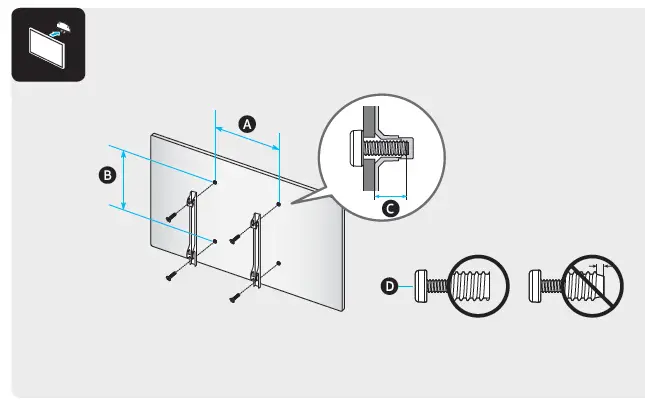
| VESA x (mm) | (mm) | x 4 | |
| 55QN8*B 55QNB8* | 200 x 200 |
11-13 |
M8 |
| 65QN8*B 65QNB8* | 400 x 300 | ||
| 75QN8*B | 400 x 400 | ||
| 85QN8*B | 600 x 400 |