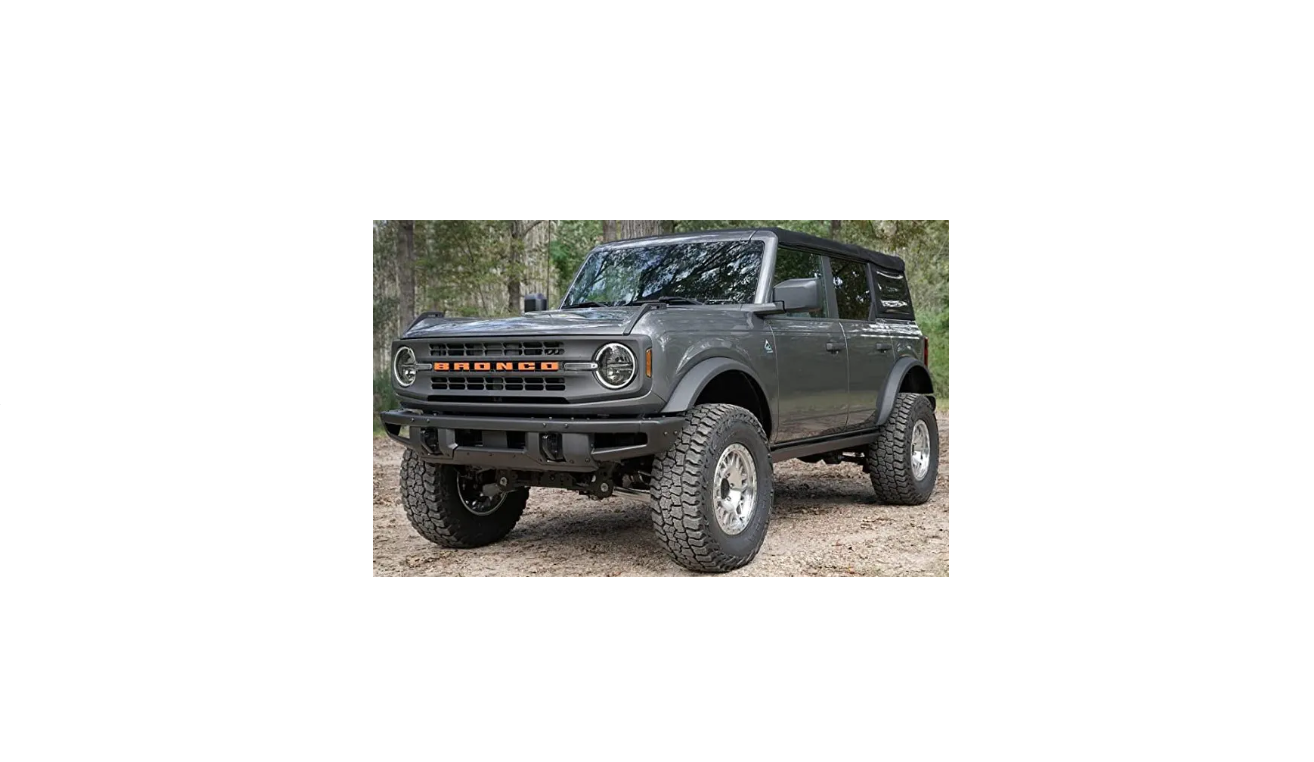
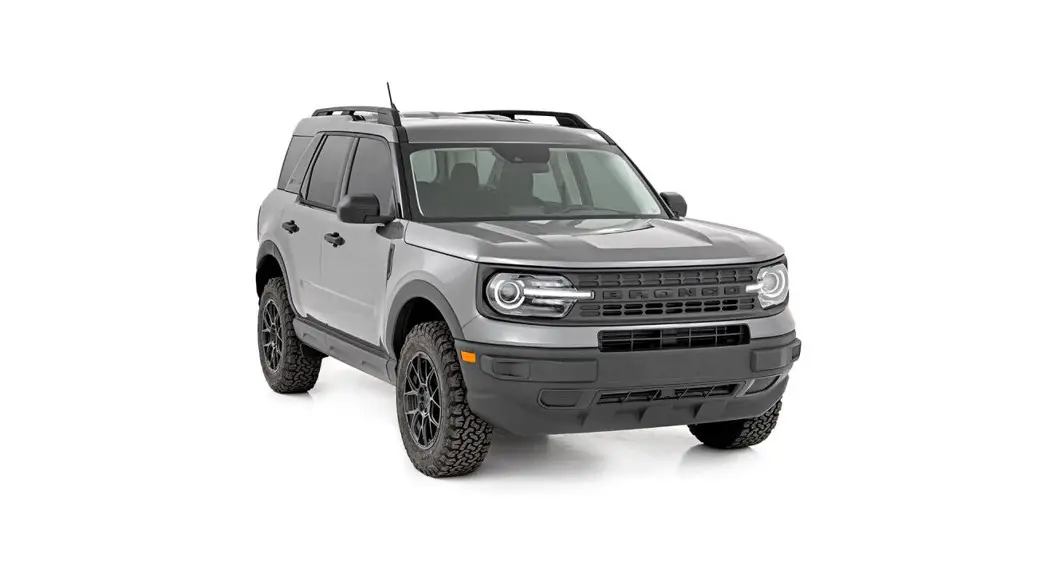
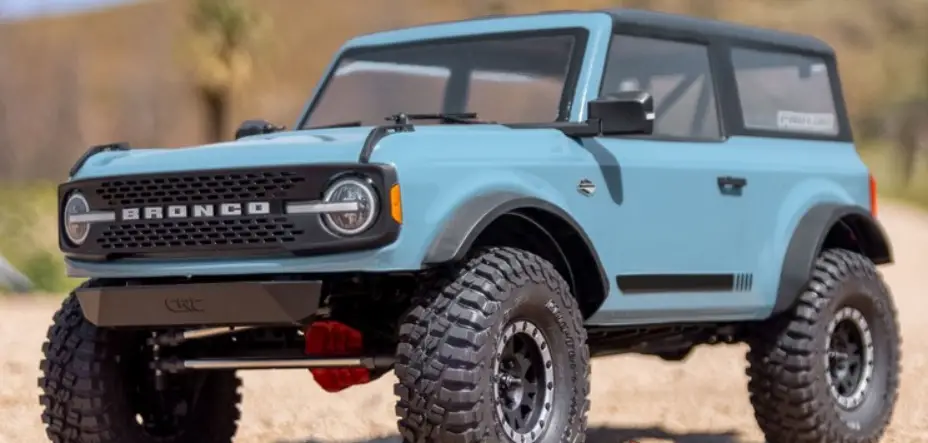
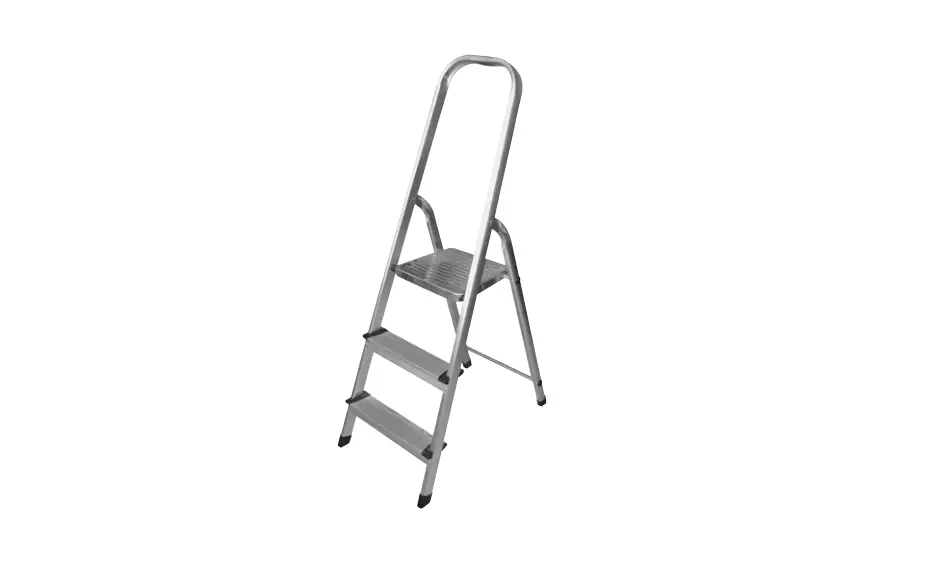
746213210354 Ford Bronco 2 Door Hardtop Removal Tool
Product Information
The Toplift Pro is a lifting device designed for moving heavy
objects such as furniture, appliances, and equipment. It consists
of several parts including T-connectors, bolt pack, accessory pack,
top platform assembly legs, horizontal tube, gear bracket, aluminum
inserts, height adjustable insert, base frame, support cross bar,
caster wheels with and without brakes, and a pawl. The product also
comes with assembly instructions and a how-to guide.
Product Usage Instructions
Step 1: Assemble the Base Frame and Y-Frame
Install all six T-connectors using the 5mm Allen key. Place the
T-connectors halfway on the dimples for stability. Attach the
Y-Frame to the Base Frame by inserting the Y-Frame into the
T-connector closest to the front of the Base Frame and then sit the
rear end of the Y-Frame into the rear T-connector. Install all
T-connectors that touch the base but do not fully tighten
T-connectors on the Y-Frame yet.
Step 2: Install the Aluminum Inserts
Take two 8in Aluminum Inserts and four M10x50 Bolts/Nuts.
Install the 8in Inserts(x2) into the left or right half of the base
with two M10x50 Bolt/Nut (Use the 17mm wrench & 8mm Allen Key).
After installing the 8in Inserts in one half of the base, slide the
other half on and tighten it together with the other two M10x50
Bolts/Nuts. Then, tighten all the T-connectors that touch the
base.
Step 3: Insert Support Cross Bar
Take your Support Cross Bar and insert it into either one of the
Y-Frames.
Step 4: Install Caster Wheels
Install caster wheels with brakes on one end and caster wheels
without brakes on the other end of the base frame.
Step 5: Attach the Top Platform
Attach the Top Platform to the Y-Frames using the horizontal
tube, gear bracket, and height adjustable insert. Install all
remaining components including the green handle brake release,
S-Frame, pawl, end caps, D-locking pins, and spring.
Once fully assembled, the Toplift Pro can be used to lift and
move heavy objects with ease. Always follow safety precautions when
using the product and refer to the how-to guide for additional
usage instructions.
TOPLIFT PROTM FORD BRONCO® 2-DOOR
ASSEMBLY MANUAL & HOW-TO GUIDE
Parts
T-Connectors (x6)
Bolt Pack
Accessory Pack
Top Platform Assembly Legs
Horizontal Tube (3 Hole)
Gear Bracket
8 Inch Aluminum Insert (Long)
4 Inch Aluminum Insert (Short)
Height Adjustable Insert (5 Hole)
TOPLIFT PROTM | ASSEMBLY MANUAL | PAGE 01
Parts
Left & Right Y-Frame + Support Cross Bar
Green Handle Brake Release + Yoke
S-Frame
Caster w/ Brake (x2)
Caster w/out Brake (x2)
Pawl
Top Platform
Left & Right Base Frame TOPLIFT PROTM | ASSEMBLY MANUAL | PAGE 02
Parts
Left & Right Base Frame, Top Platform Legs, Horizontal Tube, 8in Insert, 4in Insert, Left & Right Y-Frame + Support Crossbar. S-Frame & Top Platform. TOPLIFT PROTM | ASSEMBLY MANUAL | PAGE 03
ASSEMBLY INSTRUCTIONS | PAGE 01
Parts
M10 Nut
M8 Nut
M10x95 M10x90 (x7) M10x55 M10x50 (x9) M8x16 (x16)
Nylon Washer (x8)
Cotter & Clevis Pin
3mm Allen Key
TOPLIFT PROTM | ASSEMBLY MANUAL | PAGE 05
ASSEMBLY INSTRUCTIONS | PAGE 01
Parts
End Caps (x16)
D-Locking Pins (x4)
Spring
*Note: You will receive Snap Pins but will not need them as they are omitted from this specific Lift.* 07 TOPLIFT PROTM | ASSEMBLY MANUAL | PAGE 07
Tools you need
TOPLIFT PROTM | ASSEMBLY MANUAL | PAGE 08
Steps
1.) Install all 6 T-Connectors as shown in the Fig. below using the 5mm Allen
key, all lower assembly pieces will have a dimple/ marker on both sides of the base that indicate where the T-Connectors sit. Tighten them loosely on the middle of the dimples on both left and right base pieces, and Y-Frames. (Do Not Tighten T-Connectors All The Way, Just Snug). *See Figures Below* a. (It is important that you install all T-Connectors prior to construction). b. (All T-Connectors must sit halfway on the dimple/ marker to ensure your base and Y-Frames are lined up correctly). c. (When tightening the T-Connectors, make sure you do not over tighten them as they will snap from excessive force).
The red dot in the fig. indicates where to find the dimple on the base piece. (There are two dimples per base piece, one at the front and one at
the rear; There is also one dimple per Y-Frame).
Once you have located all your dimples you can start adding the T-connectors to the pieces mentioned above. Remember to put the T-connectors halfway on the dimples for stability. (Do this for both L & R Base Frame and L & R Y-Frame) *See fig. above to see how the T-connectors should look*
TOPLIFT PROTM | ASSEMBLY MANUAL | PAGE 09
Steps
2.) Once you have attached all the T-connectors to the L & R Base and
Y-Frame, you can then connect the Y-Frame with the T-connector on it to the Base Frame. You simply insert the Y-Frame into the T-connector closest to the Front of the Base Frame and then sit the rear end of the Y-Frame into the rear T-connector. *See Figures Below
Make sure you add this on before assembling the pieces.
For easy fitment install the front of the of the Y-Frame to the Front of the T-connector, followed by the rear of the Y-Frame into the Rear T-connector.
After you have finished attaching the Y-Frame to the Base pieces, it should look like this. TOPLIFT PROTM | ASSEMBLY MANUAL | PAGE 10
Steps
3.) The next step is to grab the two 8in Aluminum Insert (Long) and four
M10x50 Bolts/Nuts. Install the 8in Inserts(x2) into the Left or right half of the base with two M10x50 Bolt/Nut (Use the 17mm wrench & 8mm Allen Key). After installing the 8in Inserts in one half of the base, you will then take the other half, slide it on, and then tighten it together with the other two M10x50 Bolts/Nuts. *See Figures Below*
1
2
3
4
*Note: After you finish this step you can tighten all the T-connectors that touch the base. Do Not Fully Tighten T-Connectors on Y-Frame Yet.* TOPLIFT PROTM | ASSEMBLY MANUAL | PAGE 11
Steps
4.) Take your Support Cross Bar and insert it into either one of the Y-Frame
T-Connectors. After that you will just rotate the Support Bar into the other T-connector and tighten them with the 5mm Allen Key. DO NOT TIGHTEN UNTIL TOP S-FRAME IS INSTALLED.
1
2
3
*Note: When you complete this section of assembly you can now check all your T-Connectors and tighten them all the way.
When tightening T-connectors please remember to not over tighten as they will crack and break from excessive force.* TOPLIFT PROTM | ASSEMBLY MANUAL | PAGE 12
Steps
5.) Grab your 4 Casters (BRAKE TO THE FRONT OR BACK, YOUR
PREFERENCE), 6mm Allen Key, 13mm Wrench, and your 16 M8x16 Bolts/ Nuts. Take your completed Base Frame and lean it onto its back for easier Installation, line up the holes on the Casters to the holes on the Base Frame and insert the M8x16 Bolts into the now lined up holes in the Casters.
1
2
TOPLIFT PROTM | ASSEMBLY MANUAL | PAGE 13
Steps
6.) With the Base completed and the Casters on, you will grab the Height
Adjustable Inserts and D-Locking Pins. Take the insert and with the side that has two holes and insert it into the top of the Y-Frame (Make sure you line up the hole in the Y-Frame to Second Highest Hole in the Insert). Take the D-Locking Pin and insert it into the now lined up hole and lock it into place. With your Height Adjustable Inserts now in place, grab the S-Frame and slide it on to the Inserts, Install D-Locking Pins through frame on lowest hole. TIGHTEN THE CROSS BAR T-CONNECTORS AT THIS TIME (Top D-Locking Pin is not required for Stock Option TLPs).
1
2
3
Slide onto Inserts
*Note: If it is hard to add the S-Frame, loosen the T-Connectors then add the S-Frame, then re-tighten the T-Connectors once it is on.* TOPLIFT PROTM | ASSEMBLY MANUAL | PAGE 14
Steps
7.) With the S-Frame now on, you will grab the Gear Bracket, Green Handle,
Nylon Washers, and M10x55, M10x90, M10x95 Bolt/Nuts (Use the 18mm Wrench & 8mm Allen Key). The Gear Bracket will go on the side of the S-Frame that has the 3 holes, take the Gear Bracket and line it up to the middle hole on that side. Take your M10x55 Bolt and put it through the now lined up hole and tighten it. With the Green Handle line the hole on the handle with the lower holes on the S-Frame, take your M10x95 and insert it into the lined up hole on the Bracket side. With your M10x90 insert it onto the oposite side. (MAKE SURE TO PUT NYLON WASHER IN BETWEEN ALL MOVING TUBES TO DECREASE FRICTION).
M10x55 Bolt/Nut
1st 2nd
*Note: All areas where there are moving tubes touching other tubes, must have a Nylon Washer Sandwiched between them. (When tightening
make sure that the nylon washers are barely crimped.)*
1
2
4
3
With the Green Handle and the Gear Bracket now attached to the S-Frame, you can now grab your Spring and Pawl. Hook the Spring onto the bolt that is underneath the Green Handle on the Gear Bracket side, and then with the other side of the Spring, hook it onto the bottom left hole of the Pawl. With the Spring now hooked to the handle and the Pawl, rest the the Pawl onto the Gear as pictured and rotate Handle down over the Pawl through the slotted hole in the handle. Adjust Pawl in the slotted hole and install an M10x50 Bolt/ Nut through it.
TOPLIFT PROTM | ASSEMBLY MANUAL | PAGE 15
Steps
8.) Grab your two Top Platform Assembly Legs, M10x90 Bolt/Nuts, and some
more Nylon Washers. Take your Platform Assembly Legs and on the side that has one hole put the M10x90 bolt through it with a washer on the end. Take the Platform Assembly Leg with the bolt and washer through it and put the rest of the bolt through the hole at the end of the Green Handle and tighten. (REMEMBER TO ONLY CRIMP THE NYLON WASHER A LITTLE, DO NOT OVER TIGHTEN).
Grab your two Horizontal Tube (3 Hole), M10x90 Bolt/Nuts, and some Nylon Washers. On the left side of the 3 Hole Tube Insert the M10x90 bolt and put a washer on the end of it once you have done so. Attach the 3 Hole tube with the bolt in it and washer on it, to the top hole on the S-Frame and tighten it gently. Now that you have attached the 3 Hole Tube you can now grab another M10x90 bolt and put it through the right hole of the 3 Hole Tube, put a washer on the end of the bolt and insert the bolt/washer combo into the second lowest hole on the Top Platform Assembly Legs and tighten it gently. (All 8 washers should now be in between all the moving tubes).
TOPLIFT PROTM | ASSEMBLY MANUAL | PAGE 16
Steps
9.) With the upper assembly now constructed you can grab your 4 Inch
Aluminum Insert (Short), M10x50 Bolt/Nuts, and Top Platform. Take your Short Aluminum Insert and put it into the top of the Top Platform Assembly Legs; now with the hole lined up to both the Short Insert and the Assembly legs, insert the M10x50 bolt into the hole and tighten it. After you have put the insert on you can now take the Top Platform and put it on top of the short insert, line the holes up, insert the other M10x50 and tighten.
How It Should Look TOPLIFT PROTM | ASSEMBLY MANUAL | PAGE 17
Steps
10.) With the TopLift Pro now fully constructed, we will move onto the Cable
Adjustment. Take your Yoke that is attached to the Green Handle, and with the Cotter/ Clevis pin connect the hole at the top of the Pawl to the lined up hole in the Yoke. Now that the Yoke is connected to the Pawl, take your Adjuster Screw (Black Screw Built into Green Handle) and drive it INTO the green sleeve its housed in; by doing this it decreases the amount of SLACK in the cable. Now that the Adjuster Screw is all the way in, untighten (DO NOT REMOVE) the two Set Screws in the Yoke with the 3mm Allen Key. Pull the end of the cable that is going through the yoke until all the wire is straight and tight; while holding the cable and keeping it tight, you can now re-tighten the Set Screws so they can hold that point of the cable. With the Yoke connected to the Pawl, the cable pulled through, and set screws holding the correct point on the cable; you can now take that Adjuster Screw mentioned before and back it out until you have the maximum amount of tension possible. Once you have do this step your lift is now complete, try out the handle before using the mechanism and see if it clears all the teeth on the gears. If it does not, then continue to back out that Adjuster Screw until it does so.
Insert the Clevis Pin into the hole, and on the opposite
Drive Adjuster
side take your Cotter Pin and insert it into the hole on
Screw into green sleeve the other side of the clevis pin and bend it to lock.
Loosen the two Set Screws and pull the cable
to decrease slack.
While still pulling the cable, re-tighten the Set
Screws to get it to hold the cable in place.
Back out the Adjuster Screw accordingly to increase the tension in
the cable.
TOPLIFT PROTM | ASSEMBLY MANUAL | PAGE 18
Steps
11.) After you have removed your Hardtop and rolled it away from your Bronco®,
you can now adjust your Leveling Feet. With one hand lift up on the front of your Hardtop, with your other hand push in the Silver Leveling Button under the internal arm and slide it forward accordingly to make your Hardtop level.
Leveling Feet
Silver Leveling Button TOPLIFT PROTM | ASSEMBLY MANUAL | PAGE 19
Ford Bronco® (2-Door) Hardtop Removal Tool
Your unit will look like this, don’t be alarmed. The 6 degree angle is to help with ease of lift and to also help with the 2 Door Broncos’ extra guide pins.
TOPLIFT PROTM | ASSEMBLY MANUAL | PAGE 20
HOW-TO GUIDE
FORD BRONCO® 2-DOOR
Step 1
Disconnect Power & Washer Fluid In rear left side of cargo area.
TOPLIFT PROTM | ASSEMBLY MANUAL | PAGE 22
Step 2
Remove 8 Bolts (Torx T-50), 4 on each side in rear area of vehicle.
TOPLIFT PROTM | ASSEMBLY MANUAL | PAGE 23
Step 3
Unlatch Freedom Panels from front, removing drivers side followed by passenger side.
TOPLIFT PROTM | ASSEMBLY MANUAL | PAGE 24
Step 4
Remove T-50 Bolt that is over the driver and passenger side that holds onto the front of the Hardtop.
TOPLIFT PROTM | ASSEMBLY MANUAL | PAGE 25
Step 5
Roll your TopLift ProTM into position in the cargo area. Line up the Square-Bar resting platform at the rear under the Hardtop.
TOPLIFT PROTM | ASSEMBLY MANUAL | PAGE 26
Step 6
Raise platform until level with roofline or until touching Hardtop.
TOPLIFT PROTM | ASSEMBLY MANUAL | PAGE 27
Step 7
Take two pieces of foDaismco(3ninne.)c,toProawceurt&poWoalsnhoeordFleluiadbout 12in each works great. Raise each side oInf rtehaerflreofnttsoidfethoef cHaarrgdotoaprewa.here the two T50 Bolts
are and put the foam underneath each side of the front Hardtop.
Take a Pool Noodle, cut two pieces out that are 12in each.
*Note: The reason for the foam is because Ford® installed long positioning pins to guide the install of your Hardtop and this will help unnecessary binding of those pins as they are well fabricated into the hardtop.* TOPLIFT PROTM | ASSEMBLY MANUAL | PAGE 28
Step 8
Flip out each side of the internal arms until they are fully extended. SEE FOAM PIECES AS THEY ALSO HELP WITH
SPACING BETWEEN ROLL BAR.
TOPLIFT PROTM | ASSEMBLY MANUAL | PAGE 29
Step 9
Raise your Hardtop using the TopLift ProTM. Raise high enough to clear any obstruction.
TOPLIFT PROTM | ASSEMBLY MANUAL | PAGE 30
Step 10
Use the leveling feet on the end of each Internal arm to level your Hardtop out.
TOPLIFT PROTM | ASSEMBLY MANUAL | PAGE 31
TOPLIFT PROTM 2 DOOR BRONCO HARDTOP REMOVAL TOOL
TOPLIFT PROTM | ASSEMBLY MANUAL | PAGE 32
Extra
If you received any of these items, they are omitted from the 2 Door Bronco Lift.*
TOPLIFT PROTM | ASSEMBLY MANUAL | PAGE 33