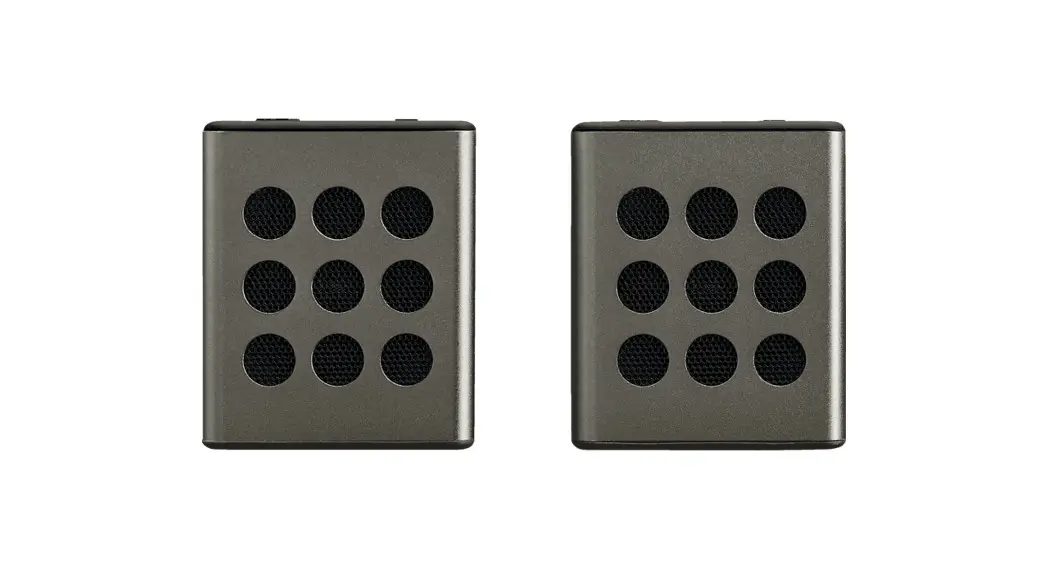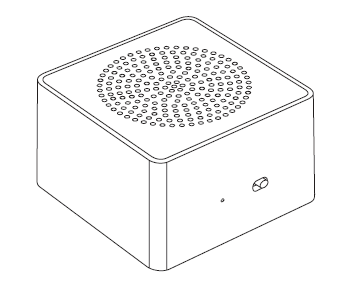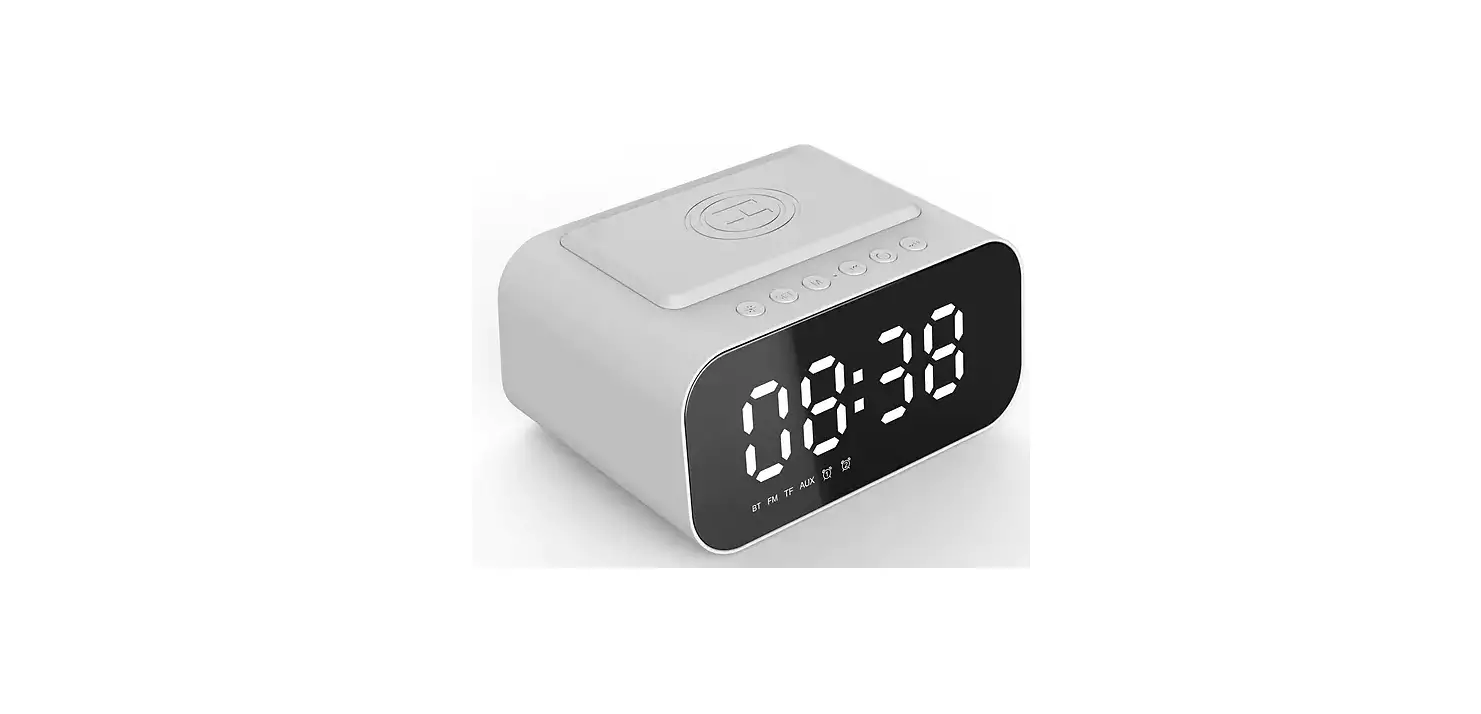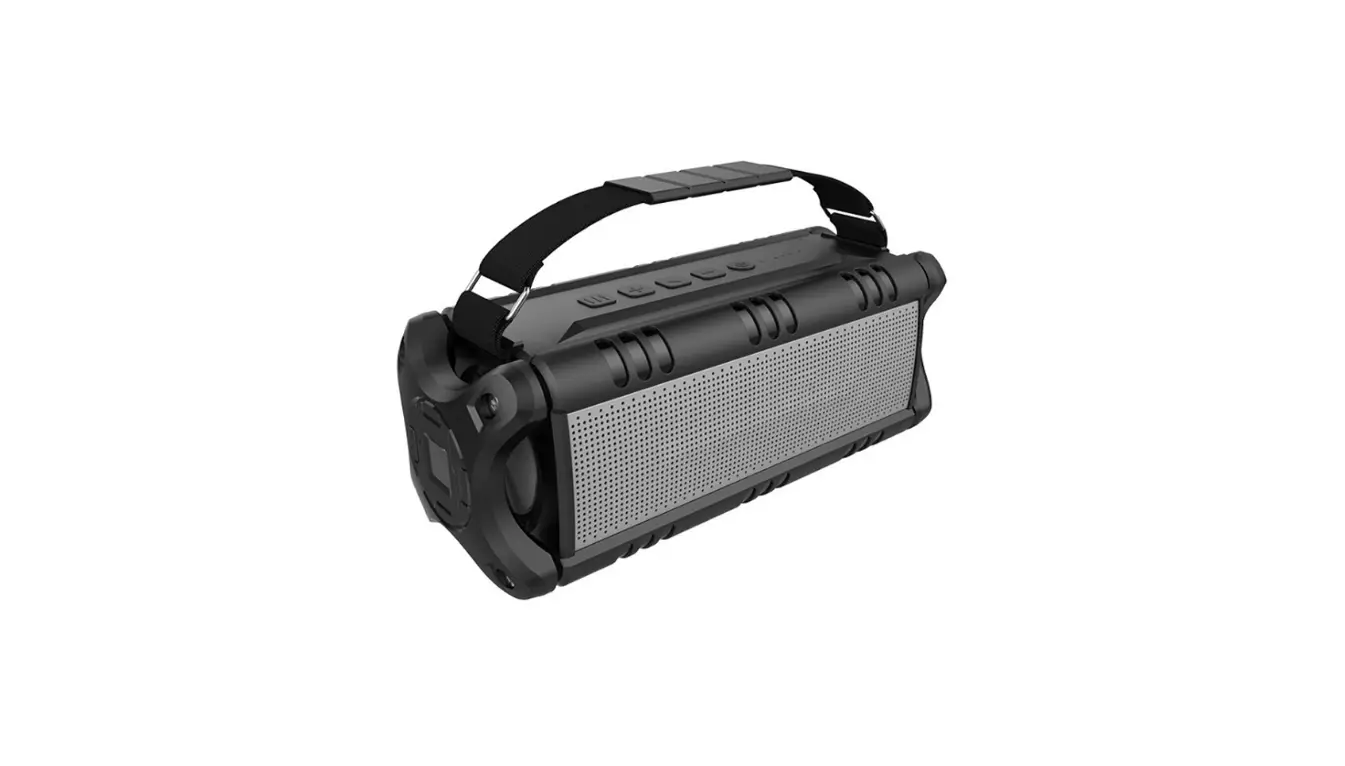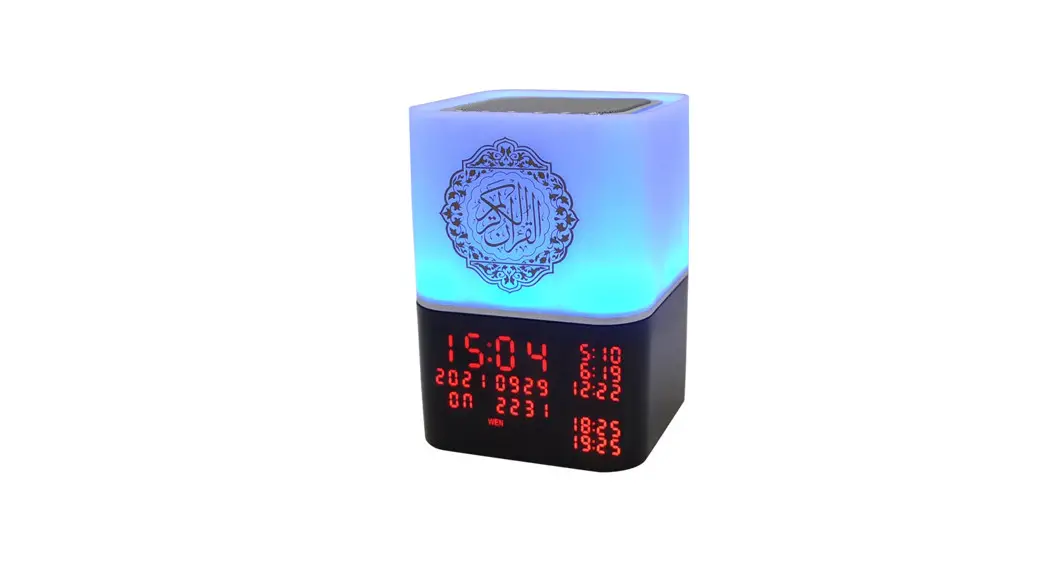
 Speakers SQ-229
Bluetooth Speaker SQ-229
User Manual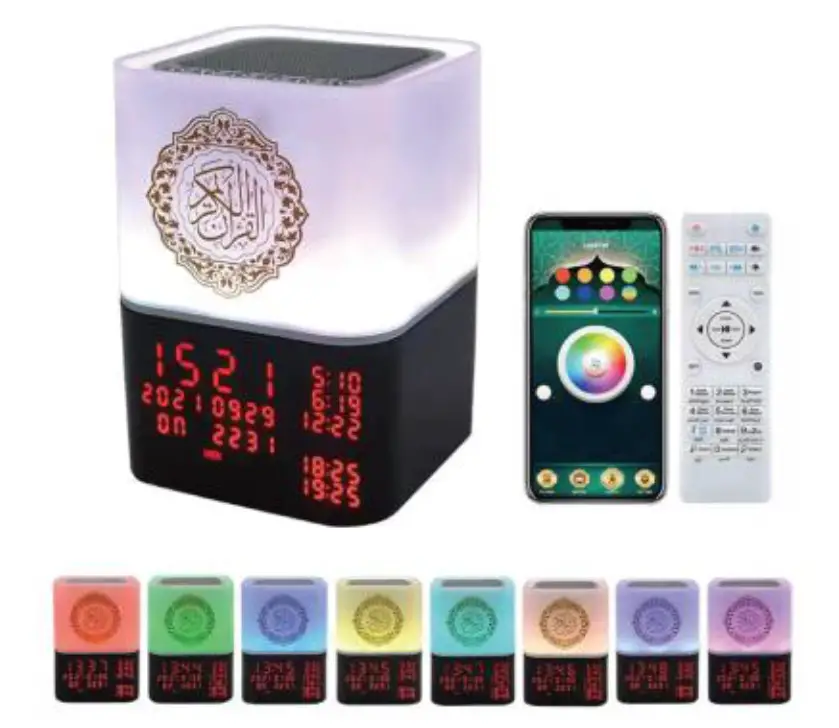
SQ-229 Bluetooth Speaker
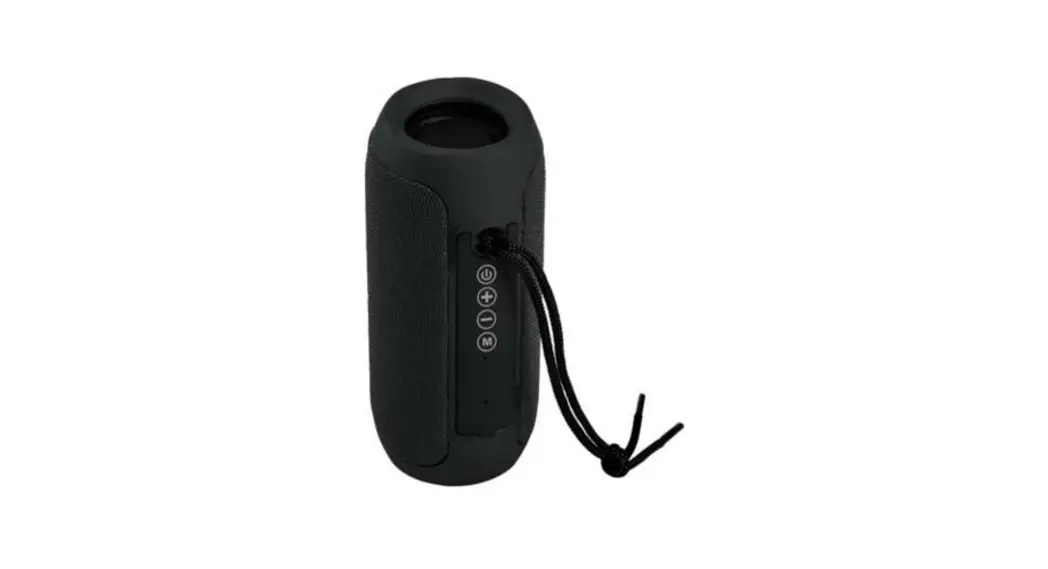
- Long press: Open/close Quran Short press: Pause/play
- Short press:TF,Mp3,Bluetooth switch 3 modes Long press: Set time
- Short press: Previous song Long press: Switch summer time or winter time
- Short press: Next song Long press: Turn on/ott Ann sound
- Short press: V+ Long press: Switch reciter
- Short press: V-Long press: Switch language
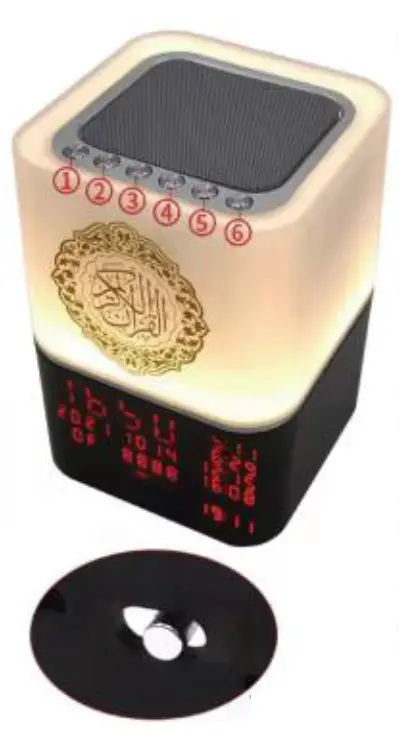
Turn on/oft screen
How To Use APP
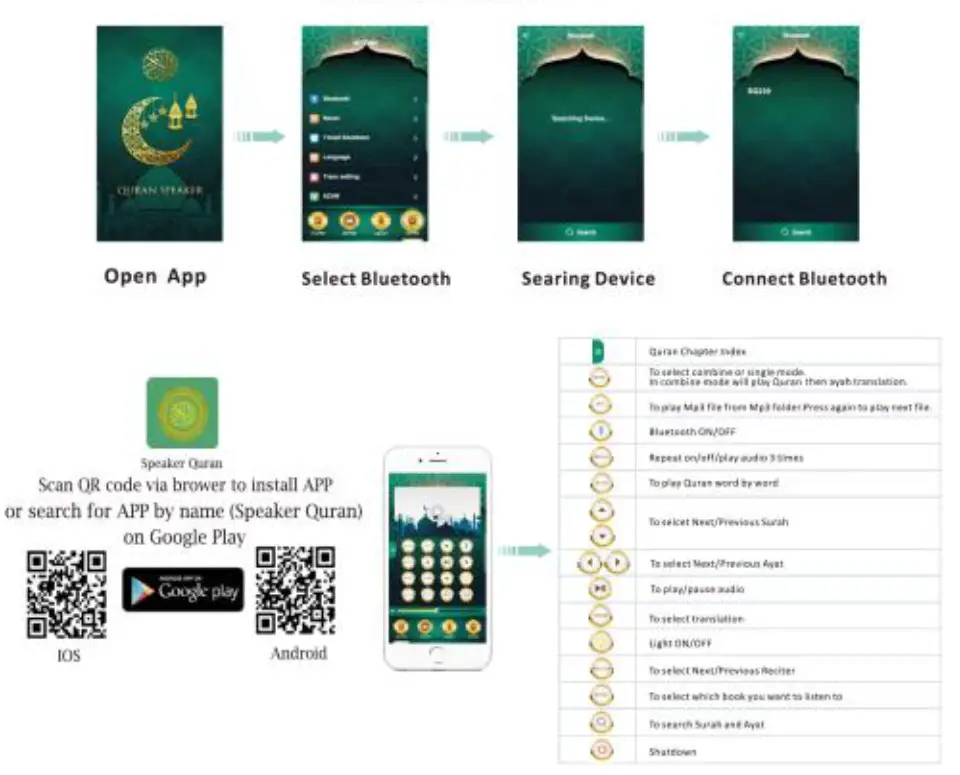
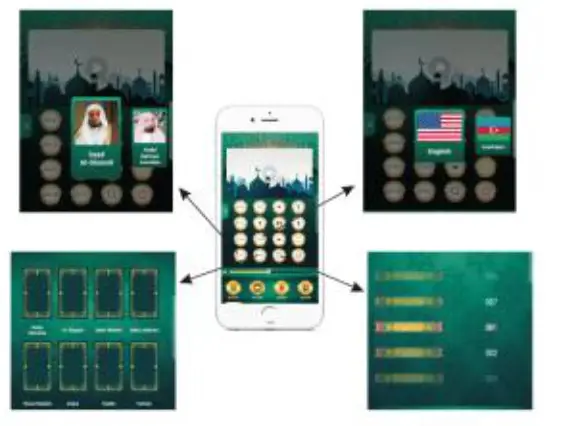
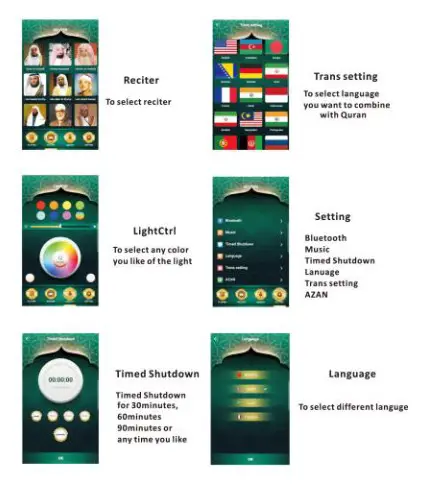
Note: FM function not available on APP,if you want it please use the remote control
Keys on the remote
 | To Power ON/OFF |
| To Play any audio file by bluetooth |
 | short pass to brightness or color, long press to change white light and RGB |
 | Azan time and city setting mode (year, month. day, time, city code) long press to open or close AZAN please don’t forget to save settngs by press this button  every time every time |
 | show current sort and pges again to show No of Sumh and Ayah |
FM | To Play FM radio |
 | To select NEXT/PREVIOUS FM radio channel. |
 | To increase/decrease volume level |
MODE | To select combine or single mode.ln combine mode will play Arabic then ayah translation. |
| Qaida Noorania | To Play Qaida Noorania |
| Ruqyah | To Play Ruqyah |
| Sahih Muslim | TO Play Sahih Muslim |
| Sahih Bukhari | To Play Sahih Bukhari |
| Hisnul Muslim | To Play Hisnul Muslim |
| Salat Method | To Learn natal method |
 | Repeat 3 times |
 | To Change system language |
| 40 HADITH | To Play 40 Hadith |
| TAFSEER | To play TAFSEER |
| TRANS | To select Translation, press again will select next translation |
 | To select the NEXT/PREVIOUS Sarah |
 | To select NEXT/PREVIOUS reciter |
| TO PLAY/PAUSE audio |
MP3 | To Play Mp3 file from Mp3 folder. Press again to play next file. |
 | To set time of automatic shutdown |
 SURAH SURAH | Press  this button then enter surah number using keys this button then enter surah number using keys  Press will start surah Press I p .- !again if you want to cancel Press will start surah Press I p .- !again if you want to cancel |
| AYAH | Press  this button then enter ayah number using keys Press will start surah Press I pArAni again if you want to cancel this button then enter ayah number using keys Press will start surah Press I pArAni again if you want to cancel |
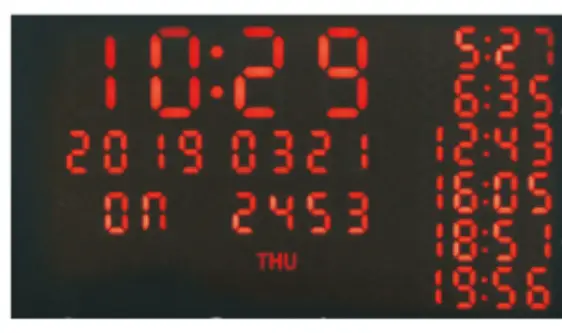
How to use AZAN function
- To open the device
- Press this button
 on the remote control when you press this button you can scc the year number is flashing on the screen you can set year number and enter the right number now then press the button
  to save. after finish save. you can see the month number is flashing then you can set month number and enter right number now then press the button again to save. so please follow the same way to set day number and hour number or minute number the last is city code (the city code book inside box) please follow this setting order and do not forget to save every time change year→ month → day → hour → city code change to your local lima and set city code for AZAN function working properly.
 on the remote control when you press this button
 This device complies with part 15 of the FCC Rules. Operation is subject to the following two conditions: (1) This device may not cause harmful interference, and (2) this device must accept any interference received, including interference that may cause undesired operation.
Any Changes or modifications not expressly approved by the party responsible for compliance could void the user’s authority to operate the equipment.
Note: This equipment has been tested and found to comply with the limits for a Class B digital device, pursuant to part 15 of the FCC Rules. These limits are designed to provide reasonable protection against harmful interference in a residential installation.
This equipment generates uses and can radiate radio frequency energy and, if not installed and used in accordance with the instructions, may cause harmful interference to radio communications. However, there is no guarantee that interference will not occur in a particular installation. If this equipment does cause harmful interference to radio or television reception, which can be determined by turning the equipment off and on, the user is encouraged to try to correct the interference by one or more of the following measures:
-Reorient or relocate the receiving antenna.
-Increase the separation between the equipment and receiver.
-Connect the equipment into an outlet on a circuit different from that to which the receiver is connected.
-Consult the dealer or an experienced radio/TV technician for help.