ZL-229 Little Train Bluetooth Speaker
Little Train Bluetooth Speaker (ZL-229)
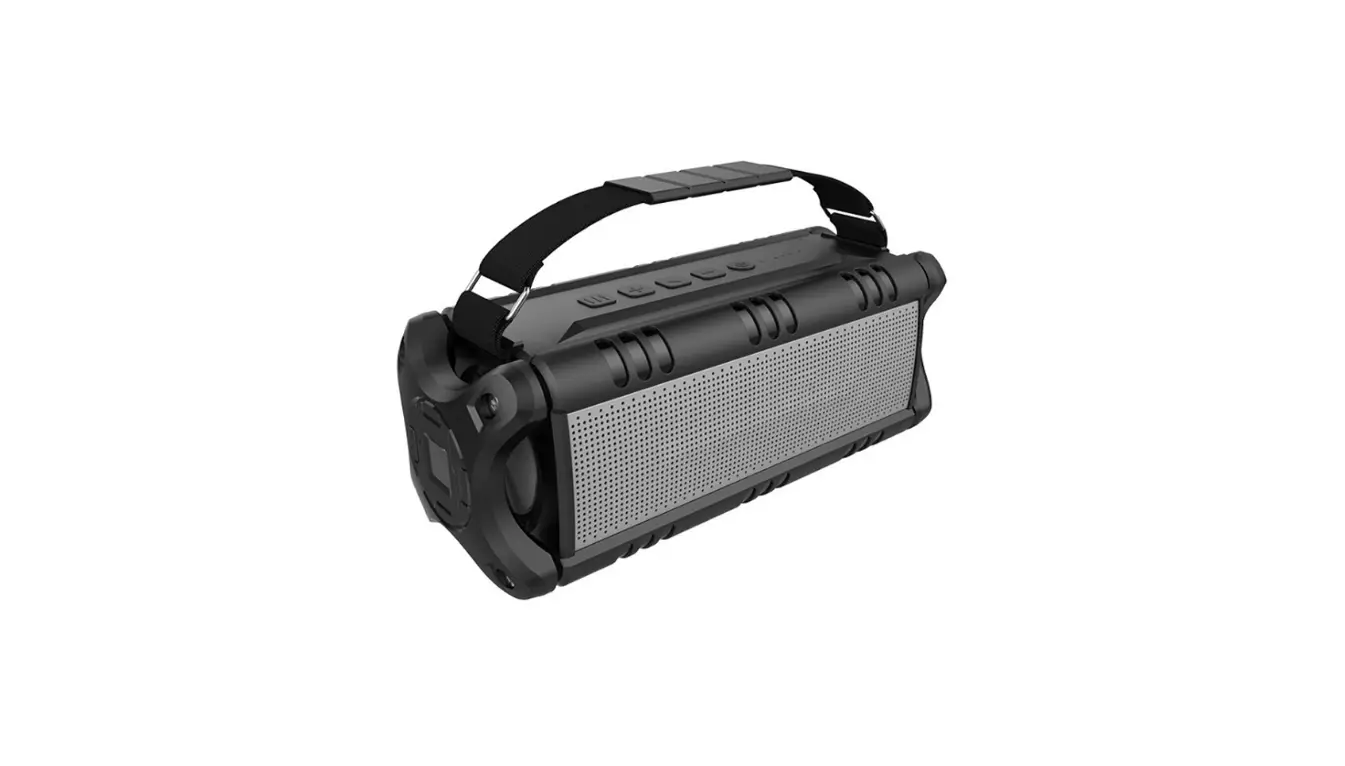
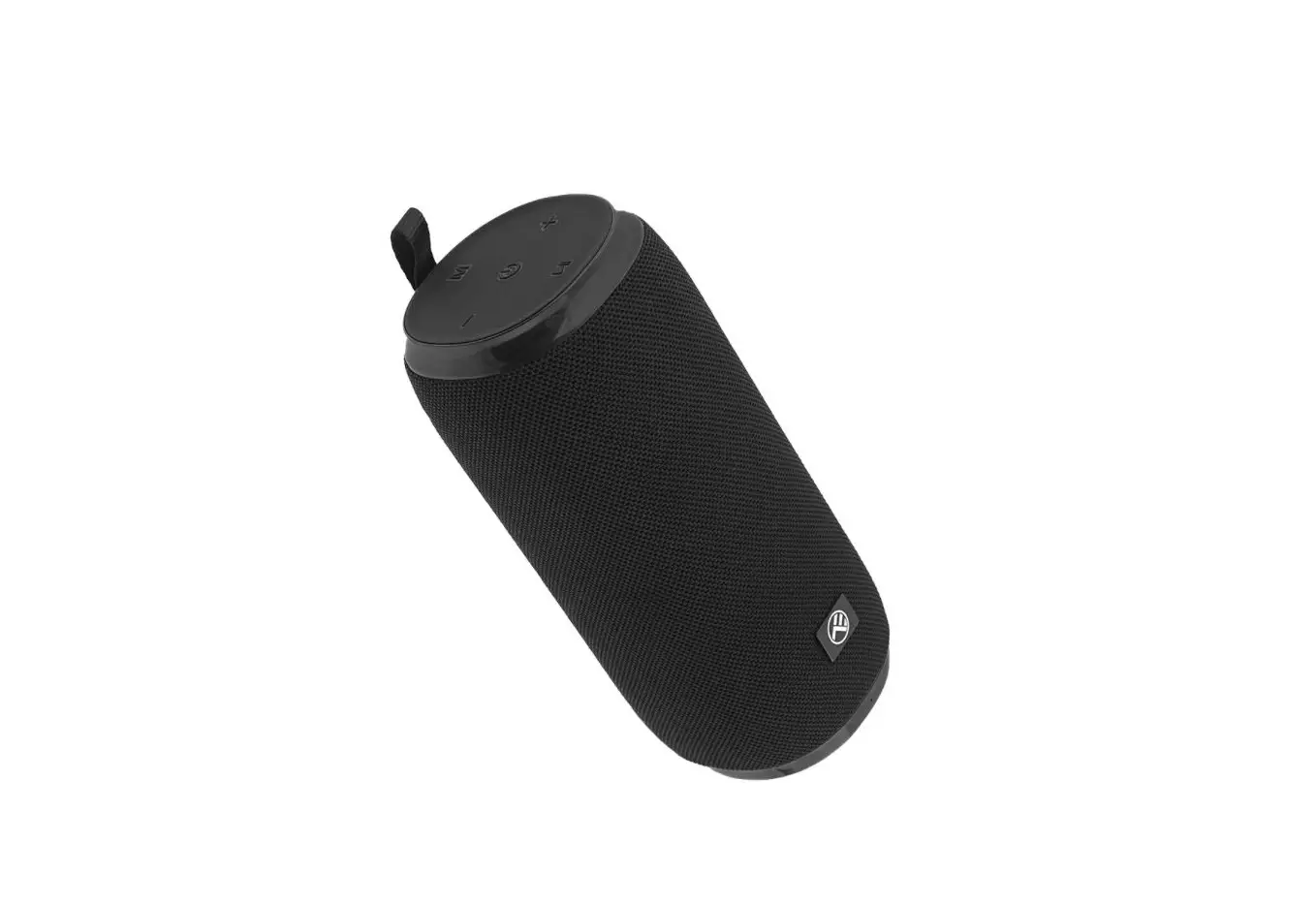
The Little Train Bluetooth Speaker (ZL-229) is a portable
speaker that allows for wireless music transmission and hands-free
voice communication through its Bluetooth feature. It also has a
USB flash disk and TF card smart decoding, which enables the
playback of MP3 music stored in them. Additionally, it has an AUX
external audio input, which allows for easy connection with
external audio sources like PCs, MP3s, and MP4s.
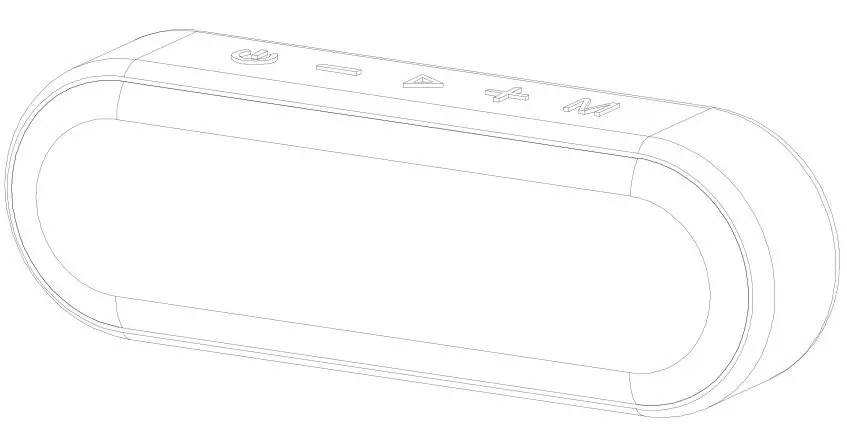
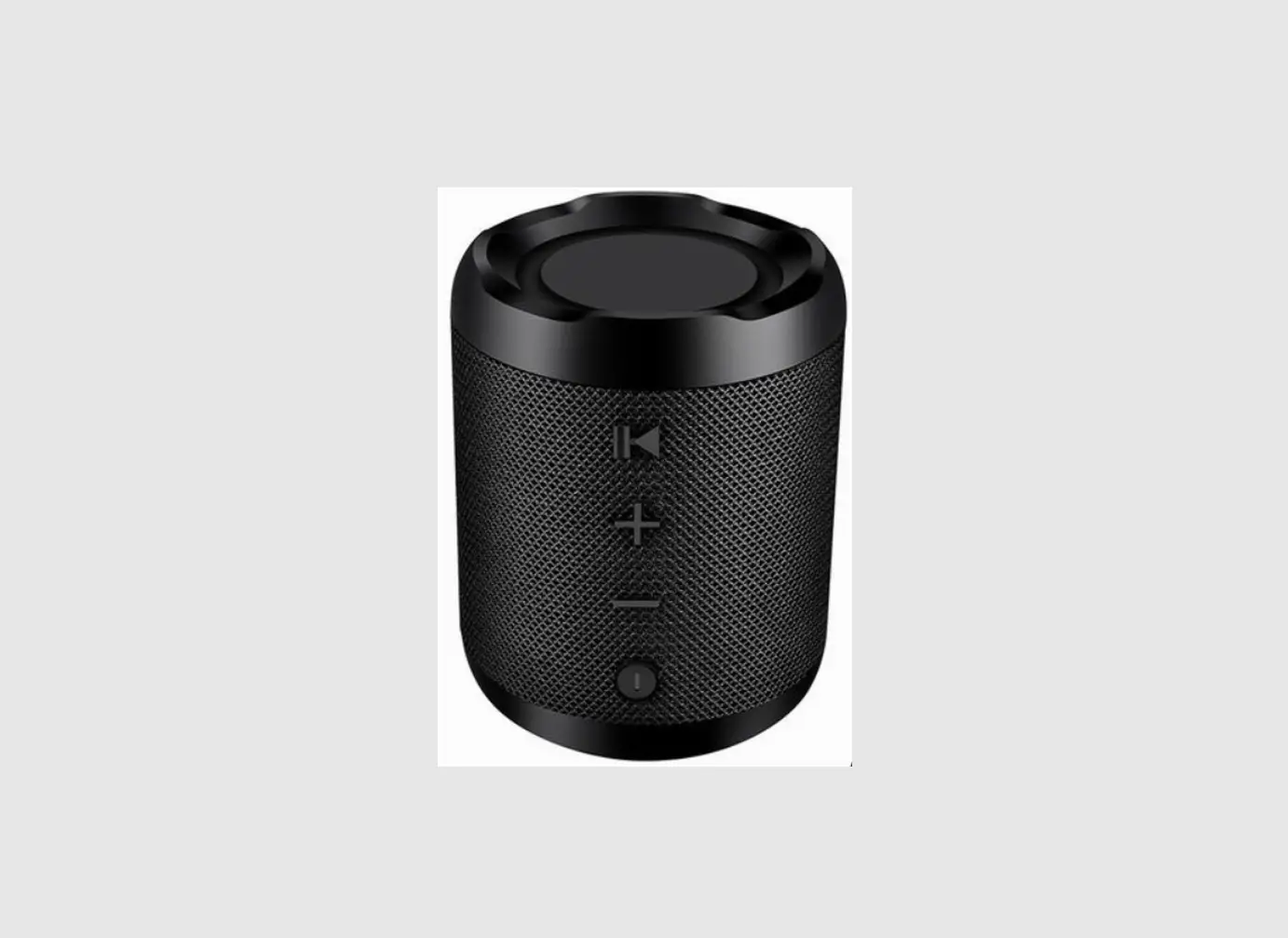
The speaker has various buttons for operation, including power
ON/OFF, play/pause, volume up/down, Bluetooth hands-free answering,
mode switch, and slots for USB, TF card, and AUX input. The speaker
also has indicators for power level, charging, and Bluetooth
connection status.
Operation Guidance
1. Button Operation:
- Press and hold the ON/OFF button for 3 seconds to power off the
speaker with a train horn whistling sound. The indicator will flash
red. - Press the V+ button to increase volume during music playback or
Bluetooth pairing. There is an audio reminder when the maximum
volume is reached. Long press for the next track. - Press the V- button to decrease volume during music playback.
Long press for the previous track. - Use the M button to switch modes between BT/USB/TF/AUX when
there is a connection of USB, TF card, or AUX input.
2. Bluetooth Mode:
The defaulted connection mode is Bluetooth. After powering on,
there will be Bluetooth Mode audio reminding with an indicator
flashing red and blue alternatively to show that it is in pairing
status. Turn on the Bluetooth in your mobile phone and find ZL-229
and finish pairing. Successful connection will be indicated with a
vocal reminding. You can playback the music in your mobile phone.
The indicator will flash blue slowly. The speaker supports auto
re-connection. After successful pairing, the speaker will reconnect
when it is within range.
- Short press the ON/OFF button to play/pause.
- Short press the V+ button to increase volume and V- to decrease
volume. - Long press the V+ button to play the previous/next track.
- The speaker will be automatically powered off if Bluetooth
connection is interrupted or there is no Bluetooth connection. - When there is an incoming call during Bluetooth playback, short
press the play button to answer the call and press again to hang
up.
3. USB Flash Disk/TF Card Mode:
After inserting a USB flash disk or TF card, there will be a
vocal reminding. The speaker plays the music stored automatically
with the blue indicator flashing slowly.
- Short press the play button to play/pause.
- Short press the V+ button to increase volume and V- to decrease
volume. - Long press the V+ button to play the previous/next track.
4. AUX (External Audio Input) Mode:
After powering on, when you insert a 3.5mm audio cable, there
will be a vocal reminding. You can use it to play music from mobile
phone, MP3, and PC. The blue indicator flashes slowly. Short press
the play button to play/pause.
Little Train Bluetooth Speake (ZL-229) User Manual
Highlights Bluetooth Feature: realizes the function of wireless music transmission and hands-free voice communication
USB Flash Disk, TF card music playback Bu1lt-1n USB flash disk and TF card smart decoding, to playback MP3 music stored
@
AUX external audio input: the supplied 3.5mm audio input plug allows a simple and easy connection with external audio source like PC, MP3, MP4, and playback the external audio
When the power voltage 1s lower than 3.3V, there 1s a low powe indication with the
)
tail indicators flashing red slowly and voice reminding. Recharge the battery 1s required After Bluetooth paring with a mobile phone, there 1s power level ind1cato
showing 1n the phone. It automatically powers off 11 the battery voltage is lower than 3.2V
Description of the Buttons and Ports·
CD cD @©® ®(J)
1. Power ON/OFF, Play/Pause 2. Power On indicator 3. V+,Volume up 4. Bluetooth Hands-free Answering 5. V -,Volume down 6. Bluetooth lndicatolight 7. M, Mode Switch
8 Battery Charging Indicator 9. TYPE-C Charging Port 10. Slot for TF card 11 Slot for USB 12. Slow for AUX Input
Opeation Guidance 1. Button Operation 1)Press and hold the ON/OFF button 3 seconds, the speaker will be powered off with a train horn whistling
The indicator will flash red 2)V+ button: during music
palnadybbalucek,aslhteorrntaptriveeslsy
to emind V+ button
Bluetooth pairing to increase volume
There
1s
a
audio
reminding
when the maximum volume is reached. Long press for the next track 3)V- button: during music playback, short press V -button to decrease volume Long pess for the previous
tack. 4)M button. you can use this button to switch modes between BT/USBfTF/AUX when the is connection of USB, TF card or AUX input 2 Bluetooth Mode The defaulted connection model 1s Bluetooth. After powering on, there 1s “Bluetooth Mode” audio reminding, with indicator flashing red and blue alternatively to show that 1t is 1n pairing status. Turn on the Bluetooth 1n
your mobile phone and find “ZL-229 and finish pairing. Successful connection will be indicated with a vocal reminding You can playback the music 1n your mobile phone. The ind1cato will flash blue slowly s speaker supports auto re-connection. After successful pairing, the speaker will reconnect when it 1s
uwrinegreBdlounet.ooth playback, you can short press ON/OFF button to play/pause, short press V+N-to
increase/decrease volume and long press V+, V -to play the previous/next track The speake will be automatically powered off if Bluetooth connection 1s interrupted or there 1s no Bluetooth Wcohnennecthtioenrem1soaretethleapnh5onmeincuatlel,sshort press play button to answer the call and press again to hang up Long
ArfetUesrSspBtooFwleearseihncgtDao1nsnkd,fwdTFohueCbnaleyrJo’uOeipnsessretarottiocaanUllSthBefnlausmkbdeiskoof rthTeFlacsatrdin,ctohmeriengwcillablle a vocal emind1ng The
speaker plays the music stoed automatically with blue indicator flashing slowly Short press play button to play/pause, short pess V+N-button to increase/decrease volume, and long pess V+N-to play the
previous/next track
4. AUX (External Audio Input) After powering on, when you insert a 3.5mm audio cable, thee will be a vocal emind1ng. You can use 1t to play music from mobile phone, MP3 and PC. The blue indicator flashes slowly Short press play button to play/pause
Technical Parameters Product name: Little Train Bluetooth Speaker Audio format MP3 USB flash disk/TF card Storage from 128MB to 32GB supported Bluetooth Version :53 Function: audio wireless playback, hands-free voice communication Frequency: 2402-2480MHz Reception Distance up to 10mAUX (audio input) 3.5mm is support ed S/N: 70dB Output power 1x 6W Standby current: 30mA Power off current20uA Charging voltage: 5V/1A Charging current 500-800mA Charging time: about 4 hours Playback time: 10~12 hours Battery Type aluminum shell lithium (3.7V) Capacity: 2400mAH Specification ZONYOU 18500 2400mAH Grade A Speaker: Type Built-in Speaker: <!>52mm 4 0 6W Alnico performance N42 Higher performance Alnico quantity: double Audio characteristics Full band Product dimension: 150mm(L) 108mm(H) 85mm(W) Product weight” 280g
FCC Warning
This device complies with Part 15 of the FCC Rules. Operation 1s
subject to the following two conditions:
(1) This device may not cause harmful interference, and (2) this device
must accept any interference received, including interference that may cause undesired operation.
NOTE 1: This equipment has been tested and found to comply with the limits for a Class 8 digital device, pursuant to part 15 of the FCC
Rules. These limits are designed to provide reasonable protection against harmful interference in a residential installation. This equipment generates, uses and can radiate radio frequency energy and, if not installed and used in accordance with the instructions, may cause harmful interference to radio communications. However, there is no guarantee that interference will not occur in a
particular installation. If this equipment does cause harmful interfer ence to radio or television reception, which can be determined by turning the equipment off and on, the user is encouraged to try to correct the interference by one or more of the following measures: – Reorient or relocate the receiving antenna. – Increase the separation between the equipment and receiver -Connect the equipment into an outlet on a circuit different from that to which the receiver is connected. -Consult the dealer or an experienced radio/TV technician for help.
NOTE 2: Any changes or modifications to this unit not expressly
approved by the party responsible for compliance could void the user’s authority to operate the equipment.
The device has been evaluated to meet general RF exposure requirement. The device can be used in portable exposure condition without restriction.