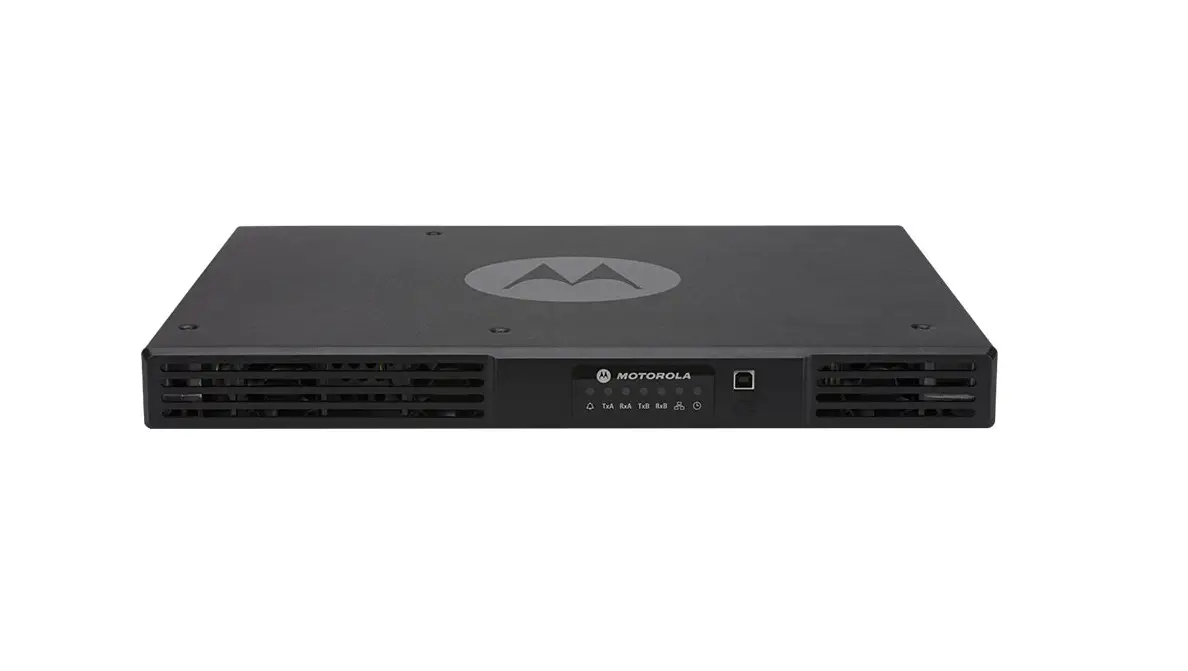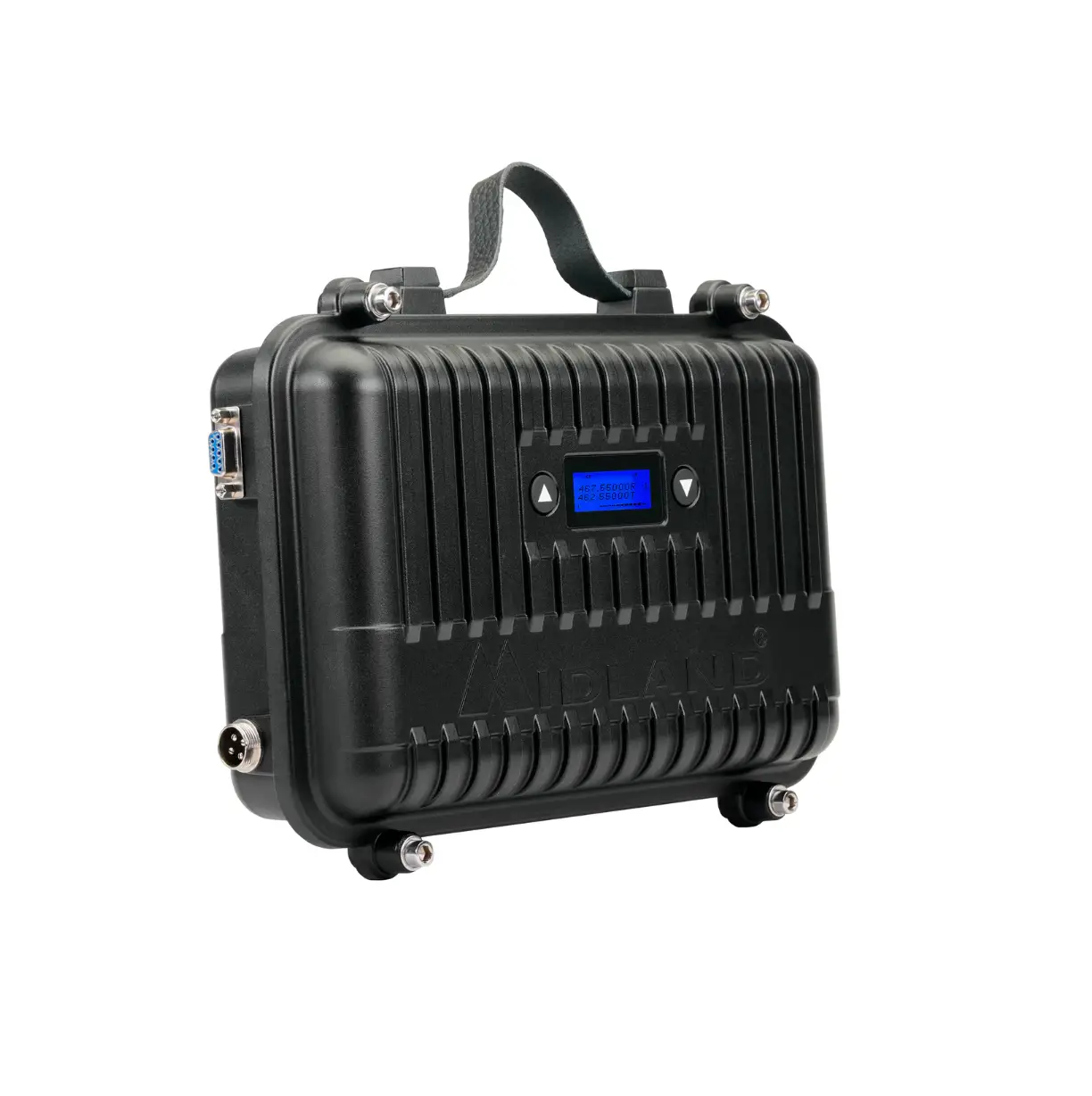
MIDLAND MXR10 GMRS Repeater
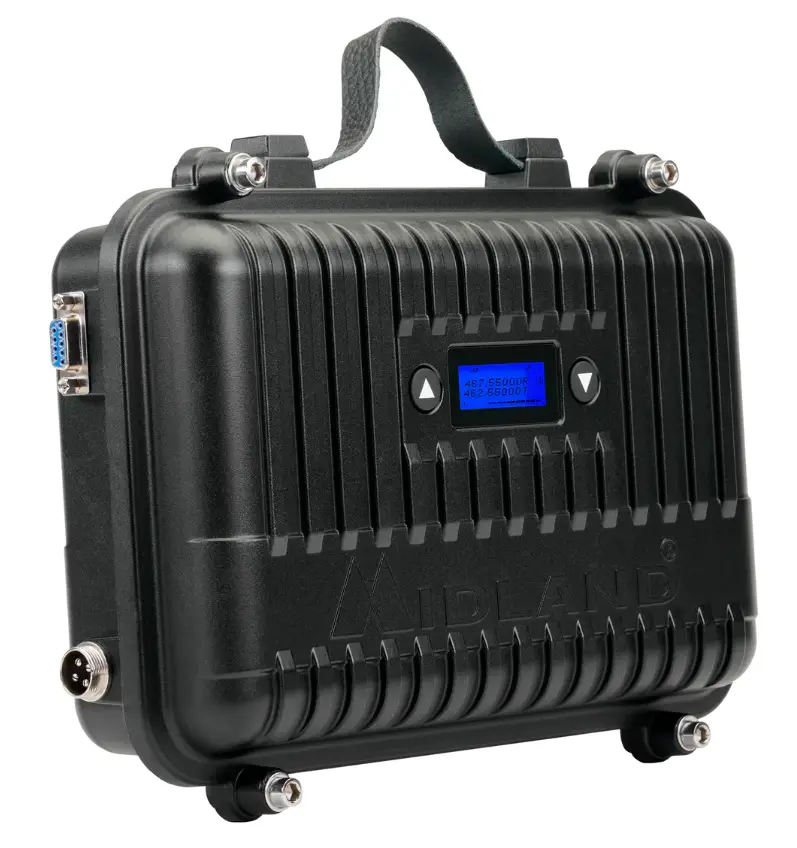
OVERVIEW
GET STARTED
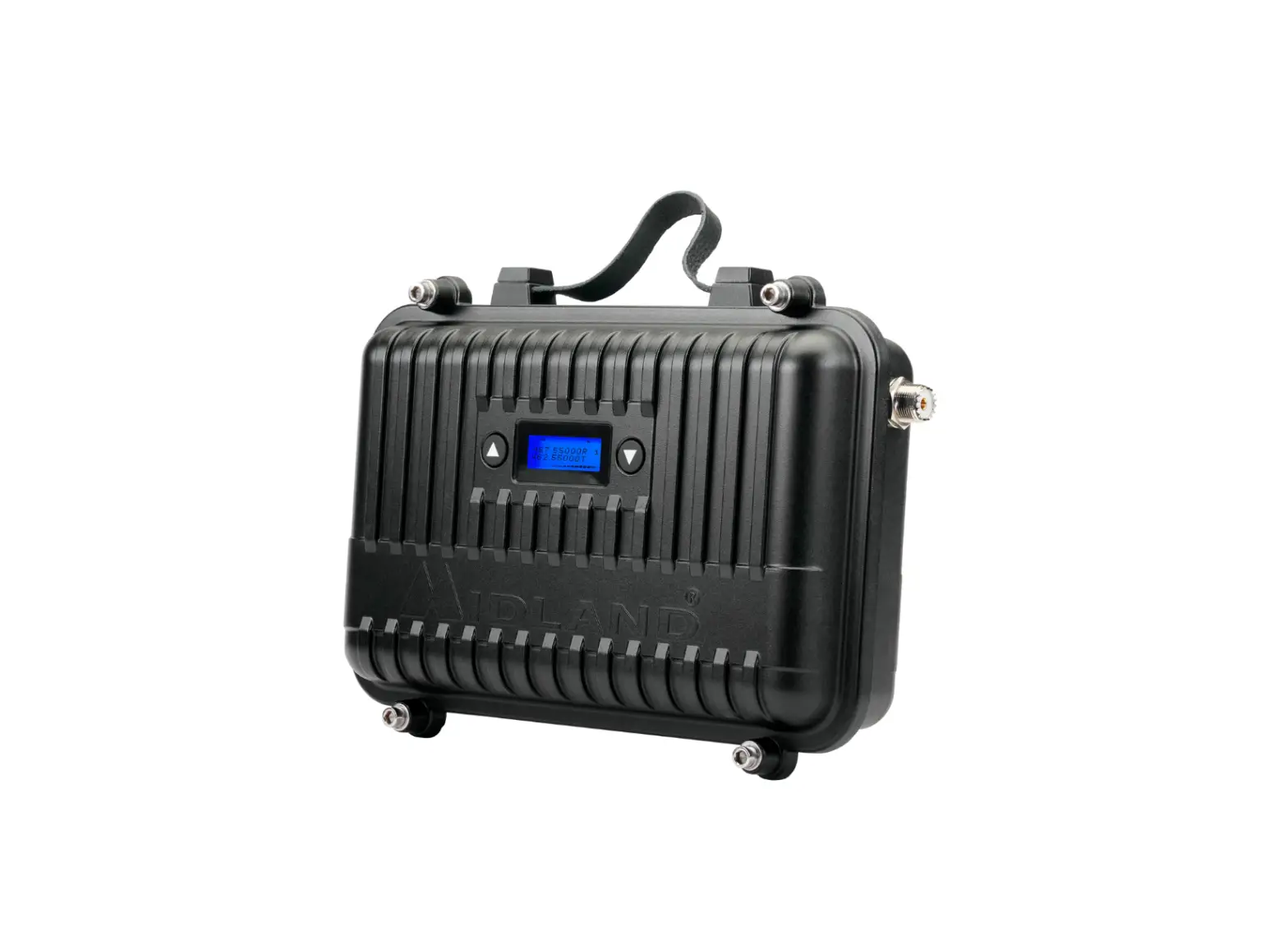
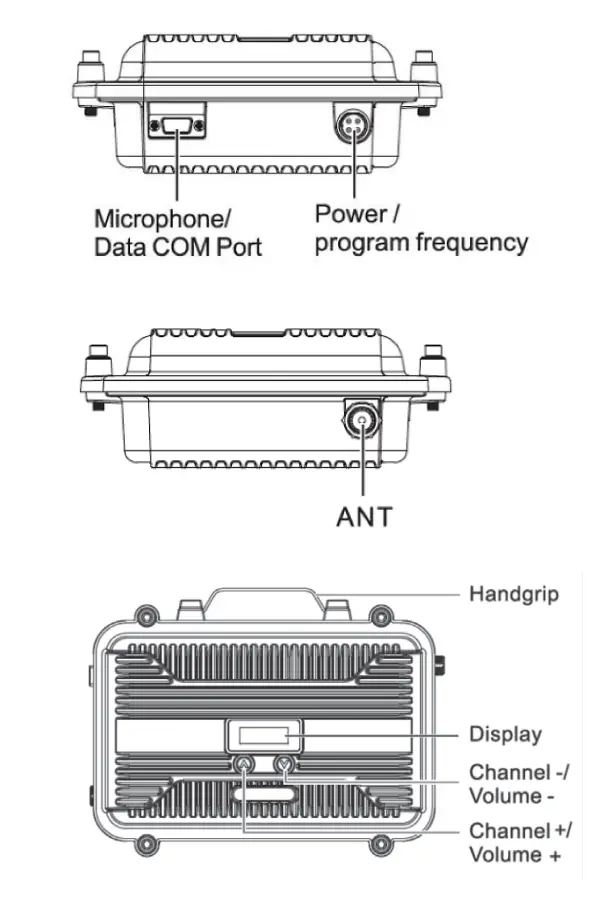
- Attach the Power Supply to the Power Port on the MXR10.
- Plug the Power Supply into an outlet and the Repeater will power on automatically.
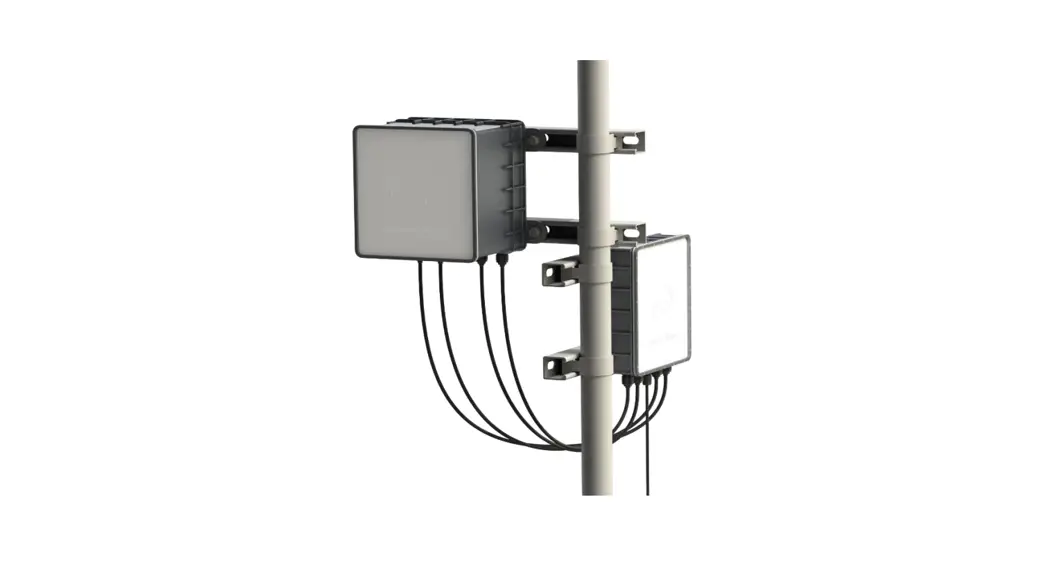
- Connect Antenna Cable to SO239 Antenna Jack on MXR10.
- Connect Antenna Cable to Antenna & Mount as high as safely possible.
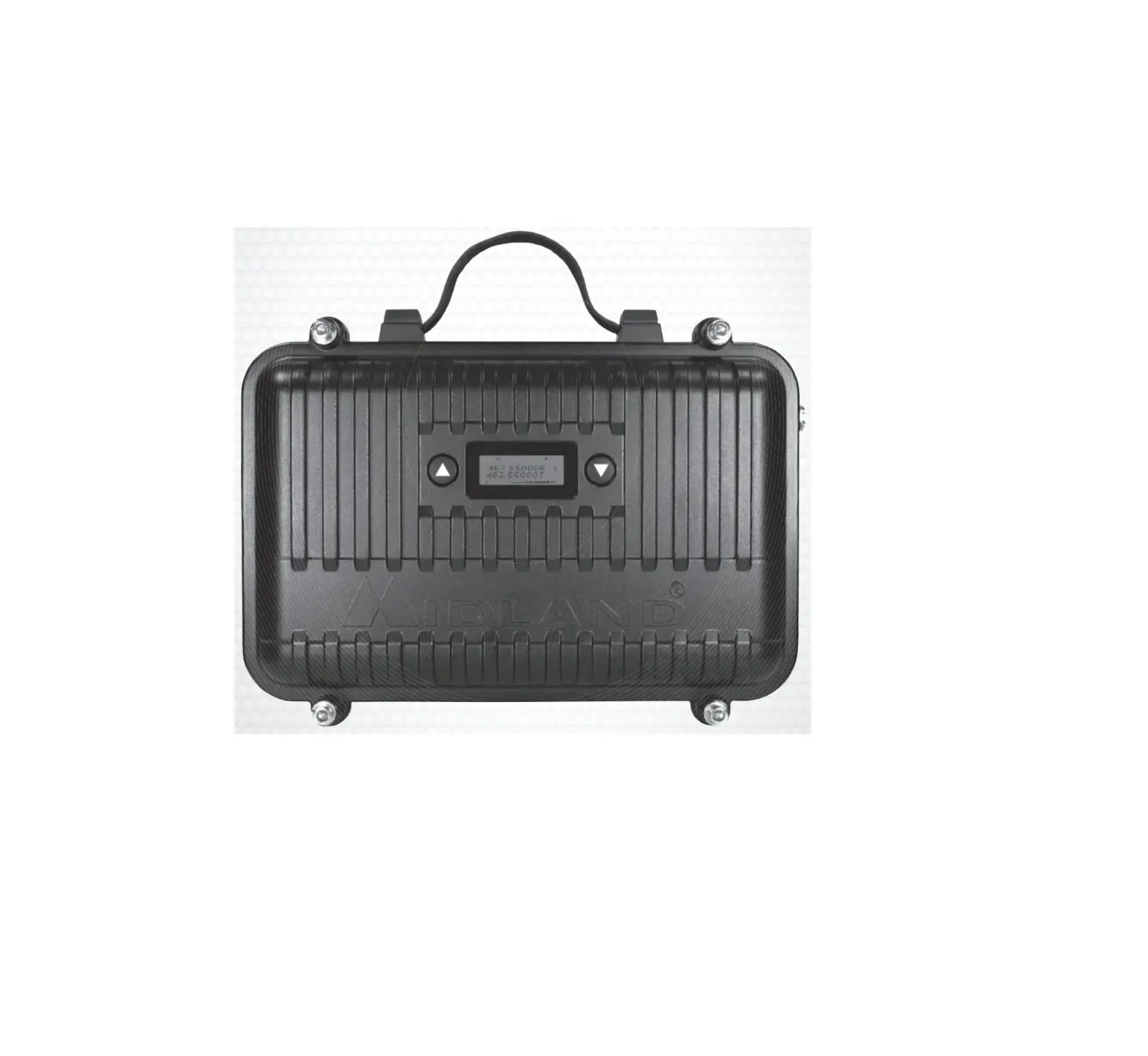
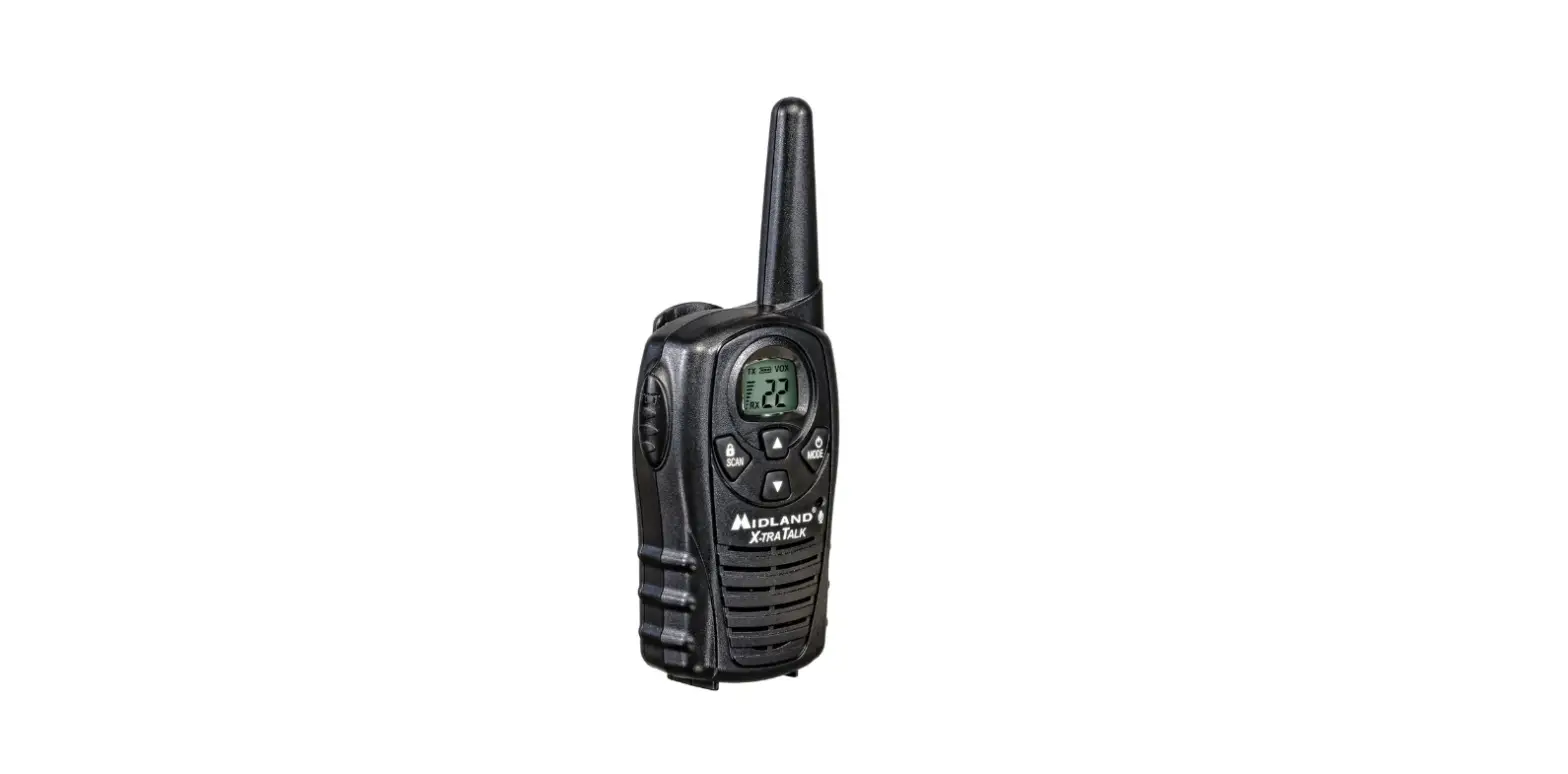
- Short press the up or down arrow to increase or decrease the volume .
- Long press the up or down arrow to scroll through channels..
- Short press both arrows at the same time to view the current channel CTCSS/DCS settings.
- Long press both arrows at the same time to toggle the keypad lock on/of.
- To Power Down, simply disconnect the Power Supply from the MXR10 Repeater.
CUSTOMER SUPPORT
©Midland Radio Corporation
Features and specifications subject to change without notice. 11/21
midlandusa.com