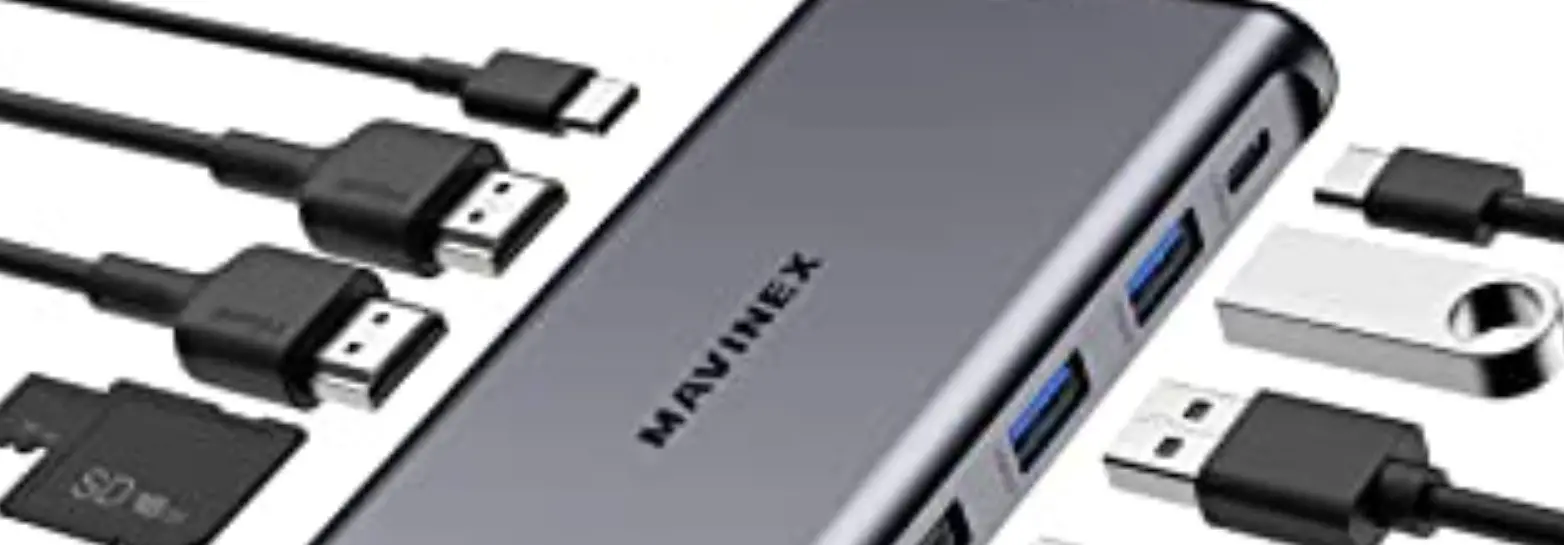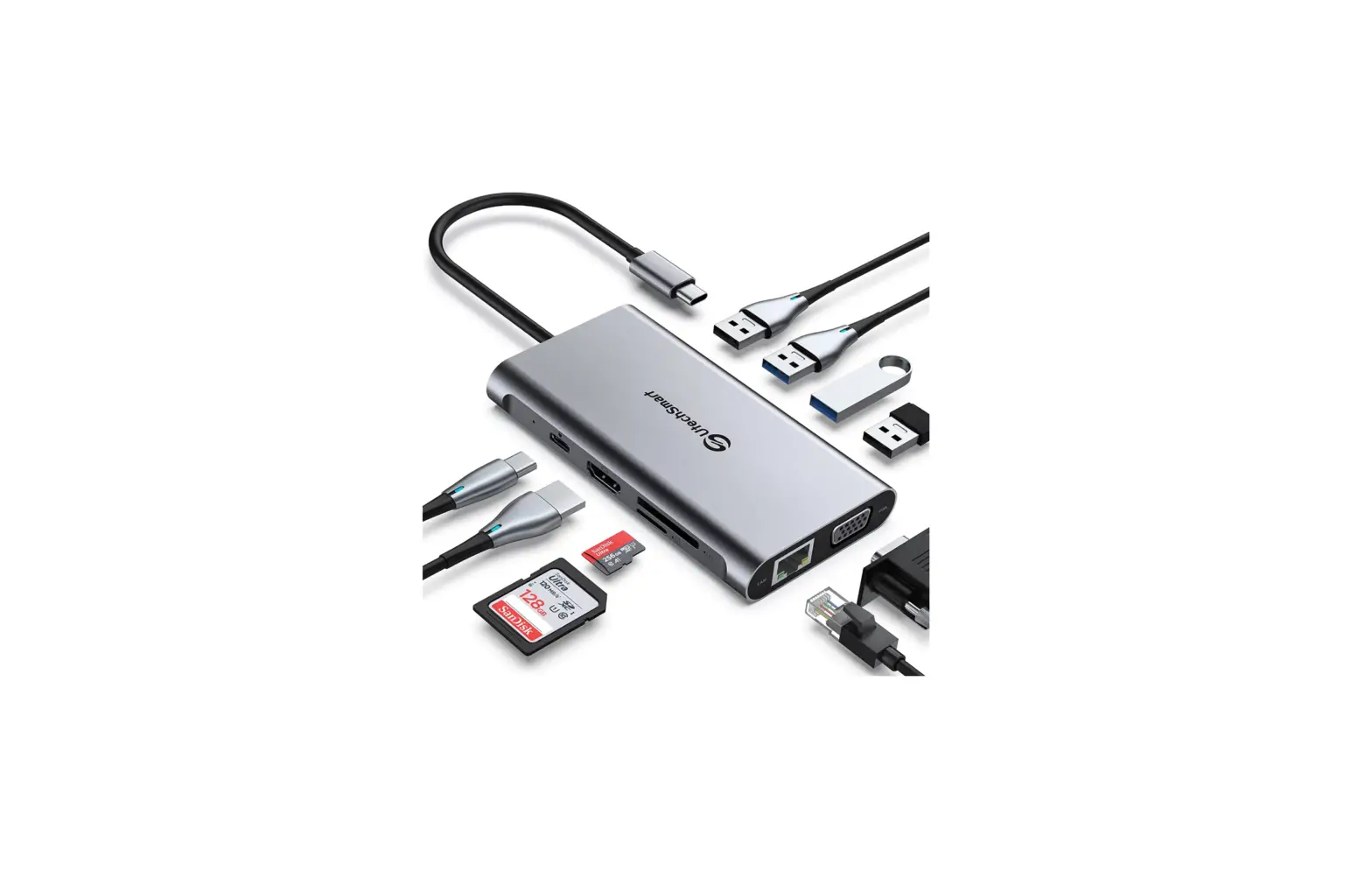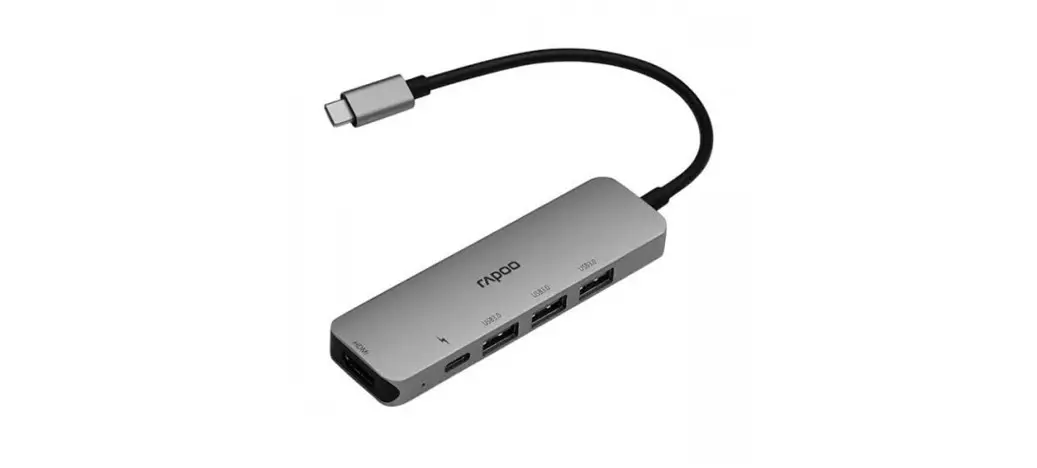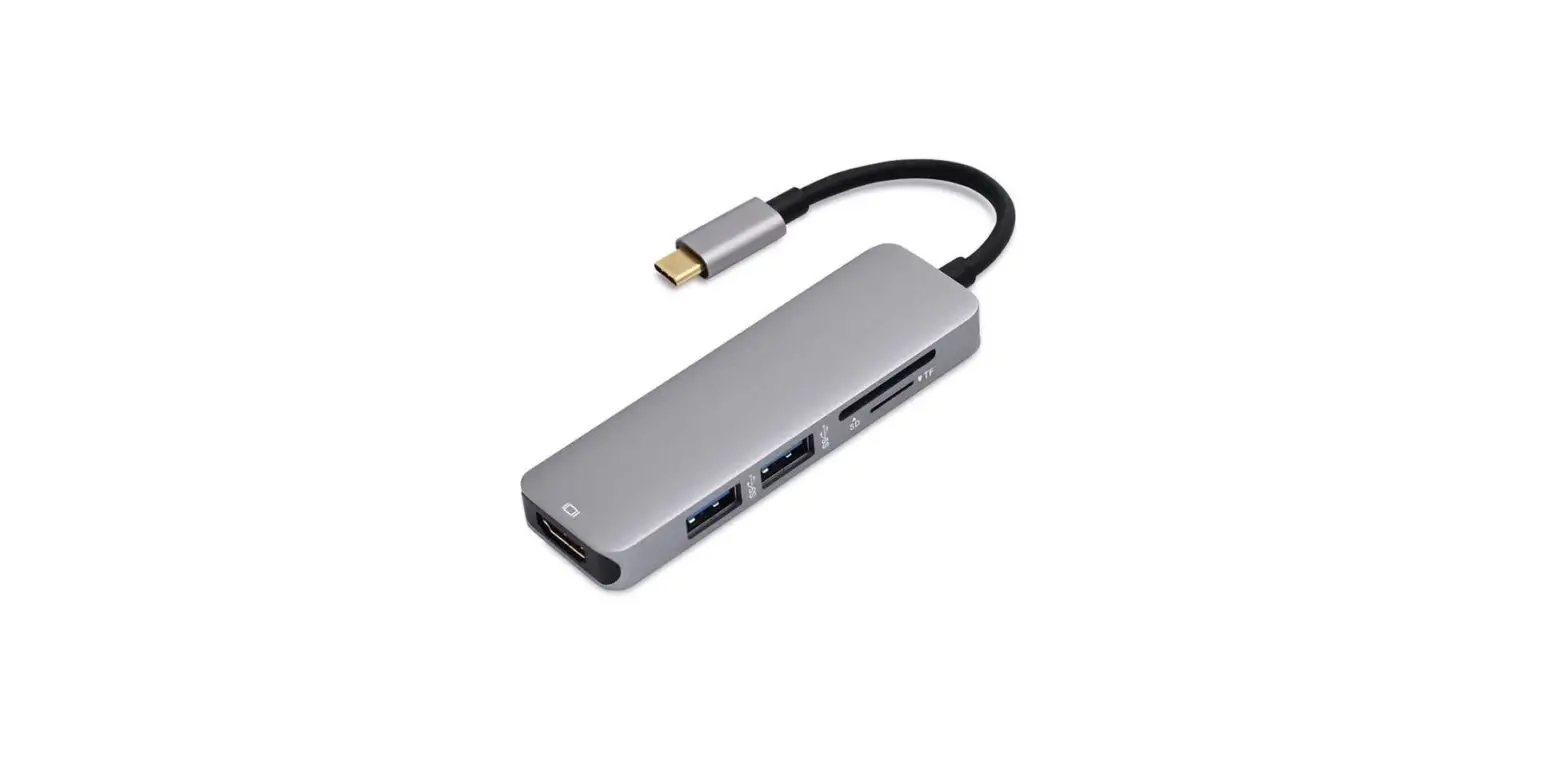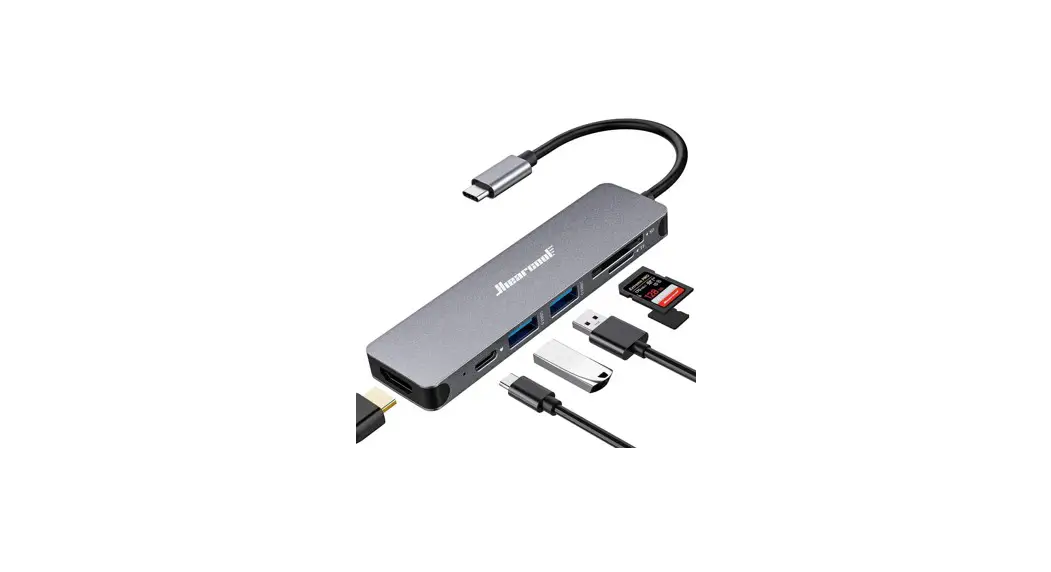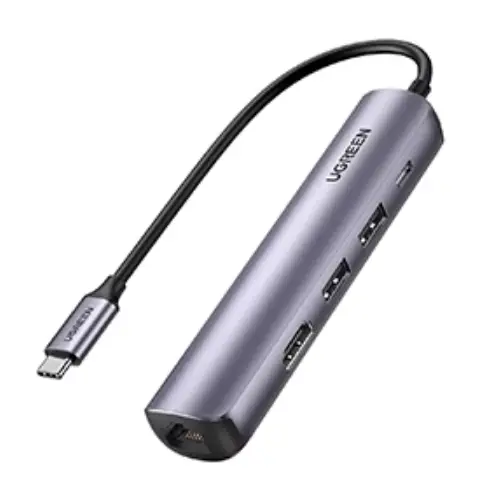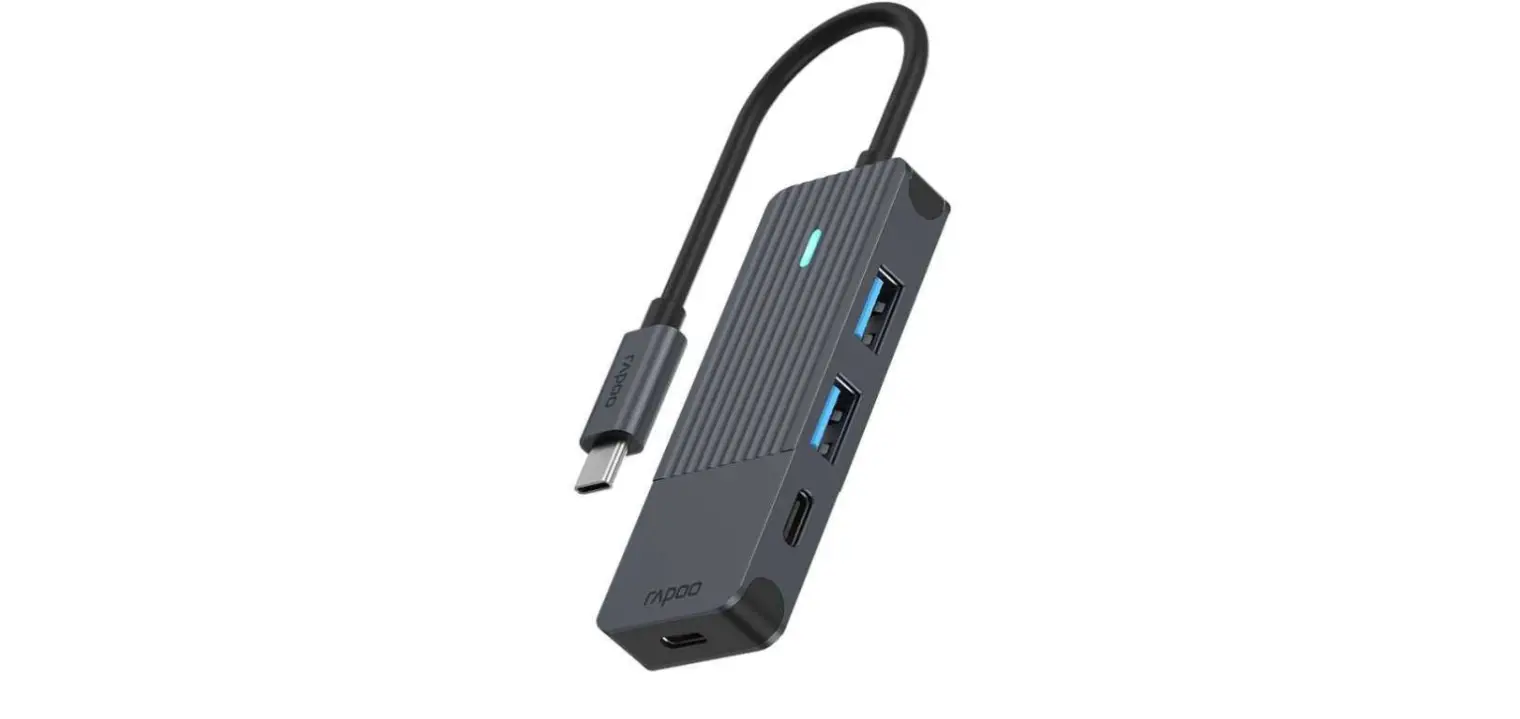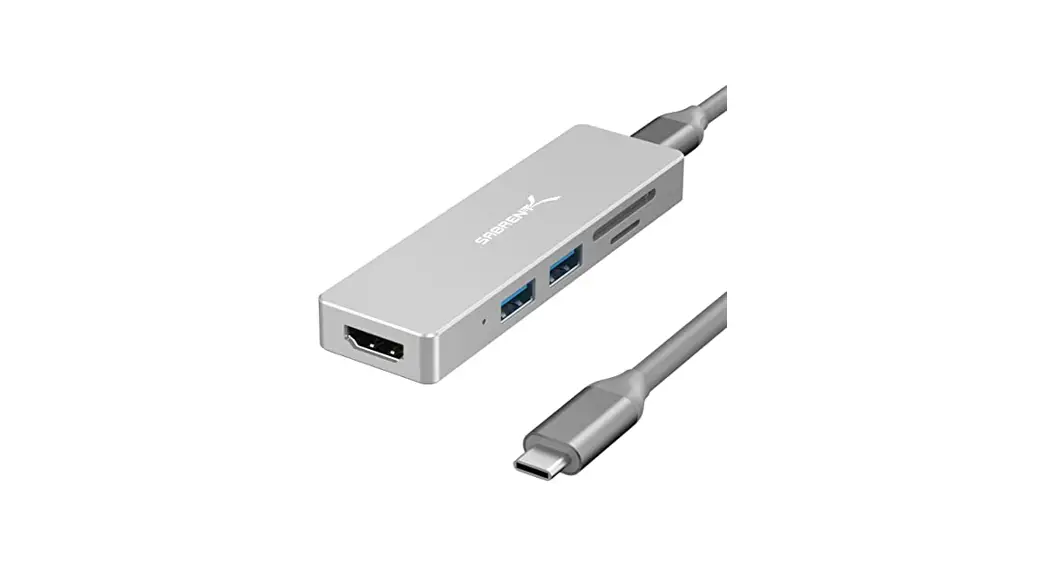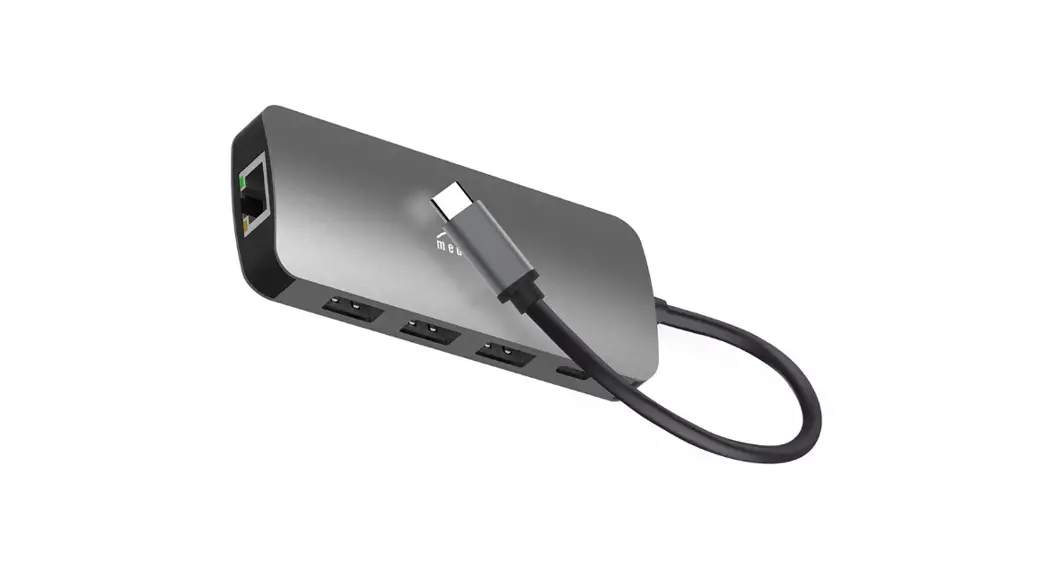
MAVINEX M01 Link PD Pro USB-C Hub User Manual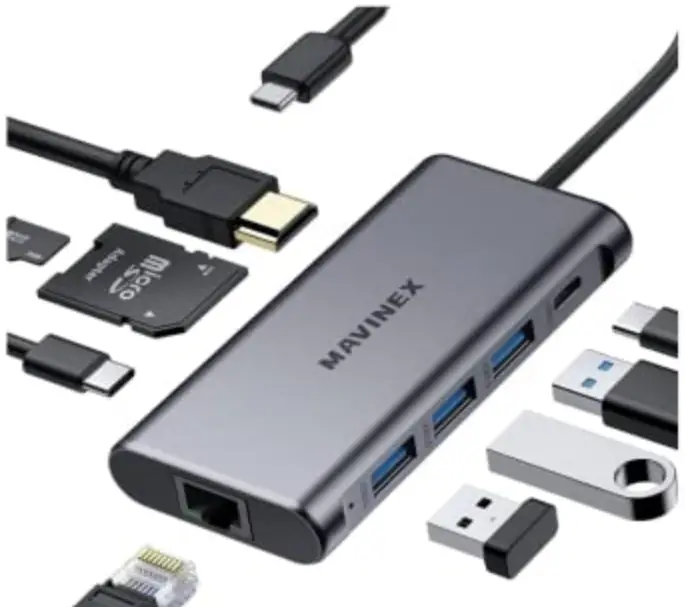
Thank you for purchasing the MAVINEX MOl Link PD Pro USB-C Hub. Please read this user manual carefully and keep it for future reference. If you need any assistance, please contact our support team with your product model number and Amazon order number.
Package Contents
- Link PD Pro USB-C Hub
- User Manual
- Warranty Card
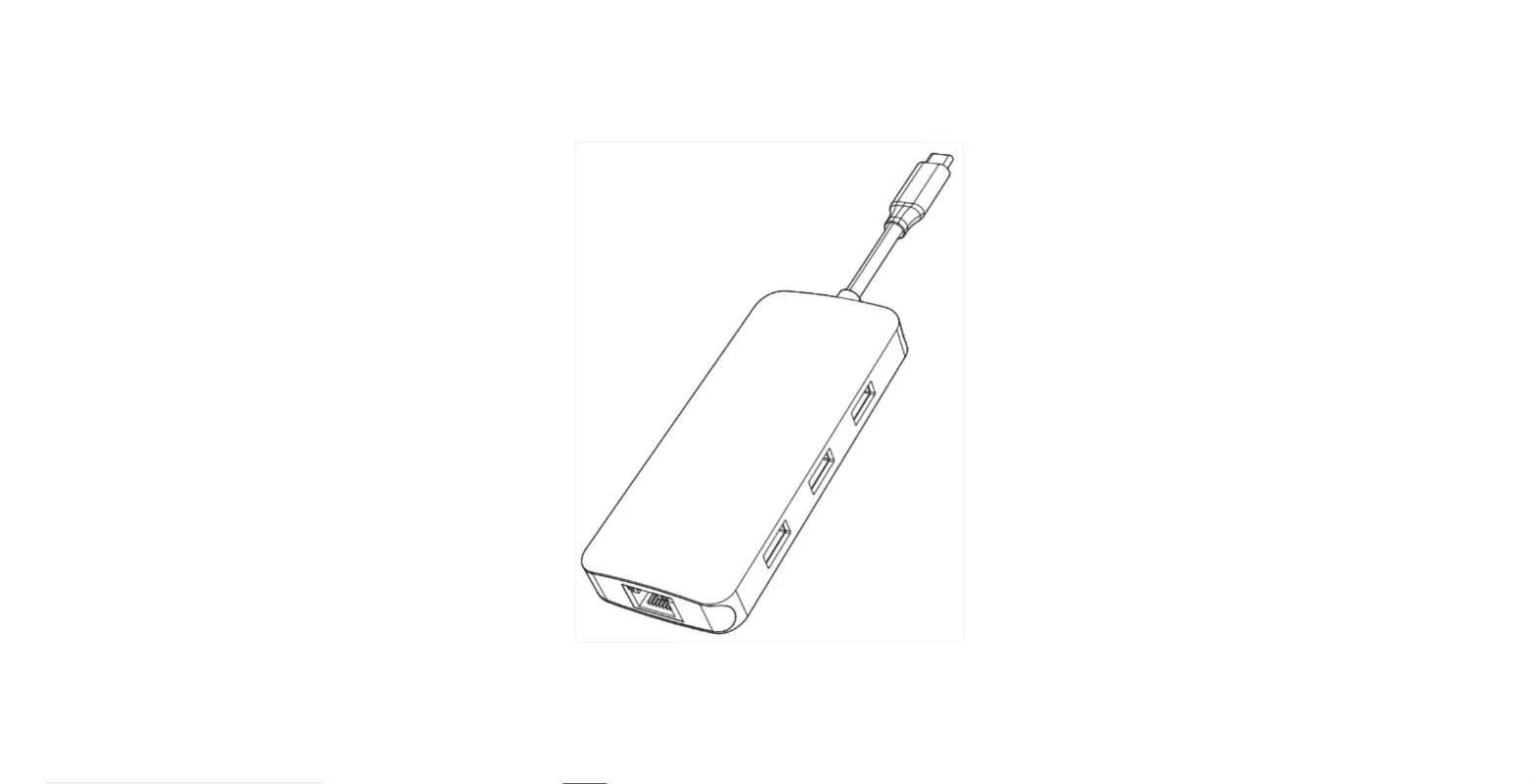
Product Diagram
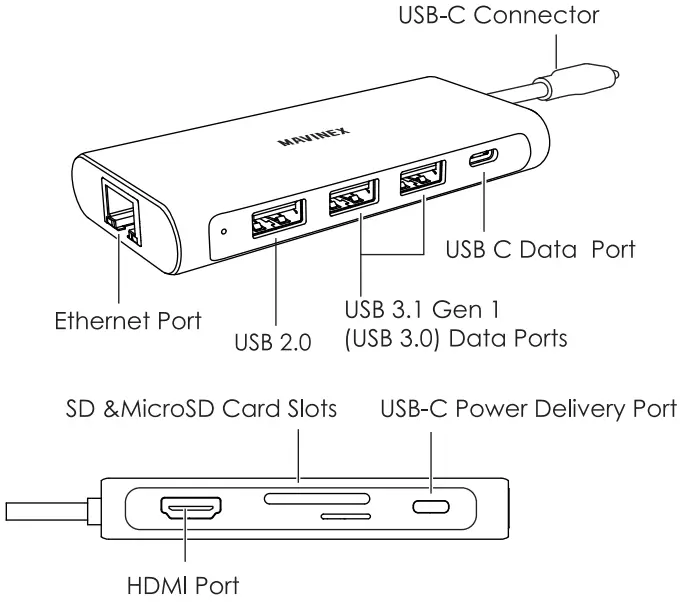
Specification
| Model | MO1 |
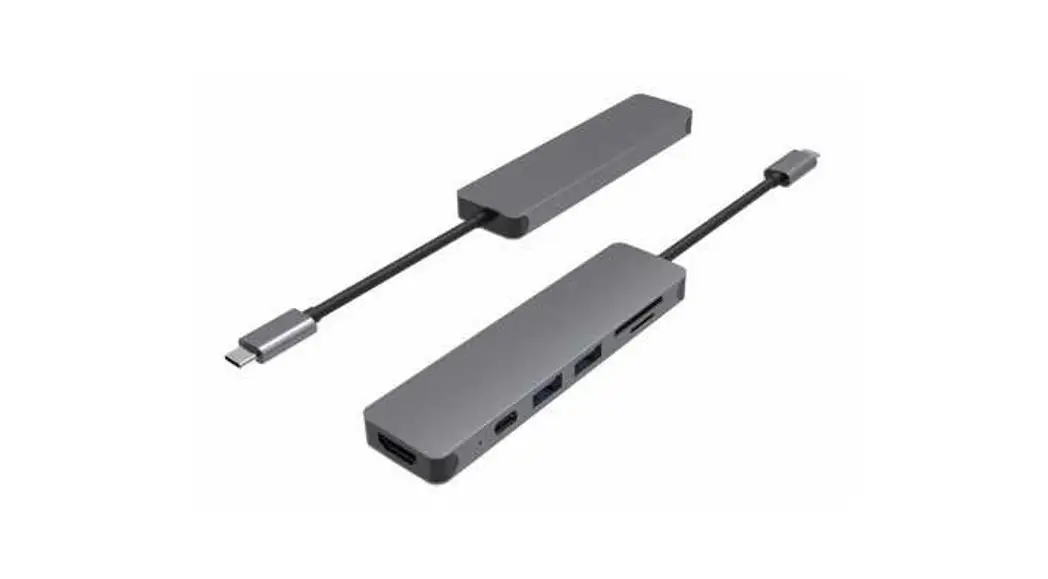
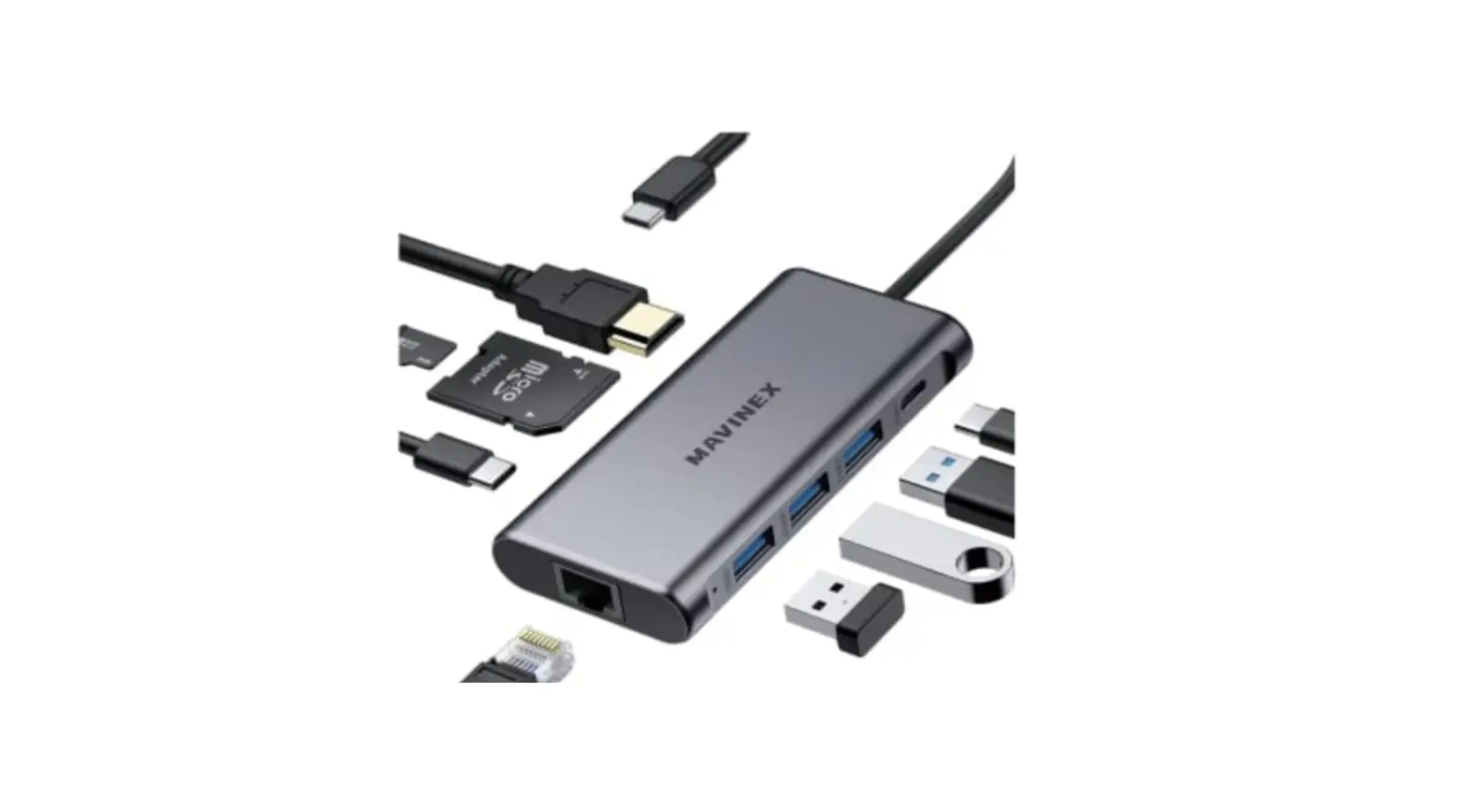
| Interfaces | 2 USB 3.1 Gen 1 (USB 3.0) 1 USB 2.0 data ports HDMI port Ethernet port USB-C Power Delivery port USB-C data port SD & microSD card slots |
| Connector | USB-C |
| USB-C Power Delivery Input | DC 5V-20V 5A (up to 100W) |
| USB Data Port Output | DC 5V 900mA (Max) |
| USB Data Transfer Speed | USB 3.0 / USB-C: 5Gbps |
| HDMI Display Resolution | Up to 4K@30Hz |
| SD & MicroSD Card Compatibility | MicroSD, MicroSDHC, MicroSDXC, SD, SDHC, and SDXC cards |
| SD & MicroSD Card Capacity | Up to 2TB |
| SD & MicroSD Card Data Transfer Speed | Up to 5Gbps |
| Material | ABS, PC, Aluminum alloy |
| Cable Length | 200mm / 7.84″ |
| Dimensions | 100.1 x 48 x 14.7mm / 3.94″ x 1.89″ x 0.58″ |
| Weight | 77g / 2.71oz |
Getting Started
1. Plug the MOl into a USB-C port on your laptop. The power indicator will light up green 2. Connect your memory cards, USB peripherals (like mouse, keyboard, flash drive), Ethernet cable, and HDMI display to the hub
Product Care & Use
- Connect this hub to your host device first before connecting other devices to the hub.
- Use your laptop’s original power adapter to charge your laptop via the USB-C Power Delivery port on this hub
- When connecting an external hard drive or multiple devices to this hub, connect your laptop’s power adapter to the USB-C Power Delivery port first because your host device may not deliver the required power.
- When using the USB 3.1 Gen 1 data ports and USB-C data port, the power demand of connected devices shouldn’t exceed the total current output of 900mA. These ports are not recommended for charging due to lower output.
- Keep away from liquids and extreme heat.
Warranty & Customer Support
For questions, support, or warranty claims, contact us at the address below that corresponds with your region. Please include your Amazon order number and product model number.
Amazon orders: [email protected]
Please note, MAVINEX can only provide after sales service for products purchased directly from MAVINEX. If you have purchased from a different seller, please contact them directly for service or warranty issues.
Support
Shenzhen Dotsen E-Commerce Co., Ltd
www.mavinex.net
[email protected]
Room 2116, No.98 Pingxin North Road,
Shangmugu Section, Pinghu Street,
Longgang District, Shenzhen, China