Contents hide

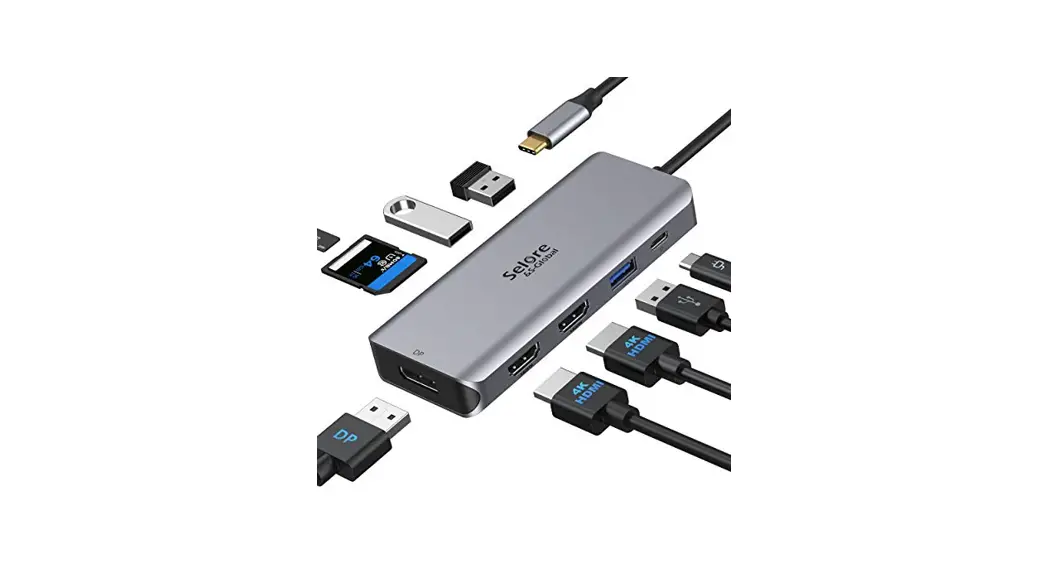
S-Global UC0511 Multifunction USB-C Hub
Product Introduction
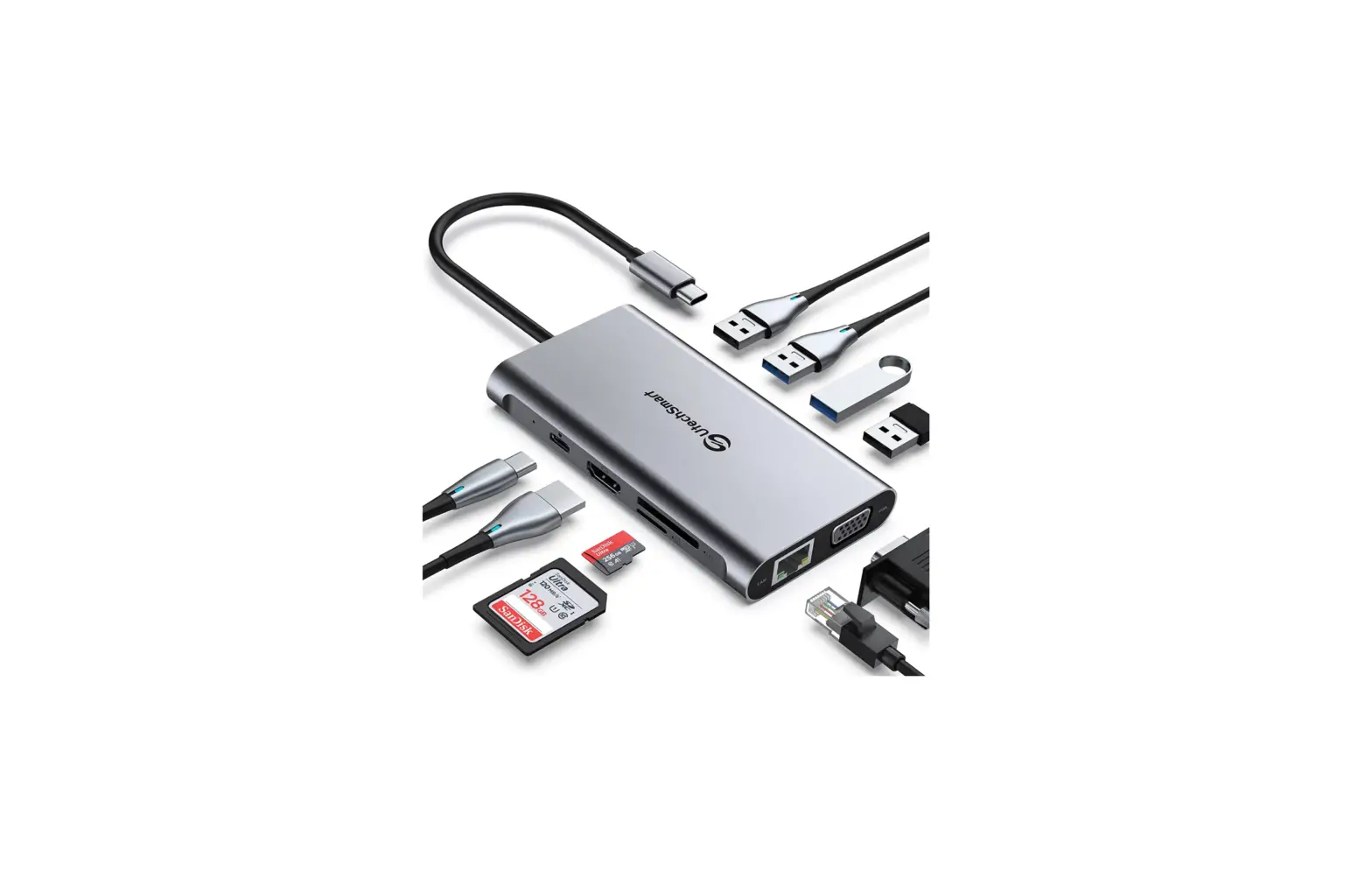
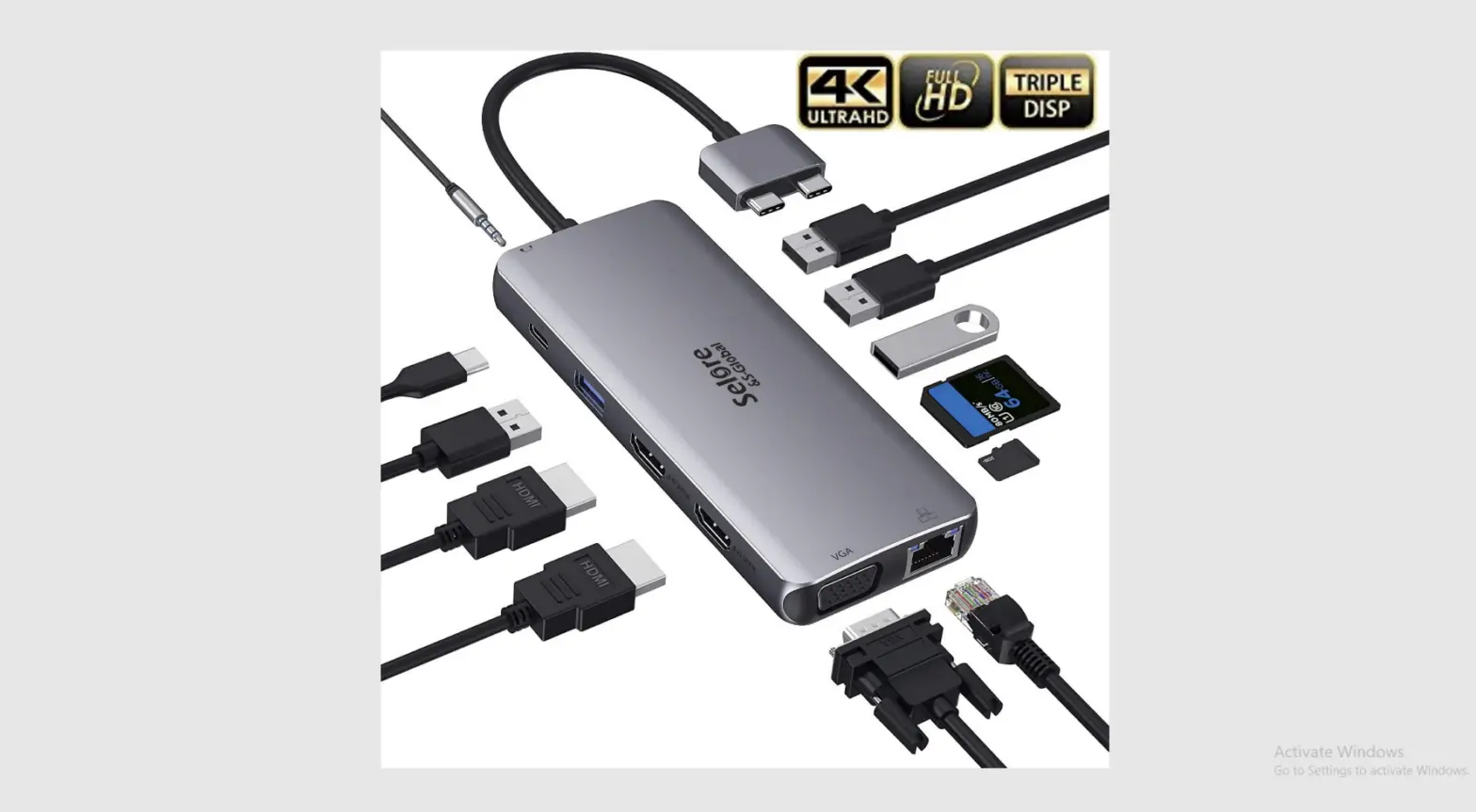
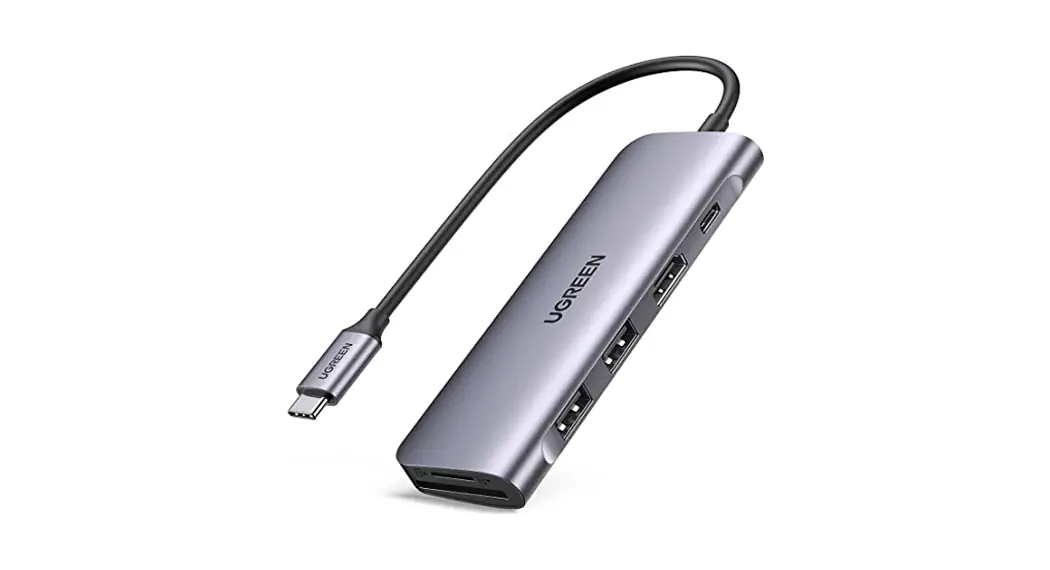
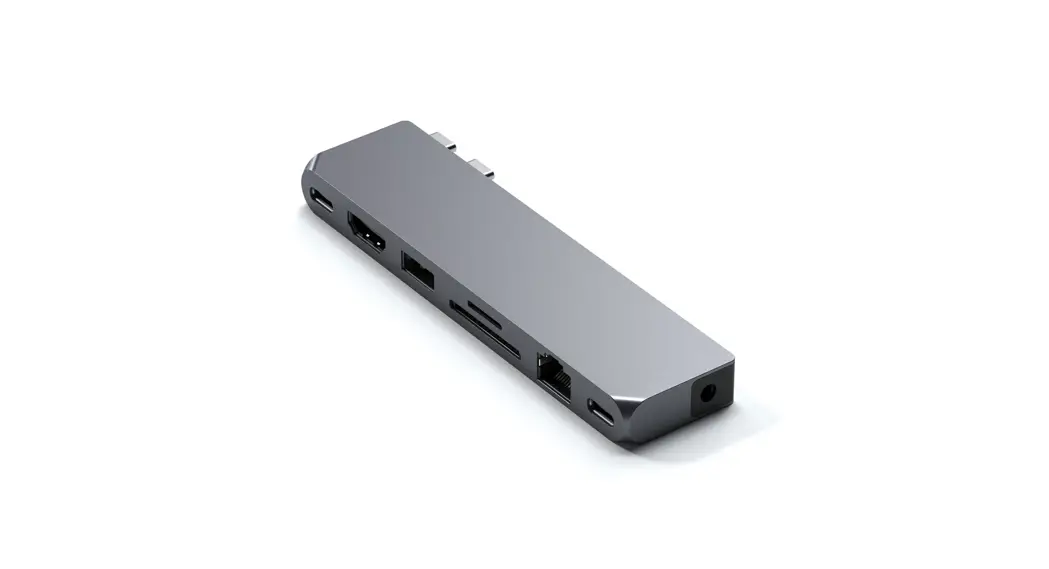
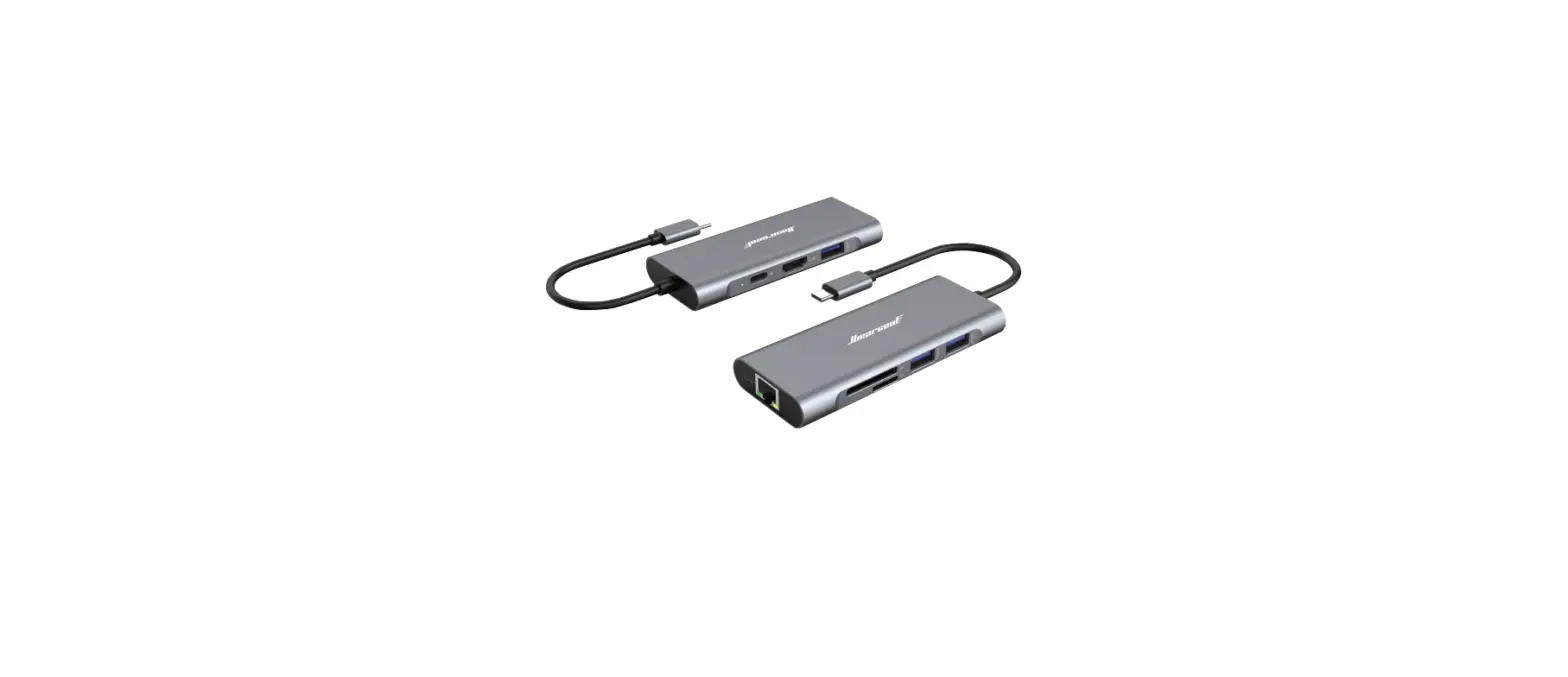
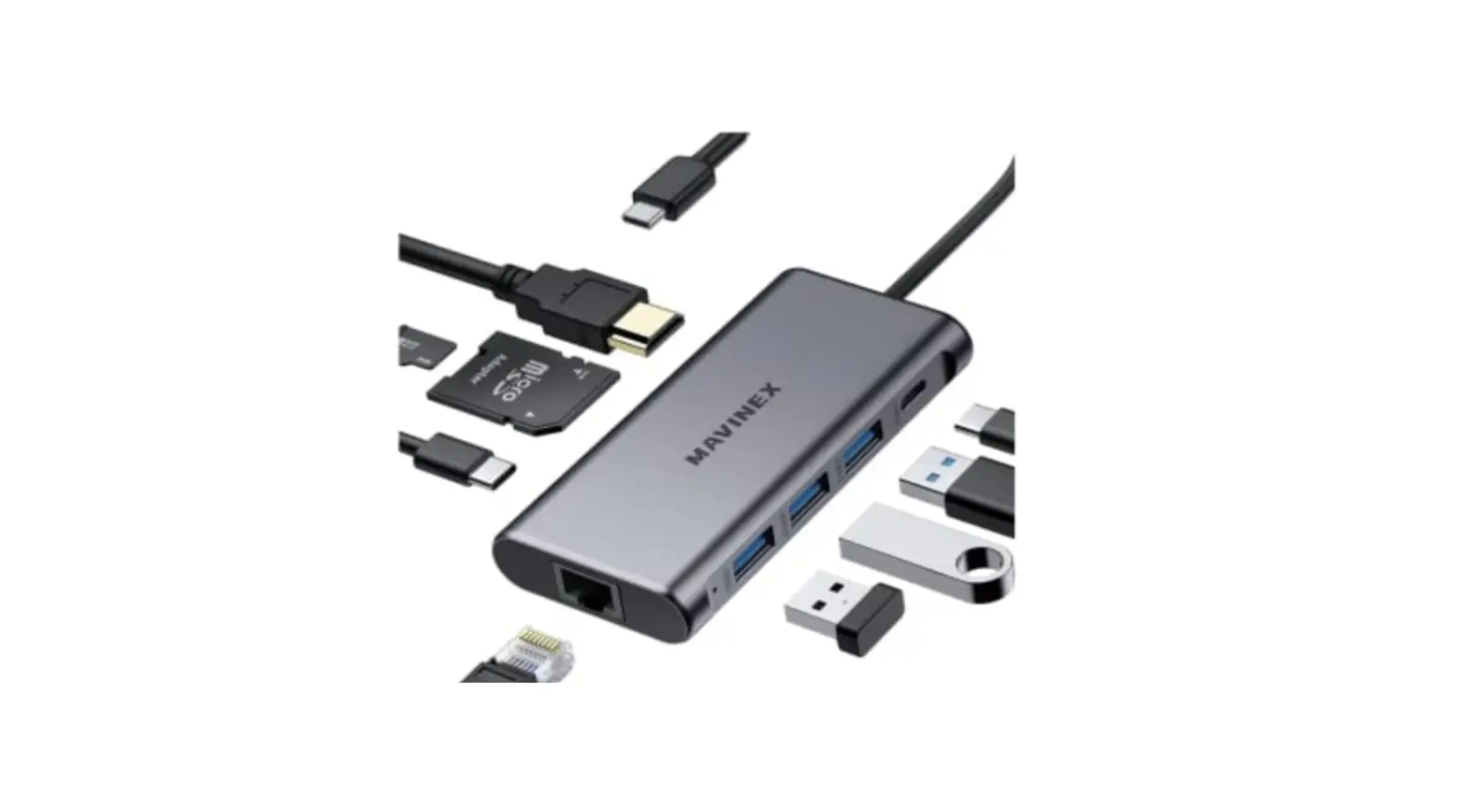
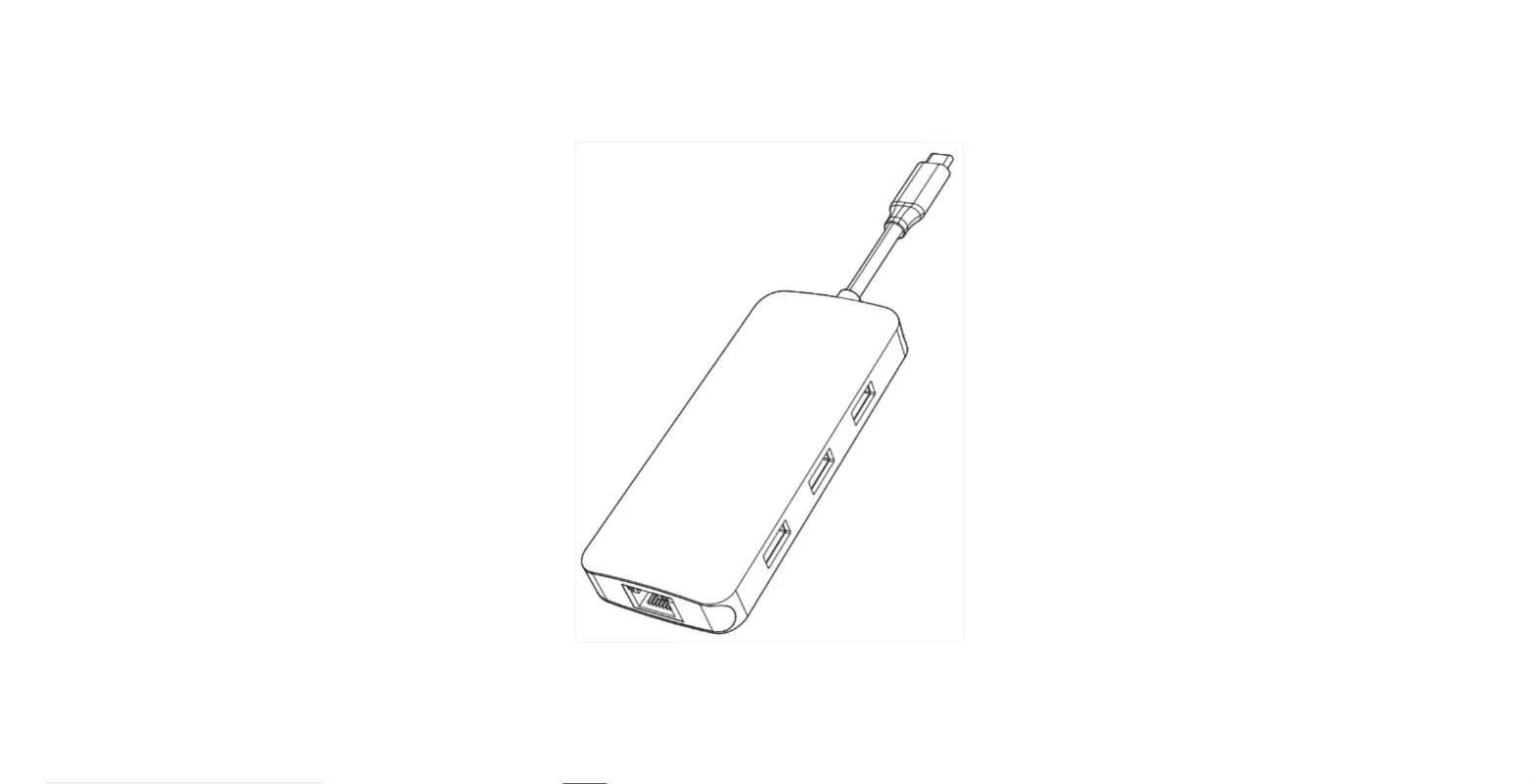
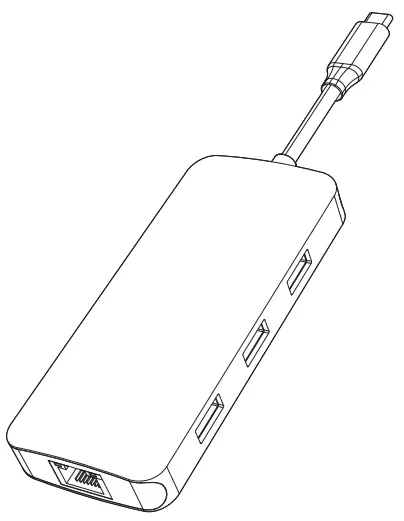
This is a multi-functional portable USB-C high-speed hub, which can expand your laptop’s USB-C port, with more ports to expand, including HDMI, USB3.1, USB3.0 and SD / TF reader. HDMI resolution up to 4K@60Hz [supported when the host side is DisplayPort (DP) v1.4 (hbr3)]; enjoy the high speed transmission and excellent image quality of 4K video.
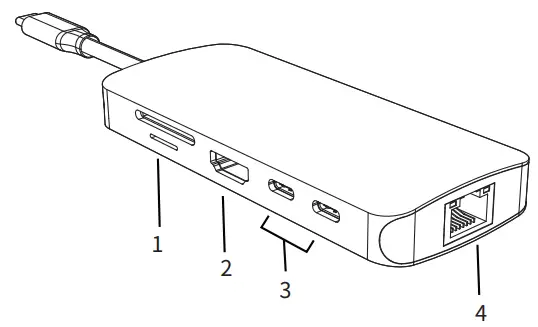
- . SD/Micro SD
- HDMI
- USB-C data(10Gbps)
- RJ45 Ethernet
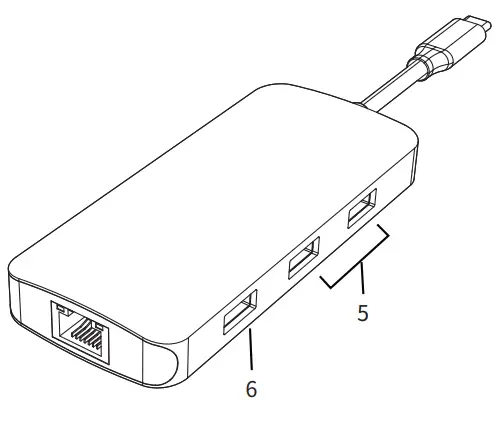
- USB 3.0
- USB 3.1
Features
- SD/Micro SD Card Reader
Read: 50-104MB/s; Write: 30-80MB/s; SD and Micro SD support working simultaneously. Data transfer rates are subject to the speed of the memory card itself and your computer’s USB port. - HDMI:
4Kx2K 60Hz / 3840×2160 (work separately while source is DP1.4) 4Kx2K 30Hz / 3840×2160 (work separately while source is DP1.2) - USB-C (data):
Support USB3.1, up to 10Gbps data speed, backwards compatible with USB3.0/2.0/USB1.1. - RJ45 Gigabit Ethernet
Up to 1000Mbps, stable wired access for high-speed connectivity. - USB 3.0
Up to 5Gbps data speed & maximum power output 5V/0.9A, backwards compatible with USB2.0/USB1.1. - USB 3.1-A
Up to 10Gbps data speed & maximum power output 5V/0.9A, backwards compatible with USB3.0/2.0/USB1.1.
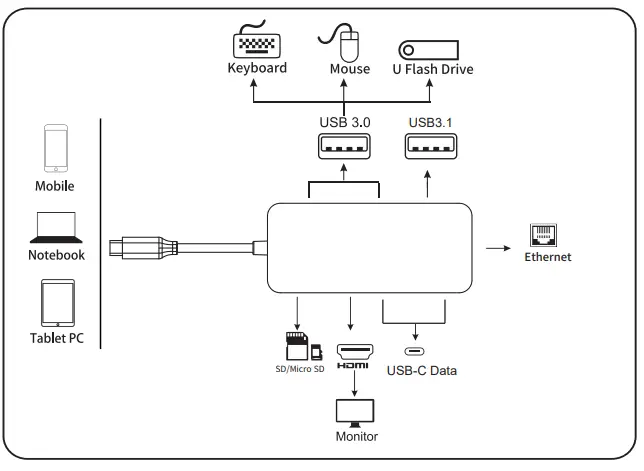
CONNECTION
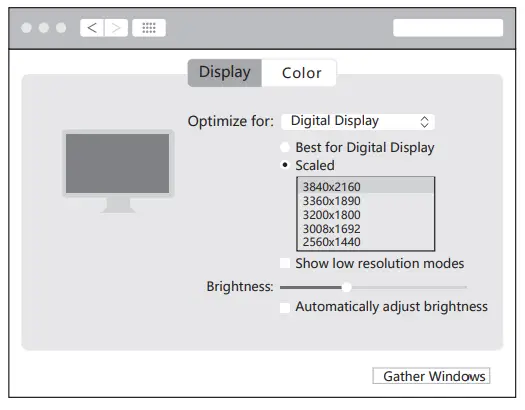
Resolution Setting for Mac
Apple logo>System Preferences>Displays
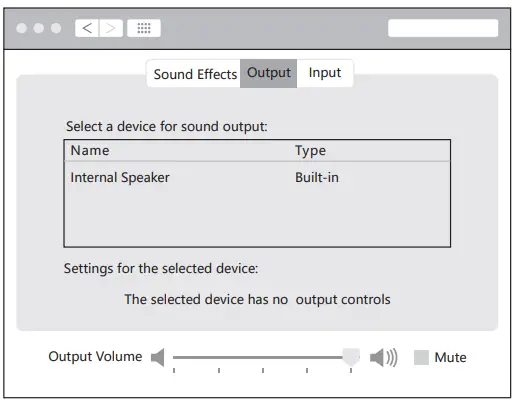
Sound Setting for Mac
Apple logo>System Preferences >Sound
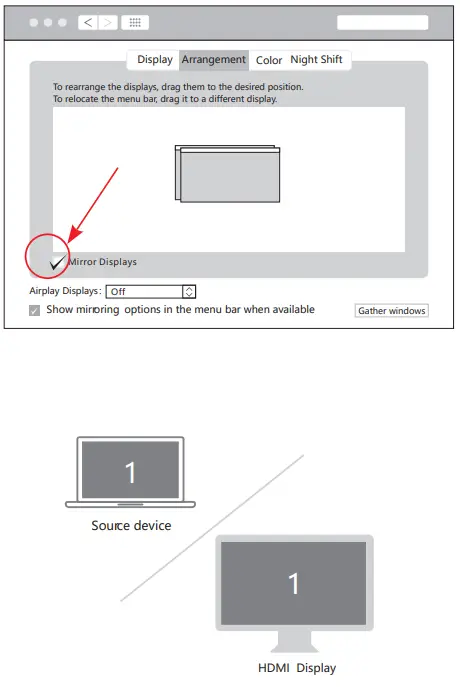
Graphics Settings for Mac
- Mirror Display
Apple logo>System Preferences>Displays
- Extend Display
Apple logo>System Preferences>Displays

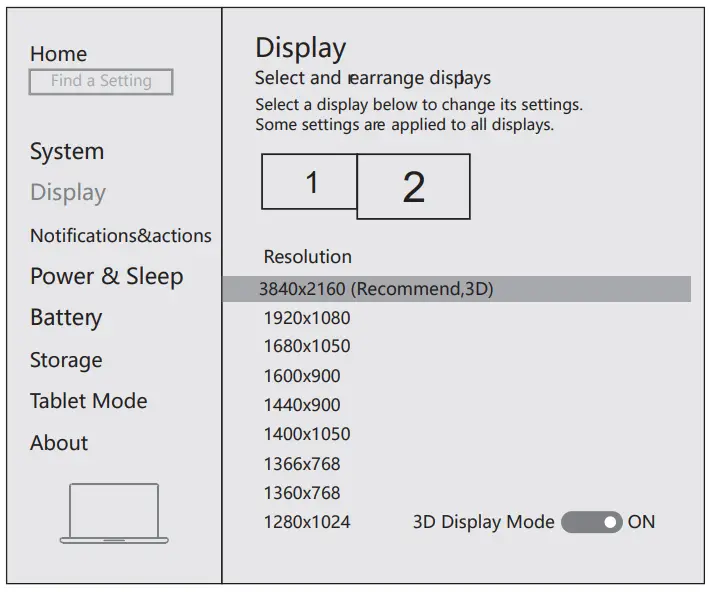
Mac Windows System display settings
Right click desktop >Display Settings
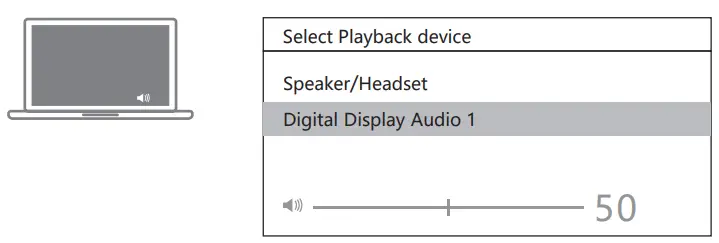
Sound Settings for win10
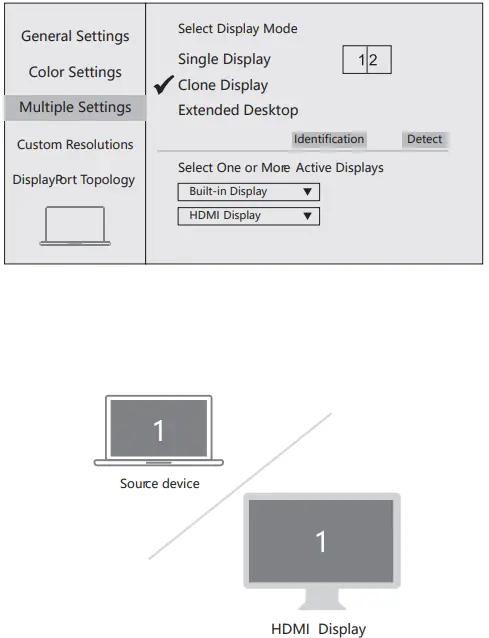
- Clone Mode
Right click desktop >Graphics Settings >Display
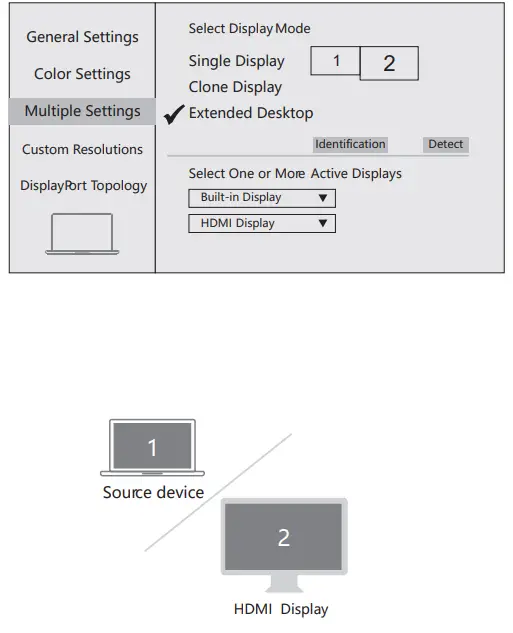
- Extended Desktop
Right click desktop >Graphics Settings >Display
Storage Conditions
- Environmental Working Temperature: 0℃ to 40℃(32°F to 104°F)
- Storage Temperature: -20℃ to 85℃(-4°F to 185°F)
- Environmental Working Humidity: 20%-90%RH
- Storage Humidity: 5%-95%RH
FAQ
- Why is there no video output?
- Please make sure the USB-C port of your devices (Laptop/Tablet) support video output.
- Please check if the cable is well connected.
- Please use the standard HDMI cable.
- Why is there no audio output from HDMI?
- Please make sure your monitor support audio output function.
- Please set the external monitor as default audio output device.
- Why does the output not reach 4K 60Hz?
- Please make sure your monitor support 4K 60Hz.
- Please make sure the video source is 4K 60Hz.
- Please make sure to use the 2.0 or higher version HDMI cable.
- Please make sure your computer specification support DP1.4 signal output.