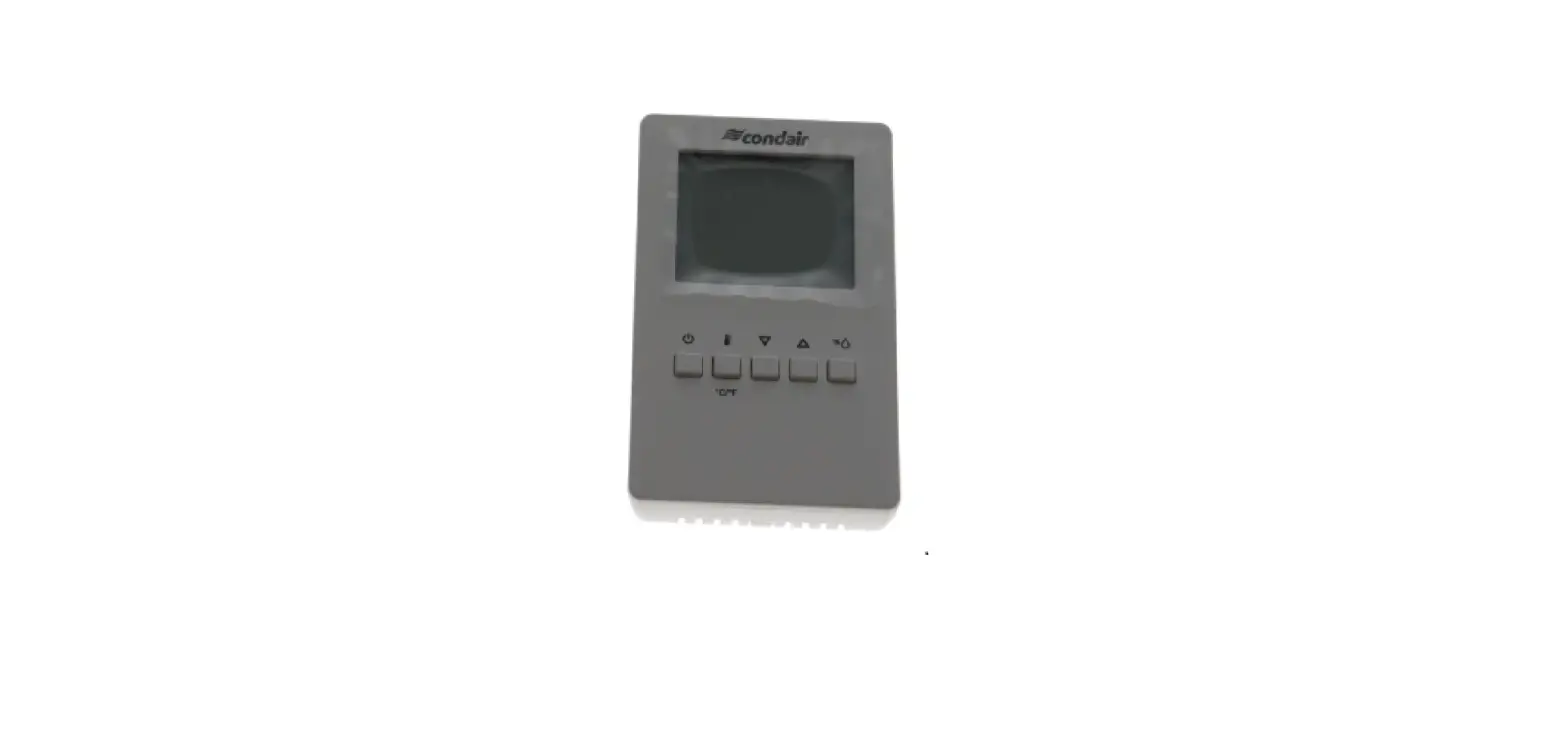
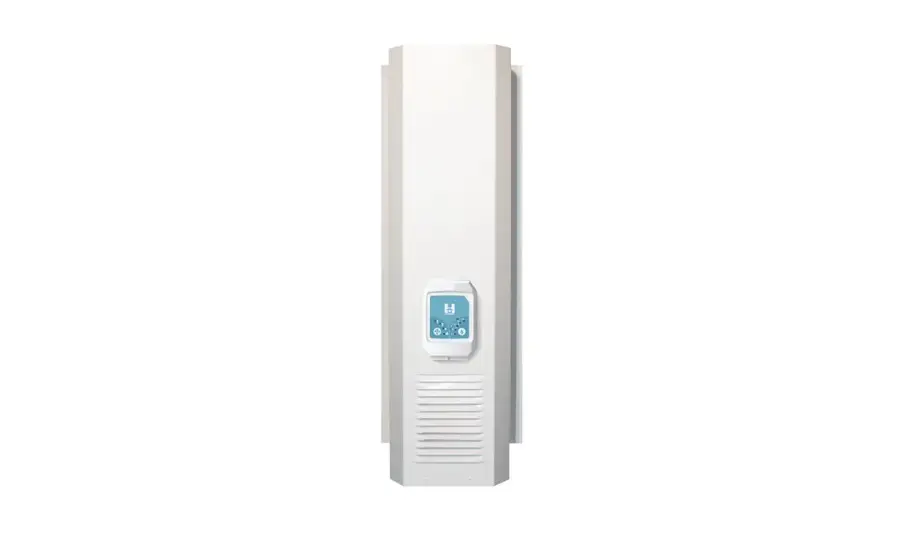
DDC-NA Dehumidification 0-10V Digital Duct Humidistat Package
Product Information: DDC-NA – Dehumidification, 0-10V Digital
Duct Humidistat Package
The DDC-NA Dehumidification, 0-10V Digital Duct Humidistat
Package is a package that includes a 2-10V Duct Sensor and a Wall
Dehum Humidistat without a sensor. It is designed to measure and
control the humidity levels in air ducts. The package is installed
downstream of the steam distribution at a distance 1.5 times the
absorption distance, which is typically 10-12 ft or 3-3.7m.
Installation Instructions
- Drill a hole with a diameter of 16 mm (5/8) as well as 4 holes
for the self-tapping screws into the duct at the place of
location. - Loosen the screw on the housing cover and open cover.
- Lead connecting cable through the cable gland and connect wires
to the terminate according to the wiring diagram. - Stick gasket on the sensor side centrally on the housing
(self-adhesive). - Insert the probe into the hole in the duct, then fix the
housing to the duct using the 4 self-tapping screws provided. - Close the cover and fix it with the screw (do not tighten the
screw too much).
Usage Instructions
To access user parameters:
- Press and hold both the maximum and minimum buttons
simultaneously for three seconds. The display will show firmware
version and revision number. - Press the maximum or minimum button to start login. The small
digits show CODE. - Select the correct code (password) using the maximum and
minimum buttons. The code to access user parameters is 0009. The
access codes are fixed and cannot be changed. - Press the maximum button after selecting the correct code.
- Once logged in with 0009, the user/display parameters are
displayed immediately.
To change user parameters:
- Select the parameters with the maximum or minimum button.
- Change a parameter by pressing the maximum button. The symbol
is displayed to indicate that the parameter may be modified. Use
the maximum or minimum button to adjust the value. - After you are done, press the minimum button to save the new
value and return to the selection level (symbol disappears after
selection is saved). - Pressing the maximum button without pressing the minimum button
will discard the value and return without saving. - Press the minimum button to leave the menu. The unit will
return to normal operation if no button is pressed for more than 5
minutes.
User Parameters (Password 0009)
| Parameter | UP 00 | UP 01 | UP 02 | UP 03 | UP 04 |
|---|---|---|---|---|---|
| Description | Enable change of operation modes | Enable change of setpoints | State after power failure: 0 = Switched OFF, 1 = Switched ON, 2 = state before power failure | Celsius or Fahrenheit: ON = Fahrenheit, OFF = Celsius | Select type of content for large digits (00= OFF): 01 = Input 02 = Setpoint 03 = Humidity Sensor 04 = External Temperature Sensor |
| Range | ON, OFF | ON, OFF | 0, 1, 2 | ON, OFF | 00…04 |
| Default | ON (Enabled) | ON (Enabled) | 2 | OFF (Celsius) | 01 |
Note: Only experts should change control parameters. See user
parameter for login procedure!
Control Parameters (Password 0241)
| Parameter | CP 00 | CP 01 | CP 02 | CP 03 |
|---|---|---|---|---|
| Description | Minimum setpoint limit in humidification mode | Maximum setpoint limit in humidification mode | Start delay for fans (Time the fan runs before control output starts) |
DDC-NA – Dehumidification, 0-10V Digital Duct Humidistat Package
Dehumidification, 0-10V Digital Duct Humidistat Package Installation Instructions
This document covers the operation and installation instructions for the following Condair digital humidistat package:
Kit No. Component No. Description
2602796 1509857
2-10V Duct Sensor
2602802
Wall Dehum Humidistat without sensor
1 Mounting and Installation
1509857 Duct Sensor Installation
Location Refer to installation overviews in section 2.
The duct sensor should be installed directly on the duct in an area where the air is well mixed with uniform flow. · Used as supply air humidity sensor: If the sensor is used as a supply air humidity sensor it should be
mounted downstream of the steam distribution at a distance 1.5 times the absorption distance (typically 10-12 ft or 3-3.7m).
· Used as return air humidity sensor: If the sensor is used as a return air humidity sensor it should be mounted close to the air inlet but downstream from a return fan if one is present.
Installation 1. At the place of location drill a hole with a diameter of 16 mm (5/8″) as well as 4 holes for the self-tapping
screws into the duct. 2. Loosen the screw on the housing cover and open cover. 3. Lead connecting cable through the cable gland and connect wires to the terminate according to the wiring
diagram. 4. Stick gasket on the sensor side centrally on the housing (self-adhesive). 5. Insert the probe into the hole in the duct, then fix the housing to the duct using the 4 self-tapping screws
provided. 6. Close the cover and fix it with the screw (do not tighten the screw too much). Note: We recommend using 18-gauge wire, and maximum <100 ft distance from the unit.
2602802 Dehum Humidistat w/o Sensor Installation
Location Install the digital wall humidity controller in a protected and easily accessible place at last 1.5 m above the floor to the wall (mounting on flush-mounting or surface-mounting box).
Installation Refer to installation overviews in section 2.
1. Open the screw of the housing and remove mounting plate with the connecting unit.
2. Connect wires of the connection cable to the terminals according to the wiring diagram.
3. At the place of location fix mounting plate (plastic screw facing downwards) with two screws to the flush-mounting or wall-mounting box (see dimensional drawing).
4. Carefully snap housing onto the mounting plate and fix it with the screw (do not tighten screw too much). Note: We recommend using 18-gauge wire, and maximum <100 ft distance from the unit.
2605770-A EN 2304
Page 1
2 Installation overviews
A mm (inch)
14×157 ( 0.55×6.2)
47 (1.9)
B
91 (3.6)
CDC-NA 2602796/1509857
68 (2.7)
C
4 3
54 (2.1)
75 (2.9) 16 (0.6)
D
JP3 3 U… 0…10 V 2 I… 0…20 mA 1
3 U… 2…10 V
2 1
I… 4…20 mA
OPC-S
JP3
1 23
LED OPA-S
i
2 1 © Condair Group AG, Switzerland
OPC-S
6 (0.02)
OPA-S
1 1: 0V GND 2: 24V AC 24 V 50-60 Hz, 24 VDC ±10% 3: RH 0(2)…10VDC, 0(4)…20mA
2
For Wiring Schematic: Get the Condair
Sensor Connect App
70-000251/20201202
Page 2
A mm (inch)
16(0.6) 32 (1.2)
B
73 (2.9)
DDC-NA 2602796/2602802
113 (4.5)
C
58 (2.3)
15 (0.6) 83 (3.25) +/- 5 (0.2)
RT or Dry-Contact 0…20mA 0…10V RT or Dry-Contact 0…20mA 0…10V 0…20mA 0…10V
E
Jumper Placement UI 2 UI 1 AO
1 2 34 5678
© Condair Group AG, Switzerland
58 (2.3)
0V / GND 24V N/A N/A N/A AO 0-10V Ext. Sens In Temp. Reset
50 (2.0)
D
2
1 2 34 5678
1
0…10V 0…20mA 0…10V 0…20mA
RT or Dry-Contact
0…10V 0…20mA
RT or Dry-Contact
AO UI 1 UI 2 Jumper Placement
6 (0.02)
1: 0V / GND 2: 24 V AC/DC ±10% 3: Do not connect 4: Do not connect 5: Do not connect 6: 0…10VDC 7: External Sensor Input 8: Temperature Reset
For Wiring Schematic:
Get the Condair Sensor Connect App
2/2
70-000xxx/20201214
Page 3
3 Wall Humidistat LCD Display
Actual humidity in %rH
Set humidity setpoint in %rH
°C/°F
%
Output active Control buttons
Buttons /
Operation press long
press briefly press long press briefly press briefly press long
Fig. 1: Wall Humidistat LCD Display
Function Switching On and Off
Switching between °C and °F Adjusting set point value Shows %rH value Offset settings
4 Configuration
Using keypad, set specified humidity. For general health and comfort, a humidity setting of 50% is recommended.
5 Error Messages
AL5 & AL7: Measured value of the external sensor fell below the lower limit of 5% RH. Check the cabling of the DDC and CDC. After eliminating the fault, acknowledge the alarm with the .
Err2, 3 & 4: Hardware or memory problem. Replace device.
6 Sensor Calibration
Sensor inputs can be calibrated if needed
Press > 2 sec. UI and its value is displayed.
Press Press
: Calibration value and tool symbol is displayed, UP/DOWN to calibrate,
: Save calibration, tool symbol disappears.
Press UP key again to step through the next active input Note: disable inputs will not be shown
75% UI 1
0.0% ..UI 1
Page 4
7 Setting Parameters to Configure the Controller
The control operation is defined by parameters set using the standard operation terminal. There are two levels: User/display parameters (password 0009) Control parameters (password 00241)
How to change the parameters: 1. Press < >/< > button simultaneously for three seconds. The display will show firmware version and revision
number.
2. Press the < > button to start login. The small digits show “CODE”. 3. Select correct code (password) using < > and < > buttons.
Note: Code to access user parameters is “0009”. The access codes are fixed and cannot be changed. 4. Press the < > button after selecting the correct code. 5. Once logged in with “0009”, the user/display parameters are displayed immediately.
6. Select the parameters with the < > or < > button. Change a parameter by pressing the < > button. The symbol is displayed to indicate that the parameter may be modified. Use < > or < > button to adjust the value.
7. After you are done, press < > button to save the new value and return to the selection level (symbol disappears after selection is saved). Pressing < > button without pressing < > button will discard the value and return without saving.
8. Press the < > button to leave the menu. The unit will return to normal operation if no button is pressed for more than 5 minutes.
User Parameters (Password 0009)
Table 1: User Parameters
Parameter UP 00 UP 01 UP 02
UP 03 UP 04
Description Enable change of operation modes
Enable change of setpoints
State after power failure: 0 = Switched OFF, 1 = Switched ON, 2 = state before power failure
Celsius or Fahrenheit: ON = Fahrenheit, OFF = Celsius
Select type of content for large digits (00= OFF): 01 = Input 02 = Setpoint 03 = Humidity Sensor 04 = External Temperature Sensor
Range ON, OFF ON, OFF
0, 1, 2
ON, OFF 00…04
Default ON (Enabled) ON (Enabled)
2
OFF (Celsius) 01
Control Parameters (Password 0241) Note: Only experts should change these settings! See user parameter for login procedure!
Table 2: Output Configuration
Parameter CP 00 CP 01 CP 02
CP 03
Description Minimum setpoint limit in humidification mode Maximum setpoint limit in humidification mode Start delay for fans (Time the fan runs before control output starts)
Stop delay for fan (Time the fan keeps running after control output stops)
Range 0..100% 0..100% 0…255 s
0…255 s
Default 10% 90% 10 s
90 s
Page 5
Table 3: Temperature Setback Configuration *For humidity control only
Parameter CP 04
CP 05 CP 06
CP 07 CP 08
Description Enable temperature setback OFF = Temperature set back is disabled ON =Temperature setback is enabled
Setpoint limit at full setback
Lower temperature limit: Outside temperature with maximum setback The setback will be equal to the minimum setpoint limit
Upper temperature limit: Outside temperature at begin of setback
Number of seconds taken into account to calculate the average input signal Low value = fast response High value = slow response
Range ON, OFF
0..100 % -40…60°C -40…160°F
-40…60°C 40…160°F
0…100
Default OFF
20 % -30 °C (-22°F)
0 °C (32°F) 30
8 Product Specification
Power Voltage Signal input Signal Output
Environment General
Operating voltage Power consumption Terminal connection
24 V AC 50/60 Hz ± 10 %, 24 VDC ± 10 % Max. 3 VA For wires 0.34…2.5 mm2 (AWG 24…12)
Humidity sensor input
UI1
Analog Outputs Output Signal Resolution Maximum Load
A01 DC 0…10 VDC 39 mV, 0.078 mA 10 Ma (at 0…10 VDC) 20 Ma (at 0…20mA)
Operation: Climatic Conditions Temperature Humidity
IEC 721-3-3 Class 3 K5 0…50°C (32…122°F) <95 % rH not condensing
Housing material
ABS
Mounting Plate
Galvanized steel
Weight Condair CRC (including packing) 260 g (9.2 oz)
Page 6
Page 7
On/Off Humidity Controller Input
GND Humidity Transducer Signal RH (0-10V)
GND Humidity Controller Signal 0-10V
+24V
Remote Fault Indication (24 V, 1 Amp max.)
RA Fan Modulation Control
RA Fan Input Variable Speed J5 Constant Speed
DA 1 2 3 4 5 6 7 8 9 10 11 12
1 234 567 8
Factory Jumper
123
0V / GND 24V N/A N/A N/A A0 0-10V Ext. Sens In Temp. Reset
0V/GND 24V AC/DC 2-10 VDC
CDC-NA
2-10V Duct Humidity Sensor 1509857
9 Wiring Diagrams
Wiring diagram DDC-NA with CDC-NA for DA
DDC-NA
Wall Humidistat without sensor 2602802