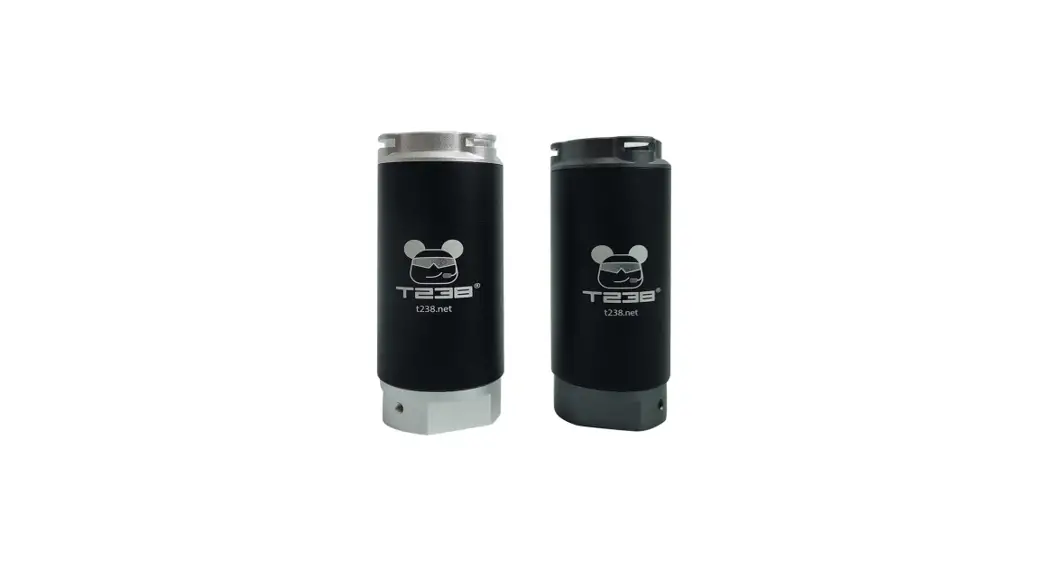
 T238 TRACER UNIT MANUAL
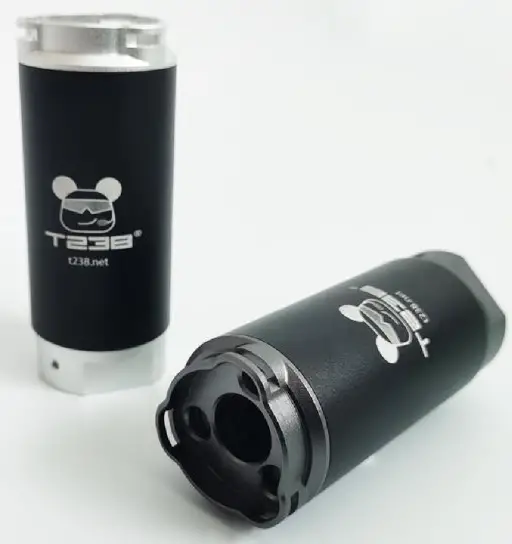
Description
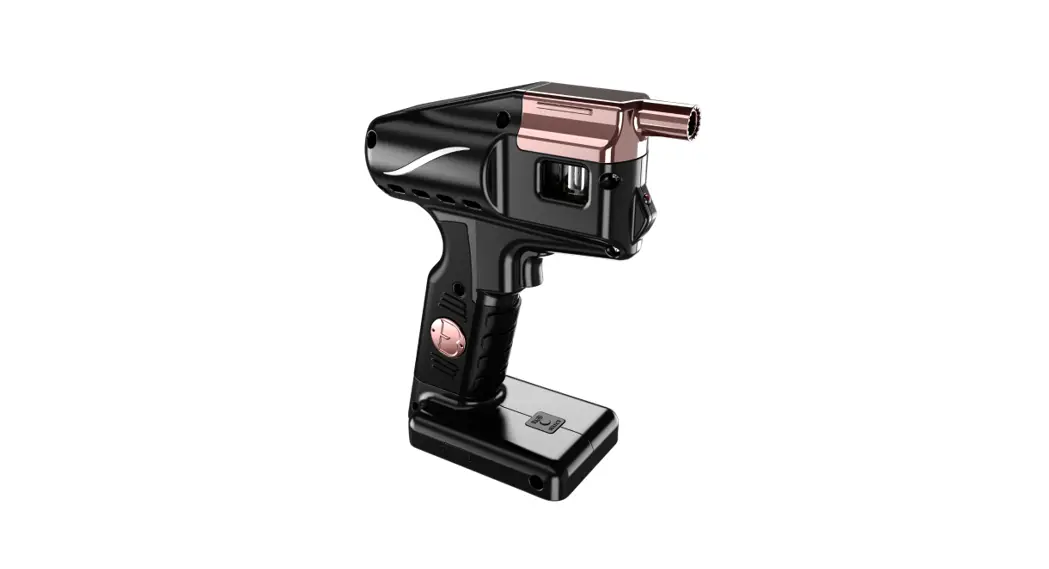
T238 tracer unit is designed for BB/NERF dart/Gel ball blasters, it attachments to your blaster which allow your BB/NERF dart/Gel ball to glow in the dark. To see the flight path of your shot, special tracer BBs/NERF darts/Gel balls are needed.
Main features
Dimensions: 92mm long, 38mm outer diameter and 14mm inner diameter Weight: 120g
Interface: 19mm (with 14 CCW adapter and 19mm to 16mm adapter)
Functions: tracer BBs/NERF darts/Gel balls charging, gunfire simulation, 20 minute timeout automatic shutdown, low battery automatic shutdown
Supported rate of fire: max. 50rps
Supported projectile types: spherical projectile and cylindrical strip projectile with 6-14 outer diameter
Battery: 450mah, maximum endurance 25000 rounds, charging with Micro USB cable
Charging
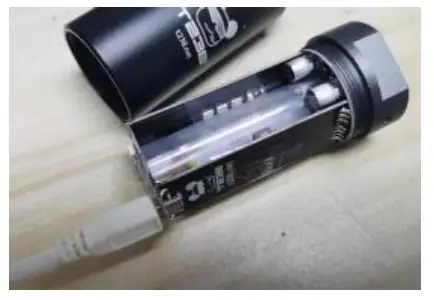 Screw off the shell and plug in the USB cable. The red LED lights up when charging and goes out when full.
Function
| Function | Operation | Reaction |
| 1. Power on and enable tracer BBs/NERF darts/Gel balls charging and gunfire simulation functions | Press once to power on when in the shutdown state | Gunfire simulation LED and UV LED will blink once |
| 2. Disable gunfire simulation function enable tracer BBs/NERF darts/Gel balls charging function | After power on, press once to disable gunfire simulation function | UV LED will blink once |
| 3. Disable tracer BBs/NERF darts/Gel balls charging function and enable gunfire simulation function | When in the function 2, briefly press once to disable tracer BBs/NERF darts/Gel balls charging function and enable gunfire simulation function | Gunfire simulation LED will blink once |
| 4. Power off | When in the function 3, press once to power off | The golden light gradually darkens until it is turned off |