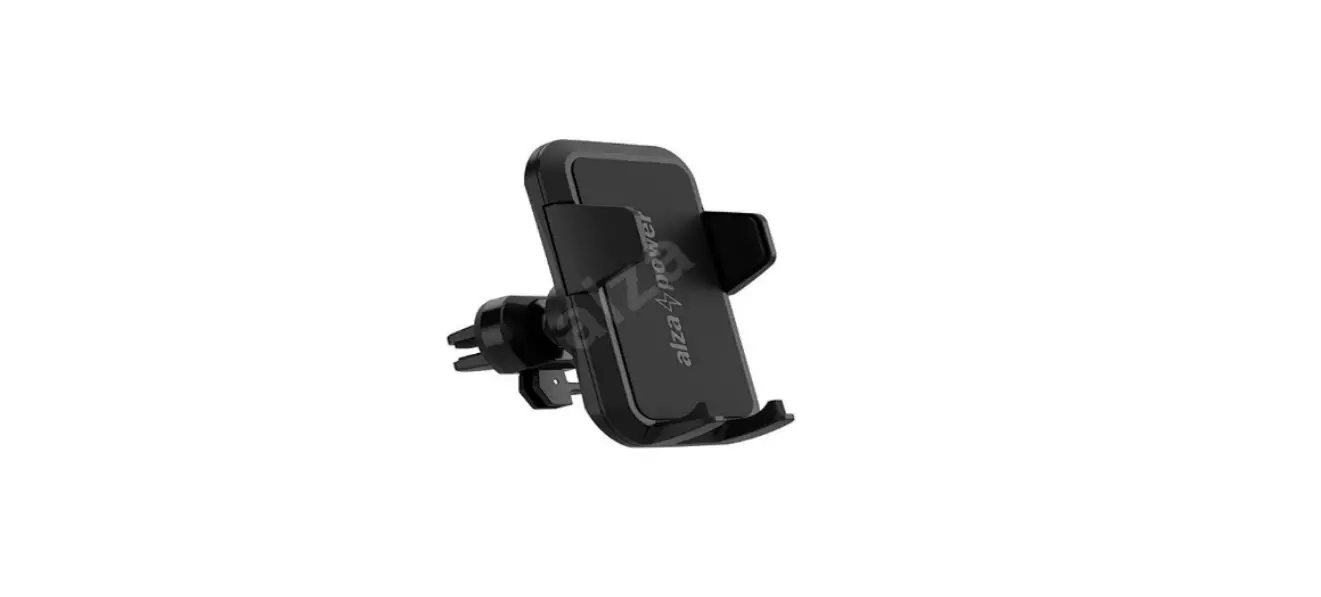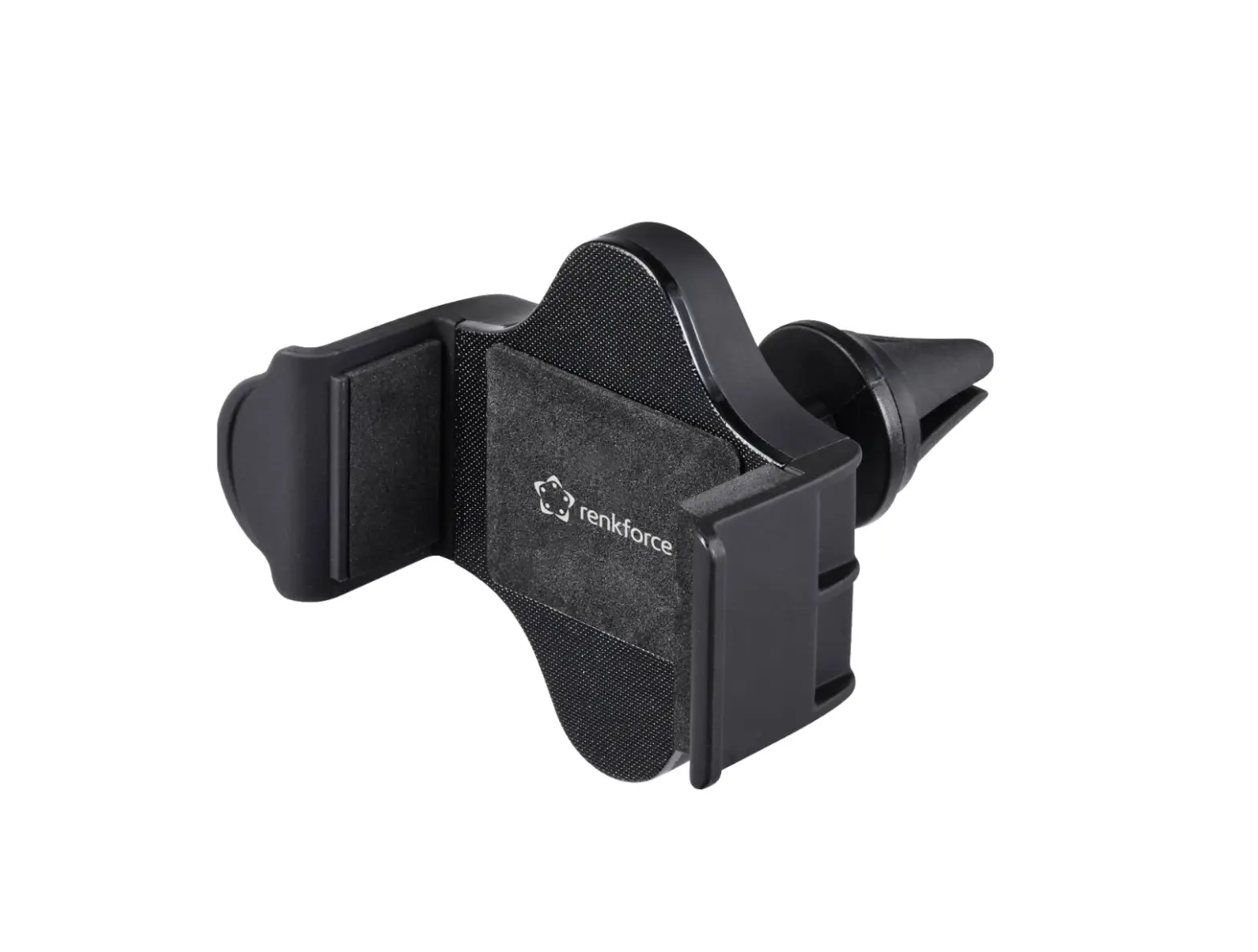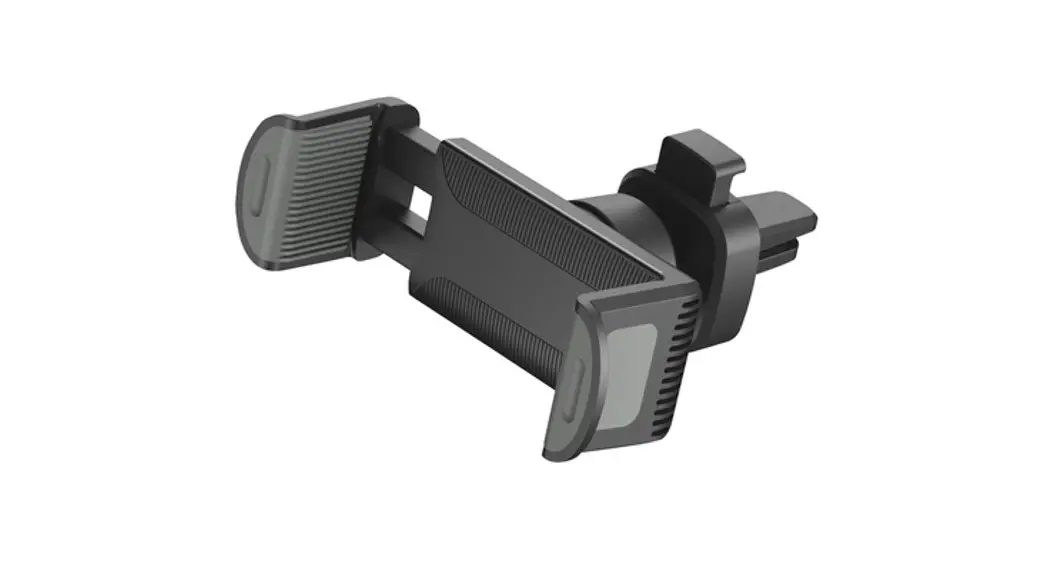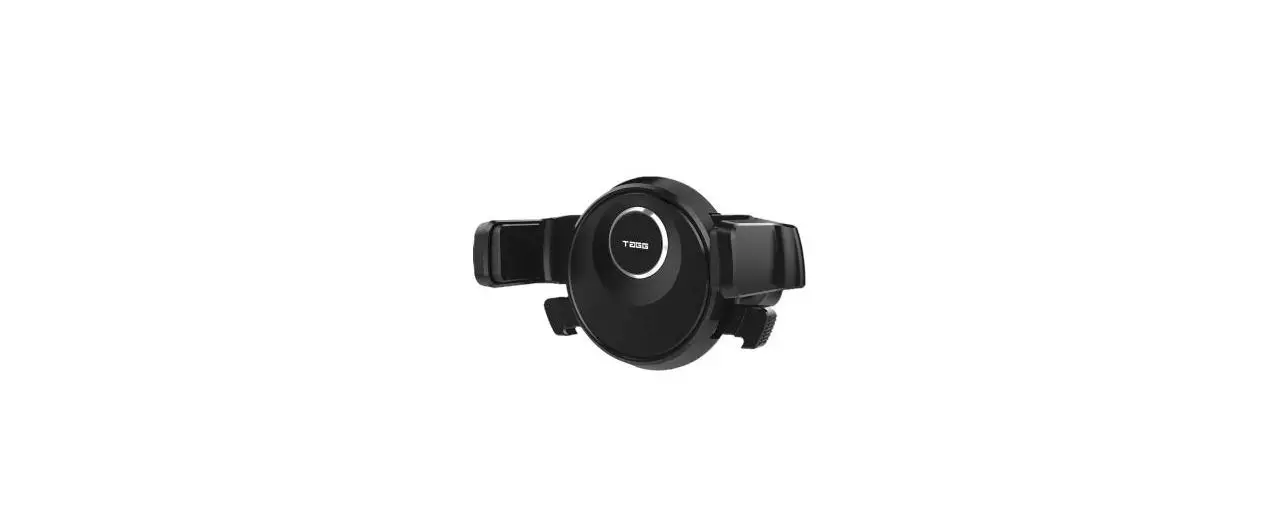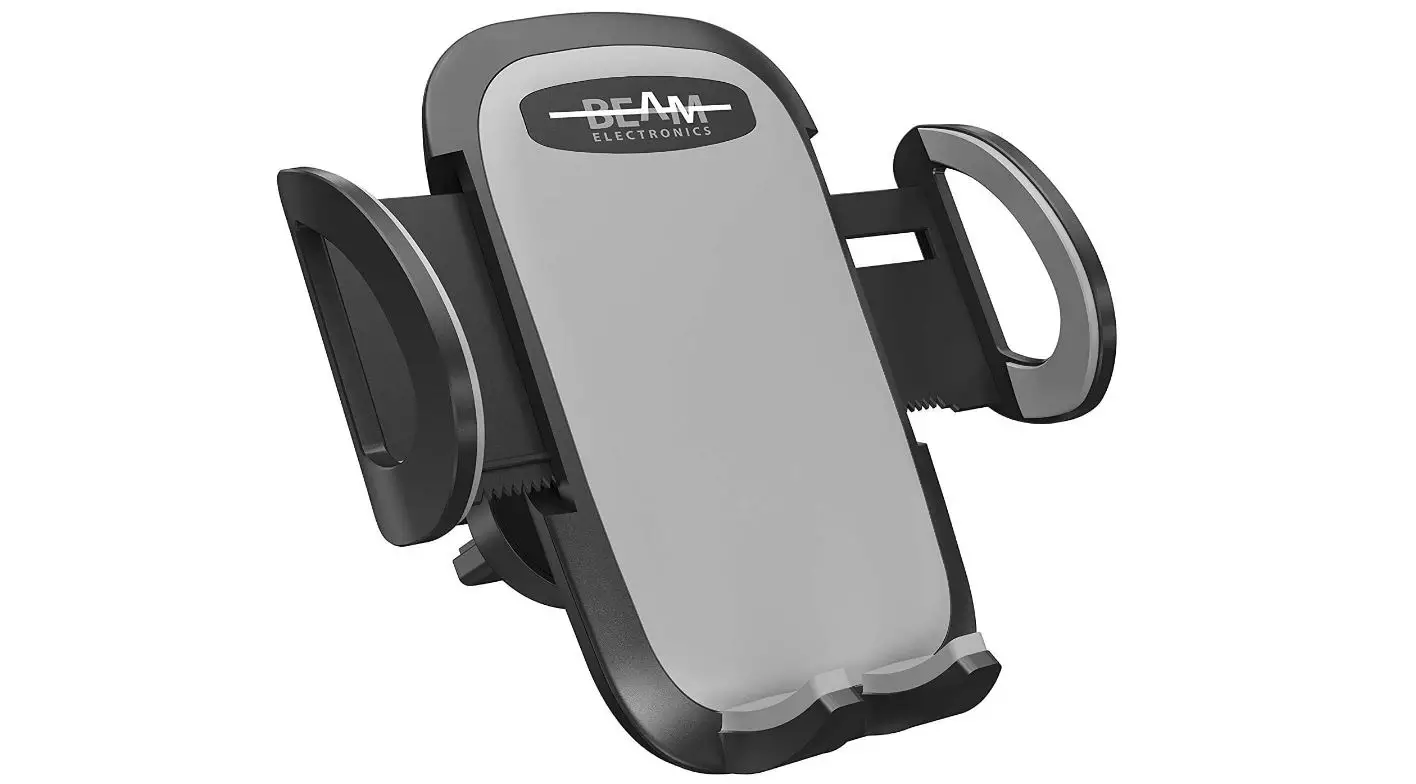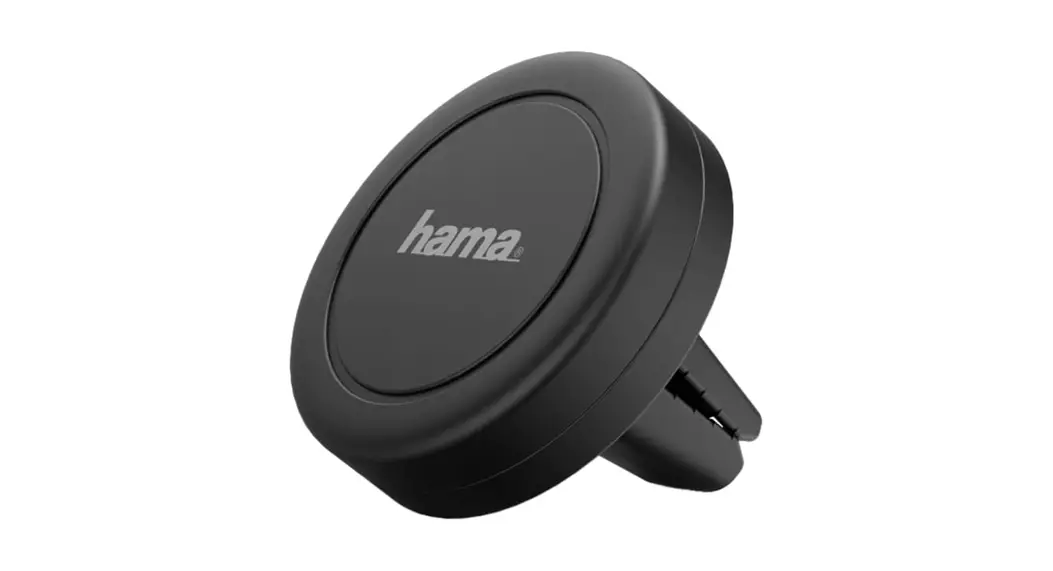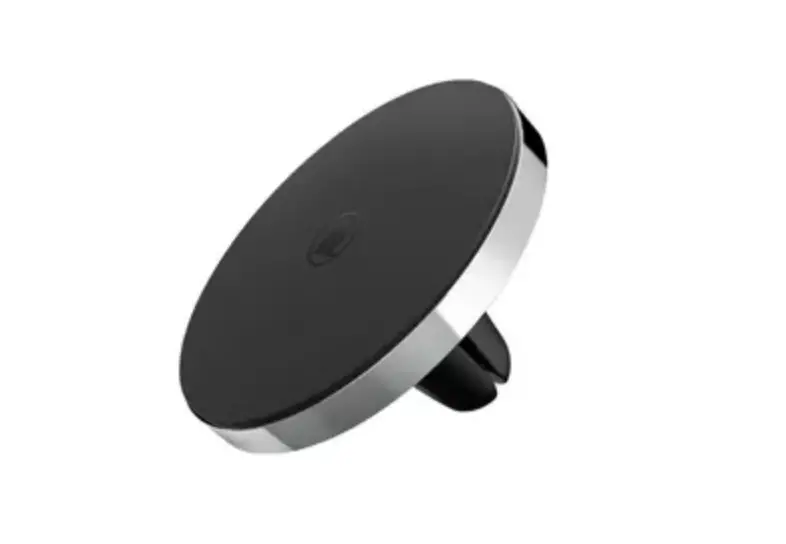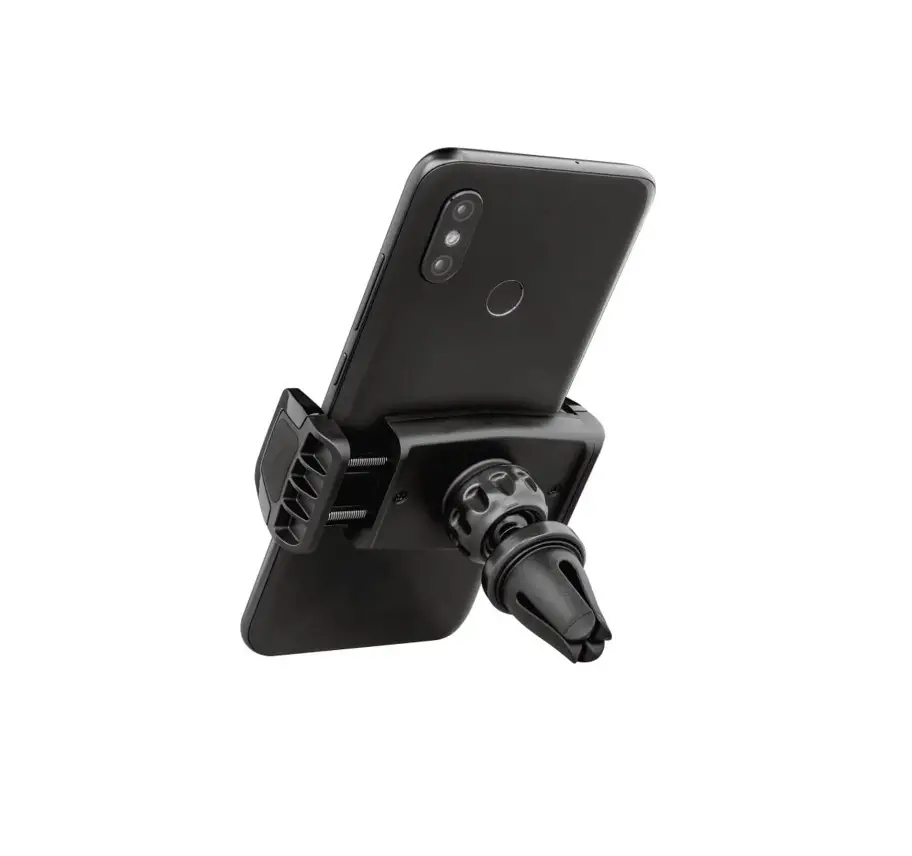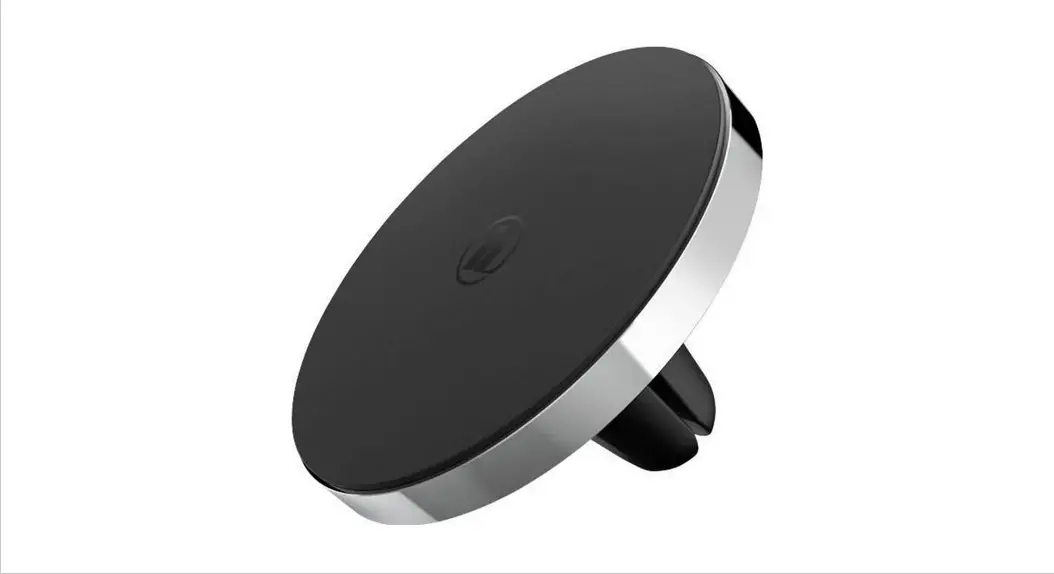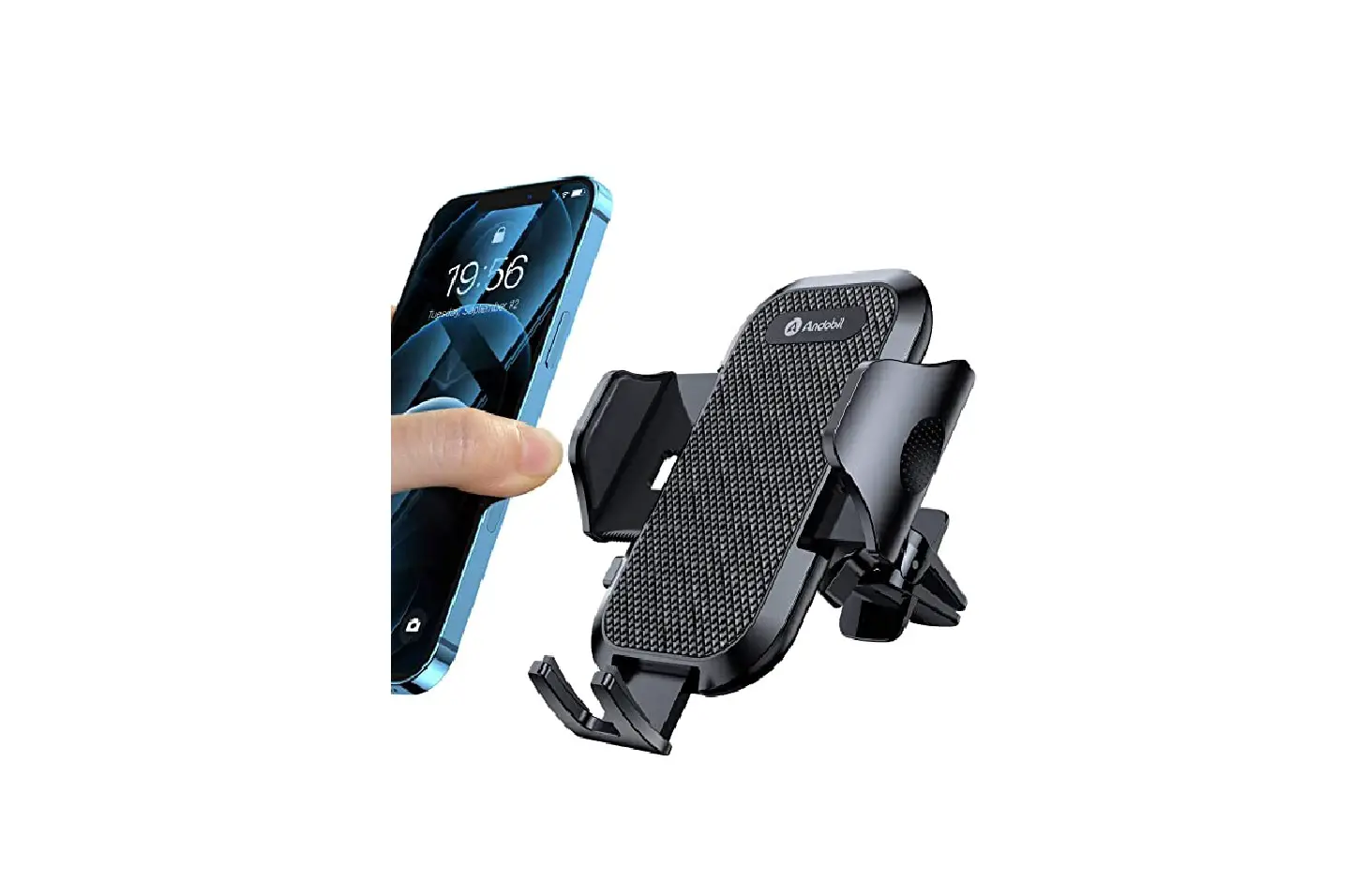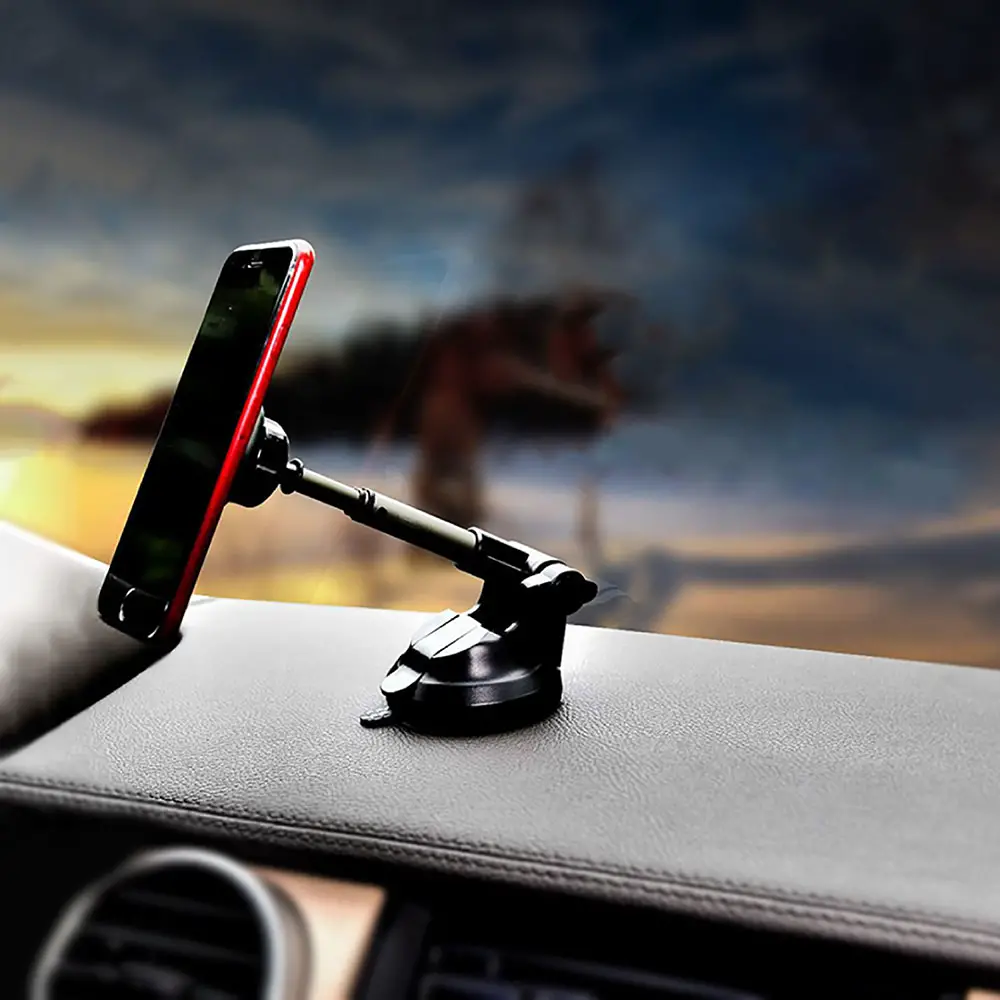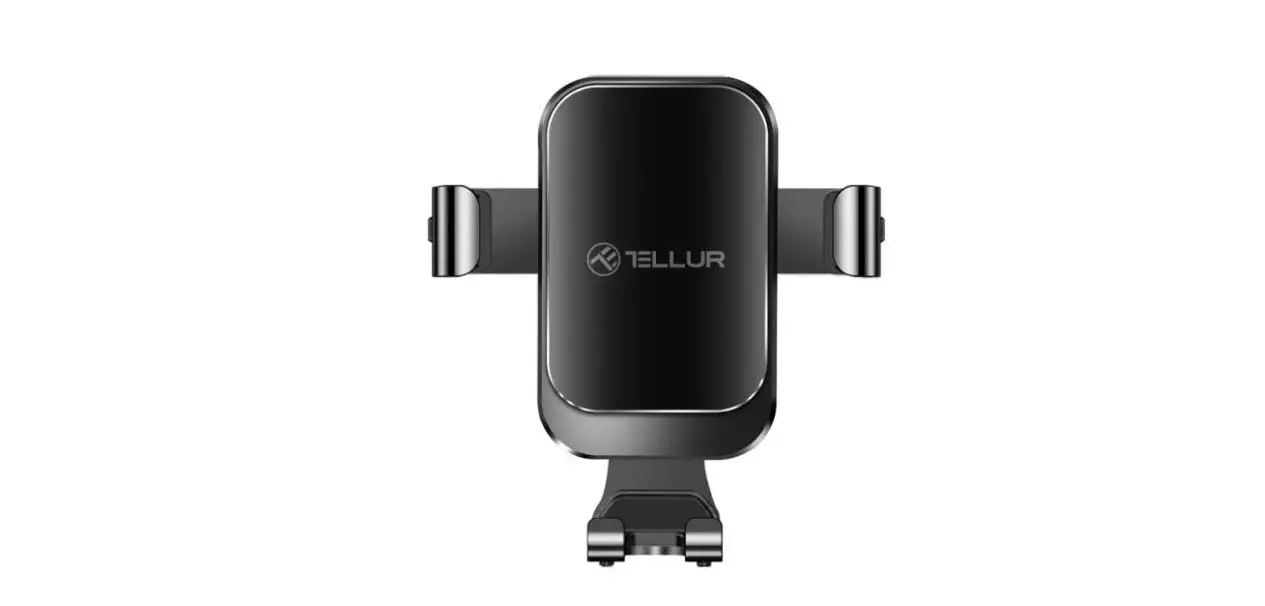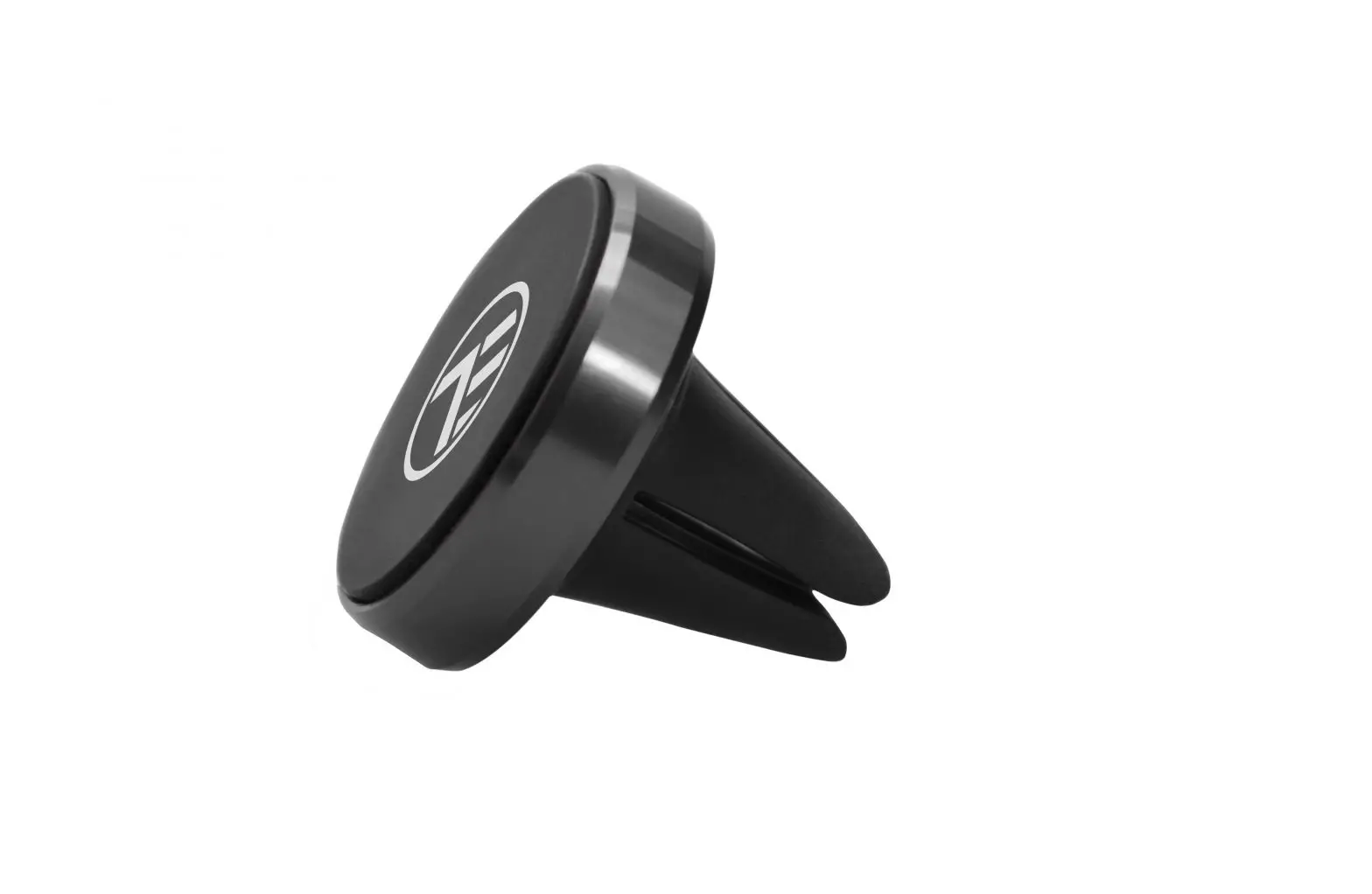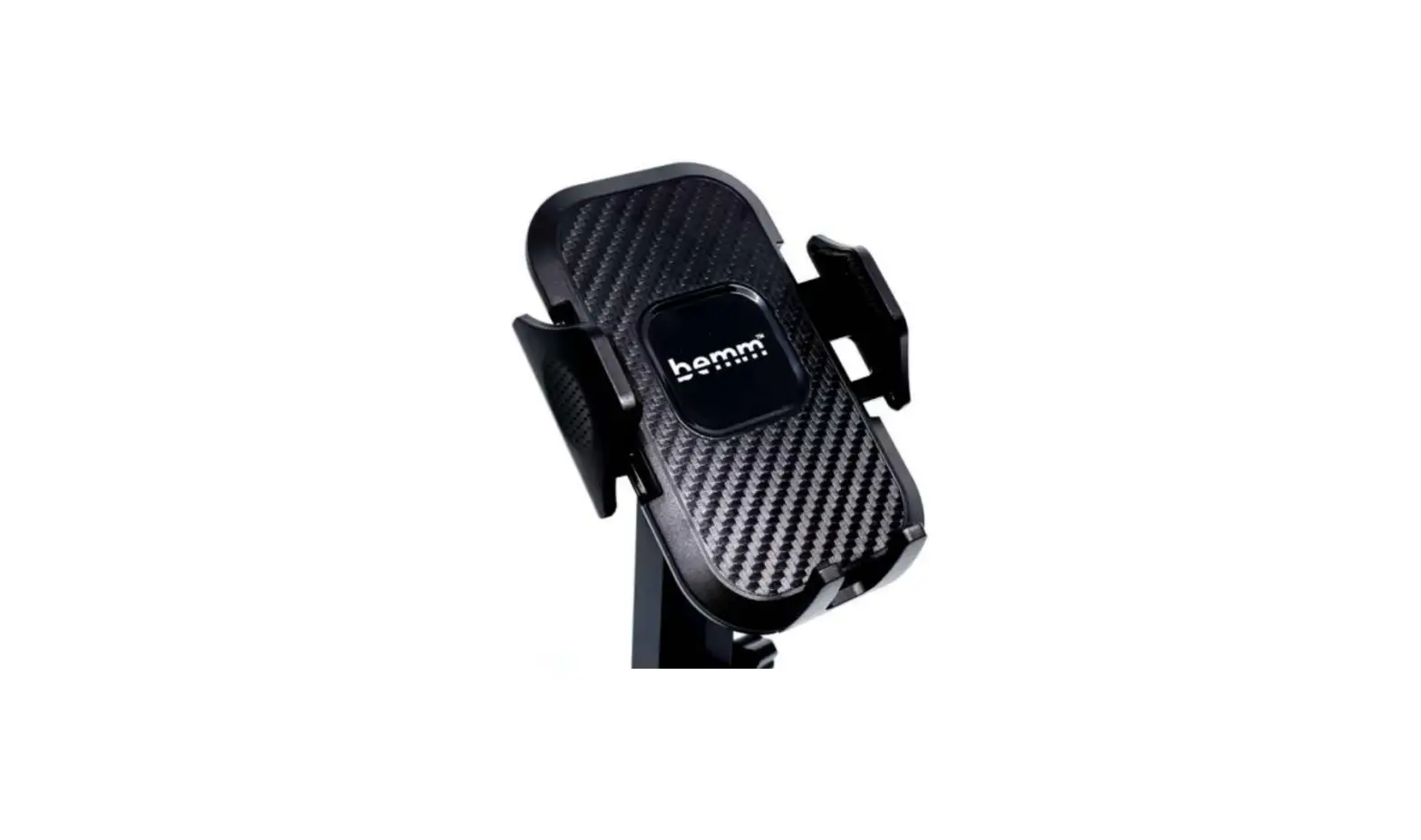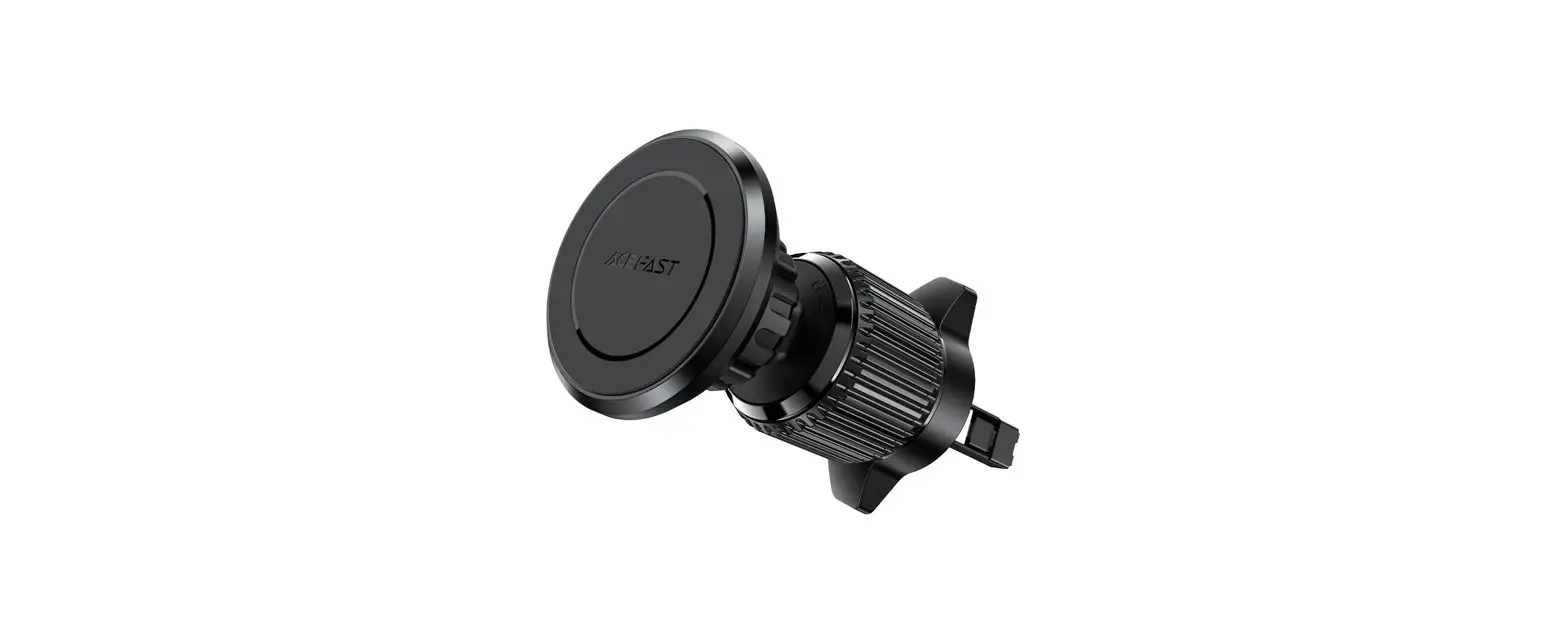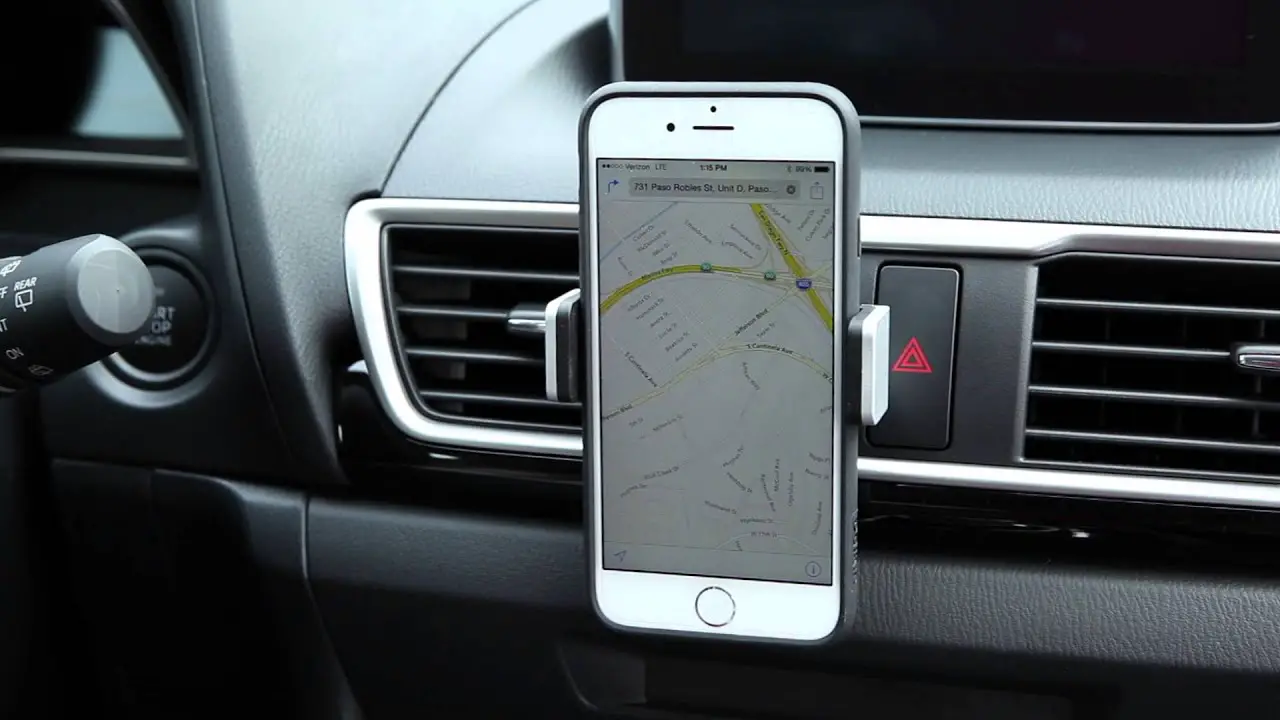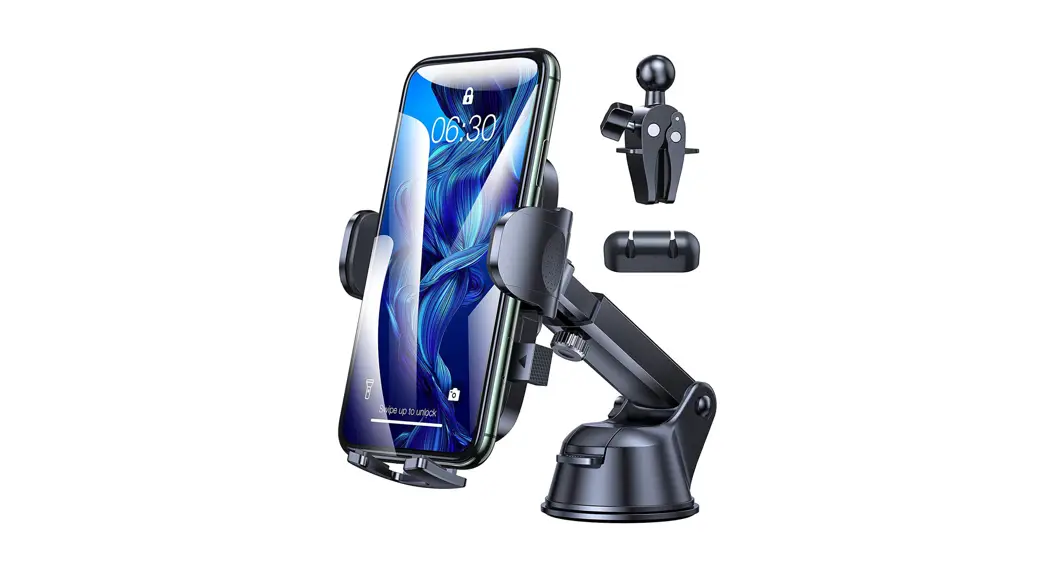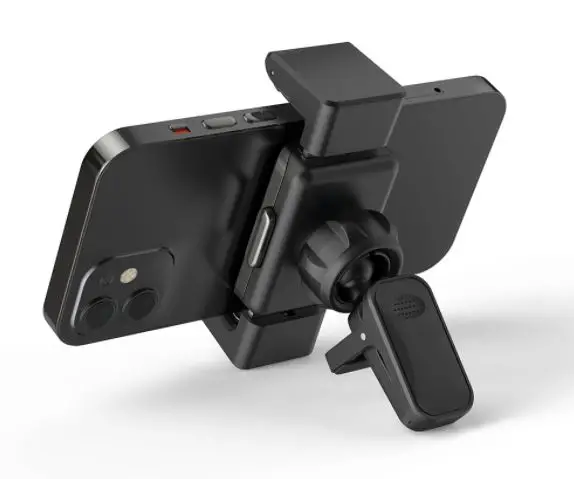

BliTZWOlF BW-CF1 Rotation Car Air Vent Auto Memory Lock Mobile Phone Holder Stand
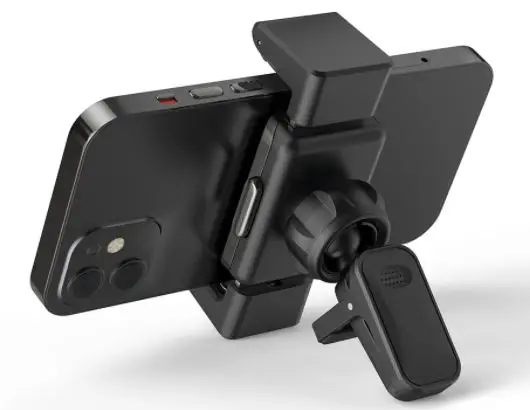
Installation Steps
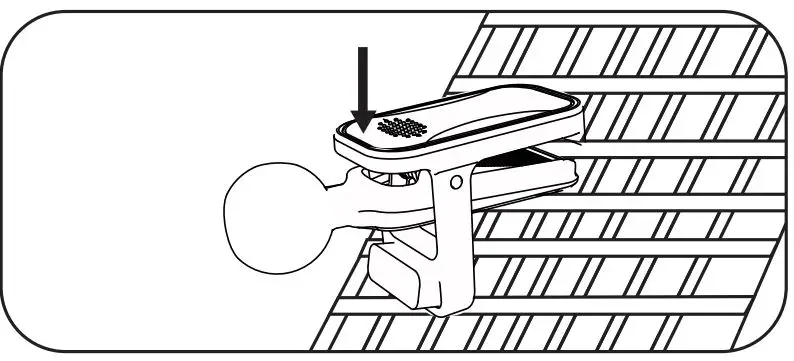
- Clamp the ball head to a suitable position of the air outlet.

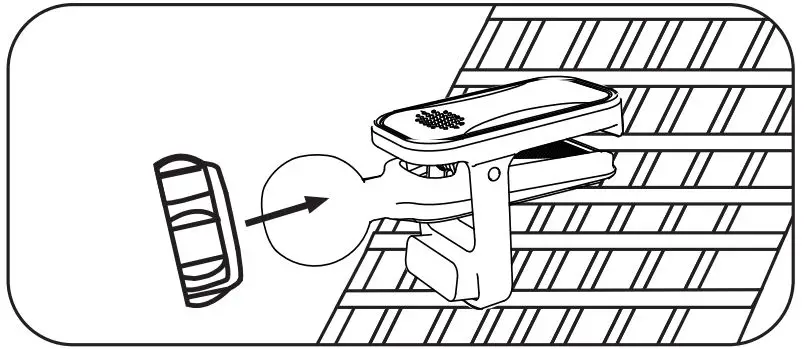
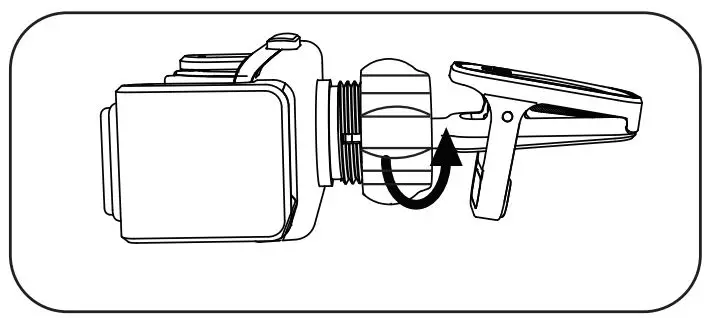
- Remove the fixed nut and insert the ball head.

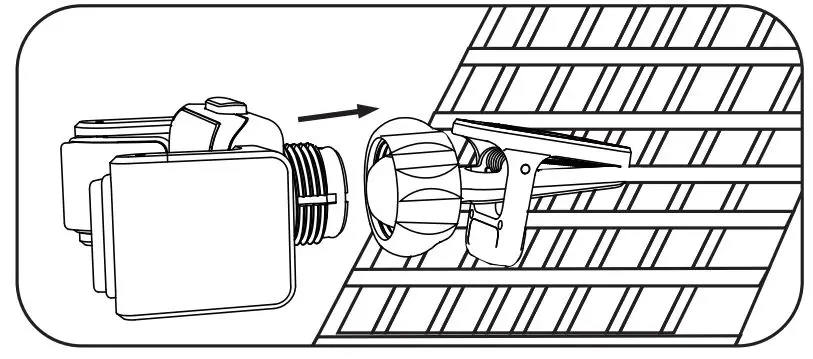
- Align the round hole on the back of the car holder with the ball head and push it.

- After tightening the nut clockwise, the angle of the gravity vehicle bracket can be adjusted.

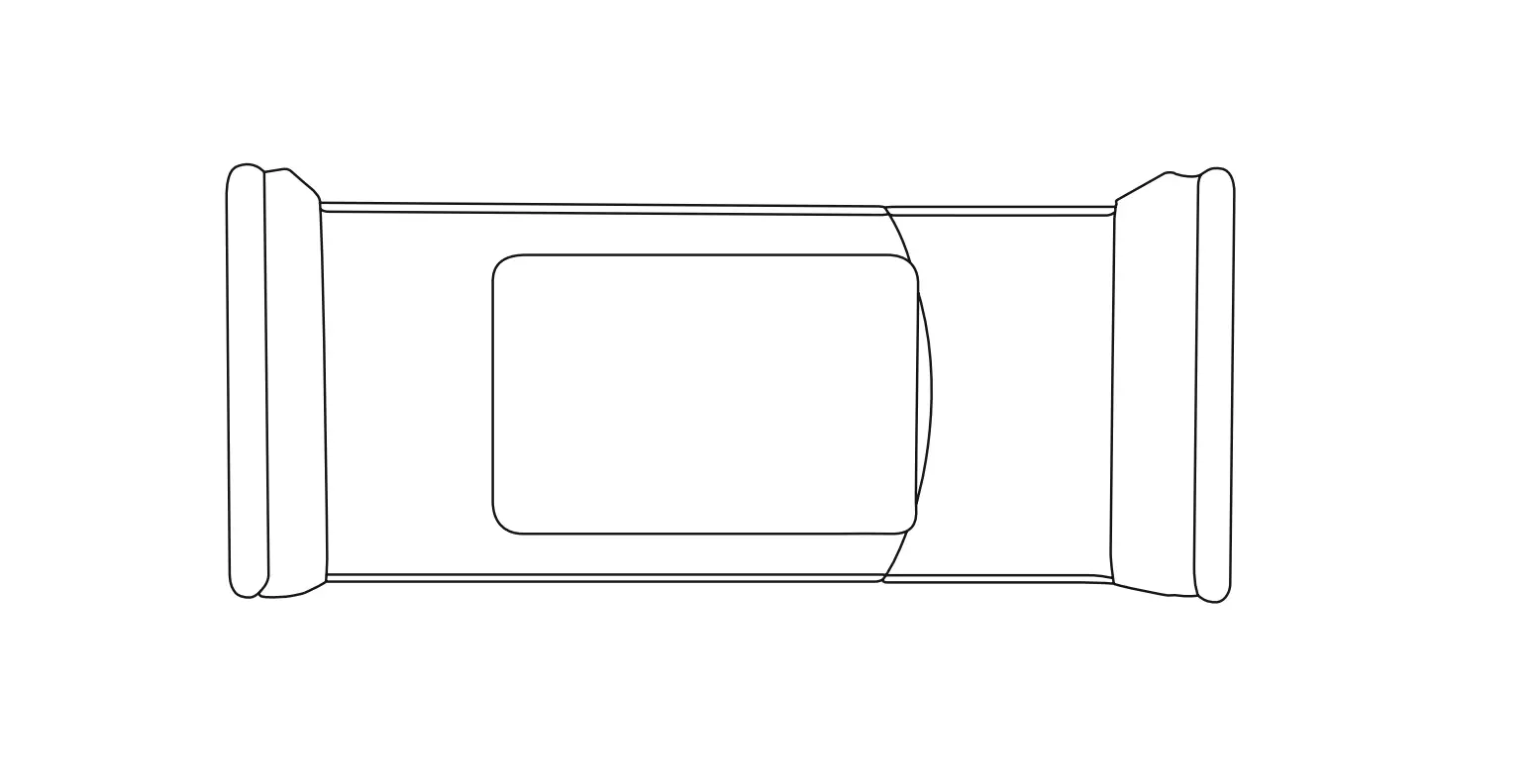
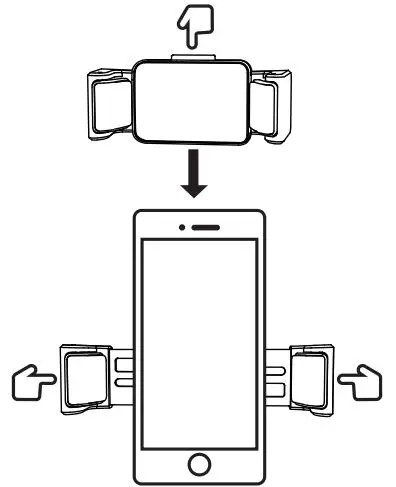
- Place the mobile phone on the car holder, and press the left and right clamping arms until the mobile phone is fully clamped.

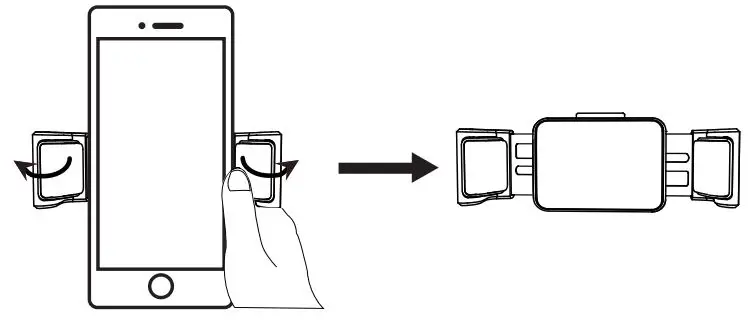
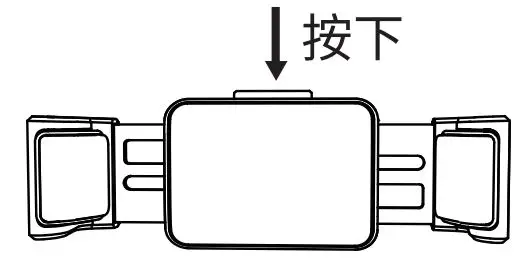
- As shown in the figure, lightly press the left or right arm switch to remove the phone.

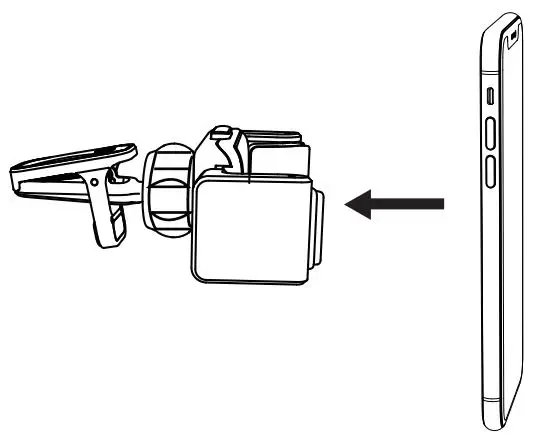
- For subsequent use, you only need to recommend the phone to the middle of the bracket.

- When changing mobile phones of different sizes, just press the release button to open the clamp arm and adjust the clamp arm again.
Specifications
Clamp the ball head to a suitable position of the air outlet.
| Model | BW-CF1 |
| Colour installation Locution | Black Air Outlet |
| installation Method Material | Clip-in ABS, Aluminum Alloy, Silica Gel |
| Item Size | 87.8*52.6″39.Brrrn |
| Clamping Size | 66~90rrrn |