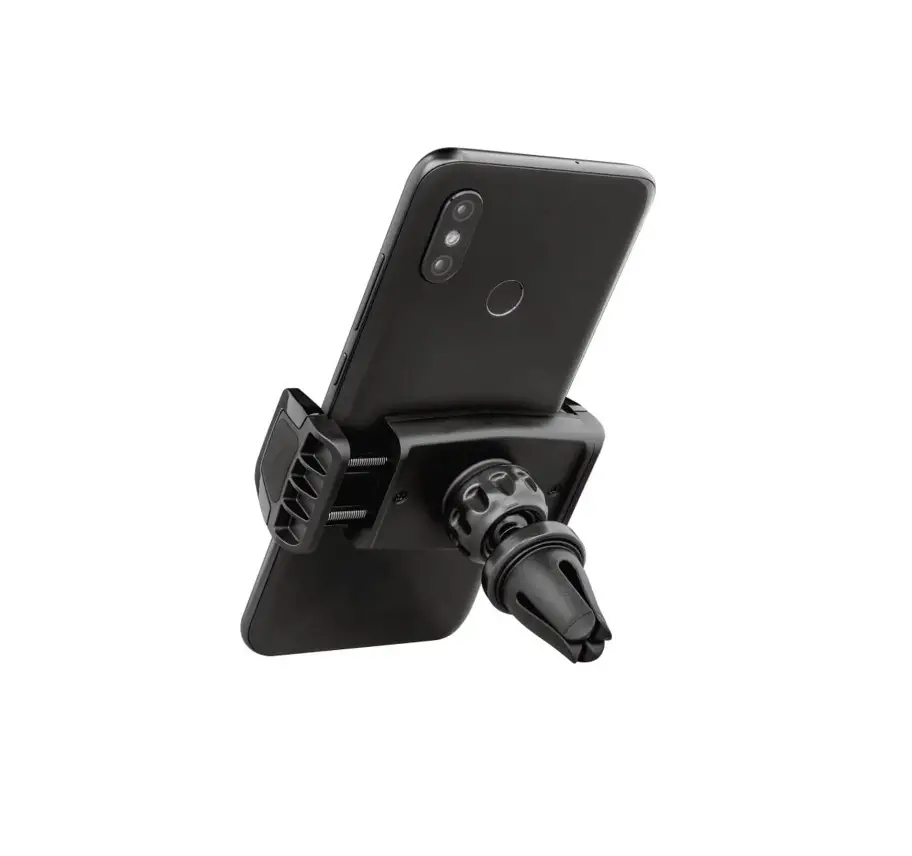

Runo Air Vent Phone Holder
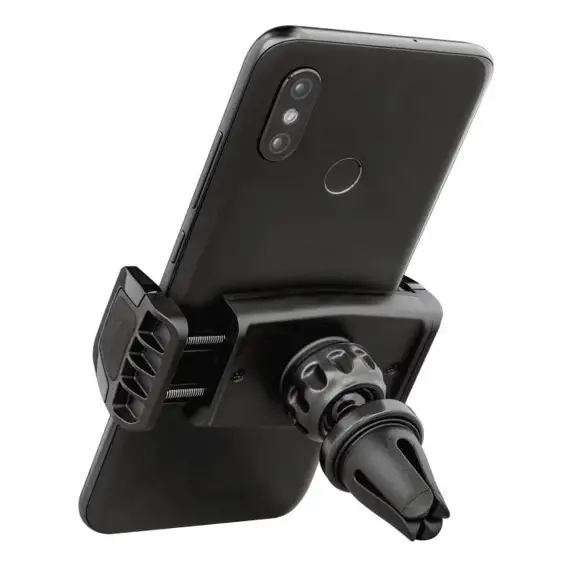
Product Information: Air Vent Phone Holder
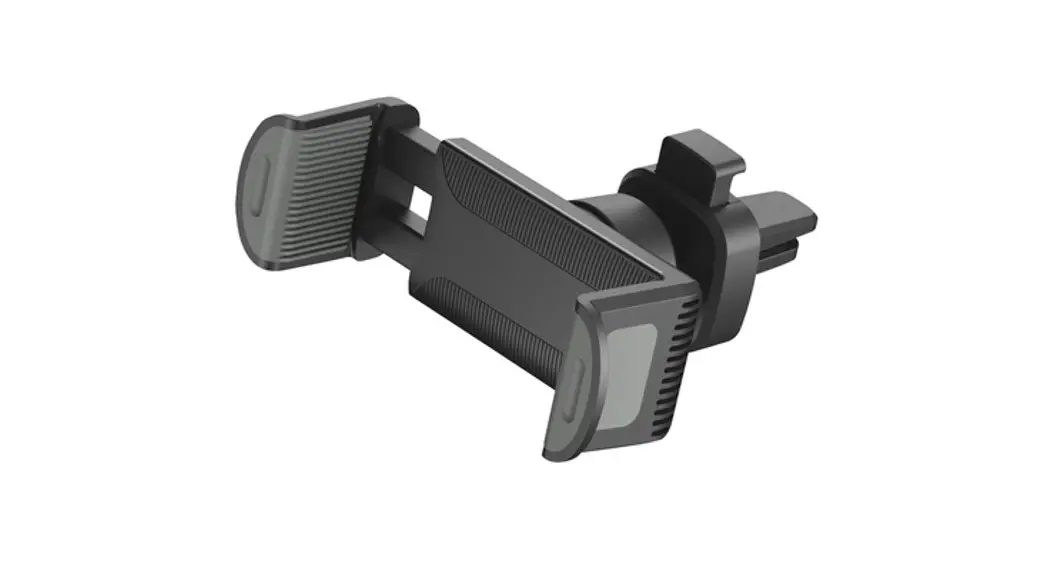
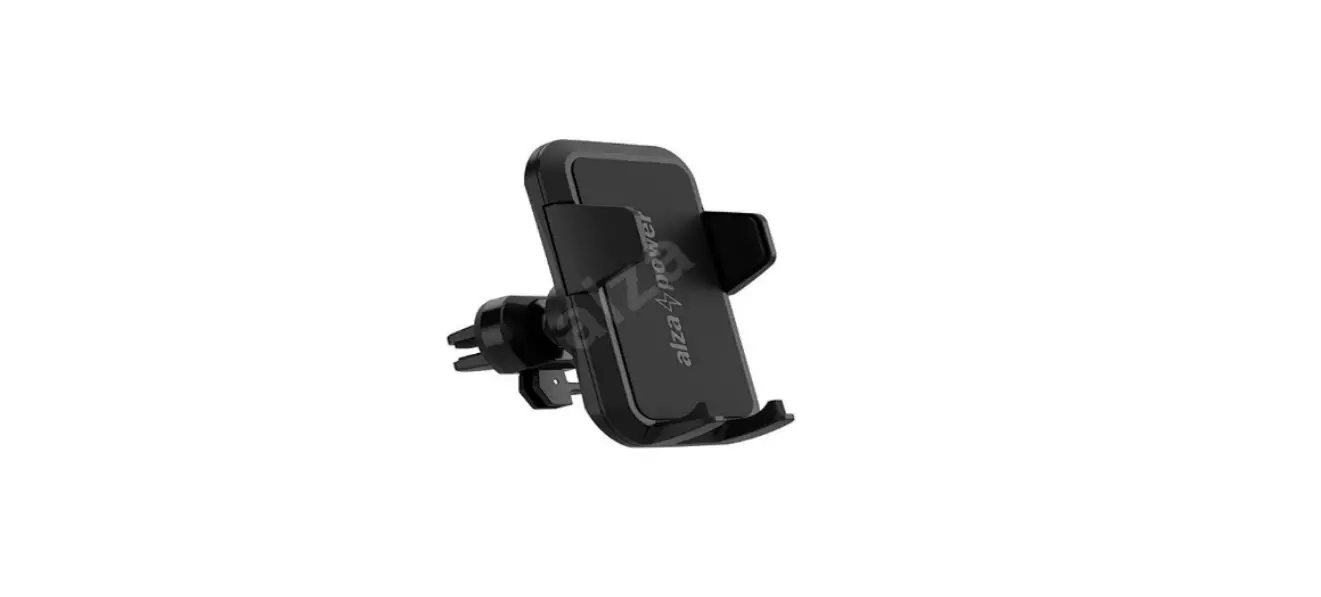
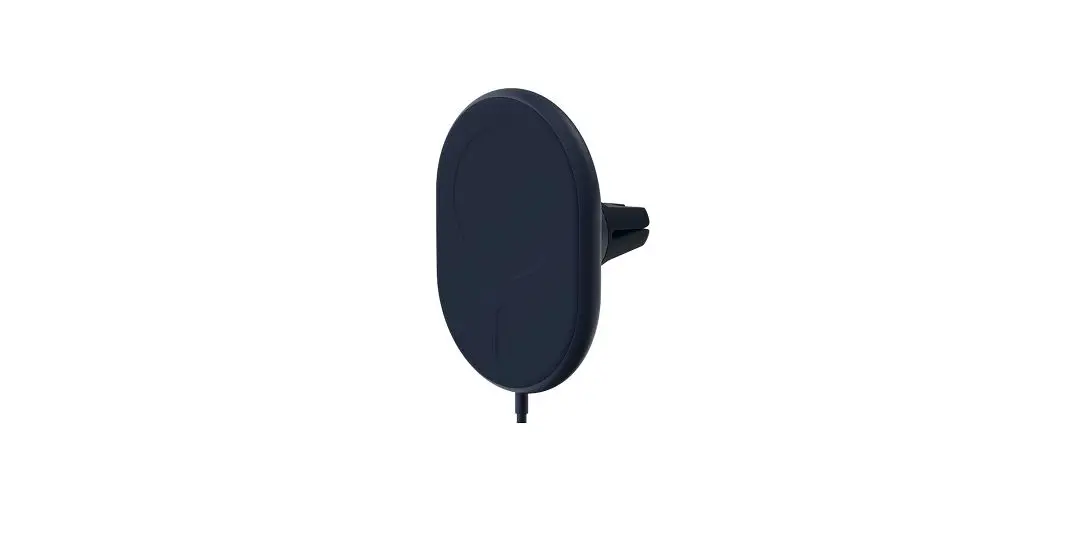
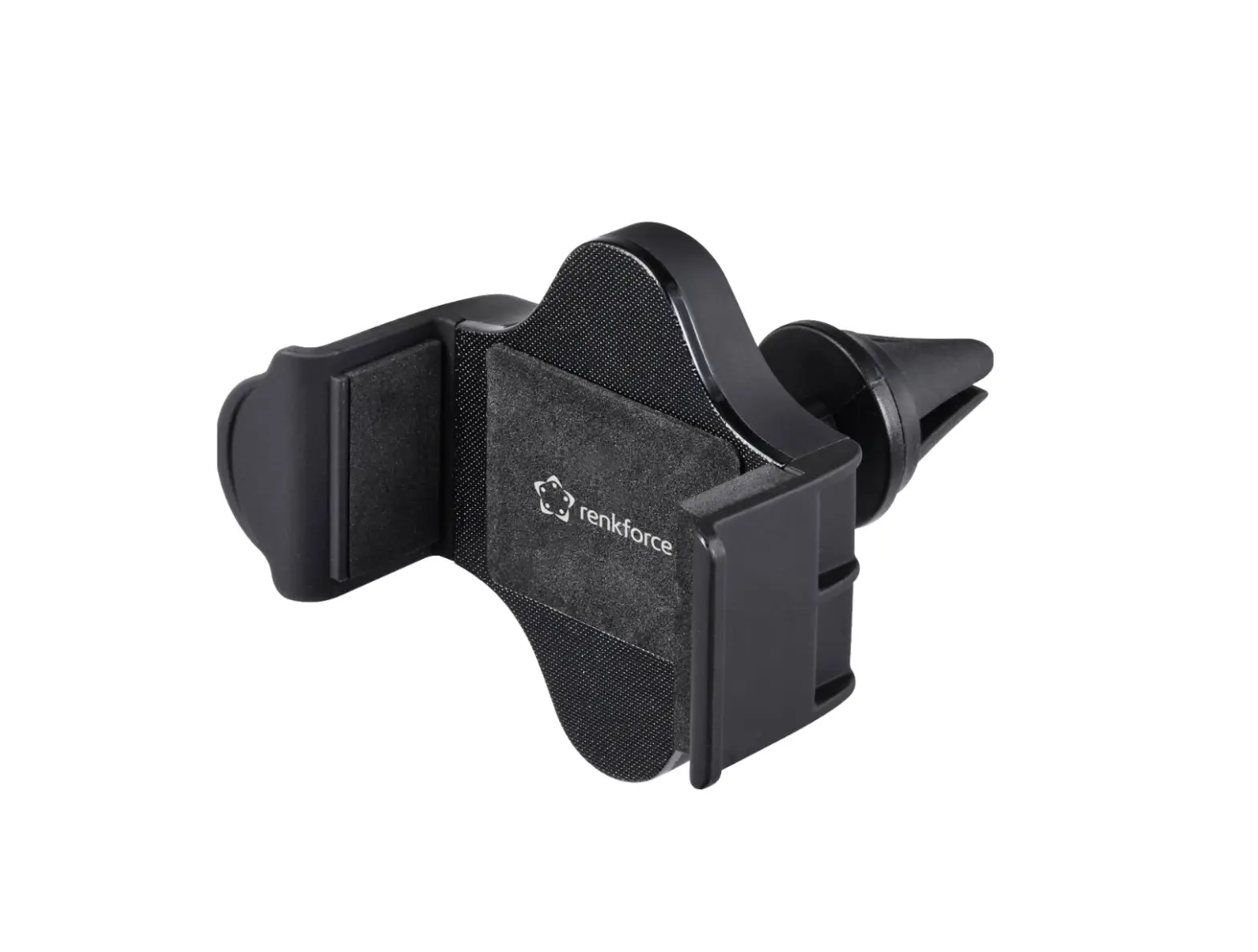
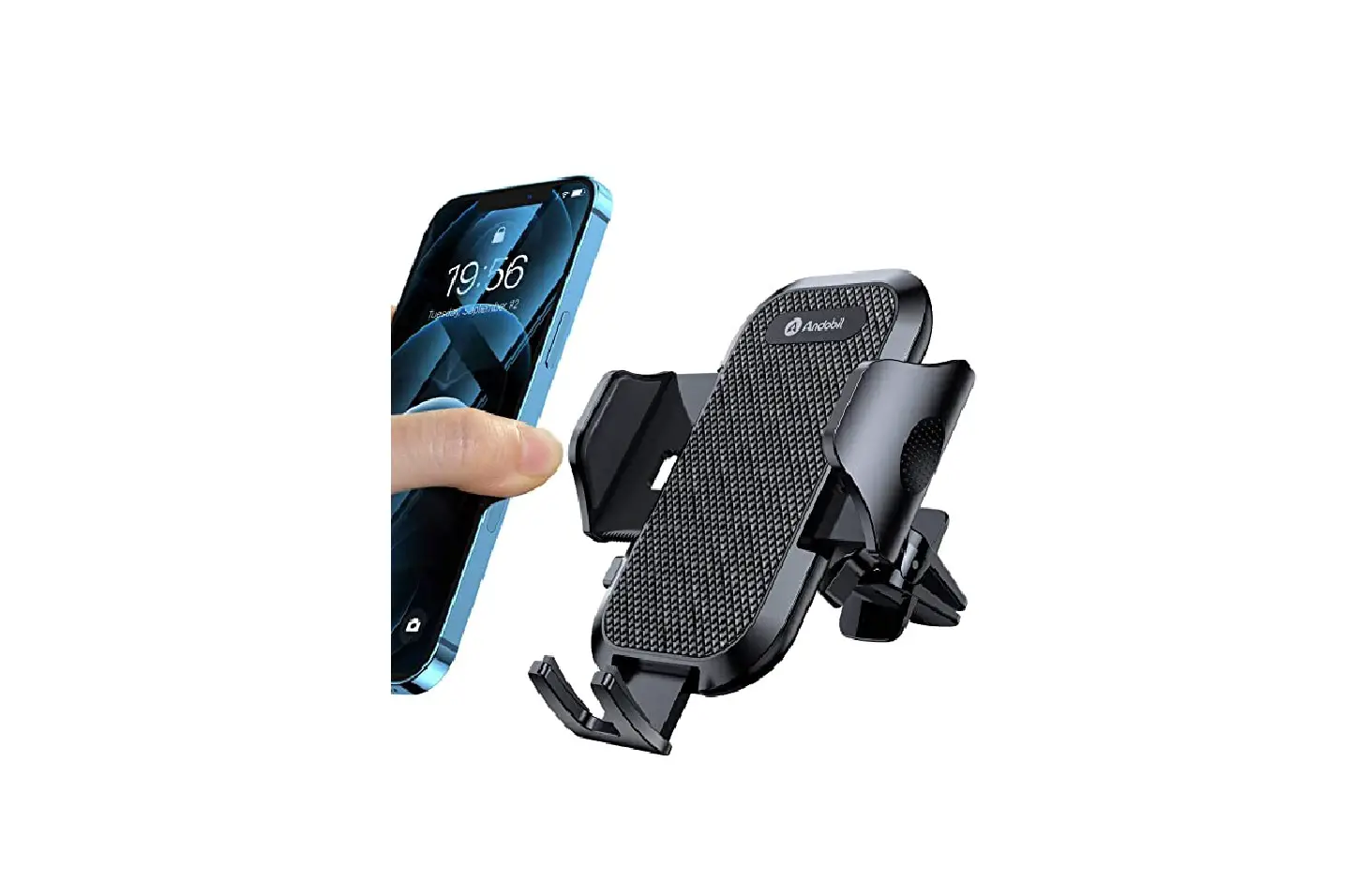
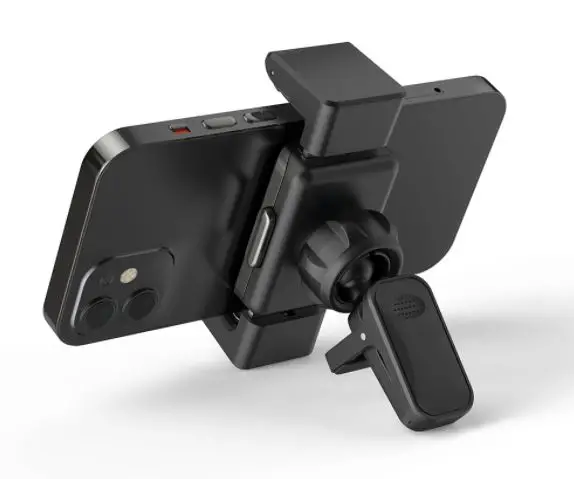
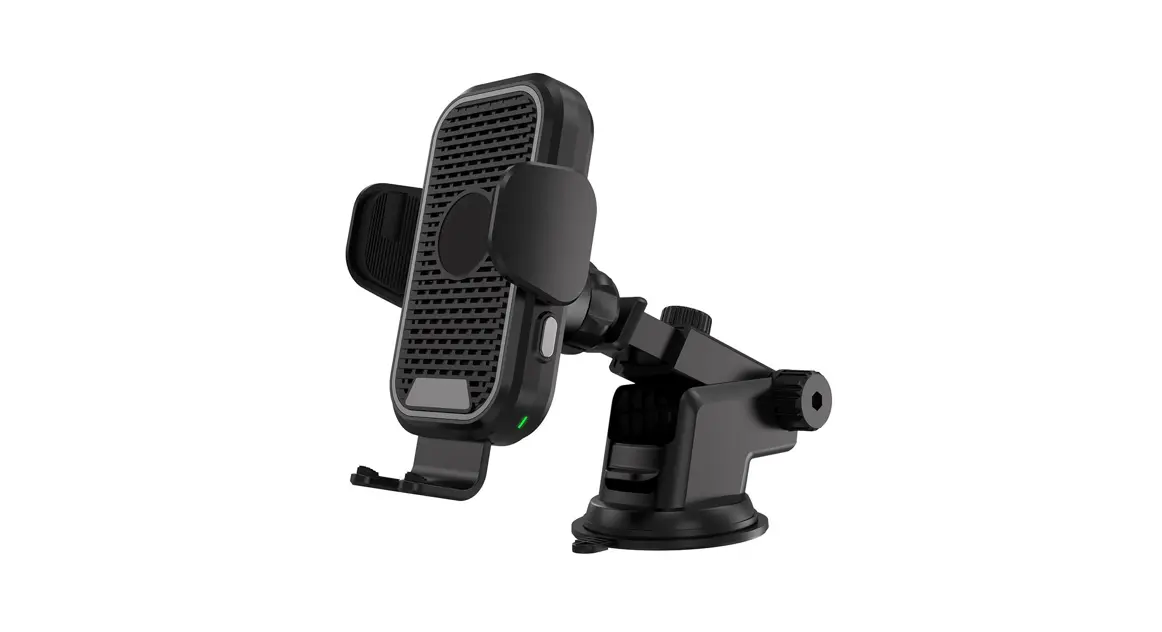
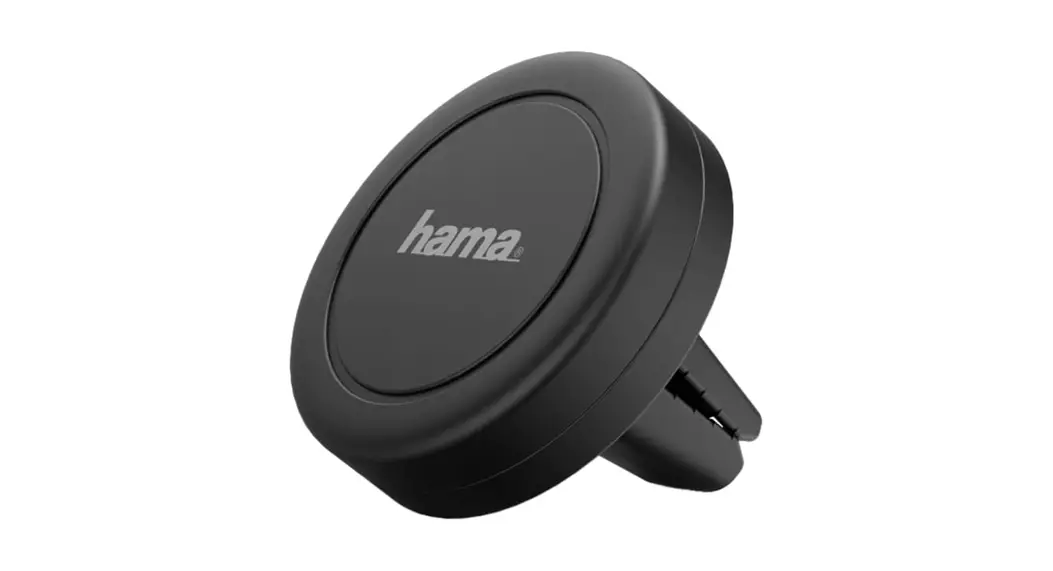
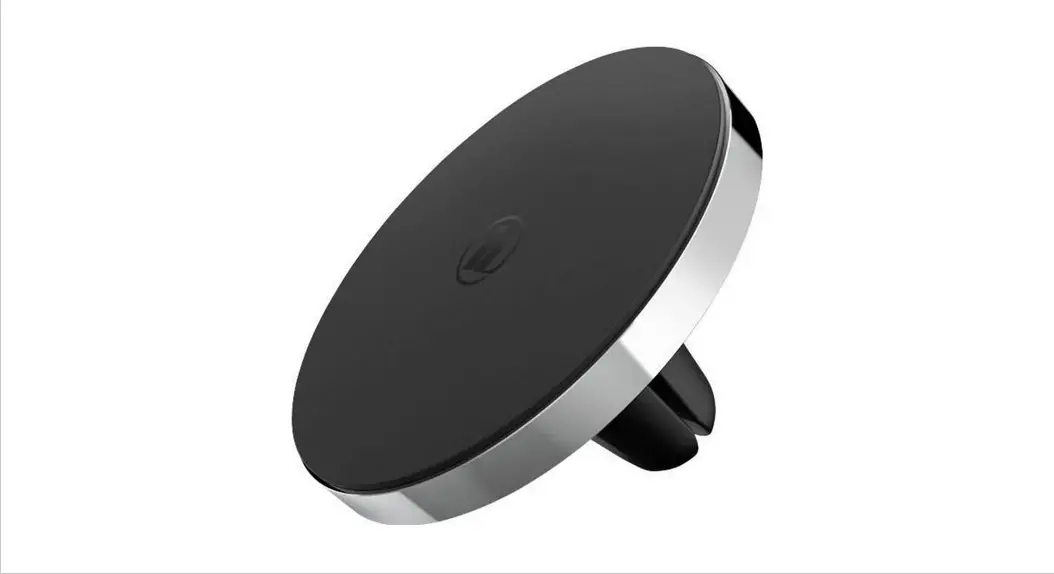
The Air Vent Phone Holder by Runo is designed to securely hold your smartphone while you drive. It easily attaches to your car’s air vent and can hold phones of various sizes. The holder is made of durable materials and has a 360-degree rotating mechanism for optimal viewing angles.
Product Usage Instructions
- Visit www.trust.com/24983/FAQ for additional product information and troubleshooting tips.
- Insert the Air Vent Phone Holder into the air vent of your car. The holder is compatible with most standard air vents.
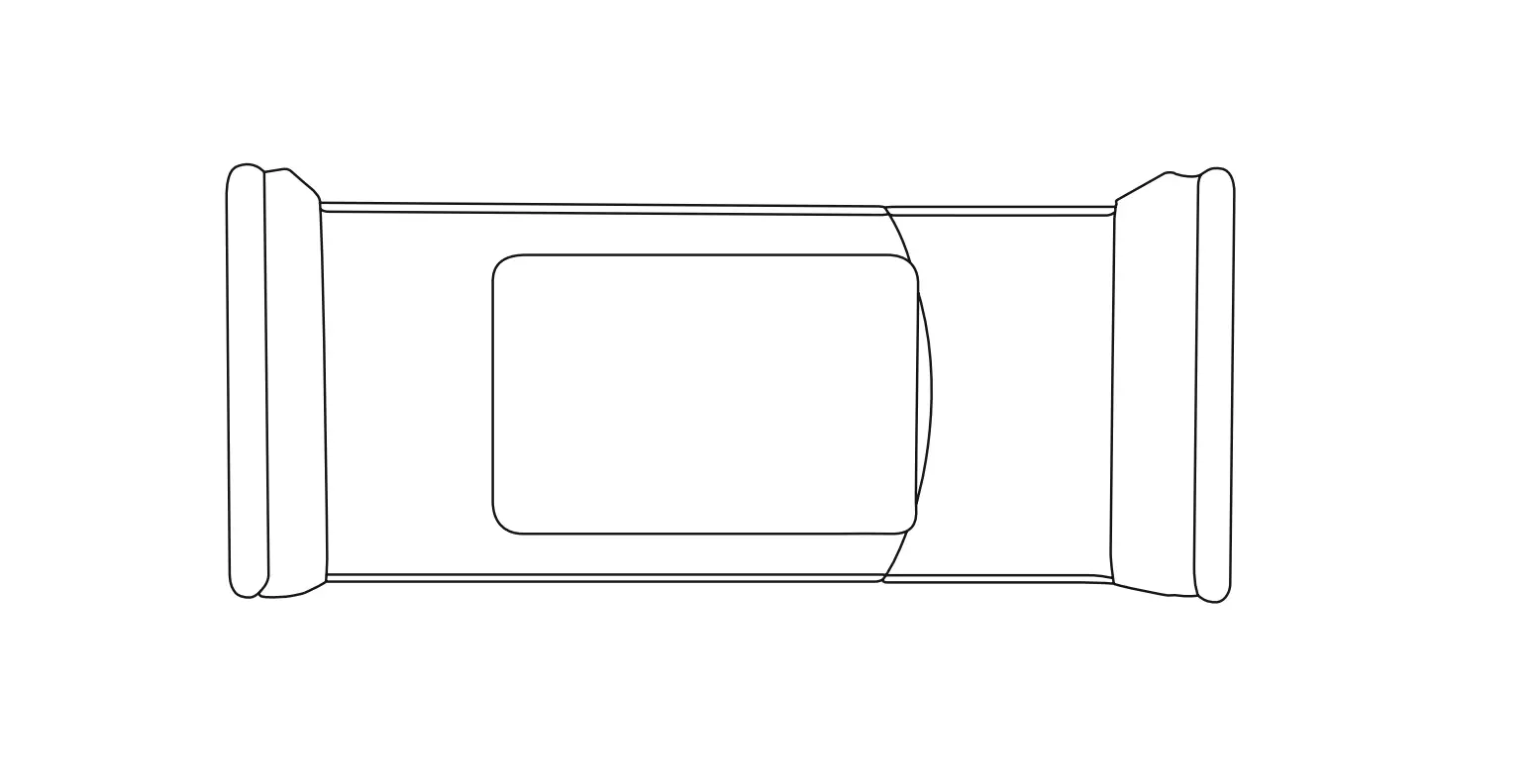
- Adjust the holder to fit the size of your phone. The holder can accommodate phones up to 6 inches in size.
- Once your phone is securely in place, adjust the holder’s rotating mechanism to find the optimal viewing angle for your needs.
- To remove your phone from the holder, simply pull it out gently.
- When not in use, remove the Air Vent Phone Holder from your car’s air vent to prevent any damage to the holder or your phone.
How To Use
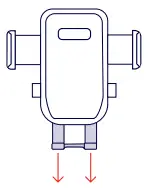
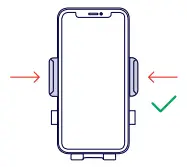
INSTALLATION
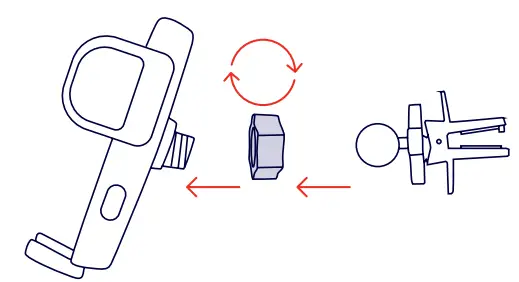
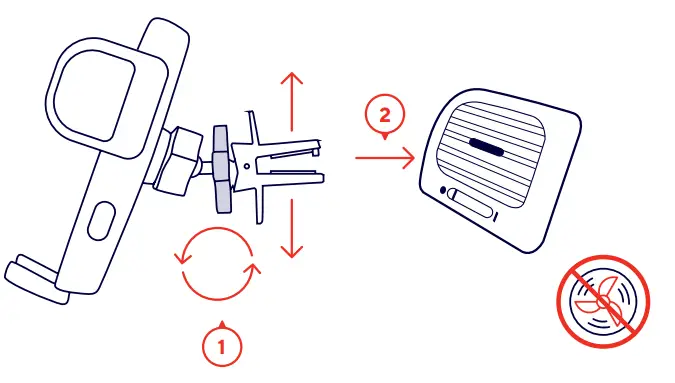
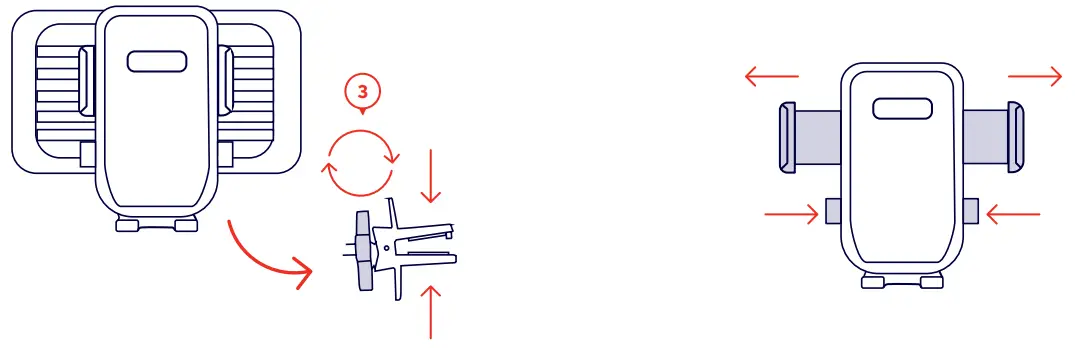
 Trust.com - Runo Phone Holder With Air Vent Mount