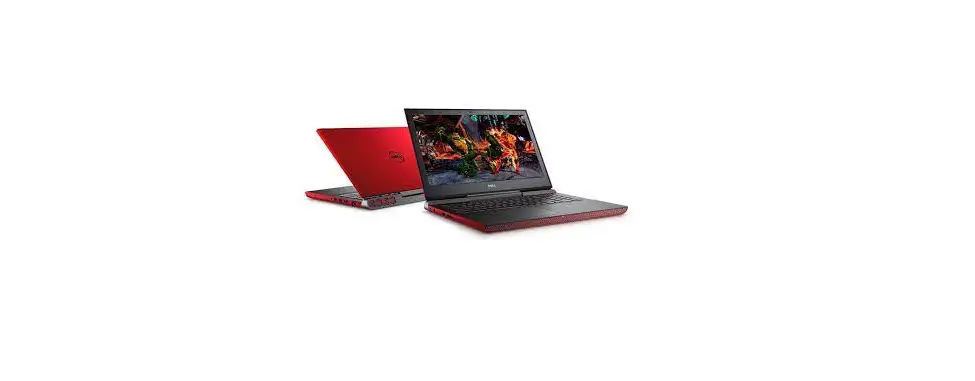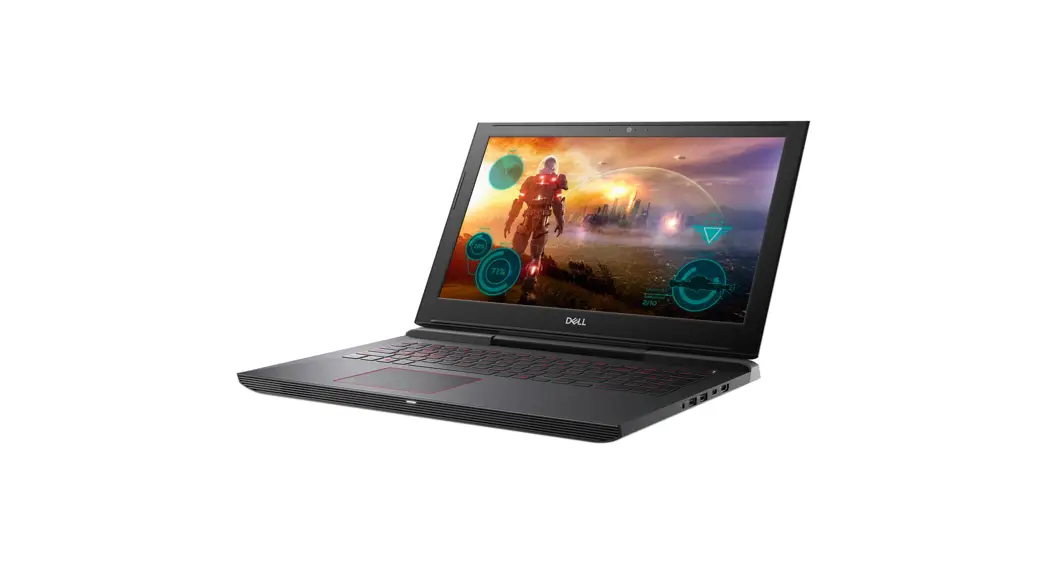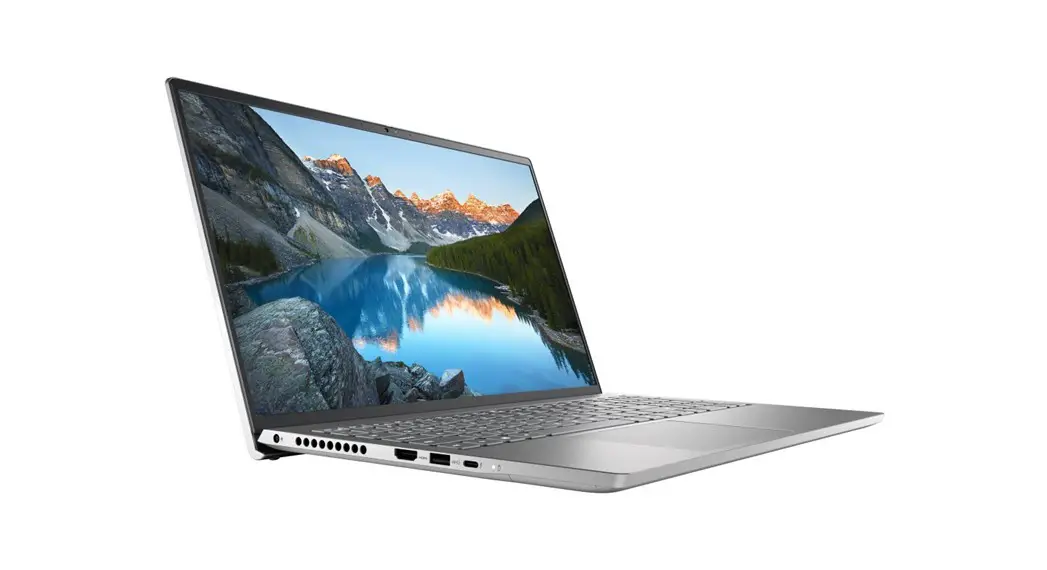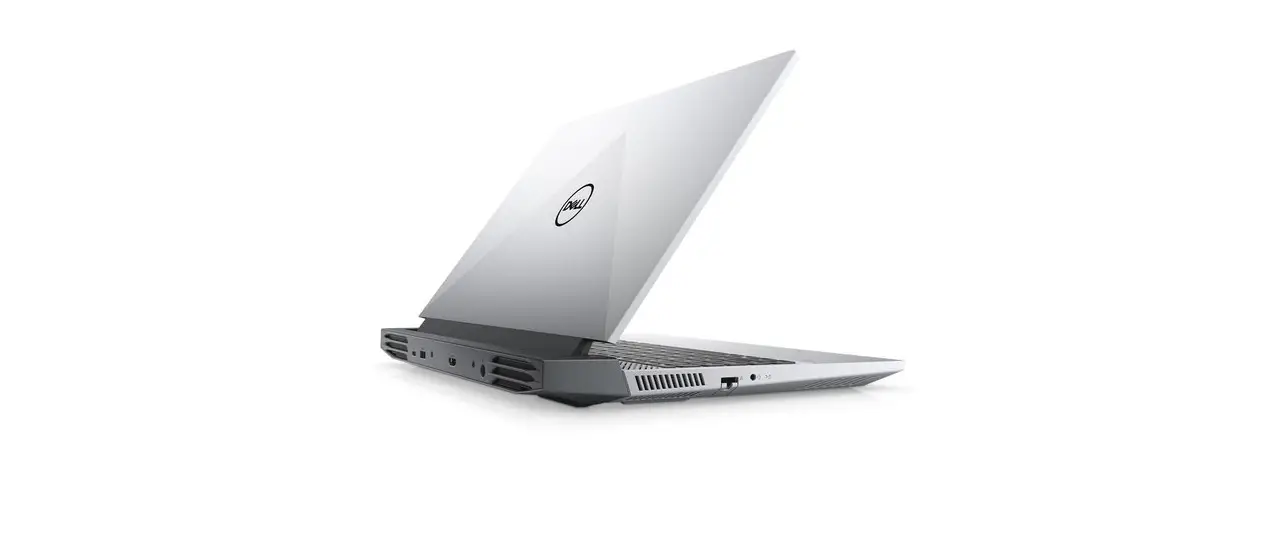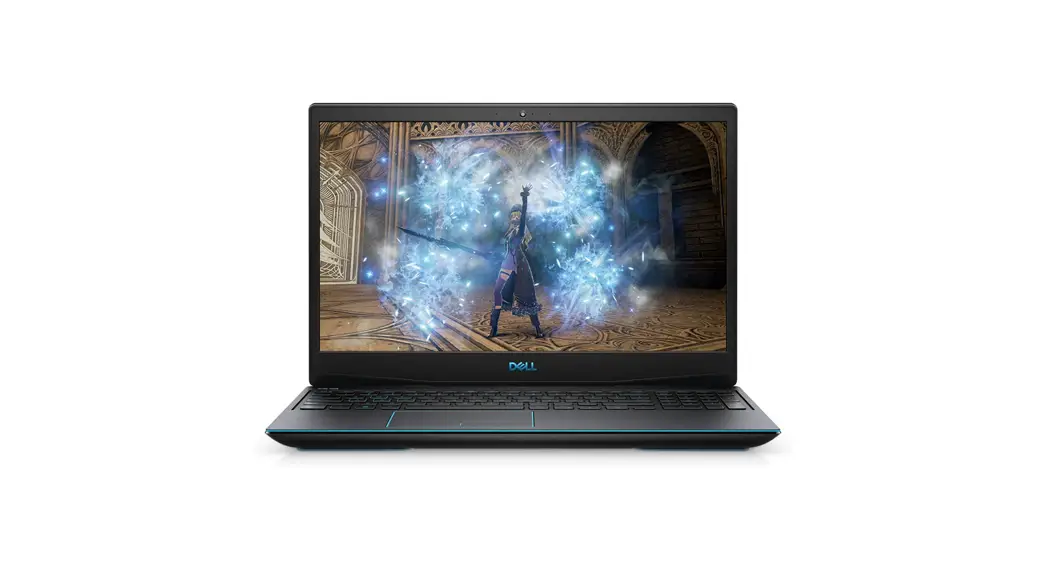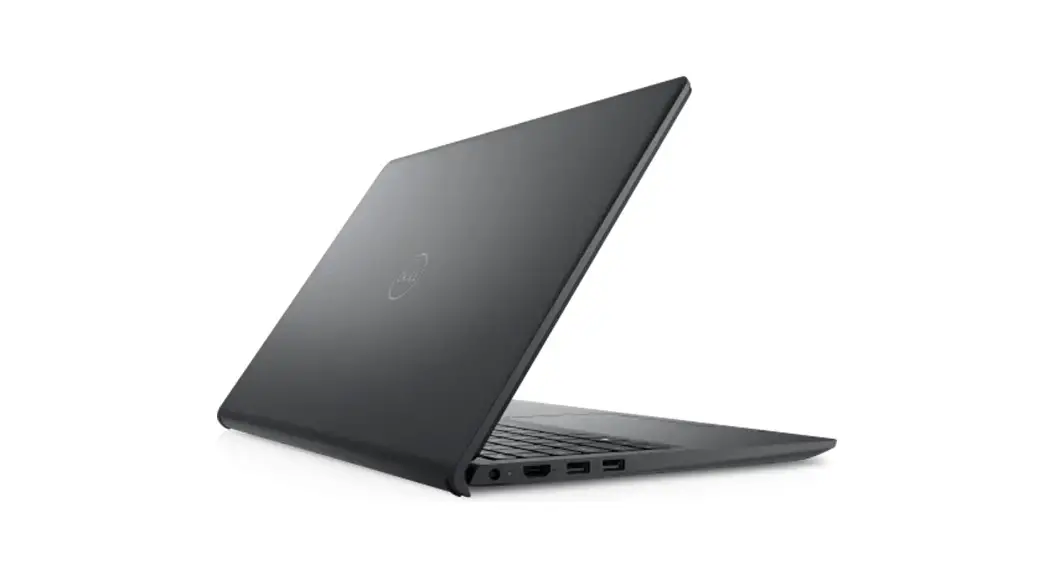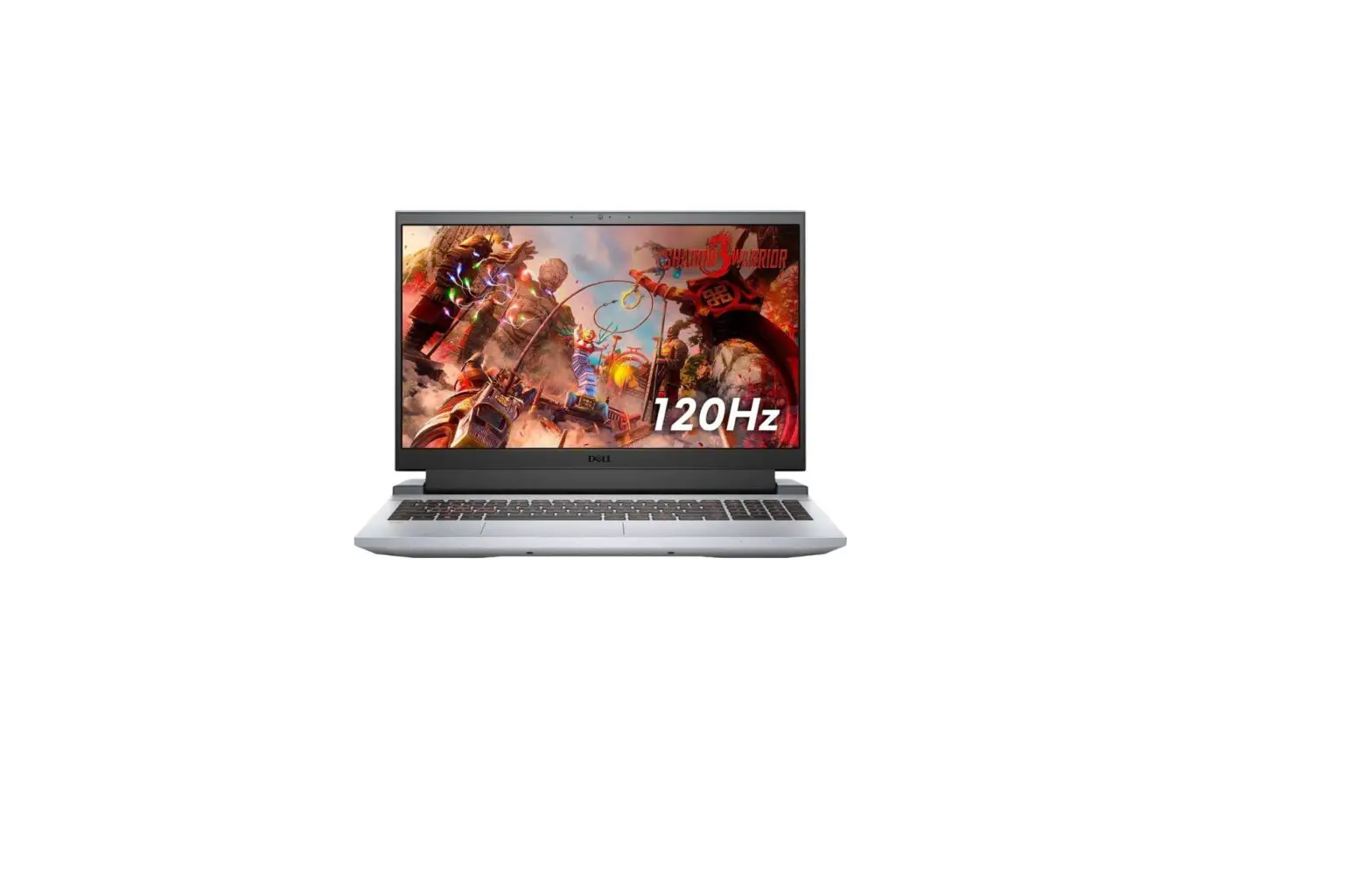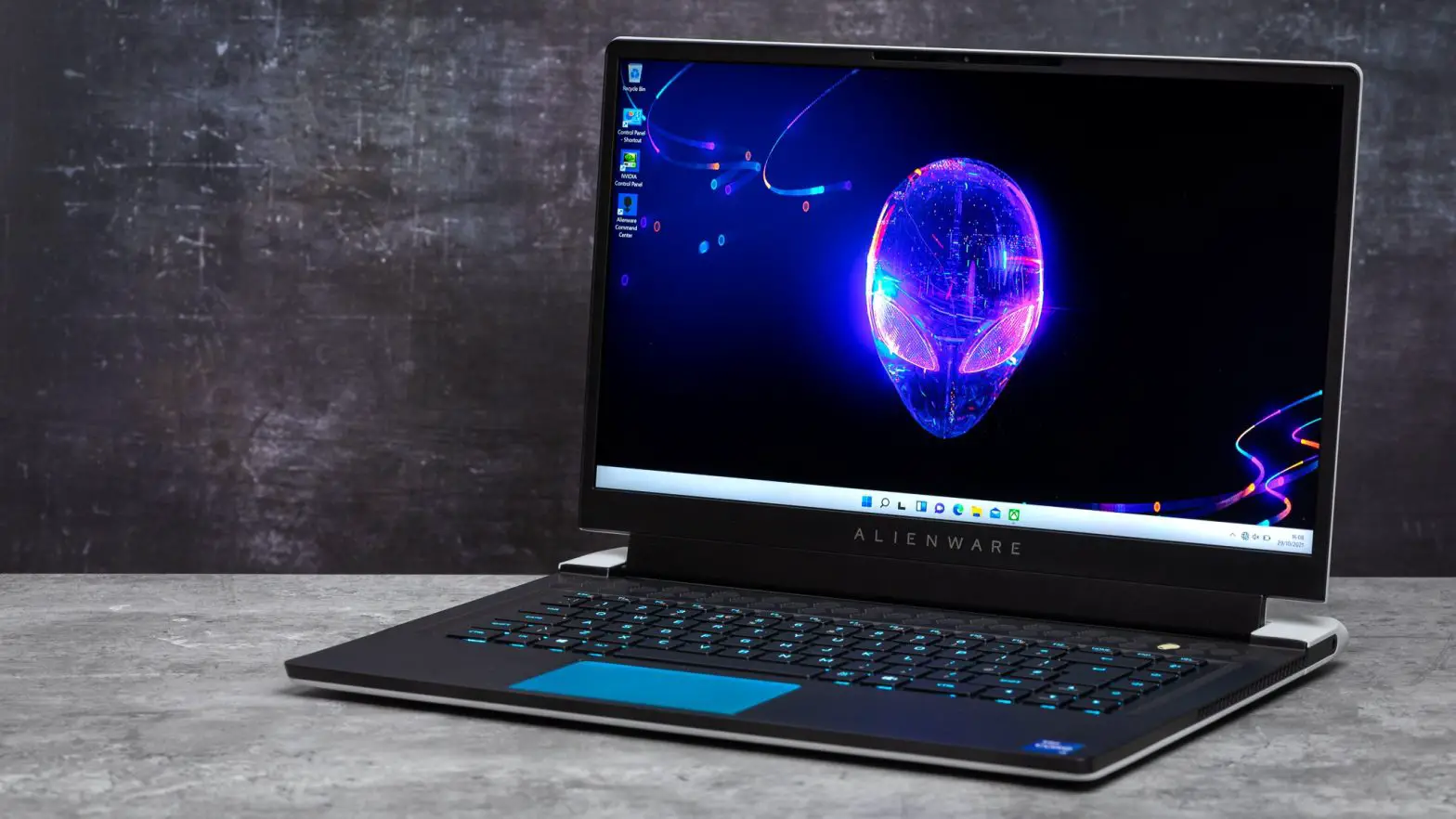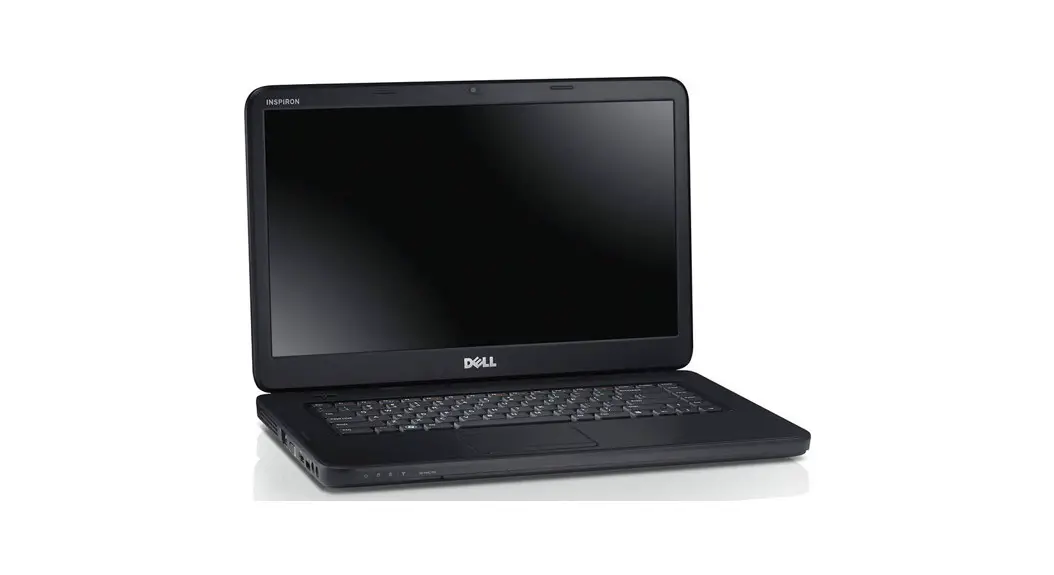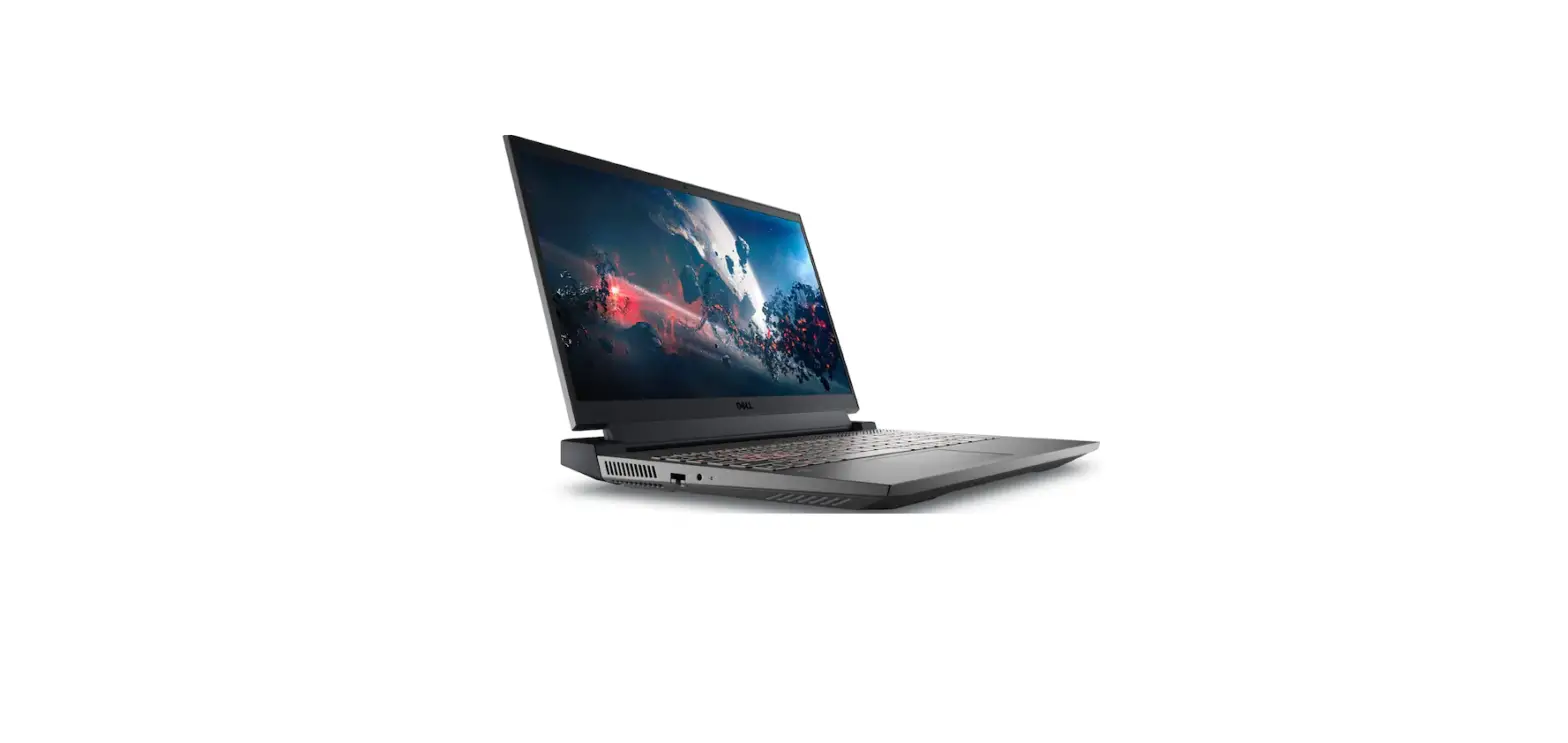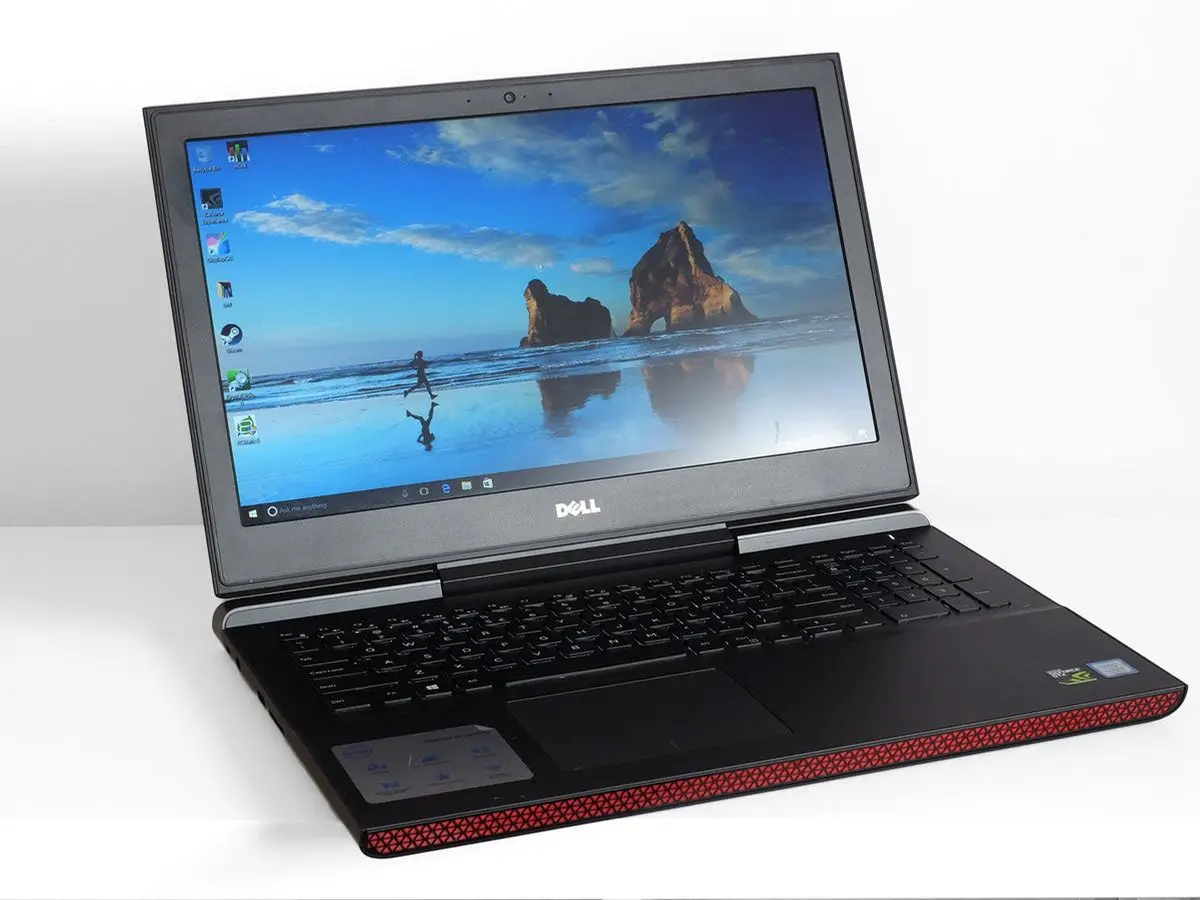
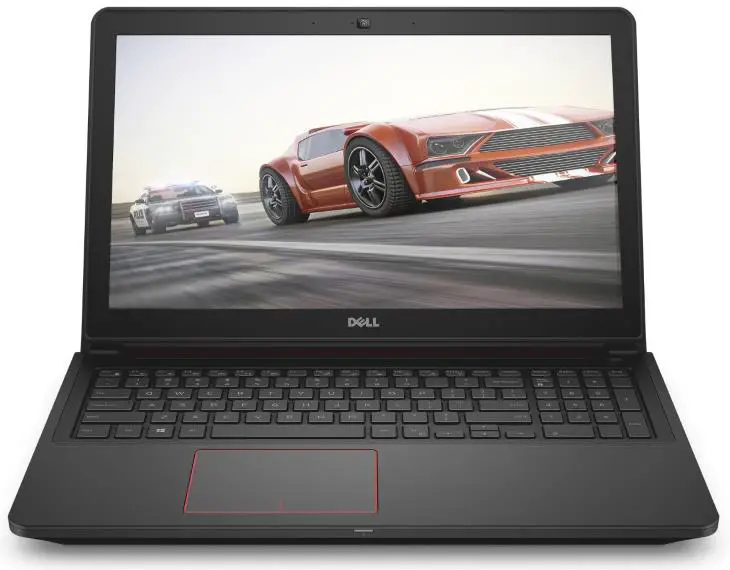
DELL Inspiron 15 7000 Series Gaming Laptop
Connect the power adapter and press the power button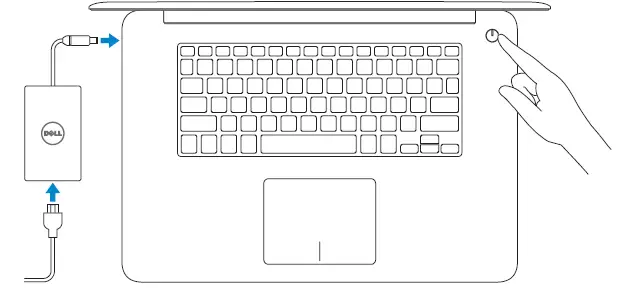
Finish operating system setup
Windows
- Enable Dell updates
- Connect to your network
NOTE: If you are connecting to a secured wireless network, enter the password for the wireless network access when prompted.
Sign in to your Microsoft account or create a local account
Follow the instructions on the screen to finish setup.
Create recovery media for Windows
In Windows search, type Recovery, click Create a recovery media, and follow the instructions on the screen.
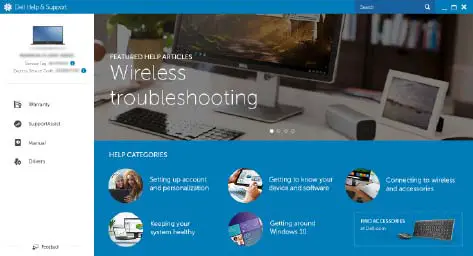
Locate Dell apps in Windows
- Register your computer
- Dell Help & Support

- SupportAssist Check and update your computer
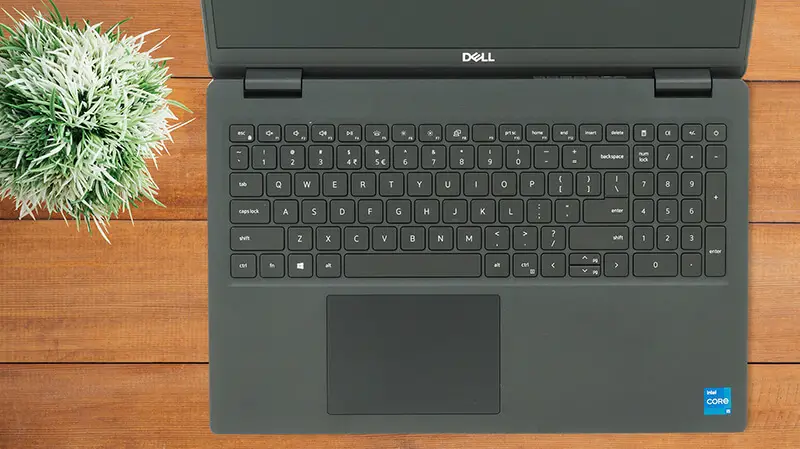
Features

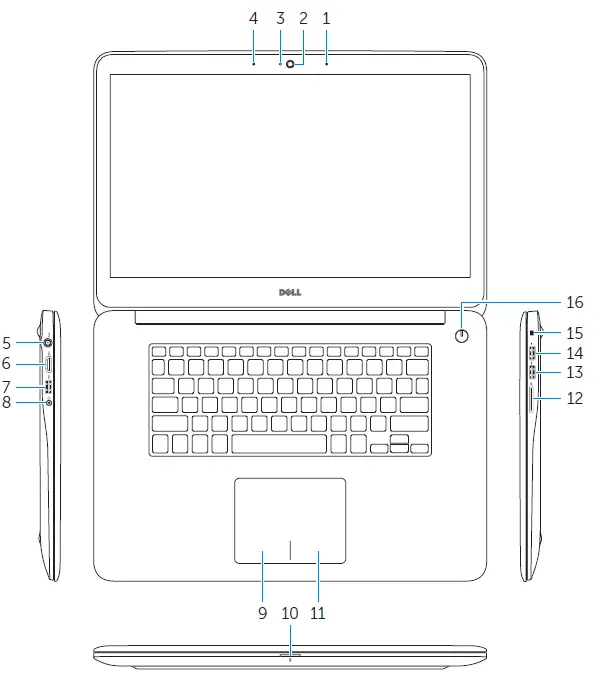
- Right microphone
- Camera
- Camera-status light
- Left microphone
- Power‑adapter port
- HDMI port
- USB 3.0 port with PowerShare
- Headset port
- Left‑click area
- Power, battery and hard-drive status light
- Right‑click area
- Media-card reader
- USB 3.0 port
- USB 2.0 port
- Security-cable slot
- Power button
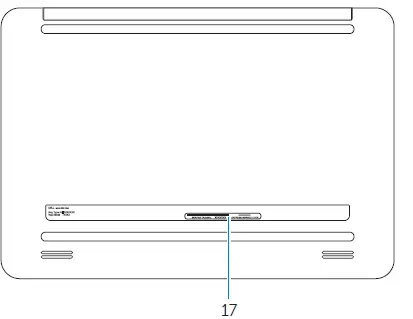
- Service Tag label
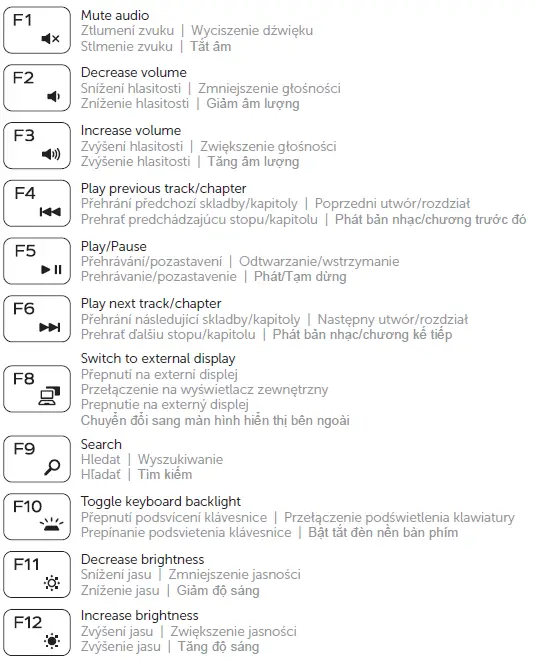
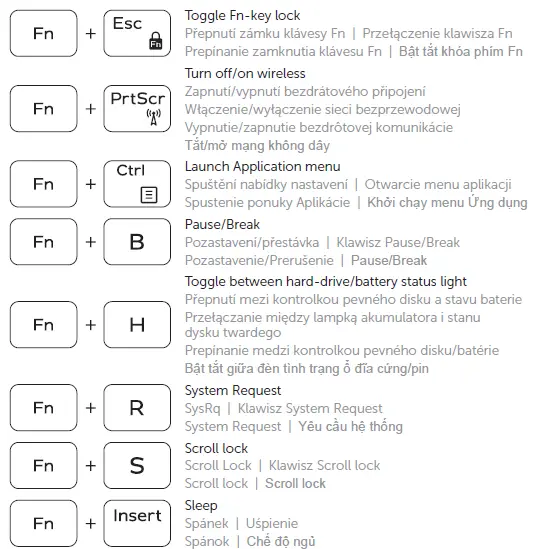
Shortcut keys


 Contact Support | Dell US