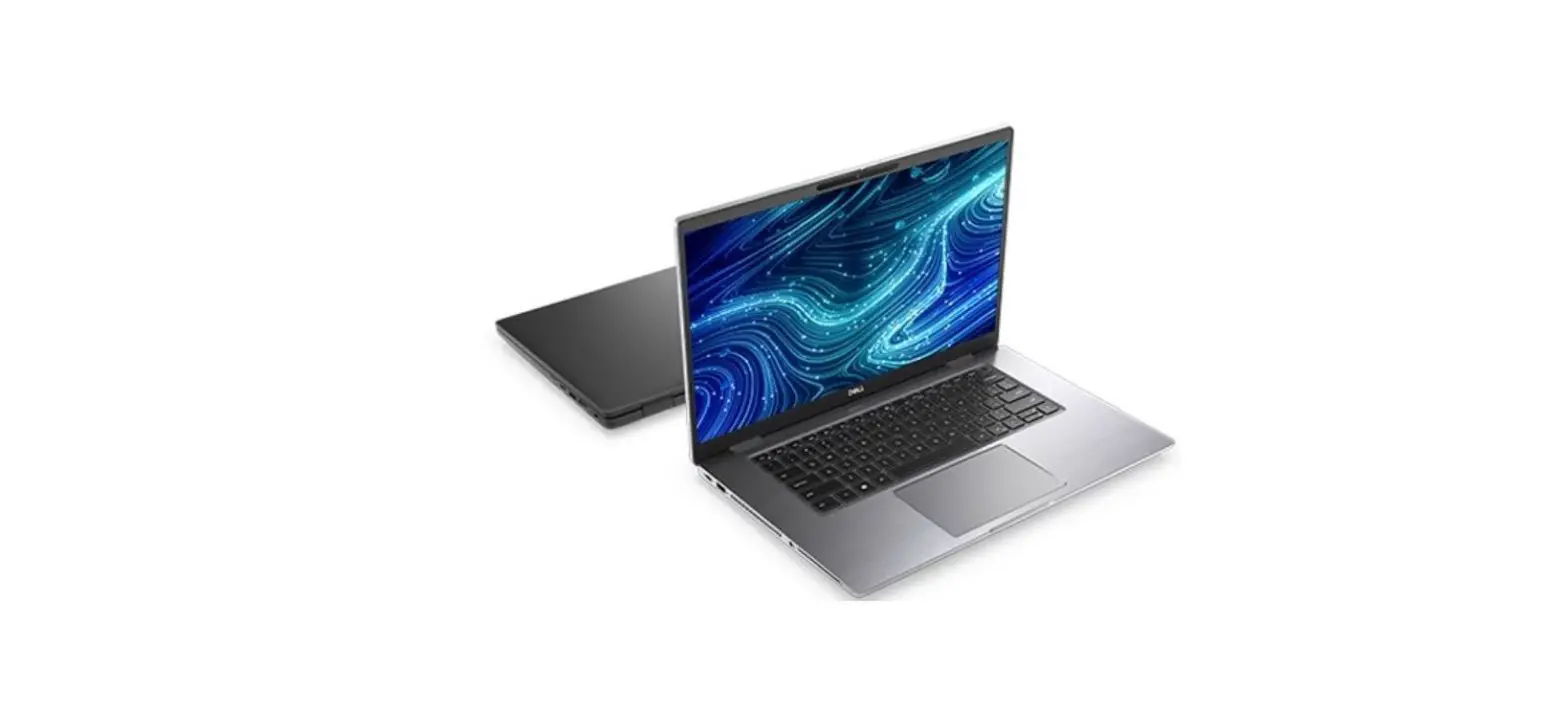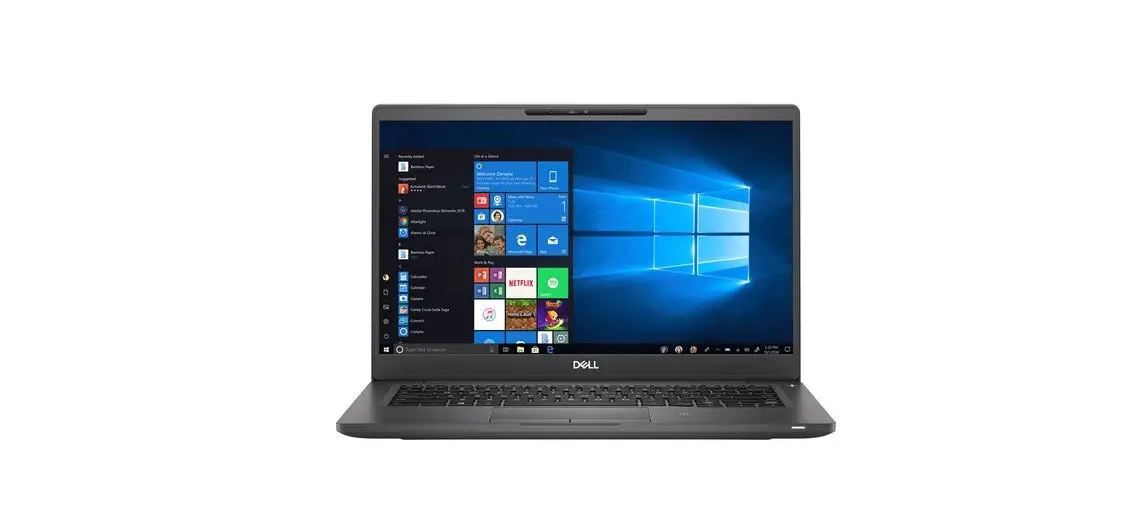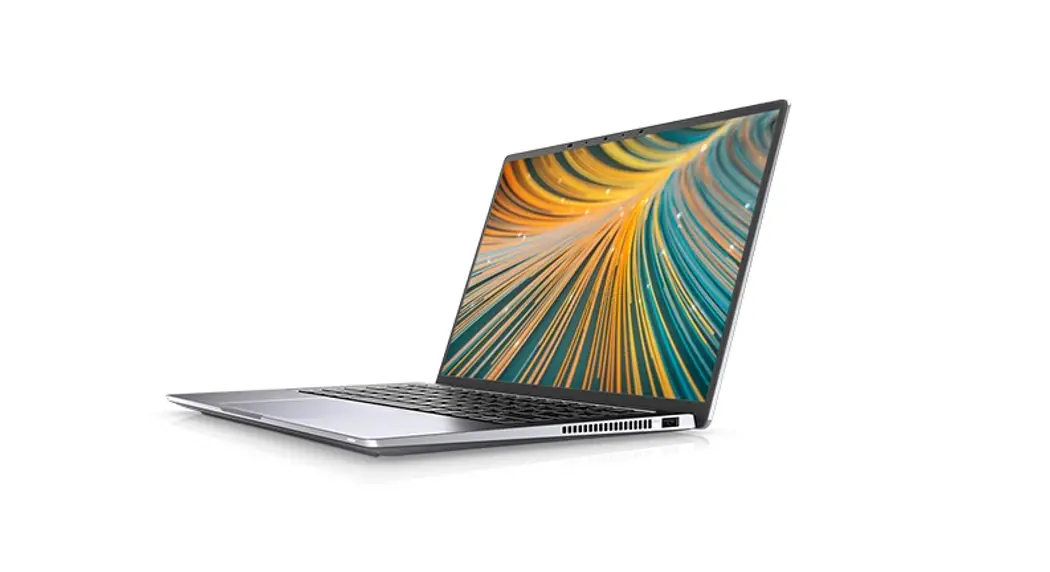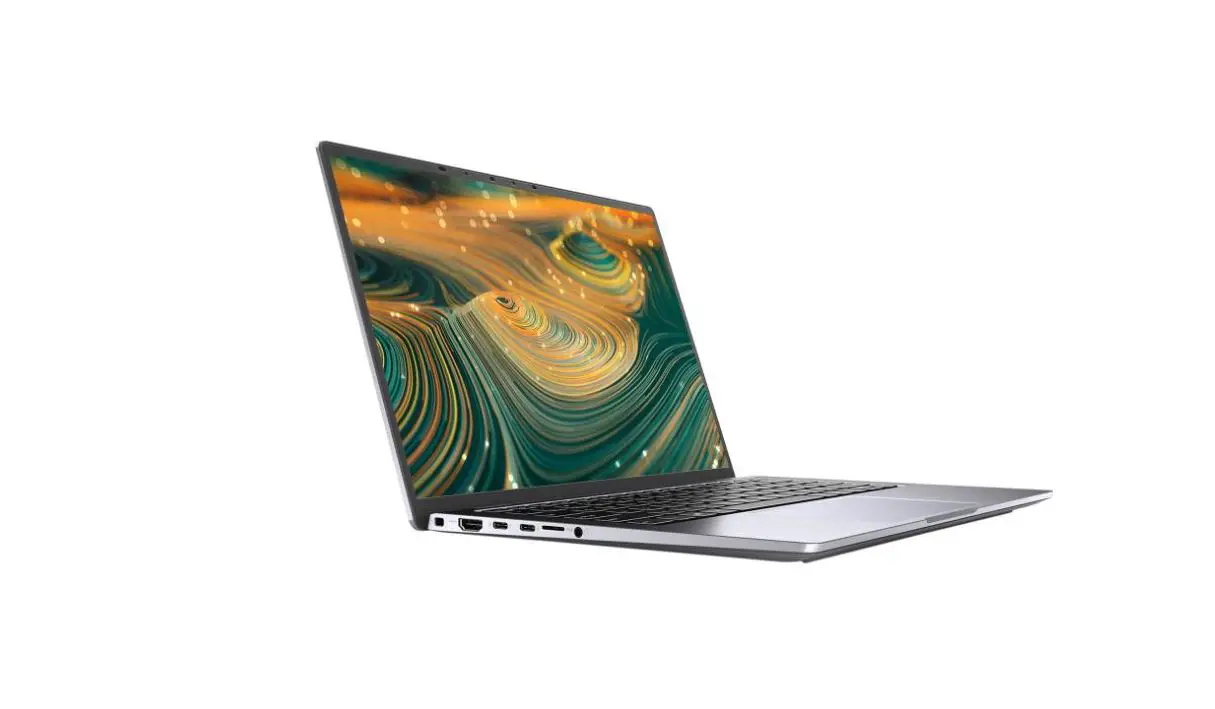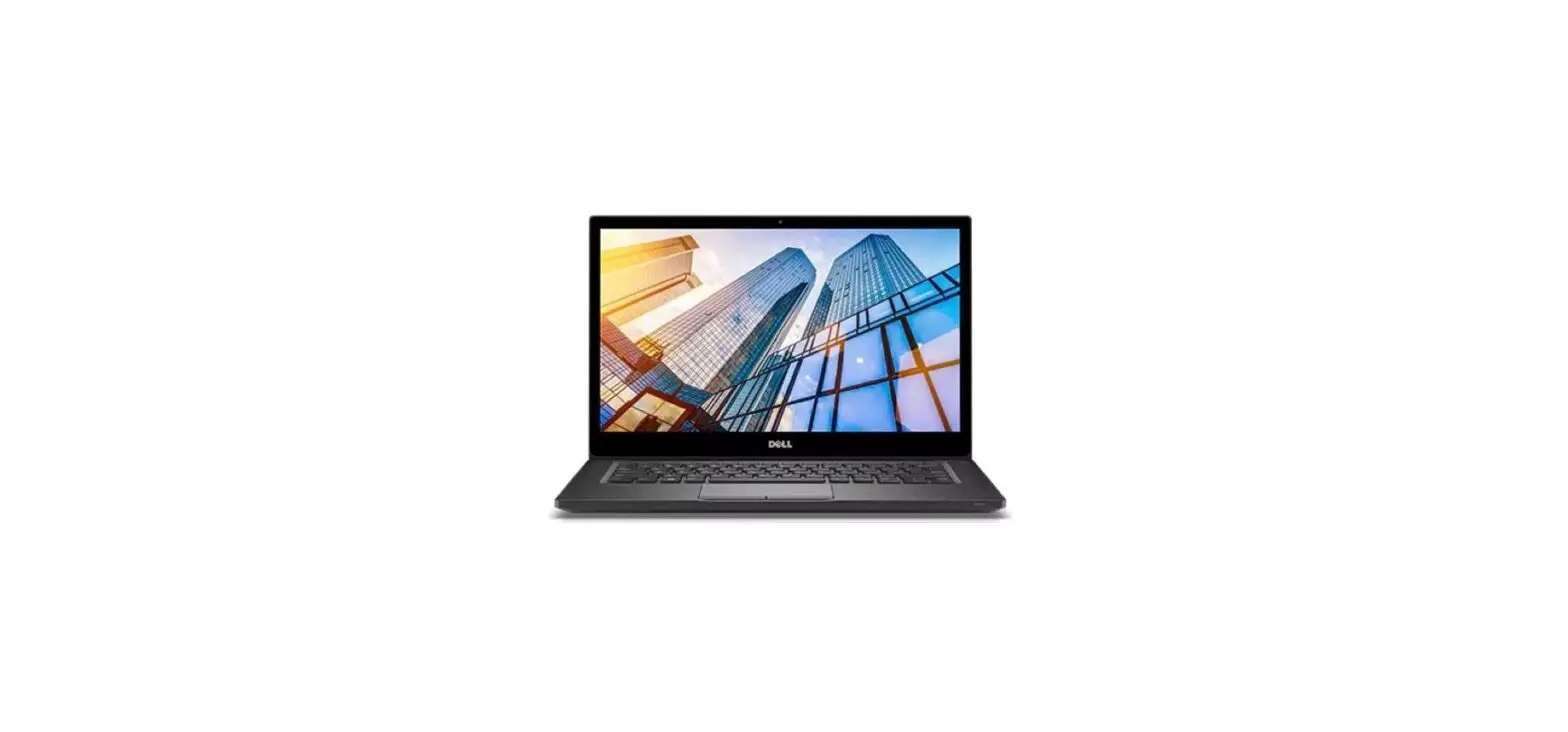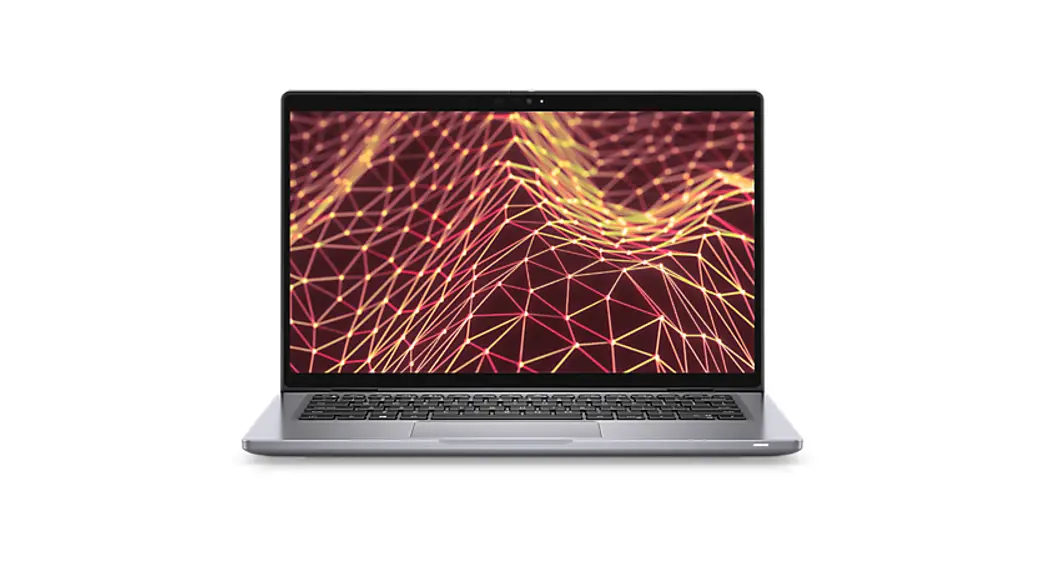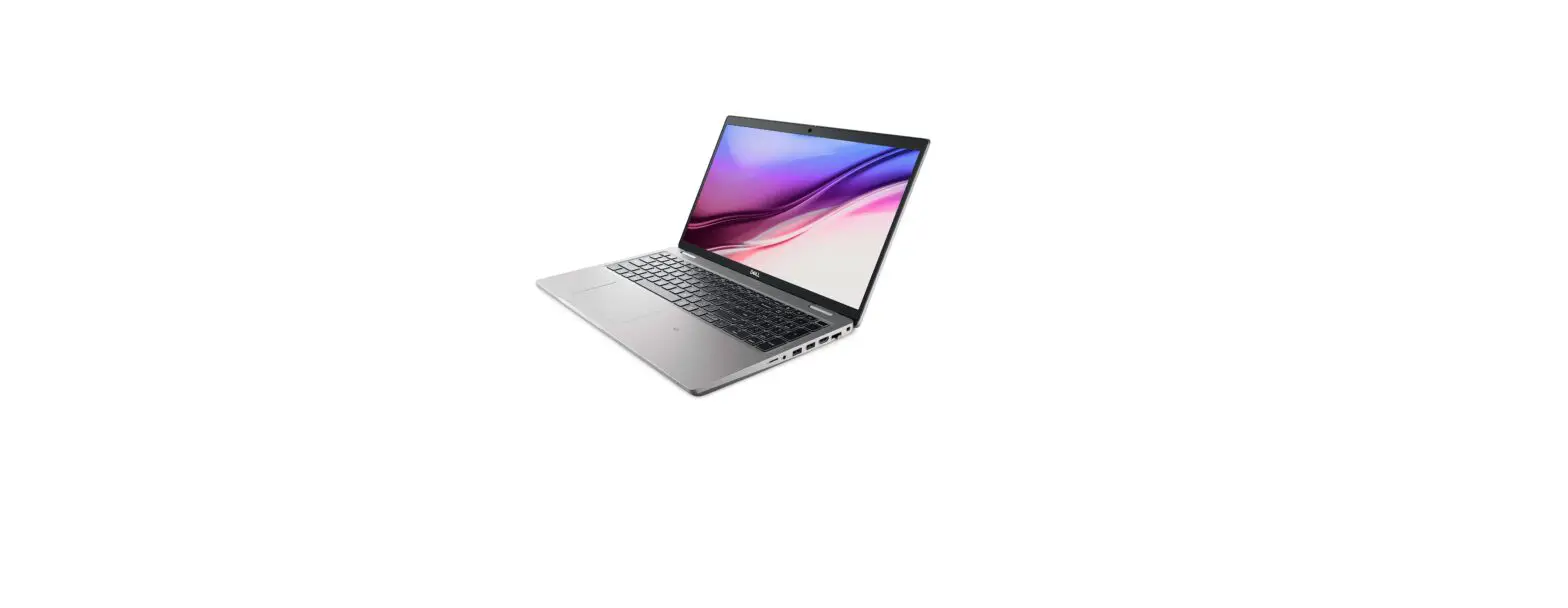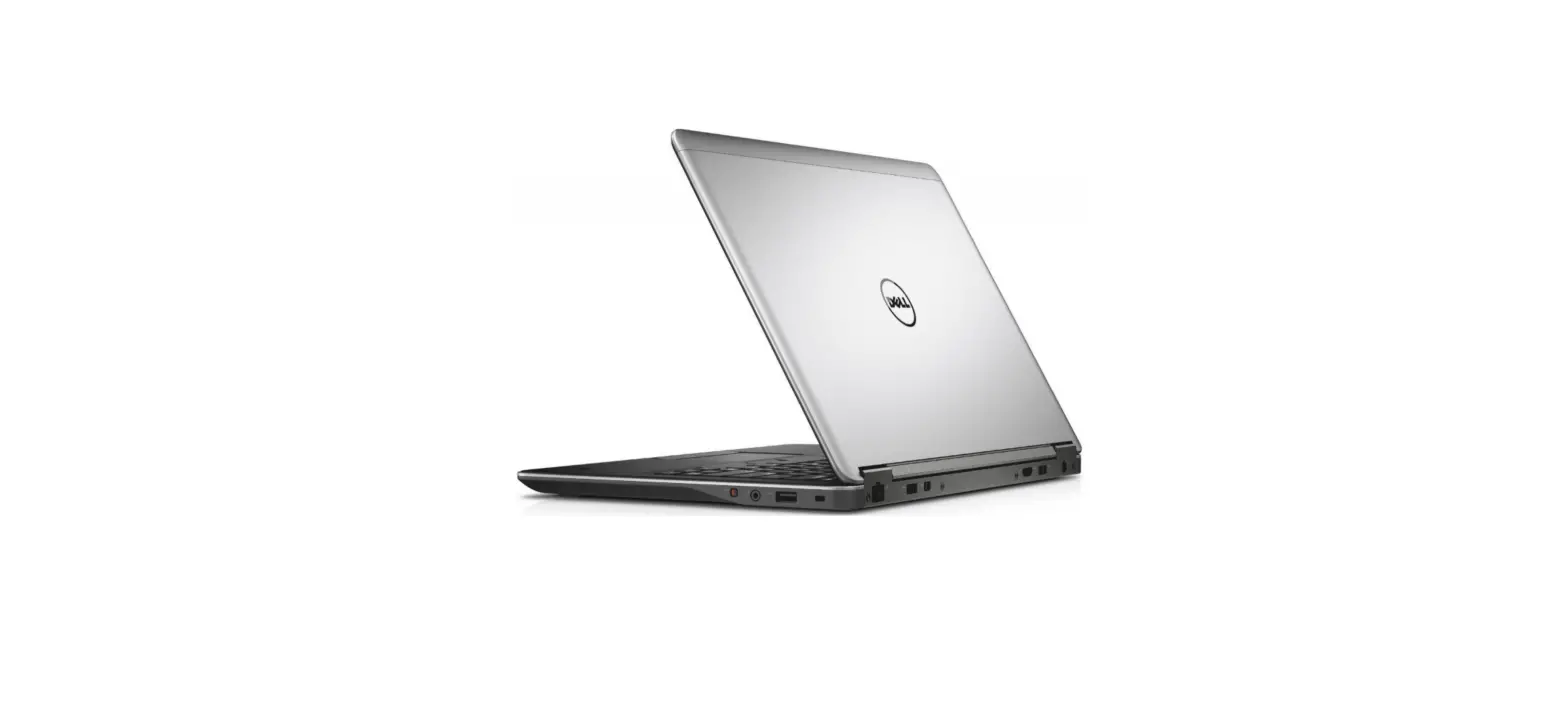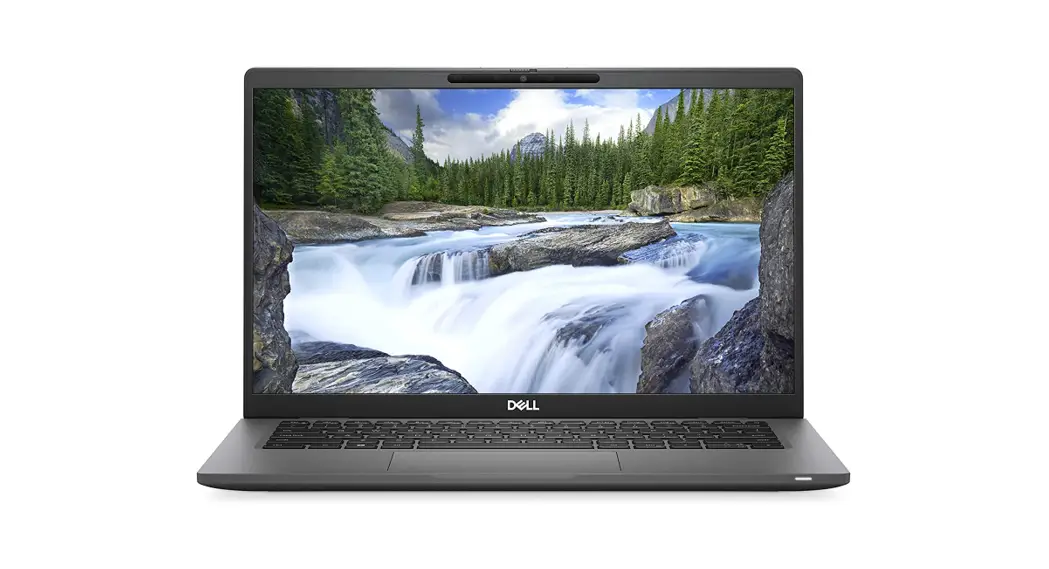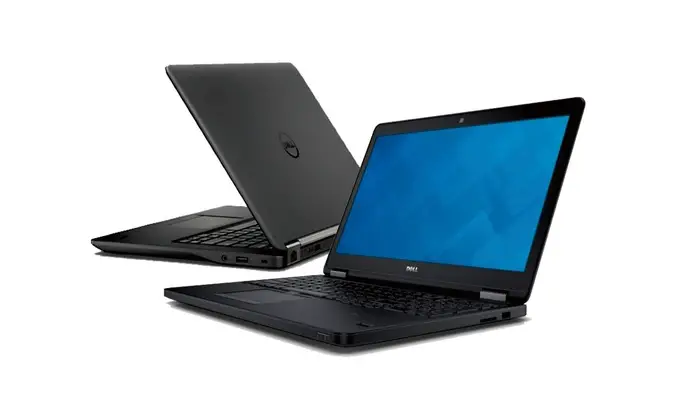

Latitude 14
7000 Series
Quick Start Guide
Connect the power adapter and turn on your computer
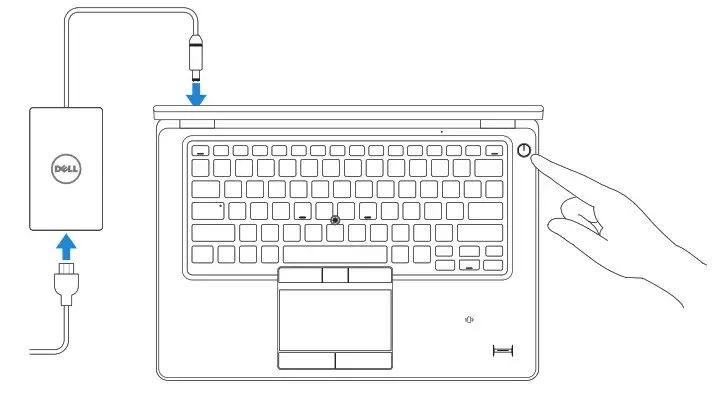
Finish Windows setup
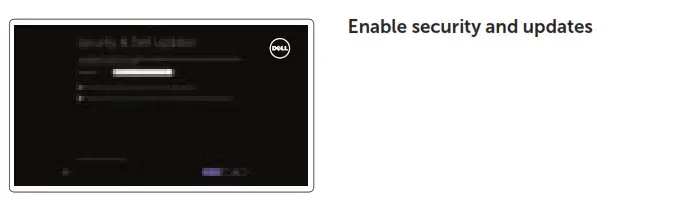
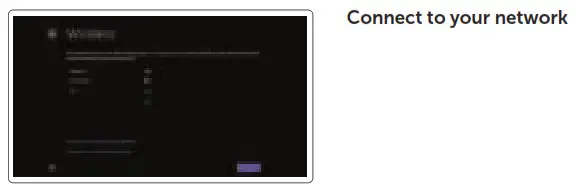
NOTE: If you are connecting to a secured wireless network, enter the password for the wireless network access when prompted.
Sign in to your Microsoft account or create a local account
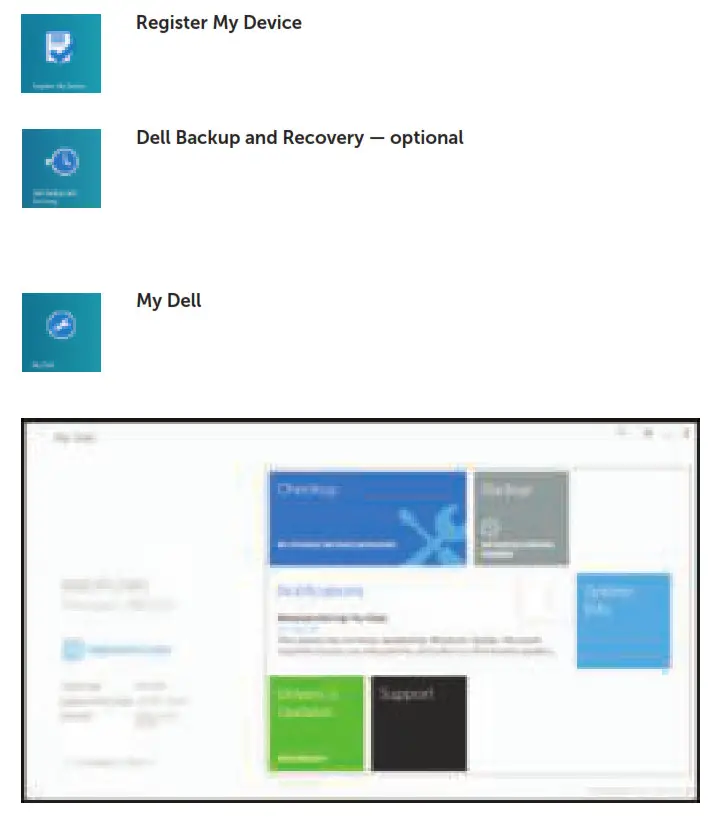
Locate your Dell apps
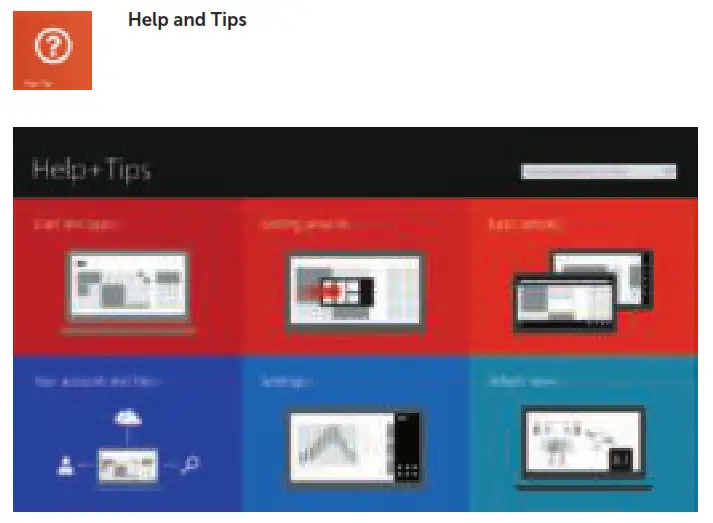
Learn how to use Windows
Features
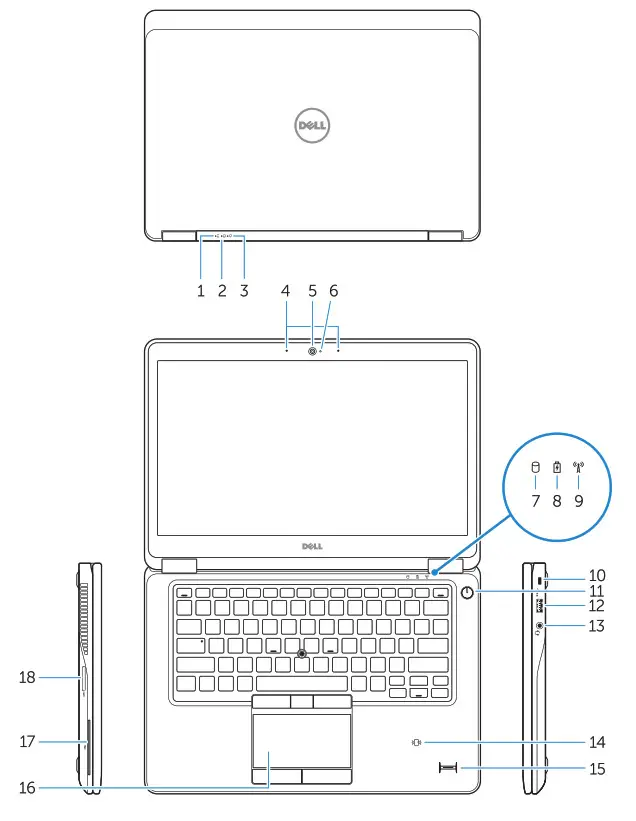
| 1. Battery-status light | 2. Hard-drive activity light |
| 3. Power-status light | 4. Microphones |
| 5. Camera | 6. Camera-status light |
| 7. Hard-drive activity light | 8. Battery-status light |
| 9. Wireless-status light | 10. Security-cable slot |
| 11. Power button | 12. USB 3.0 connector |
| 13. Headset connector | 14. Contactless smart-card reader / Near Field Communication (NFC) reader (optional) |
| 15. Fingerprint reader (optional) | 16. Touchpad |
| 17. Smart card reader (optional) | 18. Memory card reader |
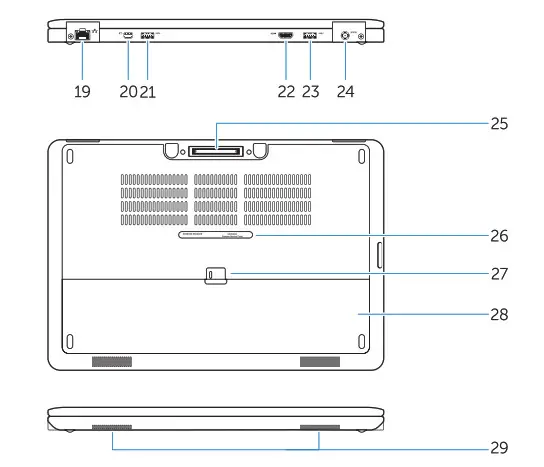
| 19. Network connector | 20. Mini-DisplayPort connector |
| 21. USB 3.0 connector | 22. HDMI connector |
| 23. USB 3.0 connector with PowerShare | 24. Power connector |
| 25. Dock connector (optional) | 26. Service-tag label |
| 27. Battery release latch | 28. Battery |
| 29. Speakers |
Product support and manuals
dell.com/support
dell.com/support/manuals
Contact Dell
dell.com/contactdell
Regulatory and safety
dell.com/regulatory_compliance
Regulatory model
P40G
Regulatory type
P40G002
Computer model
Latitude 7450/E7450
 Contact Support | Dell US