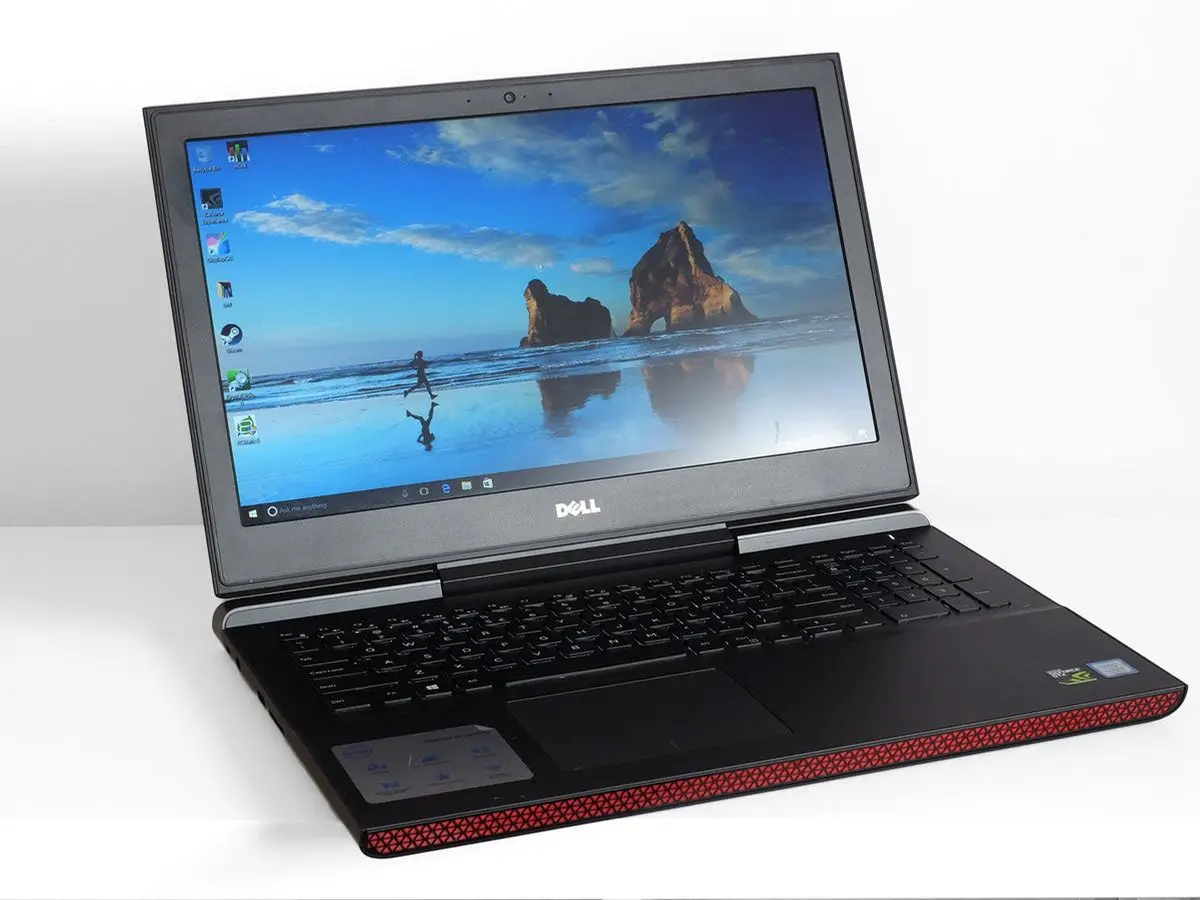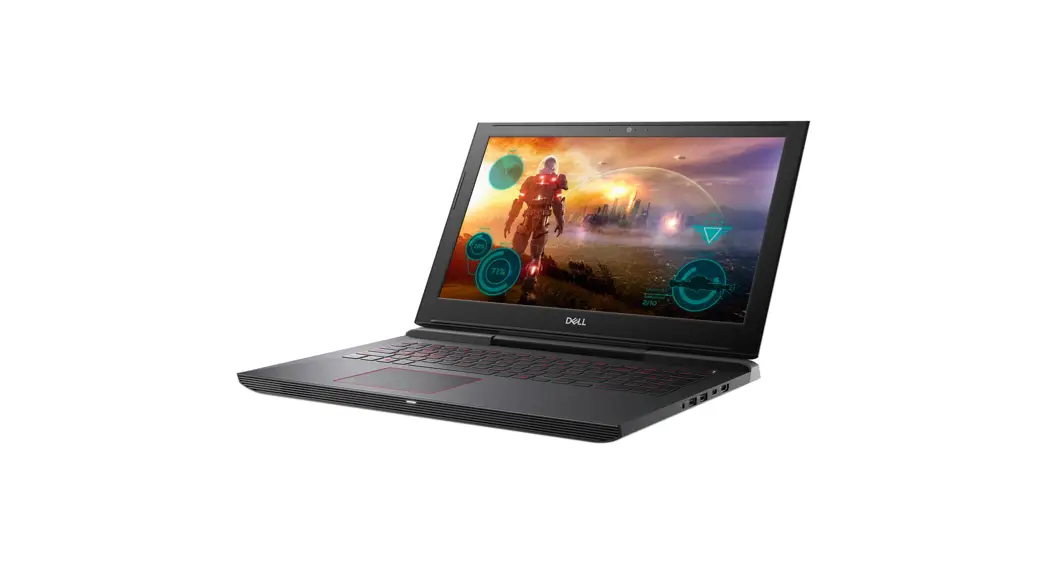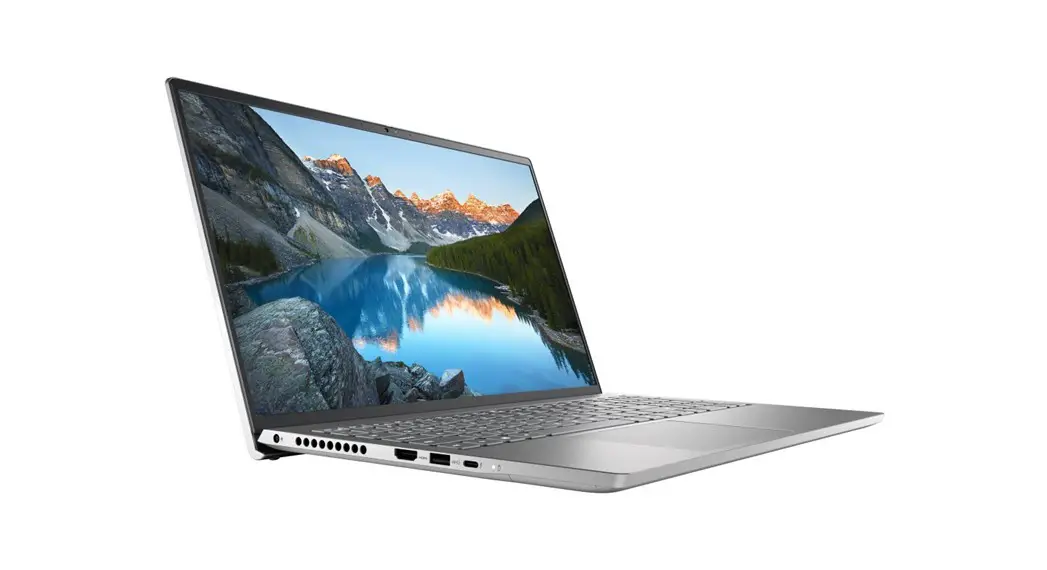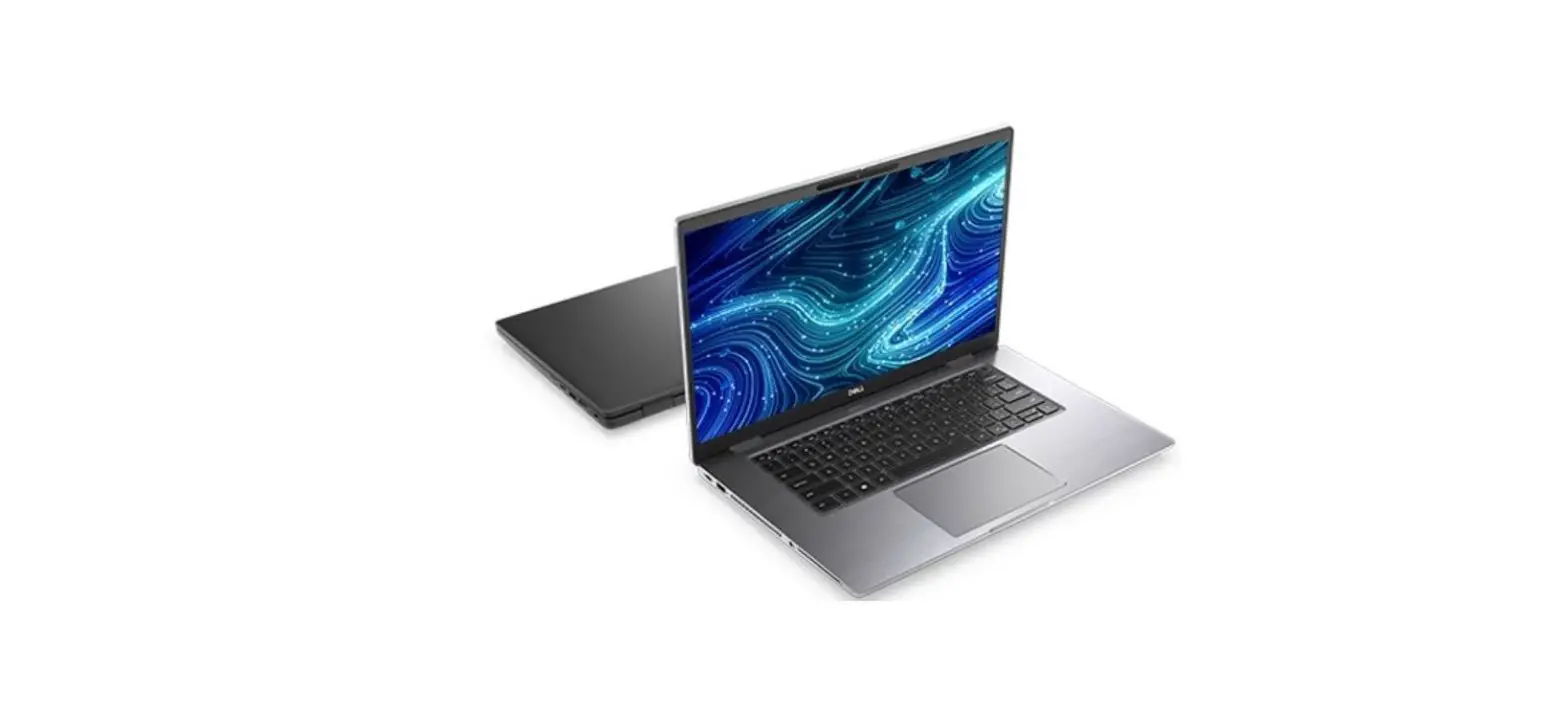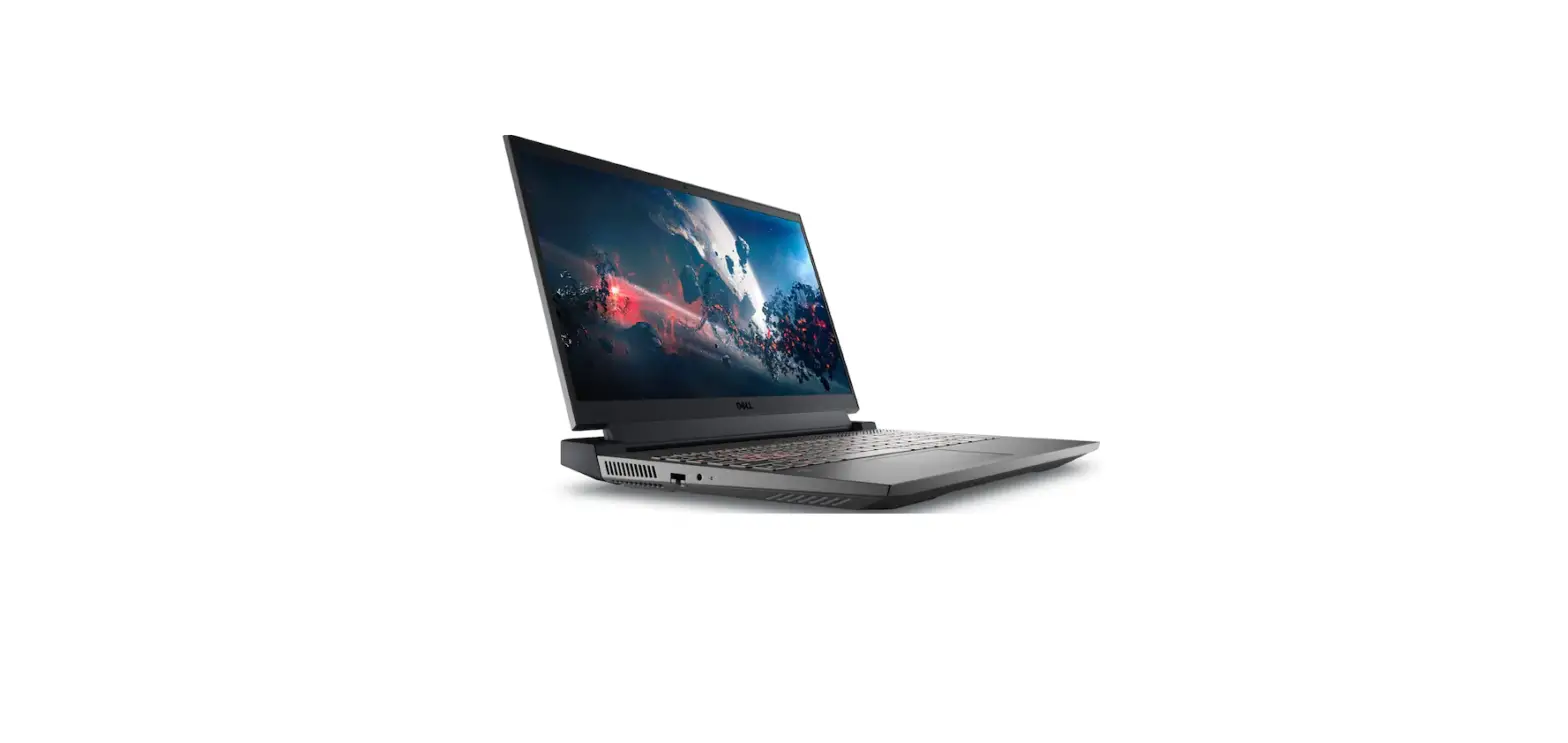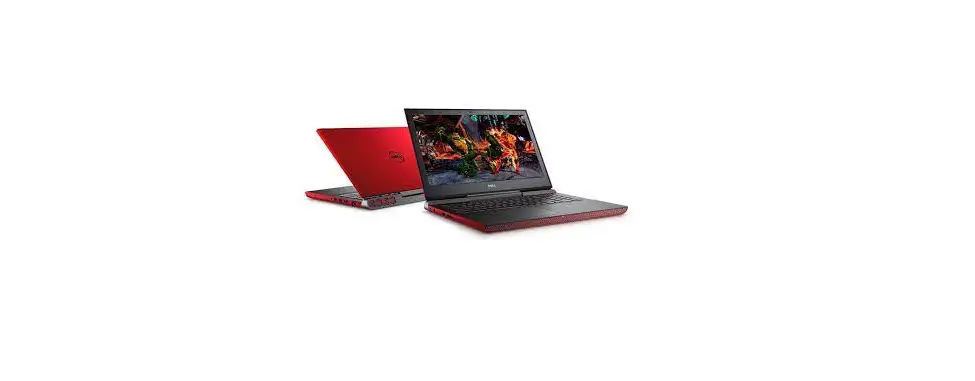
DELL 7567 Inspiron 15 7000 Series Gaming Laptop User Guide
Quick Start Guide
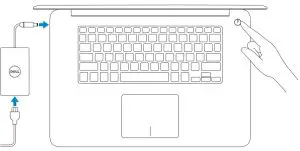
- Connect the power adapter and press the power button

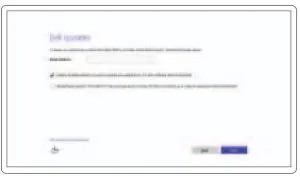
- Finish operating system setup
Windows- Enable Dell updates

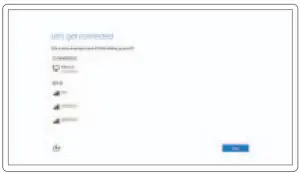
- Connect to your network

 NOTE: If you are connecting to a secured wireless network, enter the password for the wireless network access when prompted.
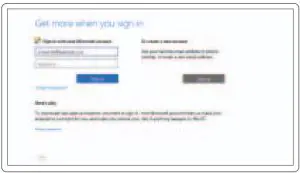
Sign in to your Microsoft account or create a local account
Follow the instructions on the screen to finish setup.
- Enable Dell updates
Create recovery media for Windows
In Windows search, type Recovery, click Create a recovery media, and follow the instructions on the screen.
Locate Dell apps in Windows
 Register your computer
 Dell Help & Support
 SupportAssist Check and update your computer
 Register your computer
 Dell Help & Support
 SupportAssist Check and update your computer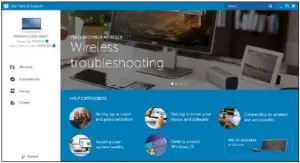
Features
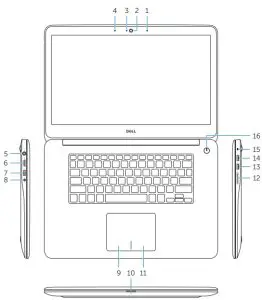
- Right microphone
- Camera
- Camera-status light
- Left microphone
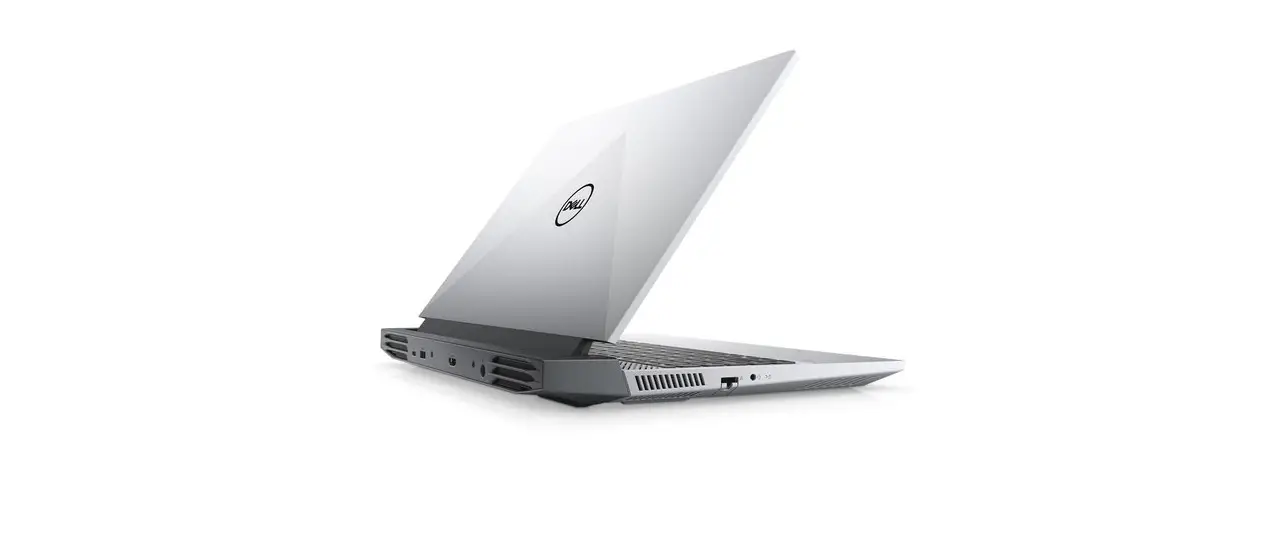
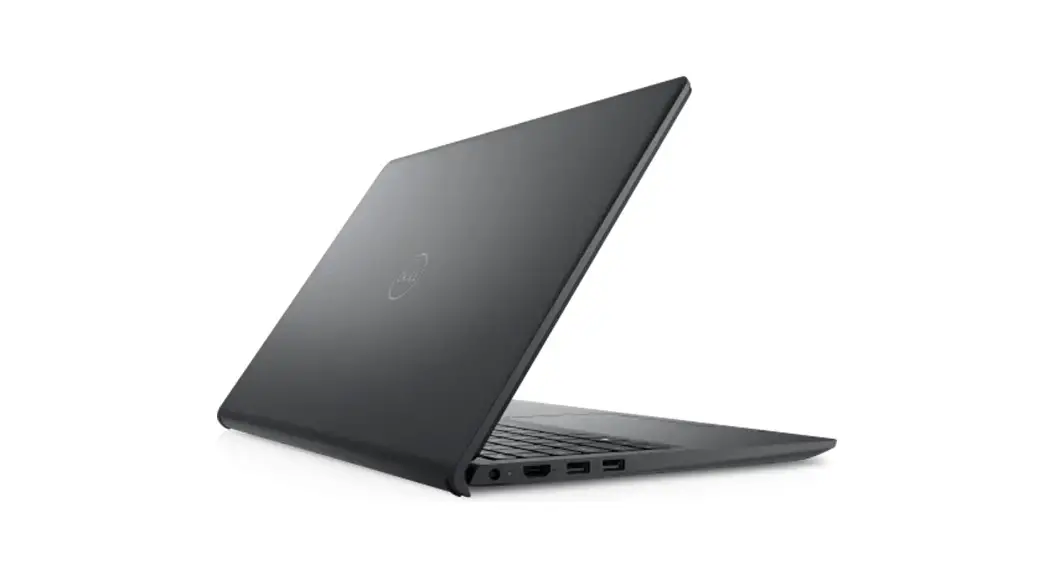
- Power-adapter port
- HDMI port
- USB 3.0 port with PowerShare
- Headset port
- Left-click area
- Power, battery and hard-drive status light
- Right-click area
- Media-card reader
- USB 3.0 port
- USB 2.0 port
- Security-cable slot
- Power button
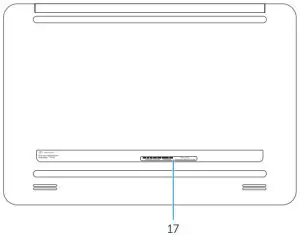
- Service Tag label
Shortcut keys
- Mute audio

- Decrease volume
- Increase volume
- Play previous track/chapter
- Play/Pause
- Play next track/chapter
- Switch to external display
- Search
- Toggle keyboard backlight
- Decrease brightnes
- Increase brightness
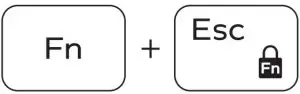
- Toggle Fn-key lock

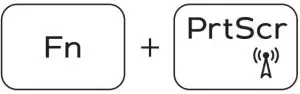
- Turn off/on wireless
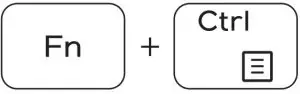
- Launch Application menu
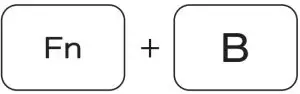
- Pause/Break
- Toggle between hard-drive/battery status light
- System Request
- Scroll lock
- Sleep
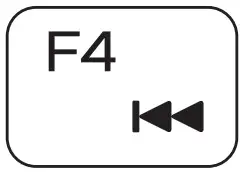


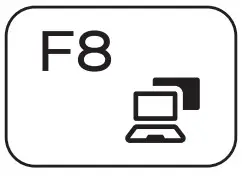


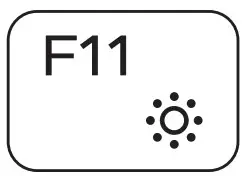
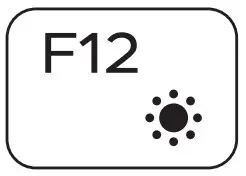
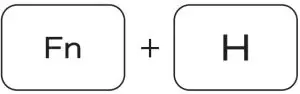
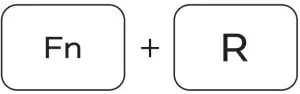
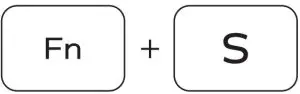
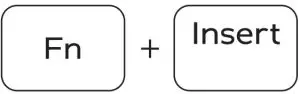
 NOTE: For more information, see Specifications at Dell.com/support
Product support and manuals:
Dell.com/support
Dell.com/support/manuals
Dell.com/support/windows
Dell.com/support/linux
Contact Dell
Dell.com/contactdell
Regulatory and safety:
Dell.com/regulatory_compliance
Regulatory model: P41F
Regulatory type: P41F001
Computer model: Inspiron 7548
© 2015 Dell Inc.
© 2015 Microsoft Corporation.
© 2015 Canonical Ltd.
 Contact Support | Dell US