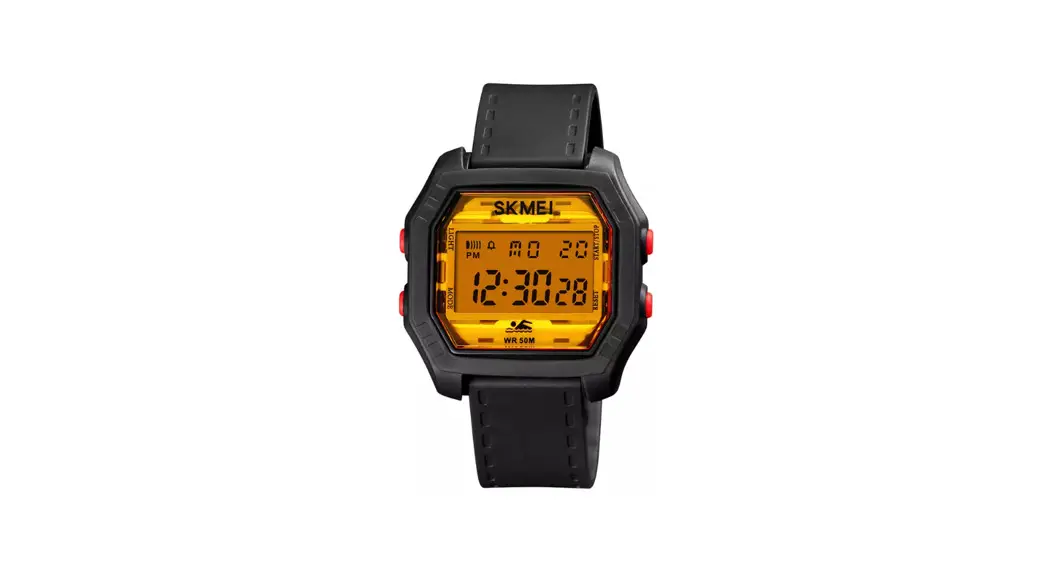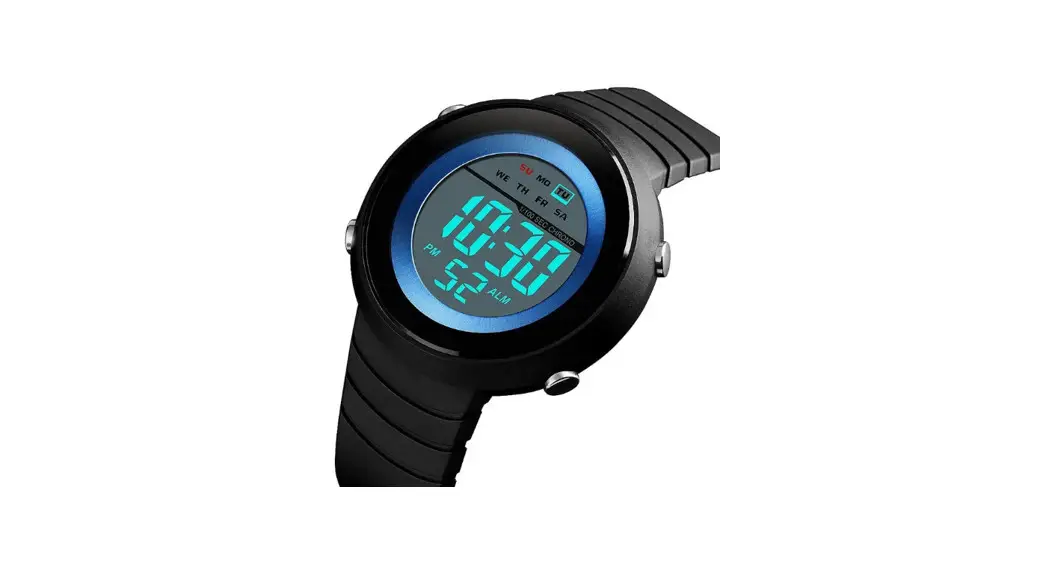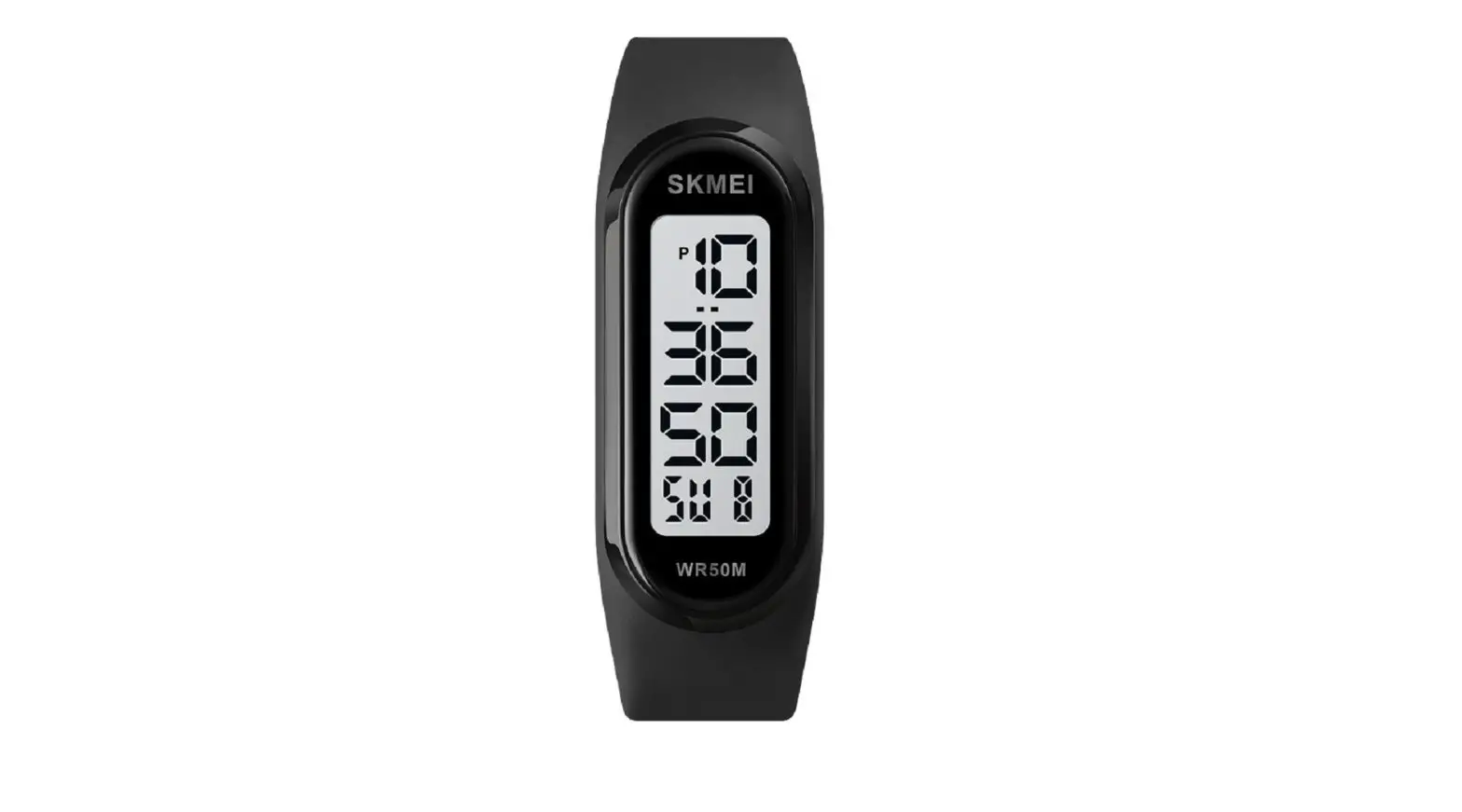
SKMEI 1666 Sport Stopwatches 12/24 Hours Outdoor LED Light Digital Watch User Manual
Function
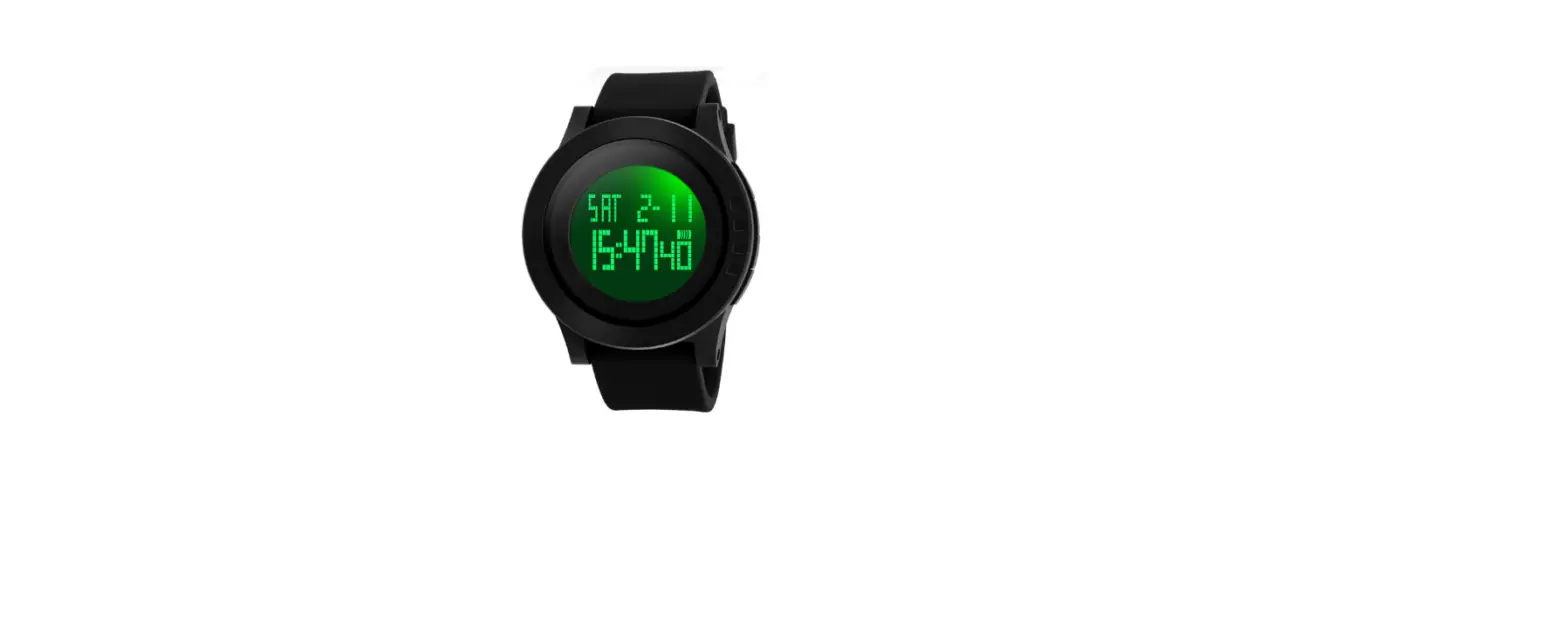
- Time display, hour, minute, second, day, month, week
- 12/24 hour clock
- 1/100 second stopwatch
- LED backlight
Function mode

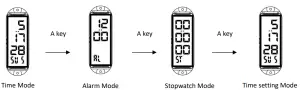
Press C Key LED backlight will flash for 3 seconds at any mode Operation Attention: Due to the structure problem, it is better to adjust the key via your nails.
Alarm setting
Alarm setting: In alarm mode, press C key, the hours will flash; press B key to adjust. Press C key again, the minute will flash, press B key to adjust, press C key to exit.
Attention: Due to the structure problem. The watch without alarm function, but just showing alarm time.
Stopwatch mode
Stopwatch scope: 59 minutes 59.99 seconds.
In the stopwatch mode, press B key to start, then press B key to stop, then press C key to reset.
Stopwatch split time: In the stopwatch mode, press B key to start, press C key to enter the split time, press C key again to log out split time, in the split time mode, press B key to stop, press C key to show all stopwatch time, press C key again to reset.
Split time
Finish time of two players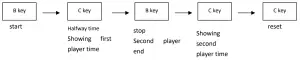
If don’t stop the stopwatch, when it reaches maximum value, it will start from 00:00.
When the stopwatch is running, press A key to other display mode, the stopwatch will run in the background.
Time setting
In time setting mode, second flash first, press B key to adjust seconds return to zero.
press C key to step below items in sequence: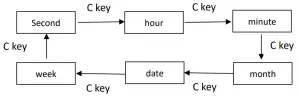
Press B key to adjust the selected items;
When adjusting the hour, press B key when it shows “A” or “P”, it was 12 hour display,
when it shows “H”, it was 24 hour display; When setting “seconds”, if the second value is between 30 and 59, the fraction value will be increased by 1 when the second returns to 00; if the second value is between 00 and 29,the fraction value will remain unchanged.