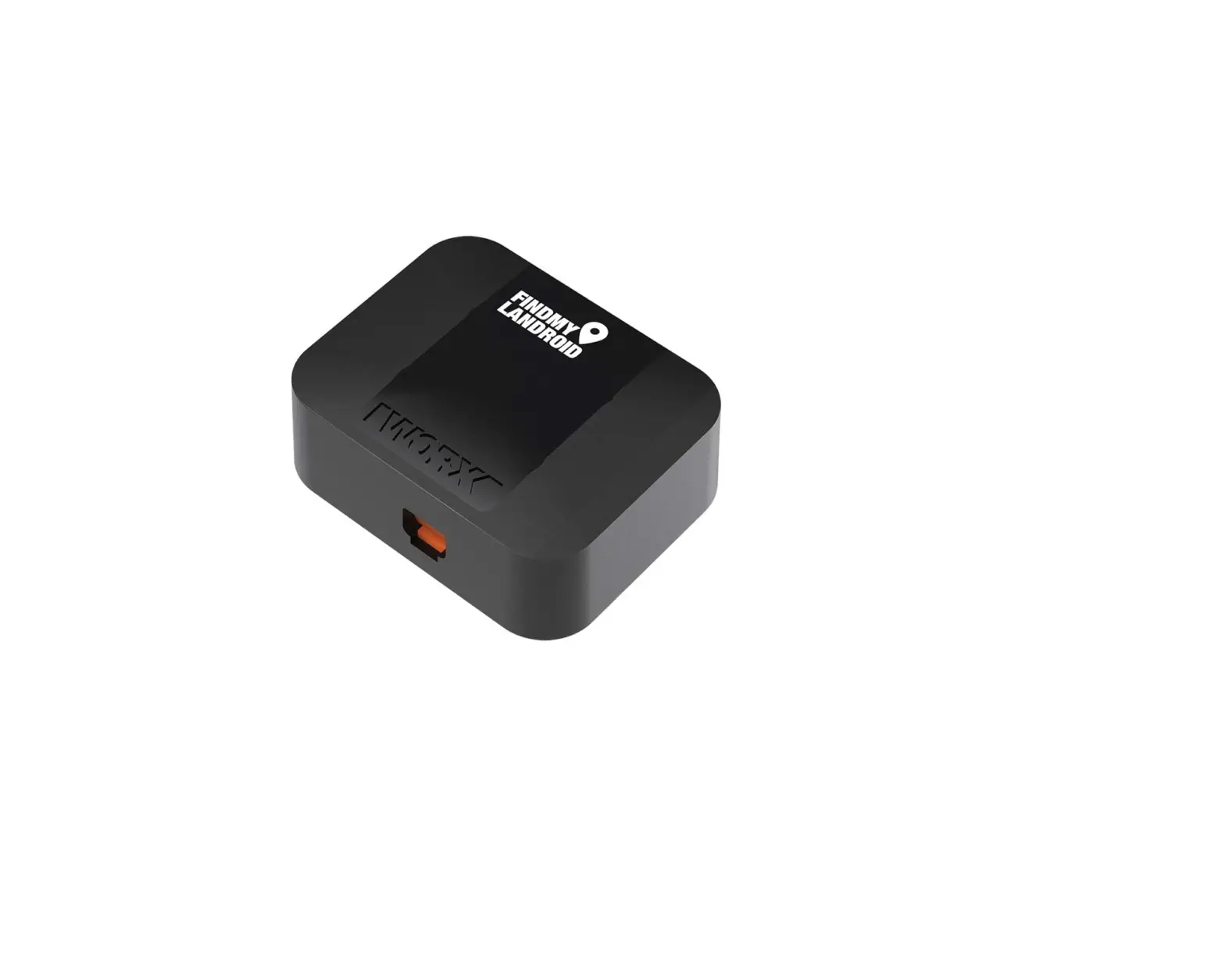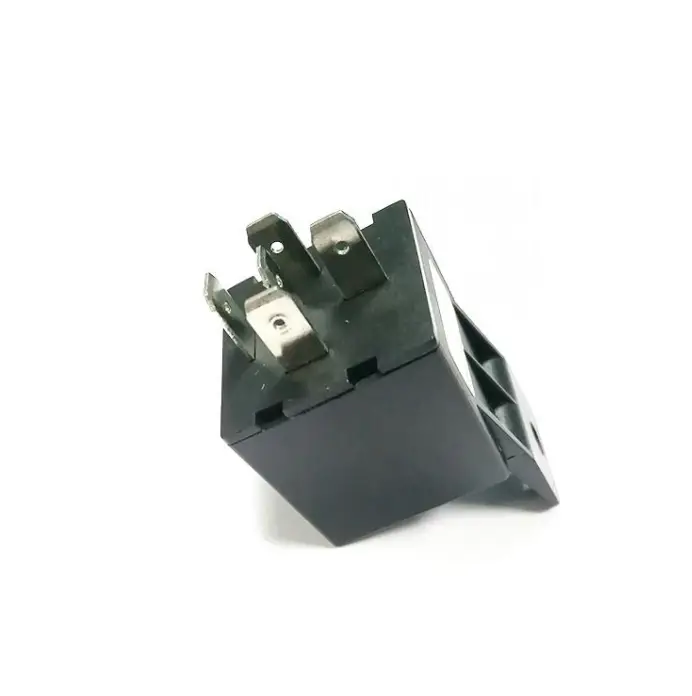
sunsky CRP1842 Mini Anti Theft Device
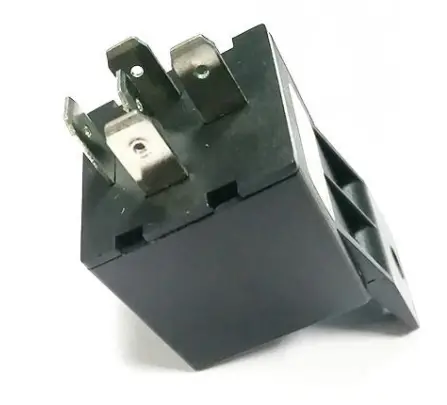
Accurate Tracking | Easy Installation
Please read the guide carefully before you use it, so that you can use it correctly and quickly. Product appearance, color and accessories are subject to change without prior notice.
Functions and Product parameters
- Real-time Tracking Historical Route
- Geo-fence
- Arm/disarm
- Cut and resume oil remotely
- Vibration/overspeed alarm
Location accuracy10 meters (3D positioning mode)Operatingtemperature-20℃~+55℃Dimension30*30*54mmWeight50g
| Bands | GSM 900/1900MHz |
| Network | GSM/GPRS |
| Working Voltage | 9-36V |
| Locating Time | Cold start 35s-120s |
| Warm start 21s |
Device Activation and Connection Diagram
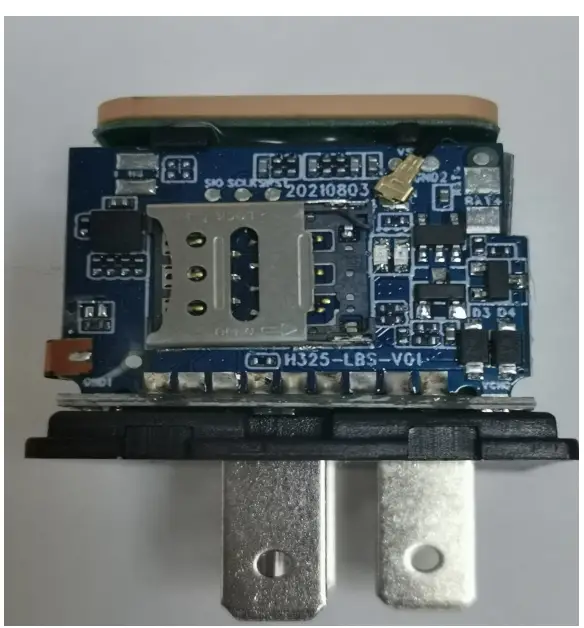
- Open the top cover and insert the SIM card.

- Close the cap and insert it with the oil cut line (please see the right picture for cable-connecting, be careful not to insert the wrong way).

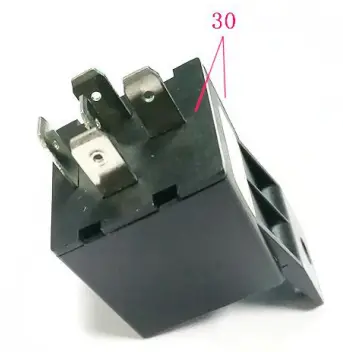
Wiring diagram for cars
Remark: if you want to cut off the oil, it needs to connect external power, do not use the built-in battery.
Download phone APP

Method 1 : Scan the QR code to download the phone APP
Method 2 : Search for “356GPS” download in app store.
Login the website and phone APP
Log in by Website:
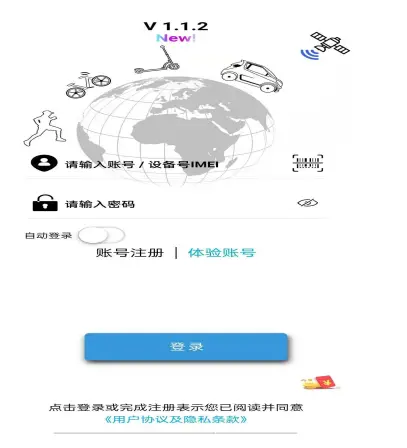
Faults & The solutions
Q : Start up Fail?
A:Check the cable connect right or not.
Q:The device can not obtain location information?
A: Place the unit at the open area to test.
Q: How to choose SIM card?
A: the SIM card must support GSM & GPRS ,and ensure that the card has enough currency and credit.
Q: How to use in the foreign countries?
A: please set the APN before use ,please edit the text
Overseas customers need to set APN before they can use it normally. Please edit “#apn#123456#APN” (i.e. # content #APN username #APN password) and send it to the sim card in the device. Please consult the local sim card operator for details of APN.
5 Cautions Please comply with the instructions to extend the unit life:
- Keep the unit dry. Any liquid, i.e. rain, moisture, may destroy or damage the inside circuitry.
- Don’t put the unit in overheated or over cooled places.
- Handle carefully. Don’t vibrate or shake it violently.
- Clear the unit with a piece of dry cloth. Don’t clean in chemicals, detergent.
- Don’t paint the unit, this may cause some foreign materials left in between the parts. 6. Don’t disassemble or refit the unit. detergent.
- Don’t paint the unit, this may cause some foreign materials left in between the parts.
- Don’t disassemble or refit the unit.