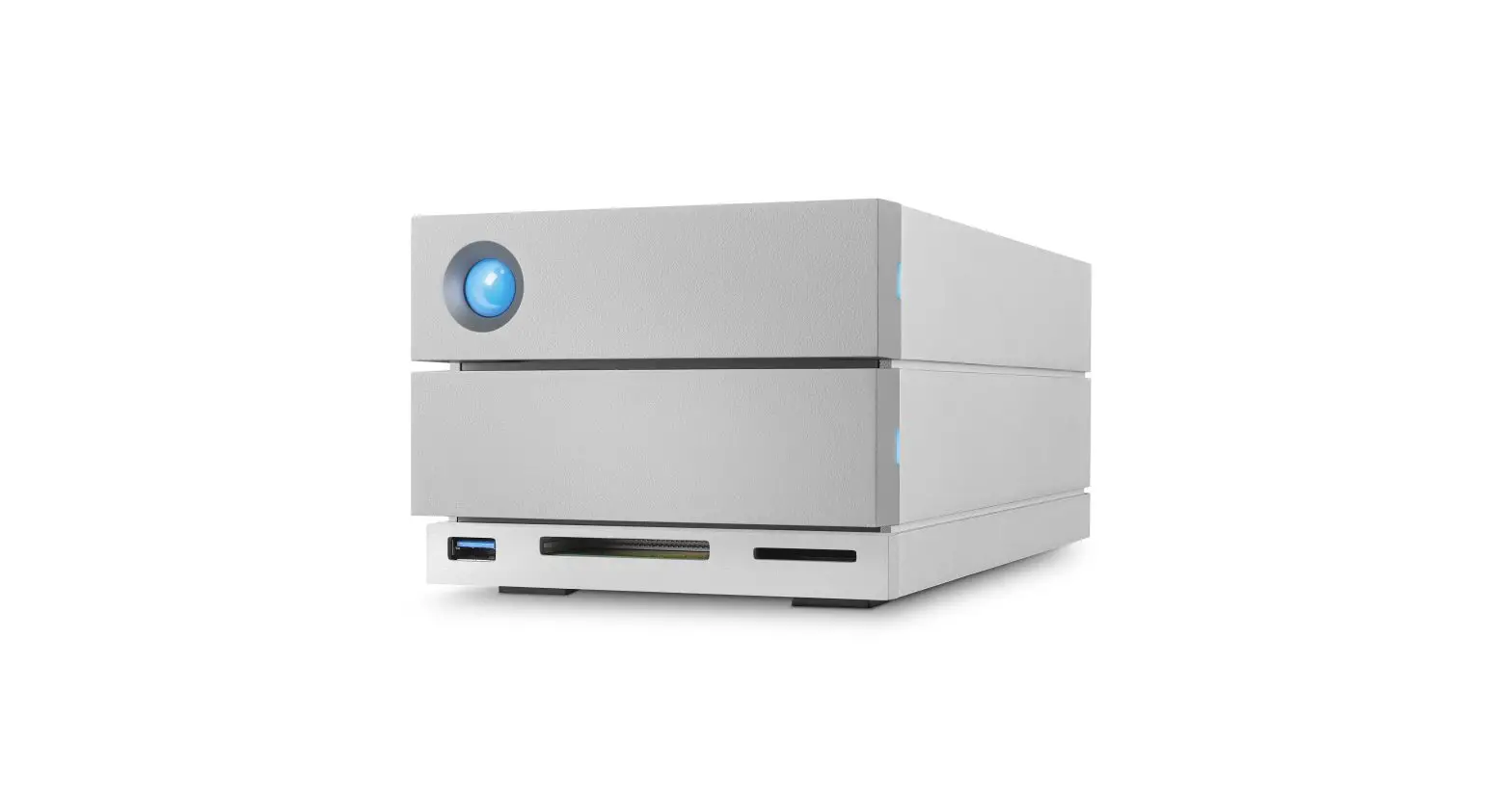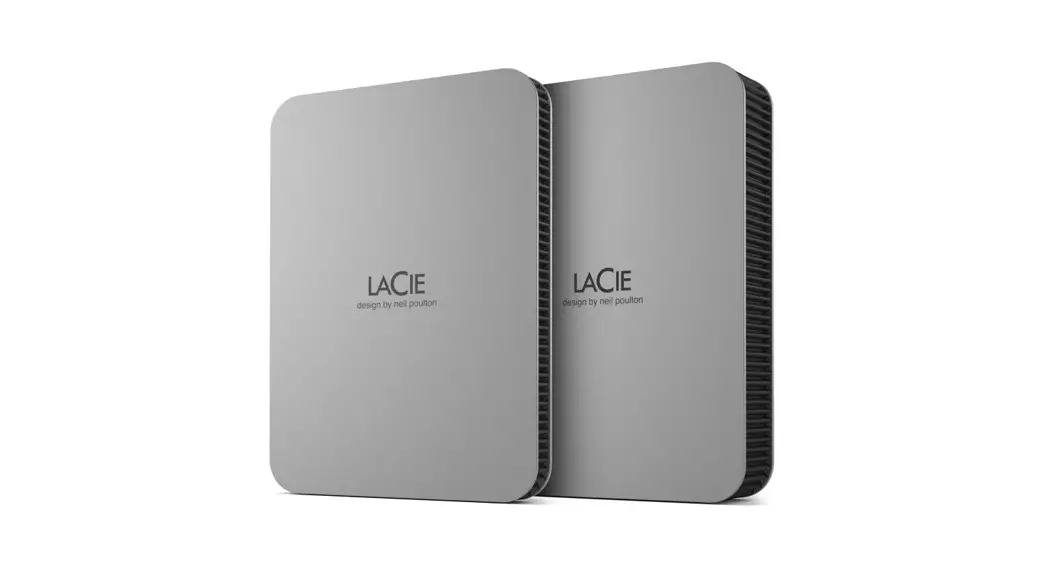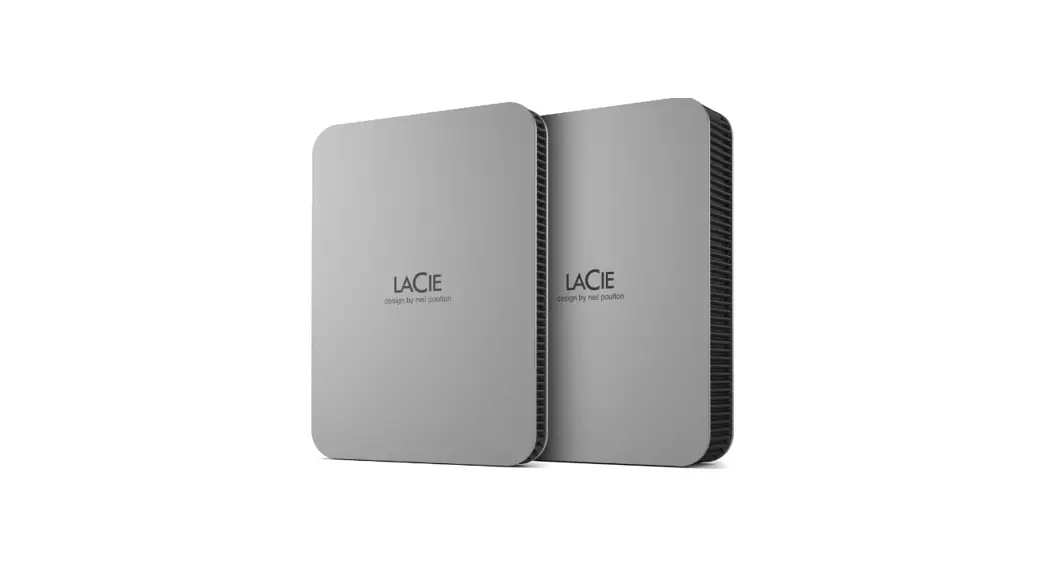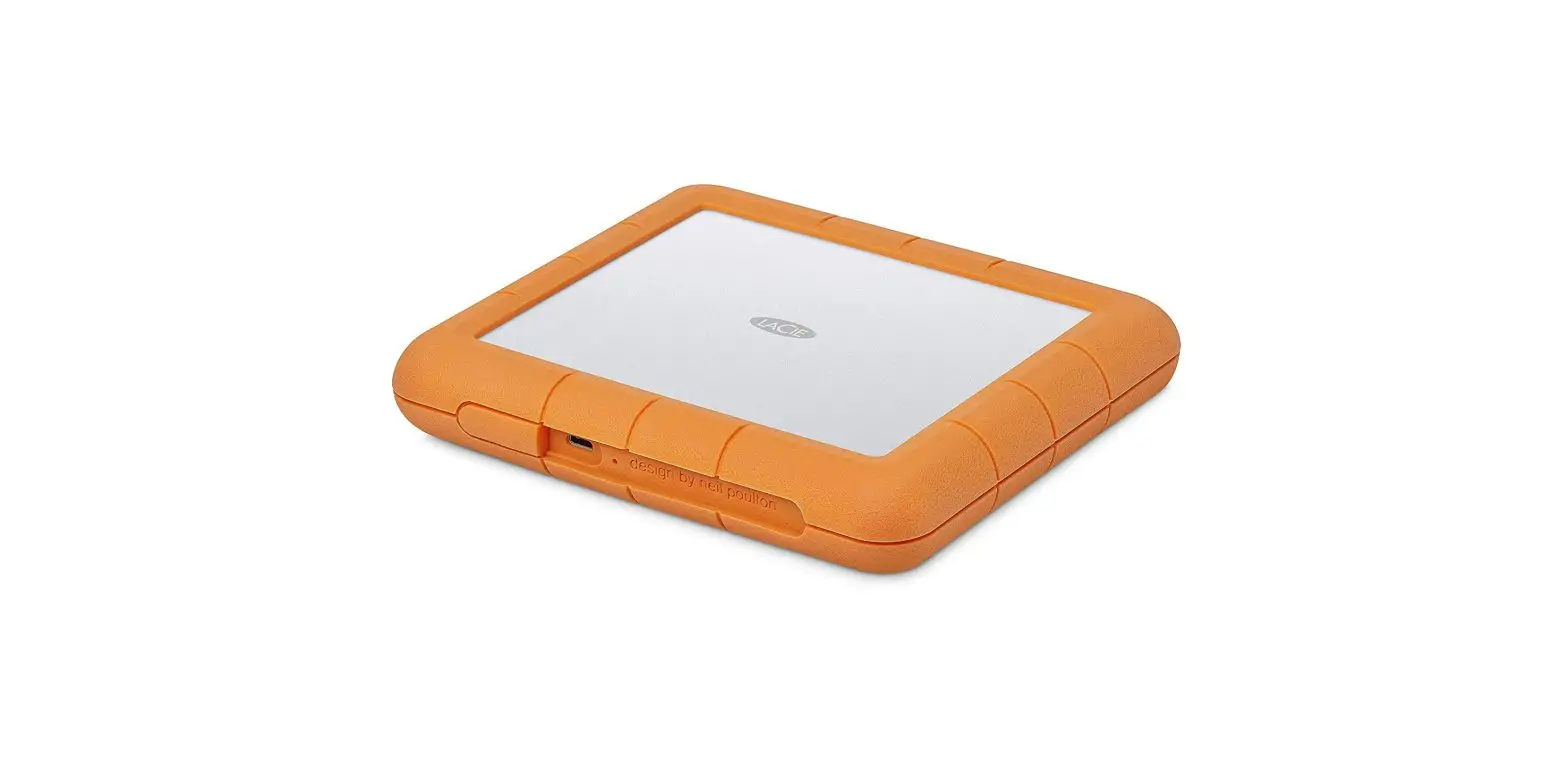
LACIE 100850424C Rugged RAID Shuttle Installation Guide
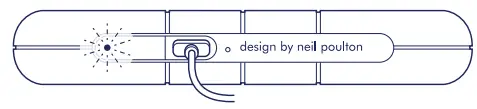
Connect USB cable
USB-C/USB-C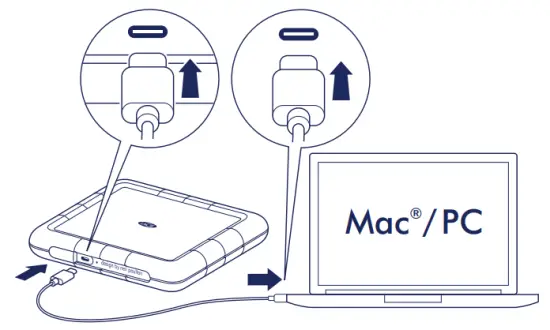
Install Toolkit
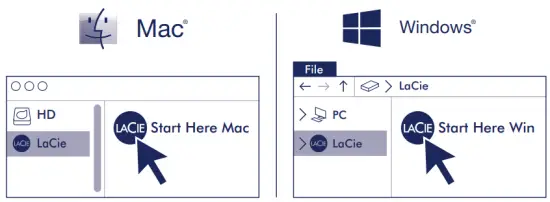
 Seagate Secure www.lacie.com/manuals/secure
LaCie RAID Manager www.lacie.com/manuals/lrm/2-bay
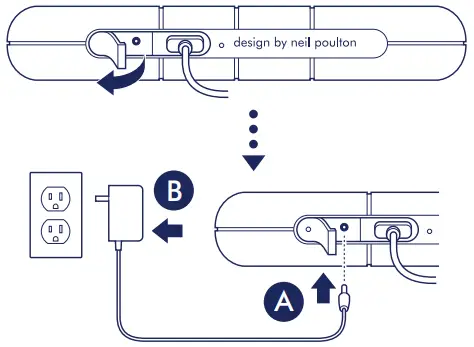
Low-power LED
If the low-power LED blinks, use the included power supply
Warranty Details
Mac: This drive is preformatted exFAT for use with both PC and Mac. For Time Machine, it must be reformatted for Mac. Reformatting will delete all data previously stored on the drive.
Note: Always follow your operating system’s safe removal procedures when disconnecting your product.
Review details of your Rugged RAID Shuttle’s warranty by opening the LaCie Limited Warranty Statement on your drive or go to www.lacie.com/warranty. To request warranty service, contact an authorized LaCie service center or refer to www.lacie.com/support/rugged-raid-shuttle for more information regarding customer support within your jurisdiction.
 www.lacie.com
 www.lacie.com/register
 www.lacie.com/manuals/rugged-raid-shuttle
 www.lacie.com/warranty
 www.lacie.com/support/rugged-raid
 LaCie: Premium External Hard Drives, SSDs & RAID Solutions | LaCie US