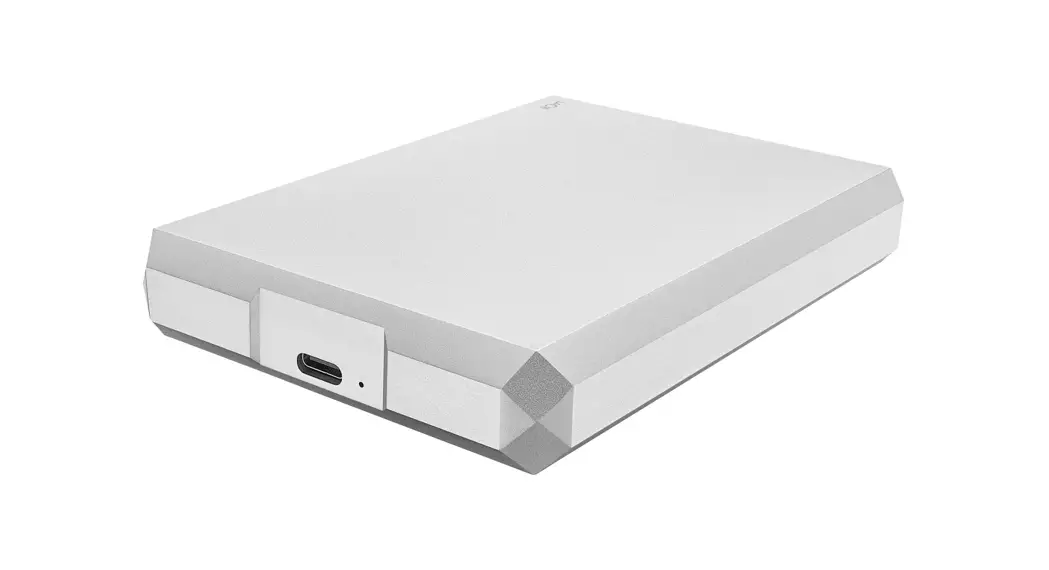
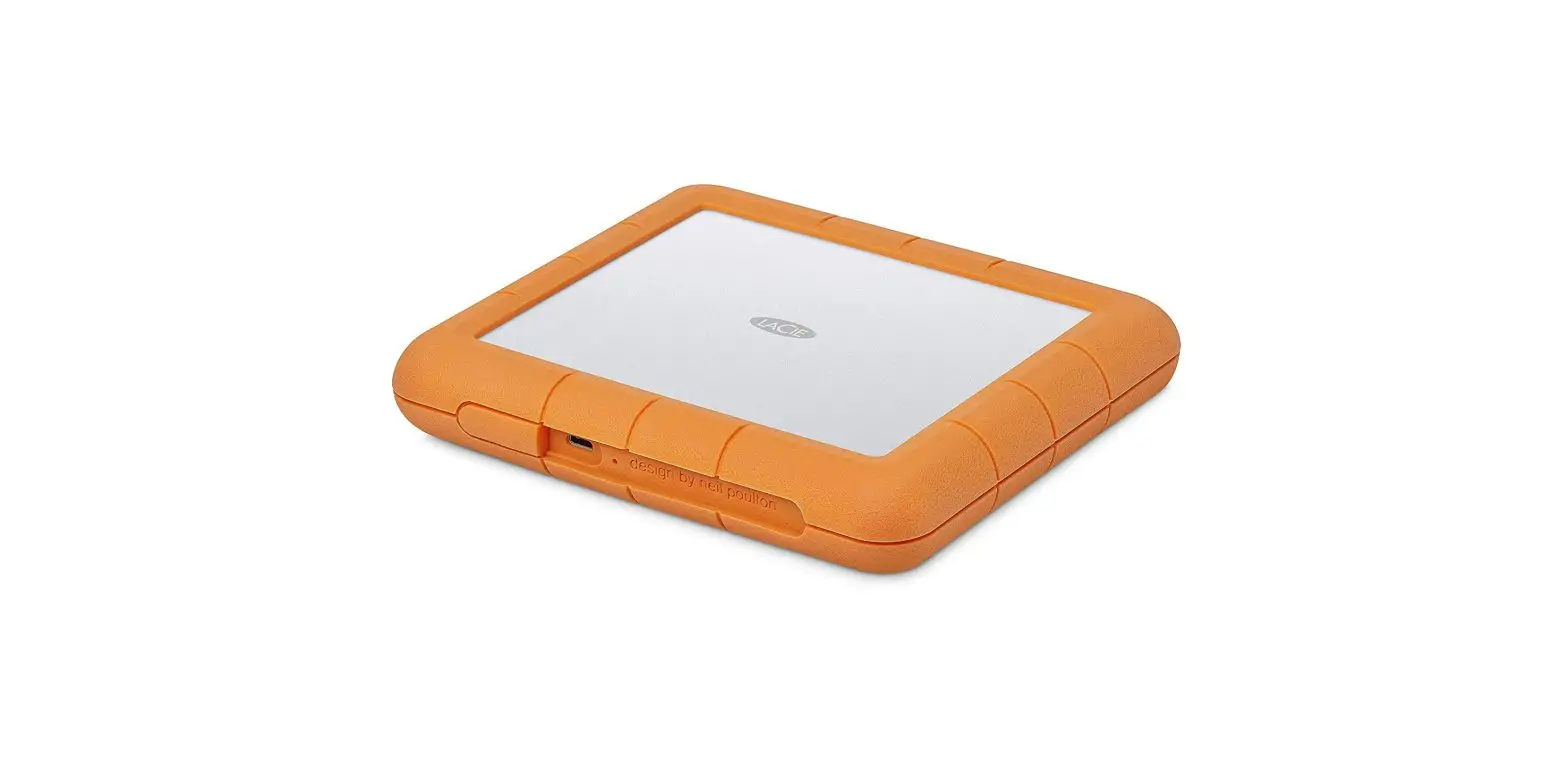
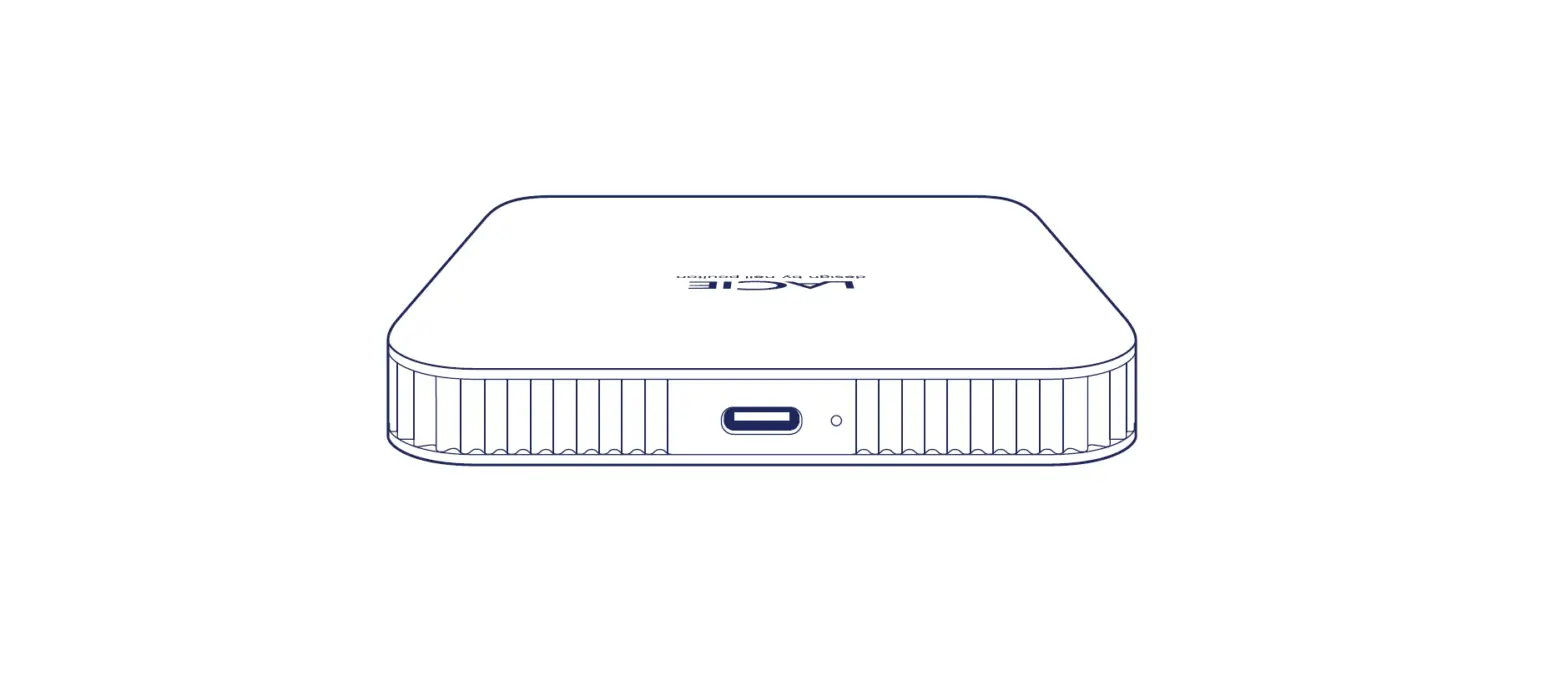
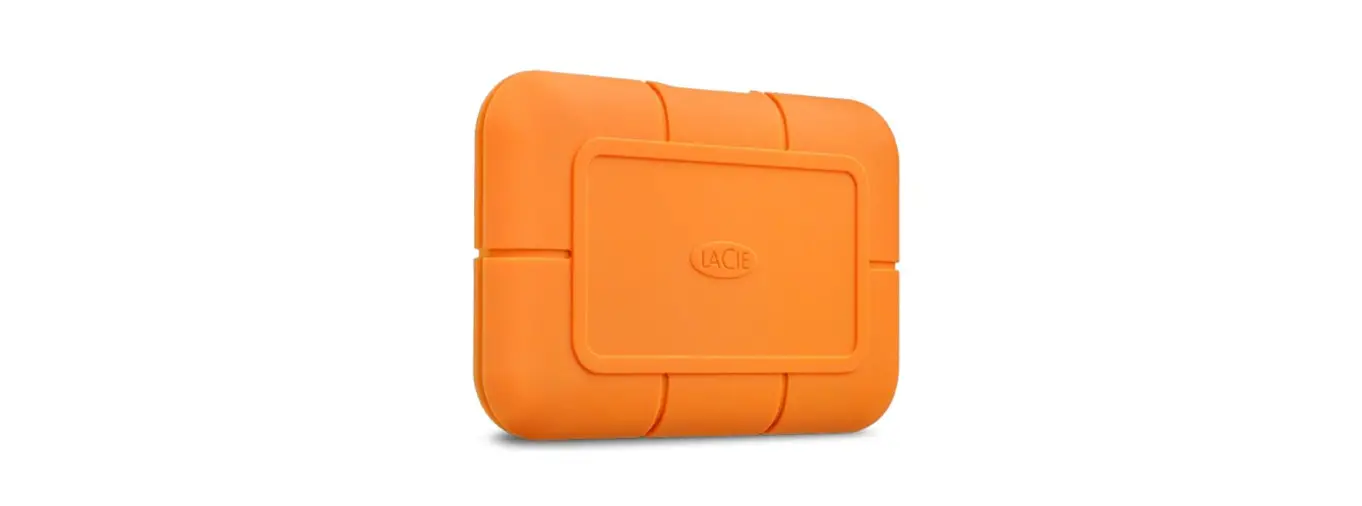
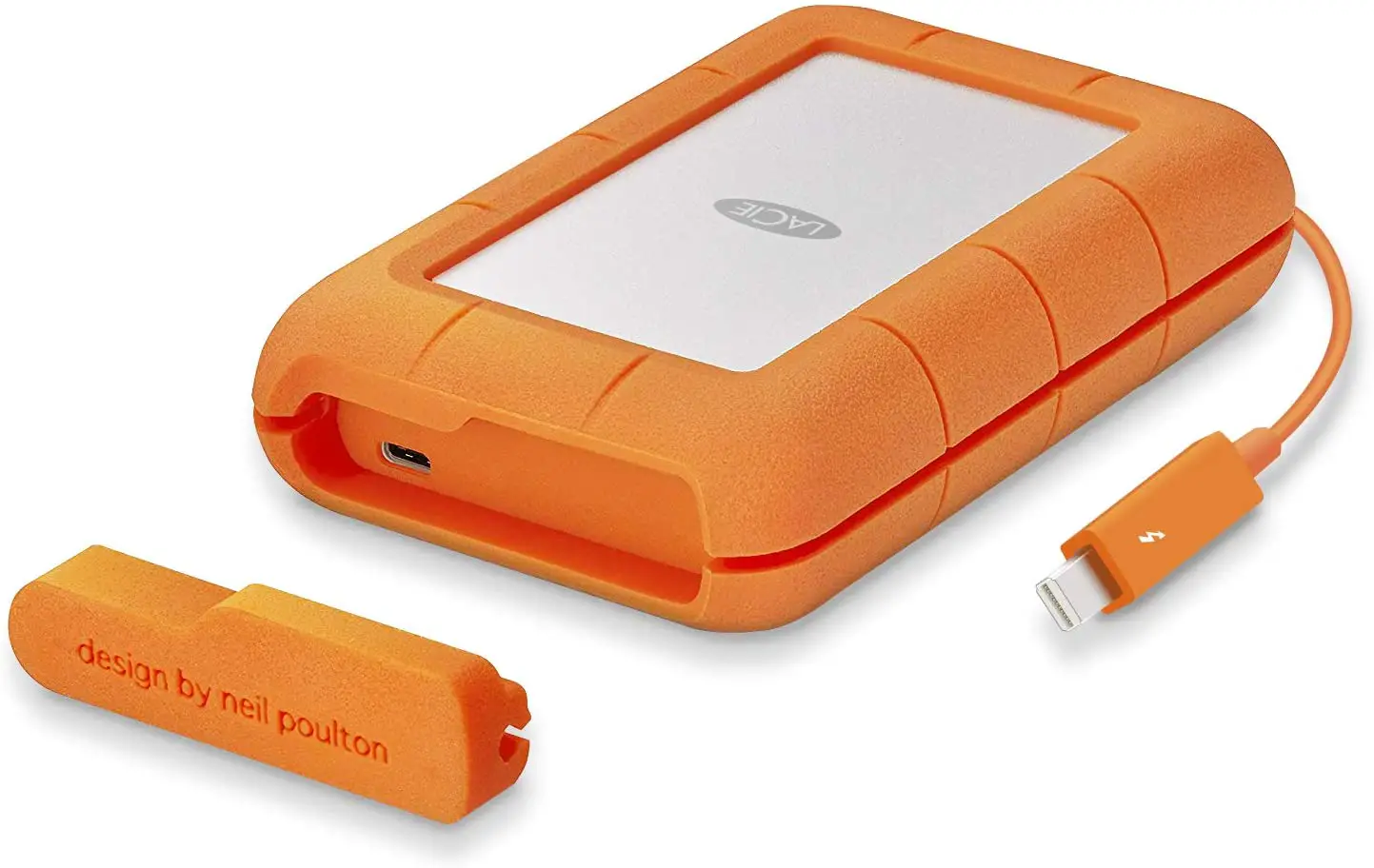
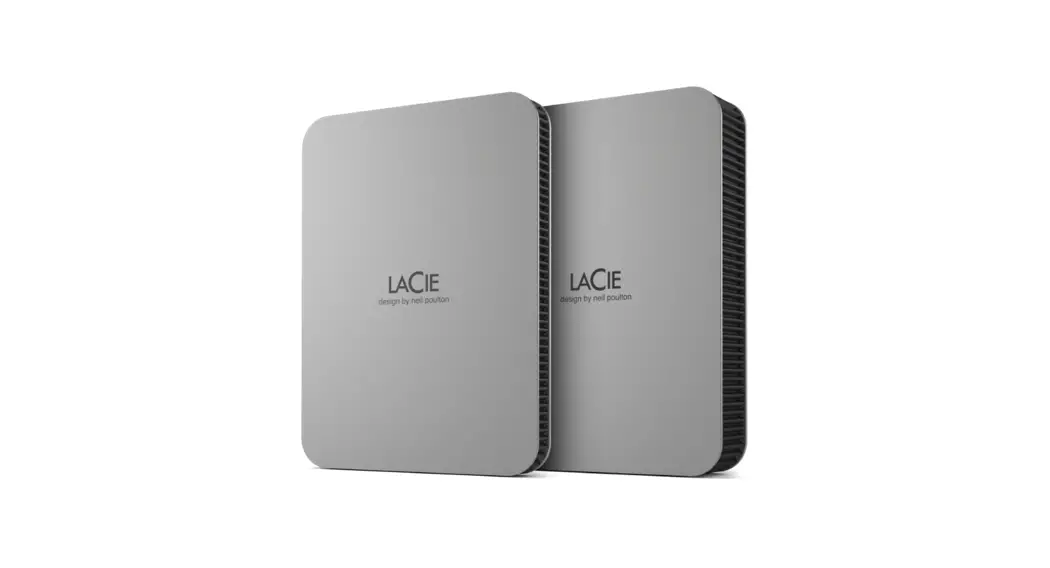
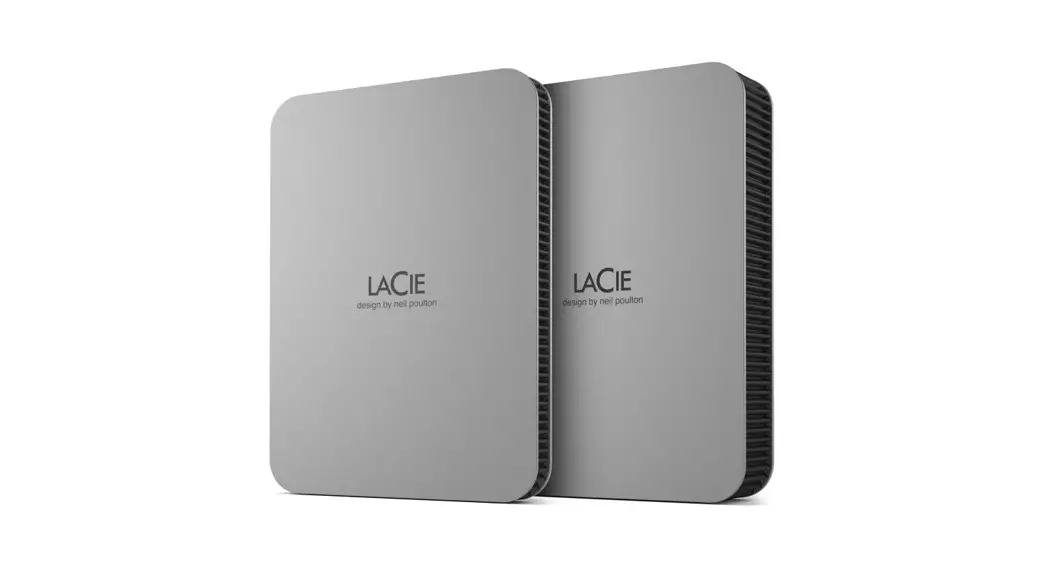
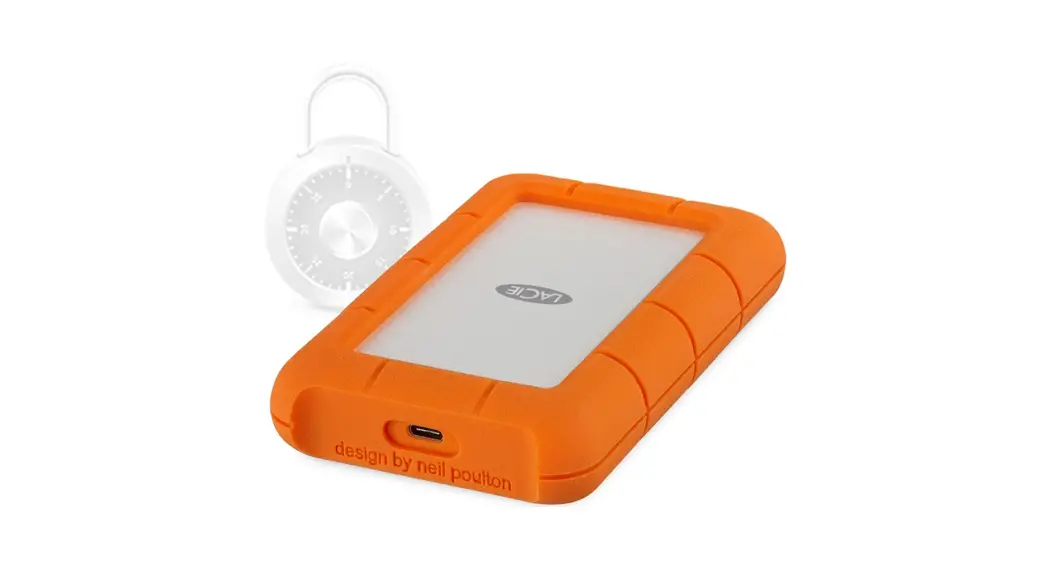
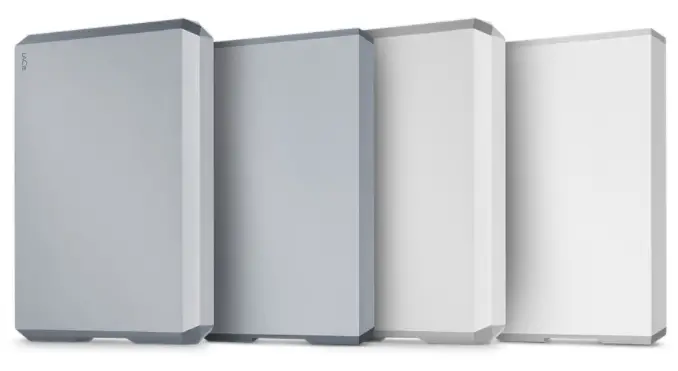
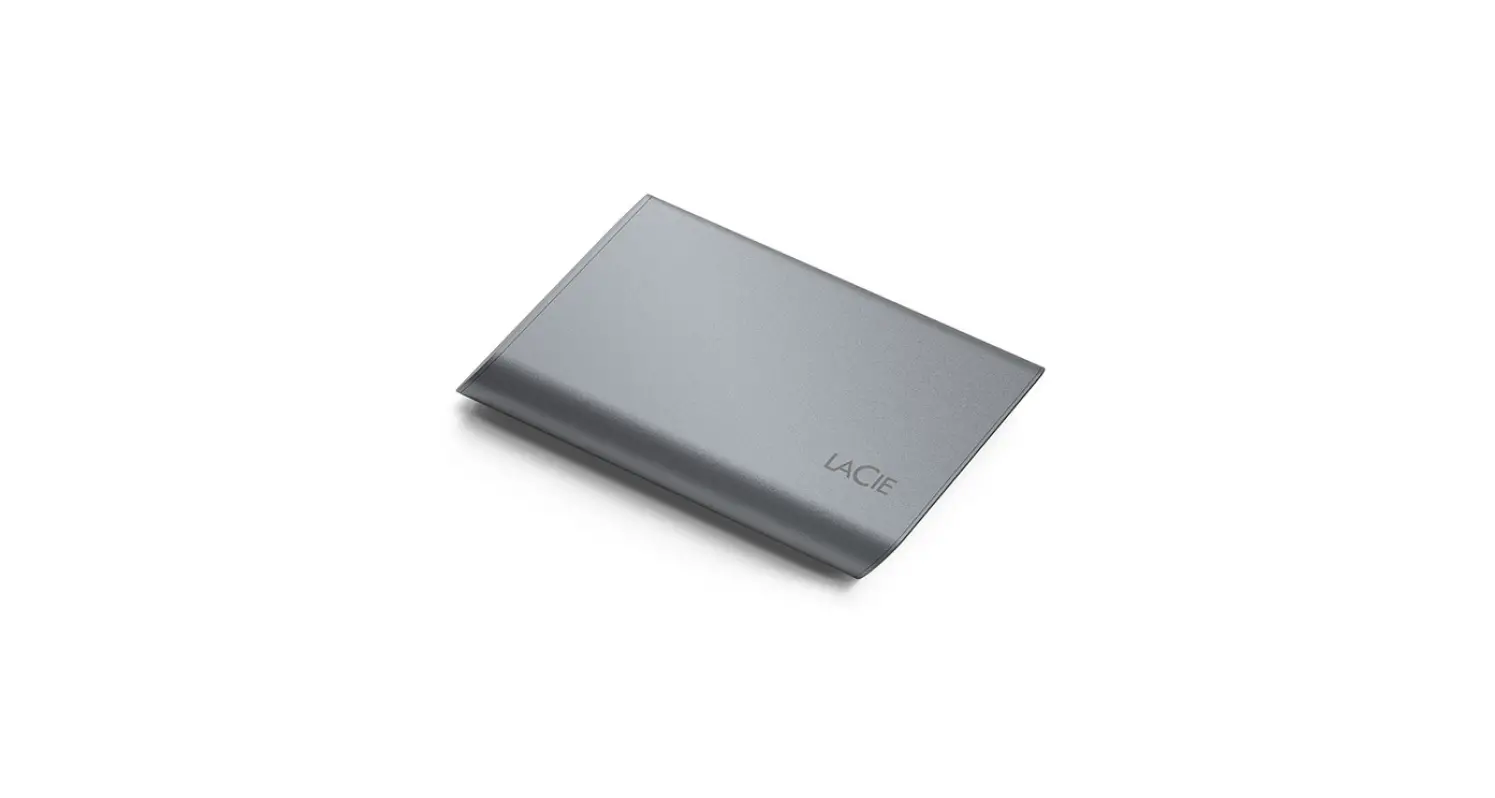
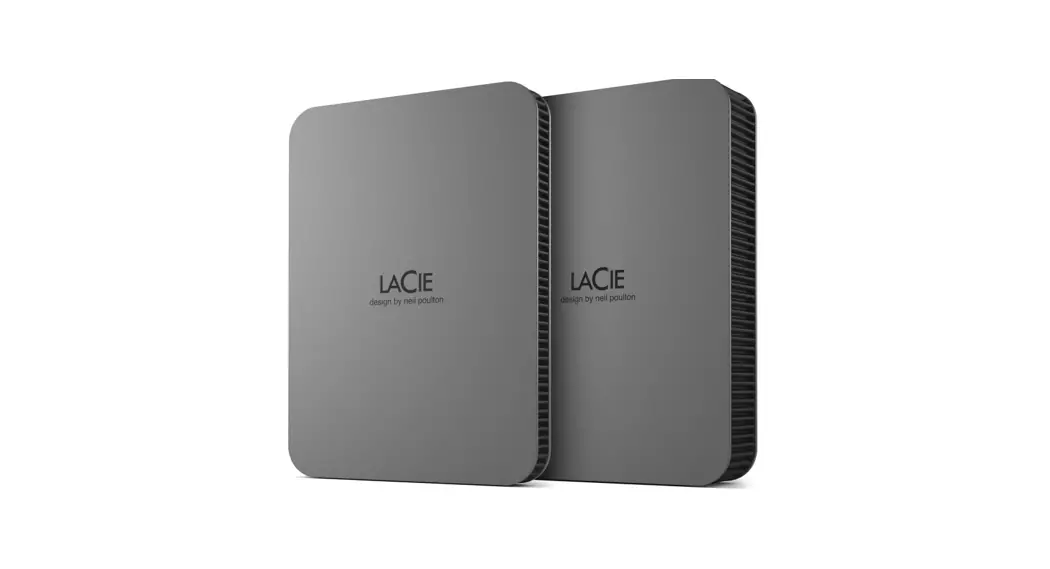
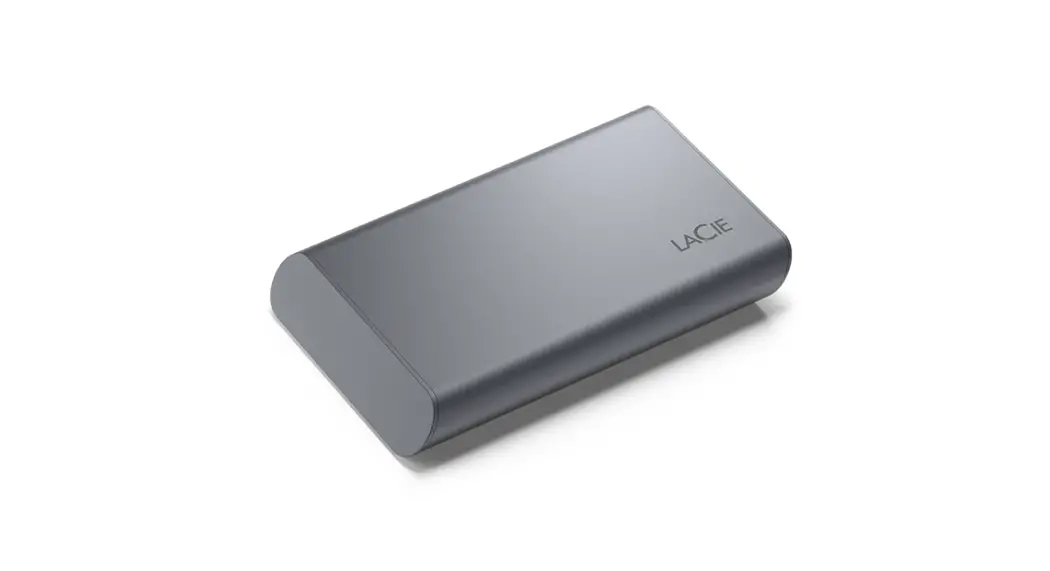
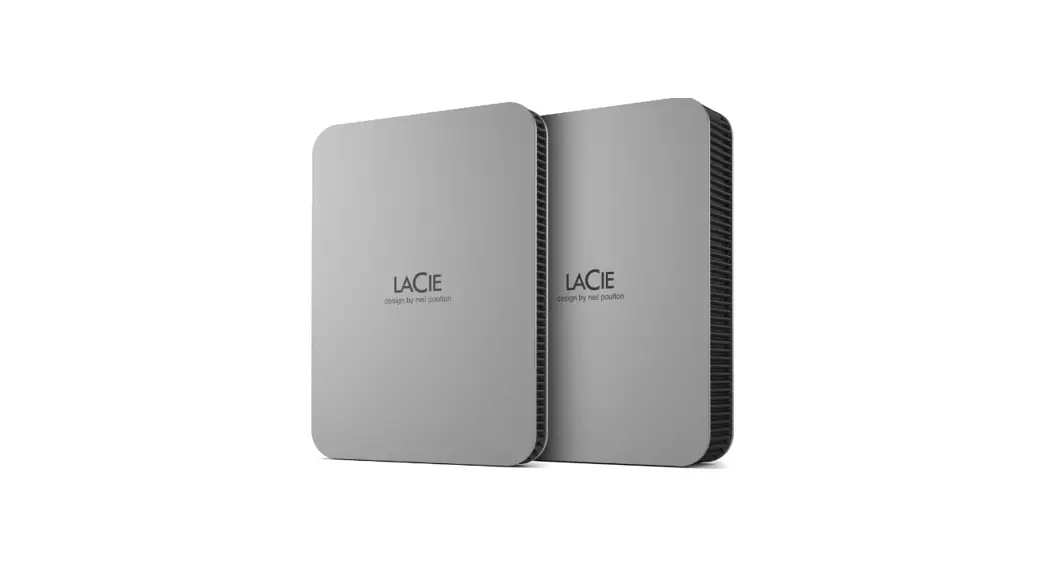
LACIE Rugged Mini Installation Guide
Rugged Mini
SuperSpeed USB 3.0 Hard Drive
DESIGN BY NEIL POULTON


SuperSpeed USB 3.0 Hard Drive
Quick Install Guide
Register on www.lacie.com/register
for free technical support online.
Setup Steps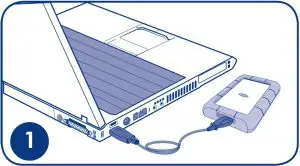

- Connect the USB 3.0 cable to your computer.
- Launch LaCie Setup Assistant.
NOTE:
Mobile hard drives may require additional
power. Visit www.lacie.com to purchase a USB
Y-cable for improved power.
NOTE: If you do not launch LaCie Setup Assistant,
your drive will not be ready to use and will require
manual formatting.
Contact Us
- LaCie Asia
25/F Winsan Tower
98 Thomson Road
Wanchai, Hong-Kong, China
[email protected] - LaCie Australia
458 Gardeners Road
Alexandria, NSW 2015
[email protected] - LaCie Benelux
Vorstlaan / 165 Bld
du Souverain
B-1160 Brussels, Belgium
[email protected] - LaCie Canada
235 Dufferin St.
Toronto, Ontario M6K 1Z5
[email protected] - LaCie France
17, rue Ampère
91349 Massy Cedex
[email protected] - LaCie Germany
Am Kesselhaus 5
D-79576 Weil Am Rhein
[email protected] - LaCie Italy
Milano Business Park
Edificio B1
Via dei Missaglia 97
20142 Milano
[email protected] - Elecom – Japan
http://www.lacie.jp/support/ - LaCie Nordic
(Sweden, Denmark, Norway,
Finland)
Sveavägen 90, 5tr
113 59 Stockholm, Sweden
[email protected] - LaCie Spain
C/ Núñez Morgado, 3, 5a
pl.
28036 Madrid
[email protected] - LaCie Switzerland
Davidsbodenstrasse 15A
4004 Basel
[email protected] - LaCie United Kingdom
and Ireland - LaCie Ltd, Power Road Studios
114 Power Road
Chiswick, London, UK W4 5PY
UK: [email protected]
Ireland: [email protected] - LaCie USA
22985 NW Evergreen Pkwy
Hillsboro, OR 97124
[email protected] - LaCie Worldwide Export
17, rue Ampère
91349 Massy Cedex, France
[email protected]
[email protected]
Visit www.lacie.com for more
information on LaCie products.
 LaCie: Premium External Hard Drives, SSDs & RAID Solutions | LaCie US
 LaCie - ãƒãƒ¼ãƒ‰ãƒ‡ã‚£ã‚¹ã‚¯ï¼ˆHDD)ã€SSDã€RAID