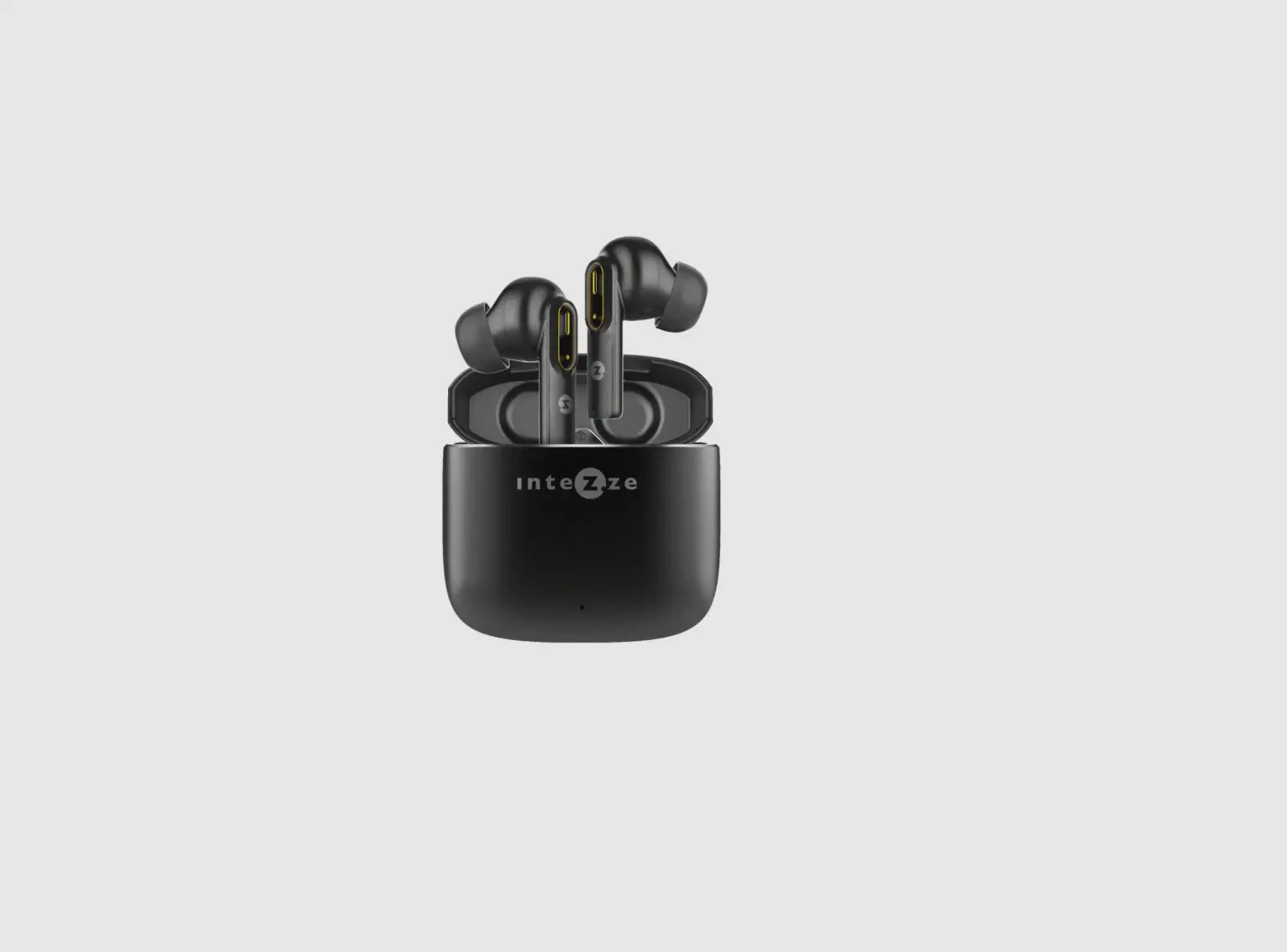
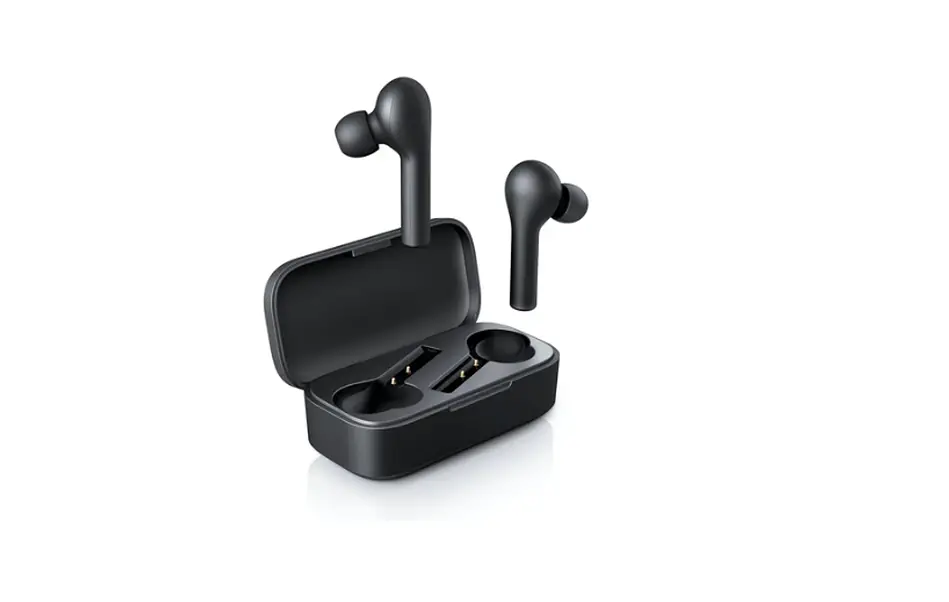
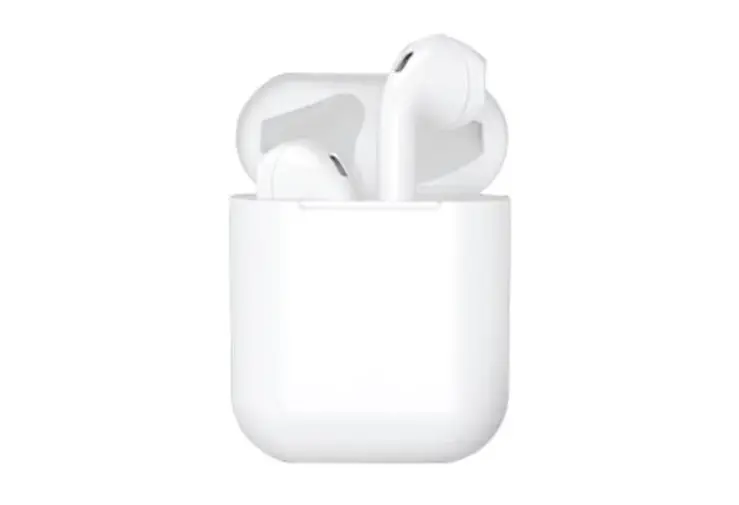
MU01046 Flip TWS Earbuds
Product Information
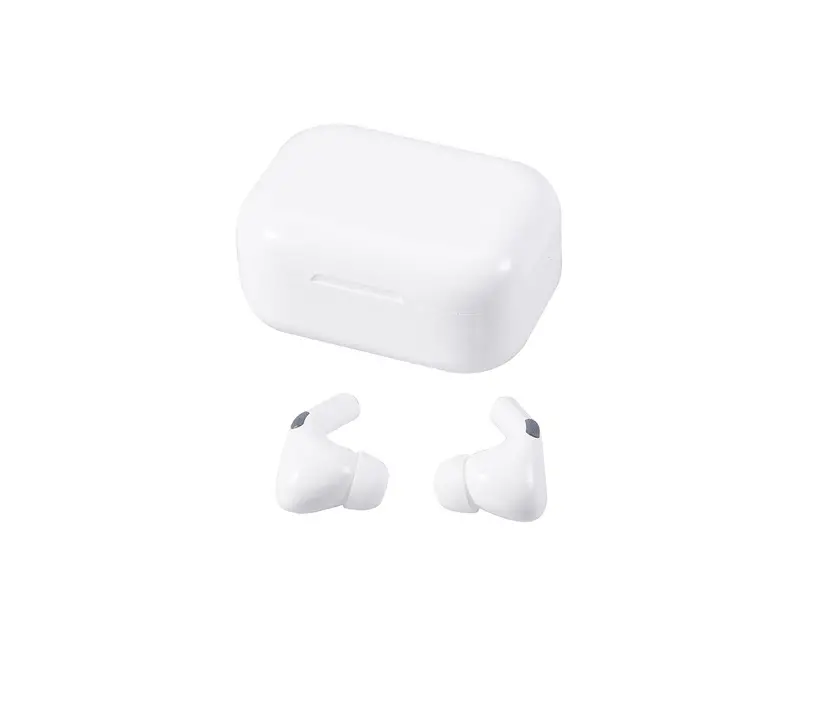
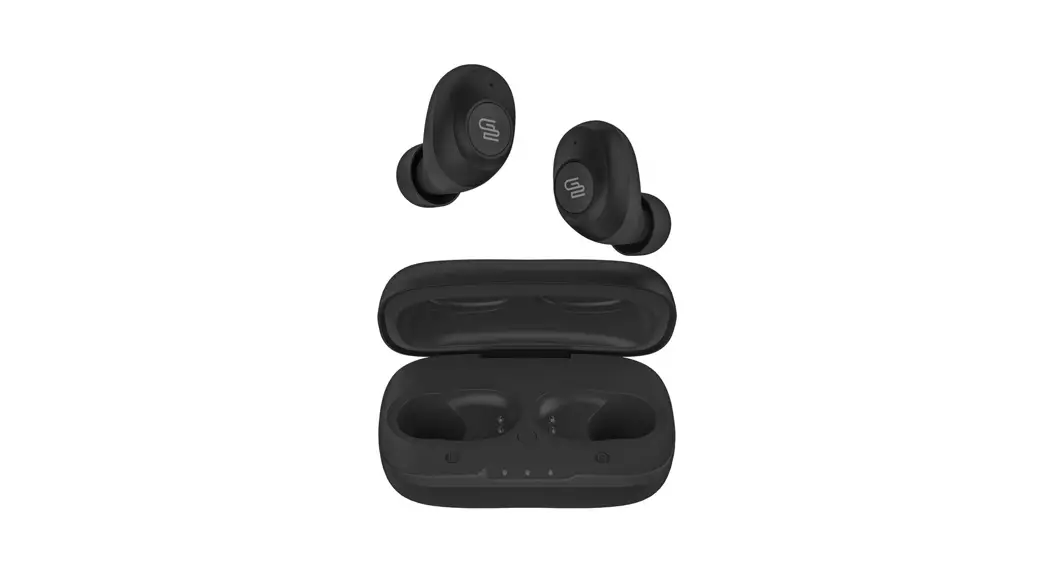
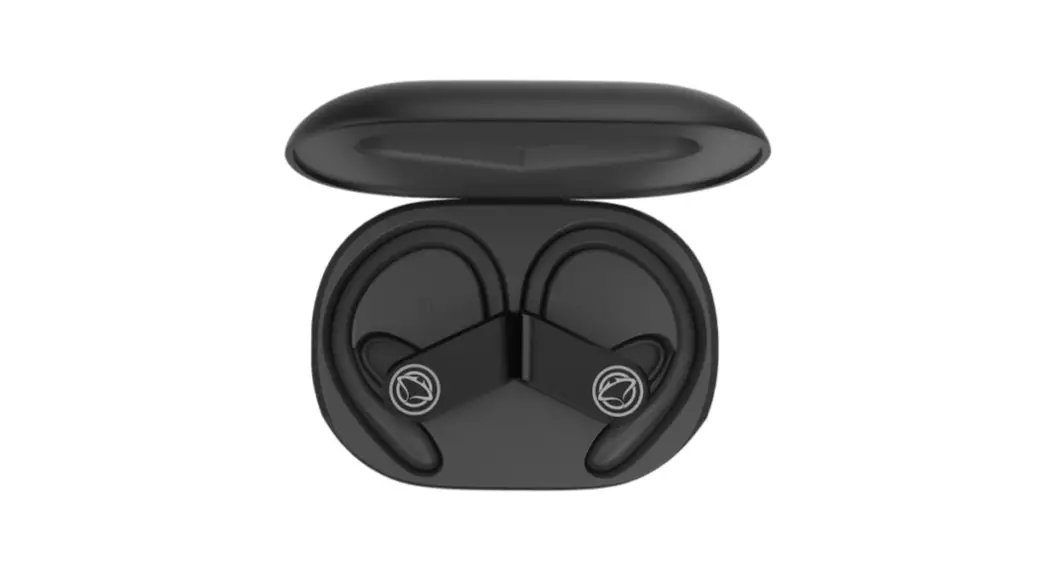
The Flip TWS Earbuds are a pair of true wireless earbuds that
come with a charging case and a USB Type-C charging cable. The
earbuds have a compact size of 1.07in. x 0.6in. x 0.81in. (2.73cm x
1.5cm x 2.05cm), while the charging case measures 2.13in. x 1.77in.
x 2.09in. (5.4cm x 4.5cm x 5.3cm). The key components of the
earbuds include a touch sensor, LED indicator, and charging
port.
Product Usage Instructions
- To charge the case, plug in the included USB Type-C cable to
the charging case. While charging, the case LED indicator will
flash red. When fully charged, the light will change to solid red.
A beep tone will alert you when the battery is low. - To change the appearance of the charging case, gently press
down on the front and swipe up or down to cycle through different
designs. - The earbuds will automatically power on and pair with each
other when you remove them from the charging case. - If the earbuds don’t connect to any device within 5 minutes,
they will power off. To turn them on again, place them back into
the charging case and then take them out or press the touch sensor
for 3 seconds. - To pair the earbuds with your device, turn on Bluetooth and
select “FLIP TWS” from the list of available devices. When the LED
light turns off, it indicates successful pairing and you will hear
a beep tone. - To answer a call, short press the earbud touch sensor once. To
reject a call, long press the touch sensor for 3 seconds. - To control music playback, short press the earbud touch sensor
to stop or resume playing. Double press the left touch sensor to
play the previous song, double press the right touch sensor to play
the next song. Triple press the left touch sensor to decrease the
volume, and triple press the right touch sensor to increase the
volume. - To turn off the Bluetooth device, long press the earbud touch
sensor for 5 seconds until the red light flashes. The earbuds will
automatically turn off if they are away from the Bluetooth device
for more than 5 minutes. To turn them on again, press the earbud
touch sensor for 5 seconds until the blue light flashes. - To charge the earbuds, place them inside the charging case. A
solid red light on the earbuds indicates that they are charging.
Once fully charged, a blue light will turn on for 1 minute and then
turn off. - Note that the earbuds and case can be charged simultaneously,
but the earbuds will only charge if there is power in the case. The
case needs to have a minimum charge to charge the earbuds. It is
recommended to charge the TWS earbuds if they have not been used
for more than 3 months.
Flip TWS Earbuds
How to Charge
1.Charging your case: Plug in the charging case using the USB Type-C cable included. While the battery case is being charged, the case LED indicator will be flashing red. When the case is fully charged, the light will change to solid red. When the battery is low, there will be a beep tone.
Charging Port LED Indicator
LED Indicator
Touch Sensor
-1(One) Pair of True Wireless Earbuds 1.07in. x 0.6in. x 0.81in. (2.73cm x 1.5cm x 2.05cm)
-1(One) Charging Case 2.13in. x 1.77in. x 2.09in. (5.4cm x 4.5cm x 5.3cm) -1(One) Typec Charging Cable 5.9in. (15cm) -1(One) Instruction
Key component:
1.Touch Sensor 2.LED Indicator 3.Charging Port
1.Change the front design of the charging case by pressing down gently and swiping up/down to cycle through the different appearances.
2.The earbud(s) will automatically power on and pair to each other when you take off the earbuds from charging case.
3.The earbuds will power off if they don’t connect to any device within 5 minutes. If the earbuds turn off. To turn the earbud(s) on again put the earbuds back into the charging case then take off from charging case or press touch sensor for 3s.
4.To pair your earbuds, turn on Bluetooth on your device and choose “FLIP TWS” on the list to connect. When the LED light turns off, they are paired successfully and you will hear a beep tone.
5.To answer a call, short press the earbud Touch sensor once. To reject a call, long press the the earbud Touch sensor for 3 seconds.
6.Short press the earbud Touch sensor to stop the music; press it again to resume playing.
7.Press L touch sensor twice to play the previous song. Press R touch sensor twice to play the next song. Press L touch sensor triple to decrease the volume. Press R touch sensor triple to increase the volume.
8.Long press the earbud Touch sensor for 5s until the red light flashes, then the Bluetooth device is turned off. The earbuds turn off automatically when the earbuds are away from the Bluetooth device for a duration of over 5 minutes.To turn on the earbuds, press the earbud Touch sensor for 5S until the blue light flashes.
2.Charging your earbuds: Place the earbuds inside the charging case and the earbuds will automatically start charging. A solid red light on the earbuds will indicate that the earbuds are charging. Once fully charged, a blue light will turn on for 1 minute and then turn off.
3.The earbuds and case can be charged simultaneously, but the earbuds will not charge if there is no power in the case. The case needs to have at least a minimum charge to charge the earbuds. You must charge the TWS if it has not been used for more than 3 months.
USB Type-C
46 32 Earbud Battery Capacity: 30mAh Battery capacity: 250mAh
2/3 Hours per Cycle/10-12 Hours Total (50% max volume)
1-2 Hours 200
TWS earbuds earbuds earbuds
TWS earbuds
earbuds
TWS earbuds
earbuds
2A2H6MU01046

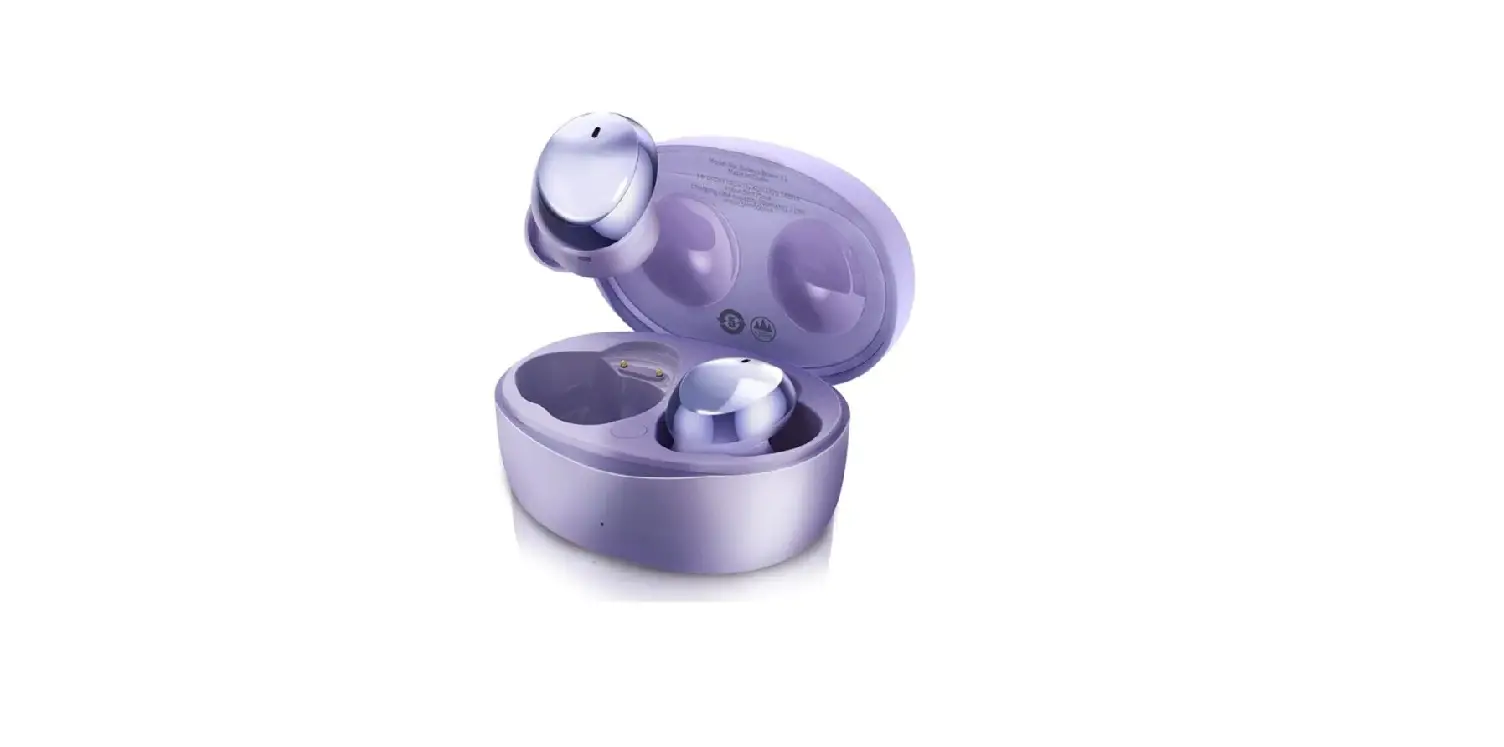

![Kogan Tws Earbuds User Manual [katwsipx6ha]](https://static-data1.manualsee.com/1/img/91/71047/2021/02/Kogan-TWS-Earbuds-KATWSIPX6HA.jpg "Kogan Tws Earbuds User Manual [katwsipx6ha]")