AUKEY
QUICKSTART GUIDE
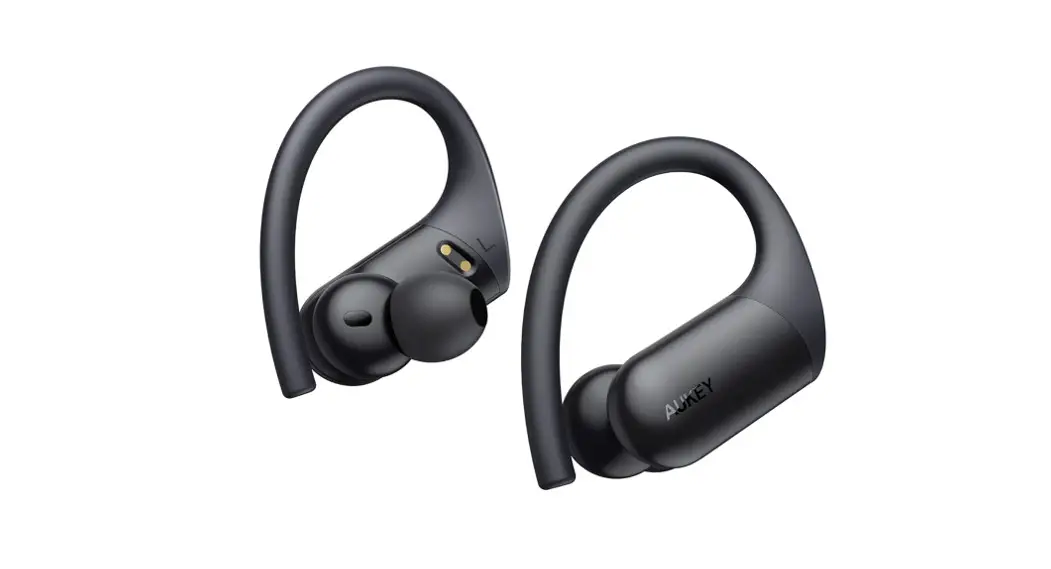
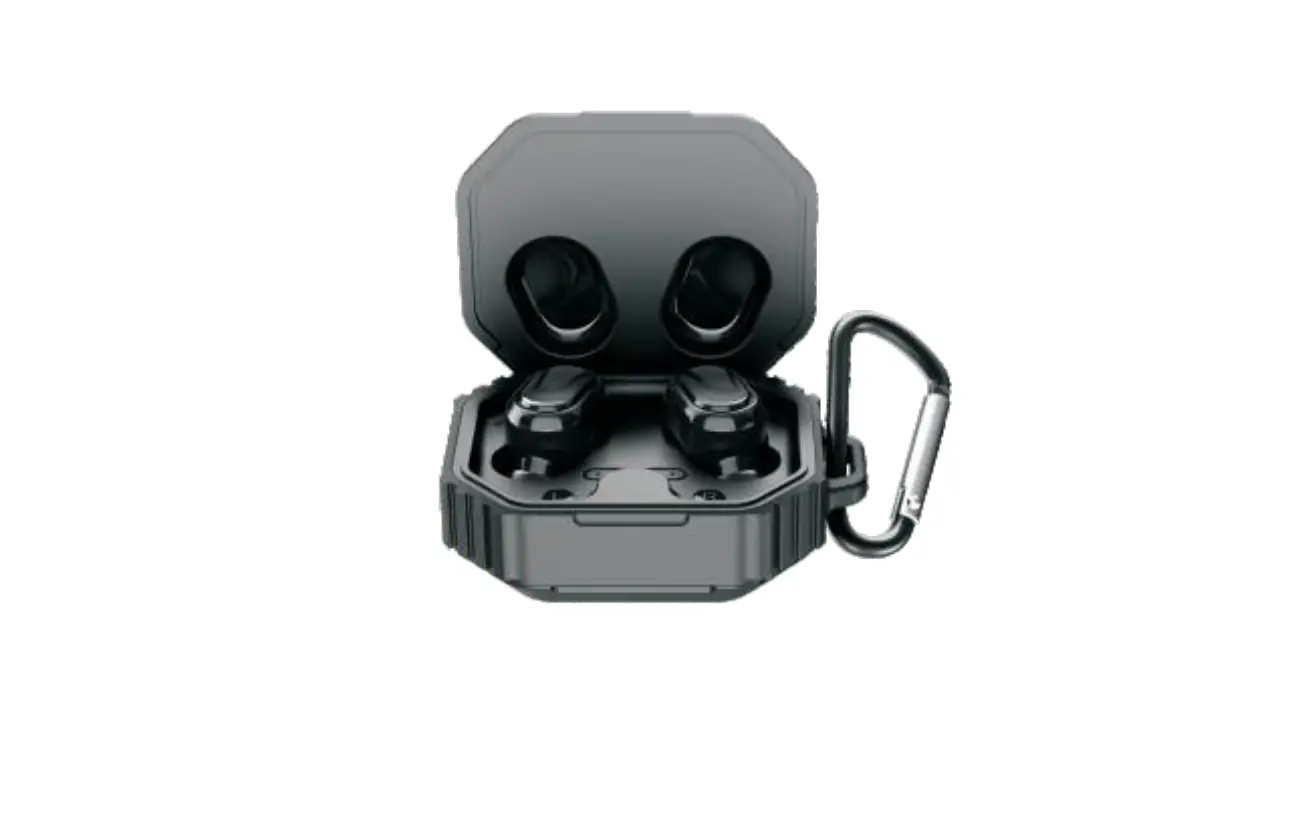
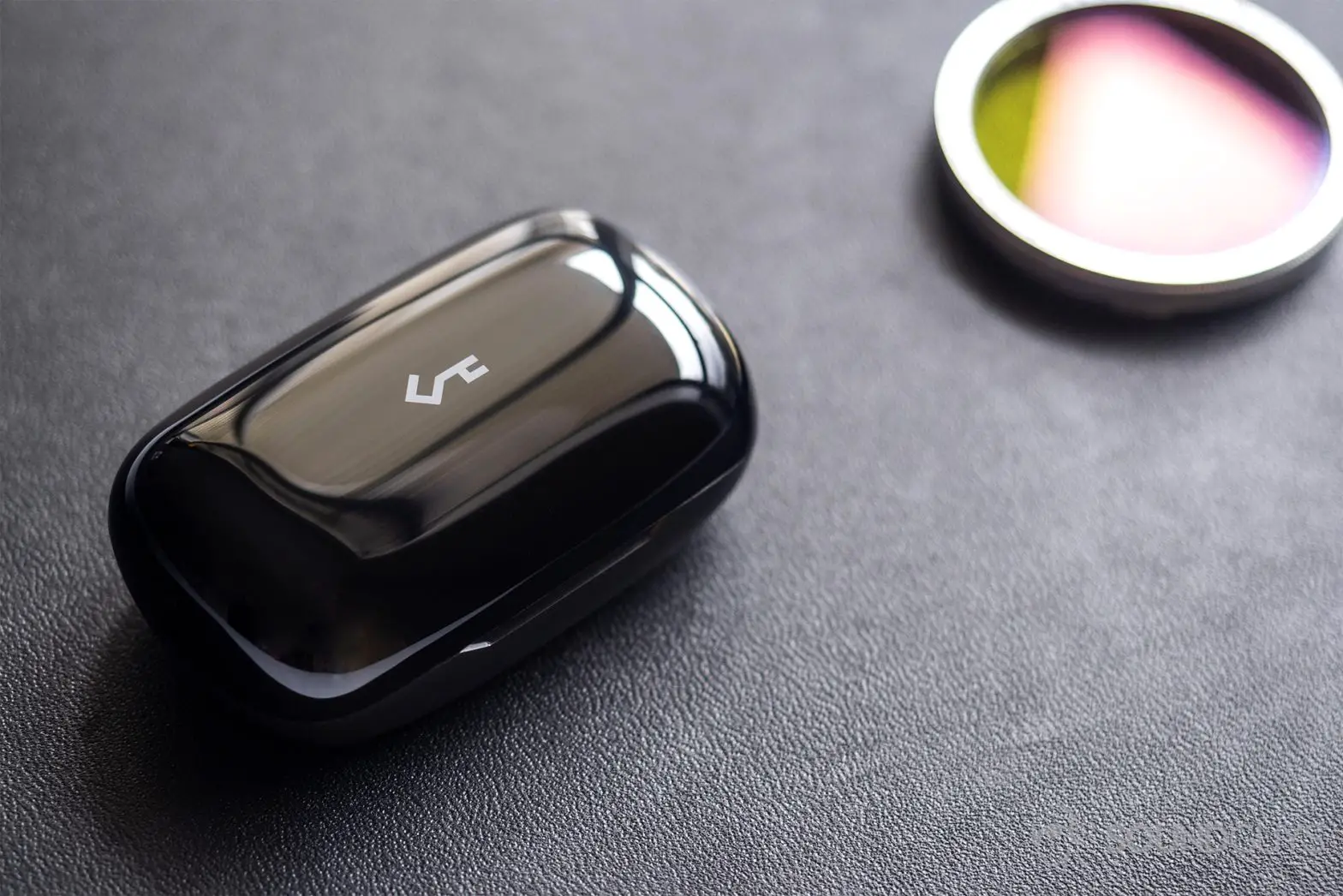
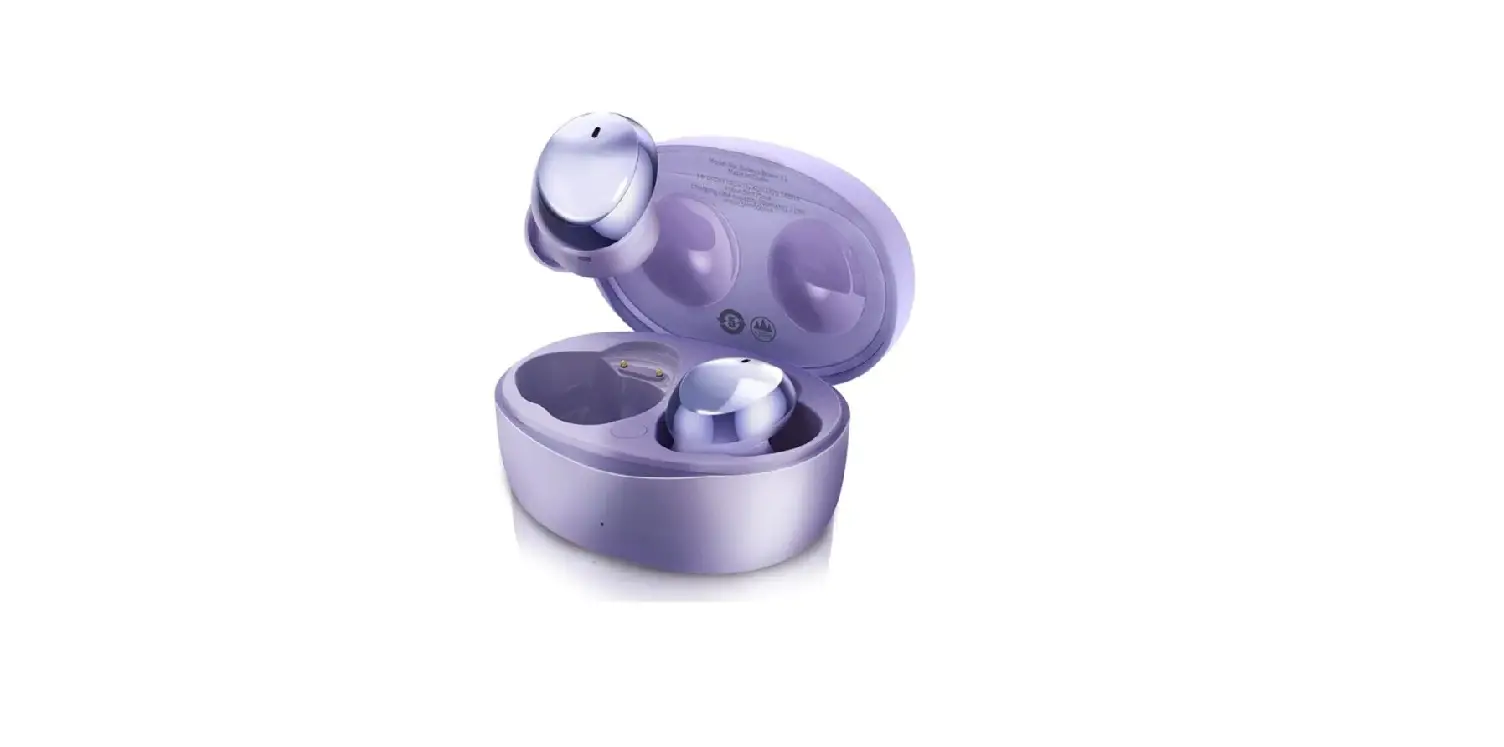
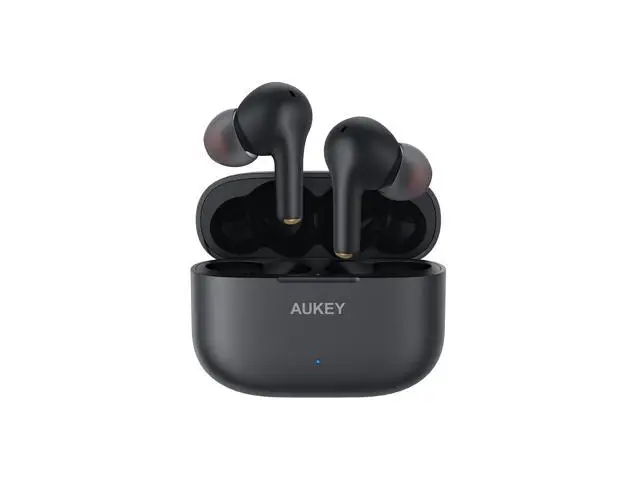
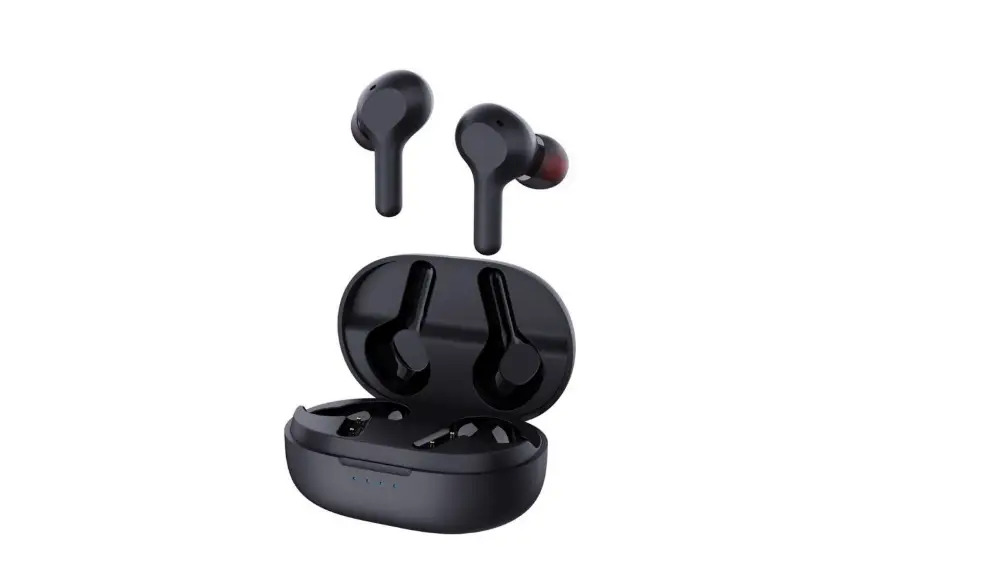
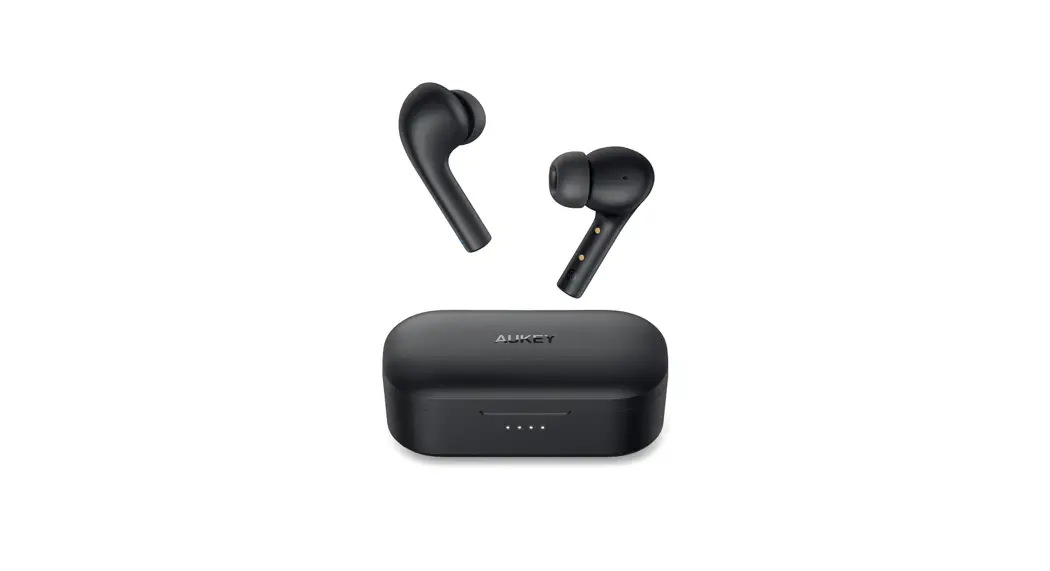
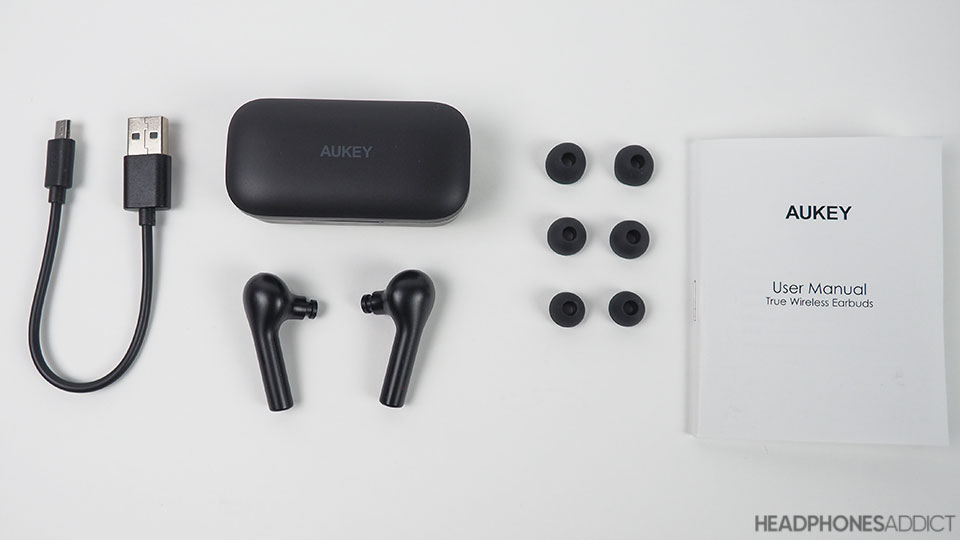
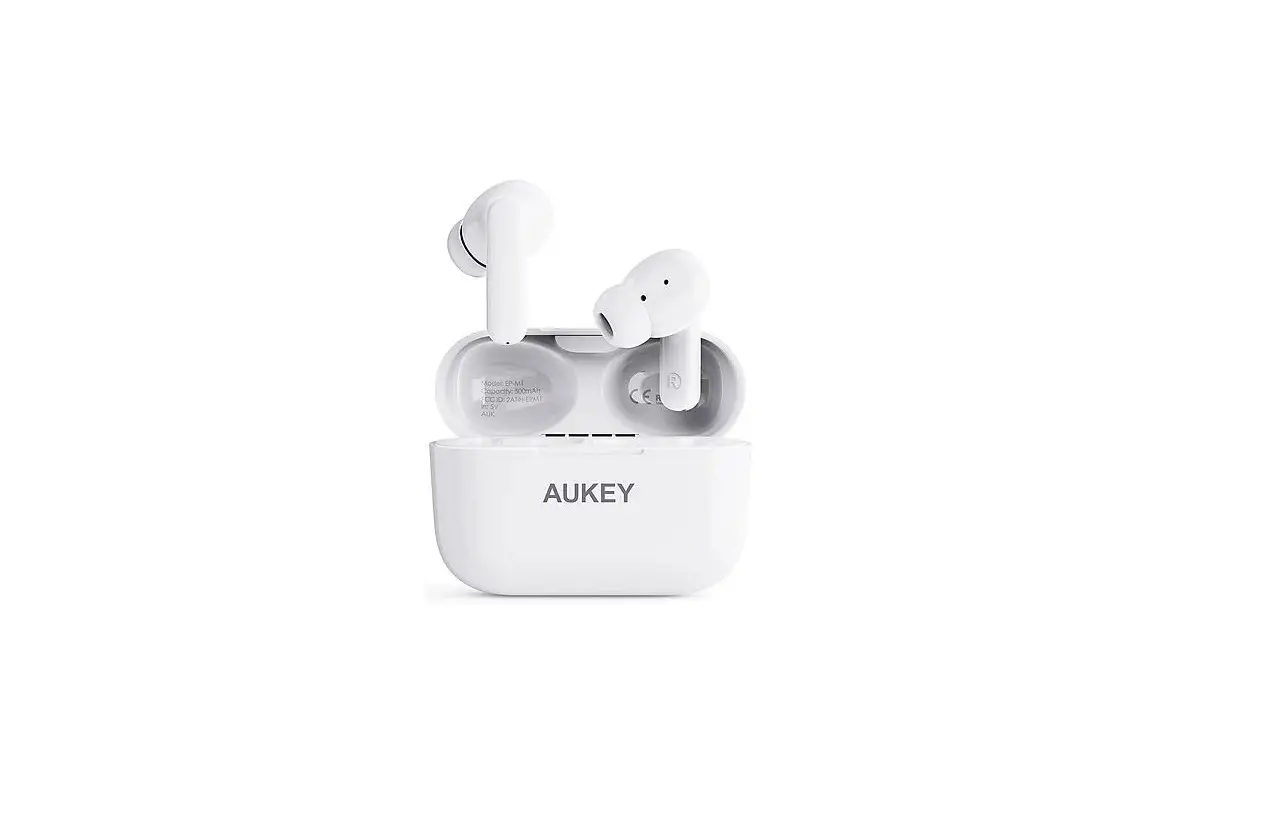
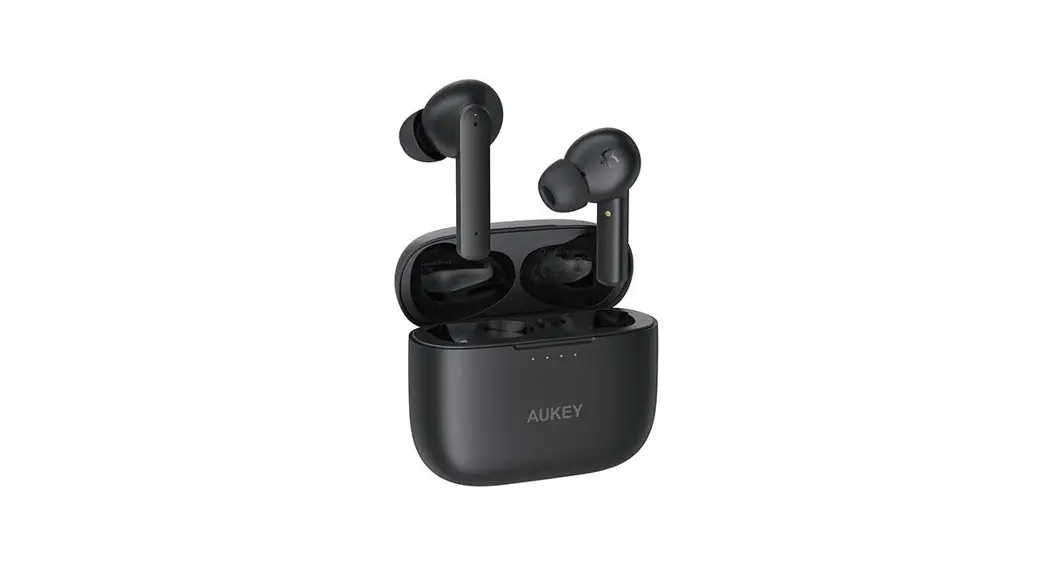
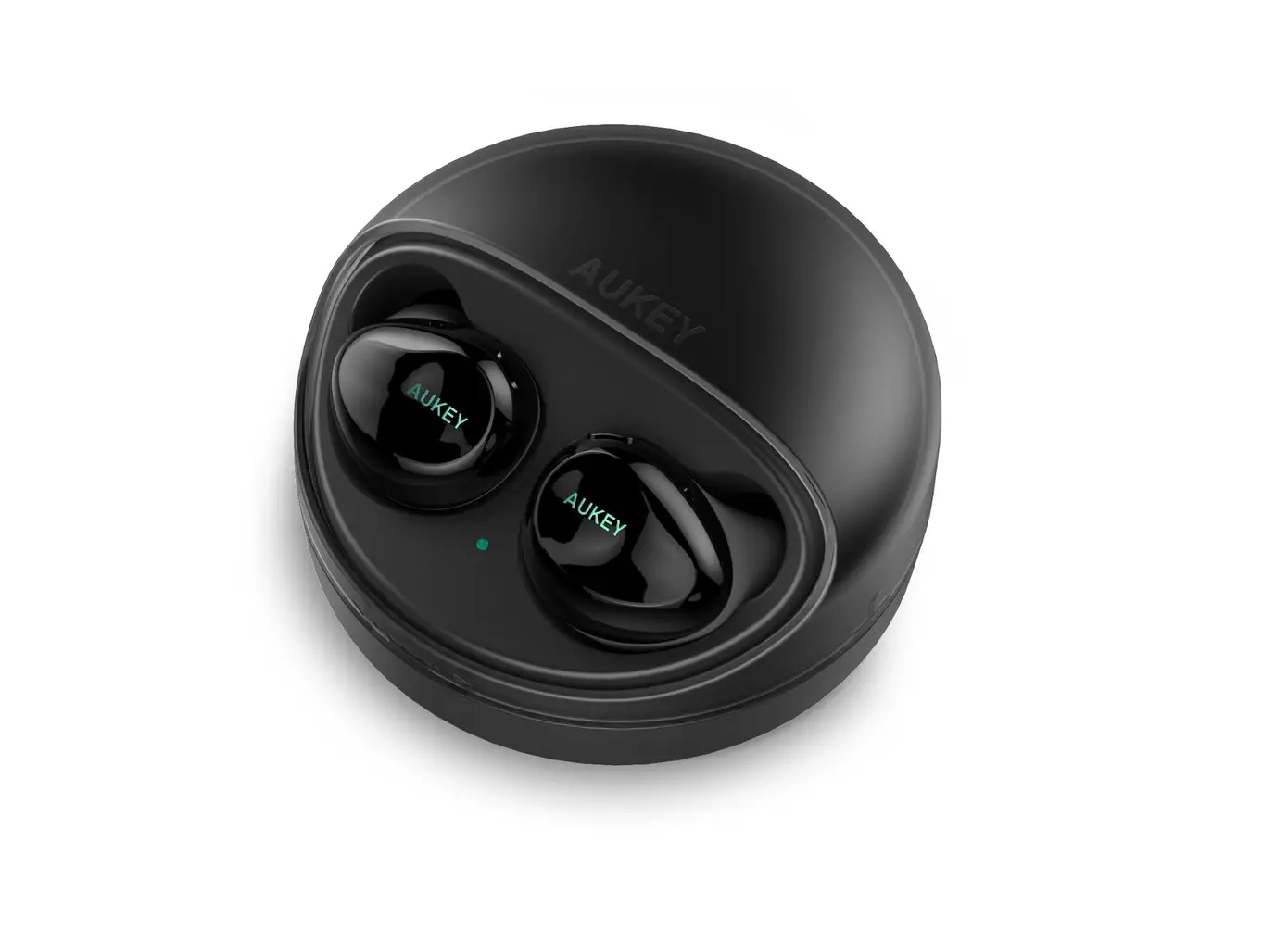
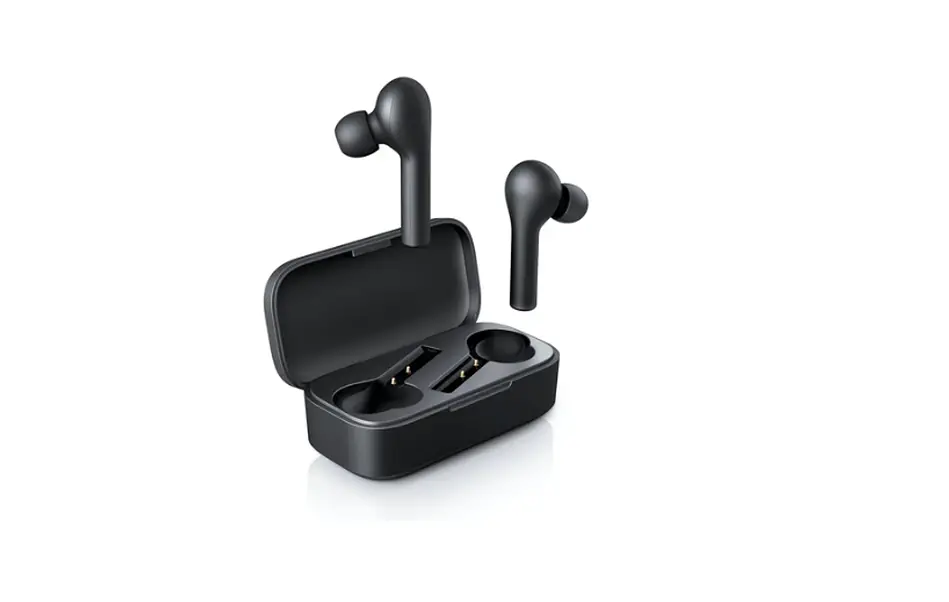
True Wireless Earbuds
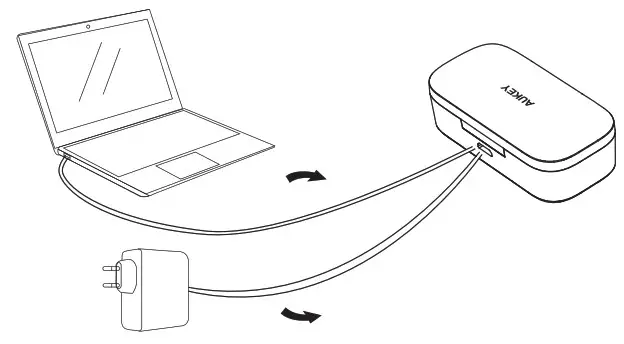
CHARGING
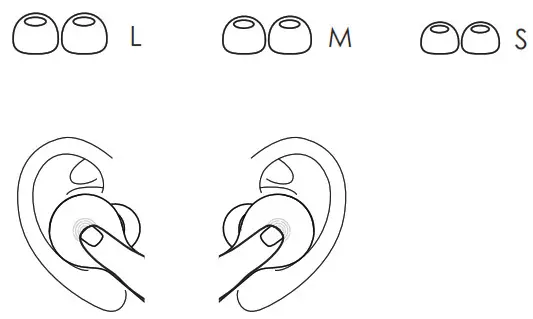
FIND YOUR FIT
Choose the size of ear-tips that provide the most secure and comfortable fit.
PAIRING
1. Take the earbuds out of the case
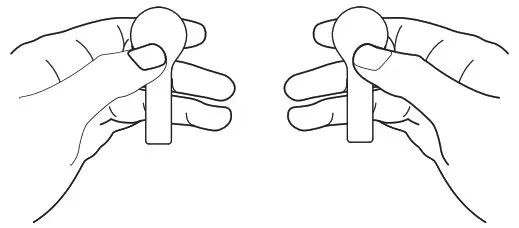
The LED indicators on the earbuds will flash green and red
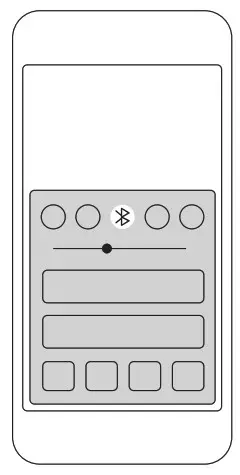
2. Turn on the pairing function on your device
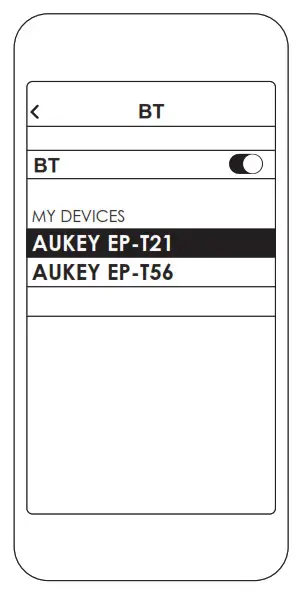
3. Select “AUKEY EP-T21”
Not pairing with your device?
Try restarting your device and then repeat the pairing process.
CONTROLS
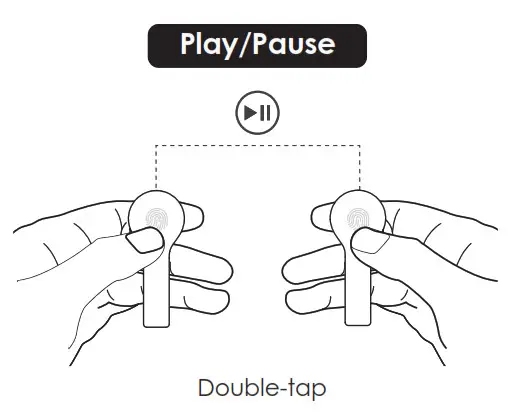
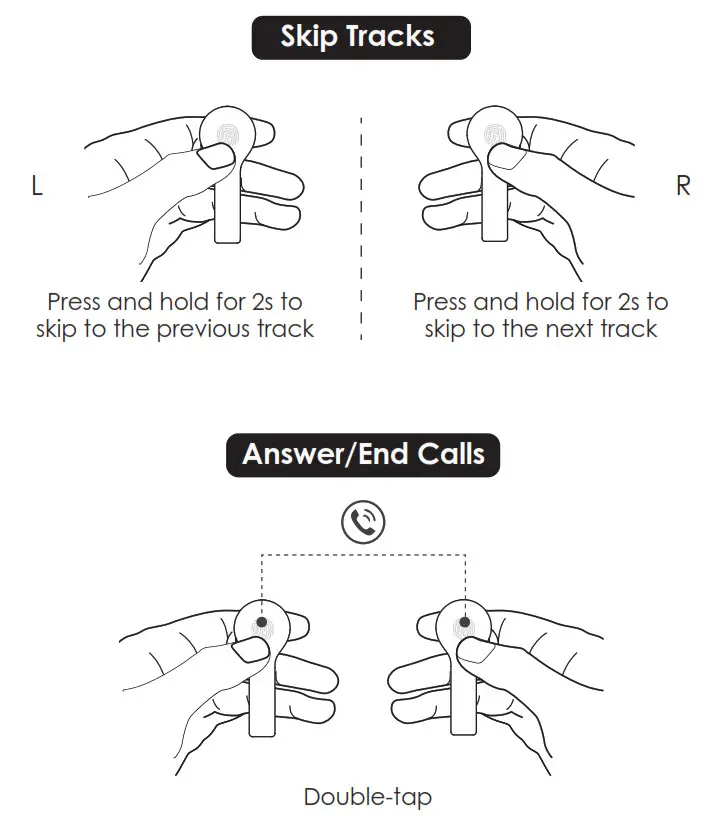
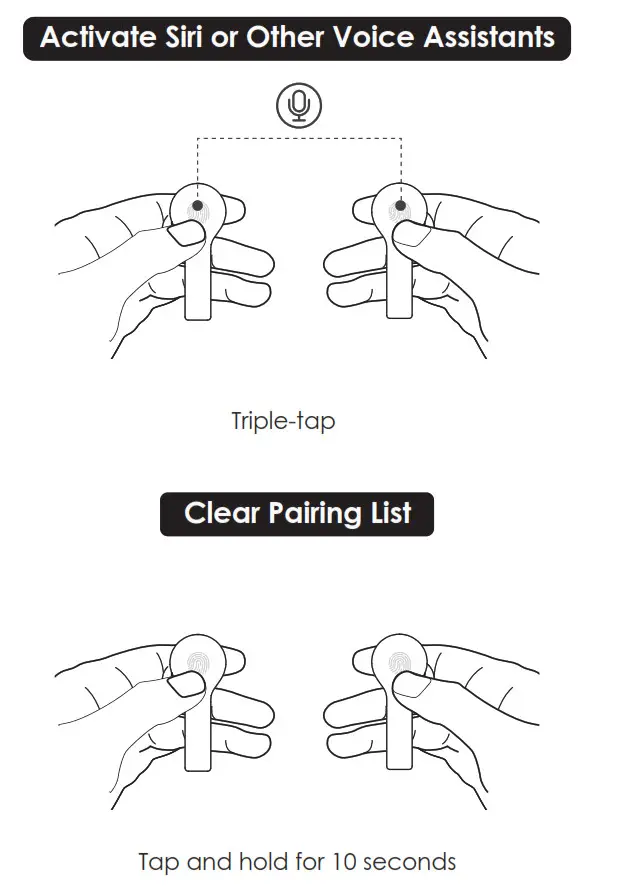
On the Left or Right Earbud
Aukey TWS EP-T21 Earbuds Manual – Download [optimized]
Aukey TWS EP-T21 Earbuds Manual – Download