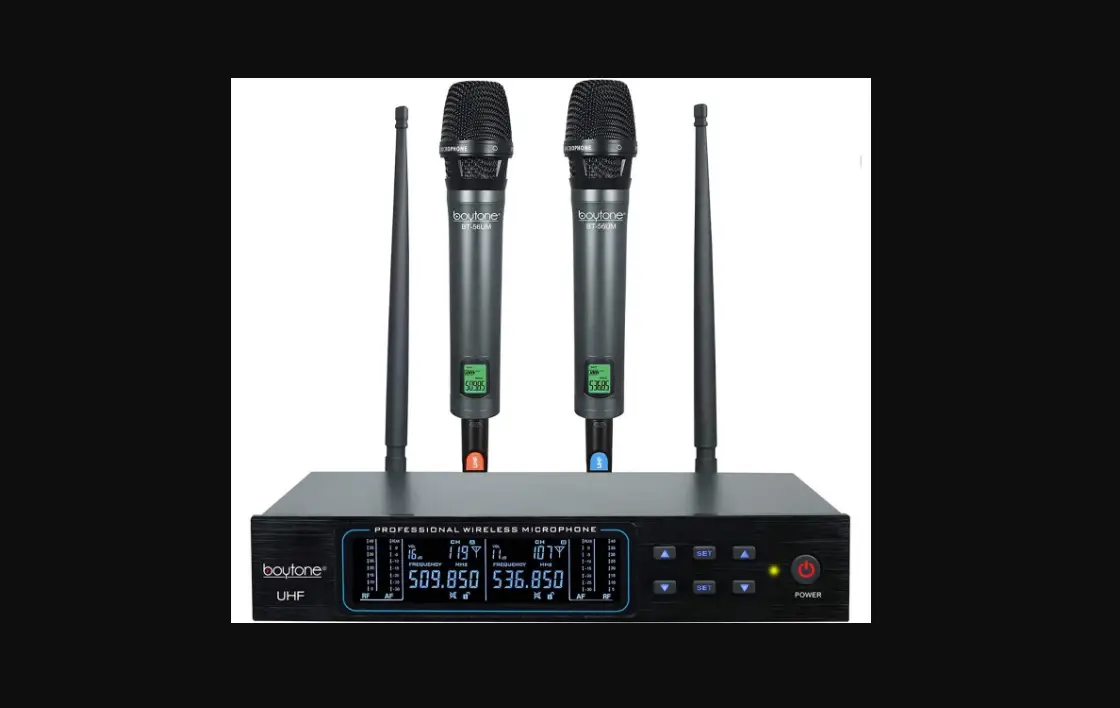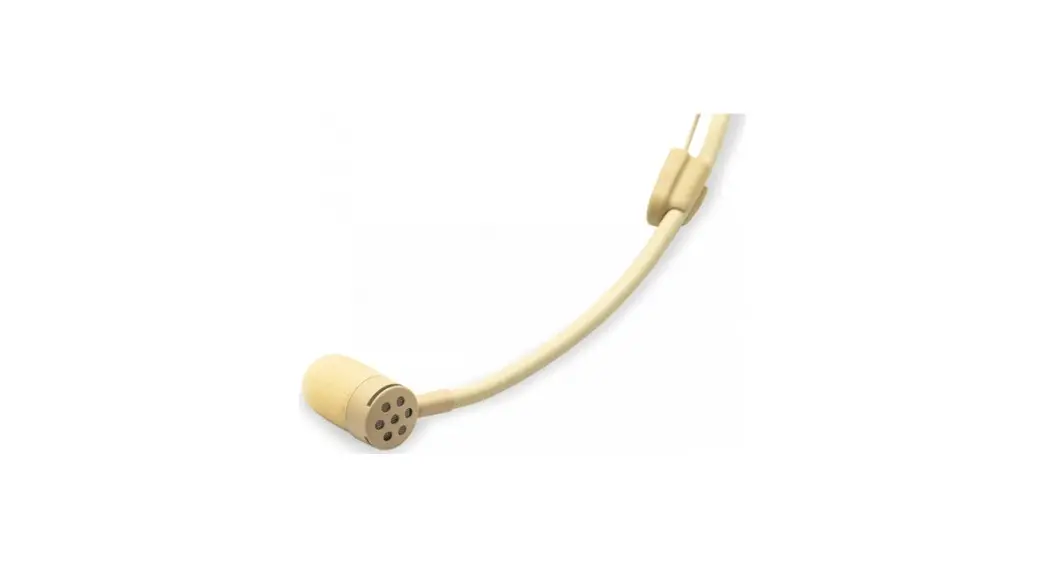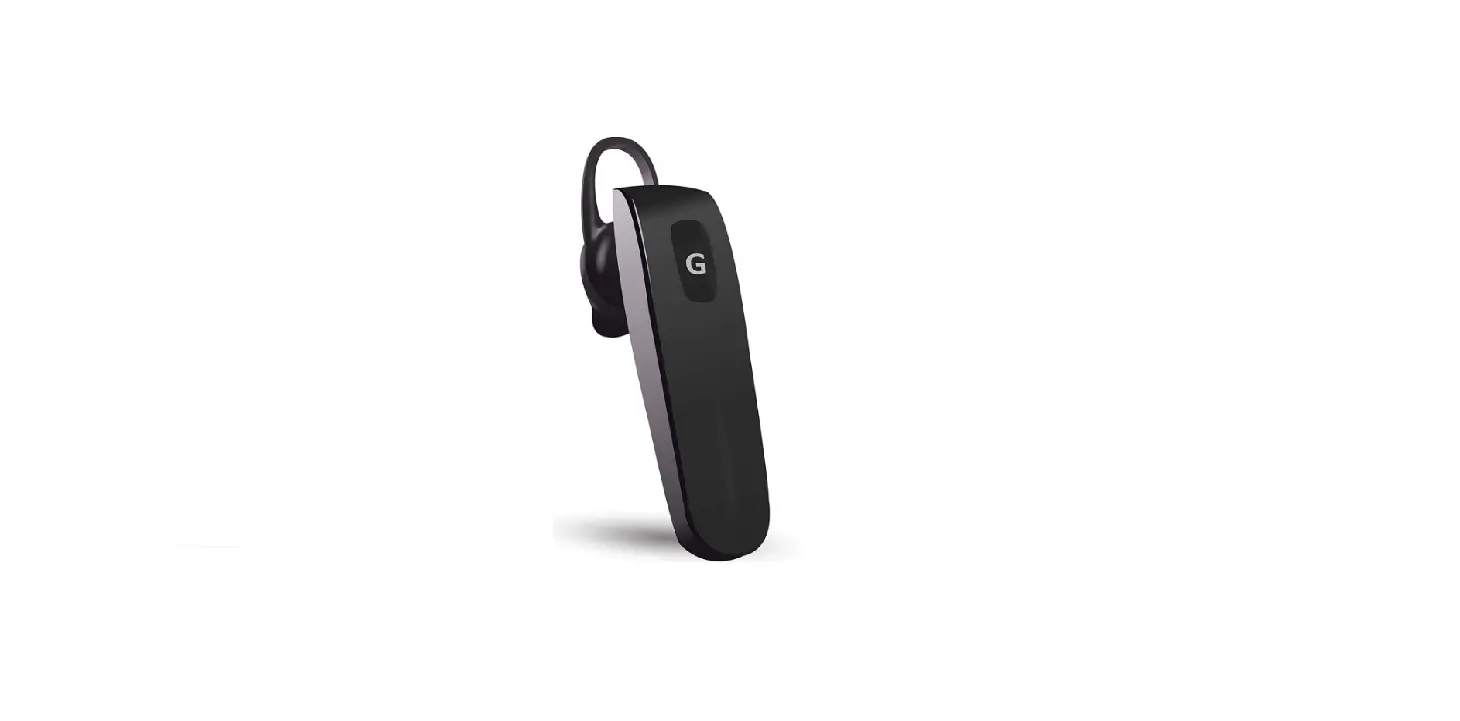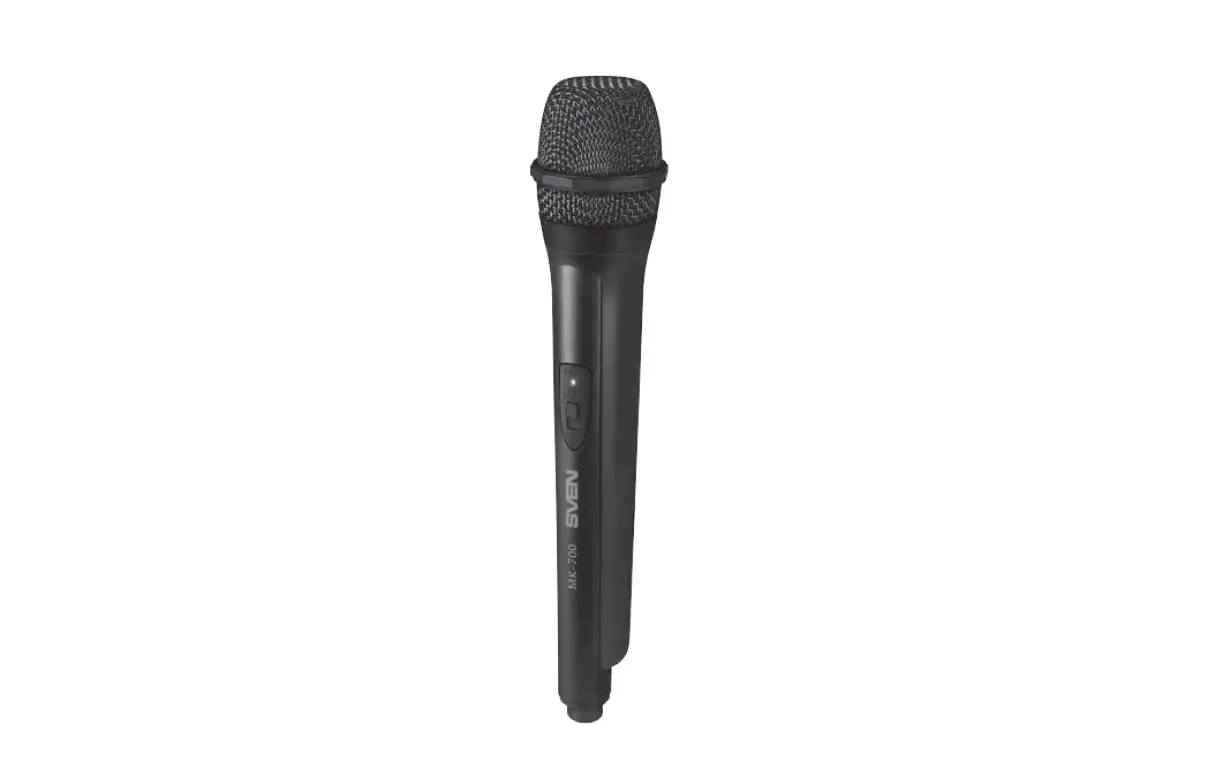
 UHF Wireless
Microphone System
Model: RT5301
User Manual
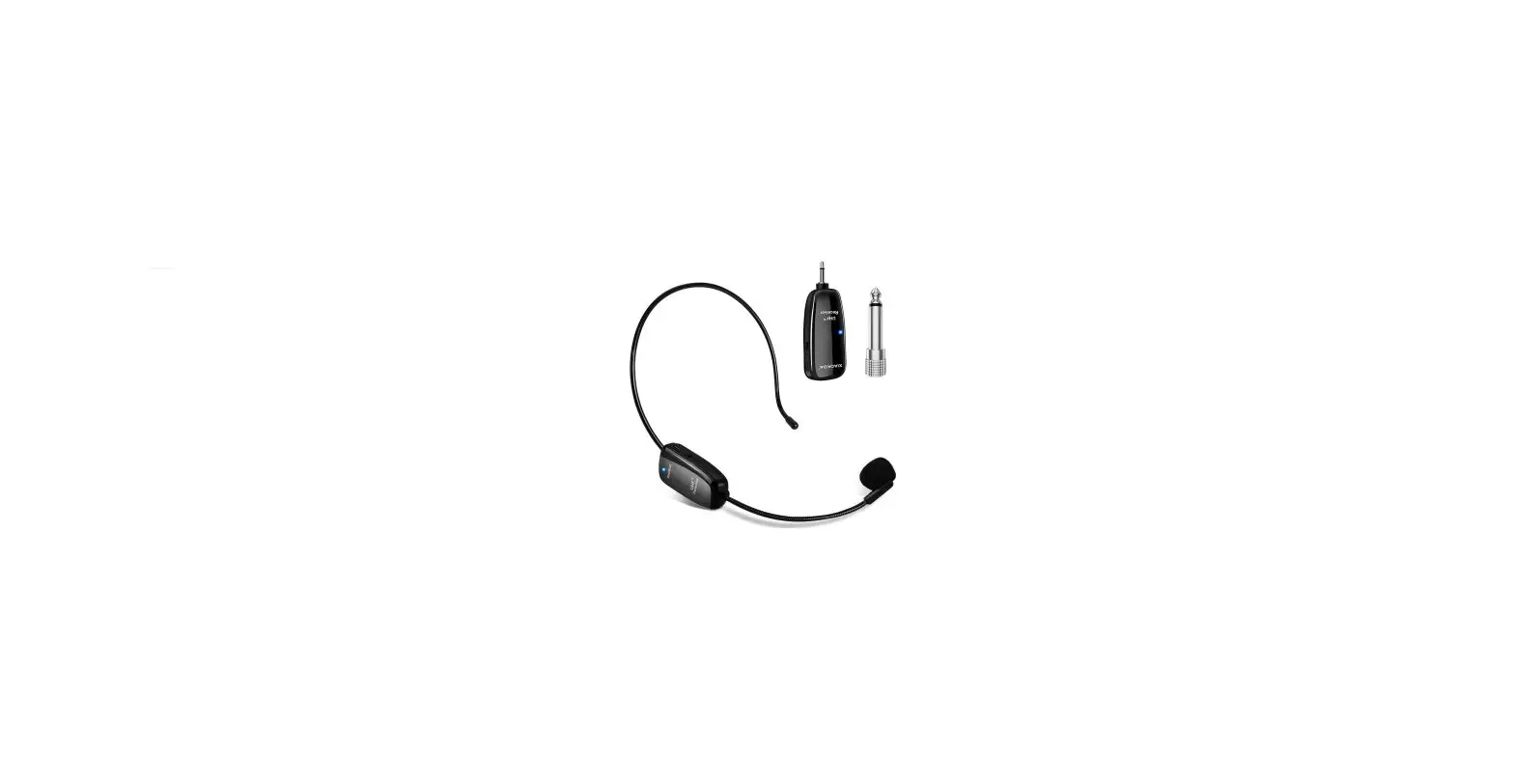
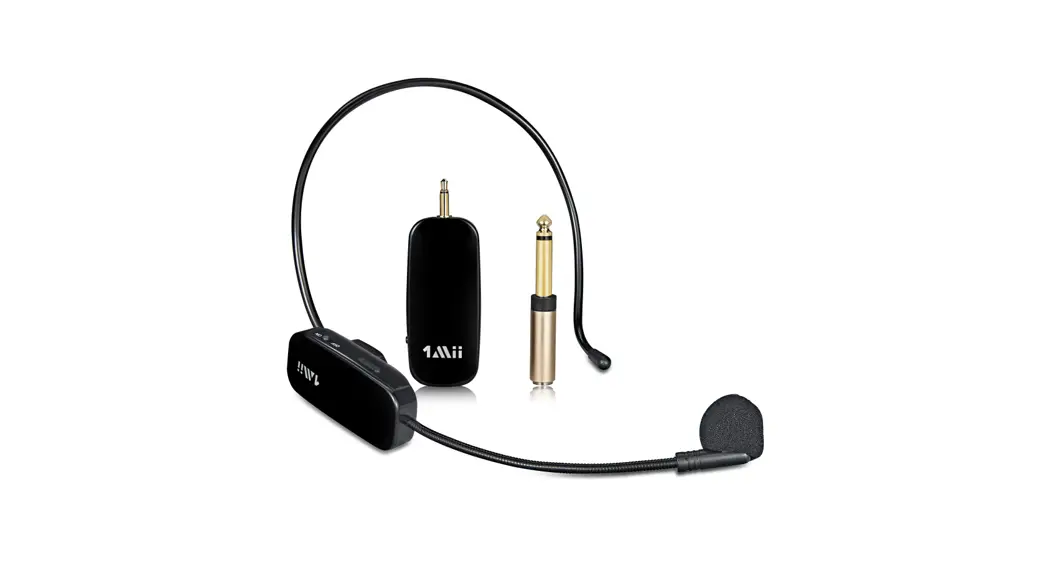
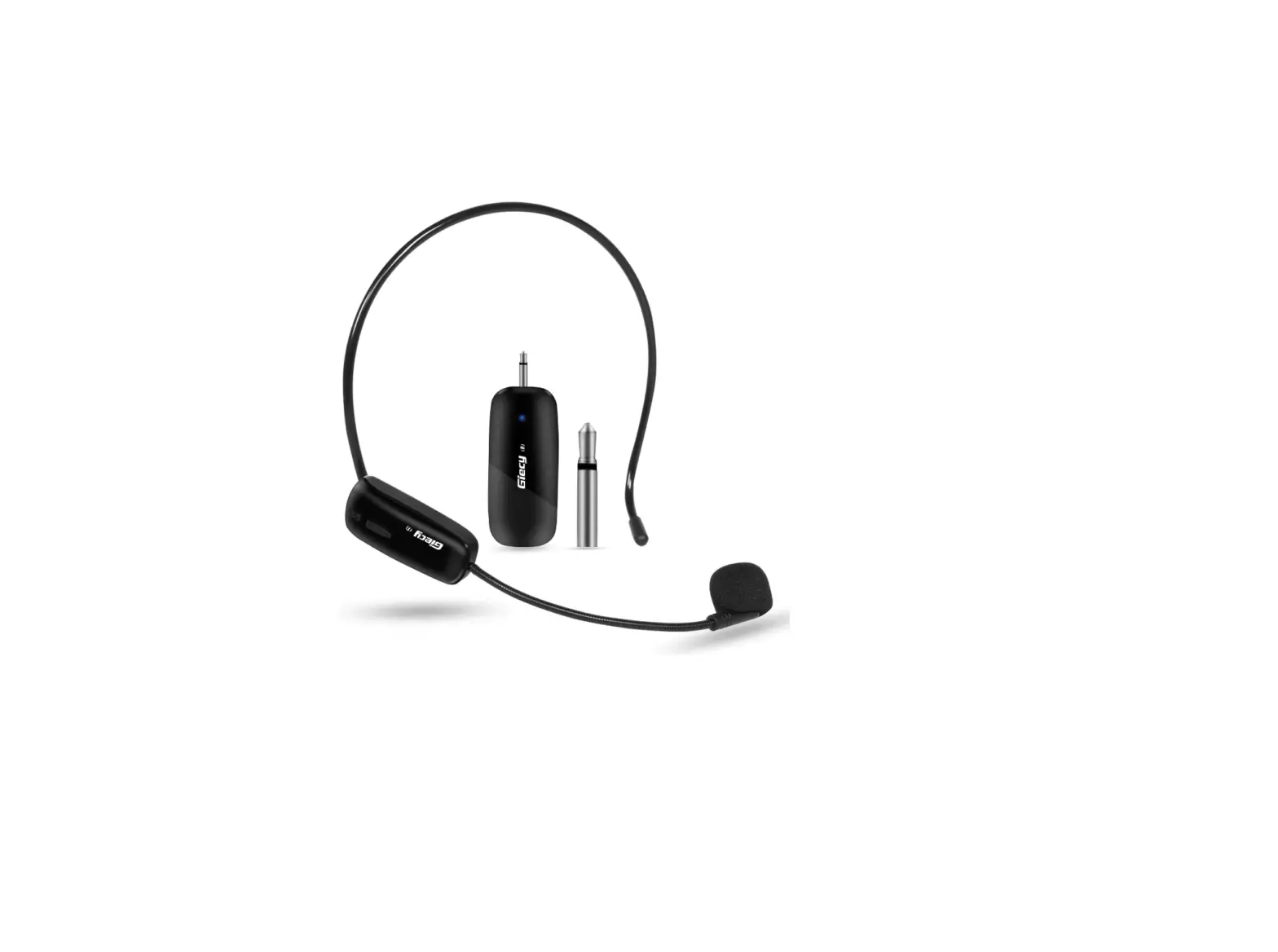
RT5301 UHF Wireless Microphone Headset

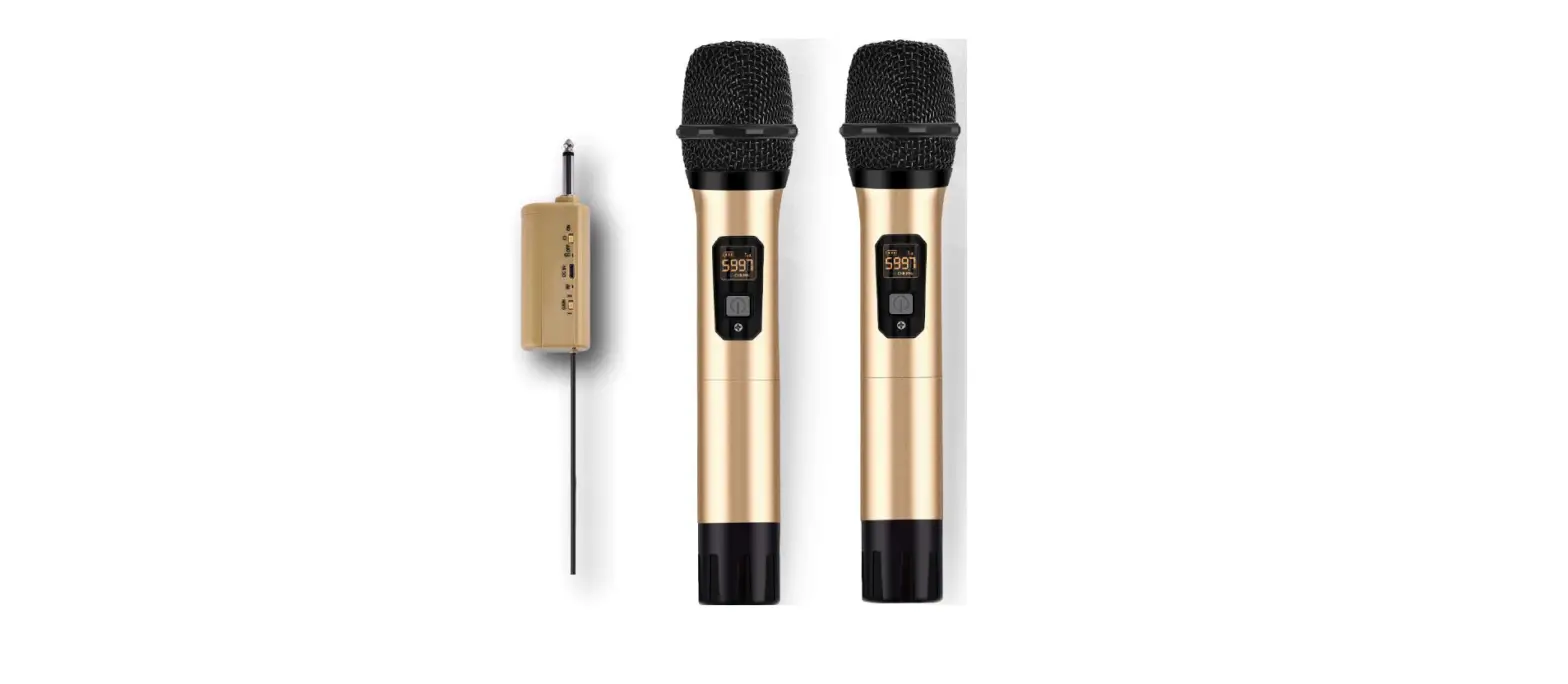
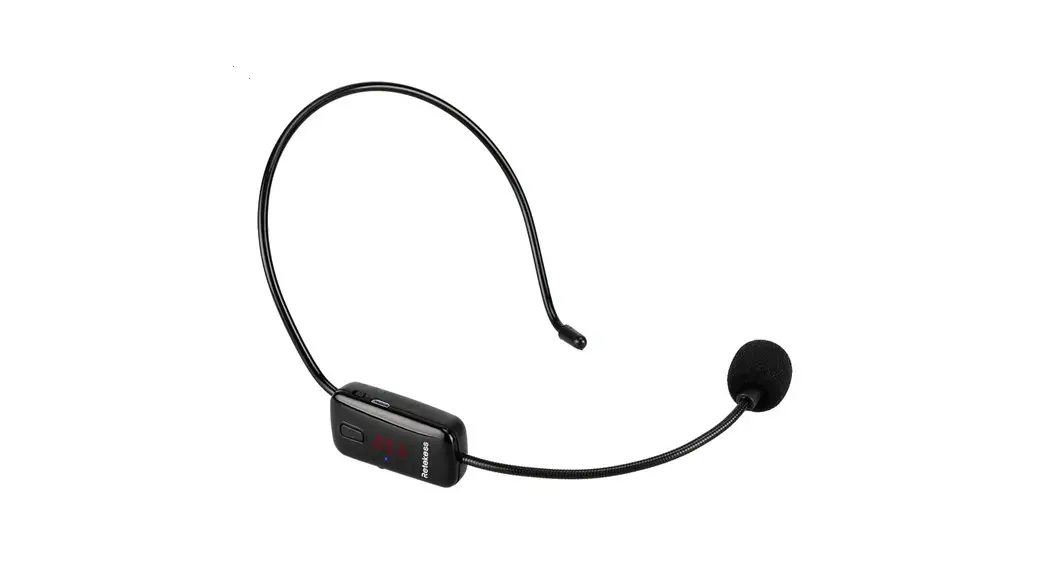
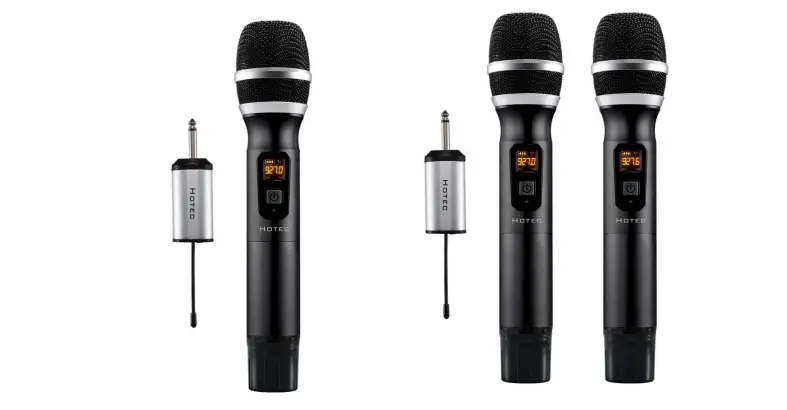
 In the box
 In the box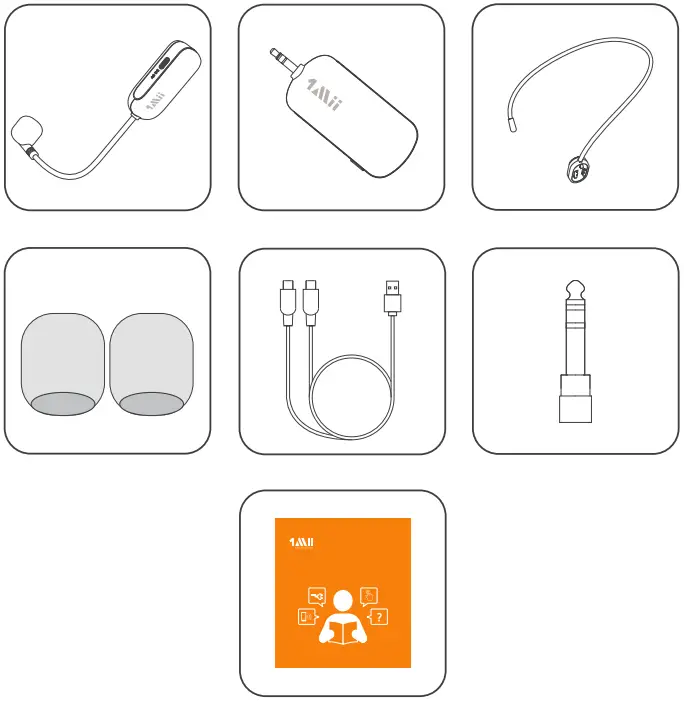
 Product overview
 Product overview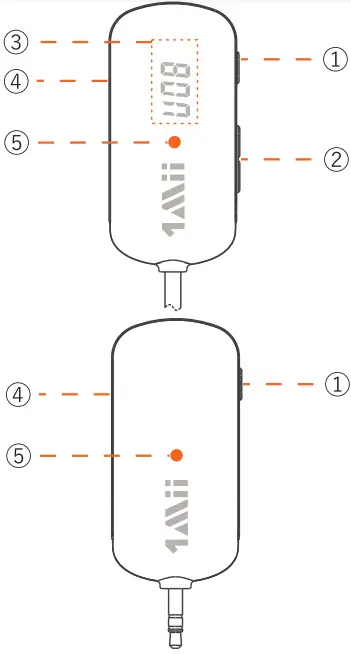
| 1 |  | Power button |
| 2 |  | volume control |
| 3 |  | Display screen |
| 4 |  | Charging port |
| 5 |  | Working status light |
 | charging indicator |
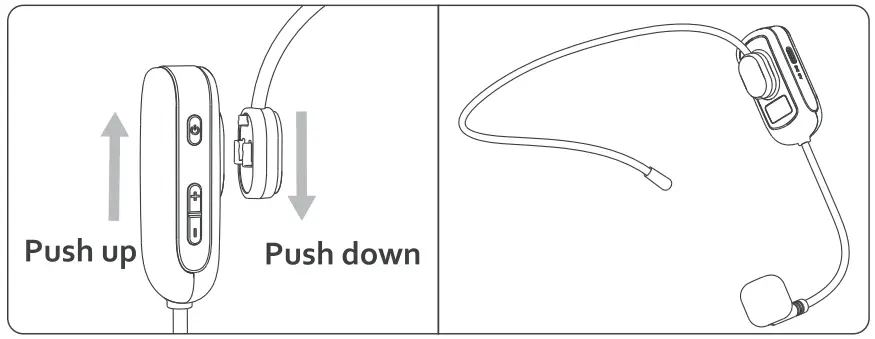
 Connection Diagram
 Connection Diagram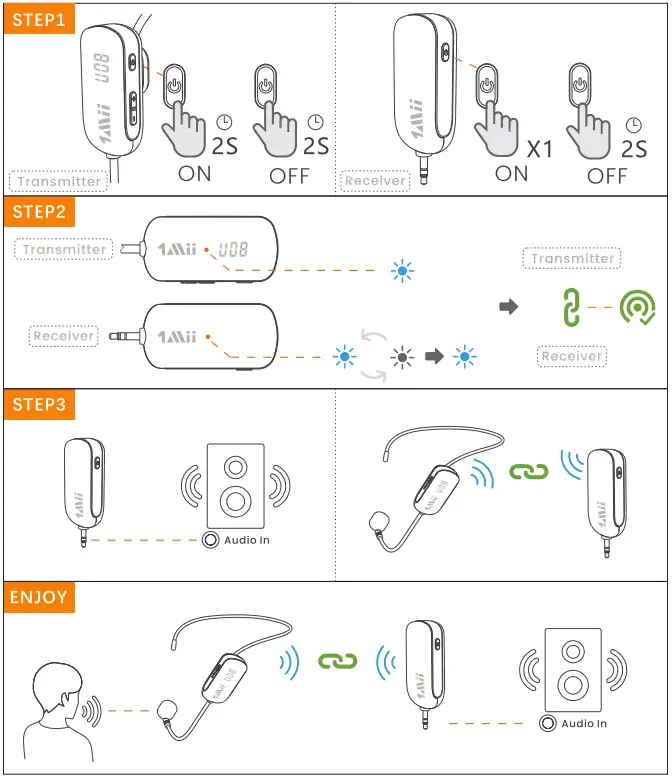
 Control function
 Control function
STEP 1
Transmltter
Long press 2S to turn on/off.
Receiver
Short press the power button to turn on/long press the power button for 2S to turn off.
STEP 2
The indicator light flashes blue after the receiver is turned on. Once paired successfully, light keeps blue.
STEP 3
Connect the receiver to audio input port of your speakers.
 | Frequency display |
 | Volume disply |
 | Searching mode |
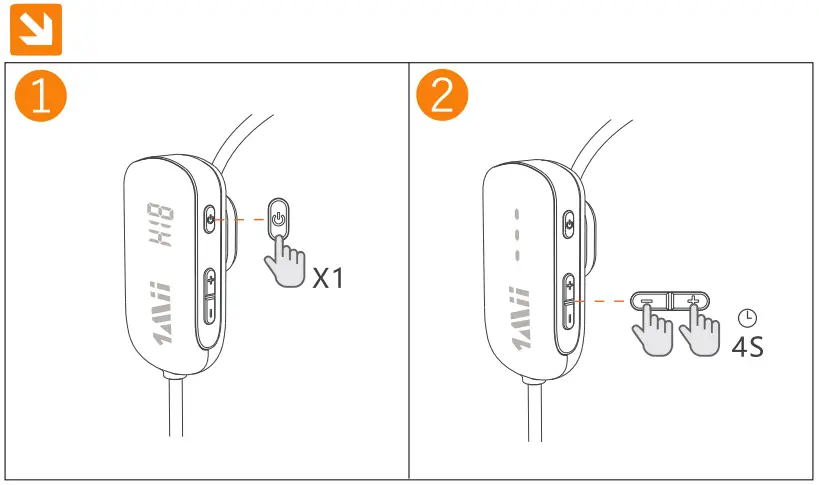
- When the transmitter is powered on, short press the power button 1s to
 mode. Use the
  or
or  button to select channel.
 - Once the channel is selected, long press + button 4s to enter searching mode, Turn the receiver on, its indicator flashes blue. When light stays blue, it means channel changed successfully.
 mode. Use the
  button to select channel.
 Reset
Reset
Switch to channel select mode, then long press  +
+  button 4s to reset.
FCC:
This device complies with part 15, 9f the FCC rules. Operation is subject to the following two conditions: (1) This device may not cause harmful interference, and (2) This device must accept any interference. Changes or modifications not expressly approved by lMii Ltd. will void the user’s authority to operate the equipment. This equipment has been tested and found to comply with the limits for a Class B digital device, pursuant to part 15 of the FCC Rules. These limits are designed to provide reasonable protection against harmful interference in a residential installation. This equipment generates, uses and can radiate radio frequency energy and, if not installed and used in accordance with the instructions, may cause harmful interference to radio communications.
However, there is no guarantee that interference will not occur in a particular installation. If this equipment does cause harmful interference to radio or television reception, which can be determined by turning the equipment off and on, the user is encouraged to try to correct the interference by one or more of the following measures:
- Reorient or relocate the receiving antenna.
- Increase the separation between the equipment and receiver.
- Connect the equipment to an electrical outlet on a different circuit to that which the receiver is connected.
- Consult the manufacturer or an experienced radio/TV technician for help.
This product, like other radio devices, emits radio frequency electro-magnetic energy and operates within the guidelines found in radio frequency safety standards and recommendations. These standards and recommendations reflect the consensus of the scientific community and result from deliberations of panels and committees of scientists who continually review and interpret the extensive research literature.
CE
IMii Ltd. hereby declares that this product is in compliance with the essential requirements and other relevant provisions of Directive 2014/53/EU.
The full test of the EU declaration of conformity is available at the following internet address: www.lmii.com
In accordance with Article 10(2) and Article 10(10), this product is allowed to be used in all EU member states.
ShenZhen 1Mii Technologies Limited
Baoan District, Shenzhen 518100 China
EU Importer:
eVatmaster Consulting GmbH
Bettinastr. 30,60325 Frankfurt am Main,Germany
Warranty
Warranty service is limited to normal use. Any man-made damages such as from connecting to an unsuitable power source. using an unsuitable device, or not following the instructions, as well as damages that did not occur during shipping, repairs and adjustments not approved by the company, damages from misuse, inattention, or improper installation may cause the warranty to be ineffective immediately. This warranty does not include shipping fees.
Disposal Always dispose of the used appliance at a recycling centre. Do not dispose the used appliance together with household waste
eVatmaster Consulting GmbH
Bettinastr. 30
60325 Frankfurt am Main,Germany
[email protected]

Scan the code to get more information.
Manufacturer: ShenZhen Ankbit Electronics Limited
Address: Runfeng Industrial Park, No. 4197 Baoan Blvd., Xixiang St., Baoan Dist., Shenzhen, China
Operator. ShenZhen 1Mii Technologies Limited
Address: Qianhai Complex A201, Qianwan Road 1 , Qianhai Shenzhen-Hong Kong Cooperation Zone, Shenzhen, China
We hope you never have the need, but if you do, our service is friendly and hassle-free.
 [email protected]
 web: www.1mii.com
FCC ID: 2AUFR-RT5301 MADE IN CHINA