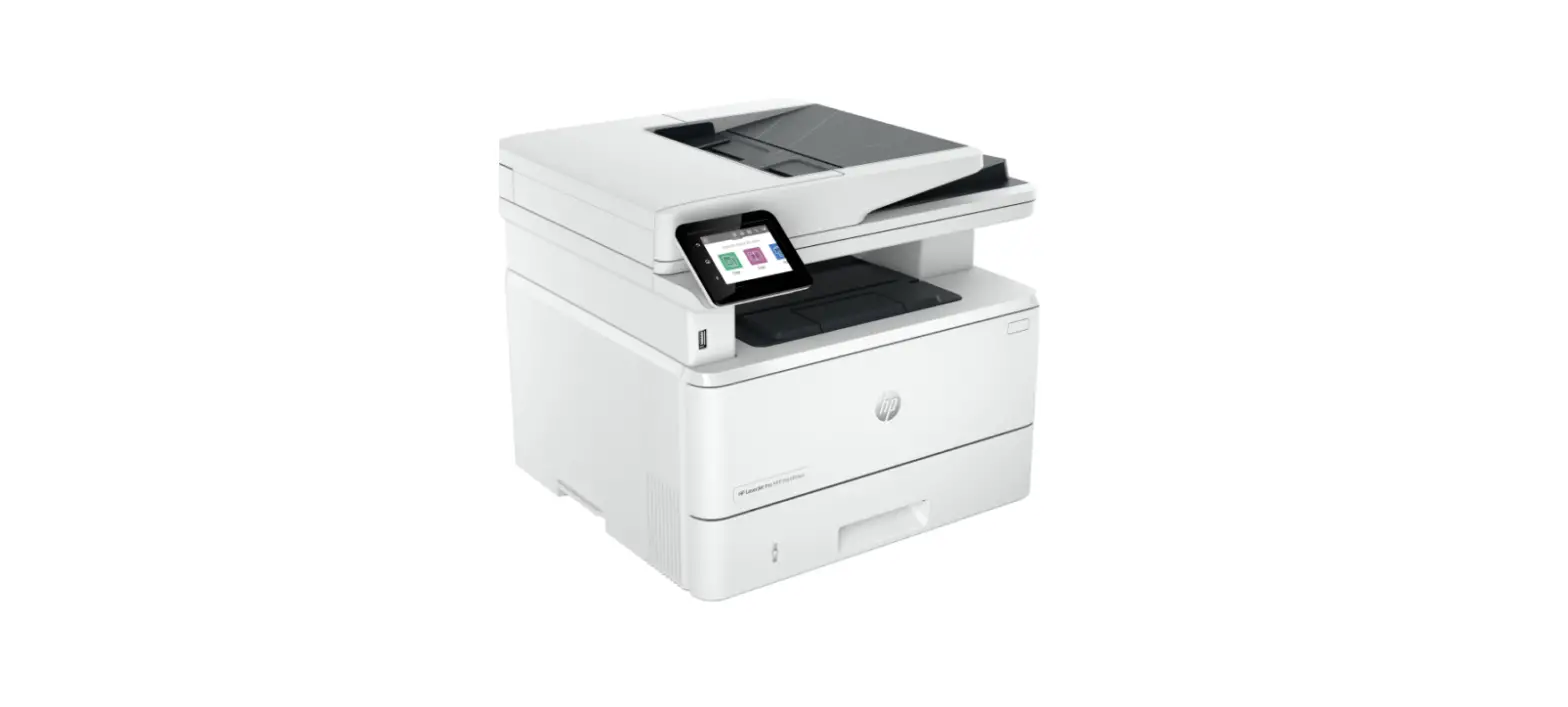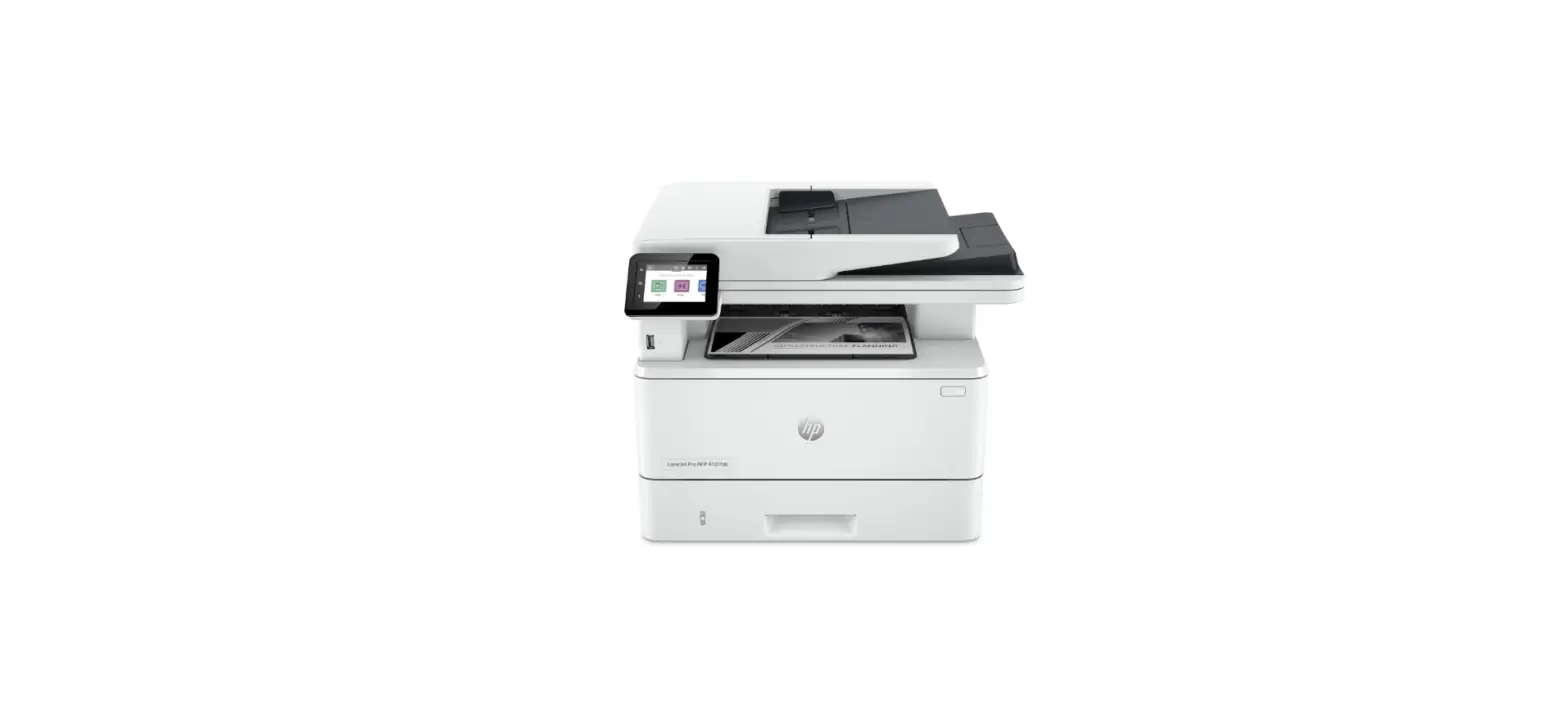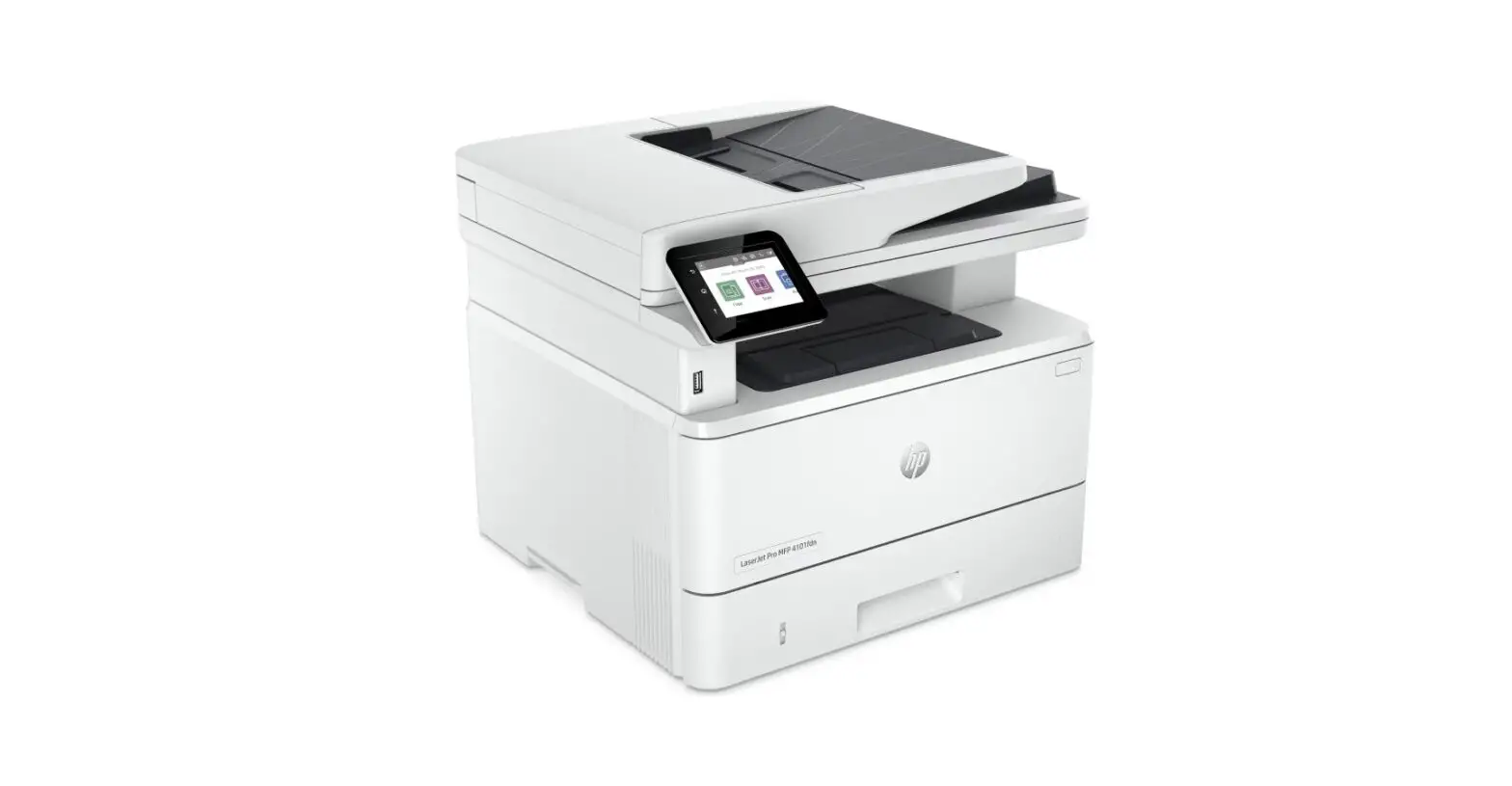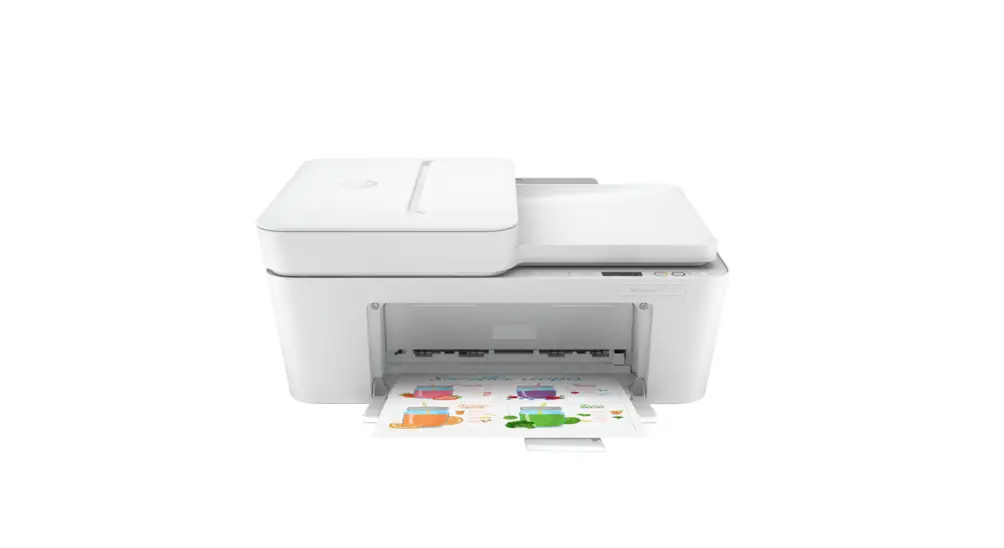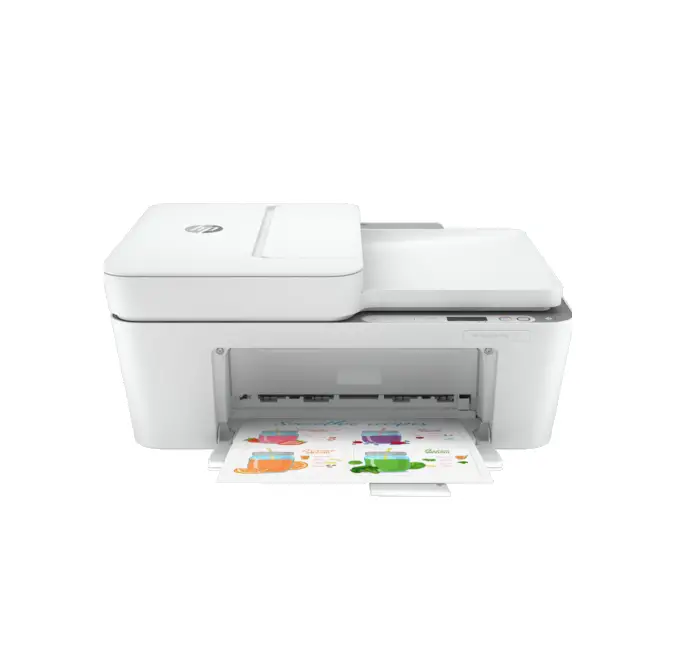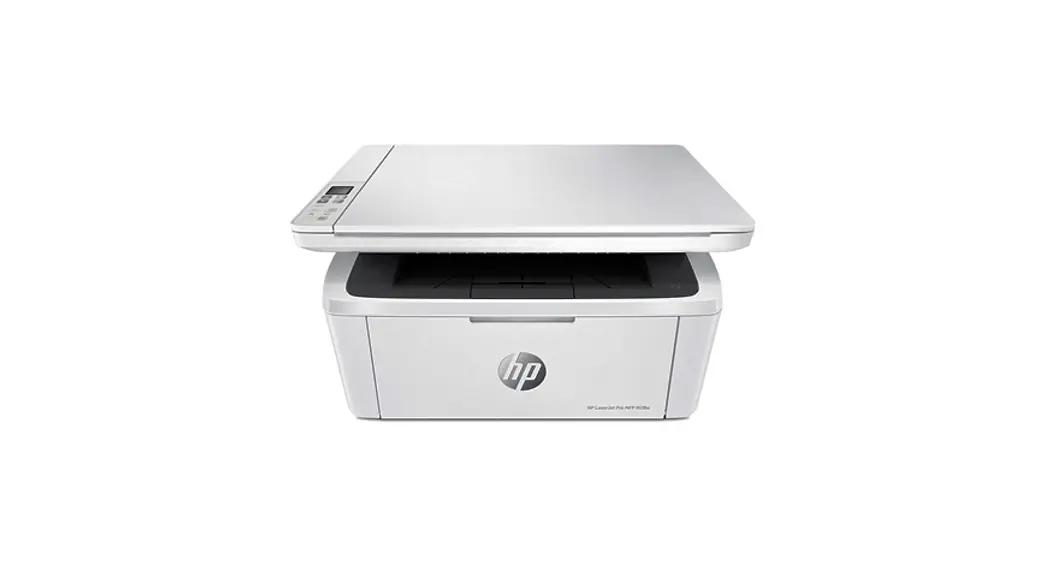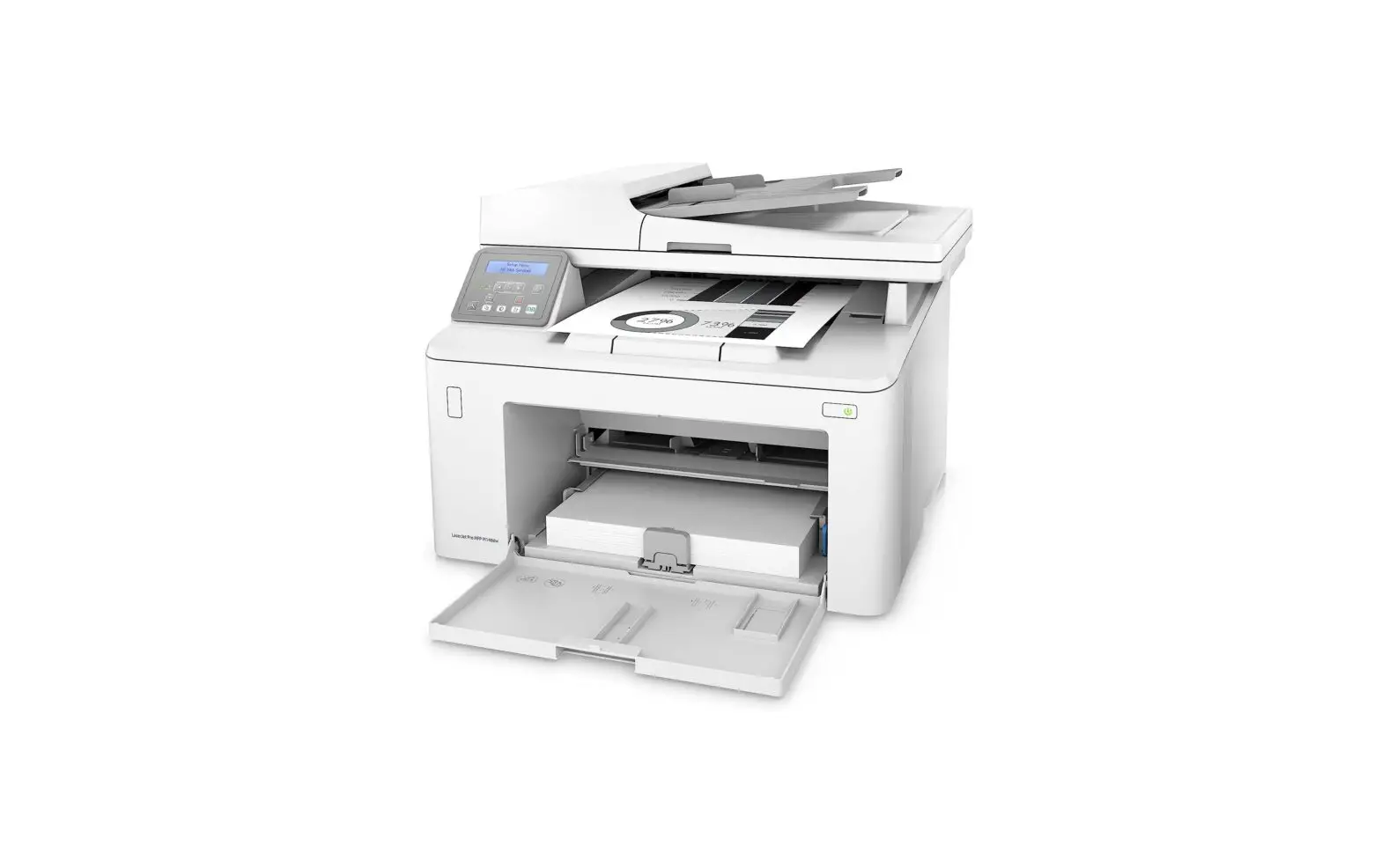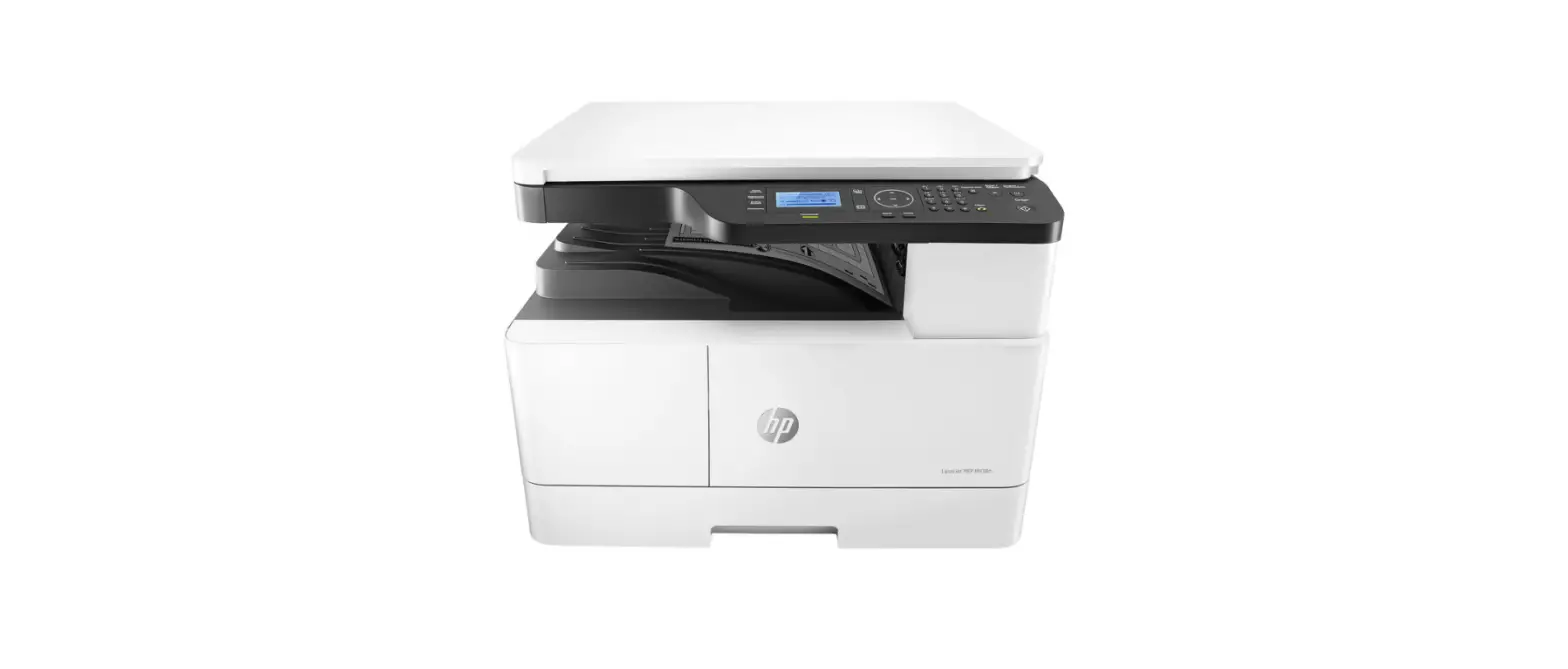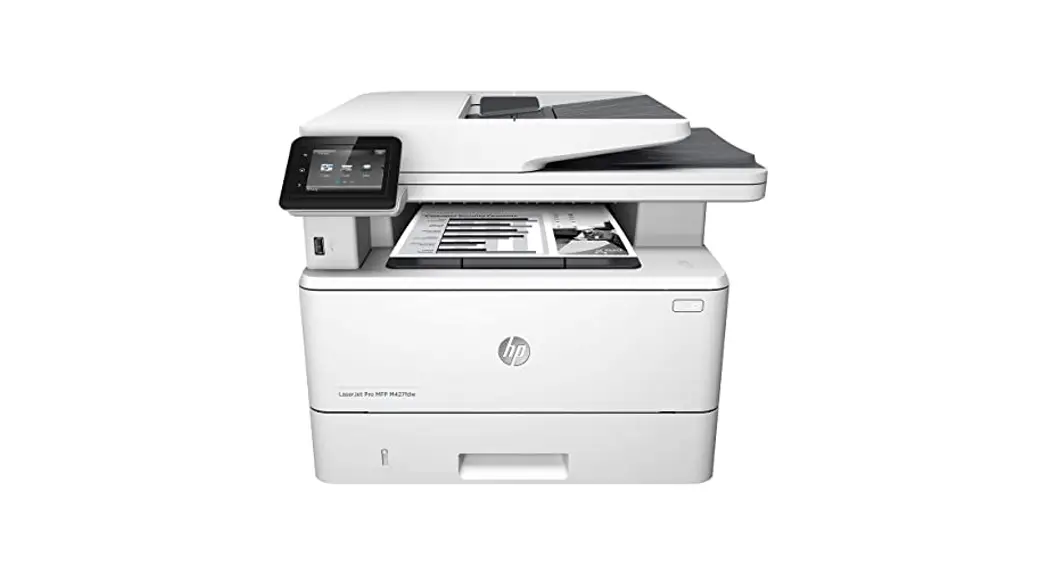
 MFP 4101fdwe Wireless Printer
User Guide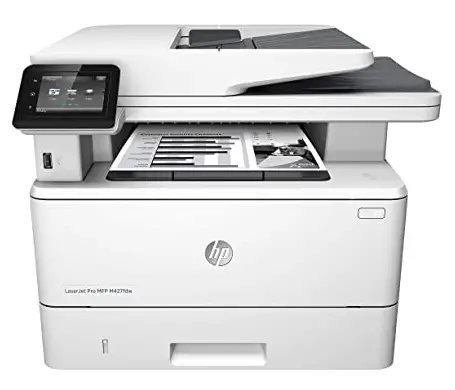 Printer Replacement Guide
HP LaserJet Pro
4101- 4104 series
MFP 4101fdwe Wireless Printer
Remove all tape from the printer. Plug in and power on.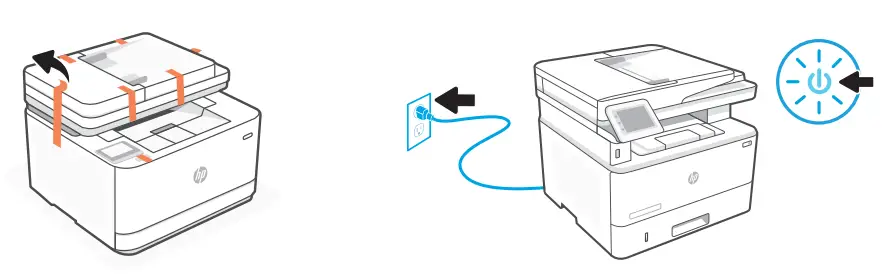 For wireless setup, do not connect an Ethernet cable. (wireless models only)
 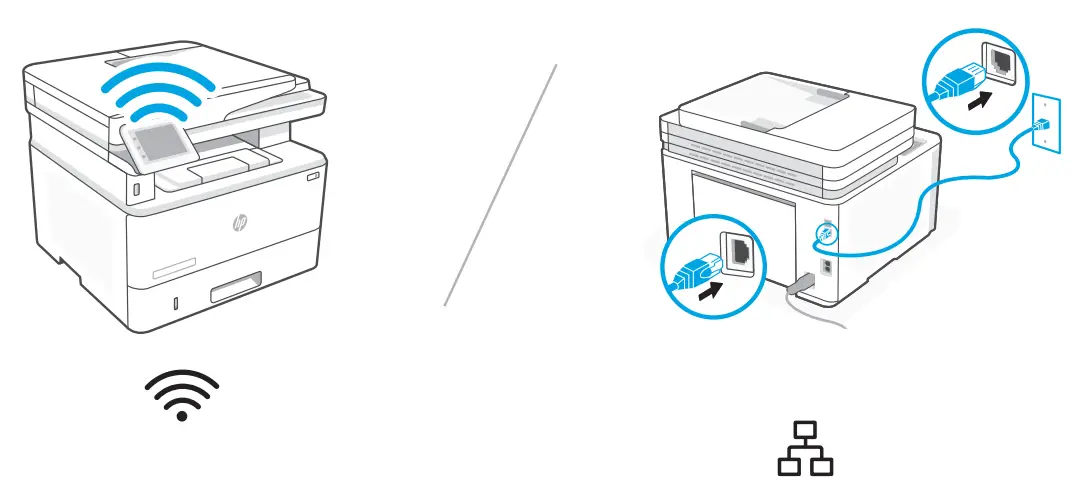 For Ethernet, connect a cable between the printer and router.
Load paper and adjust the guides. Open the output tray extender.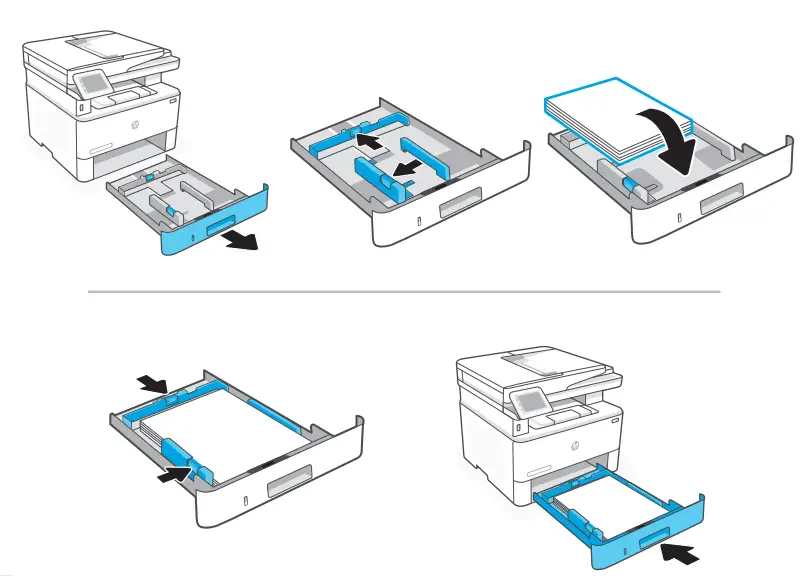 Power off the original printer and remove the power cord from the wall outlet, open access door and remove toner cartridge and install toner in your replacement printer along with all other accessories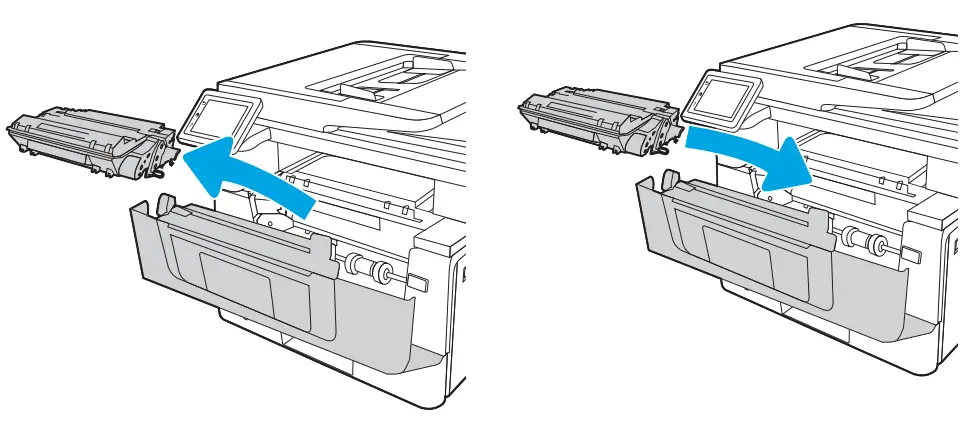
Connect the printer to the Internet using the control panel.
OR
Install the required HP software from hpsmart.com/setup on a Windows or Mac computer. If connecting the printer to Wi-Fi, your computer must be near the printer during setup. See Reference Guide for Wi-Fi troubleshooting and tips.
 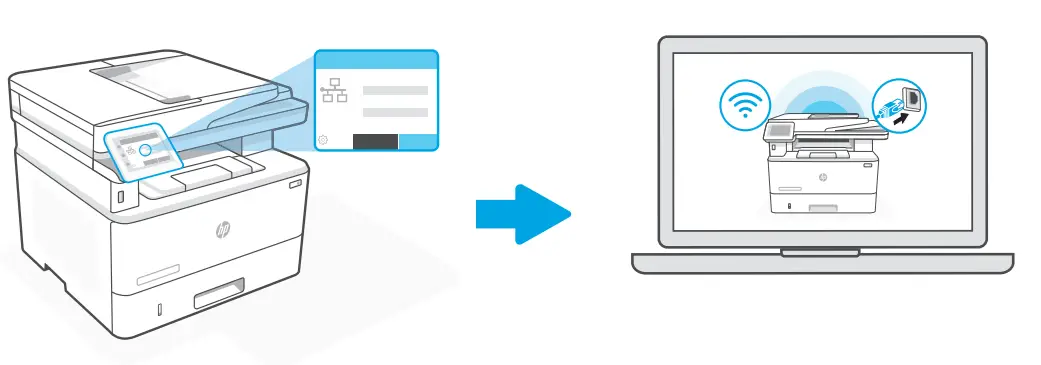 hpsmart.com/setup
When prompted, go to hpsmart.com/connect. Follow instructions to finish setup. 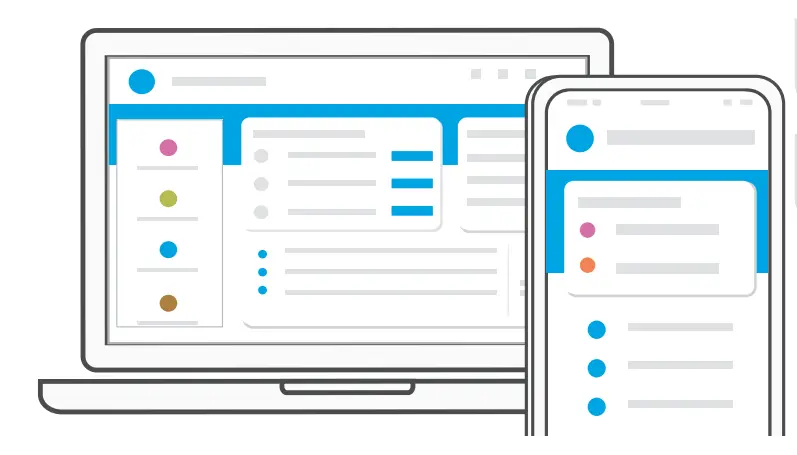 Get help with setup
Find setup information and videos online. hp.com/support/printer-setup
HP+ Customers only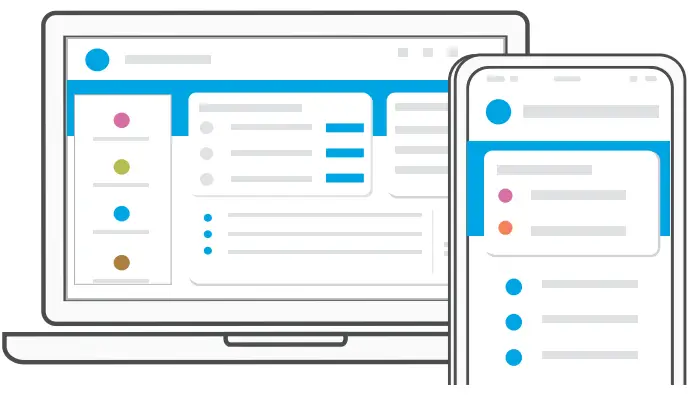 When prompted, go to hpsmart.com/activate. Follow instructions to finish setup.
Get help with setup
Get exclusive support for your HP+ printer. hp.com/plus-pro-support
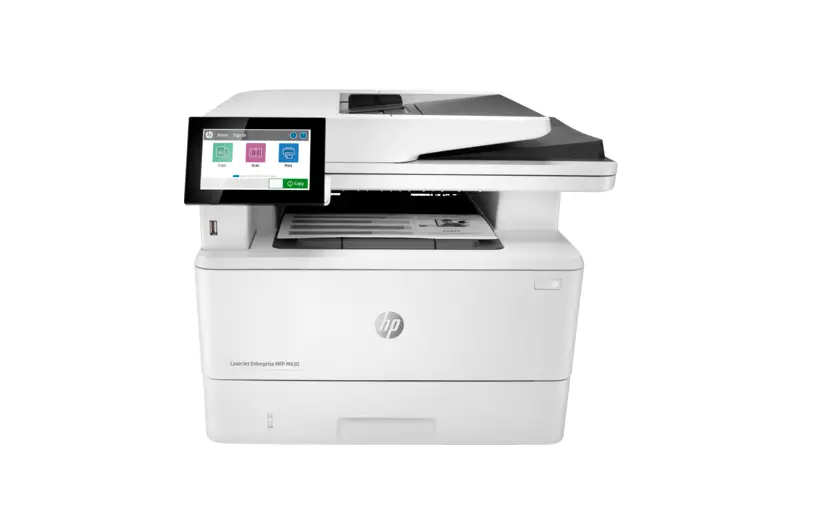
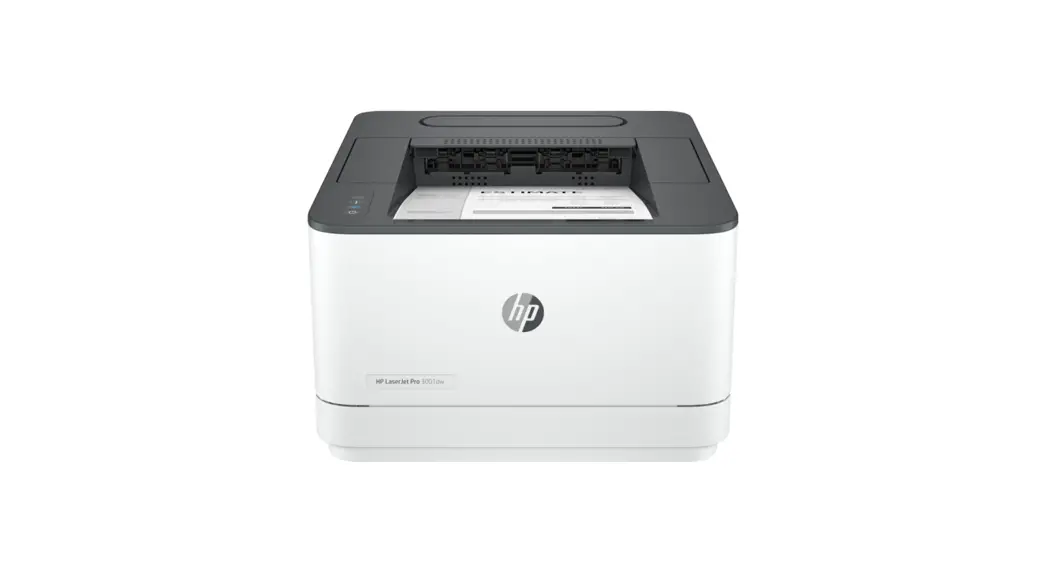
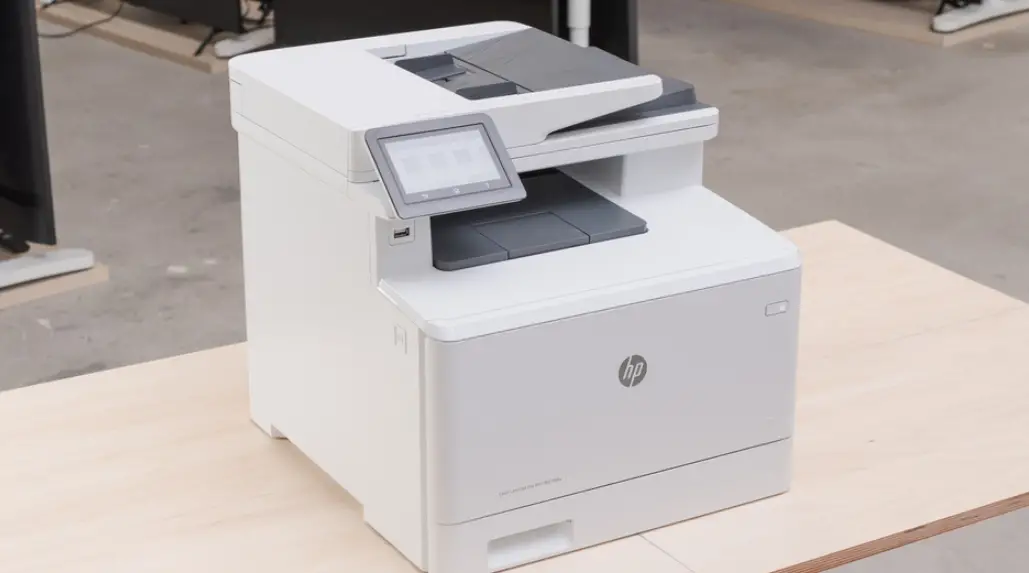
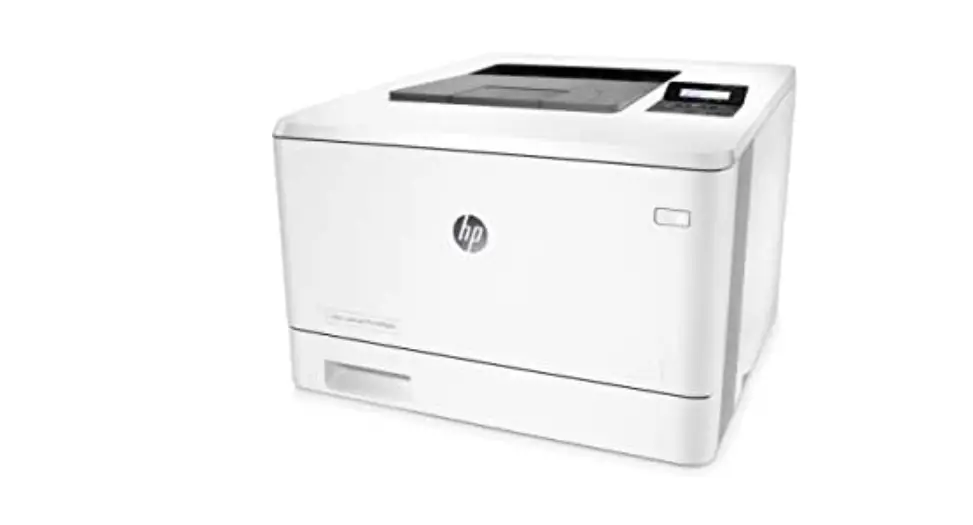
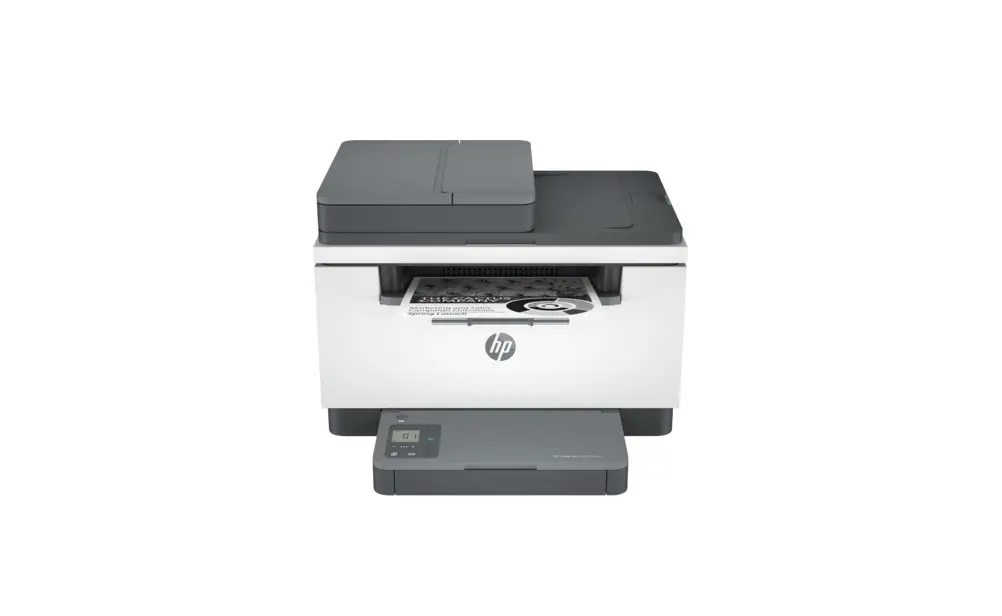
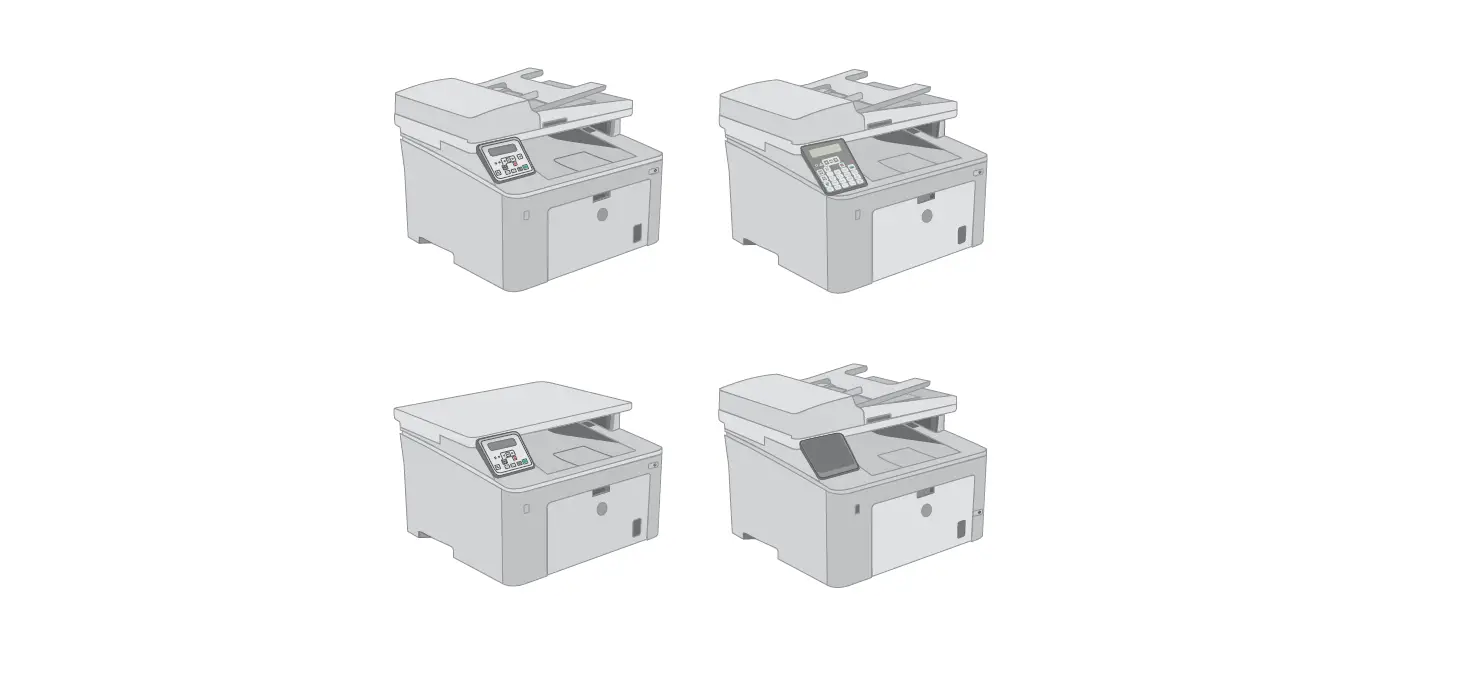
Disclaimer: Printer images may look different than your printer model
The Apple logo is a trademark of Apple Inc., registered in the U.S. and other countries. App Store is a service mark of Apple Inc.
Android, Google Play, and the Google Play logo are trademarks of Google Inc.
© Copyright 2022 HP Development Company, L.P.
 HP Plus | HP® Support
 hpsmart.com/activate