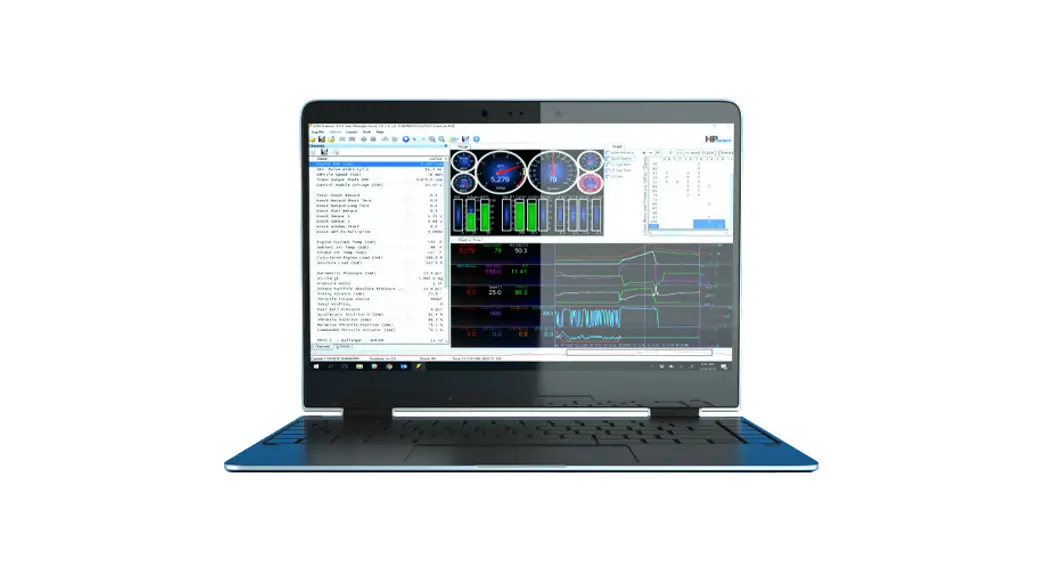

Instructions of Coolmay Software Installation
PLC software: GX Works2
- PC system: Win 7/ Win 10
- Installation video
https://www.youtube.com/watch?v=eNZ3Q1uhWc8&t=30s - Download link
https://en.coolmay.com/Download.aspx?ColumnId=152&Language=36&Terminal=41 - Icon

- FAQ
a) Mini type-B USB port can’t be recognized, and the program can’t be downloaded.
Solutions: Install USB programming port drive https://en.coolmay.com/Download.aspx?ColumnId=208&Language=36&Terminal=41

 Coolmay 3G PLC, all-in-one USB programming port drive installation steps in WIN7MNIN10
HMI software: “CoolmayHMI”
- PC system: Win 7/ Win 10
- Installation video
https://www.youtube.com/watch?v=rSPMx4v3x7c&t=54s - Download link
https://en.coolmay.com/Download.aspx?ColumnId=159&Language=36&Terminal=41 - Icon

- FAQ
a) Failure to install the software
Solutions: Turn off “Firewall” and all anti-virus software in your PC and then install the software.
b) When install the software, the program can’t be downloaded successfully.
Solutions: The driver is not recognized by your PC. Please install the HMI driver by hand according to the instruction here:
https://en.coolmay.com/Download.aspx?ColumnId=157&Language=36&Terminal=41
HMI Driver Installation Steps in Win10.pdf
Or refer to this video: https://youtu.be/1r68wwg5h0o
HMI software: “mView”
- PC system: WIN XP/ WIN7/ WIN10
- Installation video
https://youtu.be/d5bMUWJ2zeg - Download link
https://en.coolmay.com/Download.aspx?ColumnId=159&Language=36&Terminal=41 - Icon

References
 Shenzhen Coolmay Technology Co., Ltd.
-
Shenzhen Coolmay Technology Co., Ltd.
-
Shenzhen Coolmay Technology Co., Ltd.
-
Shenzhen Coolmay Technology Co., Ltd.
-
Shenzhen Coolmay Technology Co., Ltd.
-
Shenzhen Coolmay Technology Co., Ltd.
-
Shenzhen Coolmay Technology Co., Ltd.
-
Shenzhen Coolmay Technology Co., Ltd.
-
Shenzhen Coolmay Technology Co., Ltd.
 Shenzhen Coolmay Technology Co., Ltd.
 Shenzhen Coolmay Technology Co., Ltd.