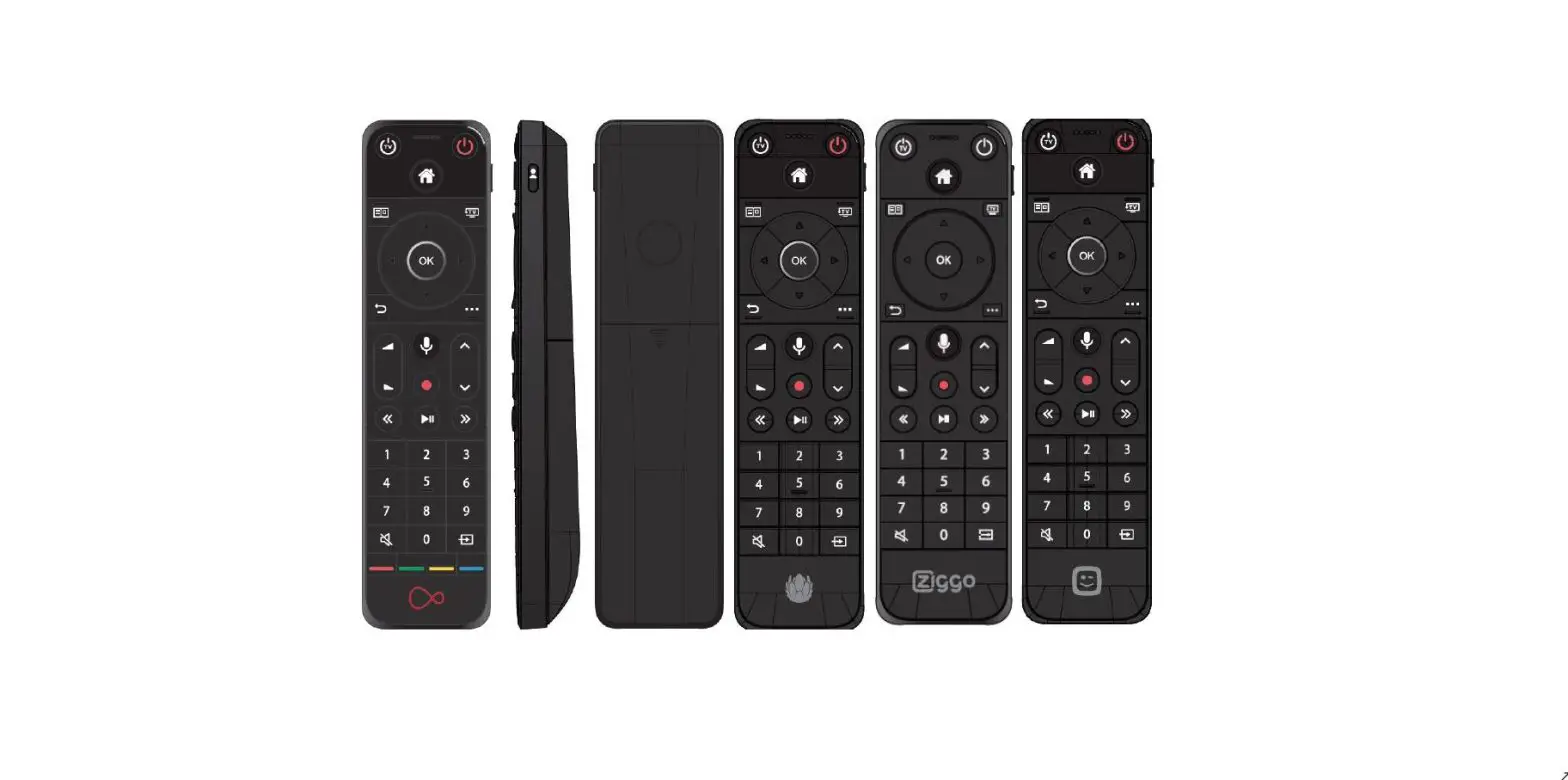
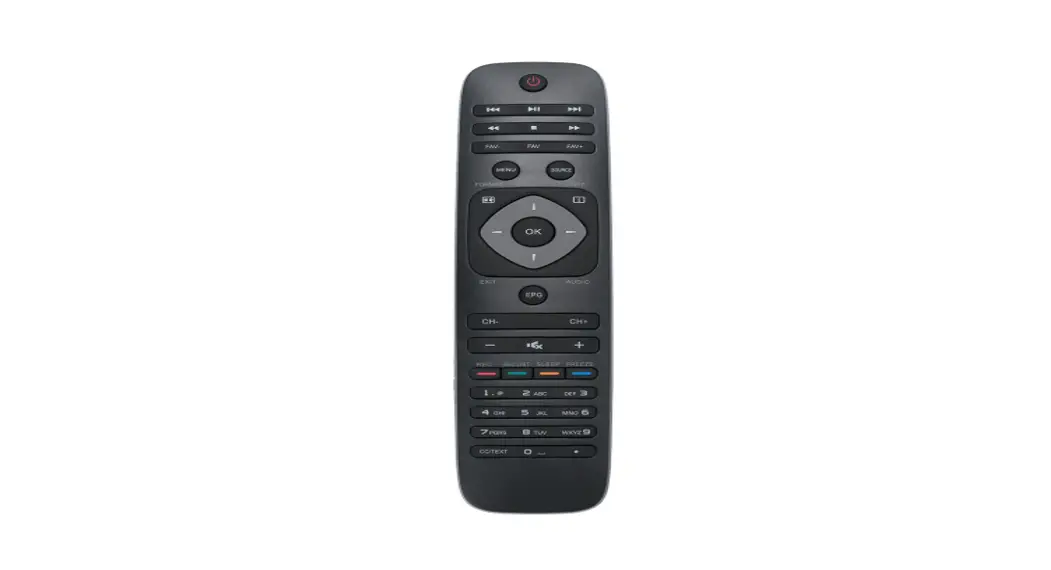
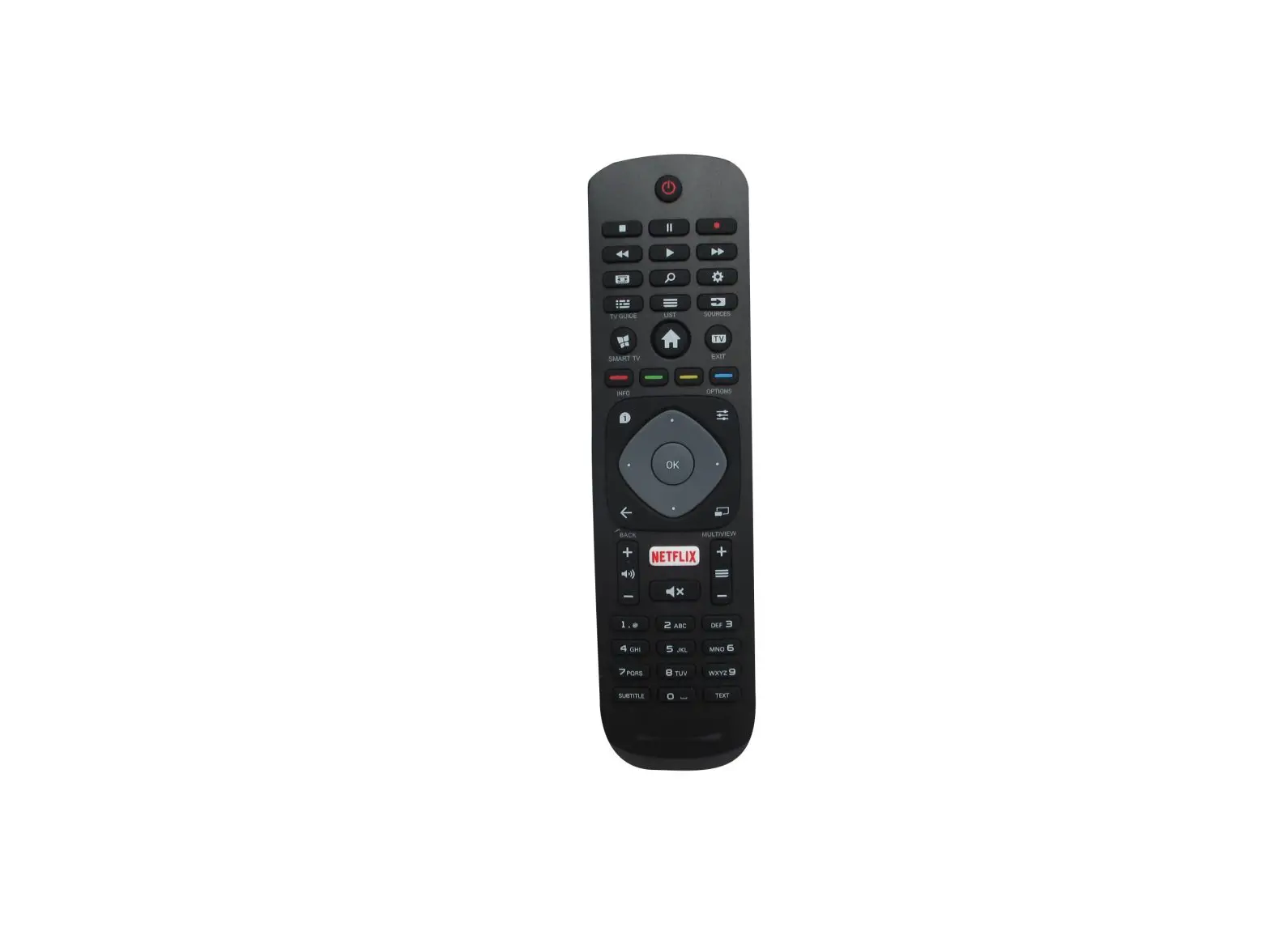
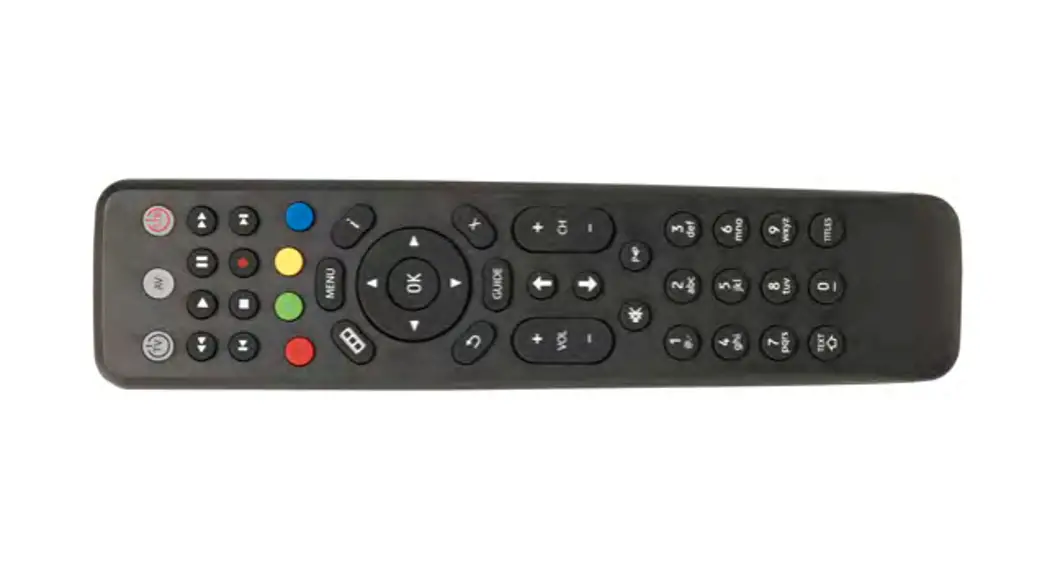
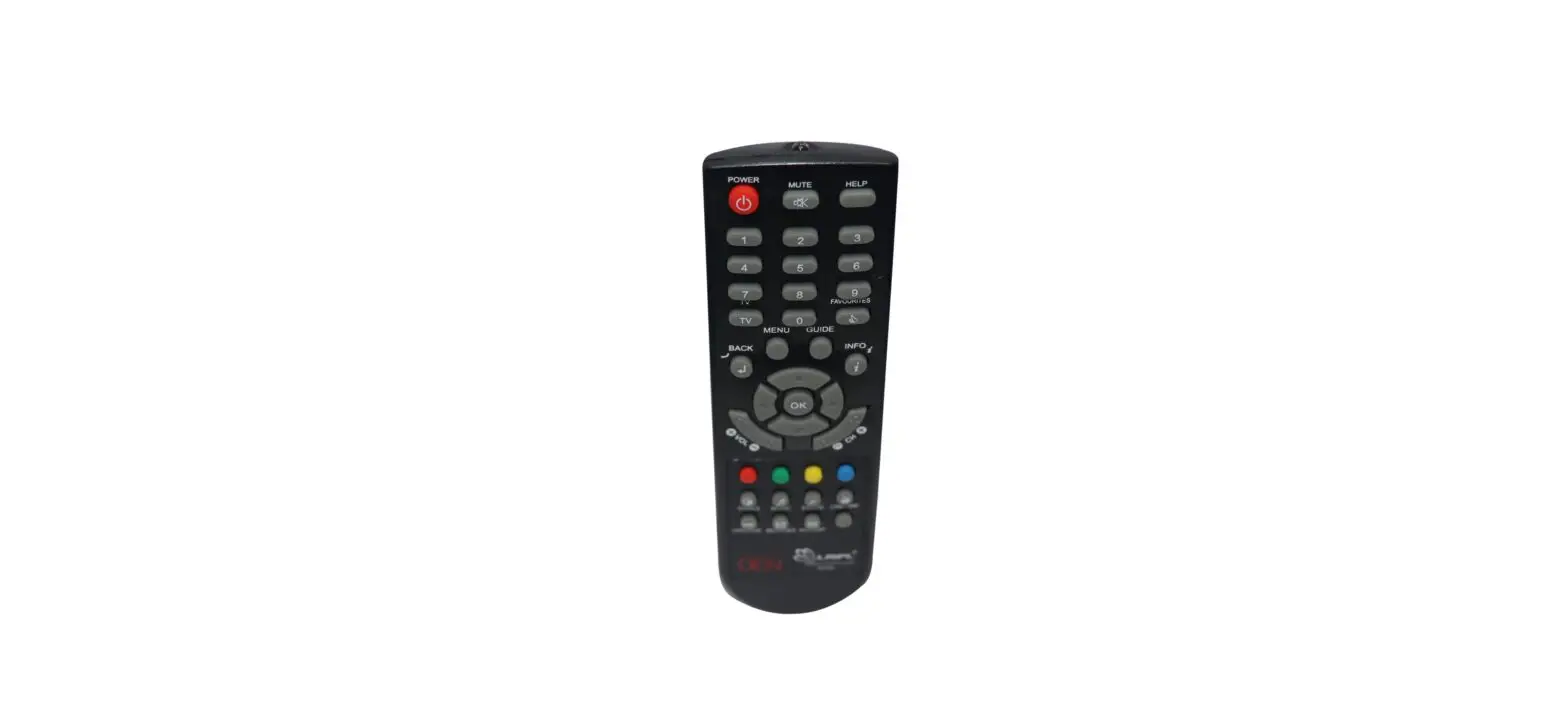
RC4251608-01R Remote Control
Product Information
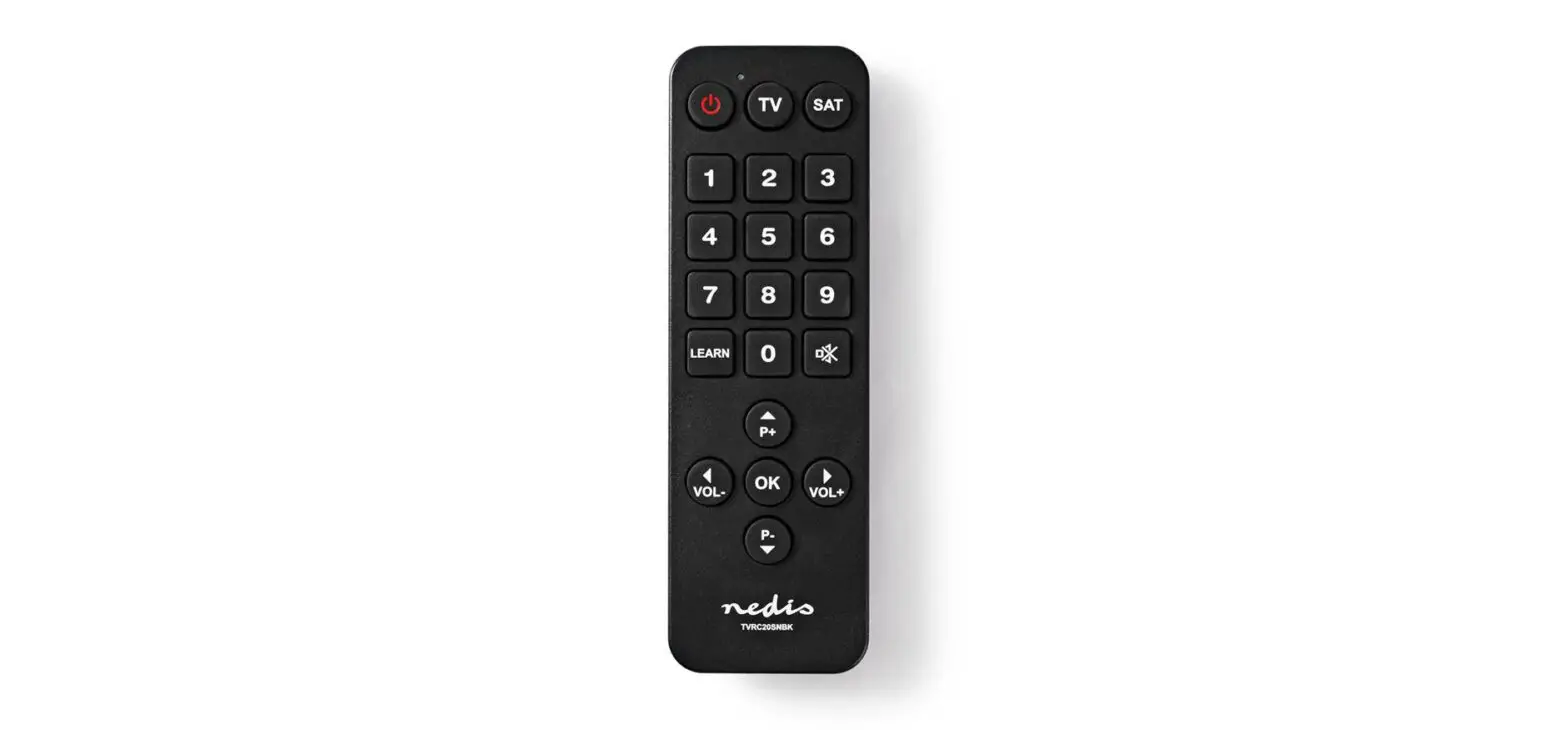
The Remote Control RC4251608/01R RC4251608/01BR is a device used
to control electronic equipment such as televisions, DVD players,
and cable boxes. It operates on radio frequency signals and
requires batteries to function. The remote control has various
buttons that correspond to specific functions on the electronic
equipment it is paired with.
Product Usage Instructions
- Insert batteries into the remote control according to the
polarity markings. - Turn on the electronic equipment you wish to control with the
remote. - Ensure that the remote control is within range of the
electronic equipment. The range may vary depending on the specific
device. - Refer to the user manual for your electronic equipment to
determine which buttons on the remote control correspond to
specific functions. - Press the appropriate button on the remote control to perform
the desired function on the electronic equipment. - If the remote control is not functioning properly, check the
batteries and ensure that the remote is within range of the
electronic equipment. If issues persist, refer to the
troubleshooting section of the user manual. - When not in use, store the remote control in a dry and cool
place to prolong battery life.
Please note that any changes or modifications to the remote
control not expressly approved by the manufacturer may void the
user’s authority to operate the equipment and could potentially
cause harm or damage to the device.
User guide for Remote Control RC4251608/01R RC4251608/01BR
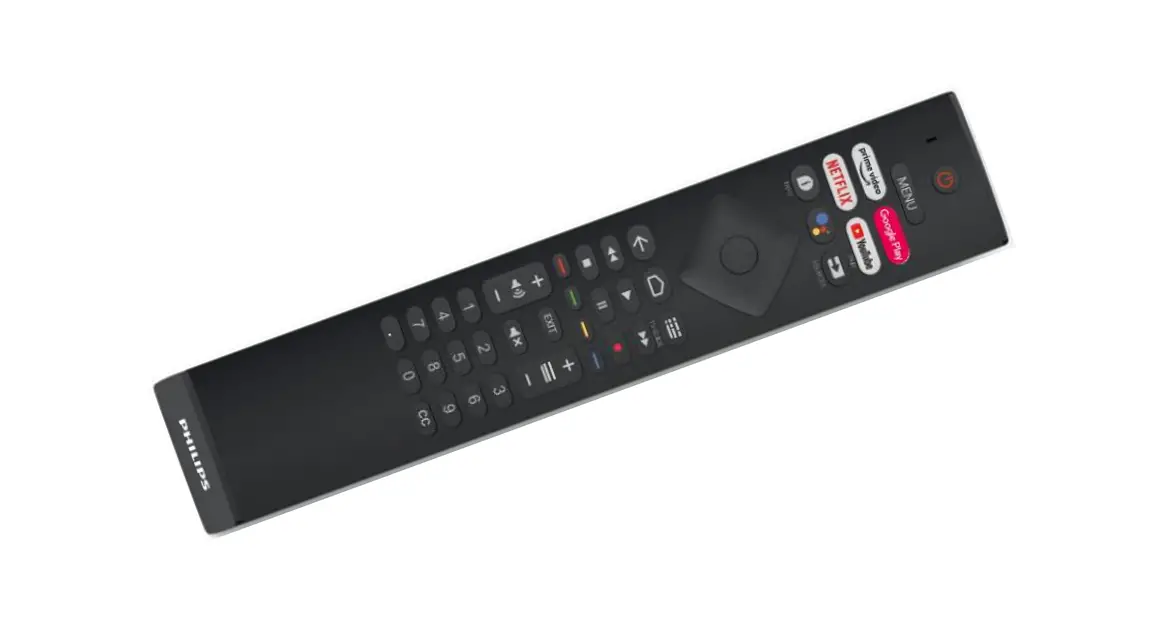
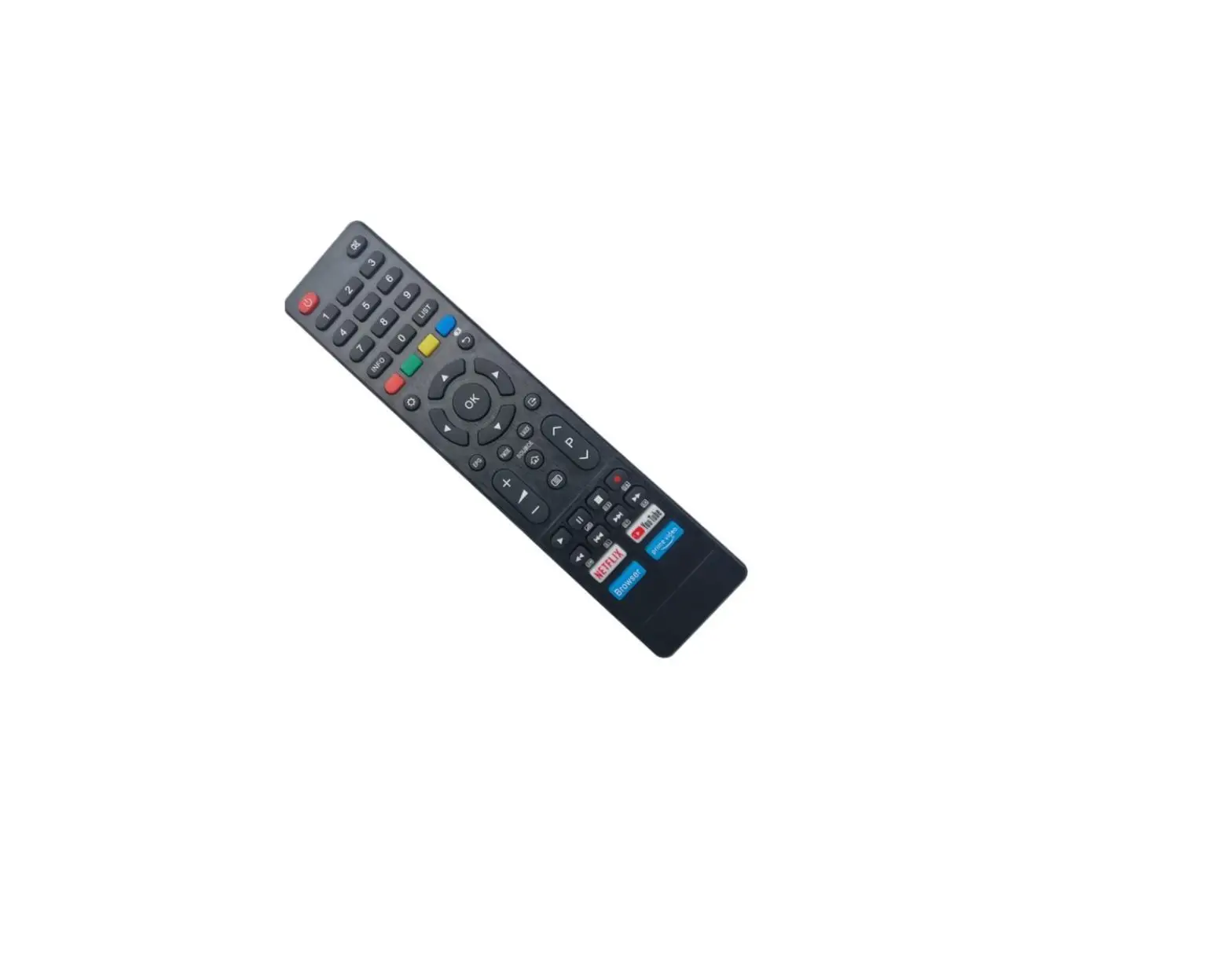
1. Know your Remote
2. How to pair your RCU with TV Step 1: input 2*AAA batteries to Battery compartment. Step 2: presses the Source key for 3 seconds. Step 3: After 3s, the blue LED blinks to acknowledge. The LED will blink when RCU in pairing mode. Step 4: When the user releases the key, RF pairing will start, the blue LED remains blinking. If pairing is successful, the blue LED will be turned off after successful pairing. Note: After RC goes into pairing mode, press any key before pairing successful will cancel and exit pairing mode except for <cursor> keys and <OK> key. 3. Voice Function Press and released <voice> key to open the voice function, RCU will stop the voice
transmission after receiving the stop command sent by the host or 20s timeout. The blue LED will be turned on for the full duration of audio sample transmission. 4. Ambilight key When press the <Ambilight> key, the white LED will turn on and remain on 5 seconds. 5. Sleeping Mode When no activity needs to do, the RC enters sleeping for power saving purpose. The sleeping mode behaves as below: i) All LEDs are off. ii) IR and RF communications are stopped. iii) Any key press will wake up the RC. FCC Compliance Statement This device complies with Part 15 of the FCC Rules. Operation is subject to the following two conditions: (1) This device may not cause harmful interference, and (2) This device must accept any interference received, including interference that may cause undesired operation.
FCC Caution Please take attention that changes or modification not expressly approved by the party responsible for compliance could void the user’s authority to operate the equipment.
Note: This product has been tested and found to comply with the limits for a Class B digital device, pursuant to Part 15 of the FCC Rules. These limits are designed to provide reasonable protection against harmful interference in a residential installation. This product generates, uses, and can radiate radio frequency energy and, if not installed and used in accordance with the instructions, may cause harmful interference to radio communications. However, there is no guarantee that interference will not occur in a particular installation. If this product does cause harmful interference to radio or television reception, which can be determined by turning the equipment off and on, the user is encouraged to try to correct the interference by one or more of the following measures: –Reorient or relocate the receiving antenna. –Increase the separation between the equipment and receiver. –Connect the equipment into an outlet on a circuit different from that to which the receiver is connected. –Consult the dealer or an experienced radio/TV technician for help.