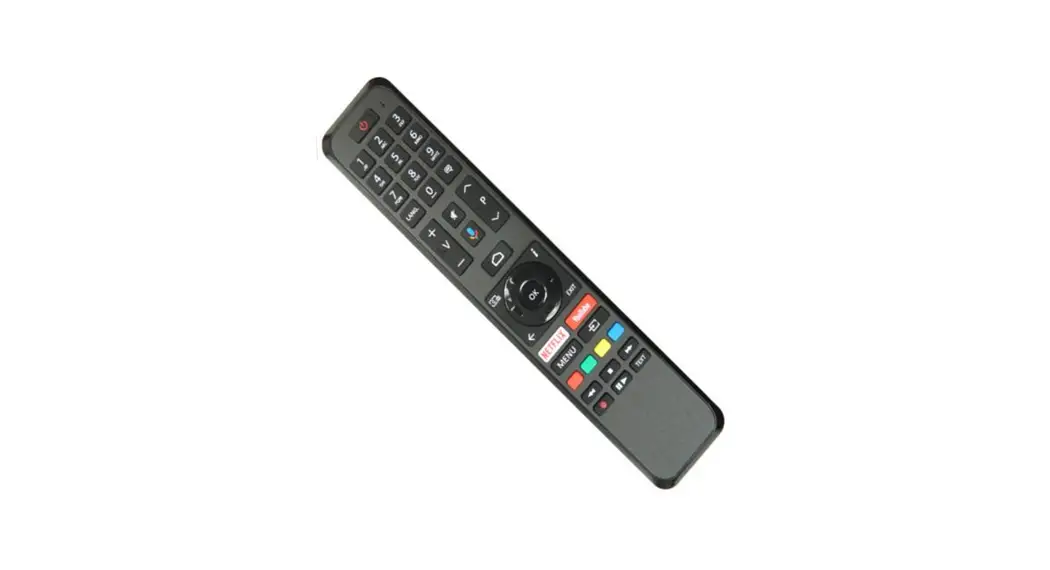

User Guide for Remote Control
RC4663801/01BR
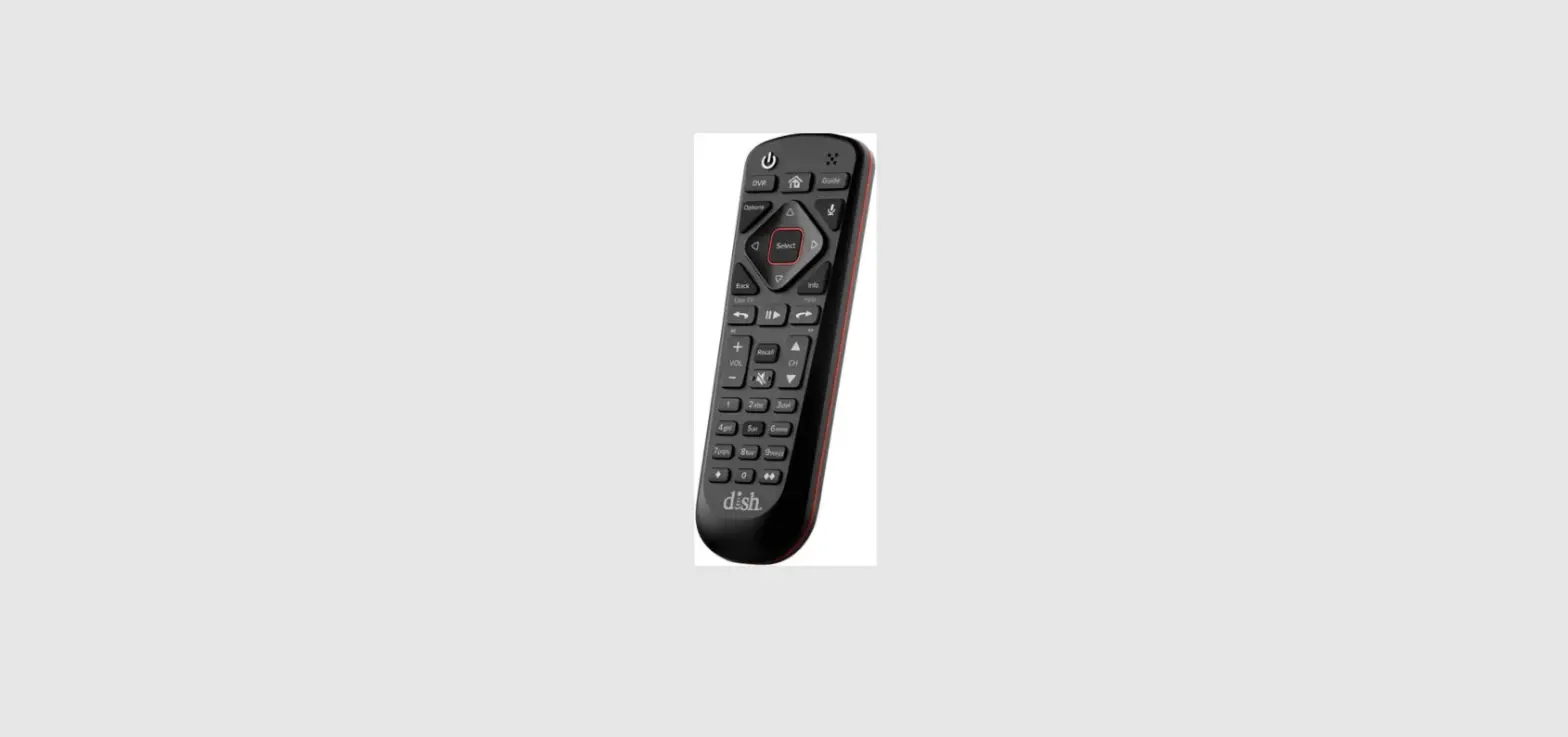
The remote control has been programmed to control your set-top box and also can be programmed to control the TV.
Installing Batteries
The remote requires 2xAAA batteries. A diagram inside the battery compartment of the remote indicates the proper placement of the batteries. When batteries are properly installed, the remote can start work.
Know your Remote
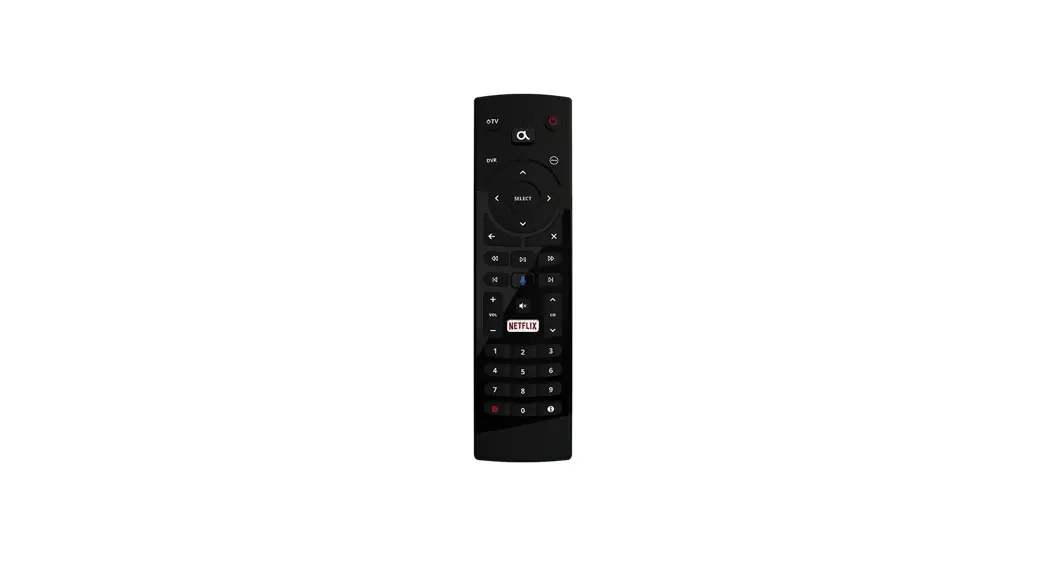
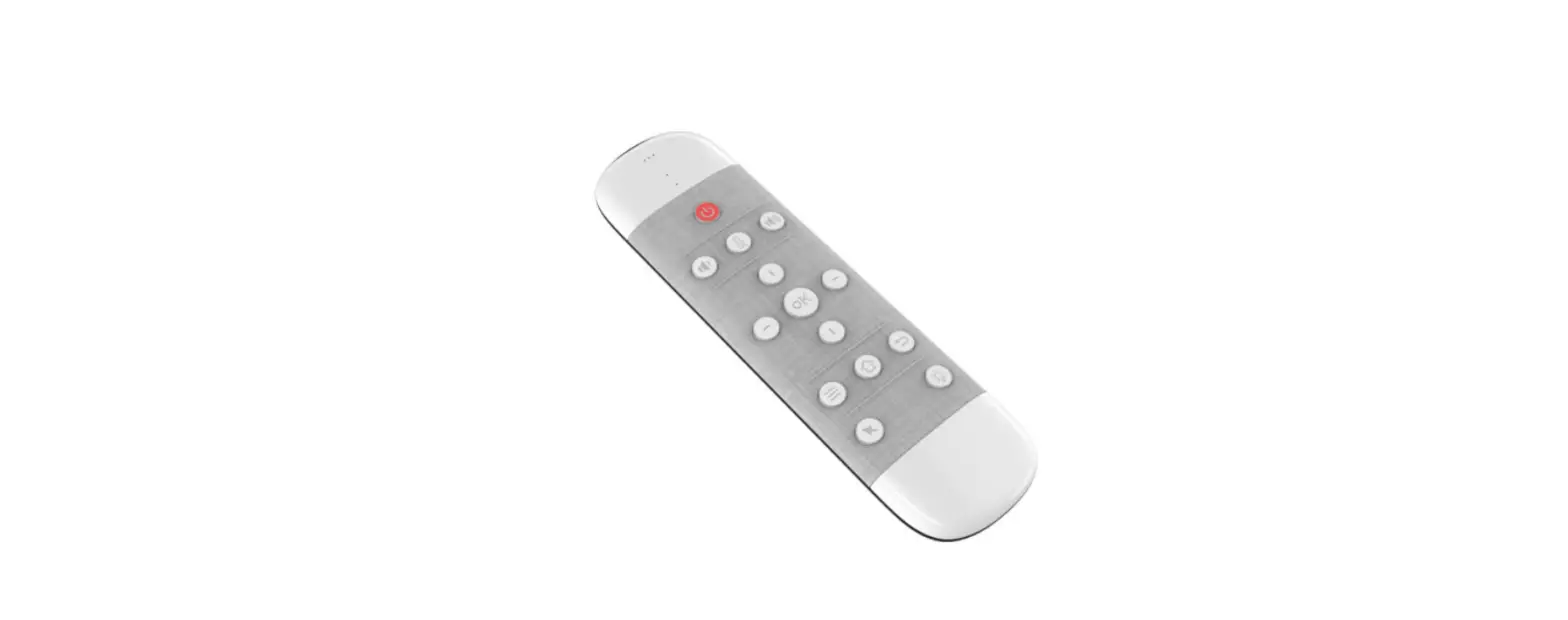
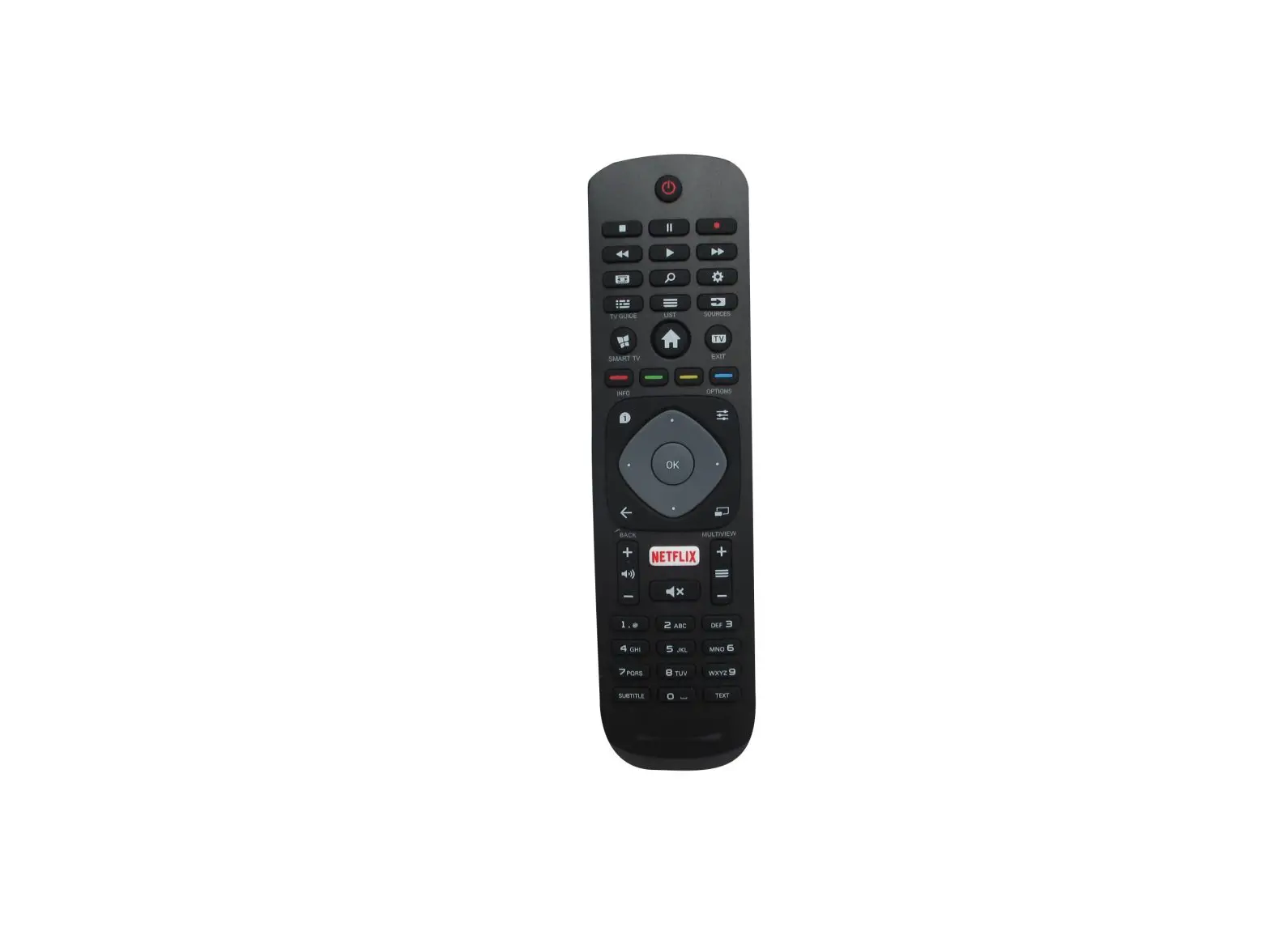
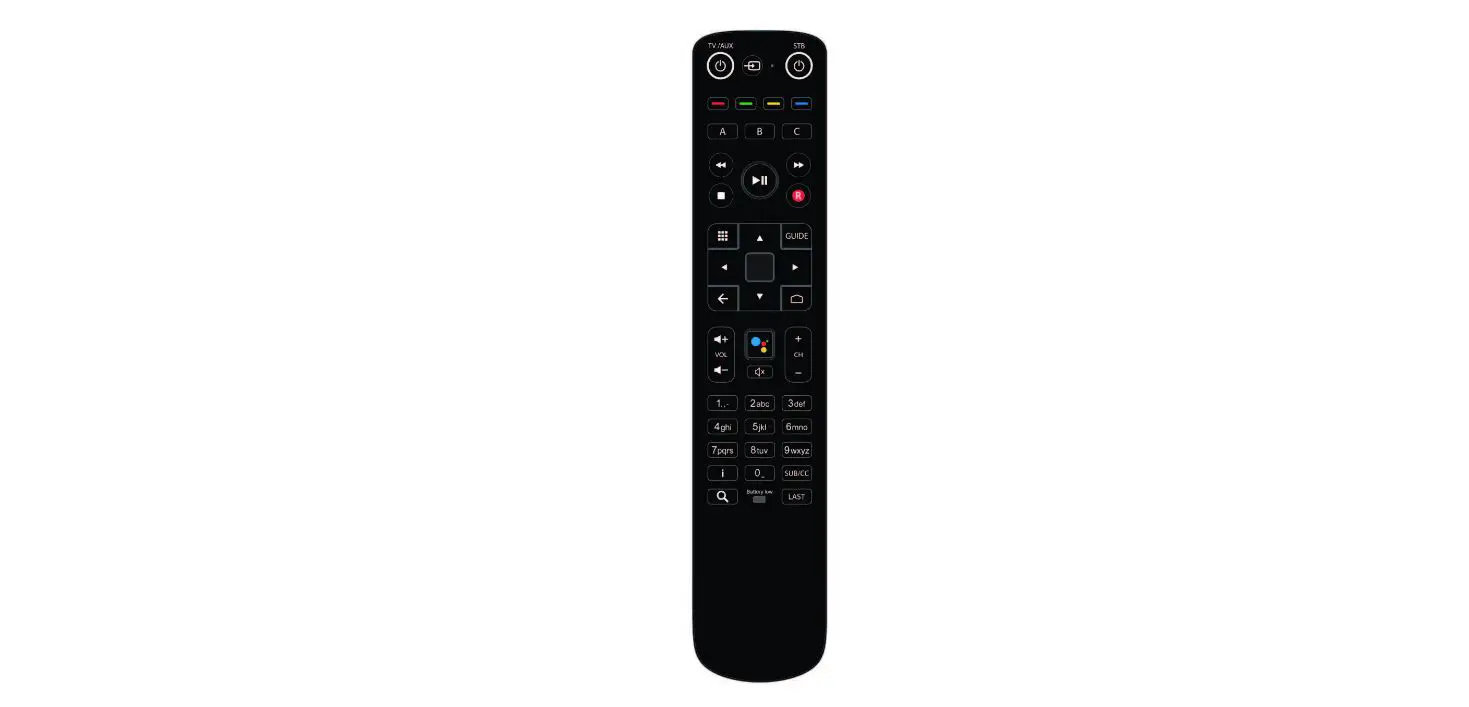
The diagram below describes each key on your remote control. Functions may vary between different services. Refer to the user guide for your set-top box for descriptions of specific functions.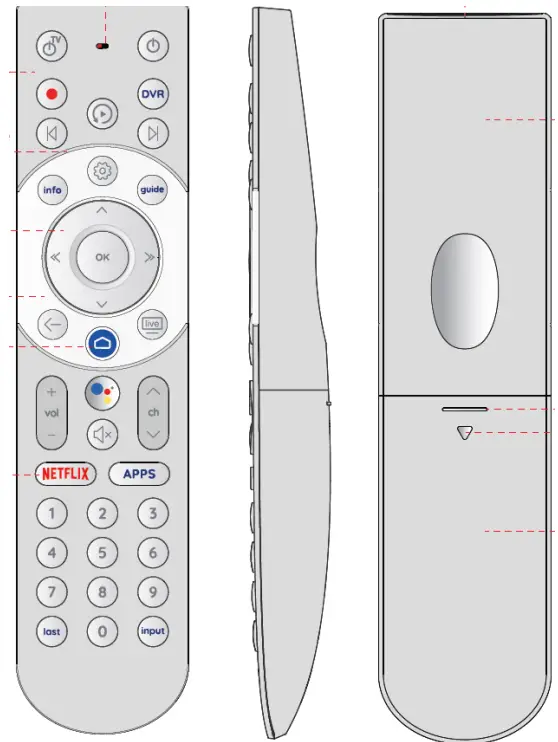 STB IR keycode table
| 1 | TV Power No Code | 2 | Power 0x21 | ||
| 3 | Record 0x54 | 4 | DVR OxA2 | ||
| 5 | Replay 0x55 | ||||
| 6 | Skip back OxOF | 7 | Skip forward OxOD | ||
| 8 | Info OxA6 | 9 | Setting 0x43 | 10 | Guide OxCO |
| 11 | UP Ox15 | ||||
| 12 | LEFT 0x17 | 13 | OK 0x19 | 14 | RIGHT 0x18 |
| 15 | DOWN 0x16 | ||||
| 16 | BACK 0x48 | 17 | HOME 0x47 | 18 | Live TV 0x61 |
| 19 | VOL+ 0x23 | 20 | Google Asst 0x46 | 21 CH+ 0x33 | |
| 22 | VOL- Ox24 | 23 | MUTE 0x25 | 24 CH- 0x34 | |
| 25 | NETFLIX 0x63 | 26 APPS 0x57 | |||
| 27 | Digit 1 Ox01 | 28 | Digit 2 0x02 | 29 Digit 3 0x03 | |
| 30 | Digit 4 0x04 | 31 | Digit 5 Ox05 | 32 Digit 6 0x06 | |
| 33 | Digit 7 0x07 | 34 | Digit 8 0x08 | 35 Digit 9 0x09 | |
| 36 | last OxBB | 37 | Digit 0 OxOA | 38 input No code | |
STB RF keycode table
| 1 TV Power No Code | 2 Power (0x0C, 0x30) | |
| 3 Record (OOC, OxB2) | 4 DVR (0x0C, Ox8B) | |
| 5 Replay (OOC, OCBC) | ||
| 6 Skip back (OxOC, OxB6) | 7 Skip forward (0x0C, 0435) | |
| 8 Info (0x0C, Ox1bd) | 9 Setting (0x0C, 0)(183) | 10 Guide (0x0C, Ox8D) |
| 11 UP (0x0C, 0x42) | ||
| 12 LEFT (0x0C, 0x44) | 13 OK (0x0C, 0x41) | 14 RIGHT (OxOC, 0x45) |
| 15 DOWN (OxOC. 0x43) | i | |
| 16 BACK (0x0C, Ox224) | 17 HOME (0x0C, Ox223) | 18 Live TV (0x0C, Ox89) |
| a | ||
| 19 VOL+ (0x0C, OxE9) | 20 Google Asst (0x0C, 0x221) | 21 CH+ (0x0C, Ox9C) |
| 22 VOL- (OxOC, OxEA) | 23 MUTE (OxOC, OxE2) | 24 CH- (0x0C, Ox9D) |
| 25 NETFLIX (0x07. Ox6C) | 26 APPS (0x0C, Ox1A2) | |
| 27 Digit 1 (0x07, Ox1E) | 28 Digit 2 (0x07, Ox1F) | 29 Digit 3 (0A07, 0x20) |
| 30 Digit 4 (0x07, 0x21) | 31 Digit 5 (0x07, 0x22) | 32 Digit 6 (0x07, 0x23) |
| 33 | 34 | 35 |
| Digit 7 (0x07, 0x24) | Digit 8 (0x07, 0x25) | Digit 9 (0x07, 0x26) |
| 36 last (0x0C, 0x83) | 37 Digit 0 (0x07, 0x27) | 38 input No code |
Product Introduction
The Out-of-Box state here refers to the RCU condition when out of the factory.
- By default, RCU is in IR mode, and STB IR protocol is NEC.
- TV IR is not configured. Dual-function keys are set as STB keys. TV Power and INPUT keys are functionless.
- The RCU is not paired and the BLE pairing table is empty.
Set STB Control Medium
- Set STB control medium to IR Press «5+0K» simultaneously for 3 seconds.
- Set STB control medium to RF Press « 6+0K» simultaneously for 3 seconds.
- Start Pairing Press «2+0K» simultaneously for 3 seconds.
- Factory Reset Press «7+9» simultaneously for 3 seconds.
Voice Function
RCU features a button to activate the voice search application to search for content by speaking through the remote’s built-in microphone. Voice is supporting Google voice/assistance on the STB running with Android TV.
OTA
The RCU software supports upgrades via OTA (Over-The-Air).
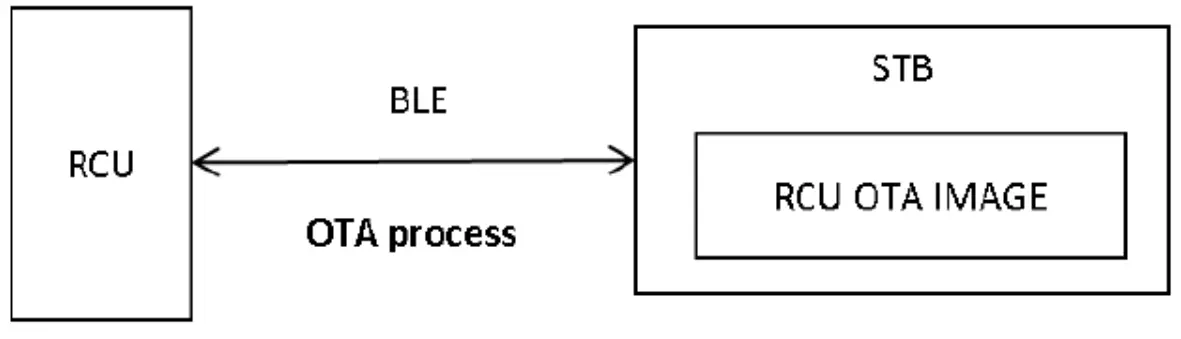 From the diagram above, the STB can transfer the RCU firmware by the BLE link. The OTA process can be triggered by the user using the RCU or by the STB itself.
The RCU OTA IMAGE needs to be downloaded into the STB itself. After the OTA is completed, the RCU will have the new firmware.
Simple Setup
- Simple Setup is a feature that helps users automatically set up the remote control via STB.
After being set by Simple Setup, the RCU will be able to control TV/AMP. - Below IR function could be configured to control the TV through a simple setup: TV Power, TV Mute, TV Vol+, and TV vol-.
- After a successful simple setup for the TV, RCU will automatically set dual-function keys into TV mode
Battery Voltage Monitor
LVD check will be triggered after a signal key is released in user mode.
- When the LVD is detected (battery voltage<2.3V);
- While RCU works in BLE mode, it supports Bluetooth standard service of battery level notification. The paired host is then able to get the battery level of the RCU.
Sleeping Mode
When no activity needs to do, the RC enters sleeping for power-saving purposes. The sleeping mode behaves as below:
- All LEDs are off.
- IR and RF communications are stopped.
- Any keypress will wake up the RC.
FCC Notice:
FCC ID: 2AGOFRC466A
This device complies with Part 15 of the FCC Rules. Operation is subject to the following two conditions:
(1) This device may not cause harmful interference, and (2) This device must accept any interference received, including interference that may cause undesired operation.
The attention that changes or modifications not expressly approved by the party responsible for compliance could void the user’s authority to operate the equipment.
Note: This product has been tested and found to comply with the limits for a Class B digital device, pursuant to Part 15 of the FCC Rules. These limits are designed to provide reasonable protection against harmful interference in a residential installation. This product generates, uses, and can radiate radio frequency energy and, if not installed and used in accordance with the instructions, may cause harmful interference to radio communications. However, there is no guarantee that interference will not occur in a particular installation. If this product does cause harmful interference to radio or television reception, which can be determined by turning the equipment off and on, the user is encouraged to try to correct the interference by one or more of the following measures:
- Reorient or relocate the receiving antenna.
- Increase the separation between the equipment and receiver.
- Connect the equipment into an outlet on a circuit different from that to which the receiver is connected.
- Consult the dealer or an experienced radio/TV technician for help.
IC Notice:
RSS-GEN
This device complies with Industry Canada licence-exempt RSS standard(s). Operation is subject to the following two conditions:
(1) this device may not cause interference, and (2) this device must accept any interference, including interference that may cause undesired operation of the device.