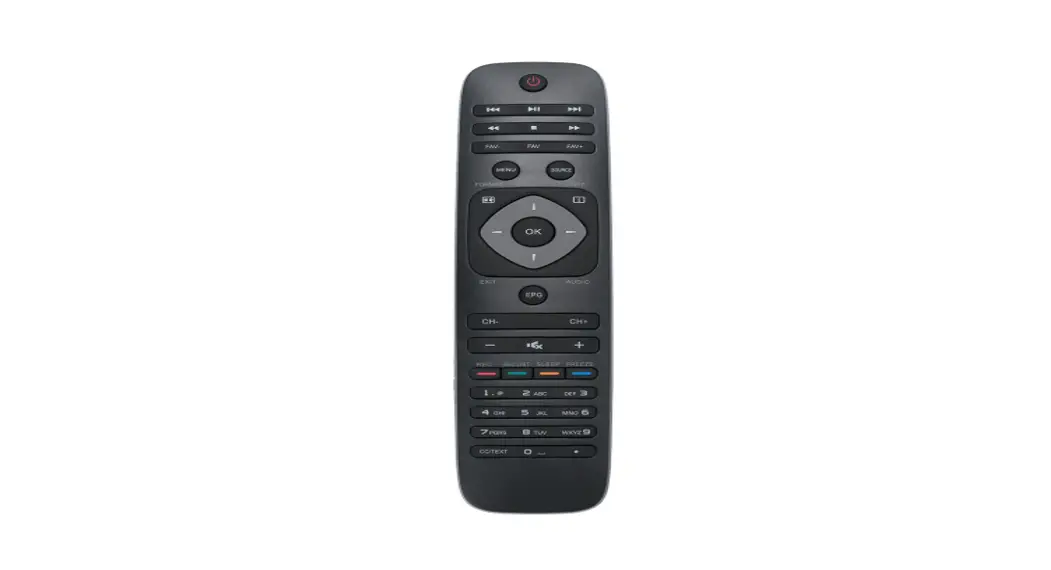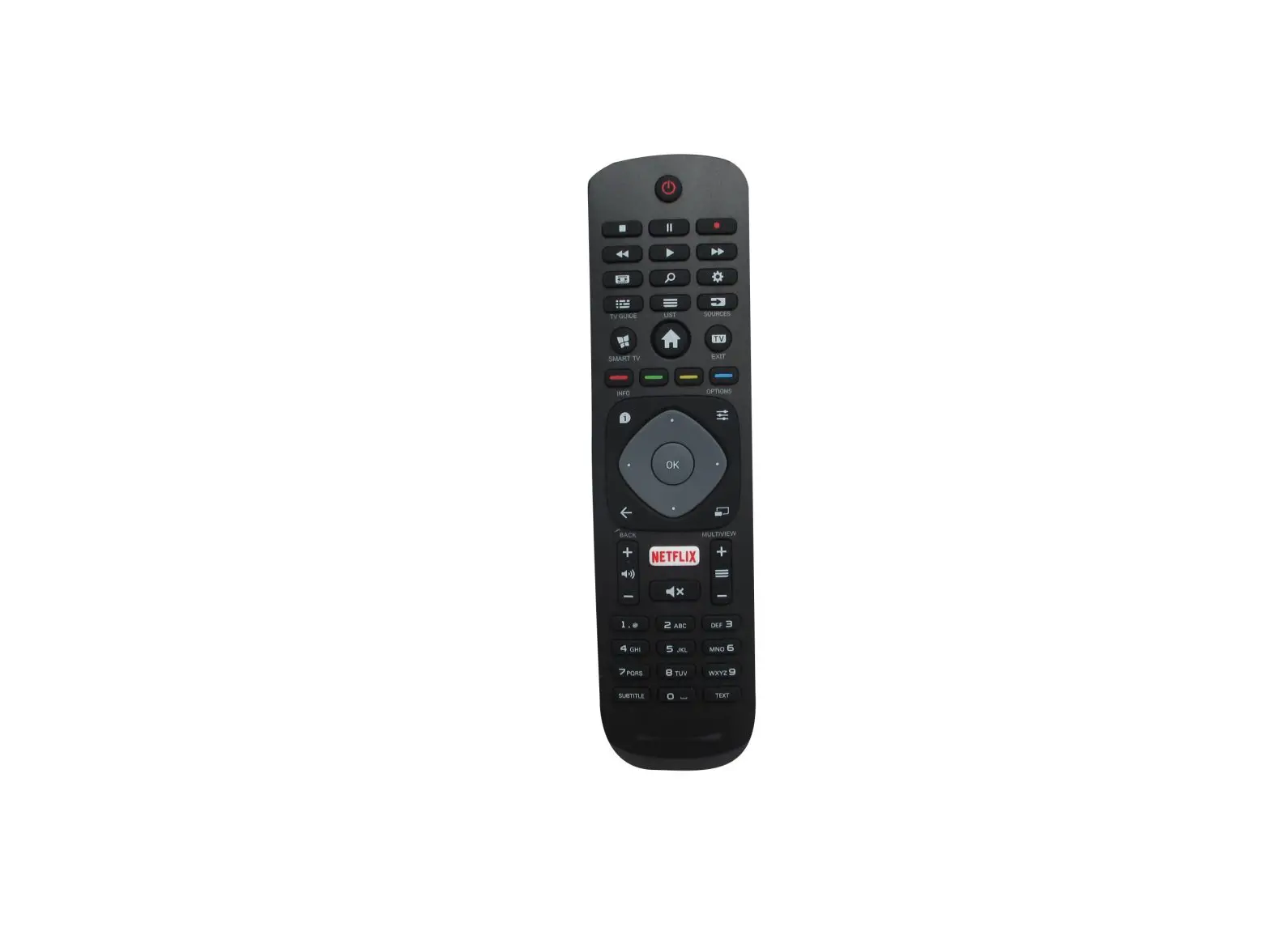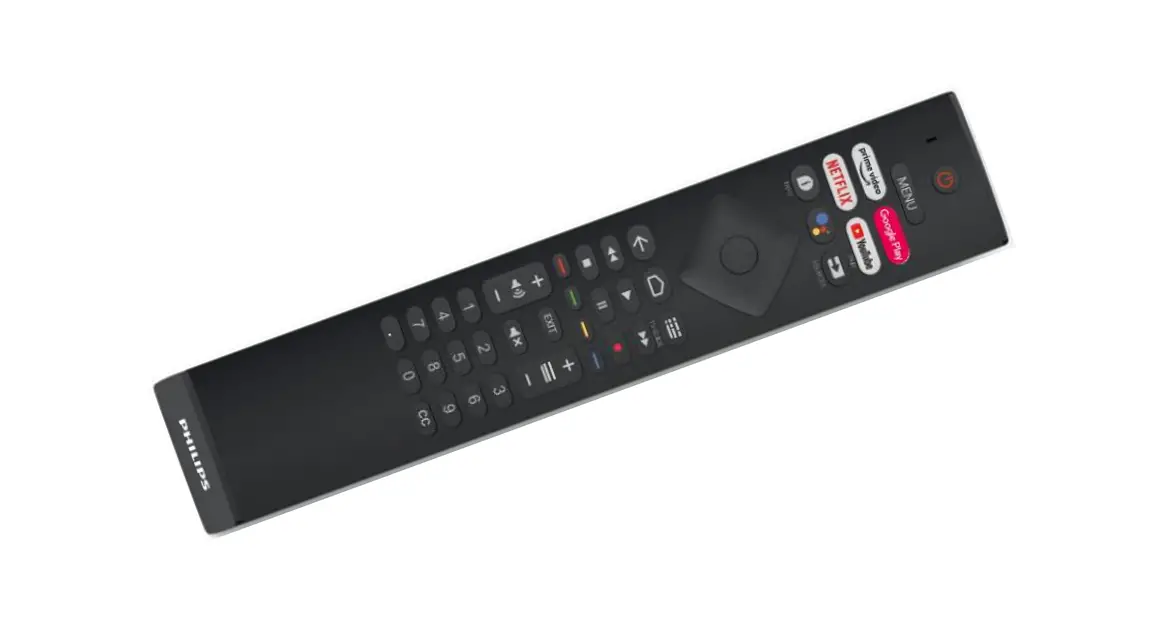
User Guide for Remote Control RC4284504/01RP(K)
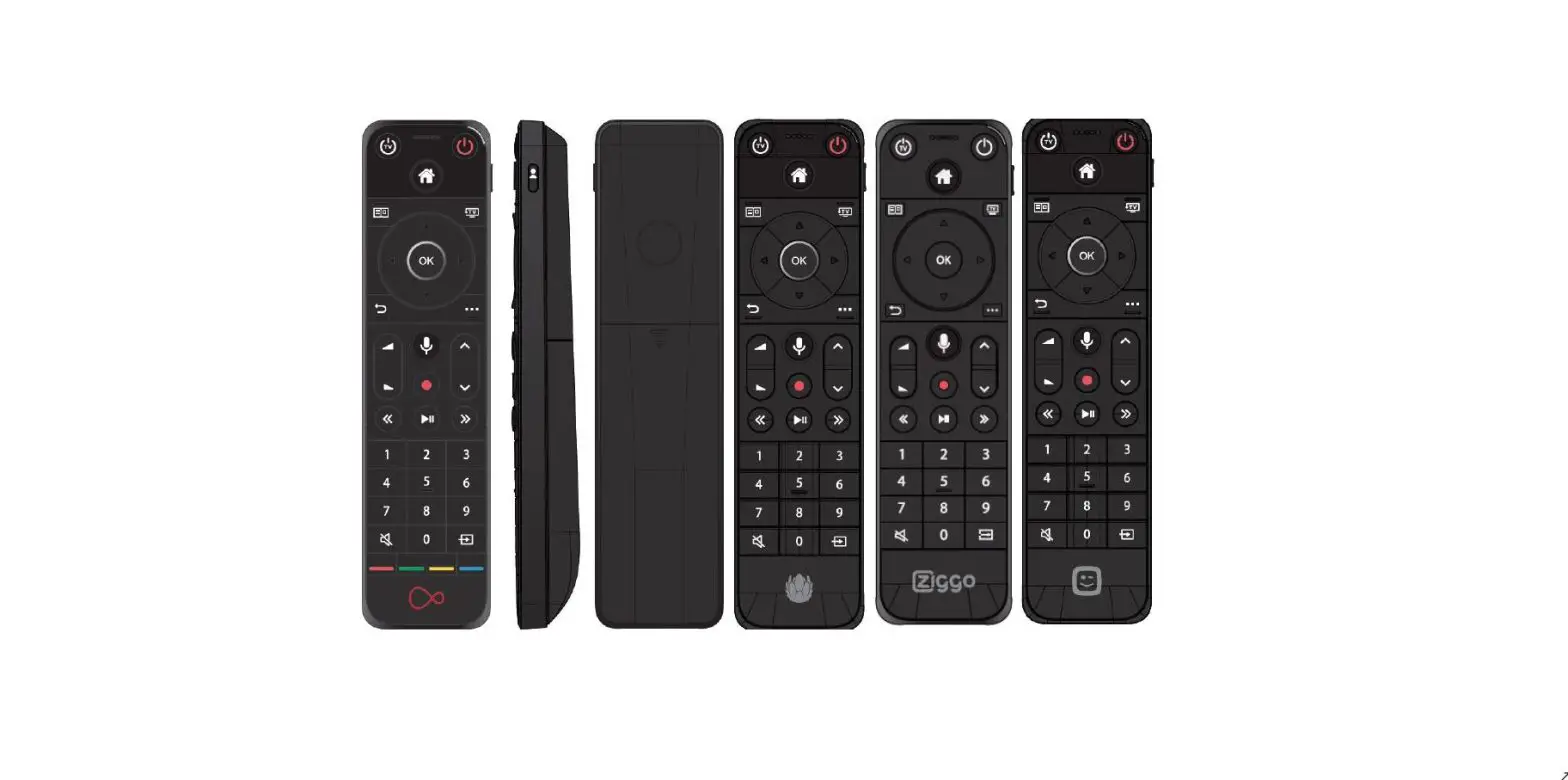
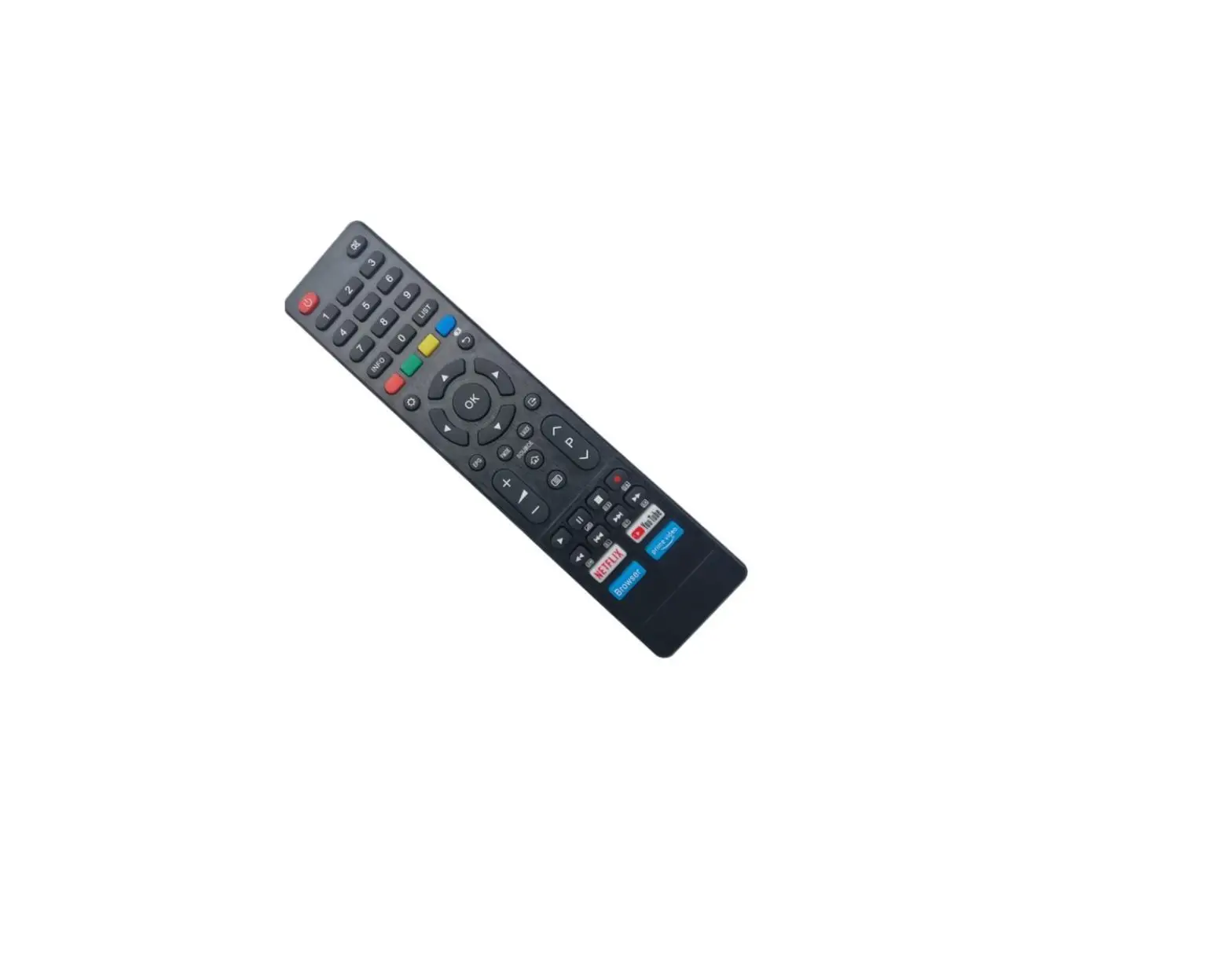
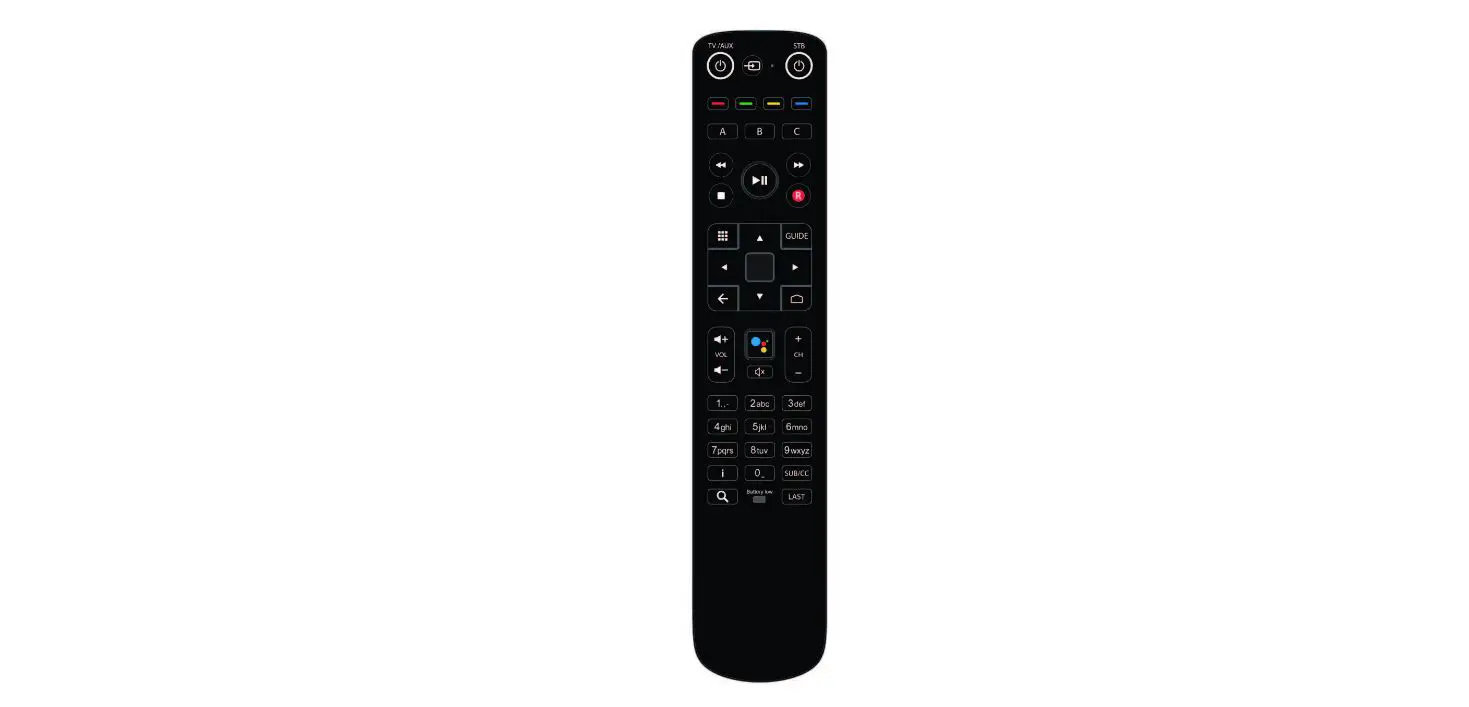
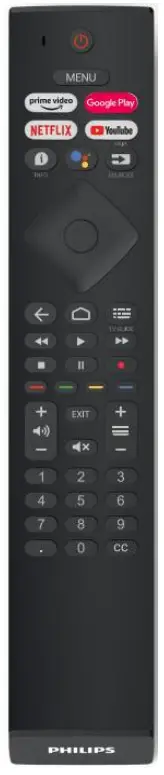
Know your Remote
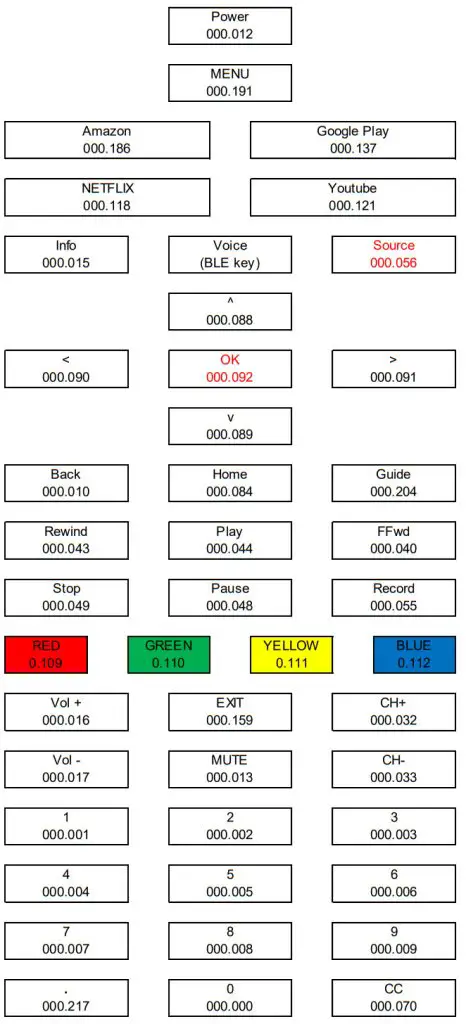
How to pair your RCU with a TV
Step 1: input 2*AAA batteries to the battery compartment.
Step 2: Press the Source key for 3 seconds.
Step 3: After 3s, the blue LED blinks to acknowledge. The LED will blink when RCU is in pairing mode.
Step 4: When the user releases the key, RF pairing will start, the blue LED remains blinking.
If pairing is successful, the blue LED will be turned off after successful pairing.
Note: After RC goes into pairing mode, pressing any key before pairing successful will cancel and exit pairing mode except for <cursor> keys and <OK> key.
Voice Function
Press and release <voice> key to open the voice function, RCU will stop the voice transmission after receiving the stop command sent by the host or 20s timeout. The blue LED will be turned on for the full duration of the audio sample transmission.
Sleeping Mode
When no activity needs to do, the RC enters sleeping for power-saving purposes. The sleeping mode behaves as below:
i) All LEDs are off.
ii) IR and RF communications are stopped.
iii) Any key press will wake up the RC.
FCC Compliance Statement
This device complies with Part 15 of the FCC Rules. Operation is subject to the following two conditions:
- This device may not cause harmful interference, and
- This device must accept any interference received, including interference that may cause undesired operation.
FCC Caution
Please take attention that changes or modifications not expressly approved by the party responsible for compliance could void the user’s authority to operate the equipment.