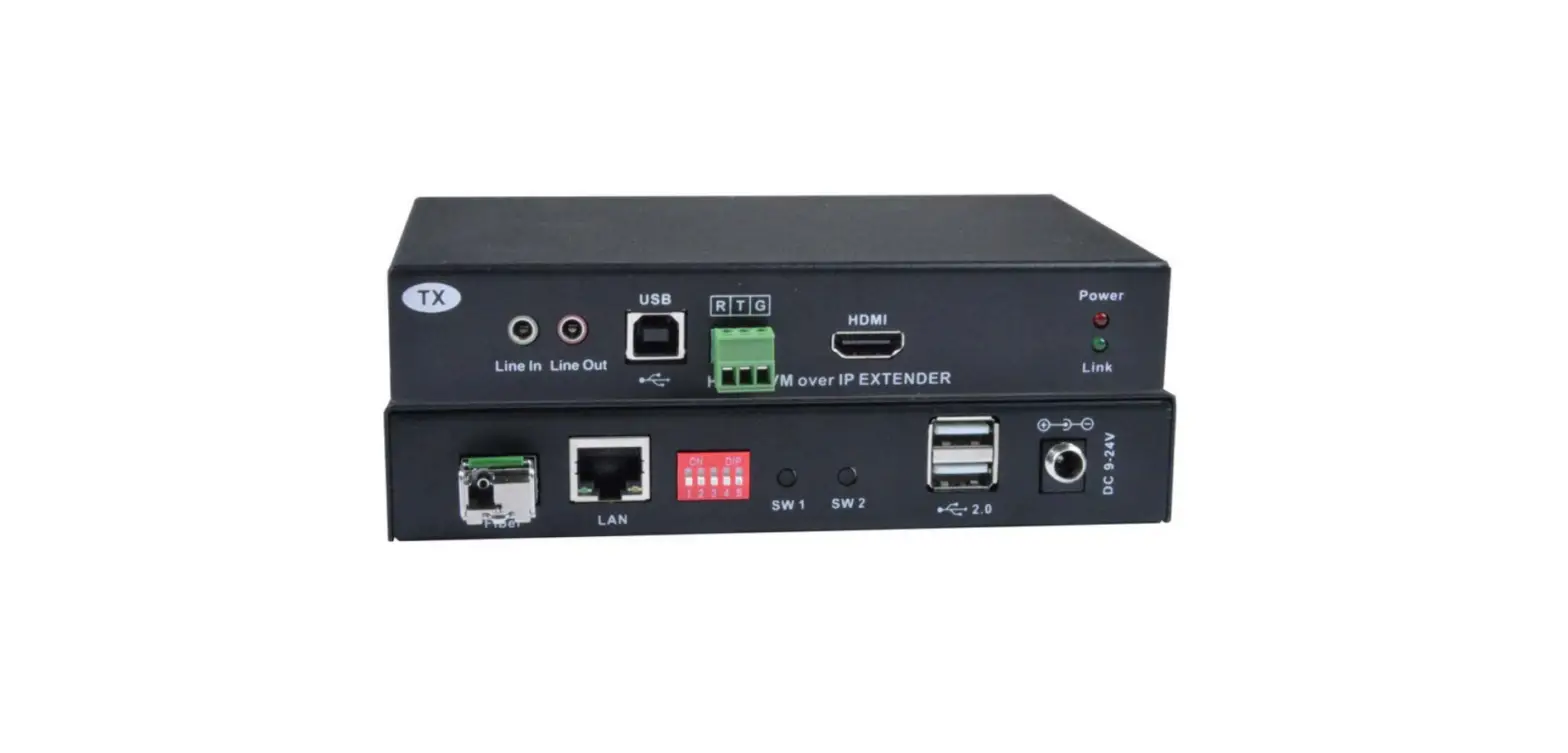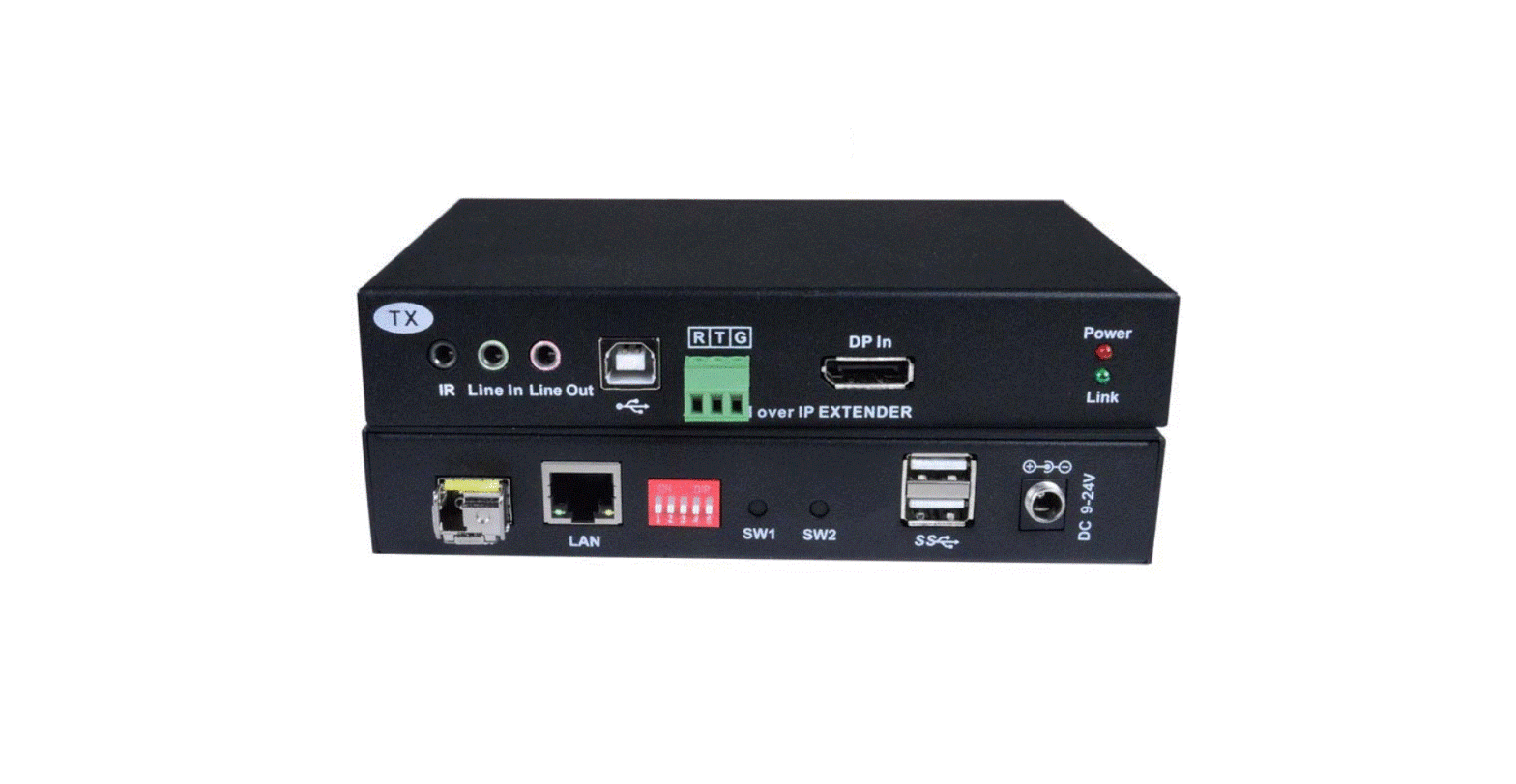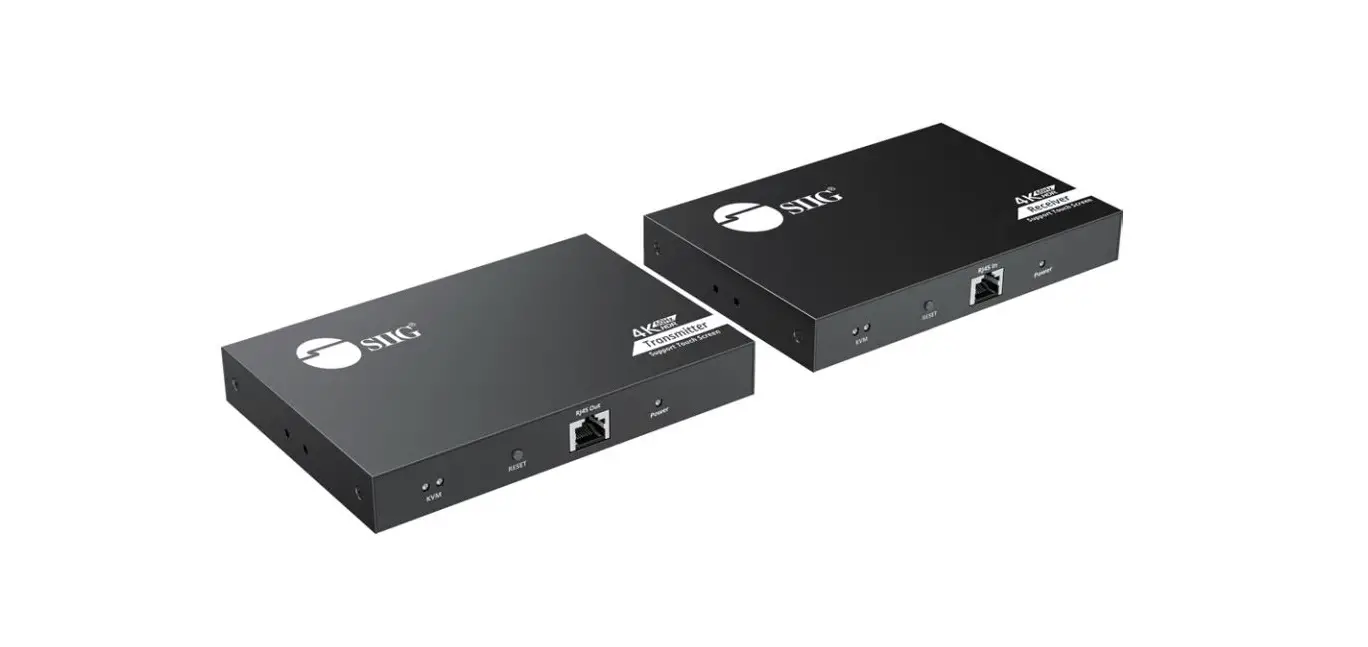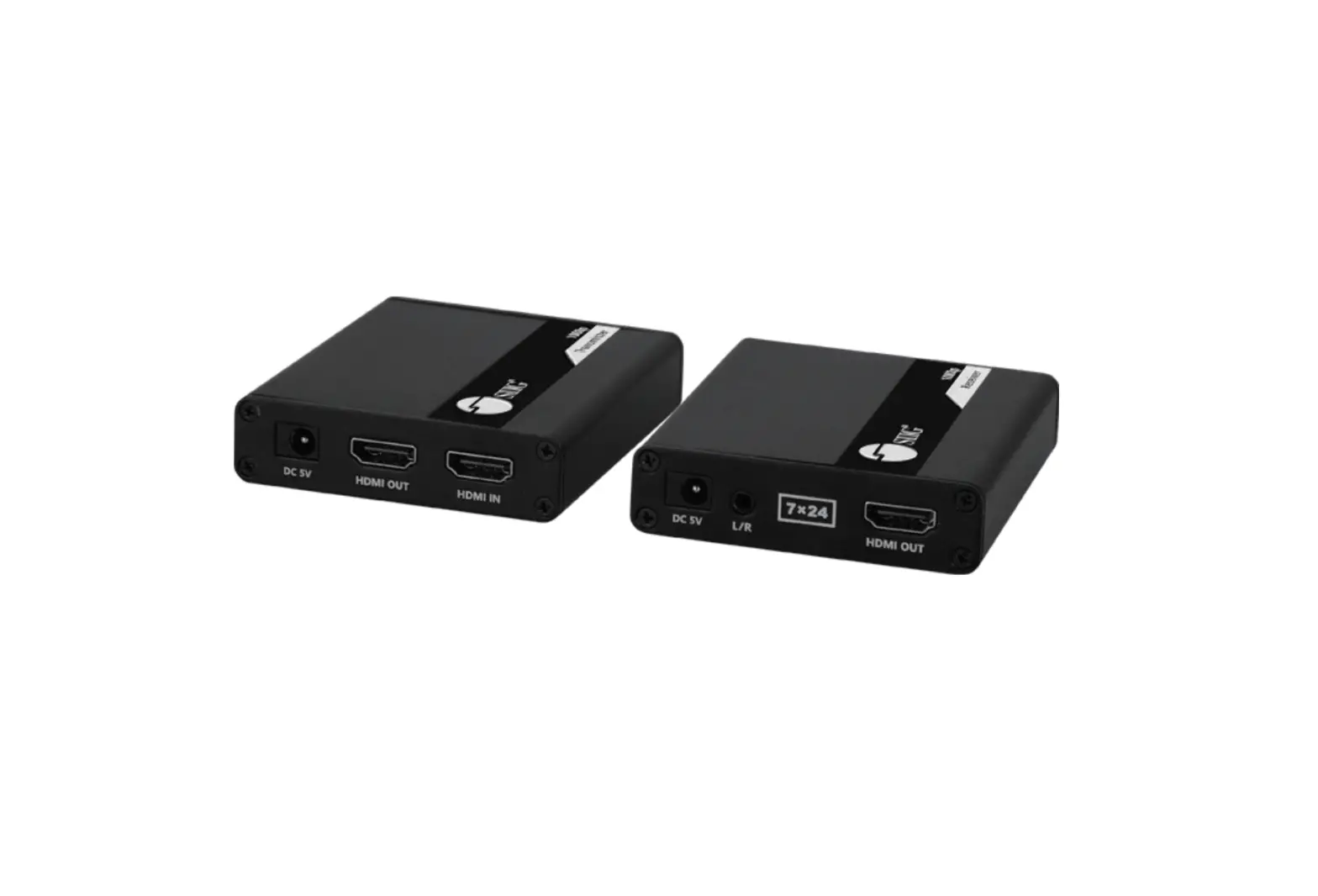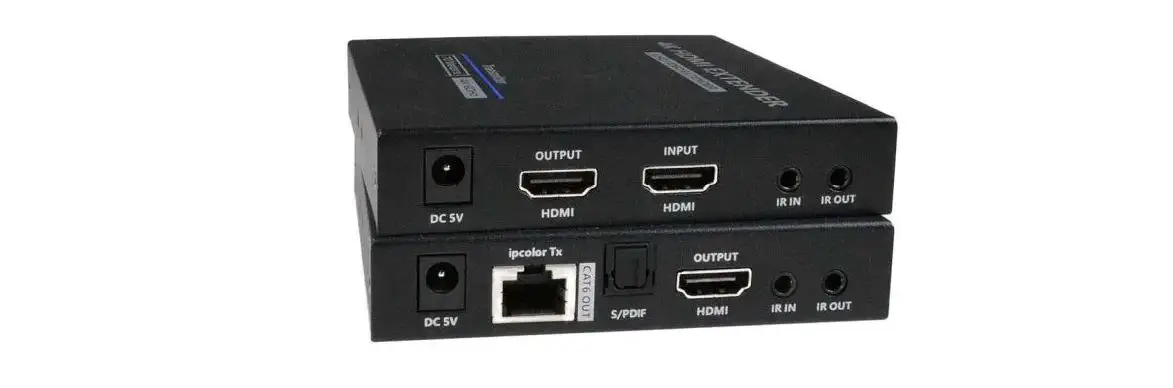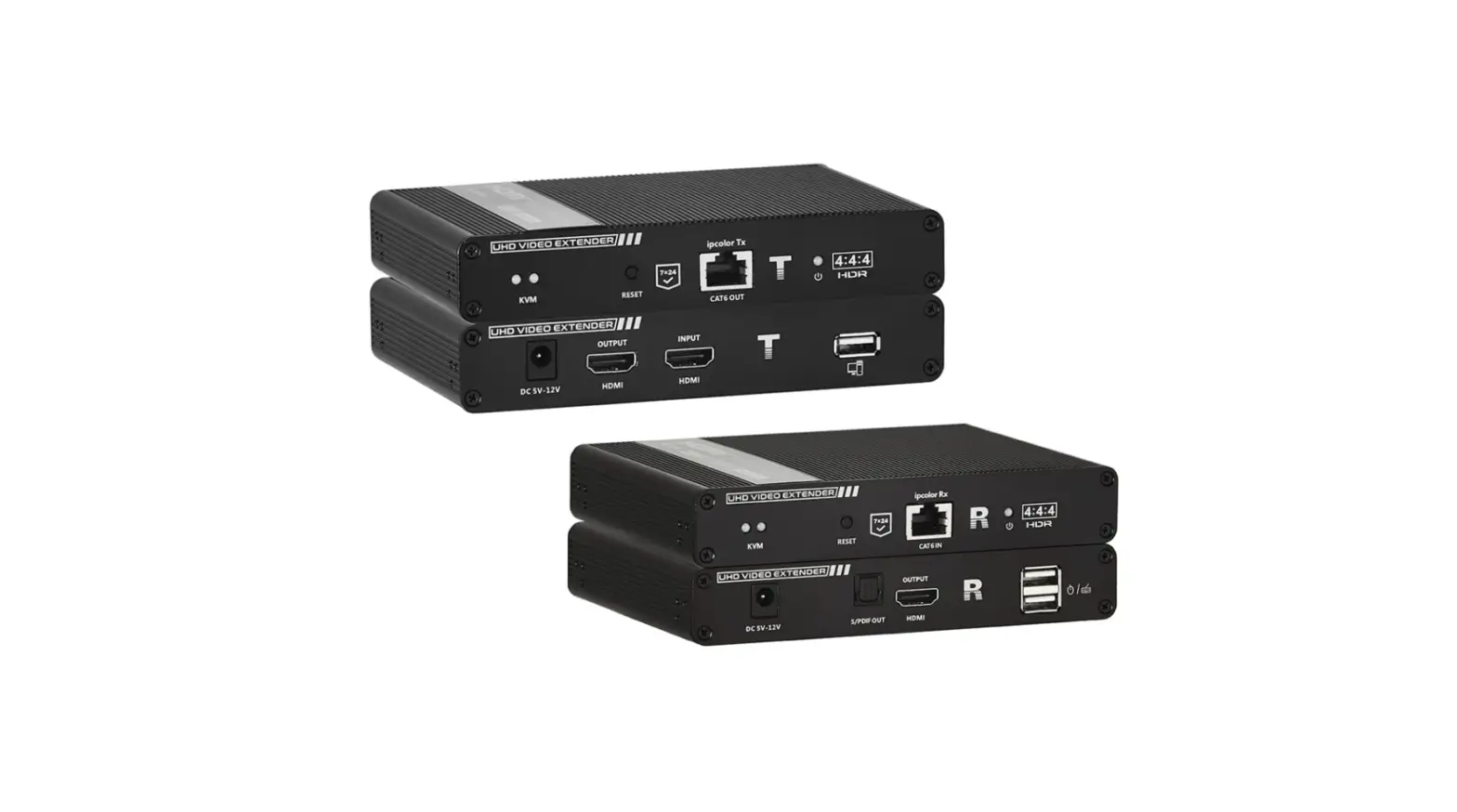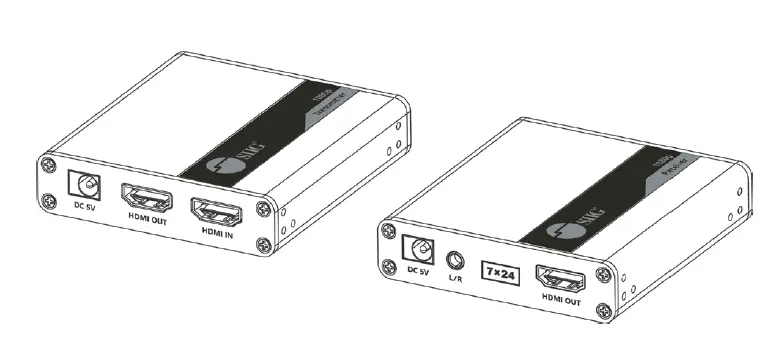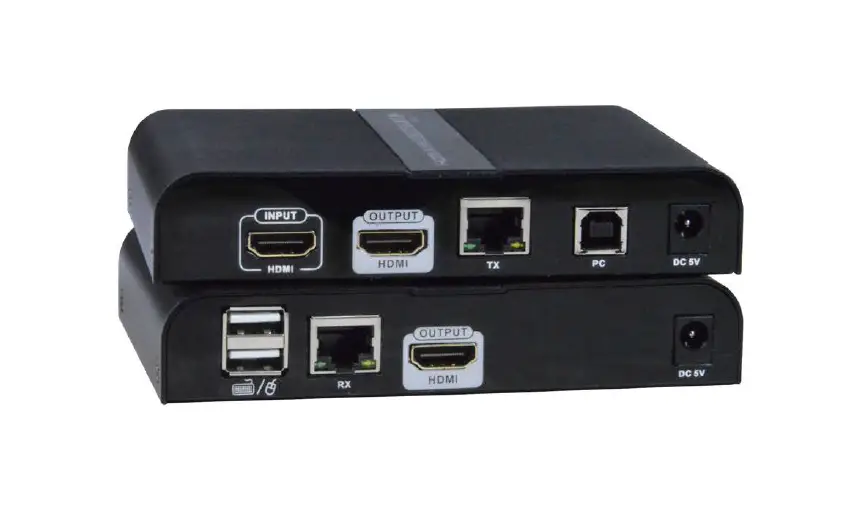
NTI ST-C6USB4K18GB-230T 4K 18Gbps HDMI USB KVM Extender via One CAT6-6a-7 Cable
TRADEMARK
XTENDEX and the NTI logo are registered trademarks of Network Technologies Inc in the U.S. and other countries. All other brand names and trademarks or registered trademarks are the property of their respective owners.
COPYRIGHT
Copyright © 2022 by Network Technologies Inc. All rights reserved. No part of this publication may be reproduced, stored in a retrieval system, or transmitted, in any form or by any means, electronic, mechanical, photocopying, recording, or otherwise, without the prior written consent of Network Technologies Inc, 1275 Danner Drive, Aurora, Ohio 44202.
CHANGES
The material in this guide is for information only and is subject to change without notice. Network Technologies Inc reserves the right to make changes in the product design without reservation and without notification to its users.
INTRODUCTION
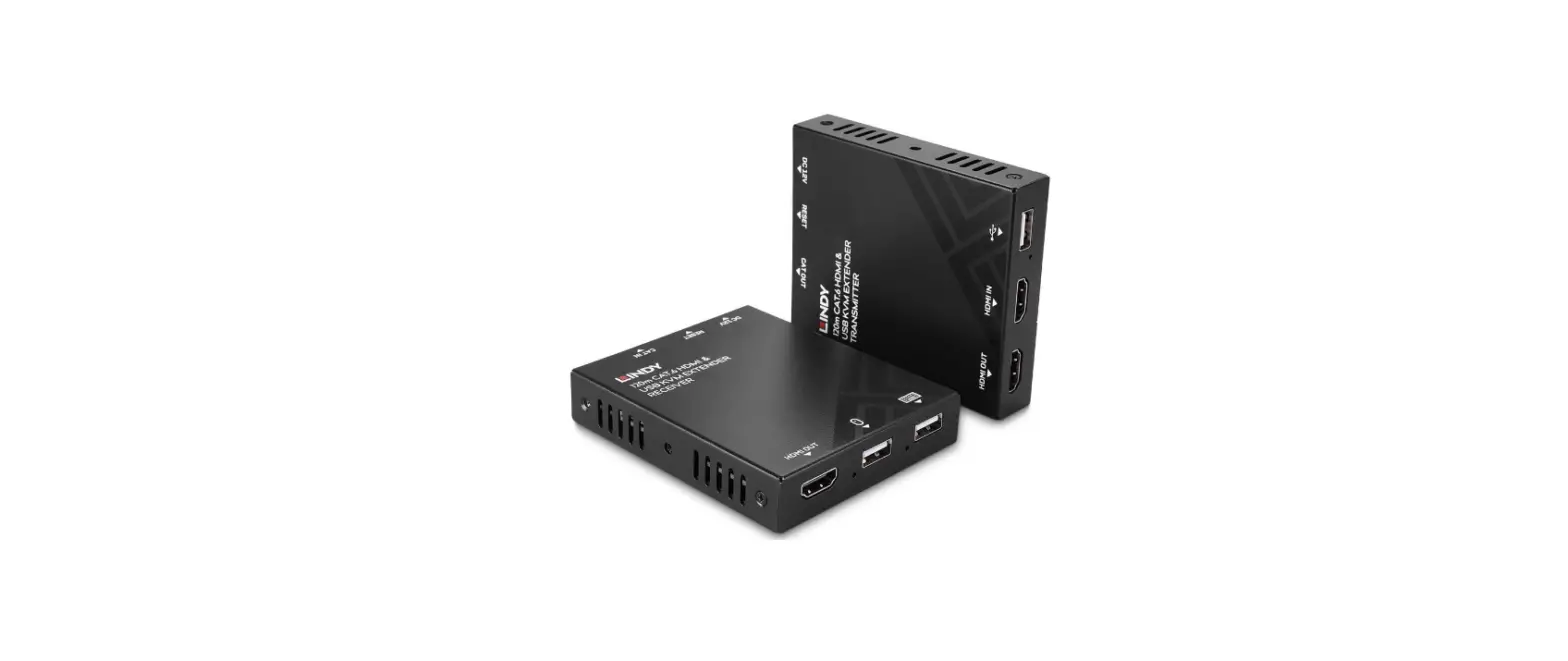
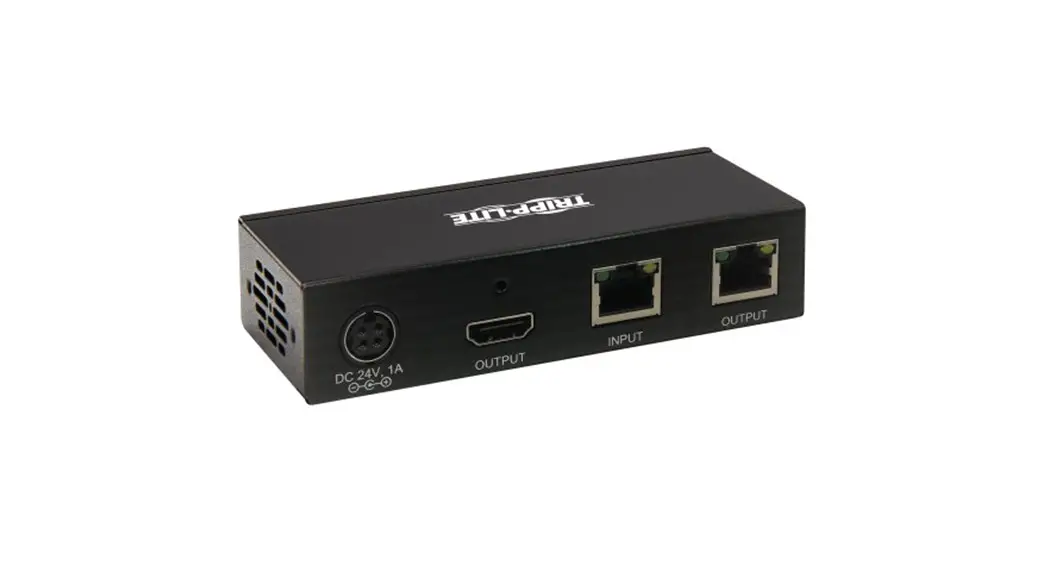
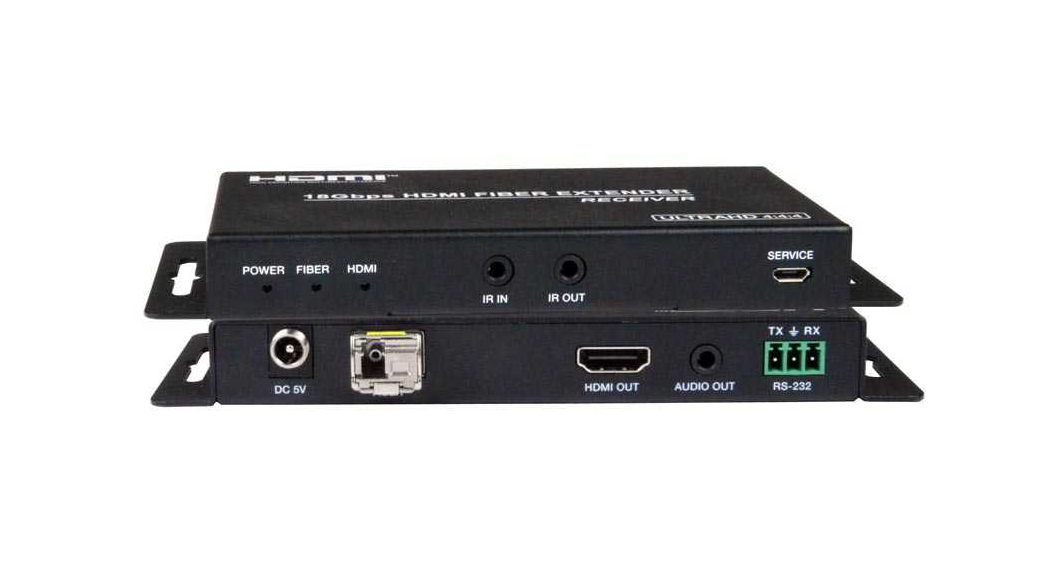
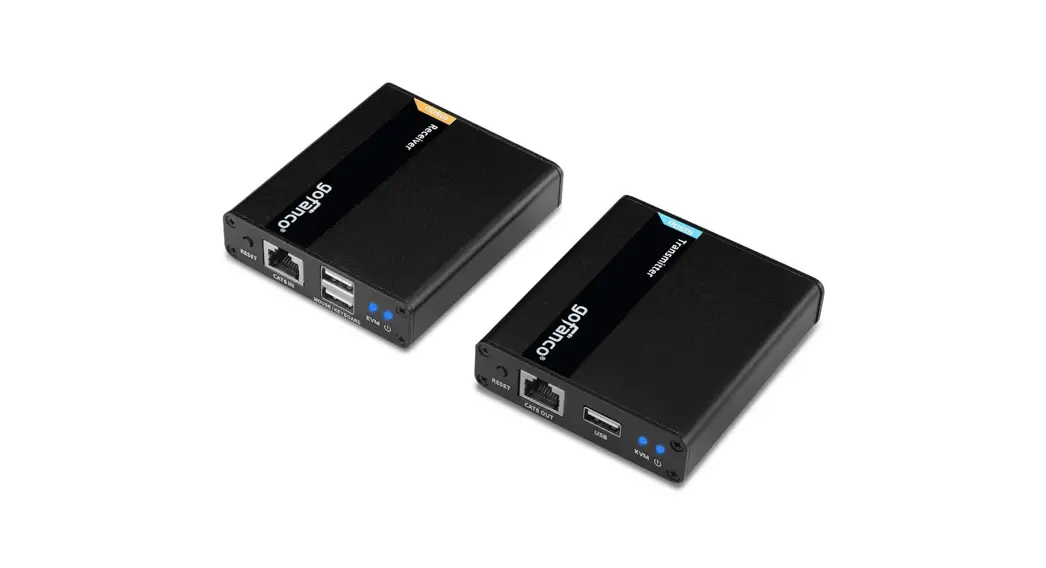
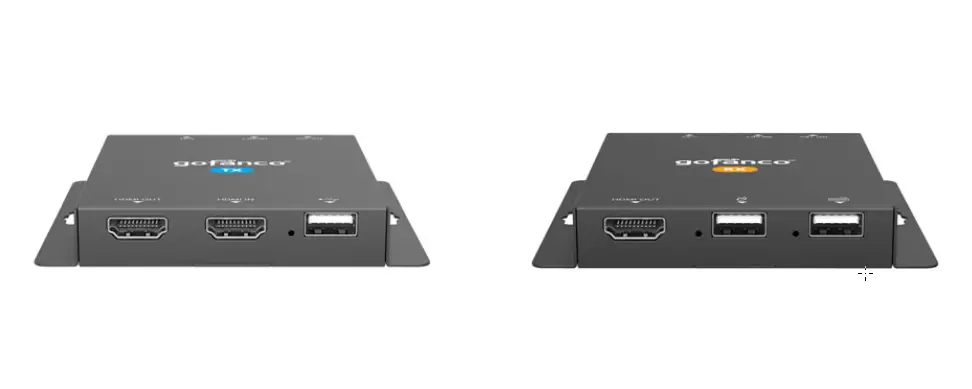
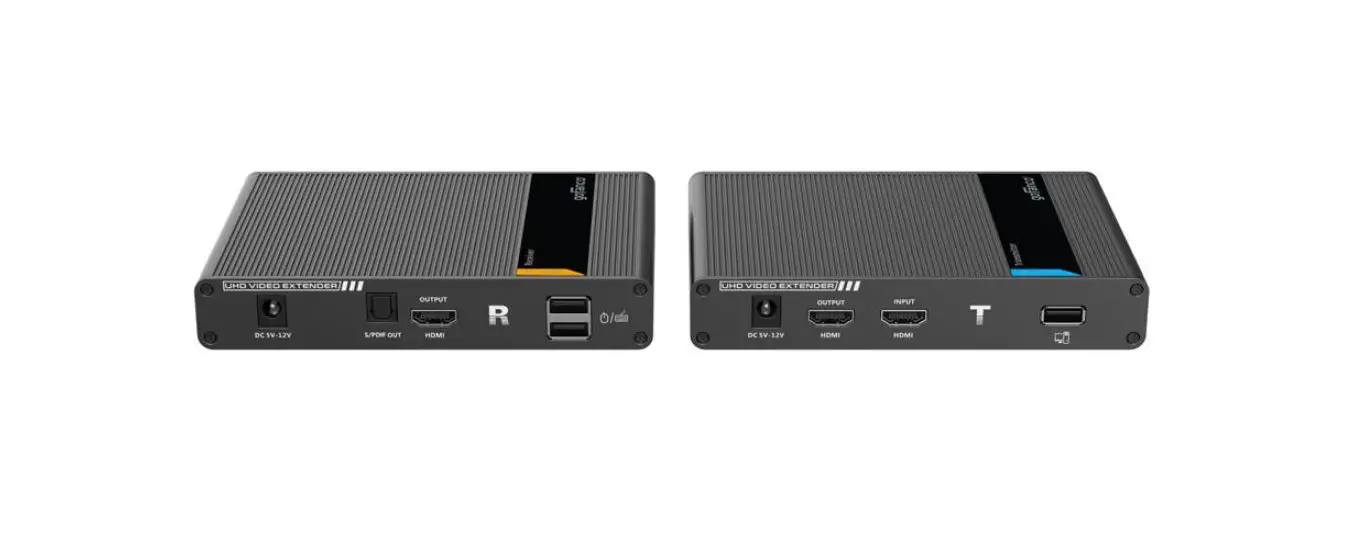
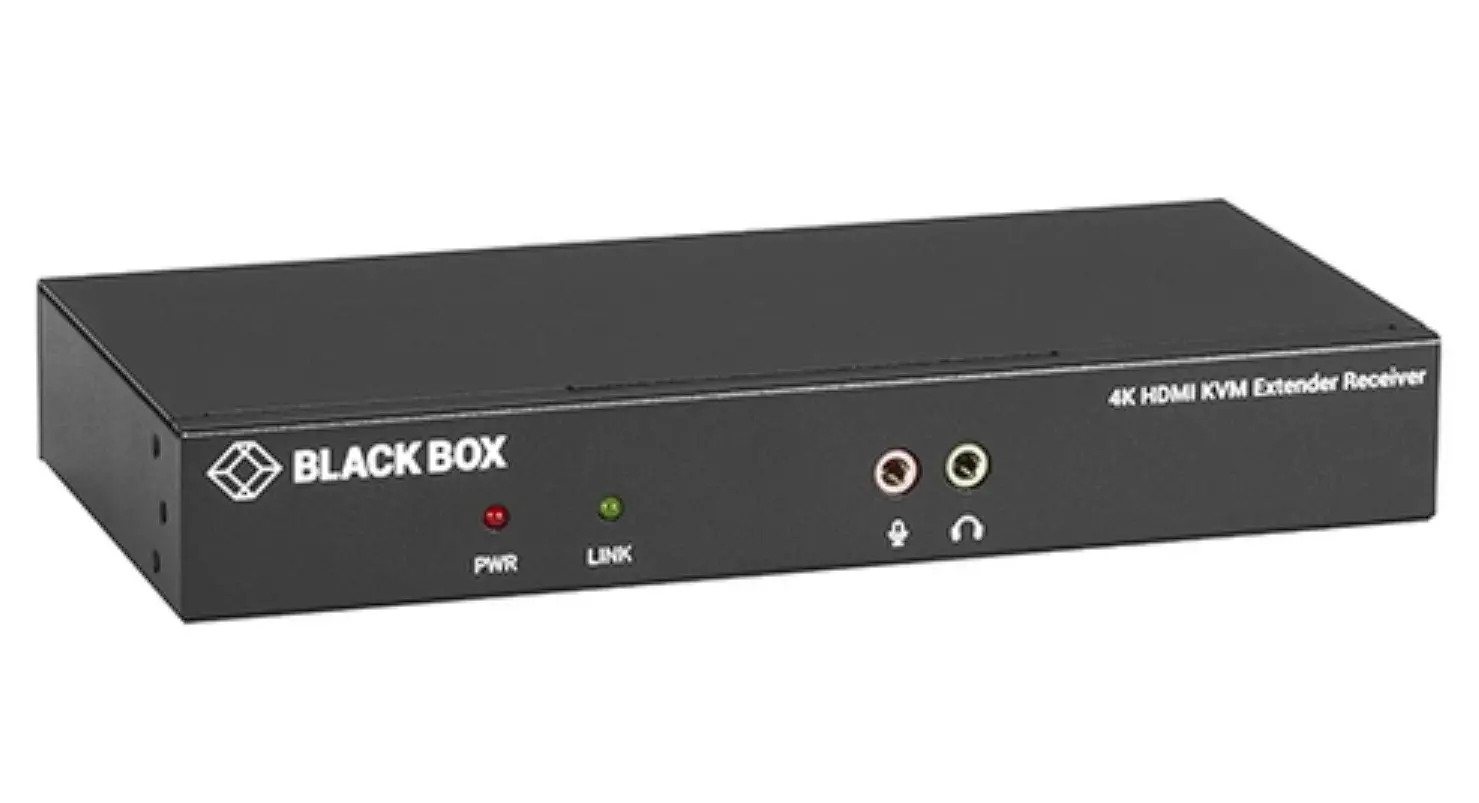
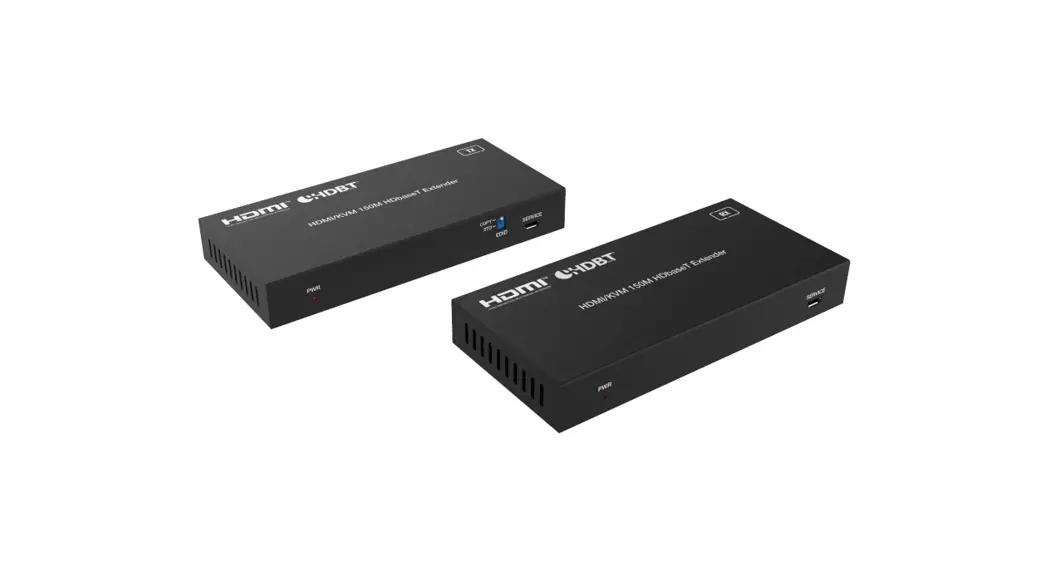
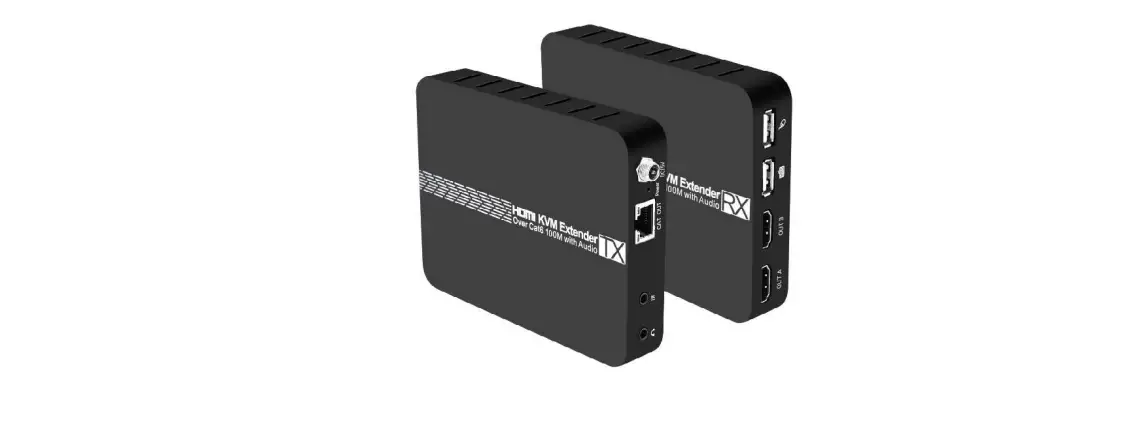
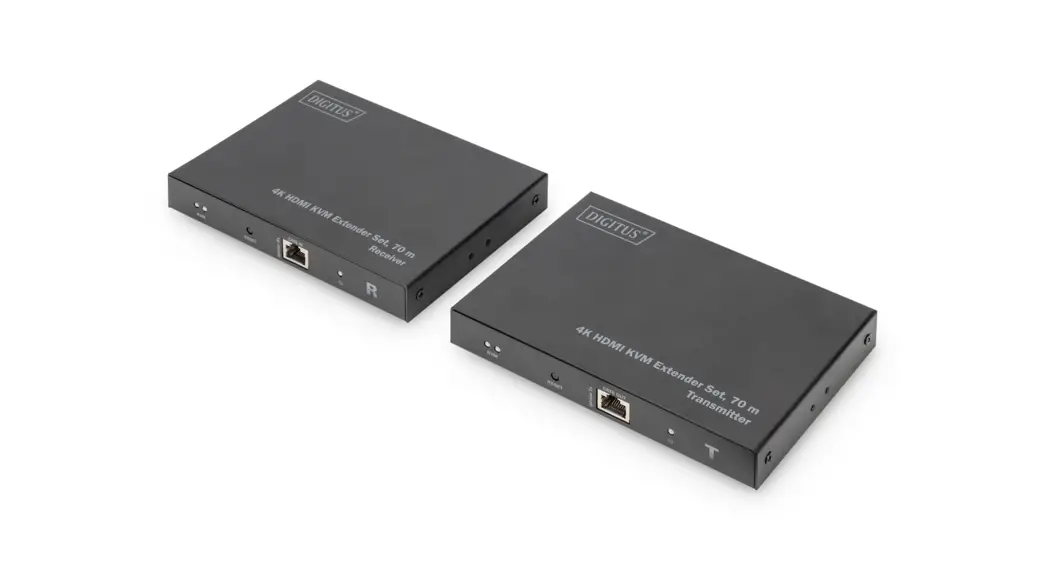
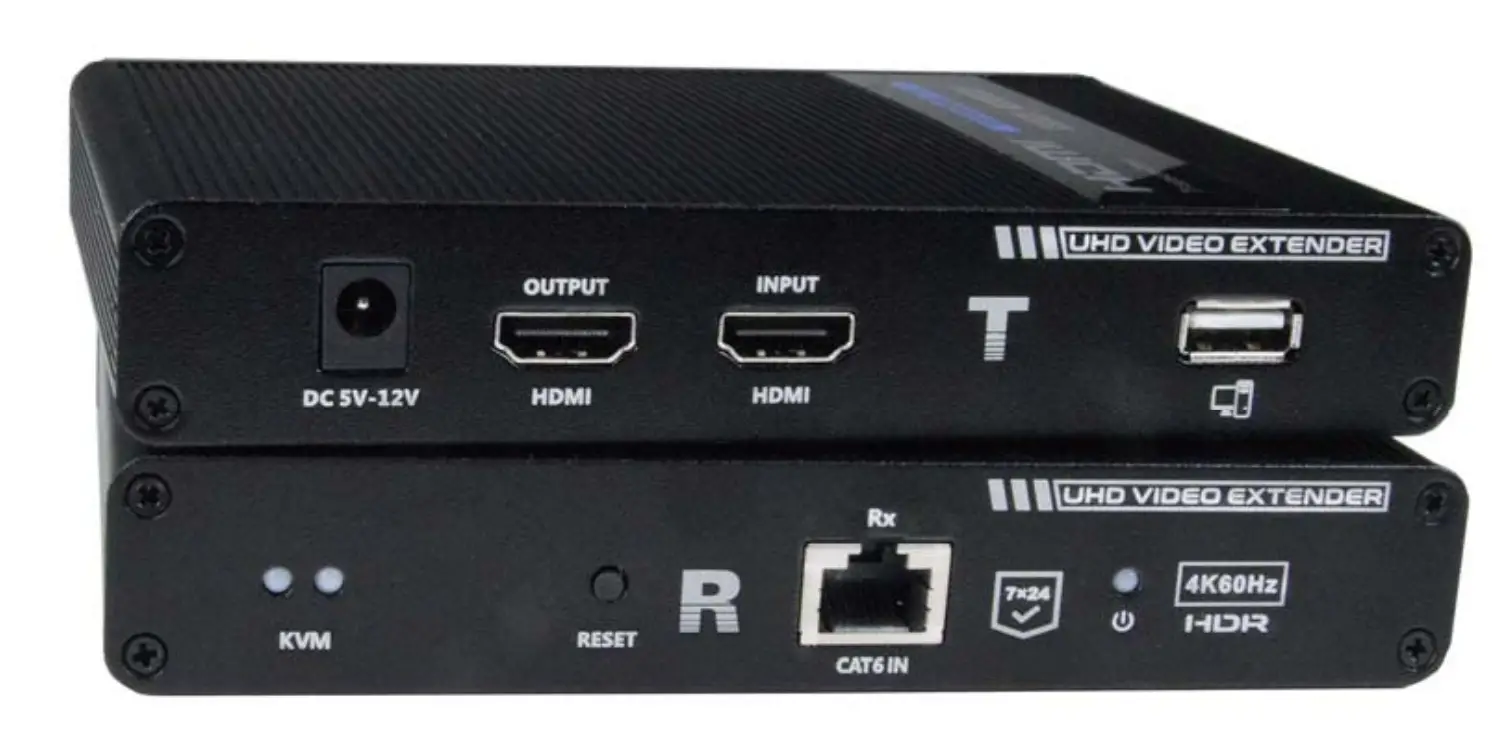
The XTENDEX® 4K 18Gbps HDMI USB KVM Extender via One CAT6/6a/7 Cable provides remote KVM (USB keyboard, USB mouse, and 4Kx2K 60Hz UHD HDMI monitor) access to a USB computer up to 230 feet (70 m) away via CAT6/6a/7 cable. Each KVM extender consists of a local unit that connects to a computer and a local display via the HDMI loop output; and a remote unit that connects to an HDMI USB touchscreen monitor or a standard HDMI monitor, USB keyboard, and USB mouse.
The local and remote units are interconnected via CAT6/6a/7 cable.
- Supports Ultra-HD 4Kx2K resolutions to 3840×2160 @60Hz and 4096×2160 @24/25Hz YUV 4:4:4, HDTV resolutions to 1080p @60Hz, and up to 1920×1200 (WUXGA).
- Signal transmission via one CAT6/6a/7 cable up to 230 feet (70 m).
o Zero latency. - HDMI features supported:
- HDMI 2.0 compliant.
- Up to 36-bit Deep Color
- LPCM, Dolby Digital, and DTS
- RGB, YCbCr 4:4:4, YCbCr 4:2:2, and YCbCr 4:2:0
- Bandwidth up to 18 Gbps
- 3D
- HDR10
- HDCP 2.2 and 1.4 compliant.
- Supports local and remote HDMI displays.
- Built-in default EDID table.
- Supports HDMI-embedded digital audio and SPDIF digital audio output.
- Two USB ports for keyboard, mouse, or touch screen monitor.
- Compliant with USB 1.1 (low/full speed) standards.
- Keyboard and mouse are hot-pluggable.
- Supports Plug-and-Play specification.
- Built-in surge and ESD protection.
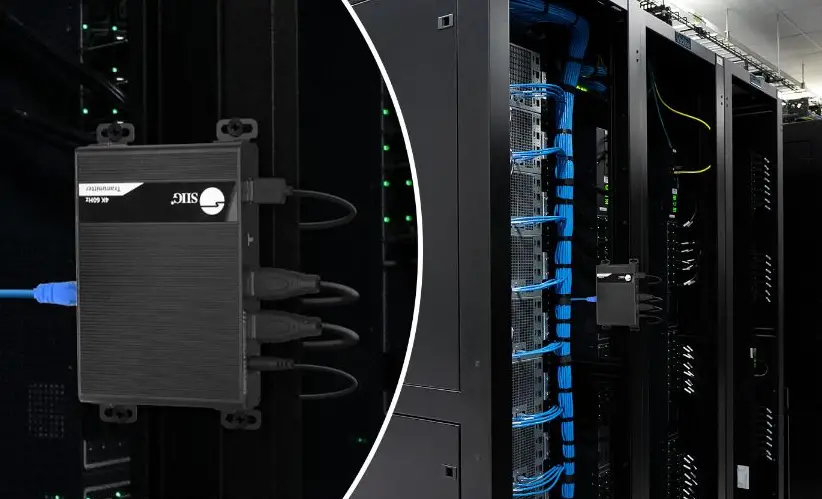
- Mounting brackets included for easy surface/wall mounting
MATERIALS INCLUDED
Materials supplied with this kit:
- 1 pc Transmitter (Local Unit)
- 1 pc Receiver (Remote Unit)
- 1 pc 110-240VAC, 50 or 60Hz-5VDC/ 2A AC Adapter with US Plug (For the Local Unit)
- 1 pc 110-240VAC, 50 or 60Hz-5VDC/ 3A AC Adapter with US Plug (For the Remote Unit) or 2 pcs 110-240VAC, 50 or 60Hz-5VDC/3 AC Adapter with country-specific power cord (for EU, UK and AU)
- 1 pc 4 foot (1.2m) USB Type A male to male cable
- 1 set Mounting Hardware (4 brackets and 10 screws)
- URL Slip with path to this manual
Materials Not supplied but REQUIRED:
- CAT6/6a/7 unshielded or shielded twisted-pair cable(s) terminated with RJ45 connectors wired straight thru- pin 1 to pin 1, etc. (see pg. 6 for proper EIA/TIA 568B wiring method)
We recommend using Shielded CAT6/6a/7 cable for the best performance to minimize loss and crosstalk.
Note: Shielded CAT6/6a/7 cable must be used to connect to LOCAL and REMOTE units in order to meet CE emission requirements.
Cable can be purchased from Network Technologies Inc by calling (800) 742-8324 (800-RGB-TECH) in the US and Canada or (330) 562-7070 (worldwide).
Cables available (not included):
- Interface cables between the computer/display and the transmitter/receiver are required for proper operation.
- Supports cable lengths to 20 feet for 4K resolutions and lengths to 50 feet for 1080p@60Hz using passive HDMI cables.
- Use HD-xx-MM cable to connect an HDMI source or display
- Use HD-ACT-xx-MM 4K HDMI Active Cables to connect an HDMI computer up to 100 feet.
- HD-ACT-20/25/30/40/50-MM supports resolutions to 4K@60Hz (18 Gbps).
- HD-ACT-60/75/100-MM supports resolutions to 4K@30Hz (10.2 Gbps).
- Use DP-HD-xx-MM cables to connect a DisplayPort computer up to 15 feet.
- Supports resolutions up to 4k@30hz 4:4:4 and 4K@60Hz 4:2:0.
- Use USB3C-HD4K-xx-MM to connect a 4K@60Hz computer with USB Type C connector up to 10 feet .
- Use DVI-HD-xM-MM to connect a DVI computer up to 5 meters.
- Supports resolutions to 1080p.
- Use CAT6/6a/7 solid straight through cable for TIA/EIA-568B wiring terminated with standard RJ45 connectors.
FEATURES AND FUNCTIONS
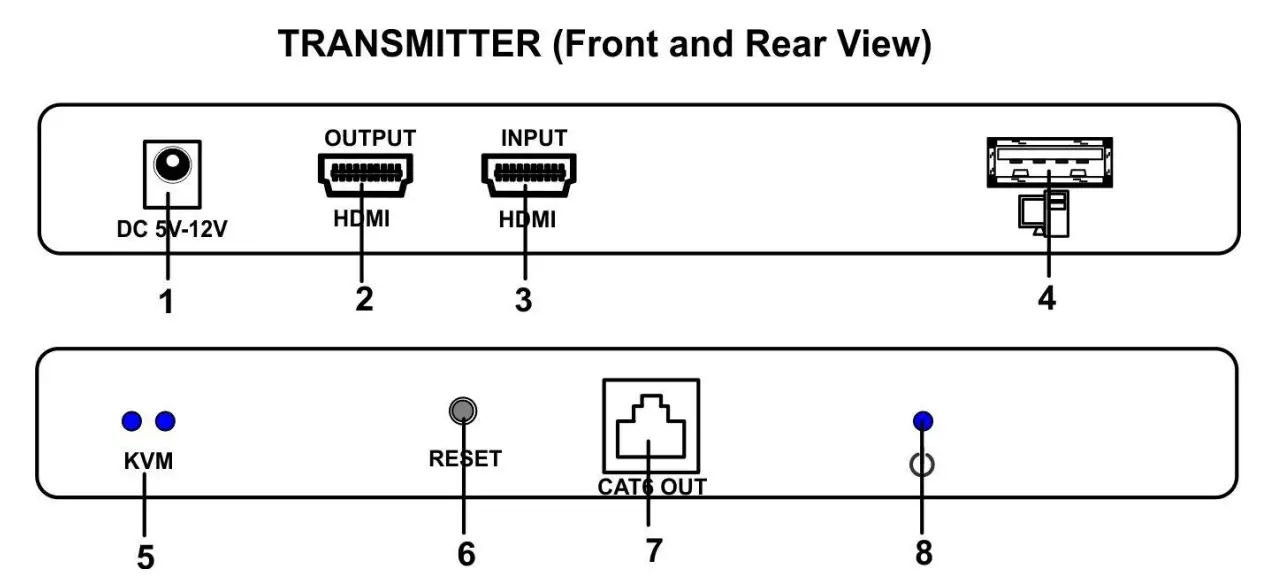
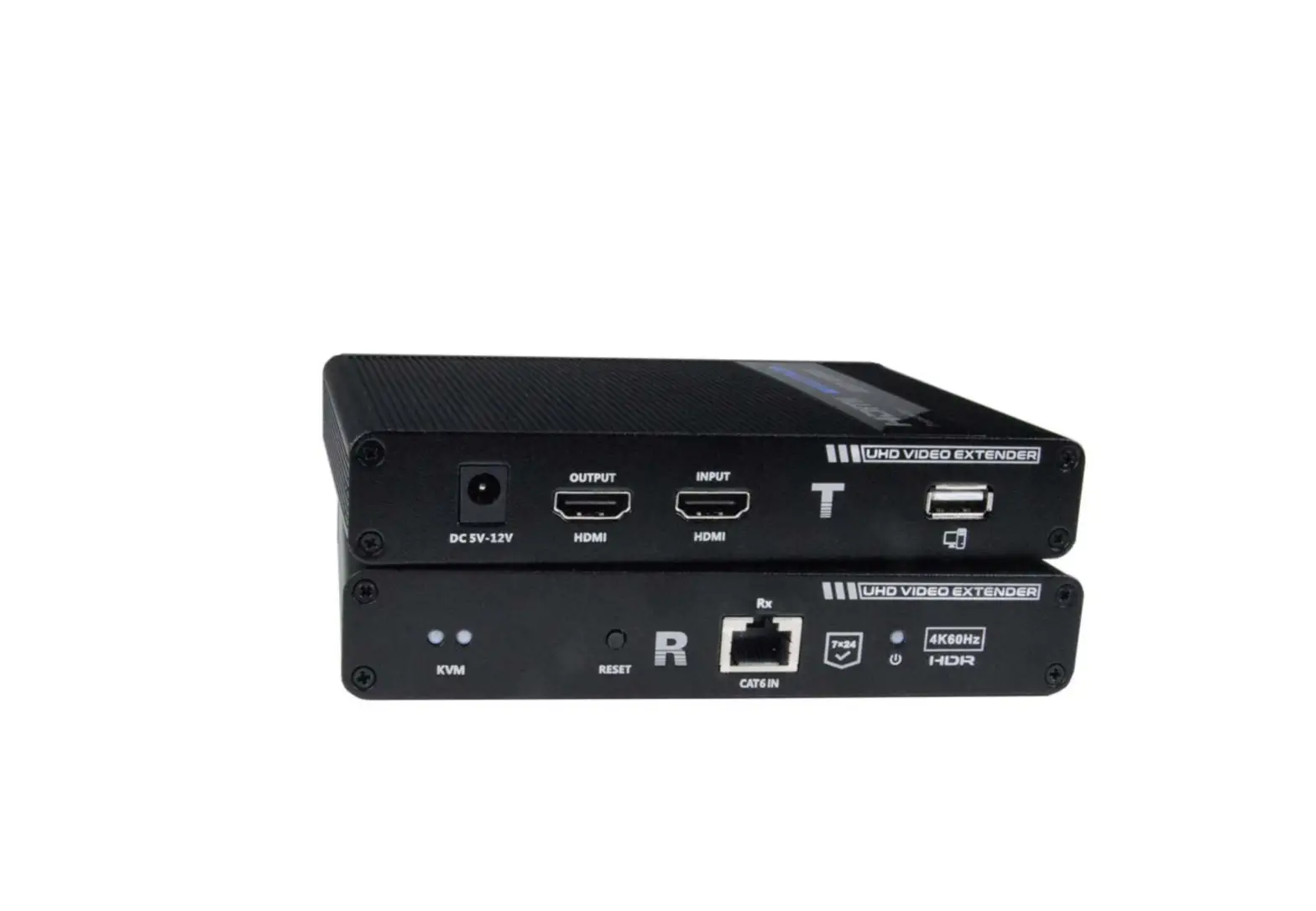
| # | LABEL | CONNECTOR/LED | DESCRIPTION |
| 1 | DC 5V-12V | 2.1×5.5mm Power Jack | For connection of power supply |
| 2 | HDMI OUTPUT | HDMI Female | Connect a local HDMI display device |
| 3 | HDMI INPUT | HDMI Female | Connect video source device |
| 4 | MONITOR/MOUSE | USB Type A Female | Connect to a USB port on a computer |
| 5 | KVM | 2 Blue LEDs | The left LED illuminates when a computer is connected. The right LED indicates communication between the Transmitter and Receiver. It flashes slowly while waiting for a signal, and it flashes rapidly when a signal is detected. |
| 6 | RESET | Button | Press to power cycle the Transmitter |
| 7 | CAT6 OUT | RJ45 Female | Connect CAT6/6a/7 cable between this port and the Receiver |
| 8 | PWR | Blue LED | The LED will flash to indicate power but no HDMI signal The LED will illuminate solid blue to indicate power and HDMI signal transmission |
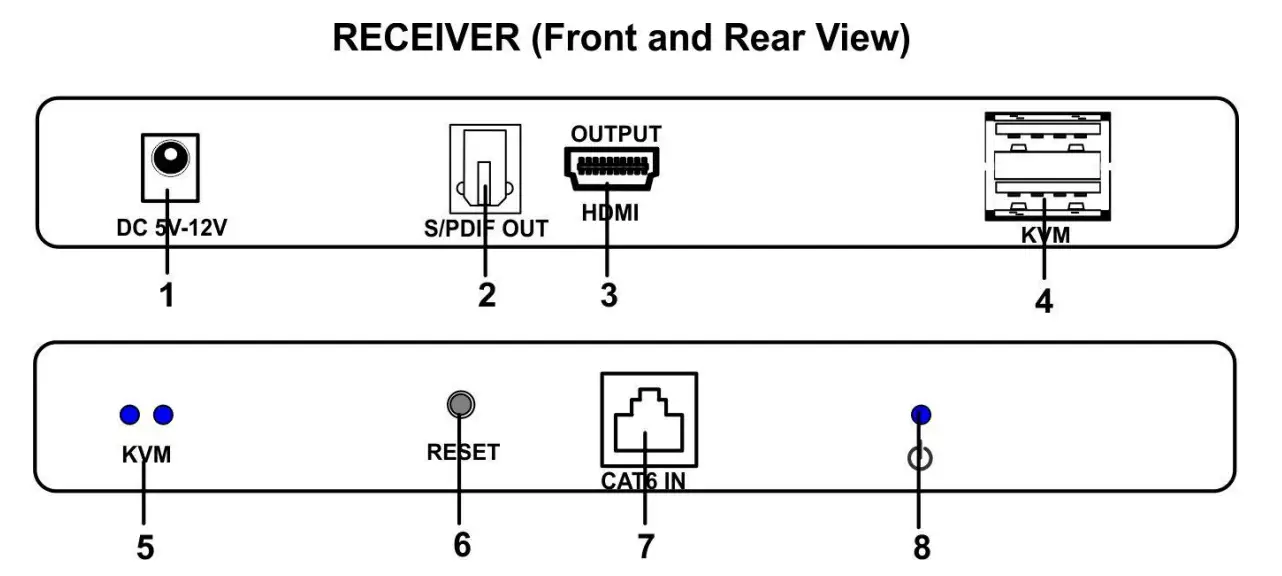
| # | LABEL | CONNECTOR/LED | DESCRIPTION |
| 1 | DC 5V-12V | 2.1×5.5mm Power Jack | For connection of power supply |
| 2 | S/PDIF OUT | Optical Audio Female | Connect a set of digital audio speakers |
| 3 | HDMI OUTPUT | HDMI Female | Connect a local HDMI display device |
| 4 | KVM | USB Type A Female | Connect keyboard, mouse or touchscreen monitor |
| 5 | KVM | 2 Blue LEDs | These will illuminate if a keyboard, mouse or touchscreen monitor are connected to the “KVM” USB ports.
|
| 6 | RESET | Button | Press to power cycle the Receiver |
| 7 | CAT6 IN | RJ45 Female | Connect CAT6/6a/7 cable between this port and the Receiver |
| 8 | PWR | Blue LED | Illuminates to indicate proper power to the unit and normal operation |
INSTALLATION
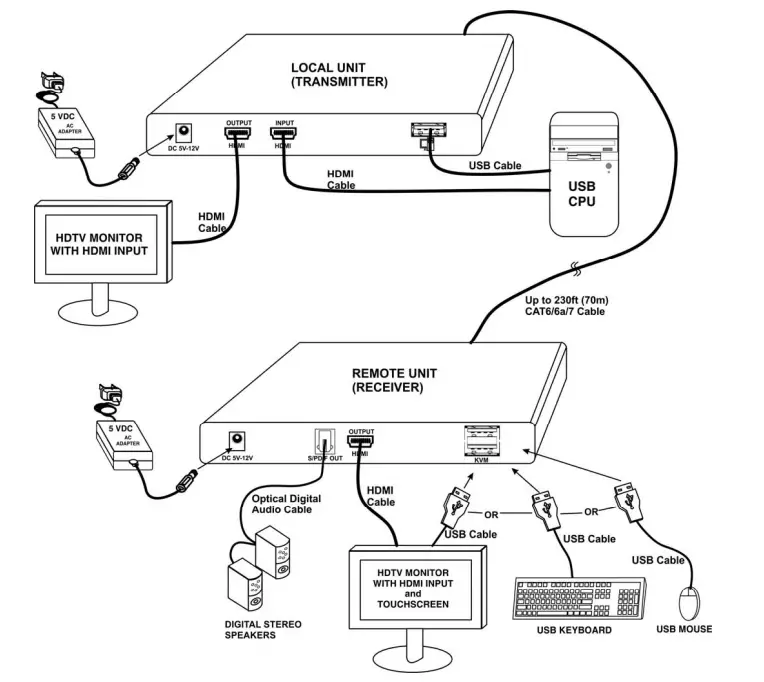
Connect the Transmitter
- Connect the source device to the “HDMI INPUT” port of the Transmitter with an HDMI cable.
- Connect a USB Type A male to USB Type A male cable (supplied) between the source and the USB Type A female port on the Transmitter.
- Connect the “CAT6 OUT” port of the Transmitter and the “CAT6 IN” port of the Receiver using up to 230 feet (70 meters) of CAT6/CAT6a/CAT7 cable wired to EIA/TIA 568B standard (see page 5).
- If using HDMI loop out, connect the display device to the “HDMI OUTPUT” port of the Transmitter.
- Connect the 5V 2A power supply (provided) to the Transmitter. (If you have two 5V 3A power supplies, use one of those instead.)

Connect the Receiver
- .Connect the “HDMI OUTPUT” port of the receiver to the display device with another HDMI cable.
- If the display device is a touchscreen monitor, connect a USB cable from it to one of the USB Type A ports labeled “KVM”.
- Connect a USB keyboard and/or a USB mouse to the remaining USB Type A port labeled “KVM”.
- Connect a 5V 3A power supply (provided) to the Receiver. It takes about 25 seconds to display the image after the product is successfully connected.
TECHNICAL SPECIFICATIONS
| Transmitter (Local Unit) |
|
| Receiver (Remote Unit) |
|
| Color Format | RGB, YCbCr 4:4:4, YCbCr 4:2:2, and YCbCr 4:2:0. |
| Color Depth | 36 bit deep color |
| HDMI Audio Formats | LPCM/DTS-HD/DTS-Audio/Dolby Digital 5.1CH |
| USB Version | USB 1.1 |
| Operating Systems Supported | Windows 7, 10, 11, MAC OS 10/12, LINUX |
| EDID | Built-In EDID table |
| Max. Extended Distance | 230 feet (70 meters) using one CAT6/6a/7 cable |
| CATx cable | UTP/STP CAT6/6a/7 |
| Maximum USB Device supported | 500mA |
| Operating Temperature | -4 to 140°F (-20 to 60°C) |
| Storage Temperature | -22 to 158°F (-30 to 70°C) |
| Operating and Storage Relative Humidity | 0-90% RH Non-condensing |
| Power Supply- Transmitter | 110-240VAC, 50 or 60Hz-5VDC/2A (Domestic) or 110-240VAC, 50 or 60Hz-5VDC/3A (International) |
| Power Supply- Receiver | 110-240VAC, 50 or 60Hz-5VDC/3A |
| Power Consumption | Local: 2.25W Remote: 8.55W |
| Size (In.) WxDxH | 5.91 x 4.17 x 1.03 in (150 x 106 x 26 mm) |
| Regulatory Approvals | CE, FCC, RoHS |
INTERCONNECTION CABLE WIRING METHOD
The connection cable between the remote and local is terminated with RJ45 connectors and must be wired according to the EIA/TIA 568B industry standard. Wiring is as per the table and drawing below.
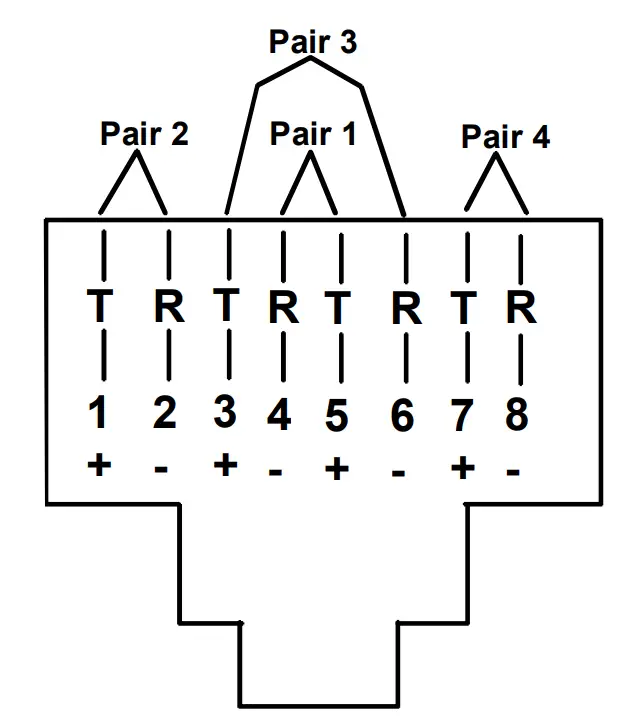
View looking into RJ45 female
| Pin | Wire Color | Wire Color | Function |
| 1 | White/Orange | 2 | T |
| 2 | Orange | 2 | R |
| 3 | White/Green | 3 | T |
| 4 | Blue | 1 | R |
| 5 | White/Blue | 1 | T |
| 6 | Green | 3 | R |
| 7 | White/Brown | 4 | T |
| 8 | Brown | 4 | R |
TROUBLESHOOTING
Problem: There is no output on the screen when all connections are correct.
Answer:
- Make sure the HDMI cables support 4Kx2K (if the output signal from the source device is 4Kx2K resolution).
- Make sure the CAT6/6a/7 cable is inserted into the RJ45 port well.
- Restart the Transmitter and/or Receiver by pressing the RESET button on each.
Problem: The display/monitor has a black screen (no image)
Answer:
- Verify the CAT6/6a/7 cable length is within the specified range (maximum 230 ft. (70m)).
- Restart the Transmitter and/or Receiver by pressing the RESET button on each to re-build the connection.
Problem: The display shows unusual color or no sound
Answer:
- Restart the Transmitter and/or Receiver by pressing the RESET button on each to re-build the connection.
- Verify that the HDMI cables are well connected.
- Make sure the CAT6/6a/7 cable is inserted into the RJ45 port well.
WARRANTY INFORMATION
The warranty period on this product (parts and labor) is two (2) years from the date of purchase. Please contact Network Technologies Inc at (800) 742-8324 (800-RGB-TECH) or (330) 562-7070 or visit our website at http://www.networktechinc.com for information regarding repairs and/or returns. A return authorization number is required for all repairs/returns.

 NTI Network Technologies Inc Environment Monitoring HDMI Extender