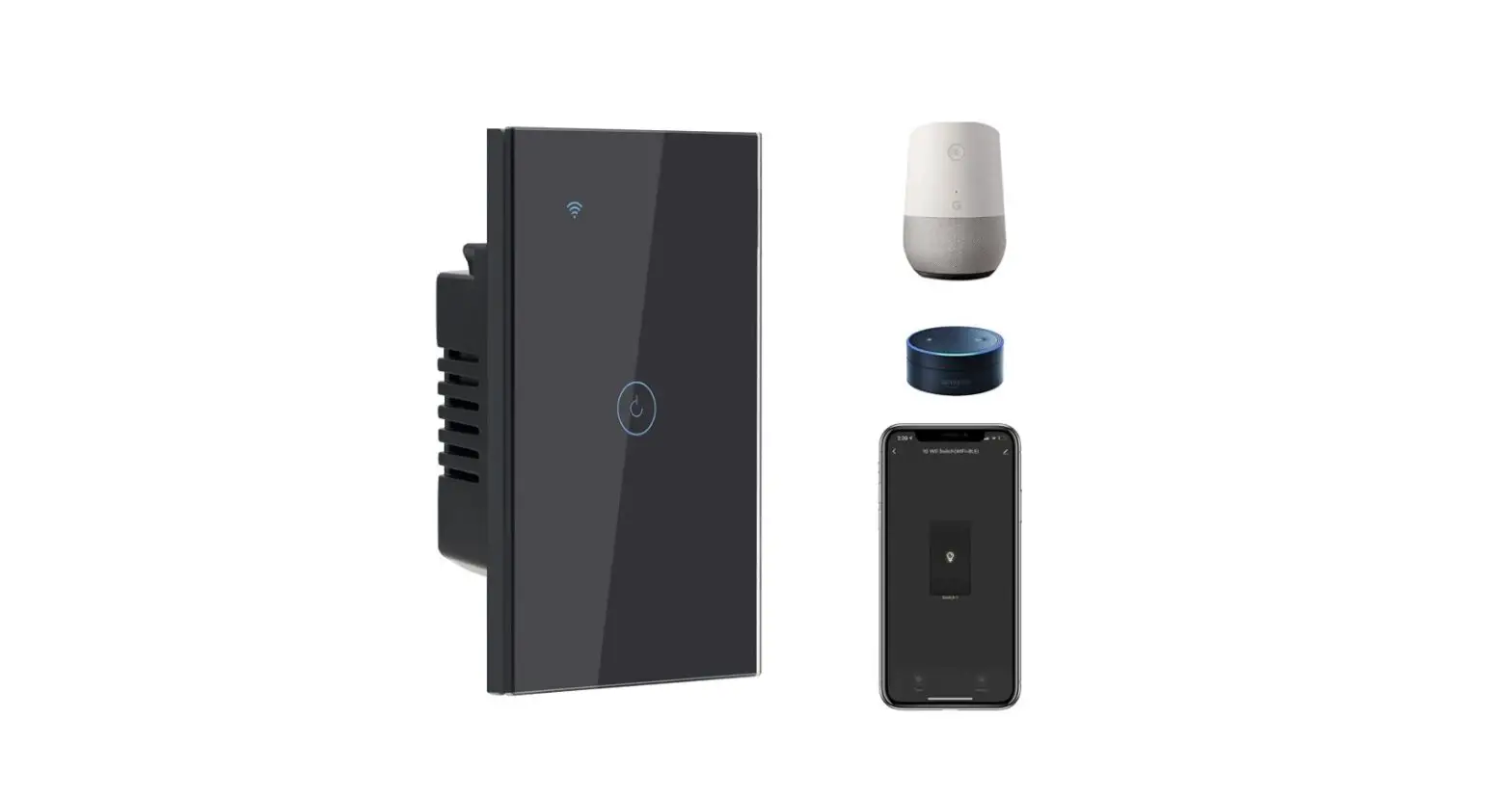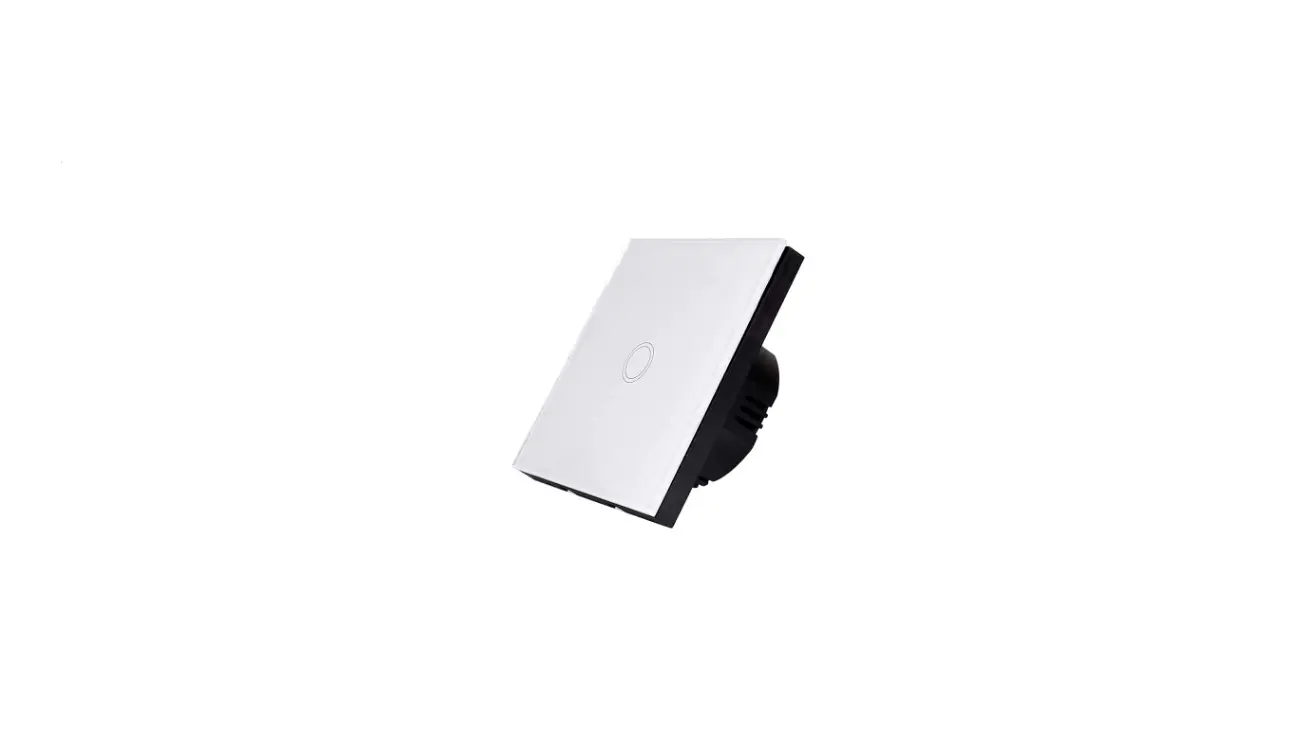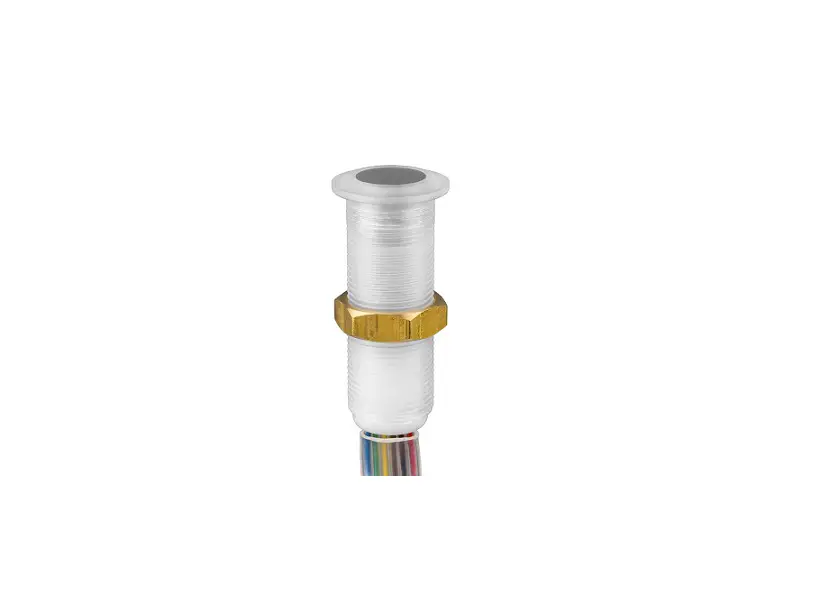
CLOCKAUDIO TS003 Capacitive Touch Switch Instructions


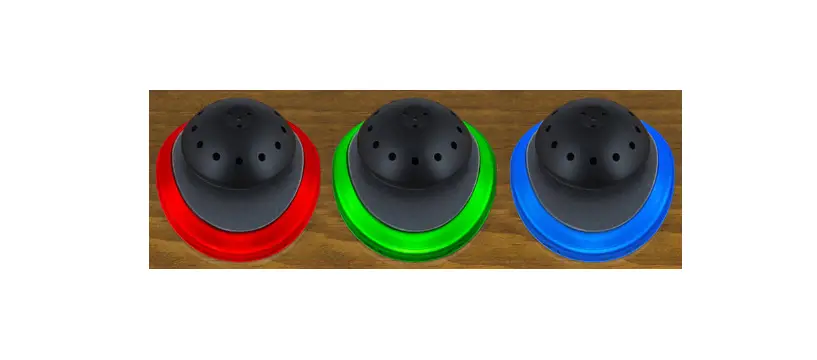
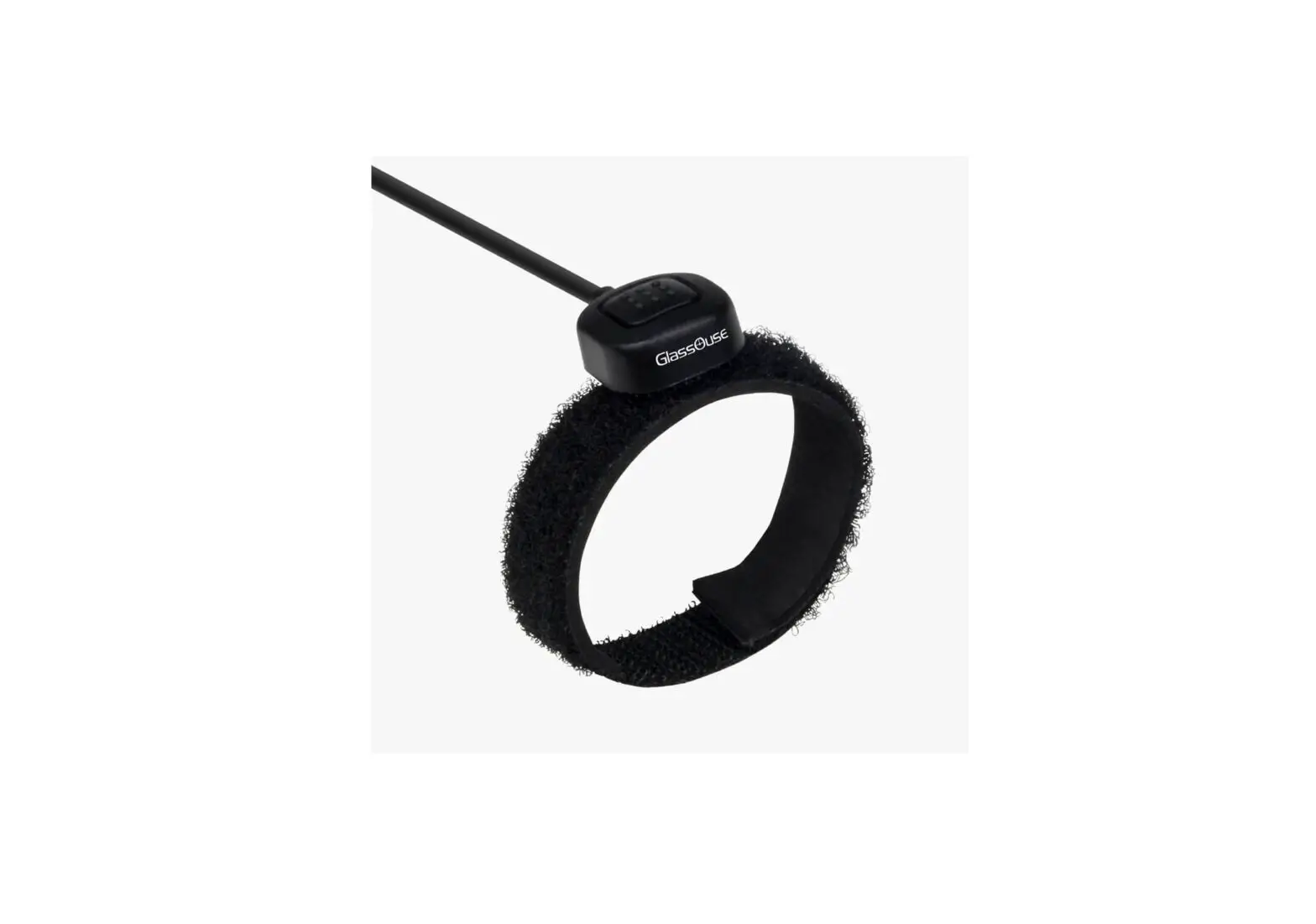
Providing multiple colours, the TS003 capacitive touch switch provides clear and precise visual operational status. With no moving parts, low-profile mounting and encapsulated electronics, TS003 also provides protection from office contaminants affecting its operation. Comes with modular under desk mount controller for easy install.
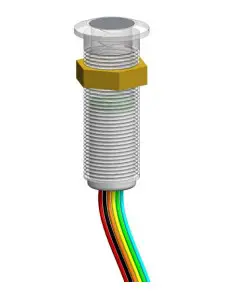
- Low profile mount capacitive touch switch facilitating click / pop free switching of a microphone from DSP.
- Self-calibrating.
- RGB LED provides multi-colour combination for clear precise visual status of microphone or other devices.
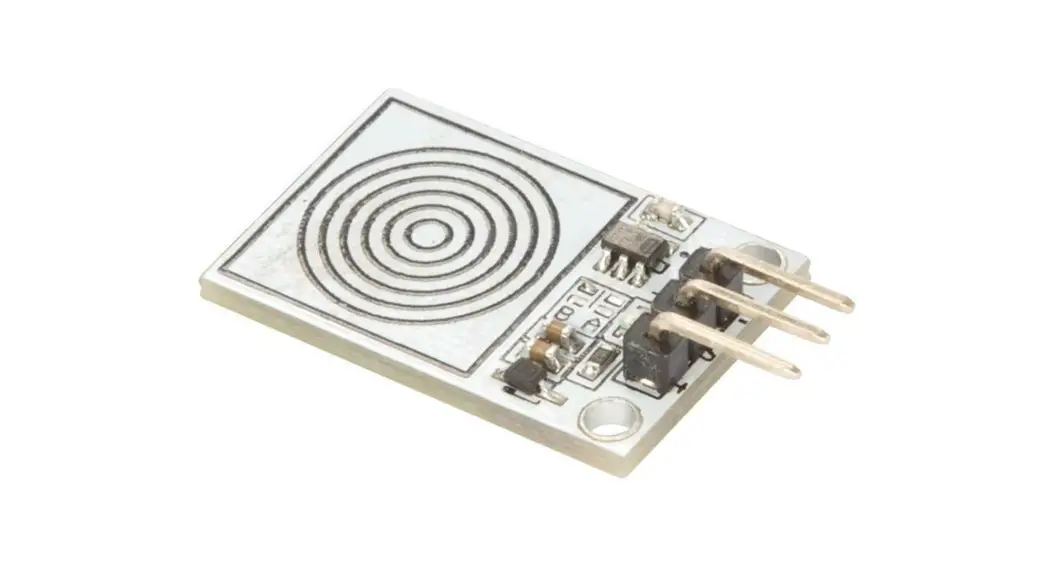
- No moving parts and employing surface mount technology, ensures extreme reliability, longevity and trouble free use.
- Electronic circuitry fully encapsulated to protect operation from spills or other contaminants.
- Terminated with RJ 45 connector and supplied with a touch switch controller (TS-C1) allows connection via CAT 5E patch cable back to CDT-100, CUI-2 or directly to DSP.
- Programmable via DSP to operate in PTT, PTM or latching modes.
- 12V DC operation using regulated power supply, CDT-100 or CUI-2.
- Fitted with 200mm cable that connects to SWITCH/TS-IN on TS-C1.
- RS-IN on TS-C1 provides external switch connectivity.
- Maximum current consumption for switch plus TS-C1 is 12V@75mA.
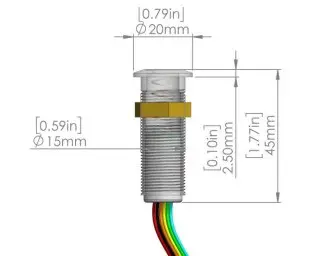
- Supplied with M15 nut for table fixing.
- Finished in clear polycarbonate.
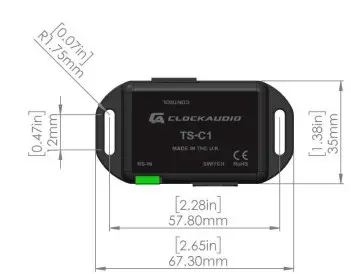
TS-C1’s CONTROL/TS-OUT port wiring for connection to control system:
| Pin number | Function |
| 1 | Switch (Low indicating contacts closed on RS-IN ) |
| 2 | Red LED (pulled low to illuminate) |
| 3 | Ground |
| 4 | + 12V DC |
| 5 | Touch Switch activated |
| 6 | Green LED (pulled low to illuminate) |
| 7 | Blue LED (pulled low to illuminate) |
| 8 | No Connection |
Recommendations:
- For Installation pre-drill 16mm or 5/8” hole into table.
- Ensure all connections are made prior to applying power.
 Home
Home