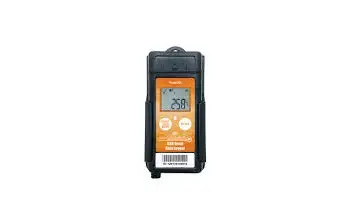
SpotSee 131237486_PK-1291136716 TempU Temperature Data Logger
Operating Instructions
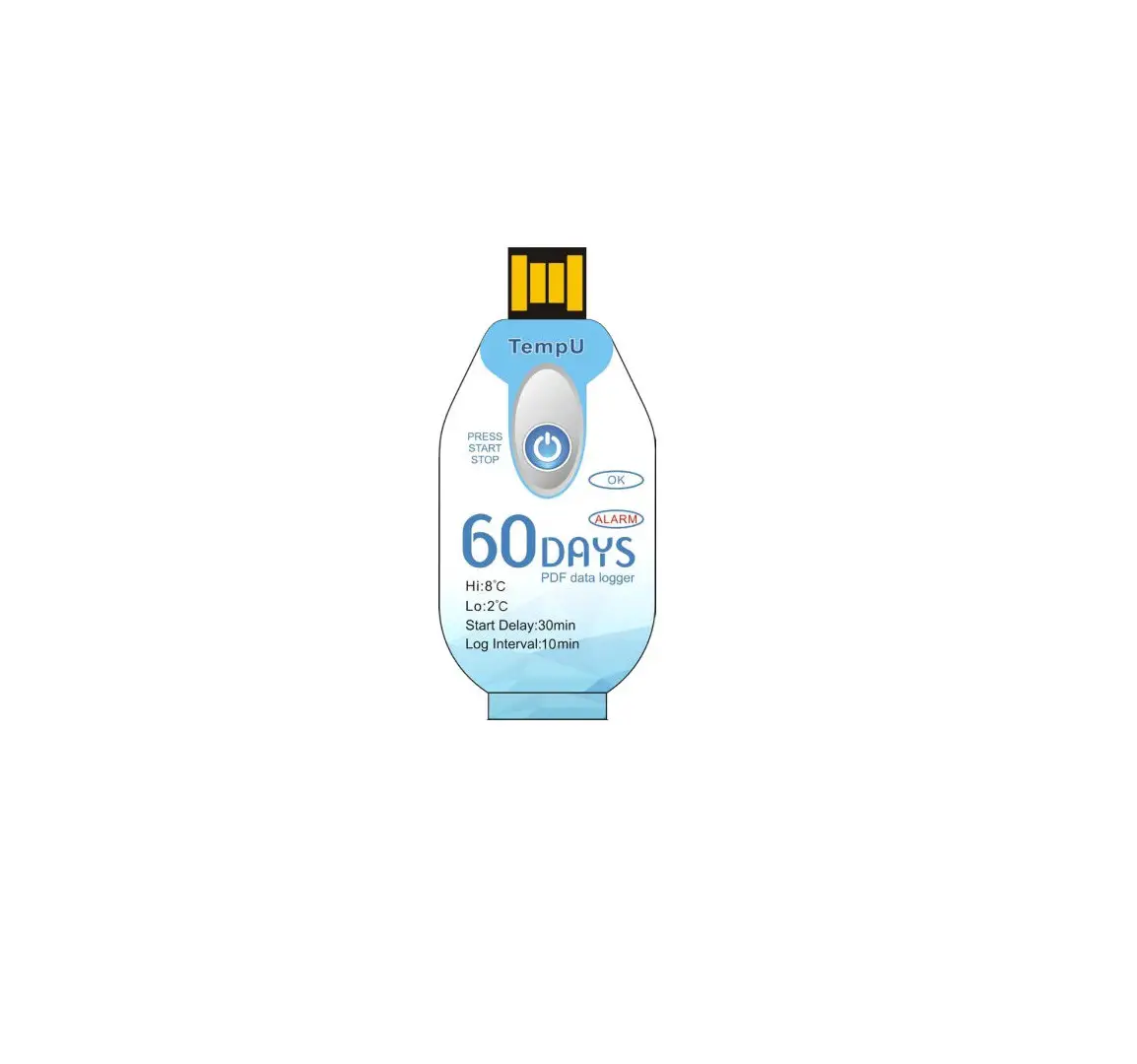
- Press and hold the START/STOP button for approximately 3 seconds. The “OK” light will illuminate to indicate the recorder has been successfully started.
- Place the data logger into the location to be monitored. Recording will begin 30 minutes after the device has been started.
- If there has been no temperature excursion, the OK light will flash green every 10 seconds. If a temperature excursion has occurred (temperature lower than 2C and/or greater than 8C), the ALARM light will flash red every 10 seconds.
- To stop recording, press and hold the Start/Stop button for 3 seconds. The ALARM light will illuminate to indicate a successful stopping.
- To generate a trip report, tear or cut away the plastic bag. Be careful not to damage the device when cutting away the bag. Insert the logger into a PC USB port. The OK and ALARM lights will alternately flash when the PDF report is being generated.
- When the PDF report has been generated, the OK light will illuminate until the logger is removed from the USB port.

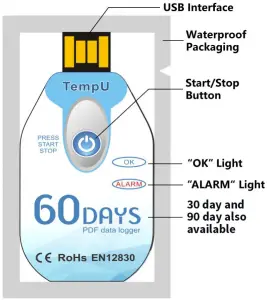
To Determine Logger Status
| Status | Action | LED Indication | |
| Logger Inactive | Short press of the START/ STOP button once to determine if the logger is activated | ALARM and OK lights will flash once at the same time | |
| Logger Stopped | Short press of the START/ STOP button No button press | OK light will flash – temperature within range ALARM light will flash – temperature out of range Neither ALARM nor OK lights will flash | |
| Logger Active | N/A | OK light will flash every 10 seconds if the temperature has remained in range ALARM light will flash if temperature alarm has been experienced | |
| START/STOP | LED Indication | Note | |
| Press START / STOP button and hold approximately 3 seconds | OK light will illuminate | Data logger started | |
| When logger is running, press the START/STOP button and hold approxi- mately 3 seconds | ALARM light will illuminate | Data logger stopped | |
NOTES
- Temperature alarms are preset for <2⁰C and >8⁰C
- Make sure that the data logger has been started before placing it into the environment to be monitored.
- Do not place the data logger directly into a corrosive liquid.
- Do not microwave or expose to excessive heat.
- Do not attempt to change or charge the battery.
- Dispose of the logger in accordance with local laws and regulations.