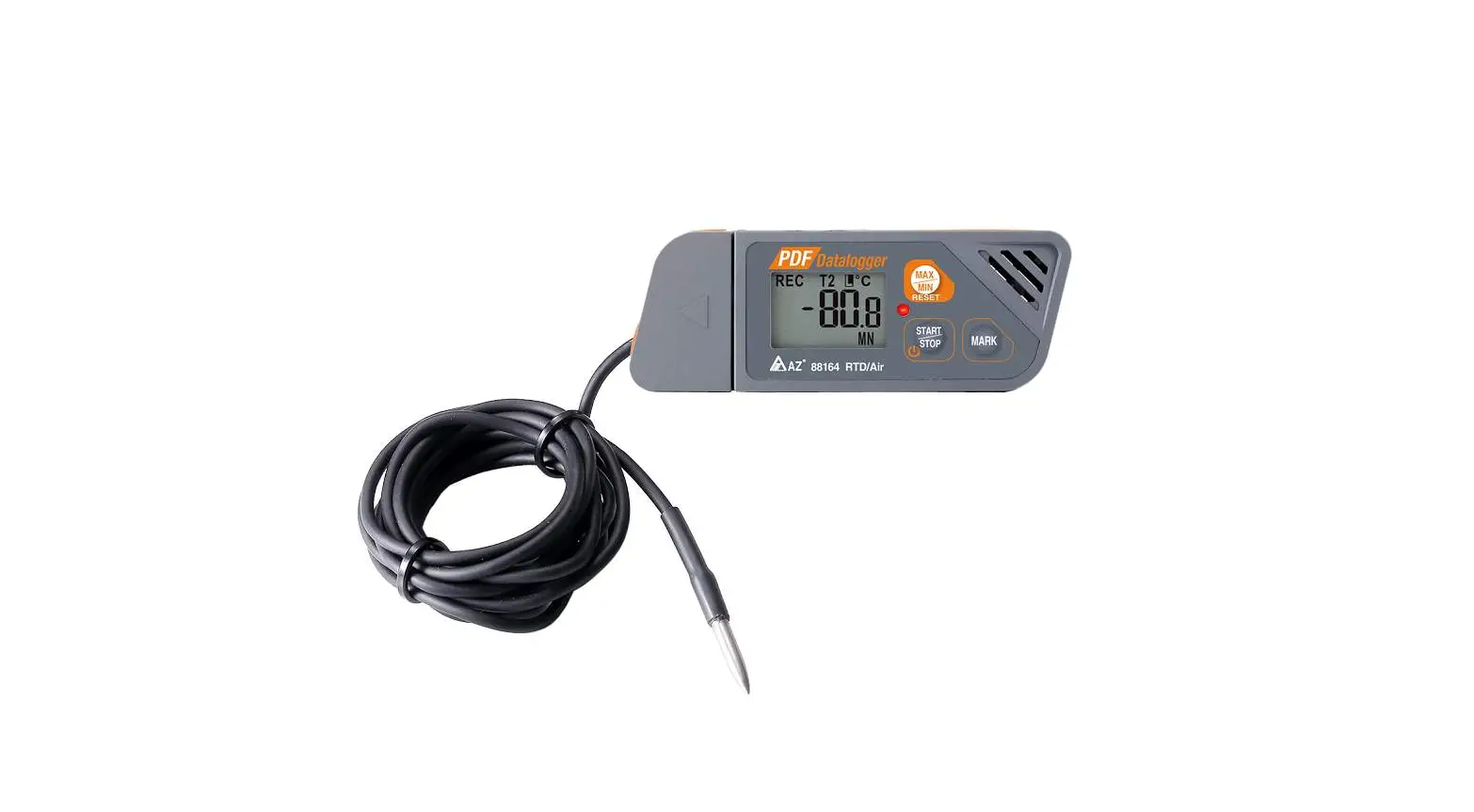
MSR145 Temperature Data Logger
Product Information: MSR145 Data Logger
The MSR145 Data Logger is a device that can be used to measure
and log data from various sensors. It comes with a USB cable for
connecting to a PC and has an optional microSD card slot for
storing data. The device has an orange LED that indicates when the
battery is being charged and a blue LED that flashes every 5
seconds when the device is recording data. The device’s battery
should not be completely discharged to prevent damage and increase
its lifespan.
Product Usage Instructions:
- To install the MSR PC software, download the installation
program from www.msr.ch/en/support/pcsoftware and follow the
instructions. - Connect the MSR data logger to your PC using the supplied USB
cable. Launch the MSR PC software and double click on Setup to
launch the Setup program. If necessary, select the port of your PC
to which the data logger is connected. - In the Sensors area of the Setup program window, set the time
interval for each sensor to be used for measuring and logging.
Select the option Start immediately, click on the Write basic
settings button, and then click on the Start button to start
recording data. The blue LED on the data logger will flash every 5
seconds. You can now disconnect the data logger from the USB
cable. - To transfer data from the data logger to your PC, connect the
data logger to your PC using the USB cable and launch the MSR PC
software. Double click on Reader to launch the Reader program and
readout the recorded data. Select the measuring process you wish to
transfer and click on the OK button to start the data transfer. The
Viewer program will automatically open with which you can view,
analyze and export data via the file menu. - If you have an optional microSD card, insert it into the card
slot of the data logger and prepare the data logger for the
measuring process. To transfer data from the SD card to your PC,
remove the card from the data logger and insert it into your PC
using a card reader. Launch the MSR PC software and double click
CARD Reader to start the program. In the CARD Reader program
window, click Start. Select the measurement file and click OK to
confirm. Depending on the data volume, a measurement can be
distributed across several measurement files. Click Next to read
another measurement file.
Brief instructions MSR145 (V6)
You will find software updates and answers to frequently asked questions in the support area at www.msr.ch.
MSR Electronics GmbH · Mettlenstrasse 6 · 8472 Seuzach · Switzerland · +41 52 316 25 55
1
Installing the MSR PC software
Download the installation program for the MSR PC software from the Internet: www.msr.ch/en/support/pcsoftware
Launch the installation program and follow the instructions to install the MSR PC software onto your PC.
V 20230425
2
Connecting the MSR data logger to your PC
Connect the MSR data logger with your PC with the aid of the USB cable supplied.
The orange LED of the data logger indicates that the battery is being charged. The LED flashes every two seconds when the battery is full.
Important Notice: In order to prevent damage and to increase life of the data logger’s battery, do not completely discharge it. It’s recommended that you fully charge the battery before longer storage periods.
Launch the MSR PC software and double click on “Setup” in the program selection window to launch the Setup program.
If necessary select in the program window the port of your PC to which the data logger is connected.
4
Transferring data to a PC
Connect the data logger again to the PC using the USB cable and launch the MSR PC software.
Double click on “Reader” in the program selection window to launch the Reader program with which the recorded data is readout and transferred to the PC.
Confirm that you want to end the measuring process. The list of the measuring processes saved on the data logger is then displayed.
Select the measuring process you wish to transfer (= “Record”) and click on the “OK” button to start the data transfer.
The name and path of the data file which has been created is displayed in the window of the “Reader” program. At the same time the “Viewer” program automatically opens with which you can view the data as a graph, analyse it and export it via the file menu.
3
Starting data recording
In the “Sensors” area of the Setup program window set the time interval for each sensor to be used for measuring and logging (e.g. “1s” to measure once per second).
Select the option “Start immediately”.
Click on the “Write basic settings” button to transfer the configuration to the data logger.
Click on the “Start” button to start recording the data. The blue LED on the data logger now flashes every 5 seconds.
You can now disconnect the data logger from the USB cable.
i
SD card (optional)
Prepare the data logger for the measuring process by means of the setup or shock program (see item 3 “Starting data recording”).
Insert the supplied microSD card into the card slot of the data logger. A green LED above the card slot lights up for approximately 2 seconds to indicate that the SD card can be used.
To transfer the data from the SD card to your PC after the measuring process, remove the card from the data logger and insert it into your PC, using a card reader.
Start the MSR PC software and doubleclick “CARD Reader” to start the program. In the CARD Reader program window, click “Start”.
In the window that appears subsequently, select the measurement file and click “OK” to confirm. Depending on the data volume, a measurement can be distributed across several measurement files. Click “Next” to read another measurement file.
Important Notice: The files on the SD card must not be deleted.
 Data Logger MSR – acceleration, vibration, shock, humidity dataloggers