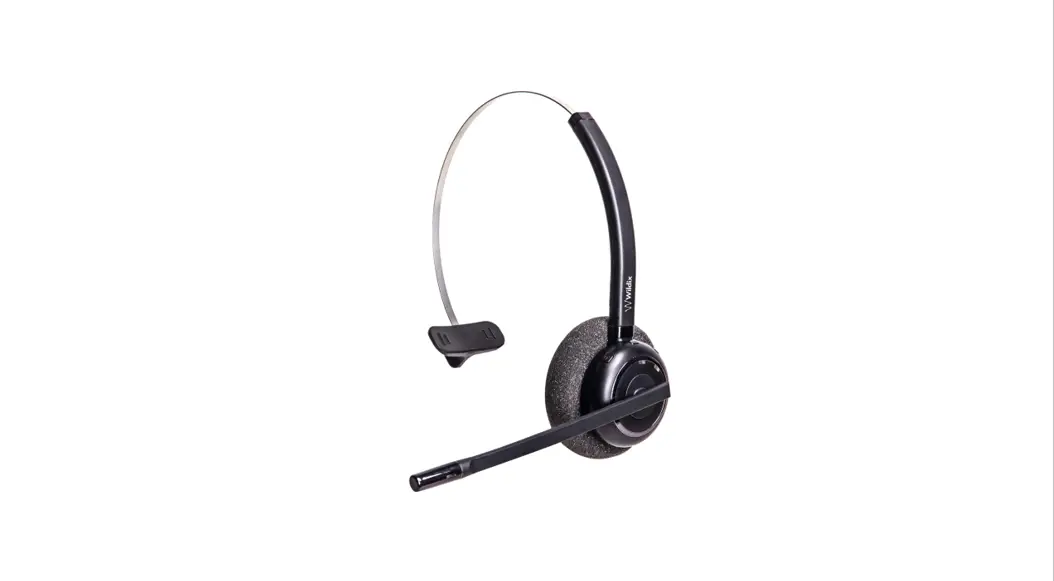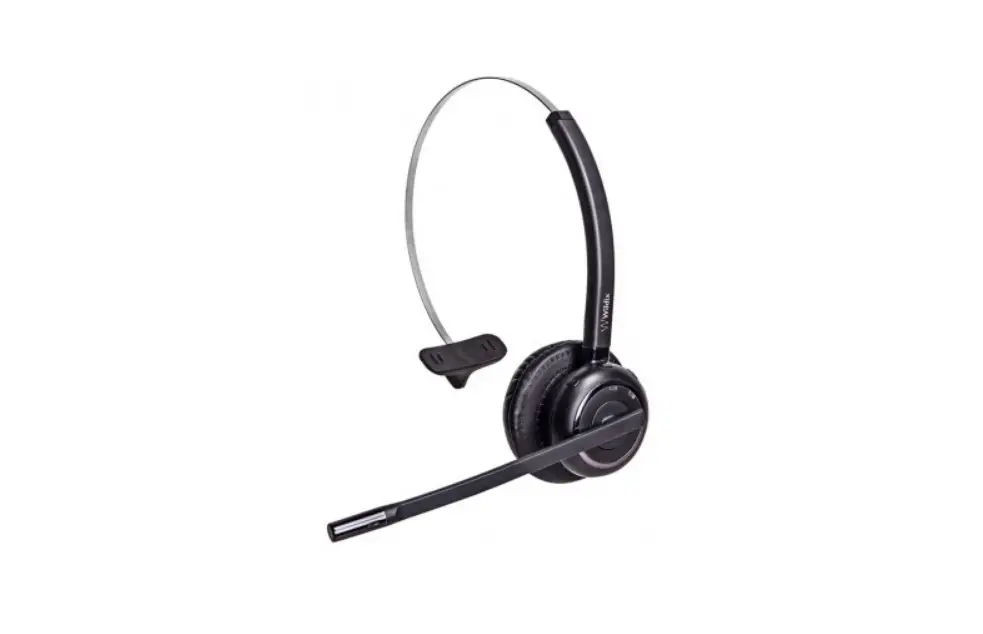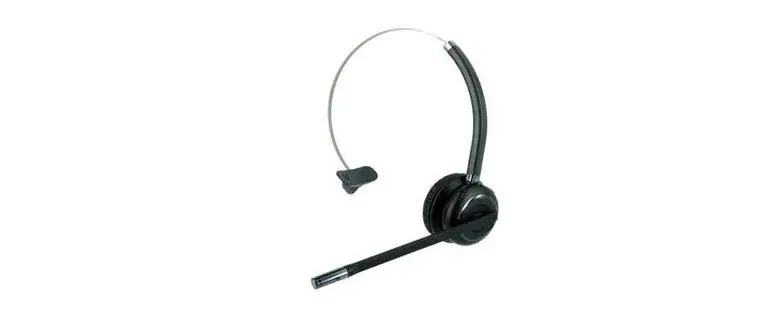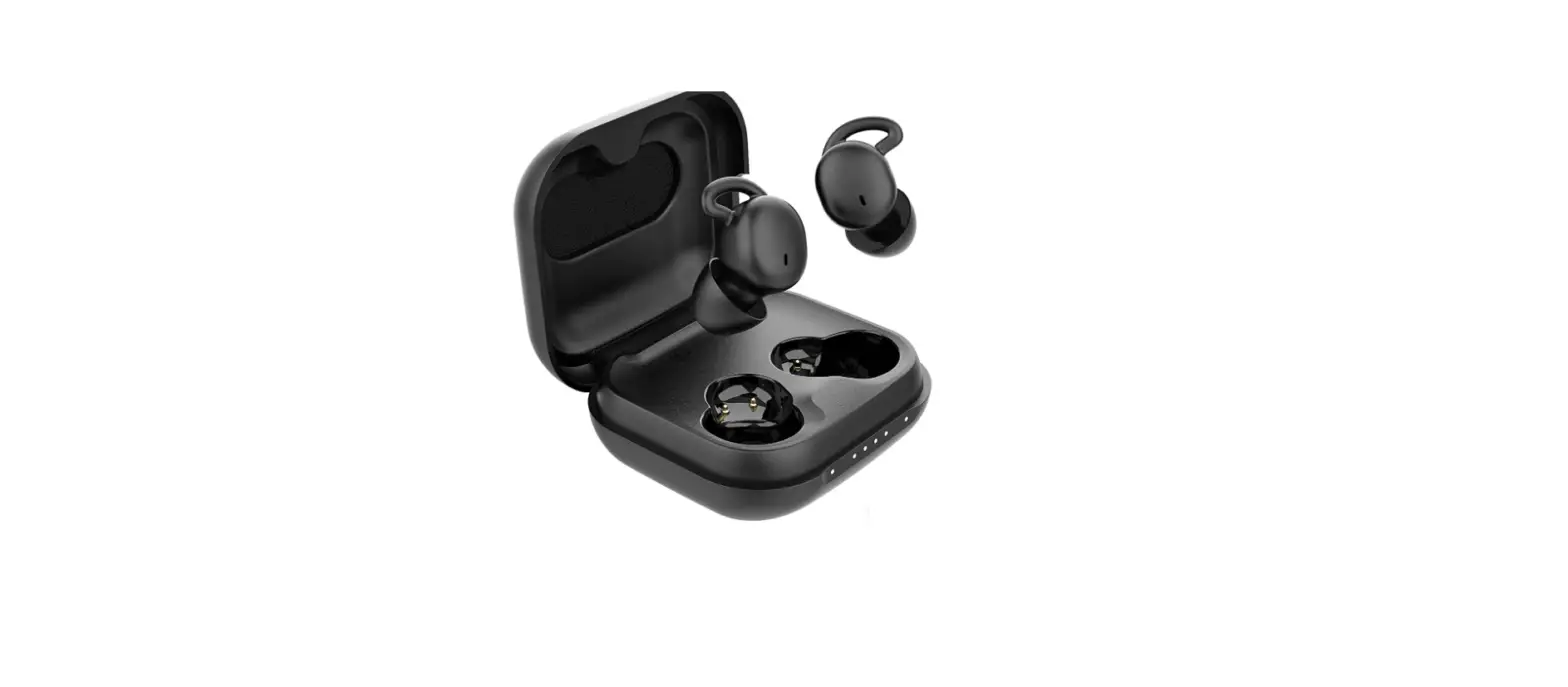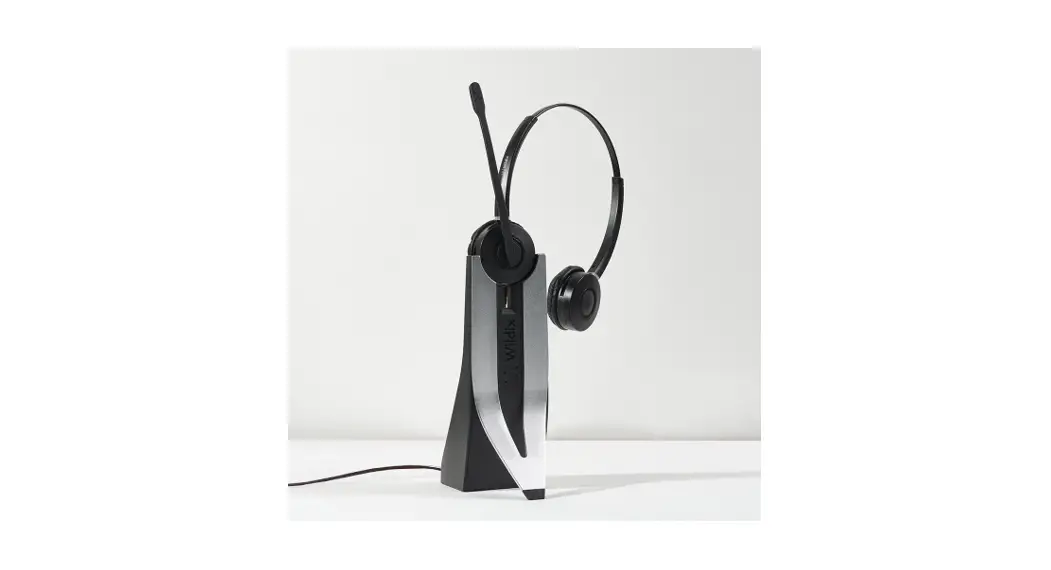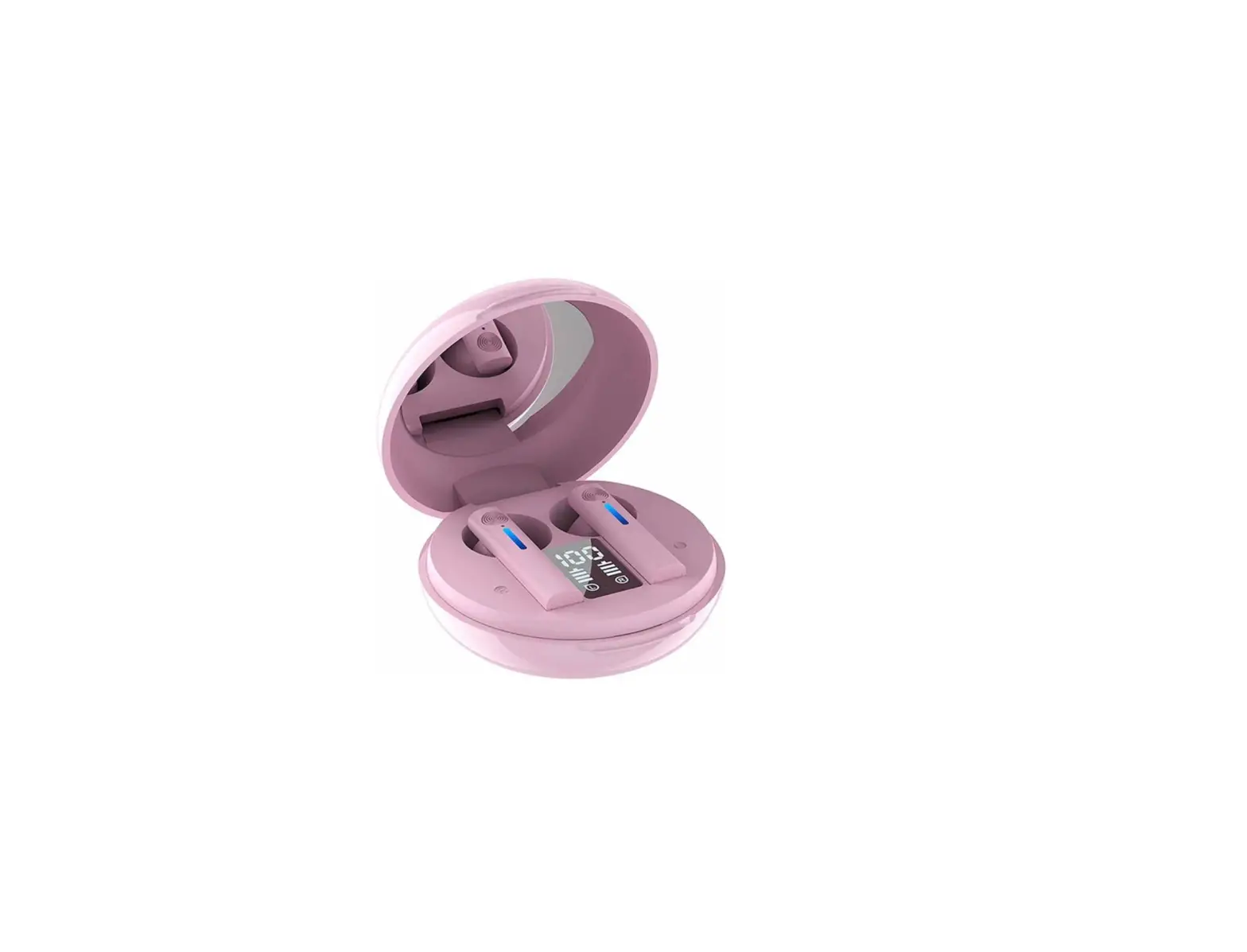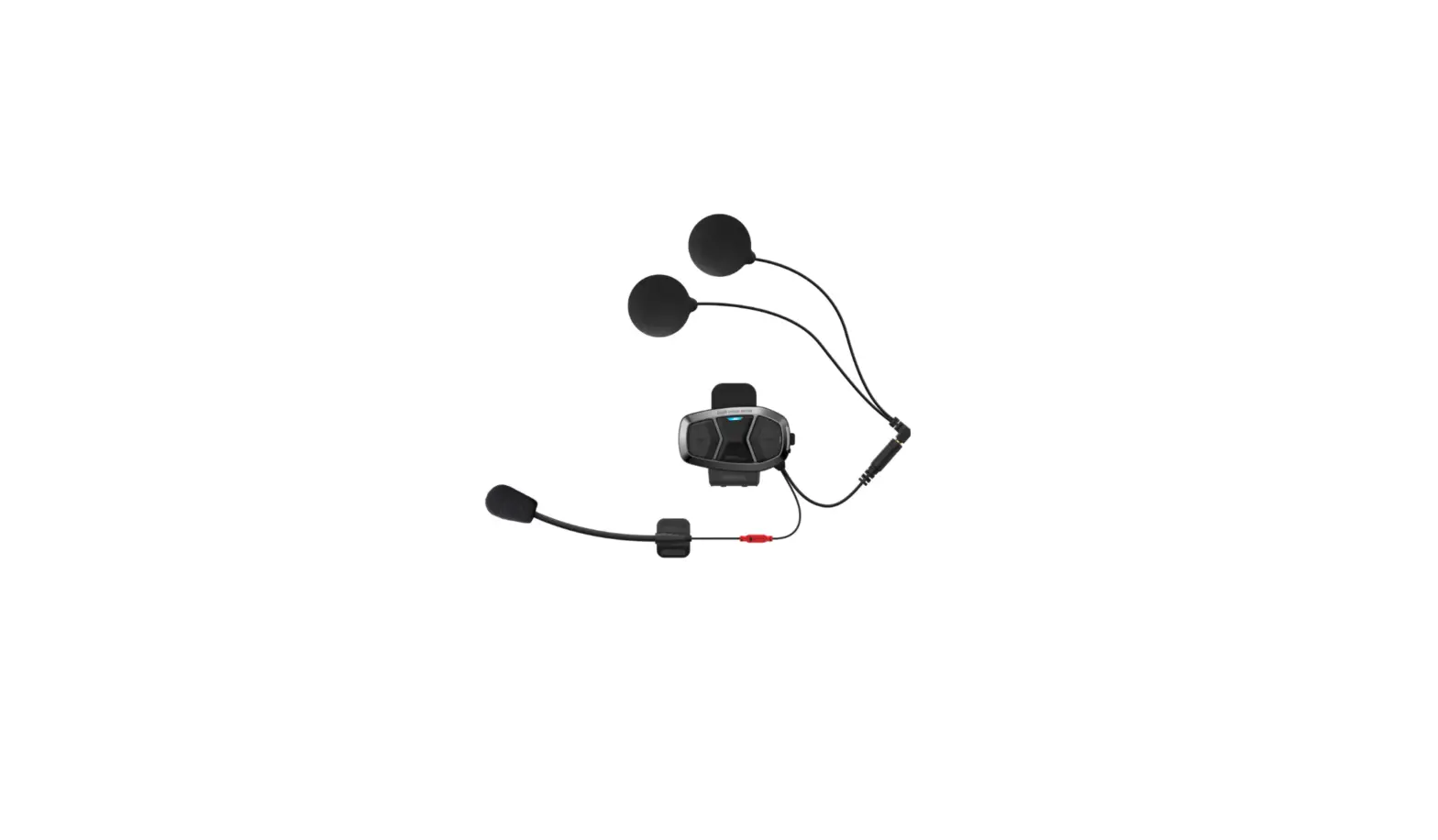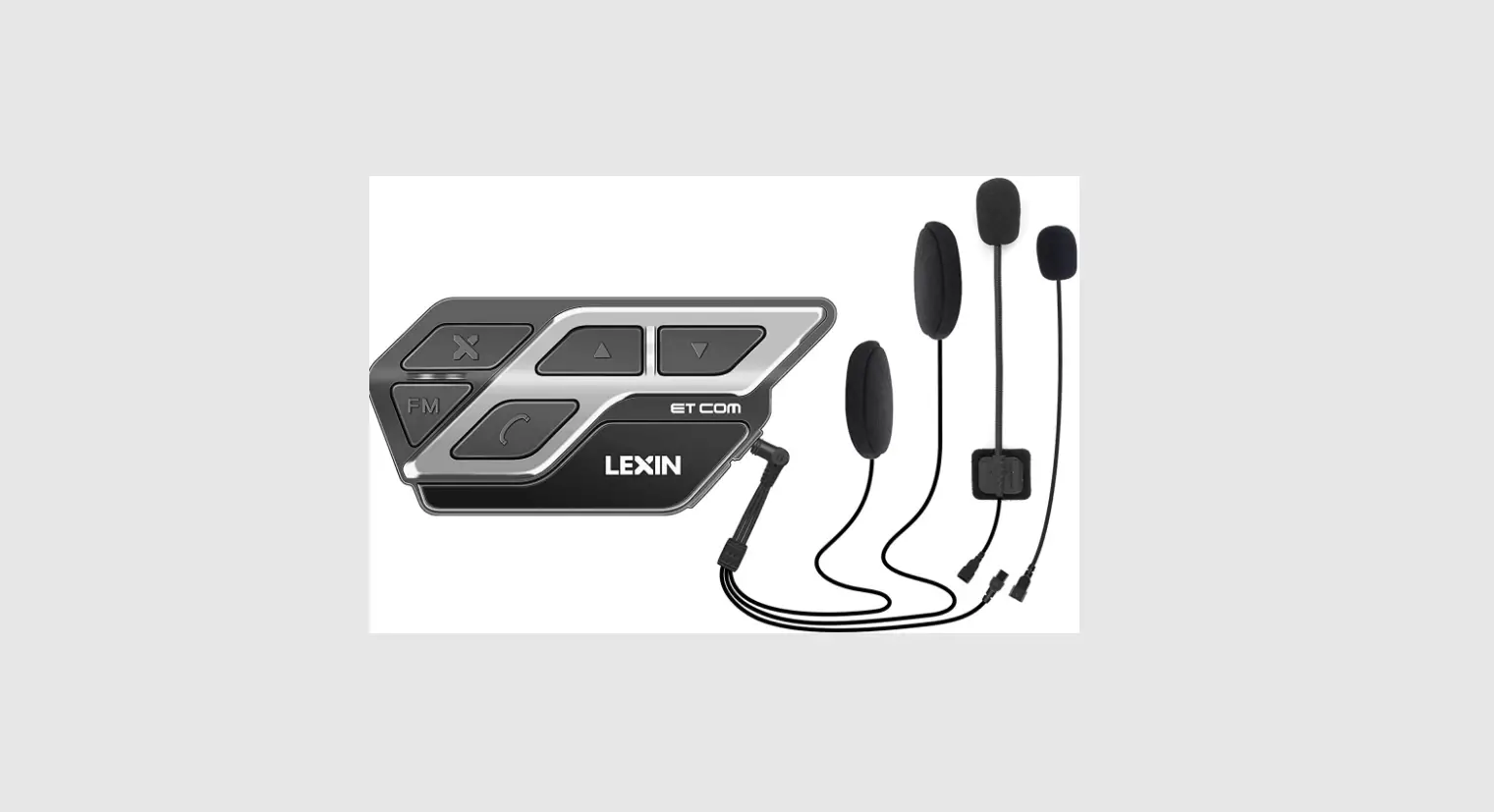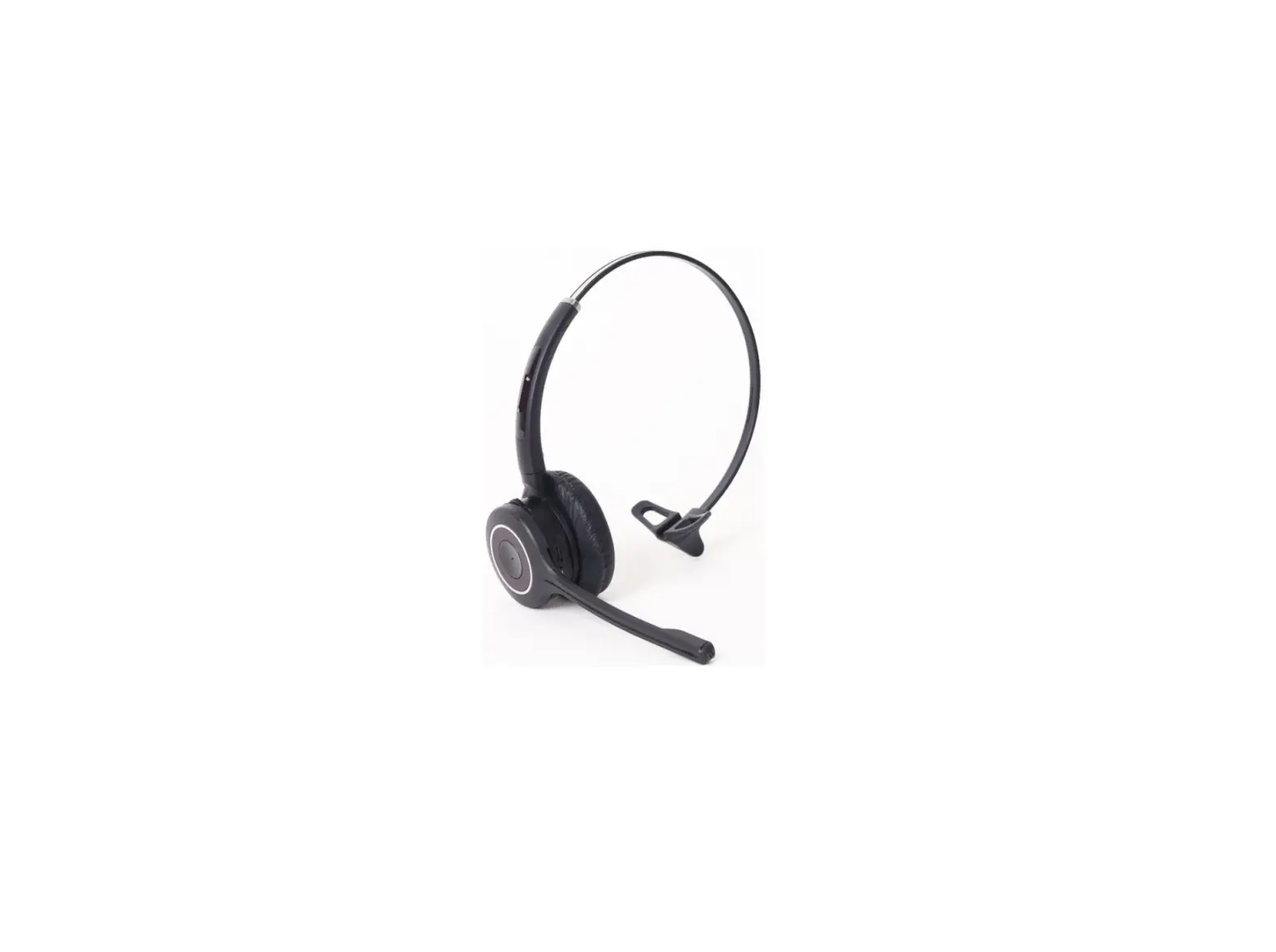
Comfortel Wireless Bluetooth Headset BT-200
A Quick Guide To Your Headset Functions
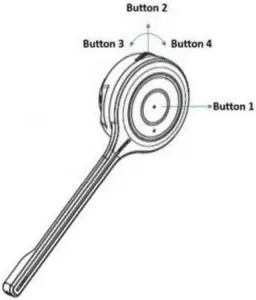
Button | Action | condition | Function |
1 | Short Press | Incoming Call | Accept CaII |
| On Talk Mode | End Call | ||
Long Press | Powered On | Power Off | |
| Power Off | Power On | ||
| Incoming Call | Call Reject | ||
Double Press | Not Sync to BT Most | Change Voice Prompt’s Language English->Spanish->French | |
| Sync to BT Host | Redial (Smartphone Only) | ||
2 | Short Press | On Talk Mode | Mute On/Off |
| Music Listen | Pause On/Off | ||
Long Press | .No Condition | Pairing Mode | |
3 | Short Press | On Talk Mode | Volume Up |
| Music Listen | Volume Up | ||
Long Press | Music Listen |  FF(SmartPhone Only) FF(SmartPhone Only) | |
4 | Short Press | On Talk Mode | Volume Down |
| Music Listen | Volume Down | ||
Long Press | Music Listen |  BackWard (SmartPhone Only) BackWard (SmartPhone Only) |
For information about this and other Smith Corona products visit www.smithcoronaheadsets.com, call 800-399-3224, or email [email protected]