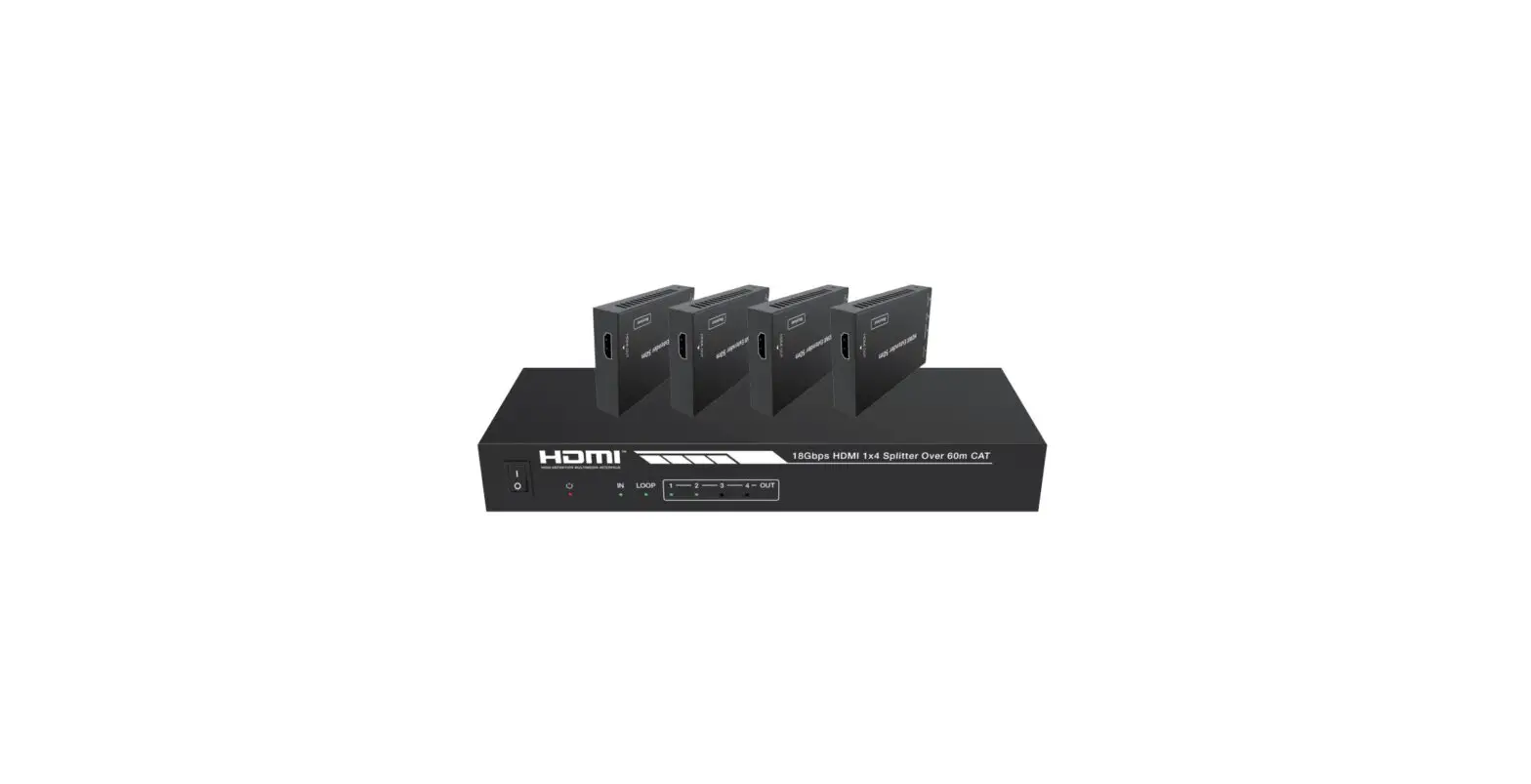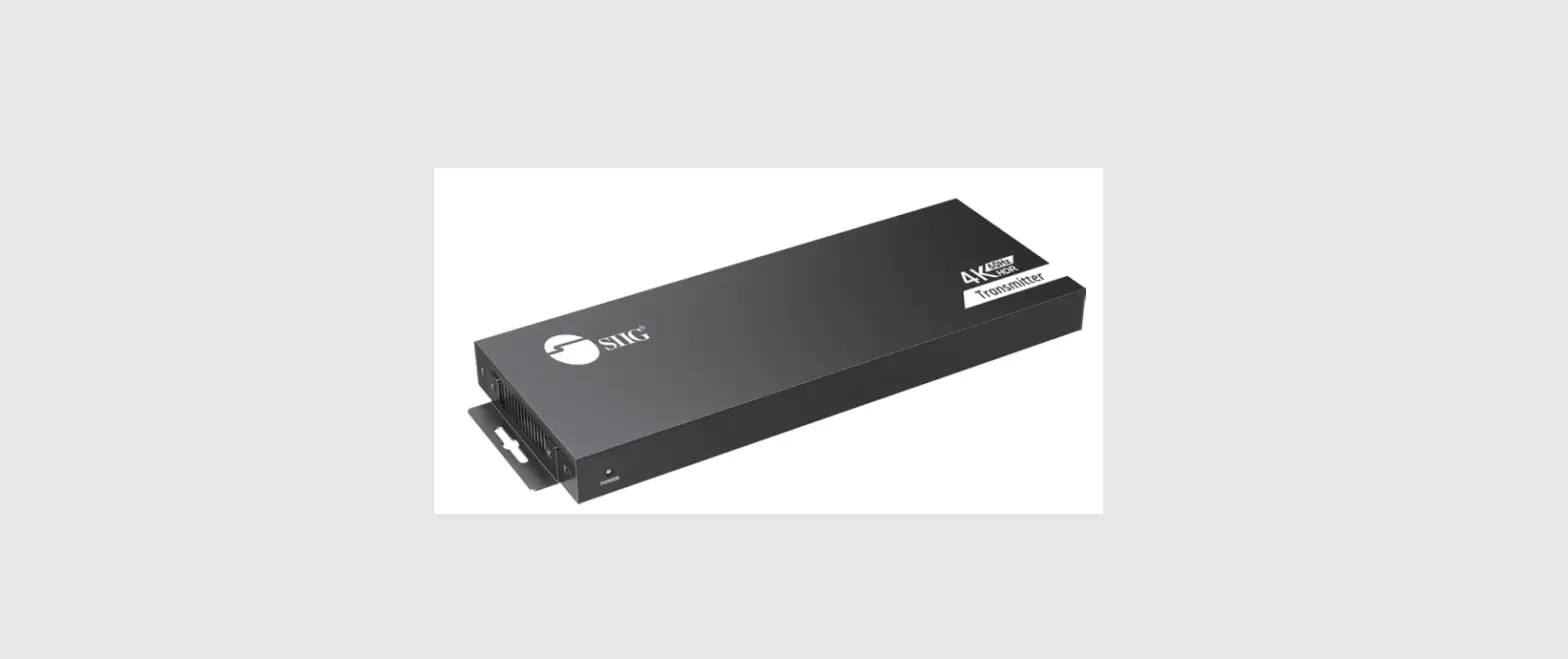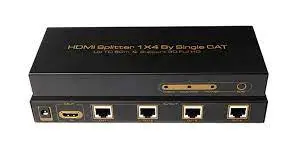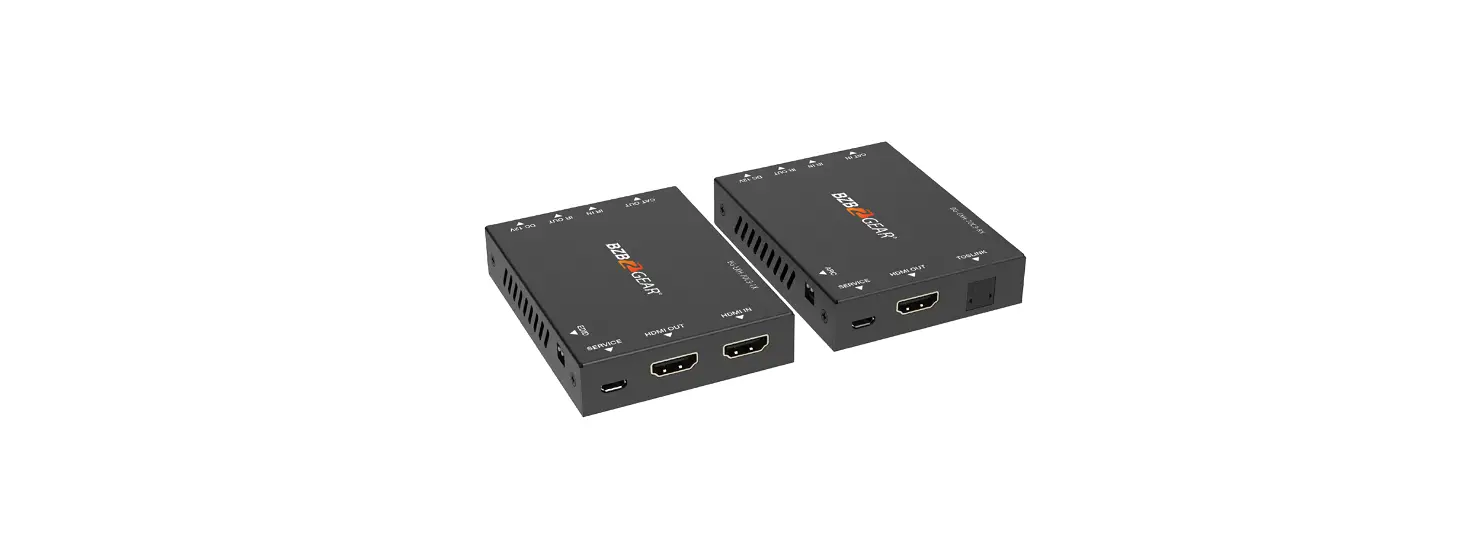
 BG-HDA-E18 HDMI 1×8 Splitter Over CAT6 70m
User Manual
Contact
1.888.499.9906 | [email protected] | bzbgear.com
Thank you for purchasing this product
For optimum performance and safety, please read these instructions carefully before connecting, operating, or adjusting this product. Please keep this manual for future reference.
Surge protection device recommended
This product contains sensitive electrical components that may be damaged by electrical spikes, surges, electric shock, lightning strikes, etc. Use of surge
protection systems are highly recommended in order to protect and extend the life of your equipment.
Introduction
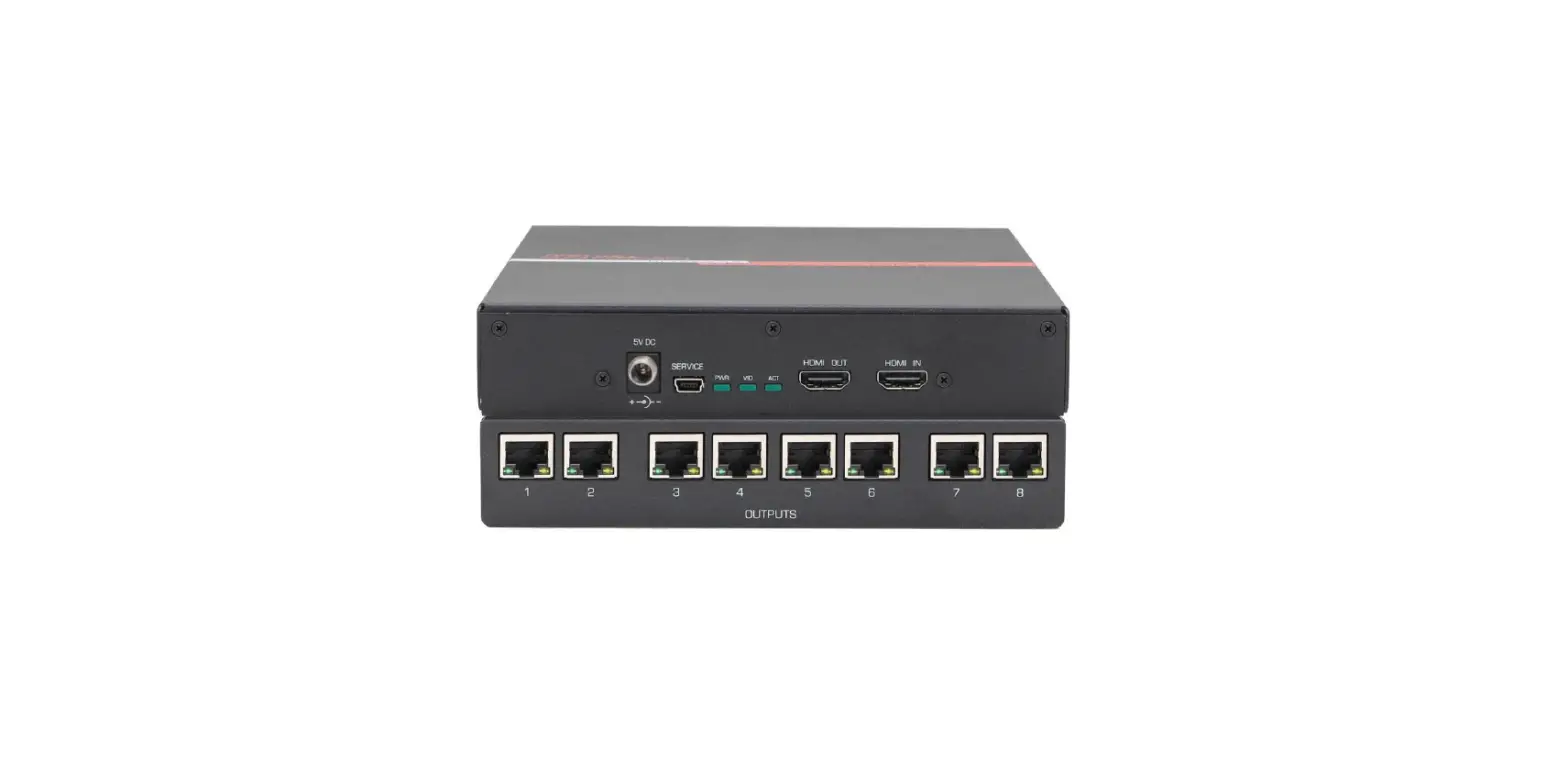
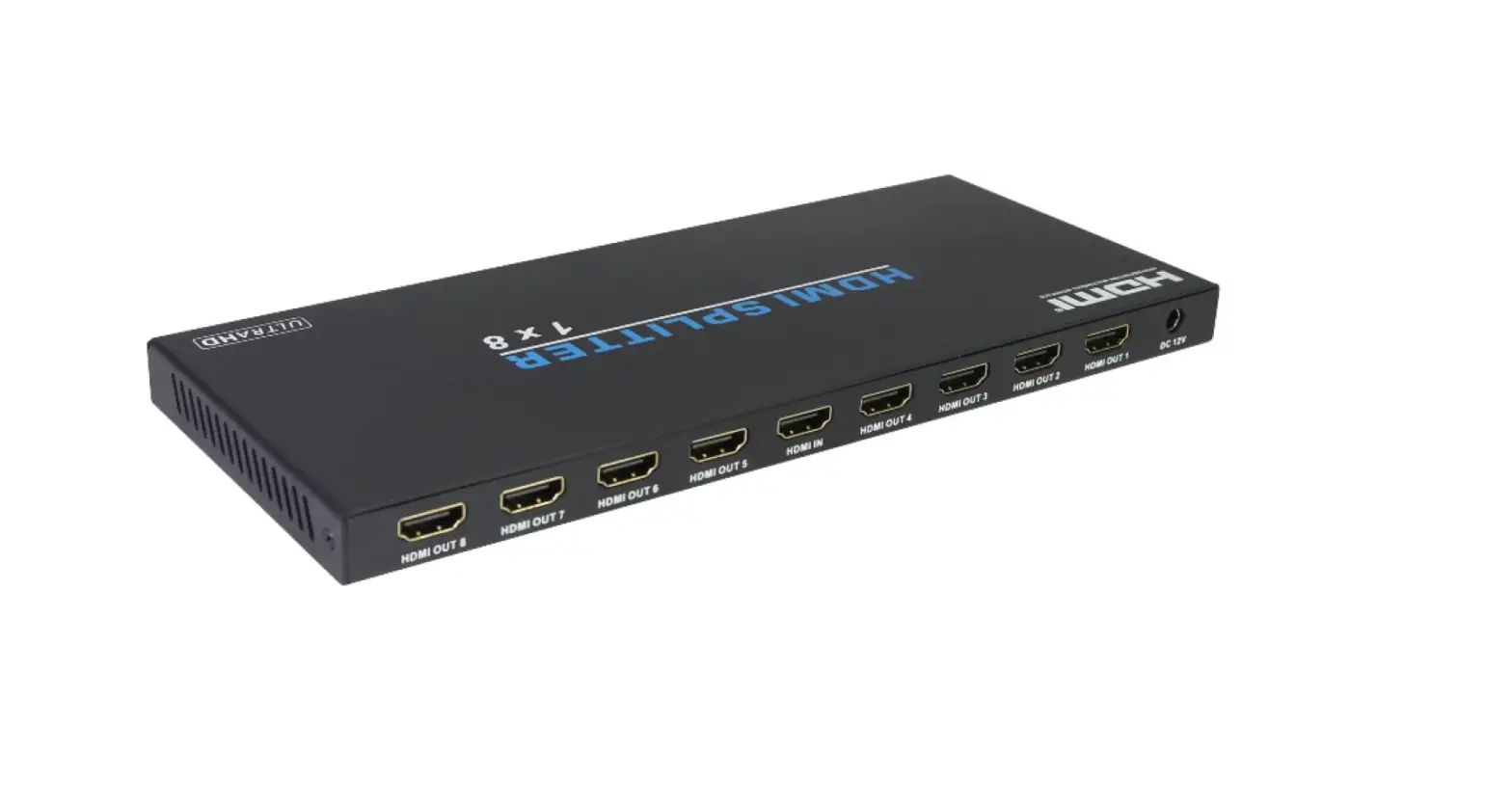
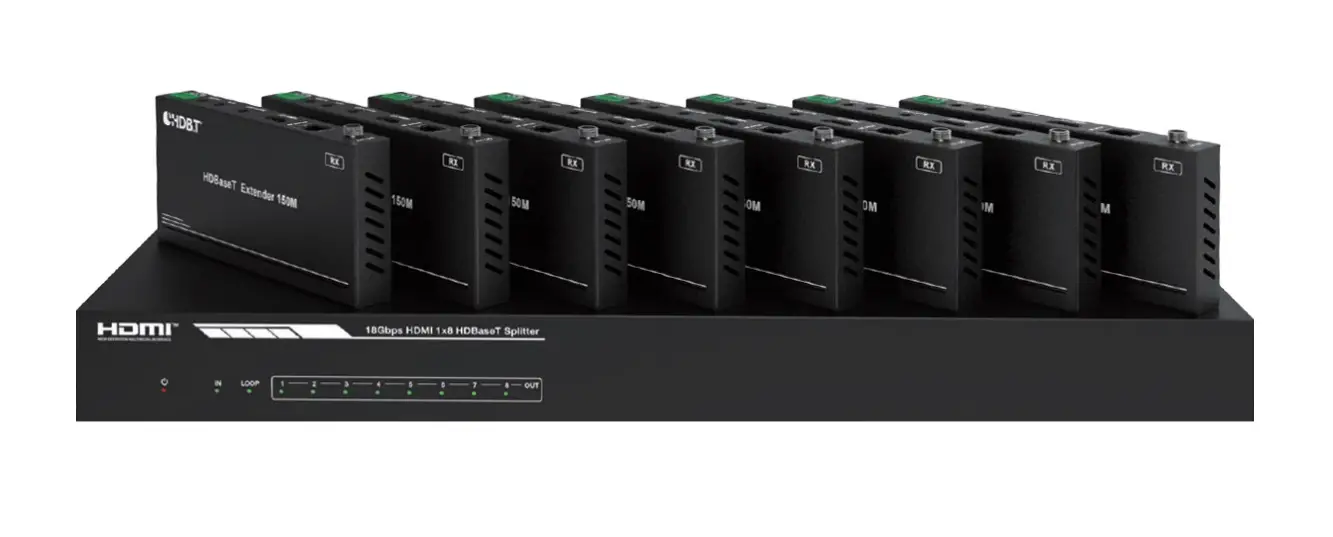
This HDMI 1×8 Splitter can distribute 1 HDMI source signal to any 8 display devices. Supports video resolutions up to 4K2K@30Hz 4:4:4. It is designed
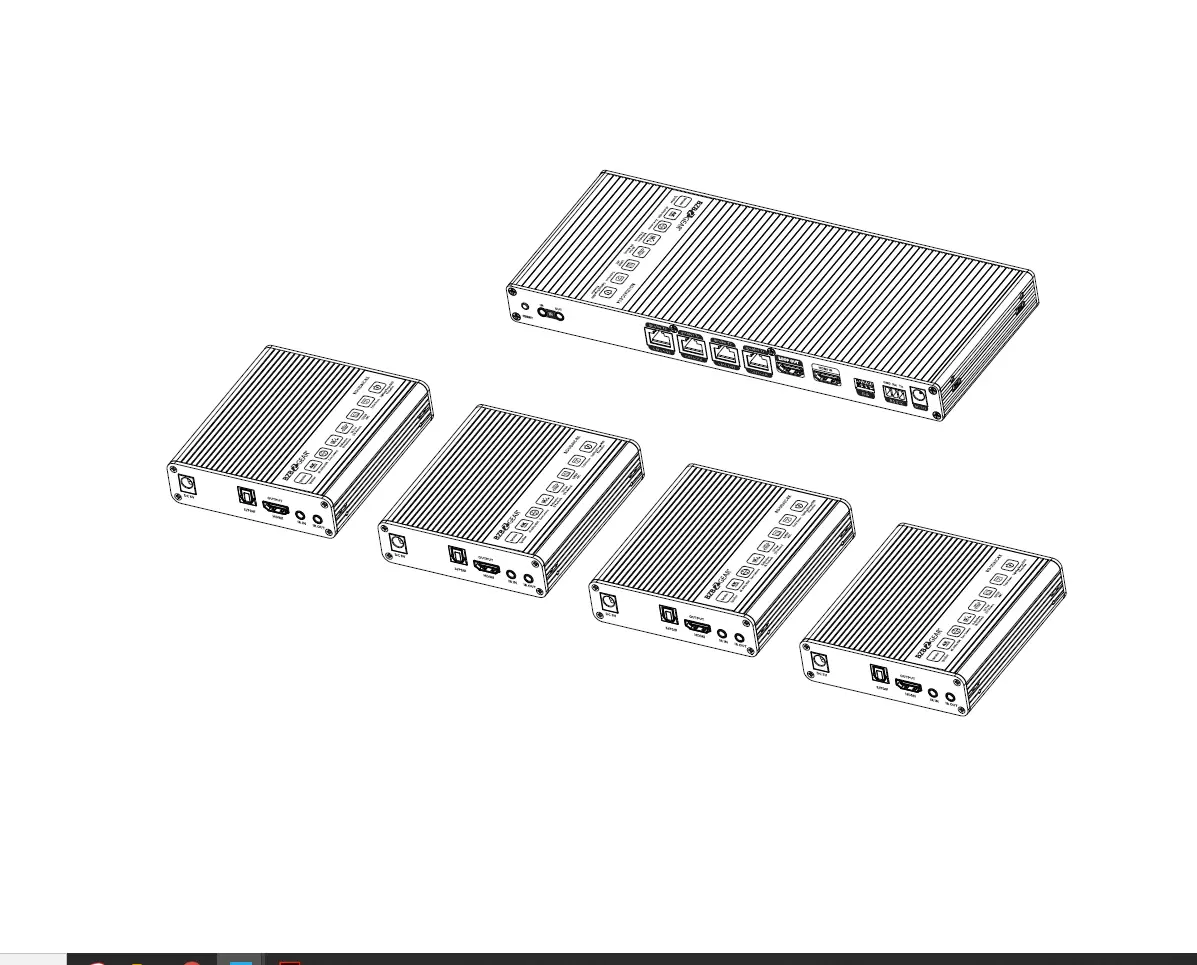
with1 HDMI input, 1 HDMI loop output, and 8 CAT outputs. The HDMI signal transmission distance can be extended up to 164 ft / 50 m at the resolution of 4K30Hz, or 230 ft / 70 m at 1080P@60Hz via a single CAT6 cable. The product supports one-way IR control signal pass-through and advanced EDID management. It also supports the one-way POC function.
Features
☆ HDMI 1.4 and HDCP 1.4 compliant
☆ Video resolution up to 4K2K@30Hz(4:4:4) 8-bit
☆ Supported audio formats: LPCM 7.1CH, Dolby True HD, and DTS-H D Master Audio
☆ Extend the signal transmission distance up to 164 ft / 50 m at the resolution of 4K30Hz, or 230 ft / 70 m at 1080P@60Hz via a single CAT6 cable
☆ Support 1 HDMI input, 1 HDMI loop output, and 8 CAT outputs.
☆ Advanced EDID management
☆ Support 12V POC function (only from transmitter to receiver)
☆ Compact design for easy and flexible installation
Package Contents
- 1 × HDMI 1×8 Splitter
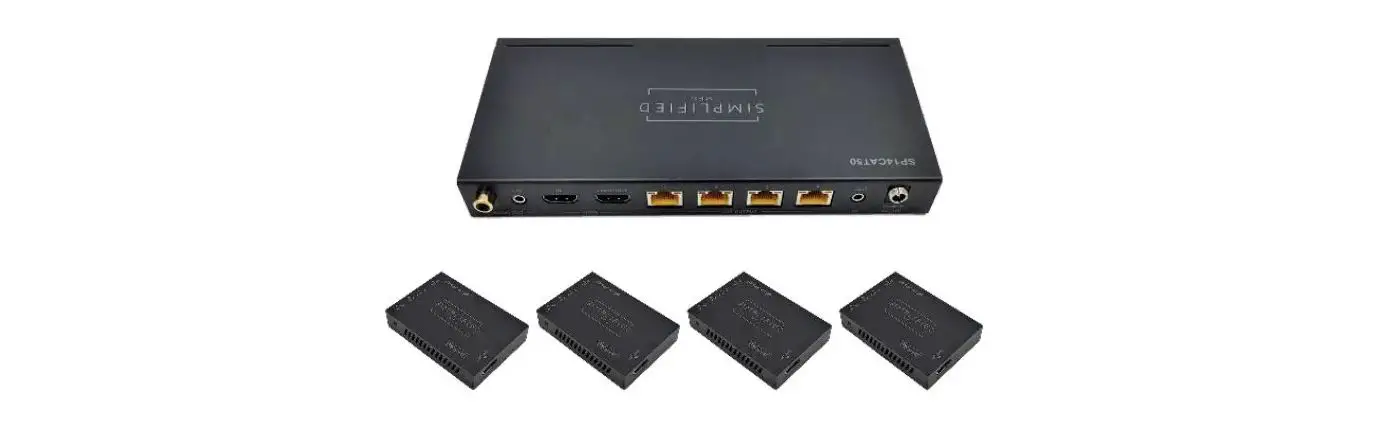
- 8 × CAT Receiver
- 1 × IR Blaster Cable (1.5 meters)
- 8 × IR Receiver Cable (1.5 meters)
- 2 × Mounting Ear
- 1 × 12V/2.5A DC Locking Power Adapter
- 8 × Machine Screw (KM3*4)
- 1 × User Manual
Specifications
| Technical | |
| HDMI Compliance | HDMI 1.4 |
| HDCP Compliance | HDCP 1.4 |
| Video Bandwidth | 297MHz/10.2Gbps |
| Video Resolution | 480i -1080p50/60Hz, 4Kx2K@30Hz (4: 4: 4) |
| Color Depth | 8-bit,10-bit,12-bit (1080p@60Hz); 8-bit (4K30Hz) |
| Color Space | RGB, YCbCr_4:4:4/4:2:2. YUV_4:2:0 |
| Audio Formats | LPCM 7.1CH, Dolby True HD, and DTS-HD Master Audio |
| Transmission Distance | 1080P@60–70M, 4K30 –50M |
| ESD Protection | Human body model—±8kV (Air-gap discharge) & ±4kV (Contact discharge) |
| Connection | |
| Transmitter | Input: lxHDMI IN [Type A, 19-pin female] Outputs: lxHDMI OUT [Type A, 19-pin female] 8x CAT OUT [RJ45] Controls: lx IR OUT [3.5mm Stereo Mini-jack] lx EDID DIP switch [4-pin] lx Update [Micro USB] |
| Receiver | Inputs: lx IR IN [3.5mm Stereo Mini-jack] lx CAT IN [RJ45, 8-pin female] Output: lx HDMI OUT [Type A, 19-pin female] |
| Mechanical | |
| Housing | Metal Enclosure |
| Color | Black |
| Dimensions | Transmitter: 295mm (W) x 82mm (D) x 18mm (H) Receiver: 79.5mm (W) x 69mm (D) x 16.5mm (H) |
| Weight | Transmitter: 628g; Receiver: 130g |
| Power Supply | 12V/2.5A DC Power (US/EU standards, CE/FCC/RoHS certificated) |
| Power Consumption | 19.2W |
| Operation Temp. | 0°C – 40°C / 32°F – 104°F |
| Storage Temperature | -20°C – 60°C / -4°F – 140°F |
| Relative Humidity | 20-90% RH (non-condensing) |
Operation Controls and Functions
Transmitter Panel
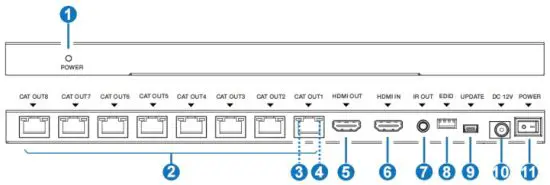
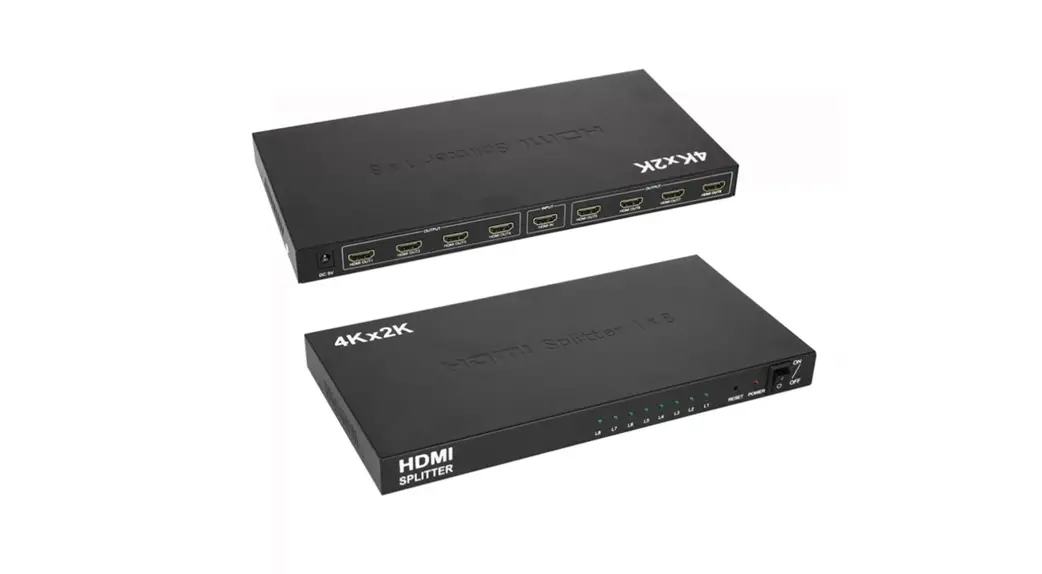
| No. | Name | Function Description |
| 1 | POWER LED | When the transmitter is powered on. the red power LED will be on. |
| 2 | CAT OUT (1-8) | Connect to the CAT port of the receiver with a CAT6 cable. |
| 3 | Power LED (Green) | Transmitter supports one-way POC function. When it supplies power to the receiver through a CAT cable, the power LED will be on. |
| 4 | Data Signal Indicator (Yellow) | •Illuminating: HDMI signal with HDCP. •Flashing: HDMI signal without HDCP. •Dark: No HDMI signal. |
| 5 | HDMI OUT | HDMI loop output port, connect to the HDMI display device such as TV or Monitor with an HDMI cable. |
| 6 | HDMI IN | HDMI input port, connect to HDMI source devices such as DVD or set-top box with an HDMI cable. |
| 7 | IR OUT | Connect to IR blaster cable, the IR signal is from the “IR IN” port of the receiver. |
| 8 | EDID DIP Switch | Used to set EDID mode. Please refer to Section “6. EDID Mode” for details. |
| 9 | UPDATE | Mini USB update port. Connect to PC for firmware updating. |
| 10 | DC 12V | DC 12V Power input port. |
| 11 | POWER Switch | Press the switch to power on/off the device (“-” for on, “o” for off). |
Receiver Panel
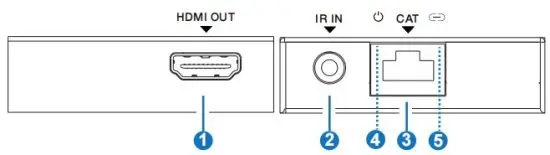
| No. | Name | Function Description |
| 1 | HDMI OUT | HDMI signal output port. Connect to HDMI display device such as HDTV. |
| 2 | IR IN | Connect to the IR receiver cable, the IR signal will emit to the IR OUT port of the transmitter. |
| 3 | CAT | CAT input port. Connect to the CAT output port of the transmitter with a CAT6 cable. |
| 4 | Power LED (Green) | When the Receiver is powered on, the LED will be on. The device supports POC function, so the receiver is powered by the transmitter through a CAT cable. |
| 5 | Data Signal Indicator (Yellow) | •Illuminating: HDMI signal with HDCP. •Flashing: HDMI signal without HDCP. •Dark: No HDMI signal. |
IR Pin Definition
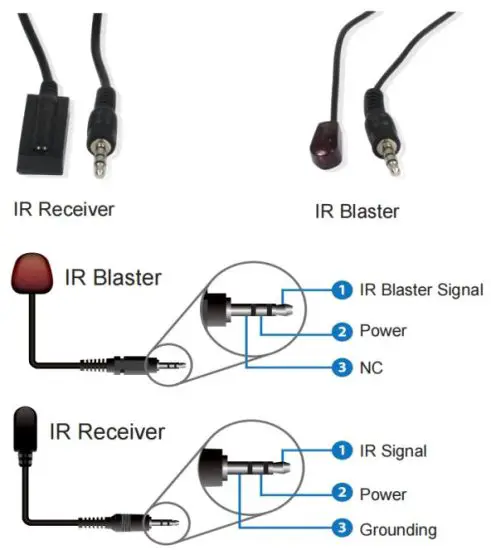
Note:
When the angle between the IR receiver and the remote control is ± 45 °, the transmission distance is 0-5 meters.
When the angle between the IR receiver and the remote control is ± 90 °, the transmission distance is 0-8 meters.
EDID Mode
The defined EDID setting list of the product is shown as below:
| EDID Mode | EDID Description |
| 0 | 1080P, 2CH AUDIO |
| 1 | 1080P, DOLBY/DTS5.1 |
| 10 | 1080P, HD AUDIO |
| 11 | 1080i, 2CH AUDIO |
| 100 | 1080i, DOLBY/DTS5.1 |
| 101 | 1080i, HD AUDIO |
| 110 | 3D,1080P, 2CH AUDIO |
| 111 | 3D,1080P, DOLBY/DTS5.1 |
| 1000 | 3D,1080P, HD AUDIO |
| 1001 | 4K30, 2CH AUDIO |
| 1010 | 4K30, DOLBY/DTS5.1 |
| 1011 | 4K30, HD AUDIO |
| 1100 | Copy Loop Out |
| 1101 | 720p, 2CH AUDIO |
| 1110 | 720p, DOLBY/DTS5.1 |
| 1111 | 720p, HD AUDIO |
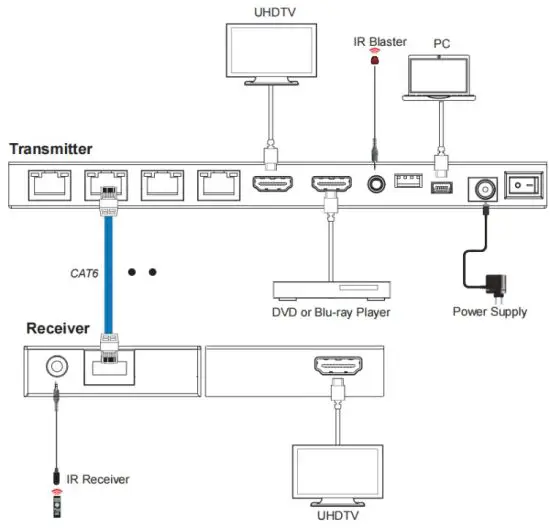
Application Example
Tech Support
Before contacting tech support, we may have answered your question already! Visit ourBZBGEAR support page (bzbgear.com/support) for valuable information on our products.
Here you will find our Knowledge Base (bzbgear.com/knowledge-base) consisting of tutorials, quick start guides, and step-by-step troubleshooting instructions. Also, visit our youtube channel BZB TV (youtube.com/c/BZBTVchannel) for help setting up, connecting, and other how-to videos regarding our products.
If you still need answers, please call 1.888.499.9906, email [email protected], or chat at bzbgear.com.
Warranty
BZBGEAR Pro AV products and Cameras come with a three-year warranty. An extended two-year warranty is available for our Cameras upon registration for a total of five years.
For an extended two-year warranty on our Cameras, follow these steps:
- Register your Camera within 90 days of purchase by visiting bzbgear.com/warranty.
- Complete the registration form. Provide all necessary proof of purchase details, including serial number and a copy of your sales receipt.
For complete warranty information, please visit bzbgear.com/warranty or scan the QR code below.

Mission Statement
BZBGEAR manifests from the competitive nature of the audiovisual and live streaming industry to innovate while keeping the customer in mind. AV solutions can cost a pretty penny, and new technology only adds to it. We believe everyone deserves to see, hear, and feel the advancements made in today’s AV world without having to break the bank. BZBGEAR is your answer for applications requiring the latest pro-AV and live streaming solutions.
You’ll notice comparably lower prices with BZBGEAR while the performance and quality are on par with the top brands in the industry. Our team offers system design consultation and expert tech support seven days a week for all BZBGEAR products. Our unparalleled support is our way of showing we care for every one of our customers. Whether you’re an integrator, home theater enthusiast, or a do-it-yourselfer, BZBGEAR offers solutions allowing you to focus on your project and not your budget.
 BZBGEAR - Award-Winning Audio/Video & Live Streaming Solutions