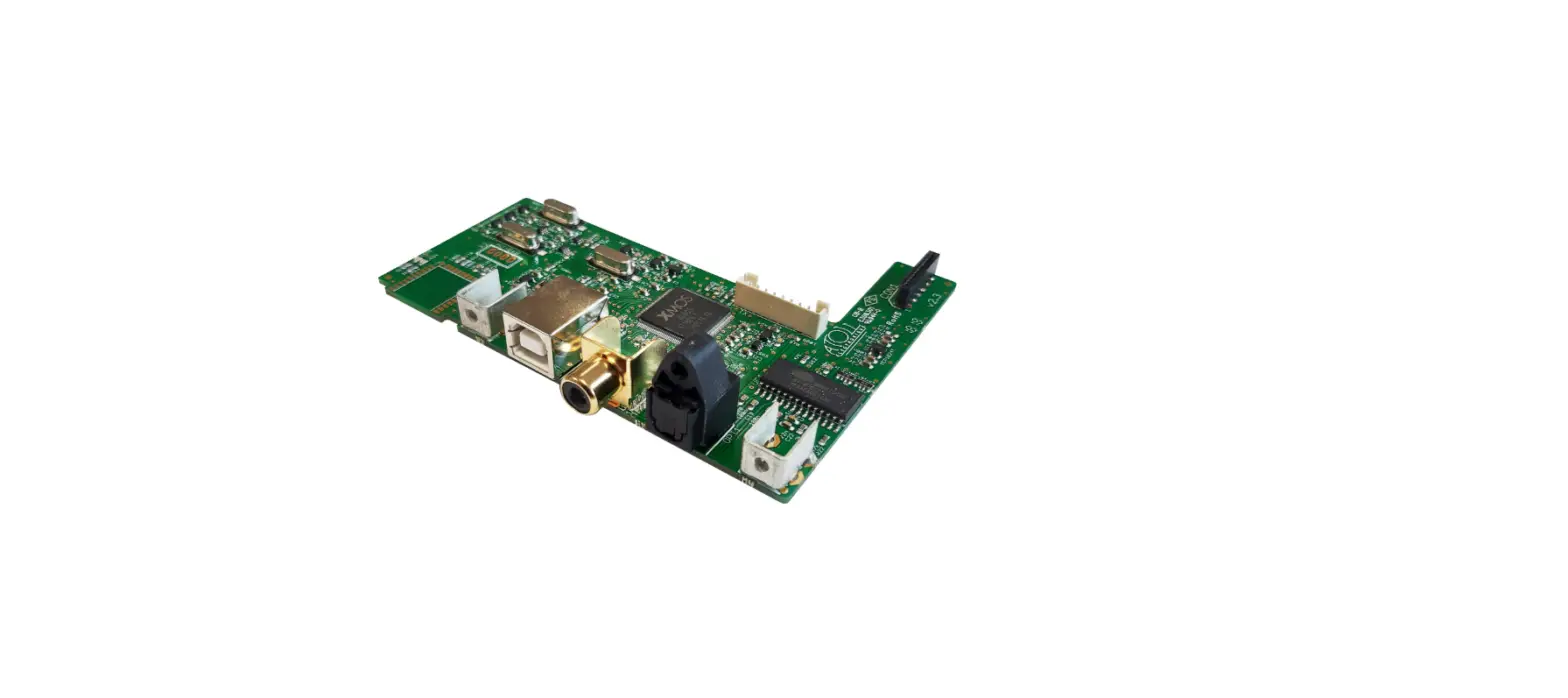

Atoll Electronique Dc200 Digital Inputs Board Owner's Manual

Atoll Electronique Dc200 Digital Inputs Board Owner's Manual

ATOLL-ELECTRONIQUE-LOGO

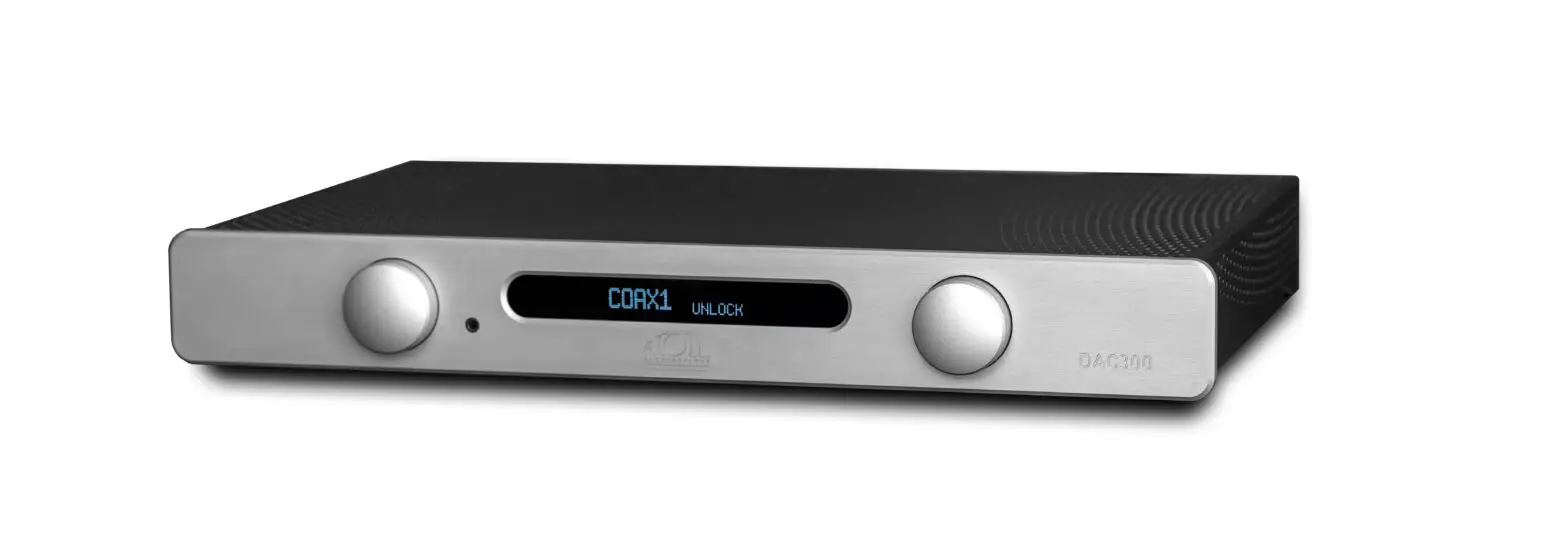
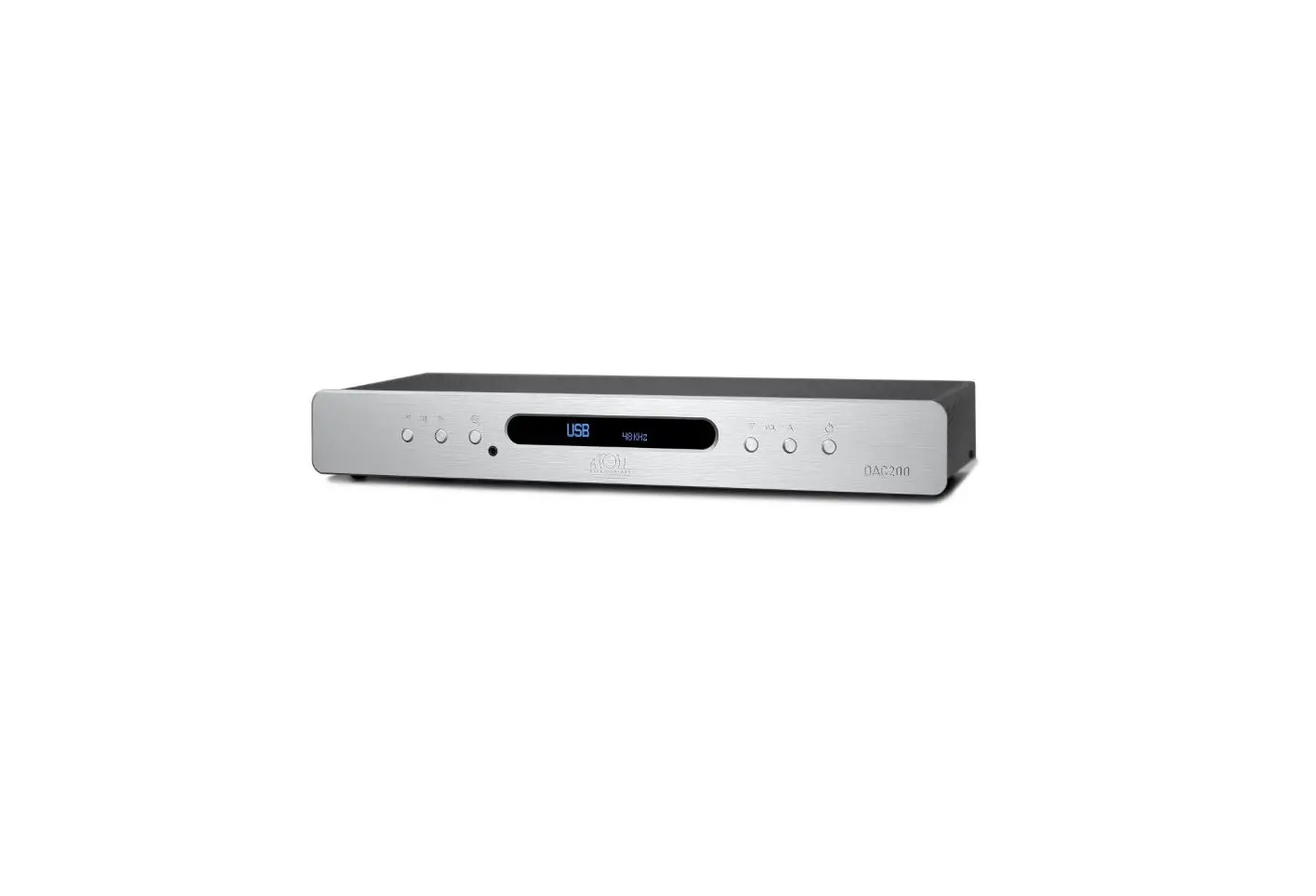
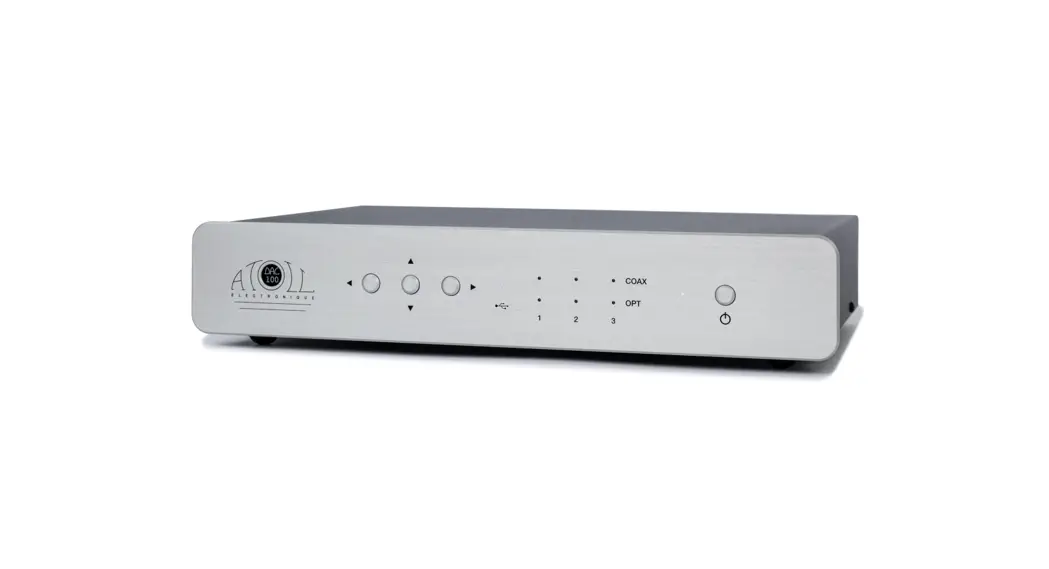
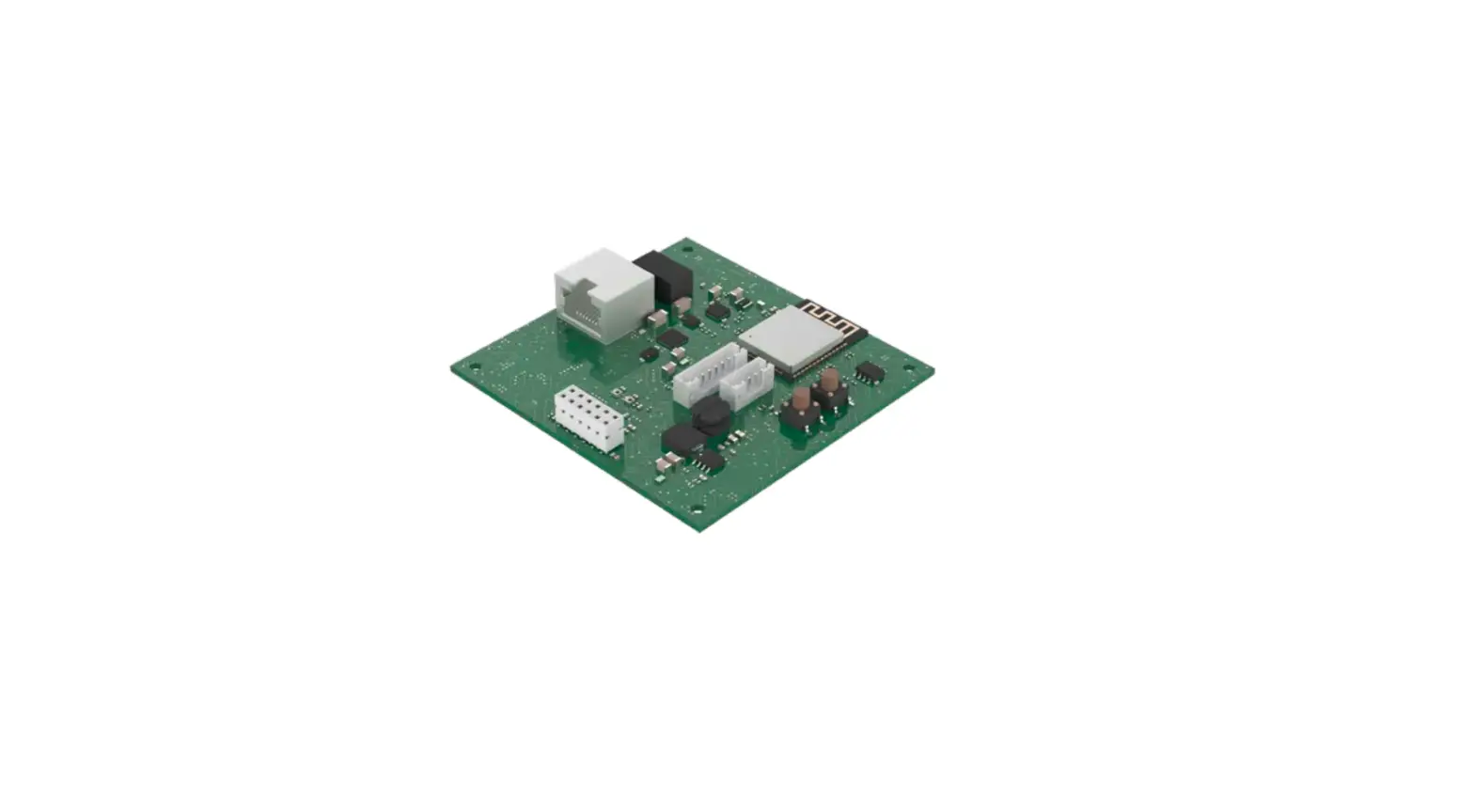
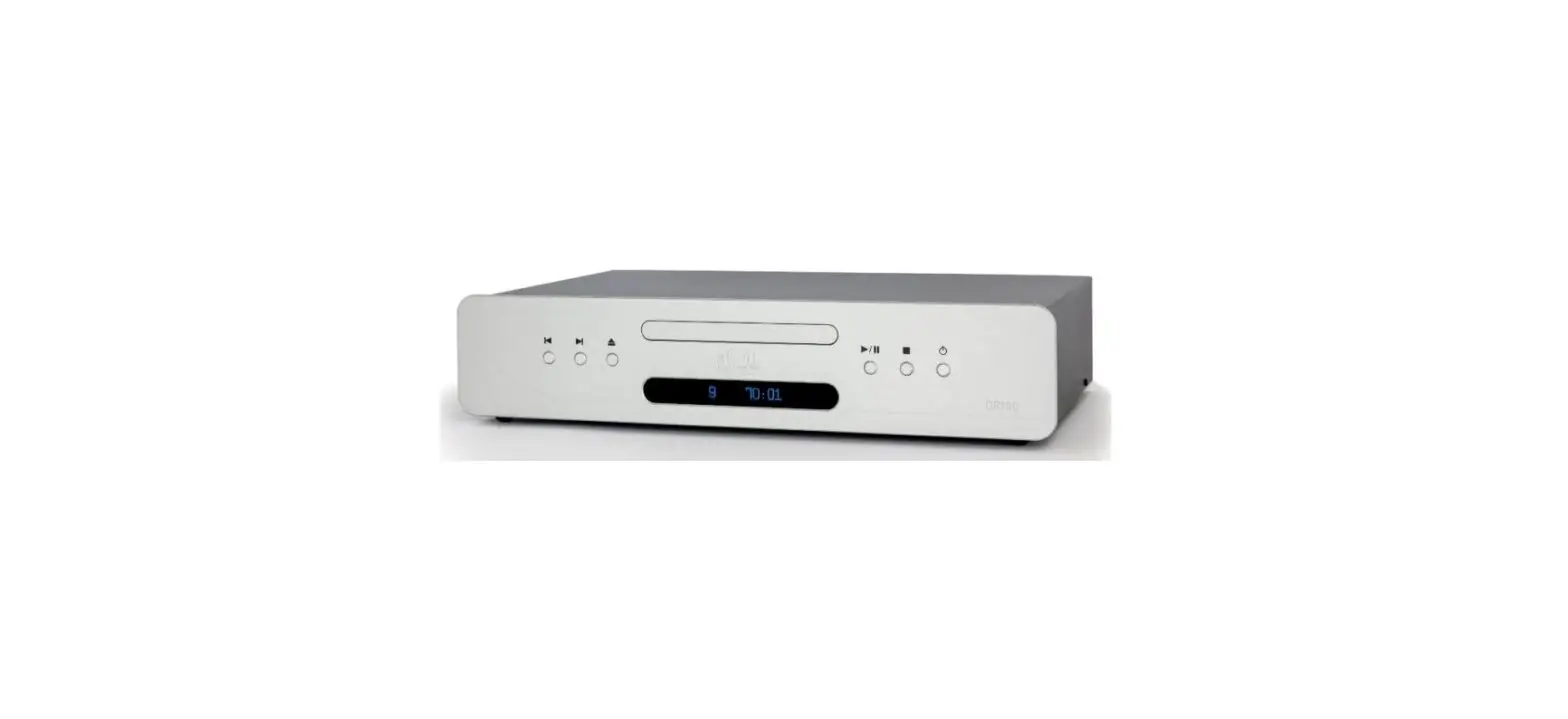
ATOLL ELECTRONIQUE DC200 Digital Inputs Board
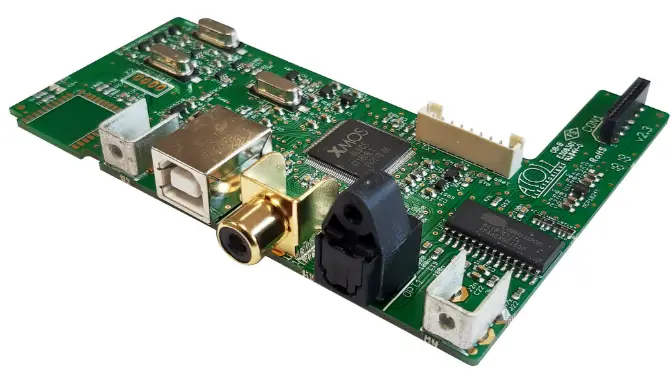
ATOLL-ELECTRONIQUE-DC200-Digital-Inputs-Board-PRODUCT

Enclosed

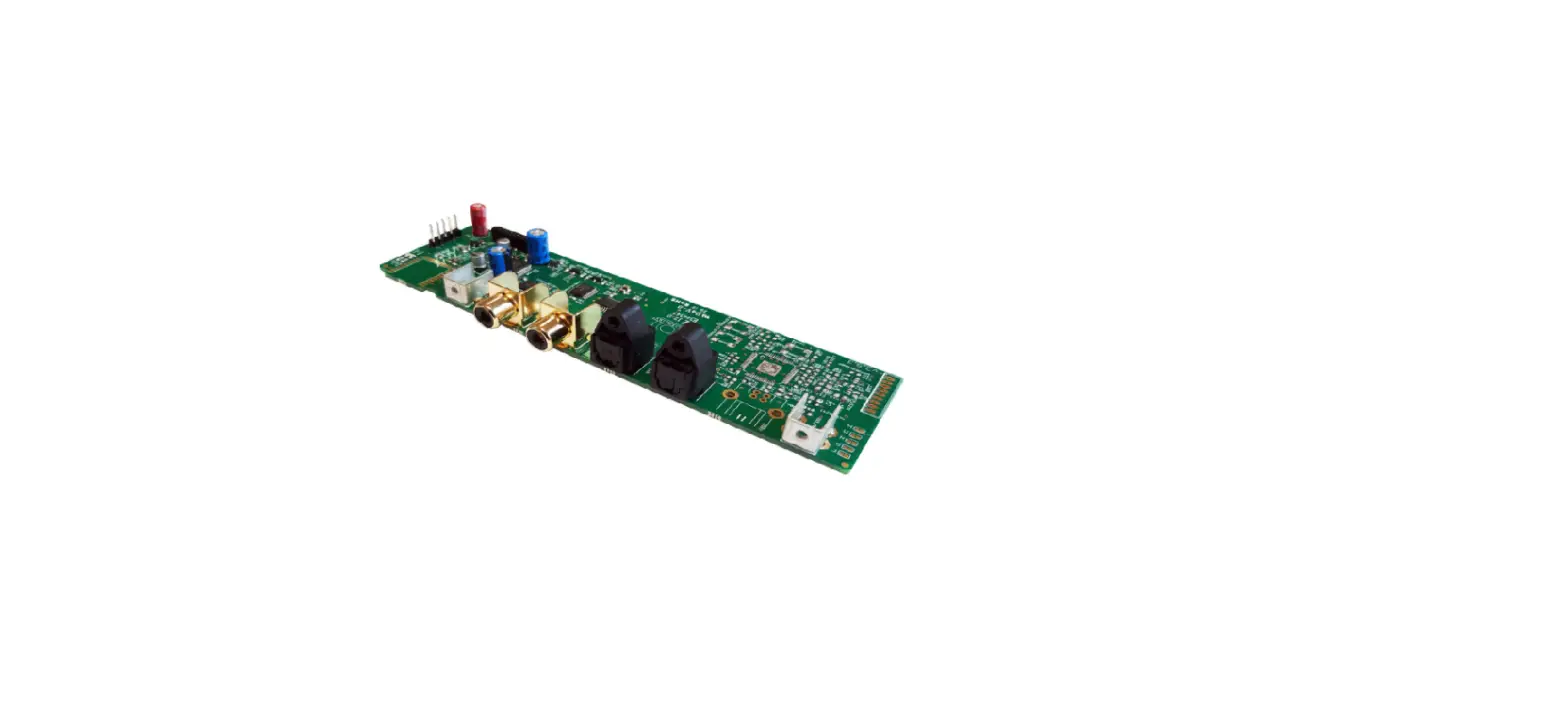
  • 1 digital input board.
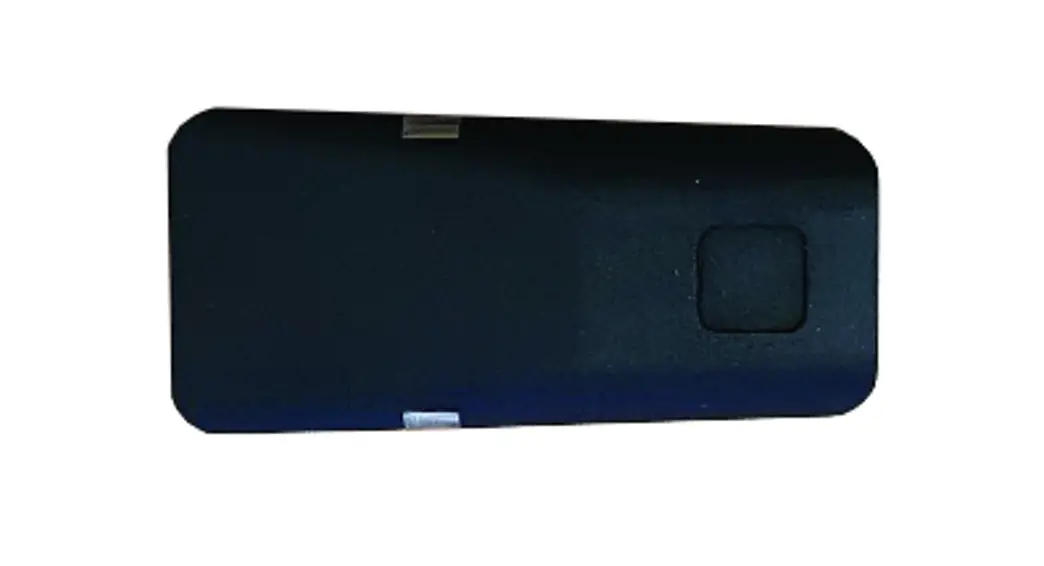
  • 1 plastic button.
  • 3 screws.

Careful: before any intervention, switch off your appliance and unplug all cables.

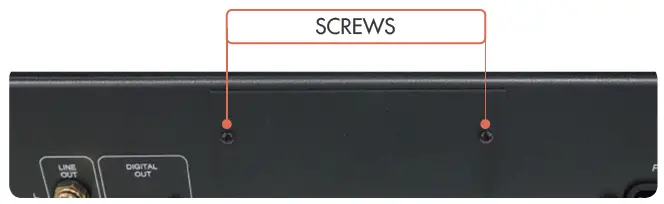
  1. Unscew the back cover.ATOLL-ELECTRONIQUE-DC200-Digital-Inputs-Board-FIG-1
  2. Get off the top cover (4 screws).
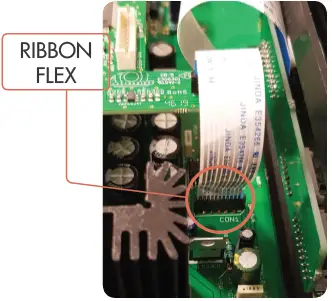
  3. Fix the ribbon flex of the digital board on the connector of the main board.
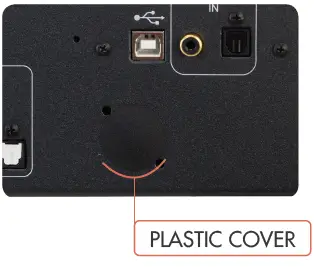
  4. Put the plastic cover and the card in the slot provided and screw it to the main chassis with the screws provided.ATOLL-ELECTRONIQUE-DC200-Digital-Inputs-Board-FIG-2ATOLL-ELECTRONIQUE-DC200-Digital-Inputs-Board-FIG-3
  5. Close the appliance.

Using: see CD Signature owner’s manual.

Documents / Resouces

Download manual
Here you can download full pdf version of manual, it may contain additional safety instructions, warranty information, FCC rules, etc.


Related Manuals