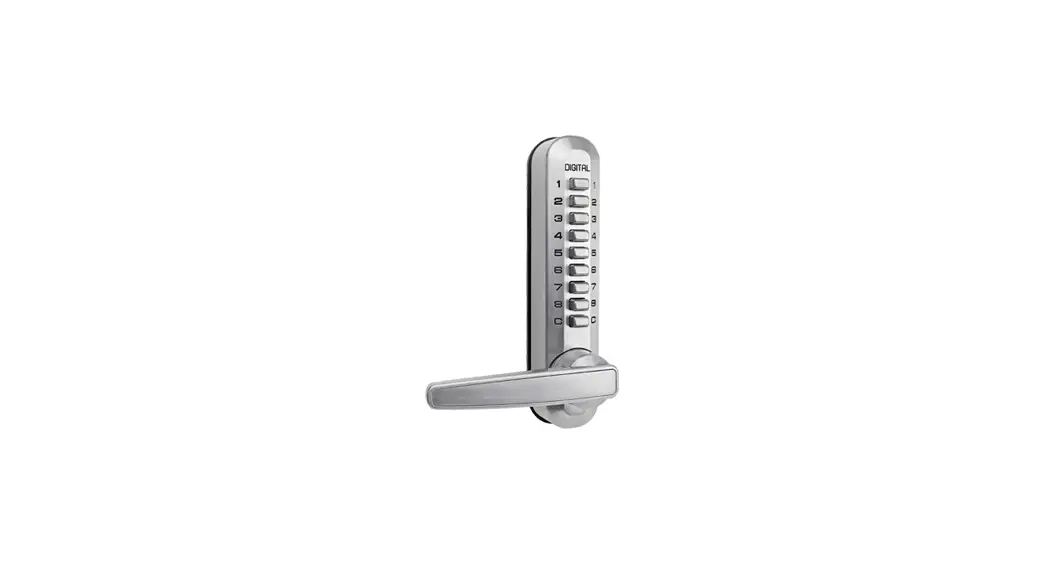
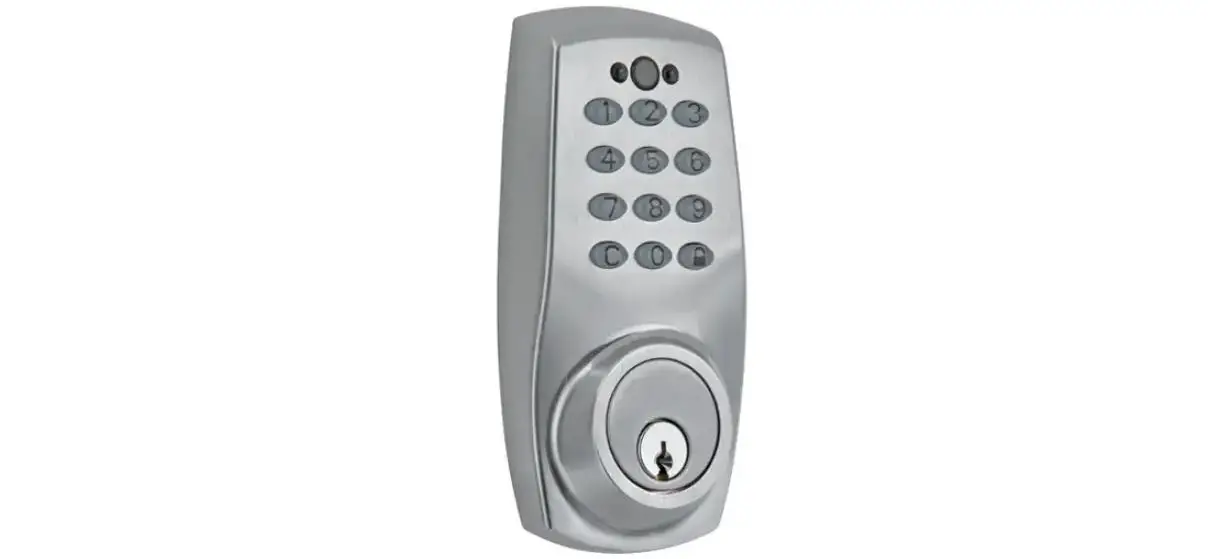
FM810T Ml Albion Digital Locks
Product Information:
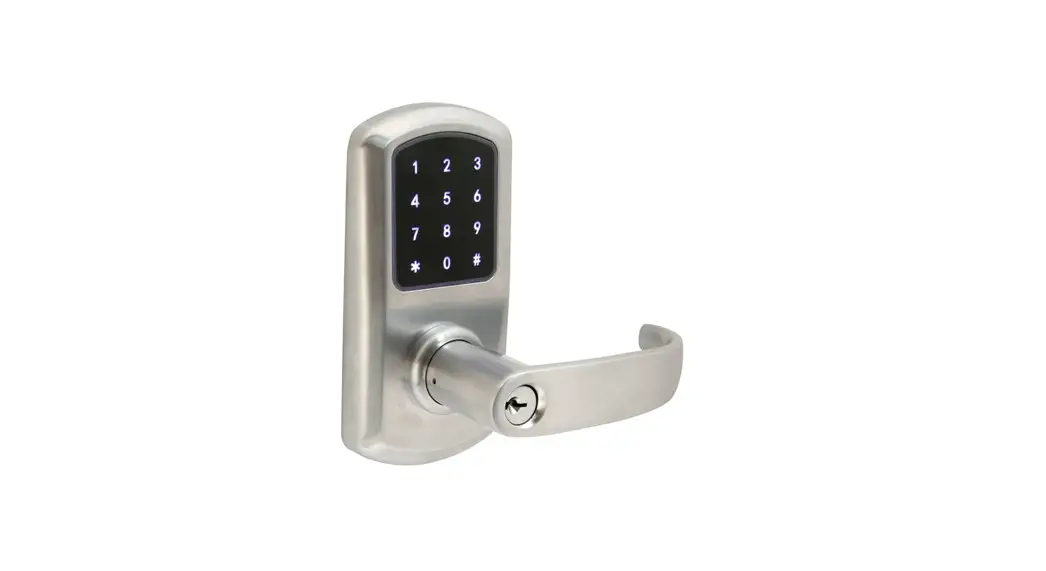
The ML ALBION is a door lock that comes with an instruction
manual to help users install and use it. The lock supports two
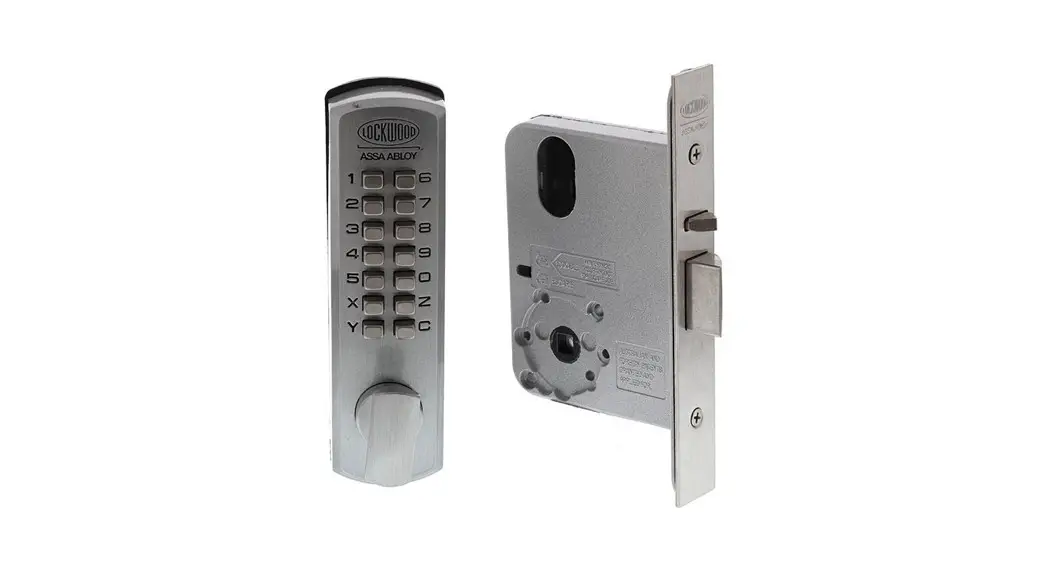
different types of lock mortise, single latch, and dual latch
mortise. The lock requires 4 AA batteries to function and also has
a USB port for power bank connection.
Product Usage Instructions:
- Install the lock mortise: Check what you have
in the box and install the lock mortise on the door. Ensure that
the mortise faceplate is flush with the door, according to the
mortise position. - Install exterior lock assembly: Take the
exterior lock assembly and place it on the door. The cable goes
under the latch, slide the spindle through the mortise square hole.
Put the mounting plate and pass the cable from the middle hole of
the plate. Screw the two screws but don’t tighten them yet. Align
the mounting plate with the door edge and make sure there is enough
space between the spindle and the round hole on the mounting plate.
Place the interior lock assembly, turn the front and rear handles
to check both can go smoothly. Remove the interior lock assembly,
then tighten the two screws. - Install interior lock assembly: Connect the
cable to interior lock assembly. Put and tighten the four screws.
Put the silicon cover back to the bottom screws holes. Test the
handle and mechanical key. If you have a power bank, please connect
to the bottom USB port on the exterior lock. Put 4pcs AA batteries.
Now you can start to config the settings. - Reverse the direction of the lock handle (when
needed): If the handle points to left as below, rotate the
letter A to point to triangle icon. If the handle points to right
as below, rotate the letter A to face down. - Dismantle the mounting plate from the interior lock
assembly: Remove the screw C and dismantle the mounting
plate from the interior lock assembly. - Tighten 2 screw studs on the exterior lock metal
plate: Tighten 2 screw studs on the exterior lock metal
plate. - Explosion diagram: Refer to the explosion
diagram for a better understanding of the lock parts and their
assembly. - Change code: Dial *12#, enter admin code,
enter new code twice for single latch, and enter user code, new
code twice for dual latch mortise. - Change language: Dial *39#, enter admin code,
dial 1# for Chinese or 2# for English. - Reset lock: Dial *71#, enter admin code, dial
*69#, enter admin code to reset the lock.
ML ALBION User Guide
1
*12#
123 456#
Code#
Code#
*85#
Admin Code#
Code#
Code#
*85#
Admin Code#
2
*12#
Admin Code#
New Code#
New Code#
8
*10#
User Code#
New Code#
New Code#
9
3
*39#
Admin Code#
1#
2#
Chinese English
4
*71#
Admin Code#
*69#
Admin Code#
5
6
7
1. Explosion diagram
3. Reverse the direction of the lock handle (when needed)
Single latch
If the handle points to left as below, rotate the letter A to point to triangle icon
If the handle points to right as below, rotate the letter A to face down.
A. Lock mortise B. Exterior assembly C. Mounting plate D. Interior assembly
Remove the screw C
Rotate the handle up 180°
Fasten the screw C
4. Dismantle the mounting plate from the interior lock assembly as below.
Dual latch mortise
Unscrewed
Rotate the letter B to point to triangle icon.
D
C
AB
2. Install the lock mortise
This lock supports two different types of lock mortise as follows. Check what you get in the box and install it on the door. Ensure that the mortise faceplate is flush with the door, according to the mortise position.
Unscrewed
Interior lock assembly
Mounting plate (with rubber)
5. Tighten 2 screw studs on the exterior lock metal plate
Strike plate
Single latch
Strike plate Dual latch mortise
Exterior lock assembly
Choice of the spindle length= door thickness+18~39mm
6. Install exterior lock assembly
A. Take the exterior lock assembly and place it on the door, the cable goes under the latch, slide the spindle through the mortise square hole.
B. Put the mounting plate and pass the cable from the middle hole of the plate. C. Screw the two screws but don’t tighten them yet. D. Align the mounting plate with the door edge and must make sure there is enough
space between the spindle and the round hole on the mounting plate. E. Place the interior lock assembly, turn the front and rea handles to check both can
go smoothly. F. Remove the interior lock assembly, then tighten the two screws.
7. Install interior lock assembly
A. Connect the cable to interior lock assembly. B. Put and tighten the four screws. C. Put the silicon cover back to the bottom screws holes. D. Test the handle and mechanical key. E. If you have a power bank, please connect to the bottom USB port on the exterior lcok. F. Put 4pcs AA batteries. Now you can start to config the settings.