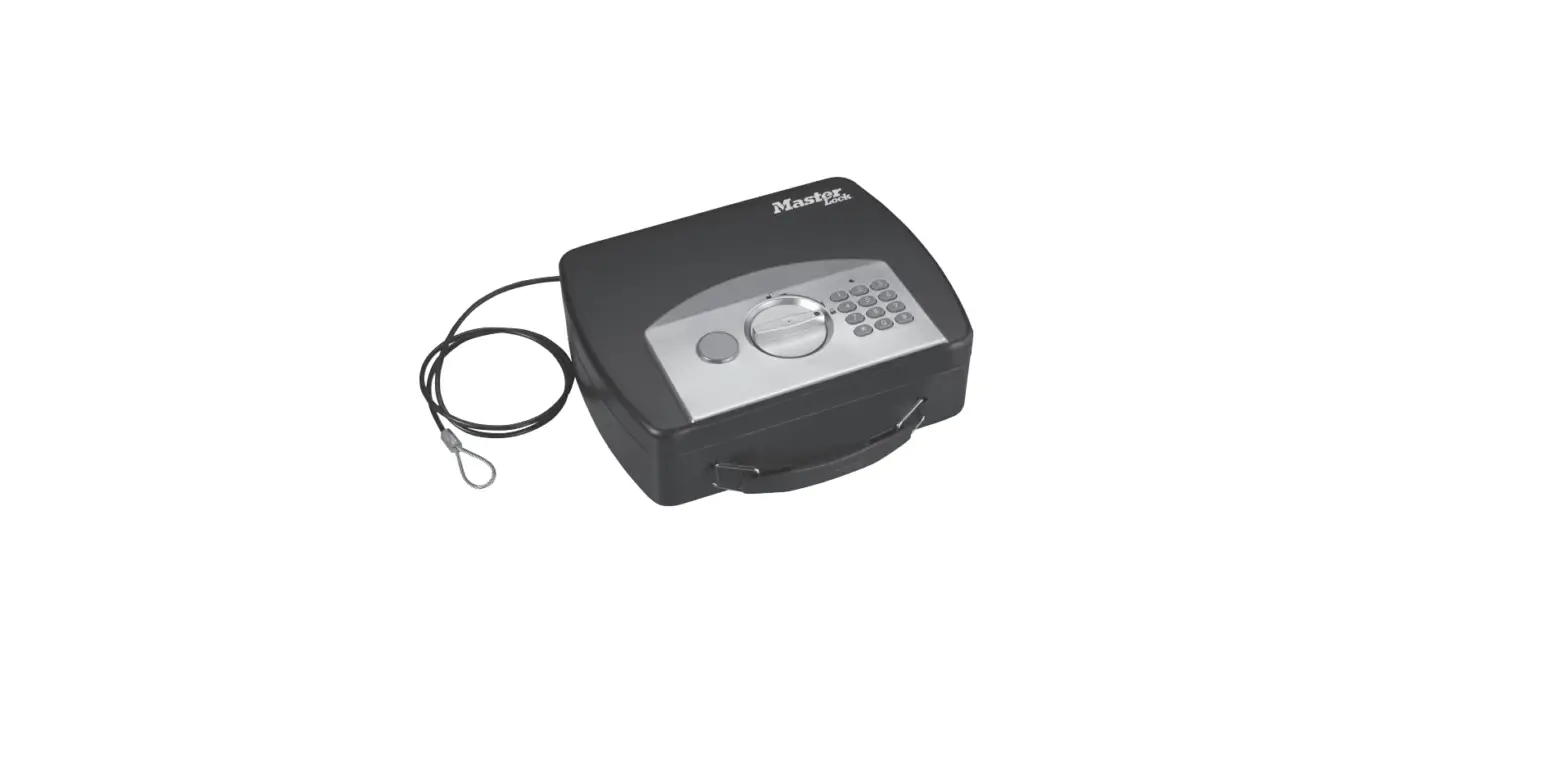

Master Lock P008eml Small Digital Combination Lock Box Instructions

Master Lock P008eml Small Digital Combination Lock Box Instructions

Master-Lock-LOGO

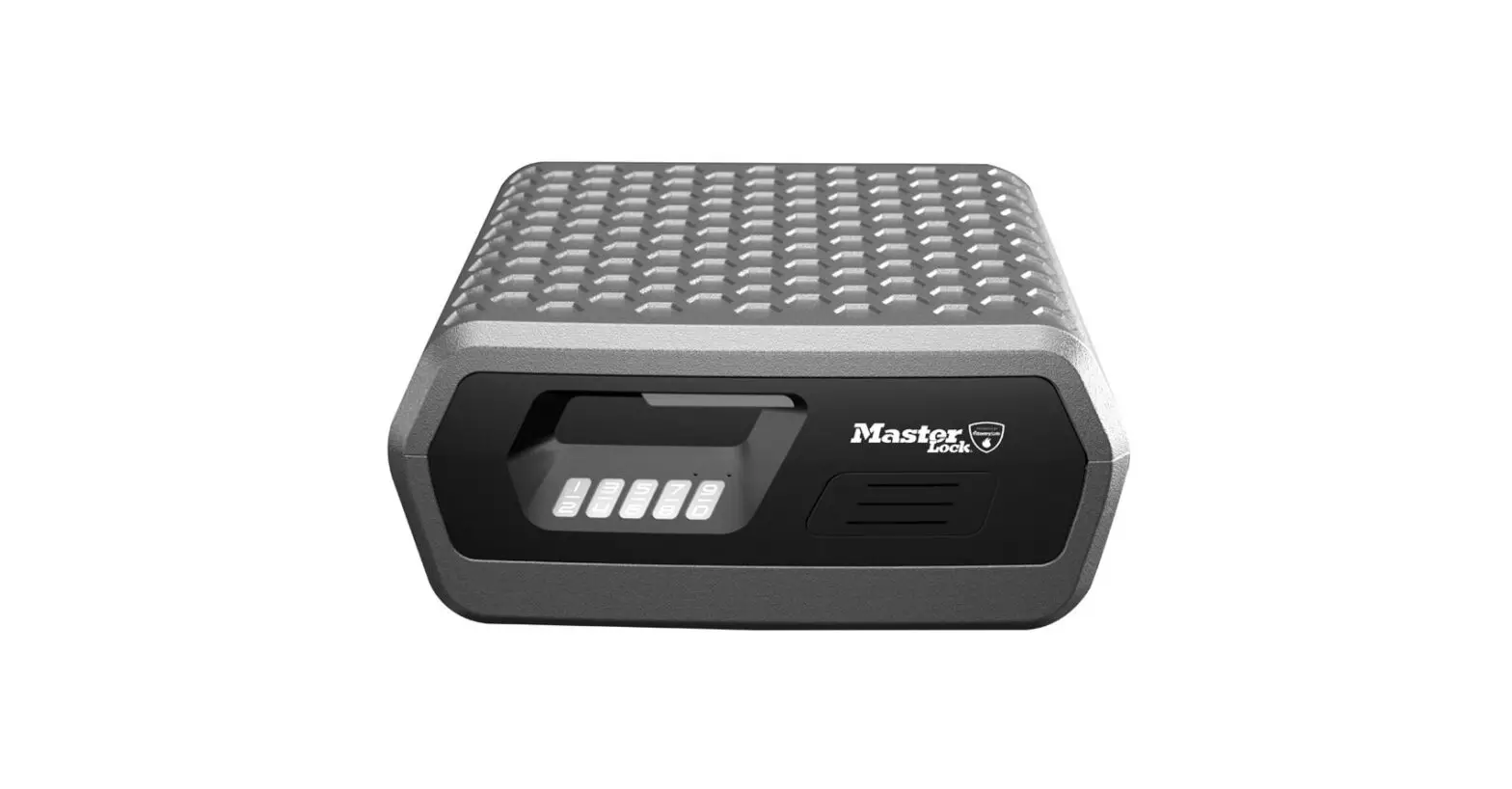
Master Lock P008EML Small Digital Combination Lock Box
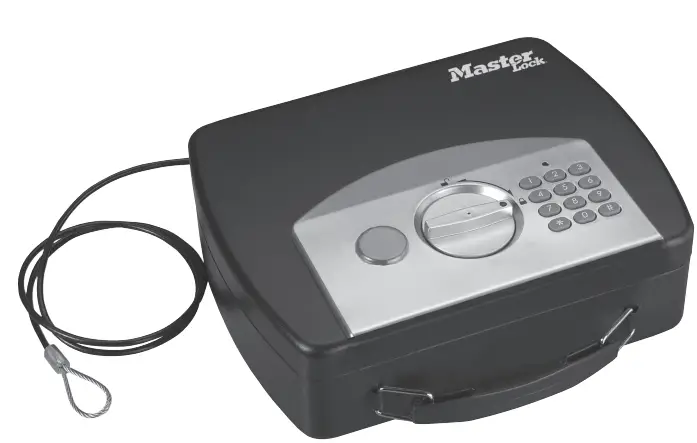
Master-Lock-P008EML-Small-Digital-Combination-Lock-Box-PRODUCT

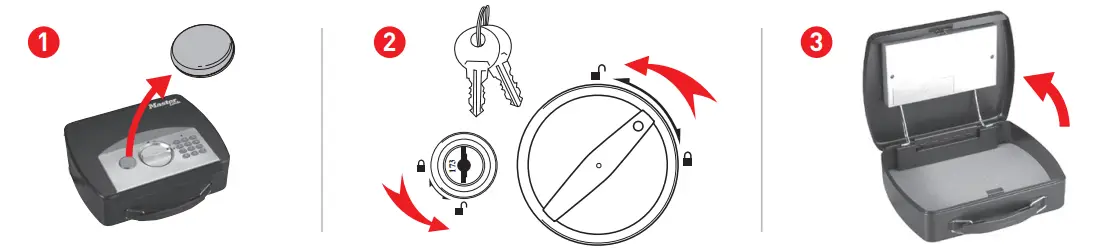
Getting Started Master-Lock-P008EML-Small-Digital-Combination-Lock-Box-FIG-1

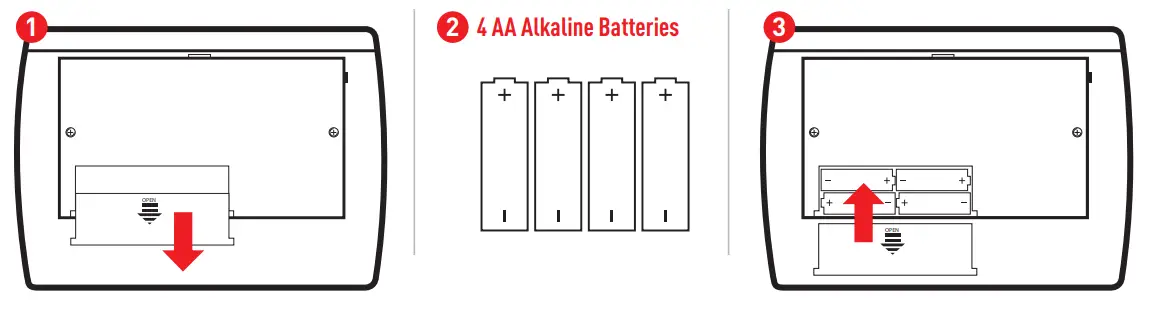
Installing Batteries in Your SafeMaster-Lock-P008EML-Small-Digital-Combination-Lock-Box-FIG-2

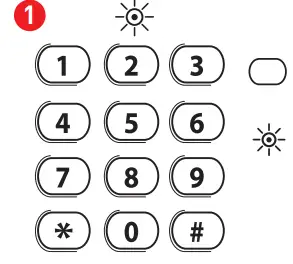
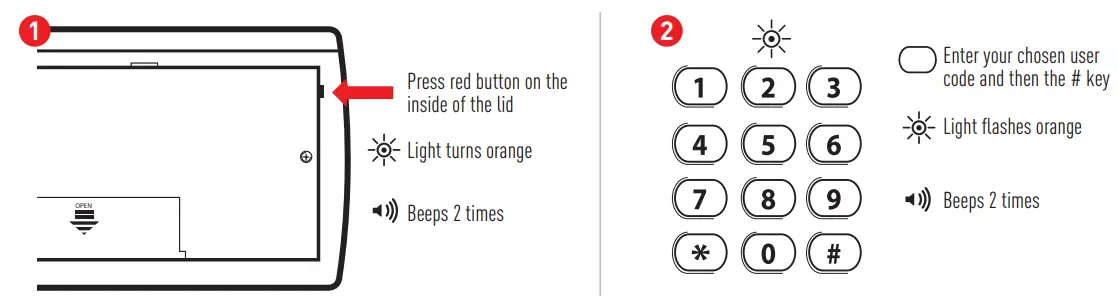
Programming Your Primary User Code

Note: User code must be 1-8 digits in length using numbers 0-9.Master-Lock-P008EML-Small-Digital-Combination-Lock-Box-FIG-3
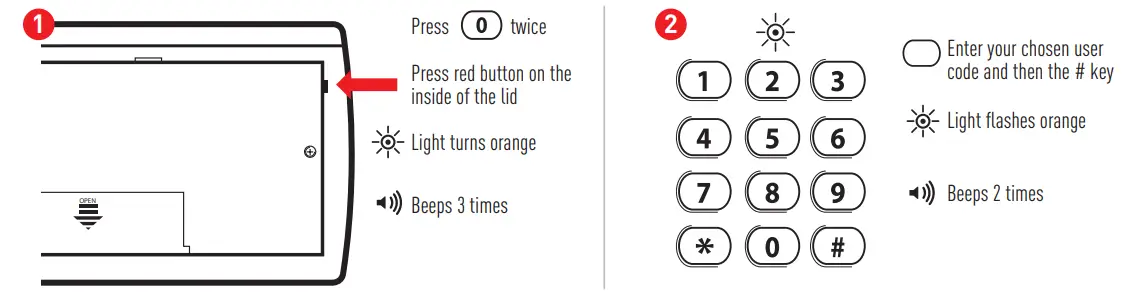
Programming Your Secondary User Code

Note: User code must be 1-8 digits in length using numbers 0-9.Master-Lock-P008EML-Small-Digital-Combination-Lock-Box-FIG-4
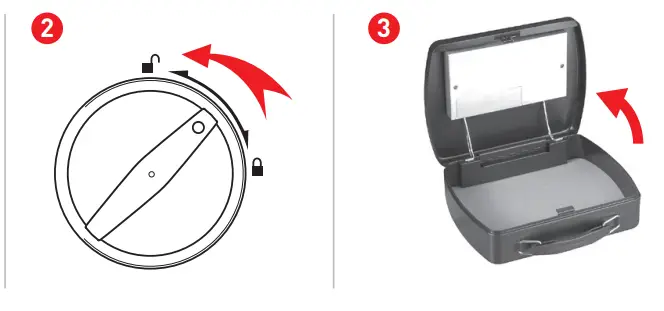
Opening Your SafeMaster-Lock-P008EML-Small-Digital-Combination-Lock-Box-FIG-5

  • Enter your chosen user code and then the # key
  • Light turns greenMaster-Lock-P008EML-Small-Digital-Combination-Lock-Box-FIG-6

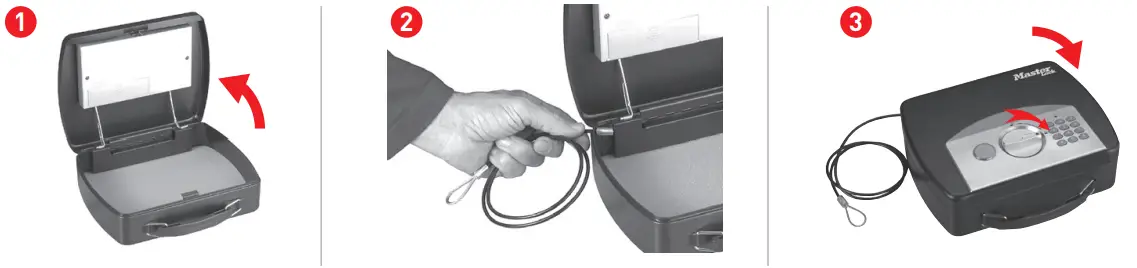
Using Your Tethering CableMaster-Lock-P008EML-Small-Digital-Combination-Lock-Box-FIG-7

References

Documents / Resouces

Download manual
Here you can download full pdf version of manual, it may contain additional safety instructions, warranty information, FCC rules, etc.


Related Manuals