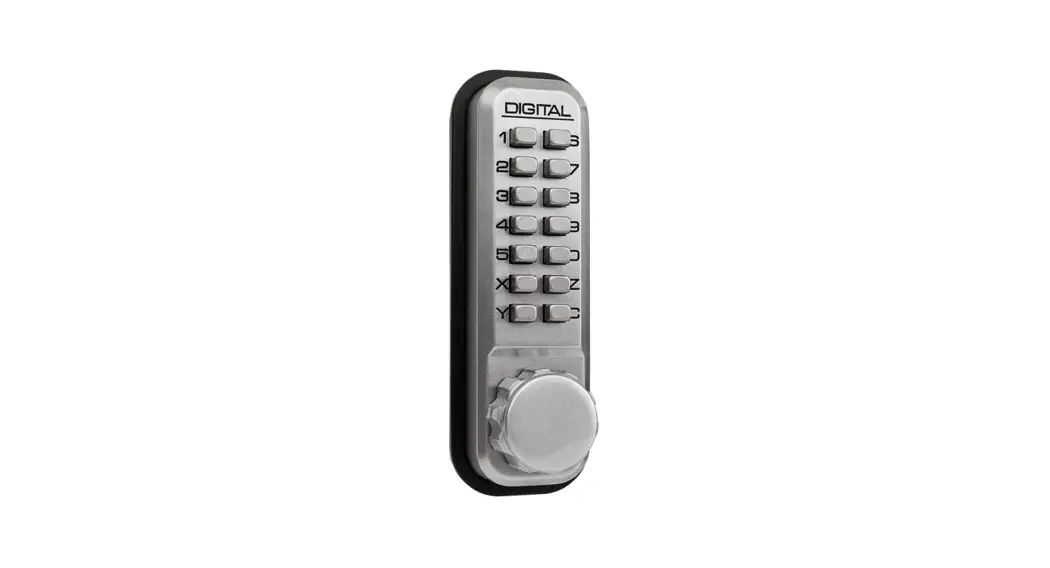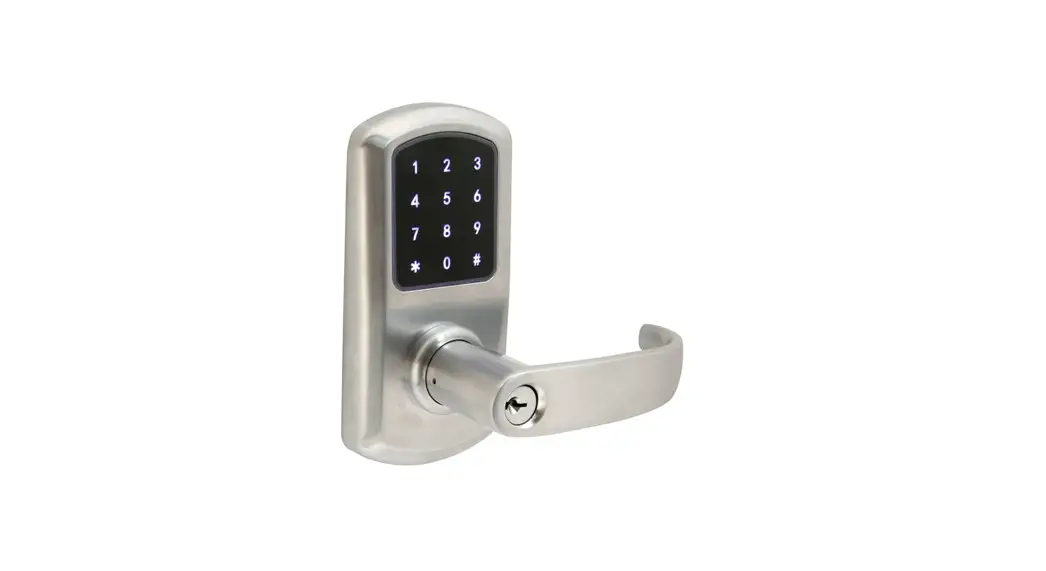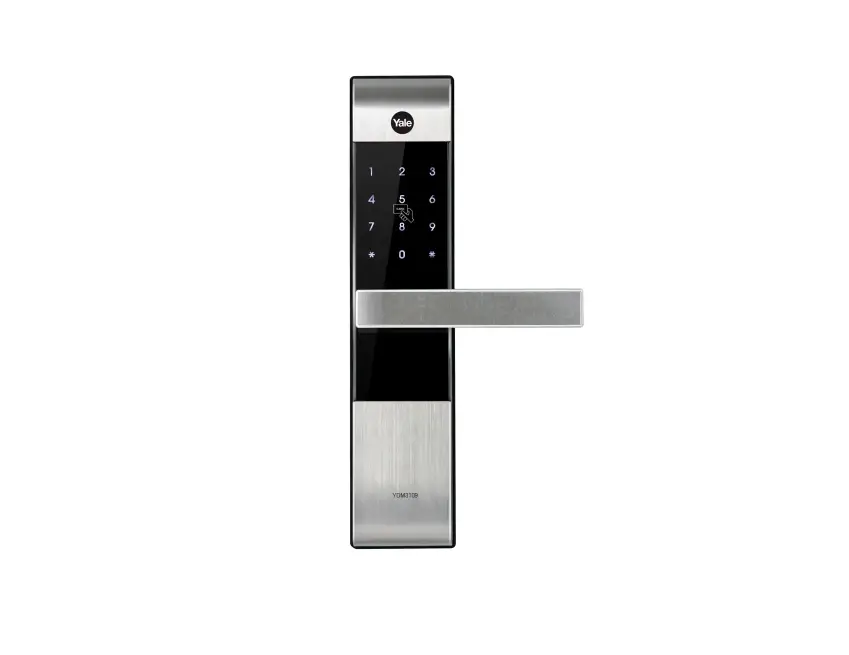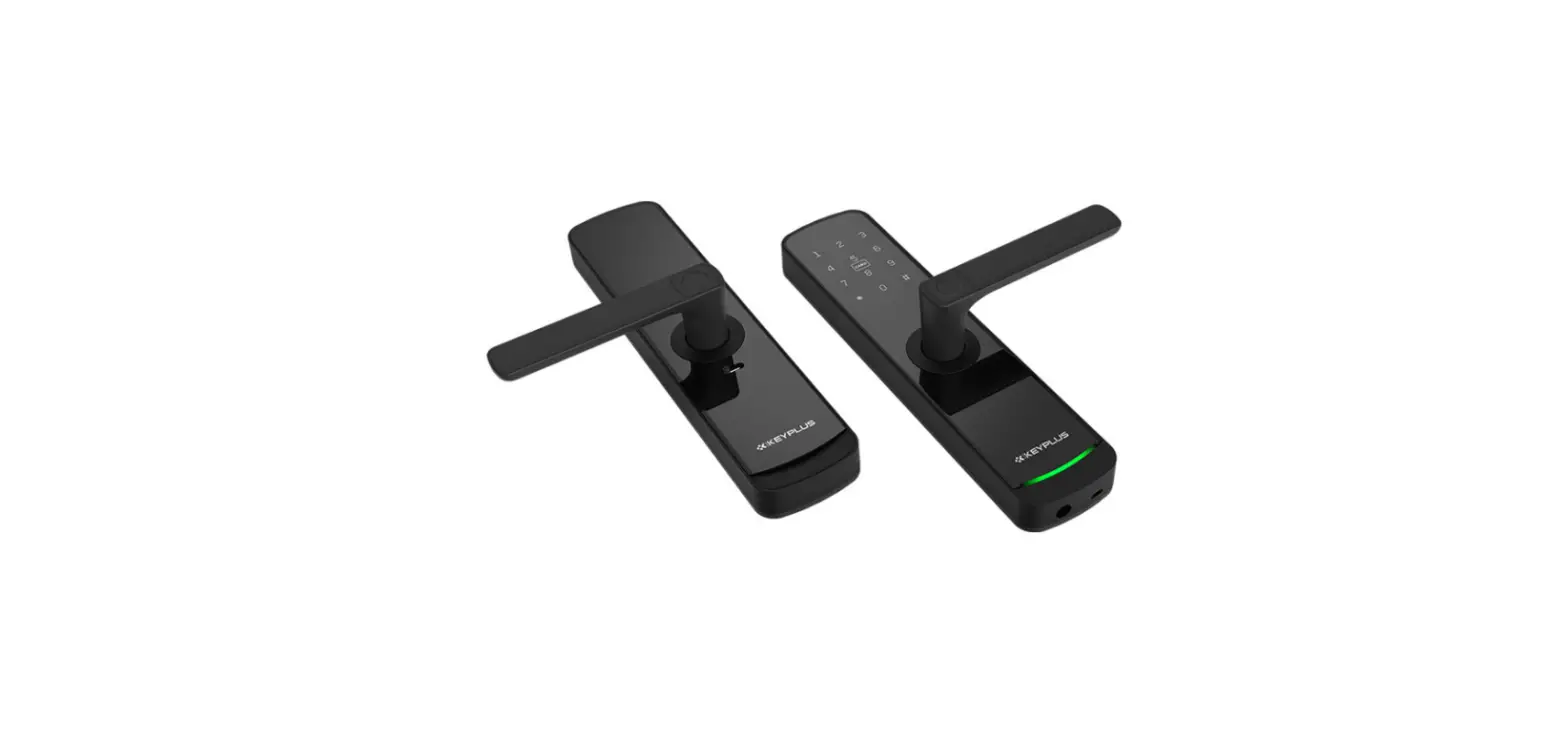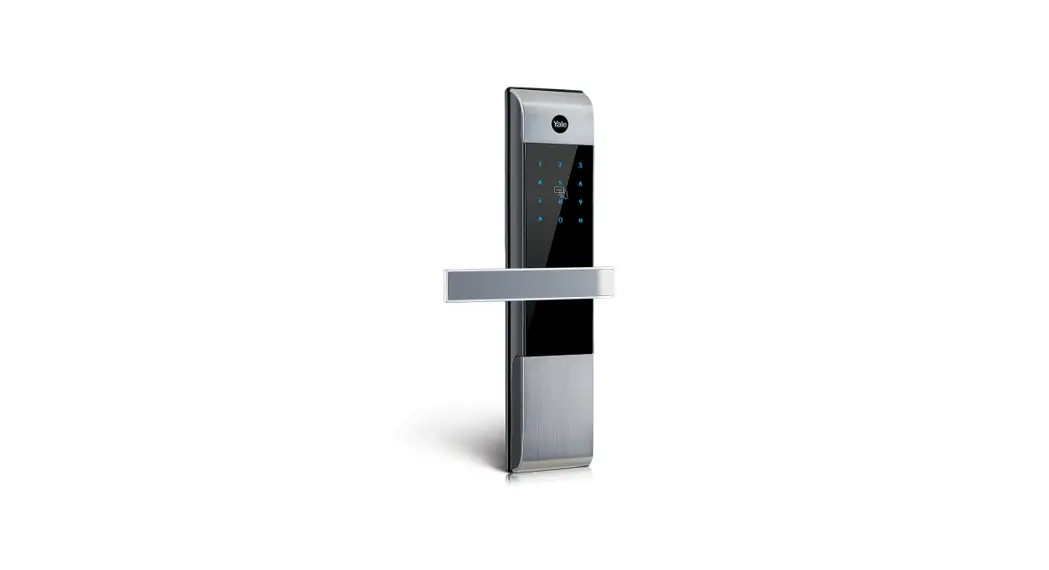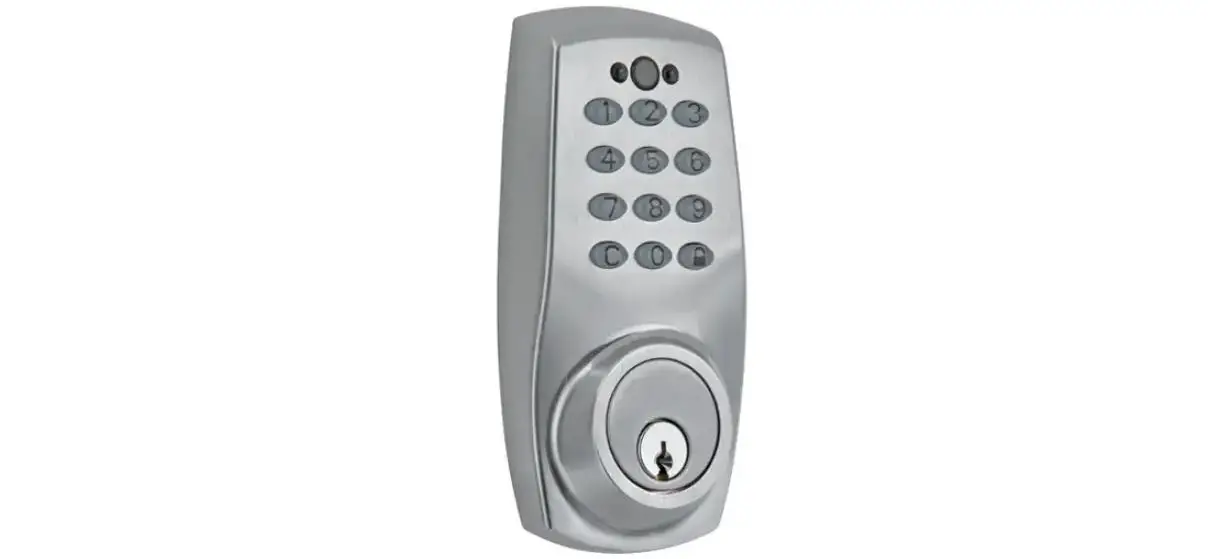
Taymor 33-D5030BL Centinel 3 Digital
Lock User Guide

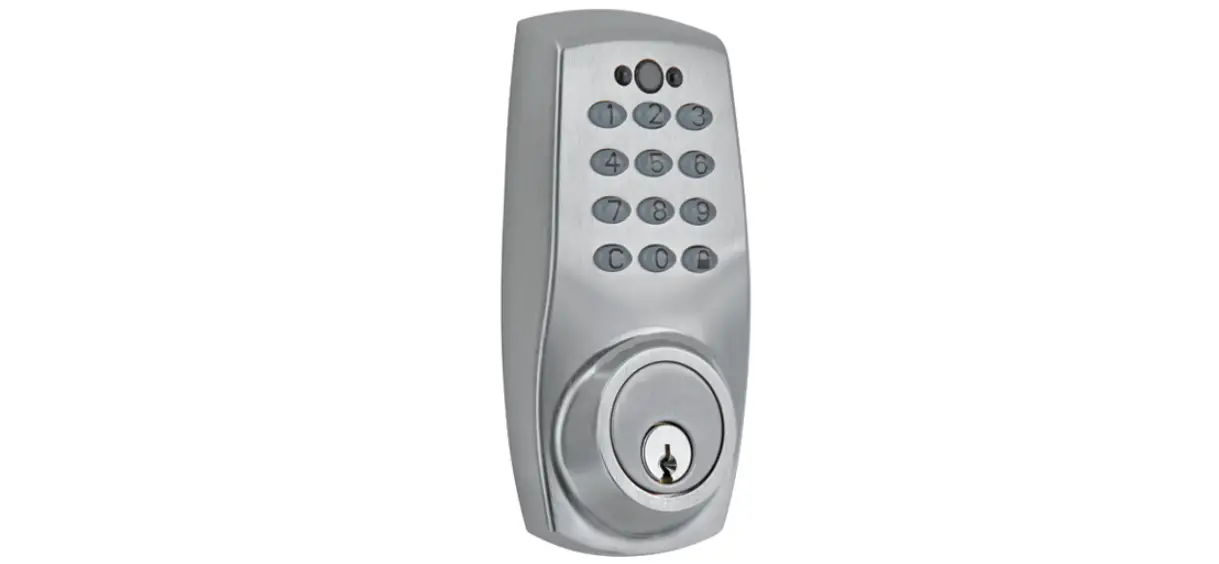
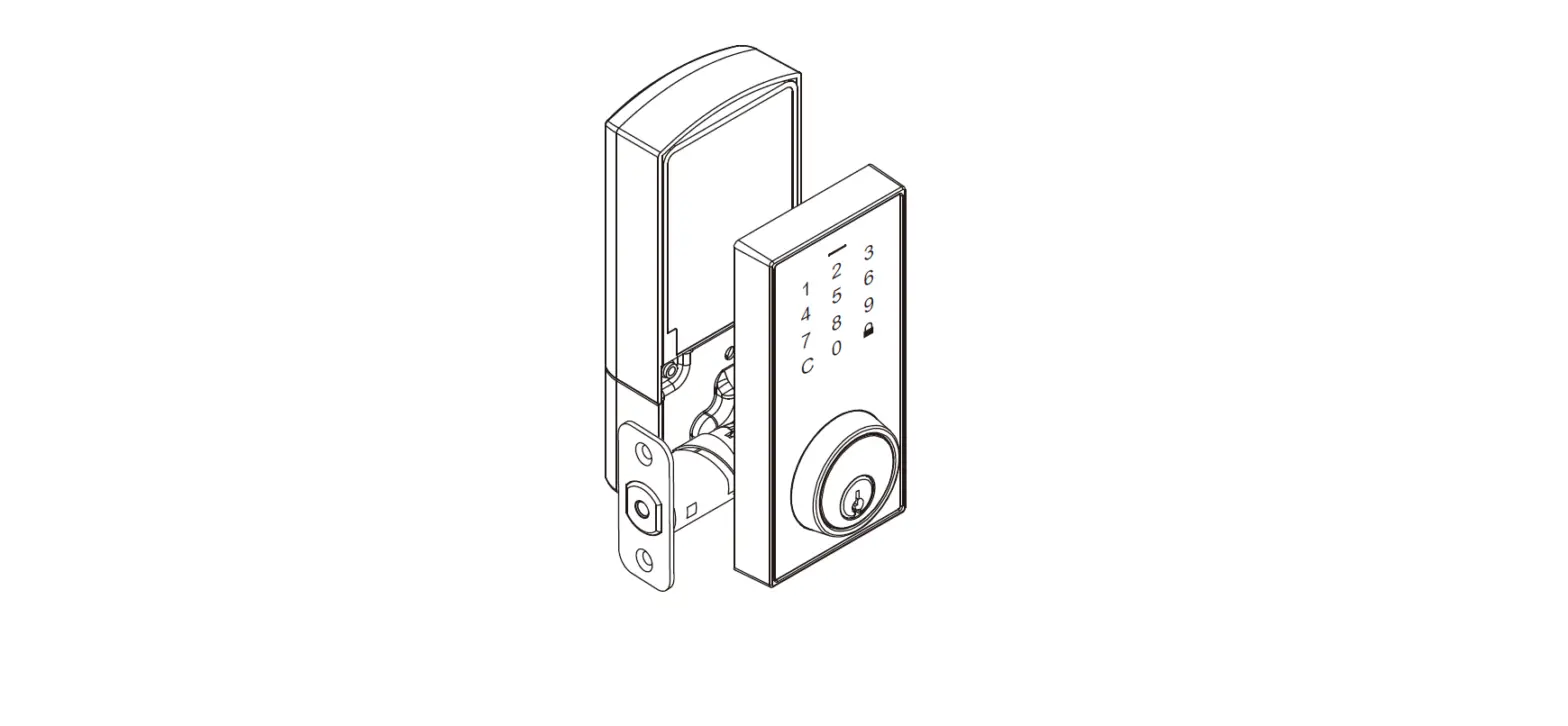
OVERVIEW OF THE LOCKSET
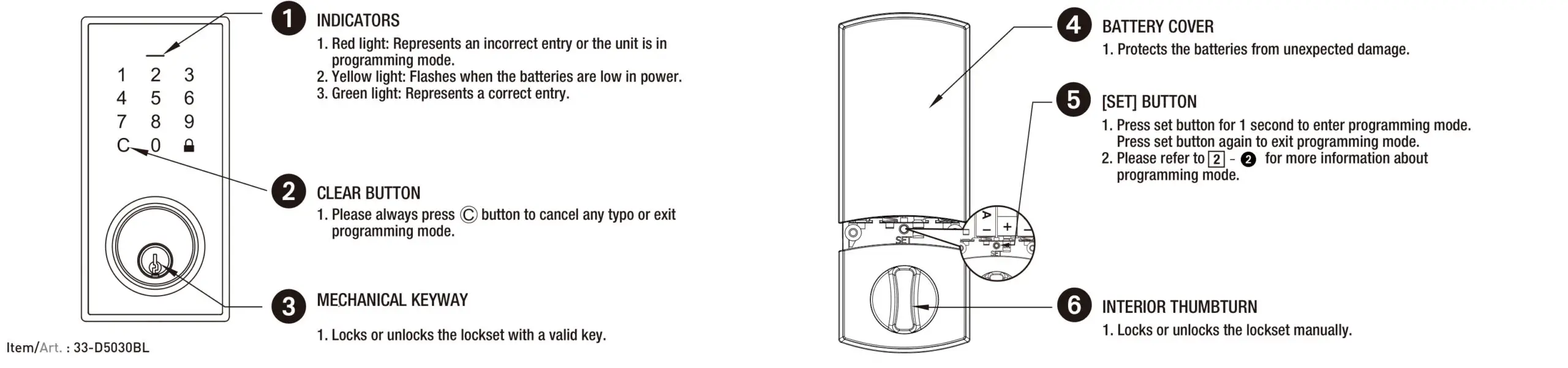
HOW TO LOCK / UNLOCK / PROGRAM THE LOCKSET
1) HOW TO LOCK / UNLOCK THE LOCKSET

2) HOW TO PROGRAM THE LOCKSET
 If your lock is in factory setting, please set up Admin Code first to run bolt direction check automatically. Please set up Admin Code as follows, also you could refer to Installation Guide 4 – 2 .
・Enter 4-8 digits Admin Code and press  .
.
・Repeat Admin Code and press to complete setup.
BASIC SETTINGS
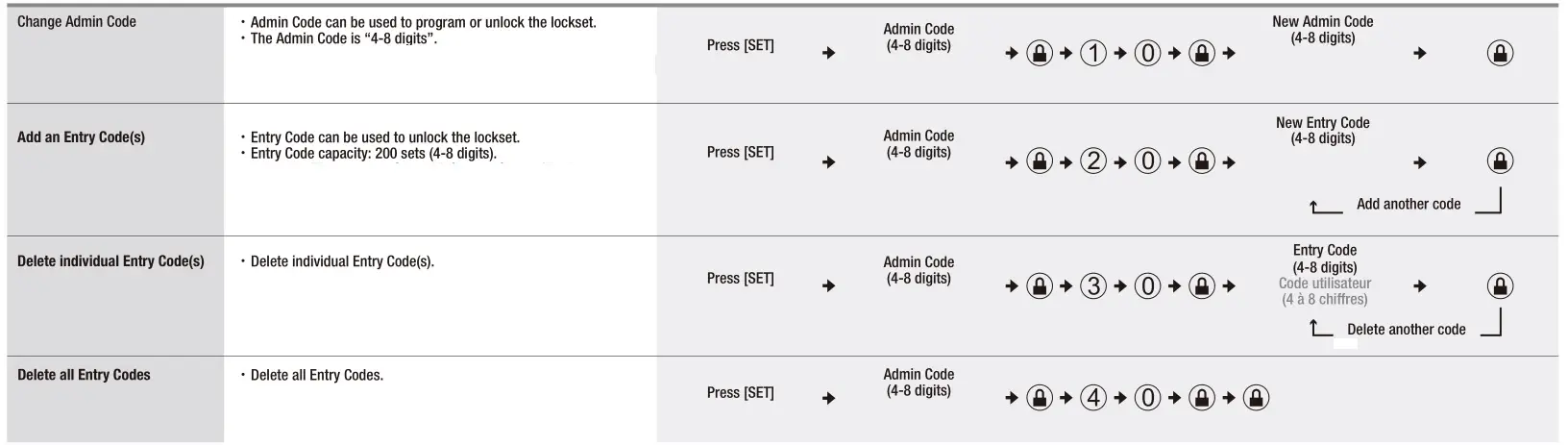
ADVANCED SETTINGS
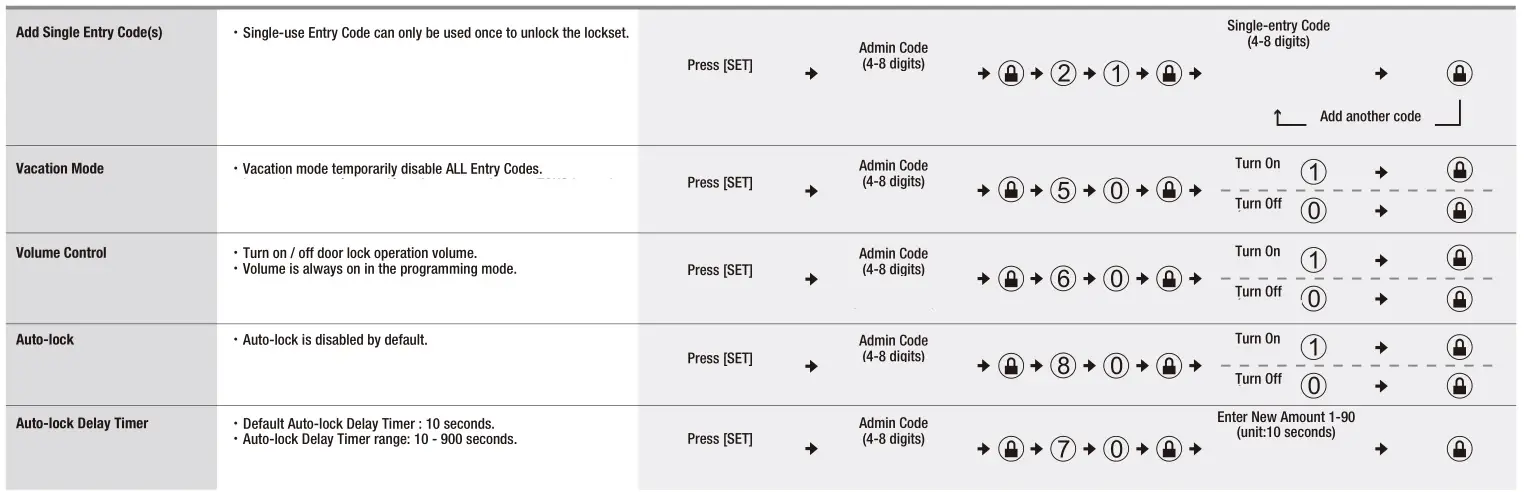
・The lockset will exit the programming mode and resume to the stand-by status if no input is made in 30 seconds.
・3 Beeps means something was entered incorrectly. Please redo the step again.
3) RESTORE TO FACTORY SETTINGS
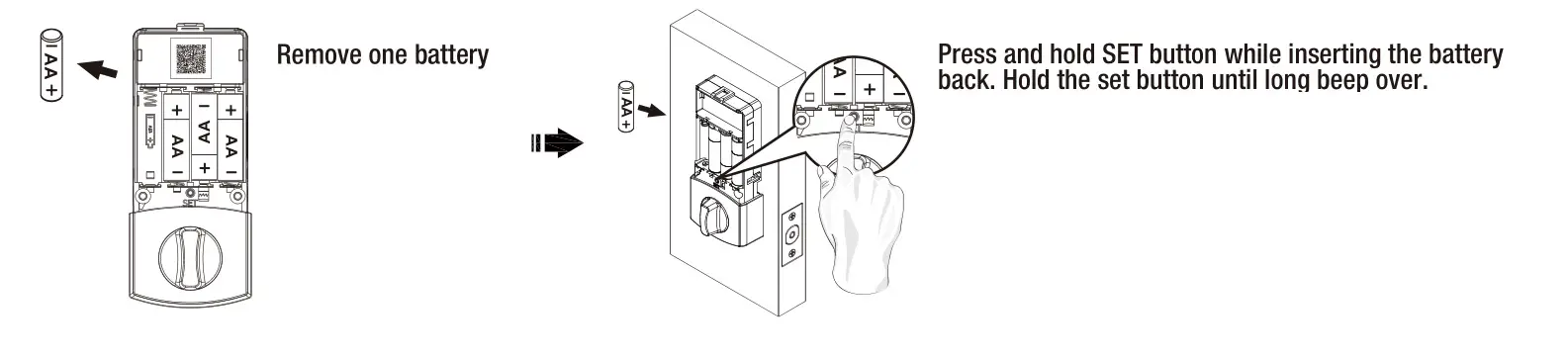
1. This will erase all stored information, including bolt direction.
2. After restoring to factory setting, please program the lockset, refer to User Guide 2 – 2.
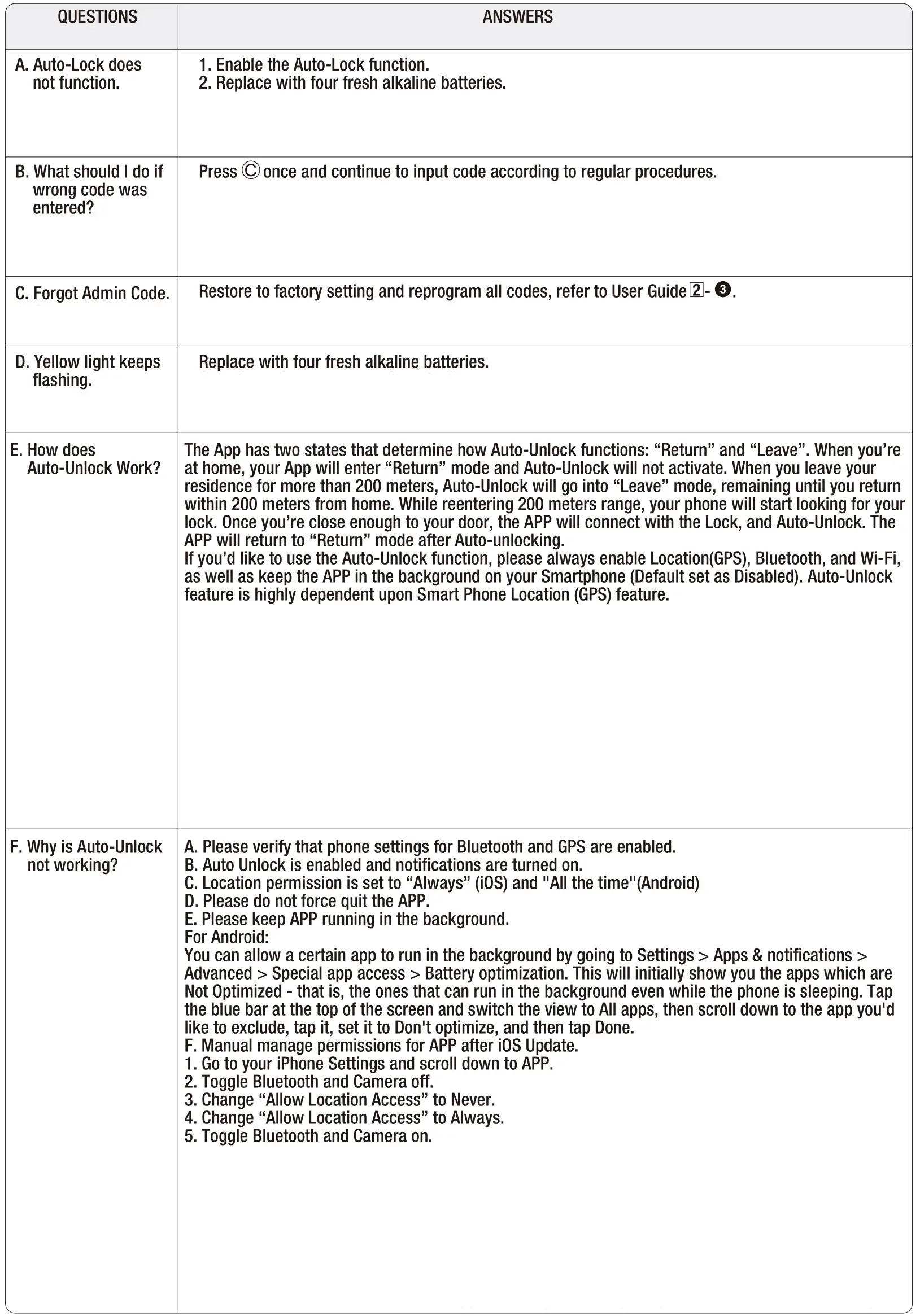
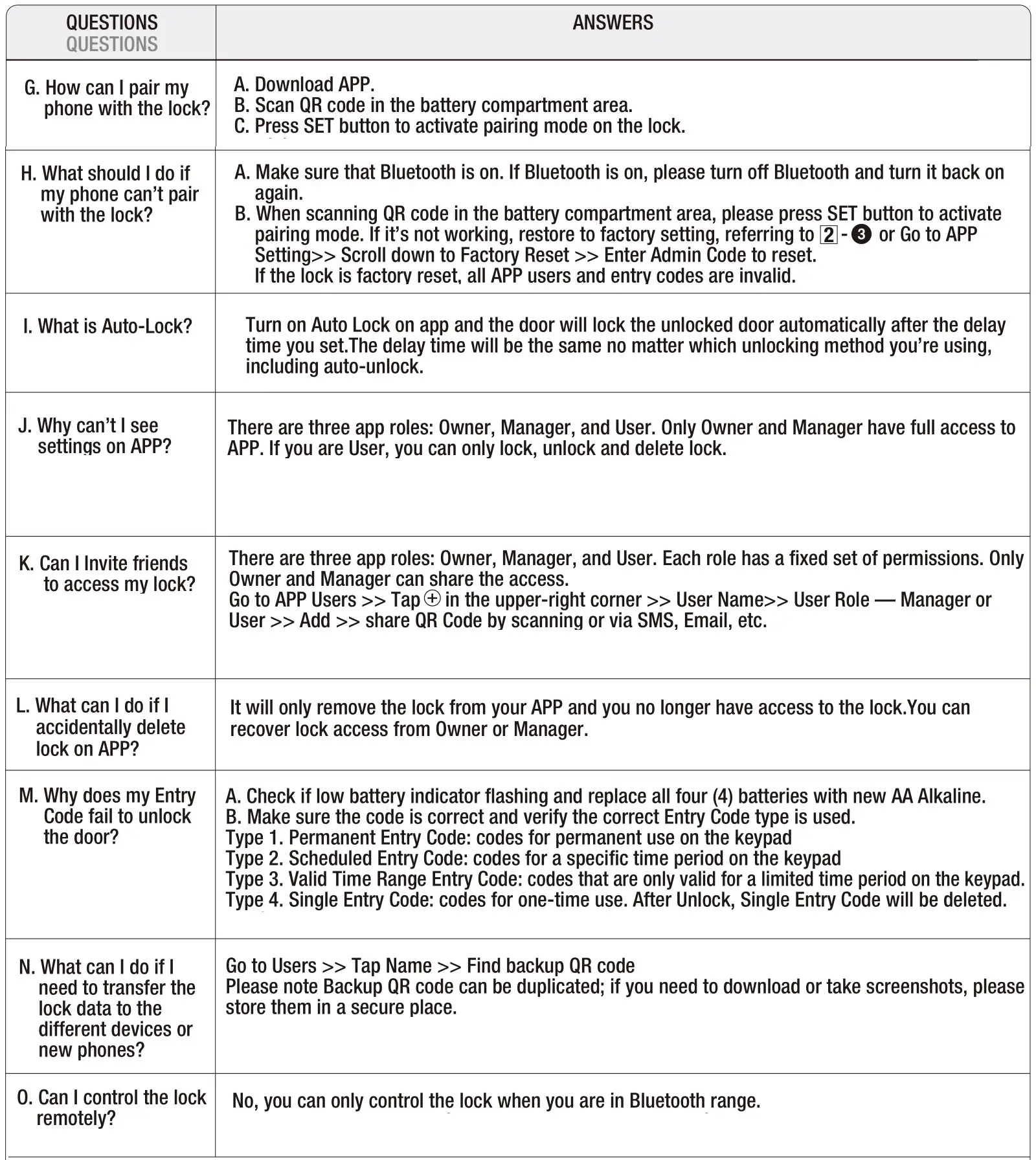
TROUBLESHOOTING
1) MECHANICAL
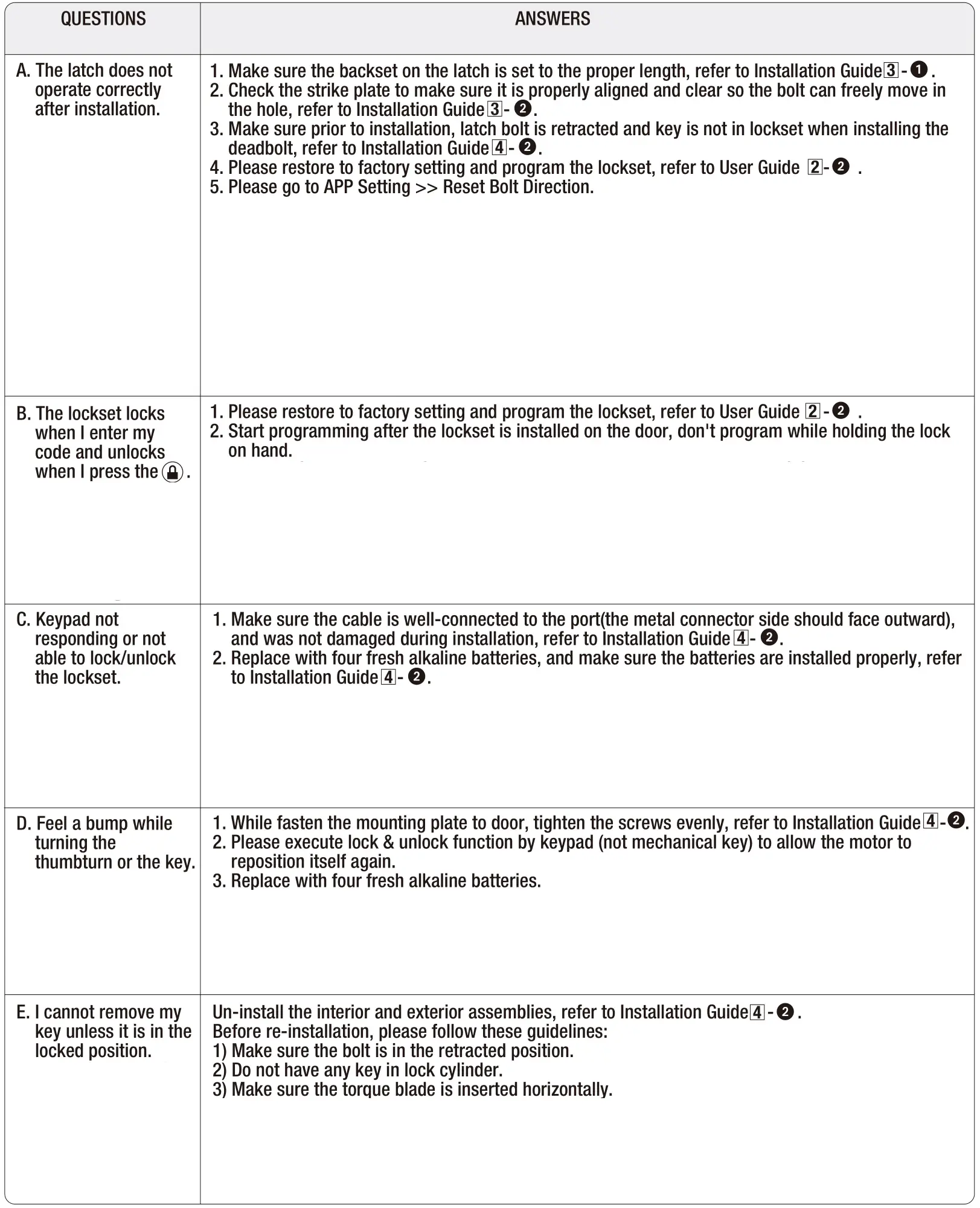
2) ELECTRONIC
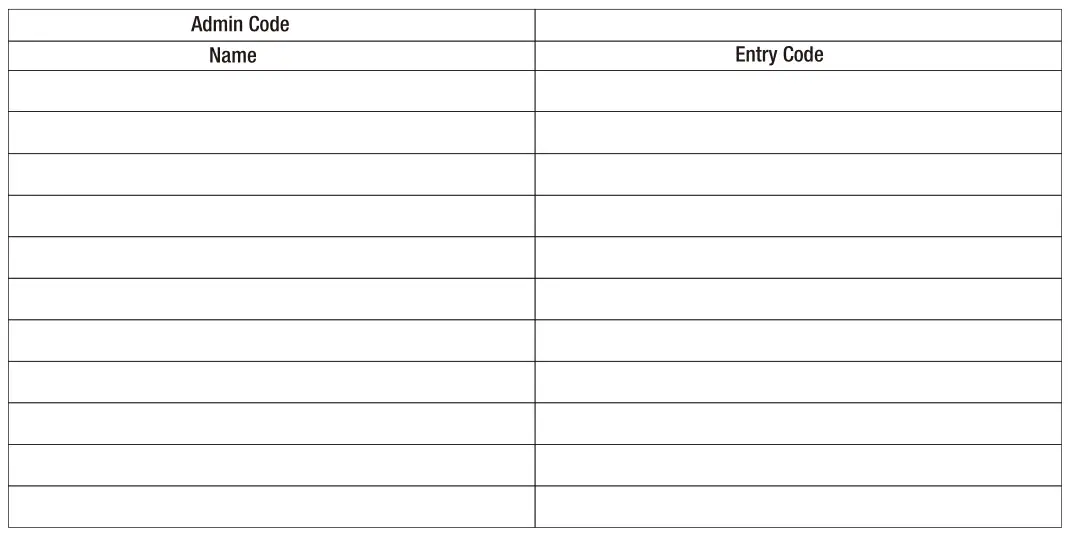
Access code list
After changing your Admin Code, do not pass your Admin Code to anyone else.
CUSTOMER SERVICE
WESTERN CANADA 1-800-267-4774
EASTERN CANADA 1-800-387-7064
taymor.com
06/2022