UNHCR Bright Move 120 User Manual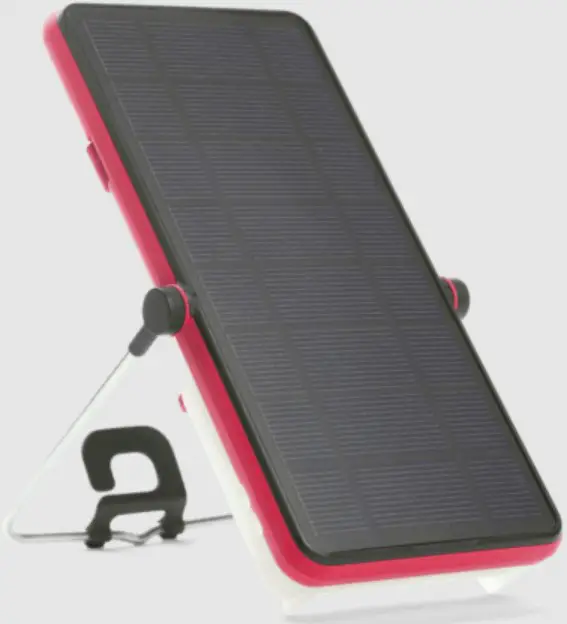
Product Overview
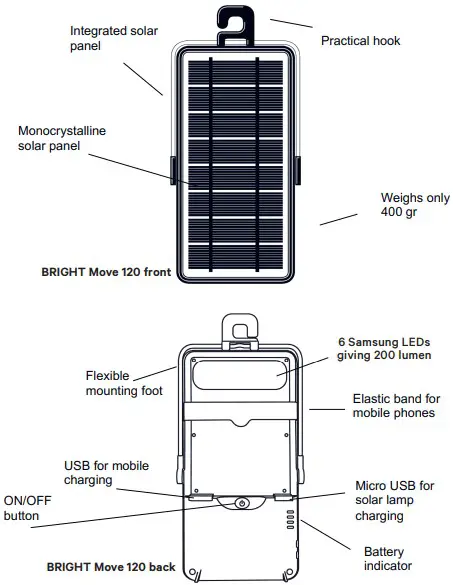
Key benefits
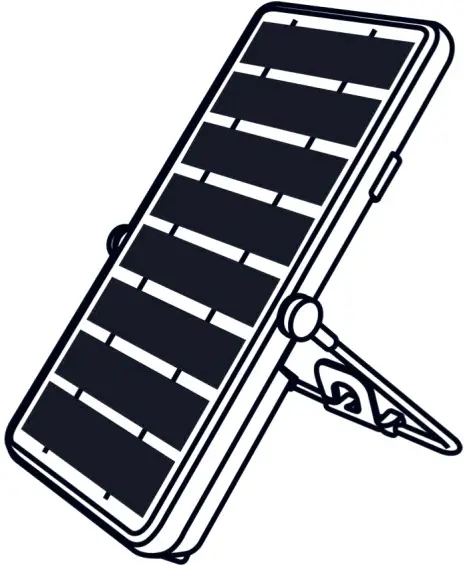
- Highly efficient, low-volume solar light and charger
- 6 different products in one
- Up to 40 hours of light on low light setting
- Battery lifespan of 5-7 years of daily use
- Up t0200 lumen of light and 4 light modes
- Mobile phone charging
- Dust and splash proof (IP64)
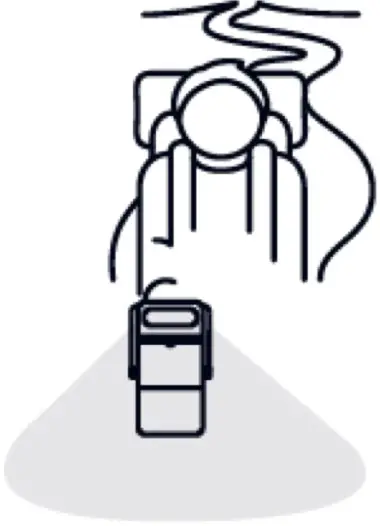
- Portable light
- Emergency strobe light
- Mobile phone charger

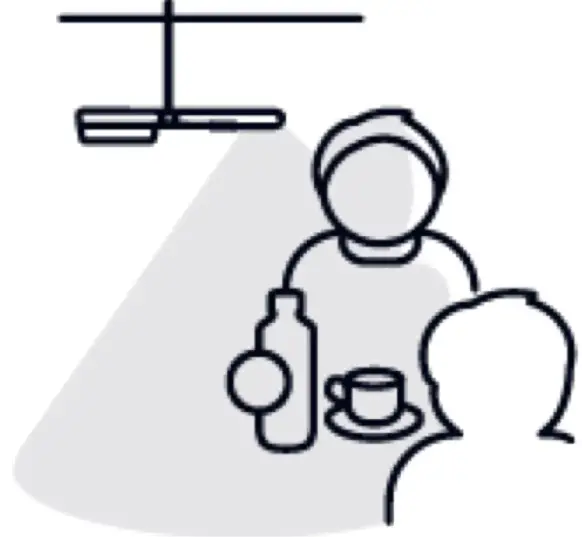
- Ceiling light

- Reading/task light

- Wall mounted light


Solar Energy
The solar panel must face the sun to create electricity. Under a clear sky in bright sunshine the lamp will charge faster. The solar lamp will be fully charged within a sunny day.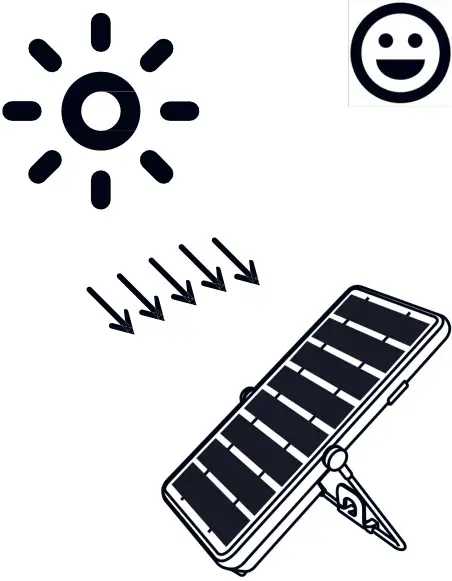
Under cloudy conditions the lamp will charge slowly.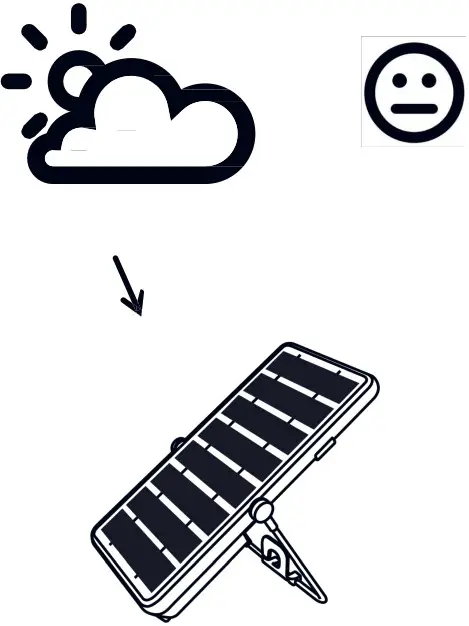
The lamp cannot charge at night after the sun has set.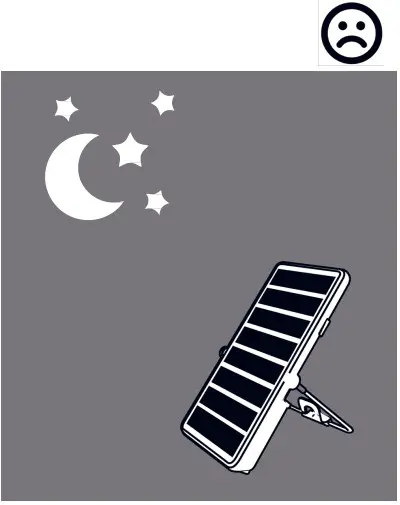
At night you can enjoy the light from your solar lamp after charging it in the daytime.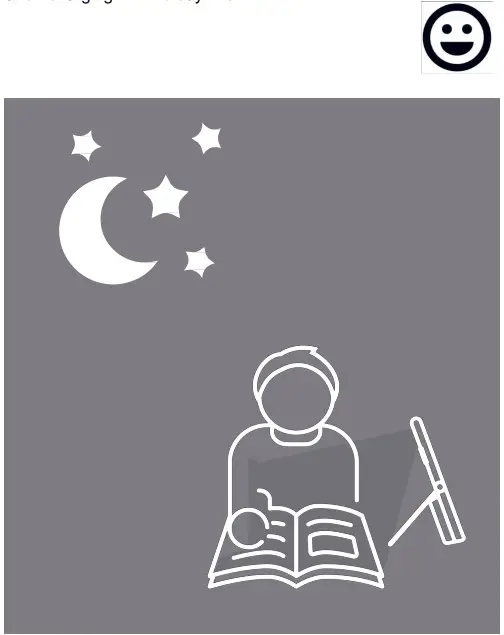
Light Modes
ON/OFF button for the 4 lamp modes
Soft touch On/Off button (senses your finger)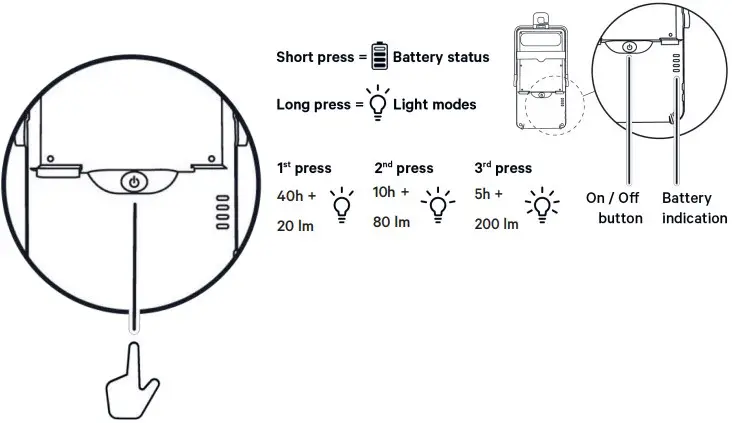
4 light modes:
- click: Low setting
- click: Medium setting
- click: High setting
Fast double click: Emergency StrObe Ilght
Full Battery runtime
 1st click
40 hours of light at20lumen 2nd click
10 hours of light at 80 lumen 3rd click
5 hours of light at 200 lumen
Solar Panel
Use and maintainance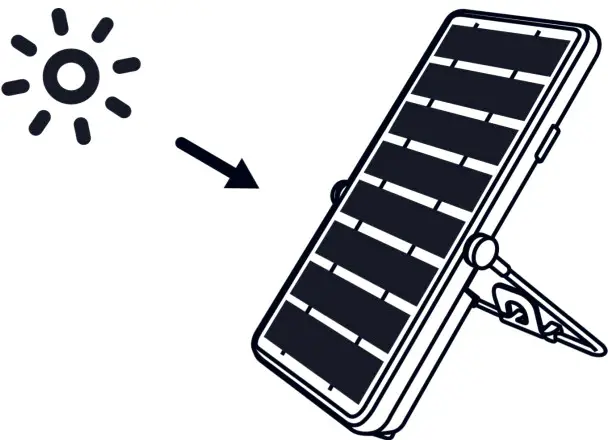
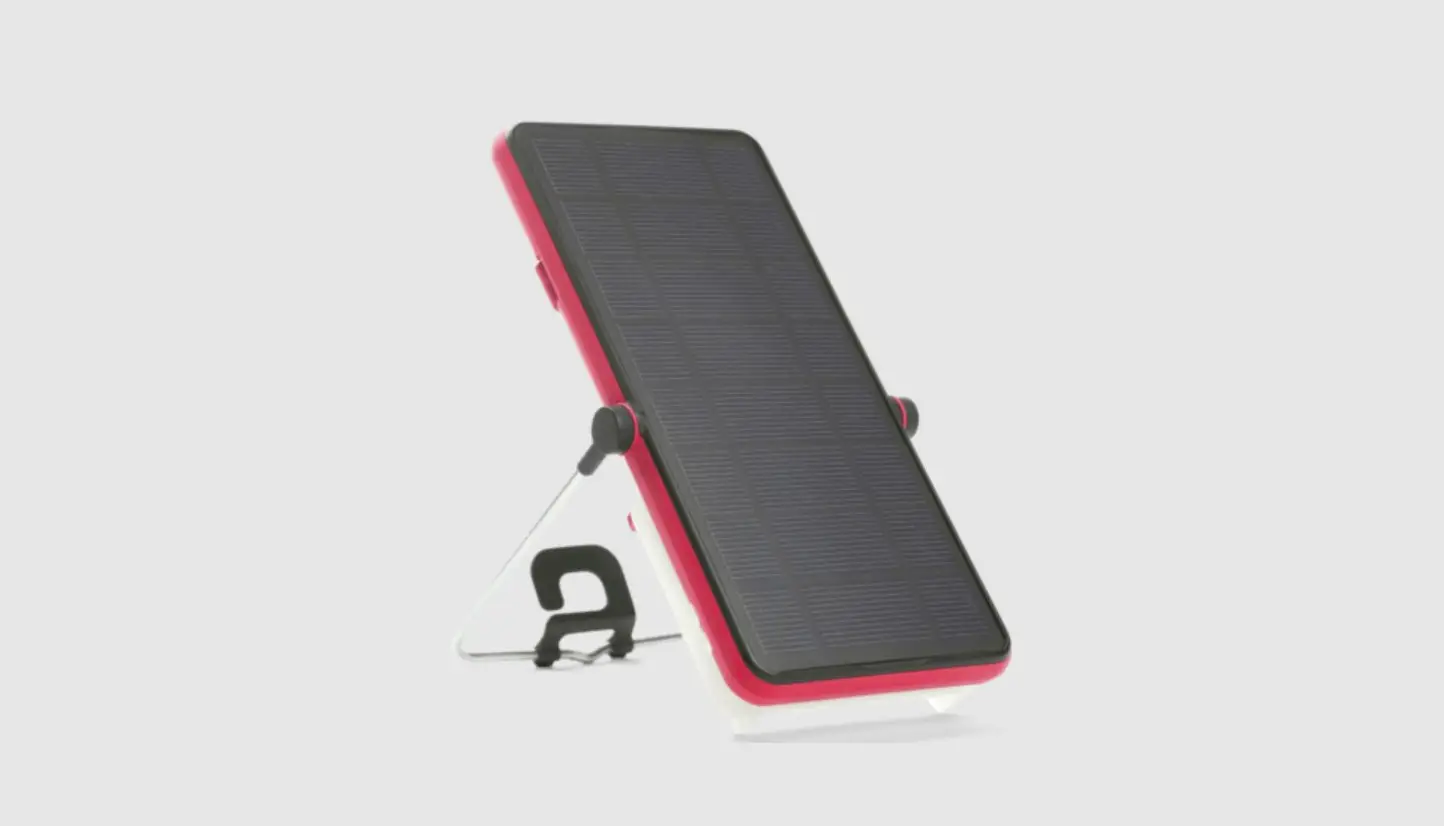
Since BRIGHT Move comes with an integrated solar panel, just place the solar lamp into the sun with the solar panel faced directly towards the sun. The solar lamp will start to charge automatically.
Regurlarly clean the solar panel to remove dust and dirt, using a soft cloth. Do not use any chemicals!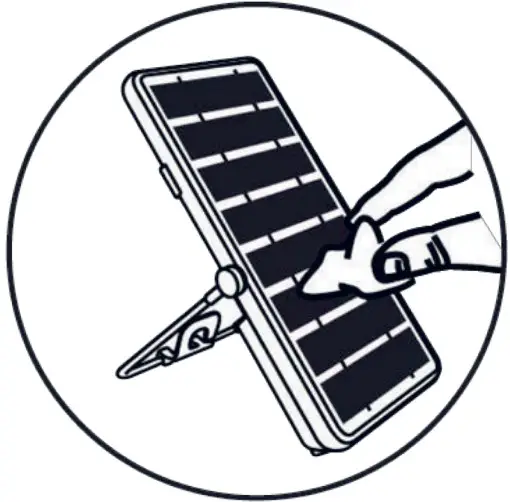
Solar Charging
Keep the lamp inside when it rains. Place the solar panel facing the sun. Do not leave the lamp in the rain. Check that the solar panel is not in the shade.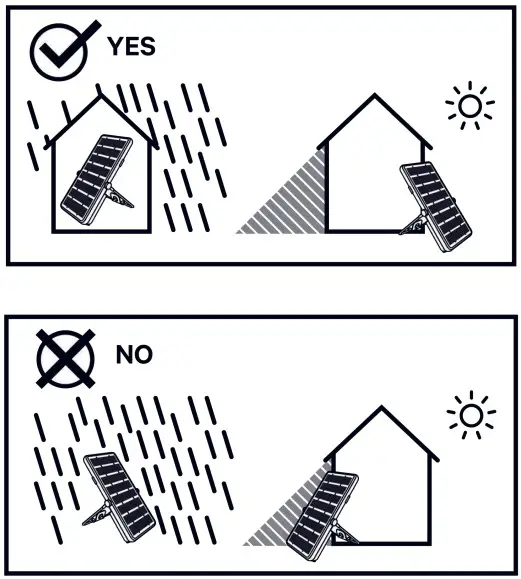
Battery
Indications
Charging
Green blinking LEDs
 0%
0%- 25%
- 50%
- 75%
- 100%
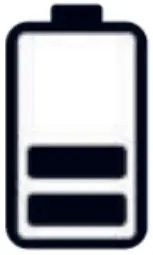 50%
50% 75%
75%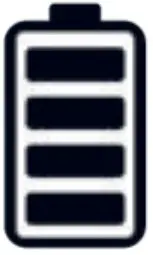 100%
100%Discharging
Red blinking
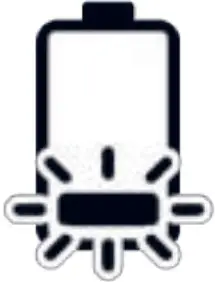 Main LED blinks 3 times and auto dims down to lowest light setting for 30 min.
Steady red
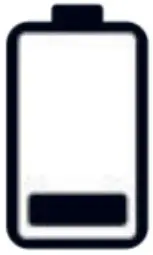 A 30 second safety light is available when the button is pressed again.
Phone Charging
Connect your phone to BRIGHT Move 120 with a USB cable and start charging.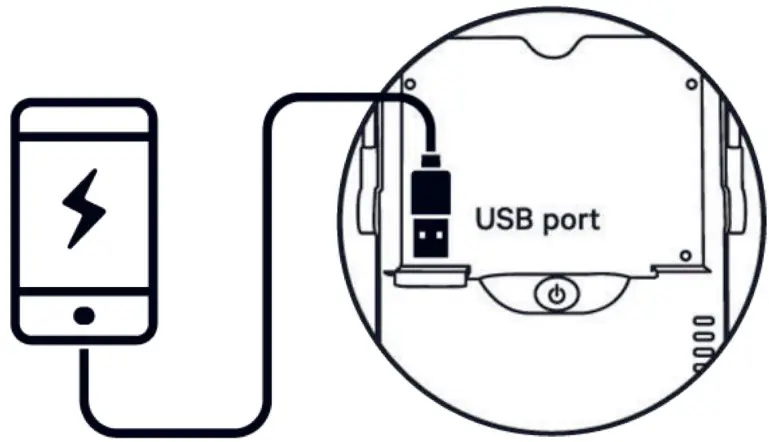
 Make sure the battery on your BRIGHT Move 120 is charged before charging your phone. A phone will not charge if the battery is low (one bar)
To optimize use of the BRIGHT Move 120, charge your phone when BRIGHT Move 120’s battery is fully charged (all four bars green) and the solar lamp is faced towards the sun, charging.
BRIGHT Move 120 will charge most mobile phones, but charging smartphones will drain the battery much faster
Maintenance
Take care of the lamp and solar panel
Clean clean the solar panel regularly with a soft cloth. Any dust and dirt with slow solar charge time. Do not use any chemicals!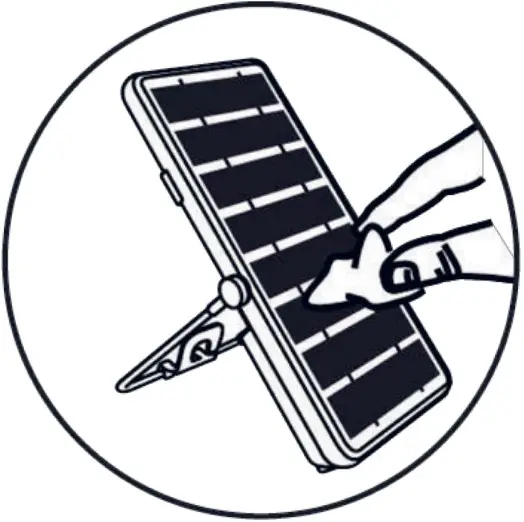
Connectors must be protected when the cables are not connected. This will prevent dust and moisture from getting inside the socket.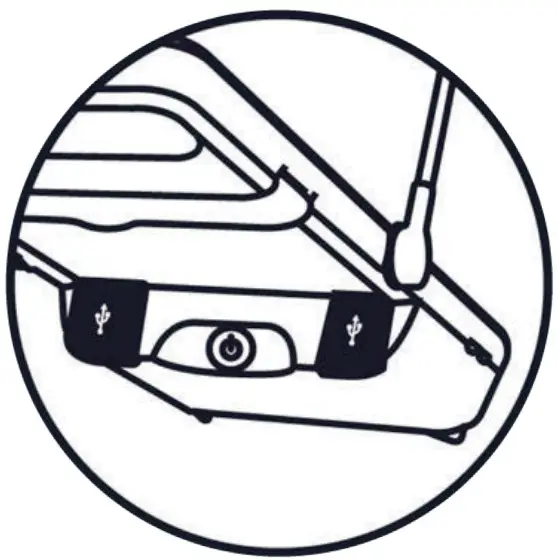
Important information regarding your solar product
 Do not open the battery unit
- Do not try to replace the battery. It will last for 5-7 years if you follow the instruction manual
BRIGHT Move 120 Solar lamp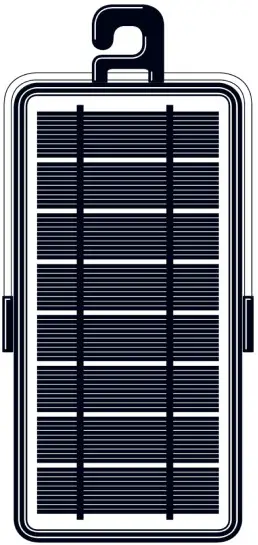
Phone charging cable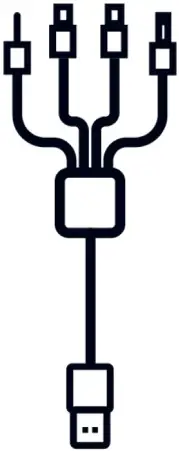
Instruction manual