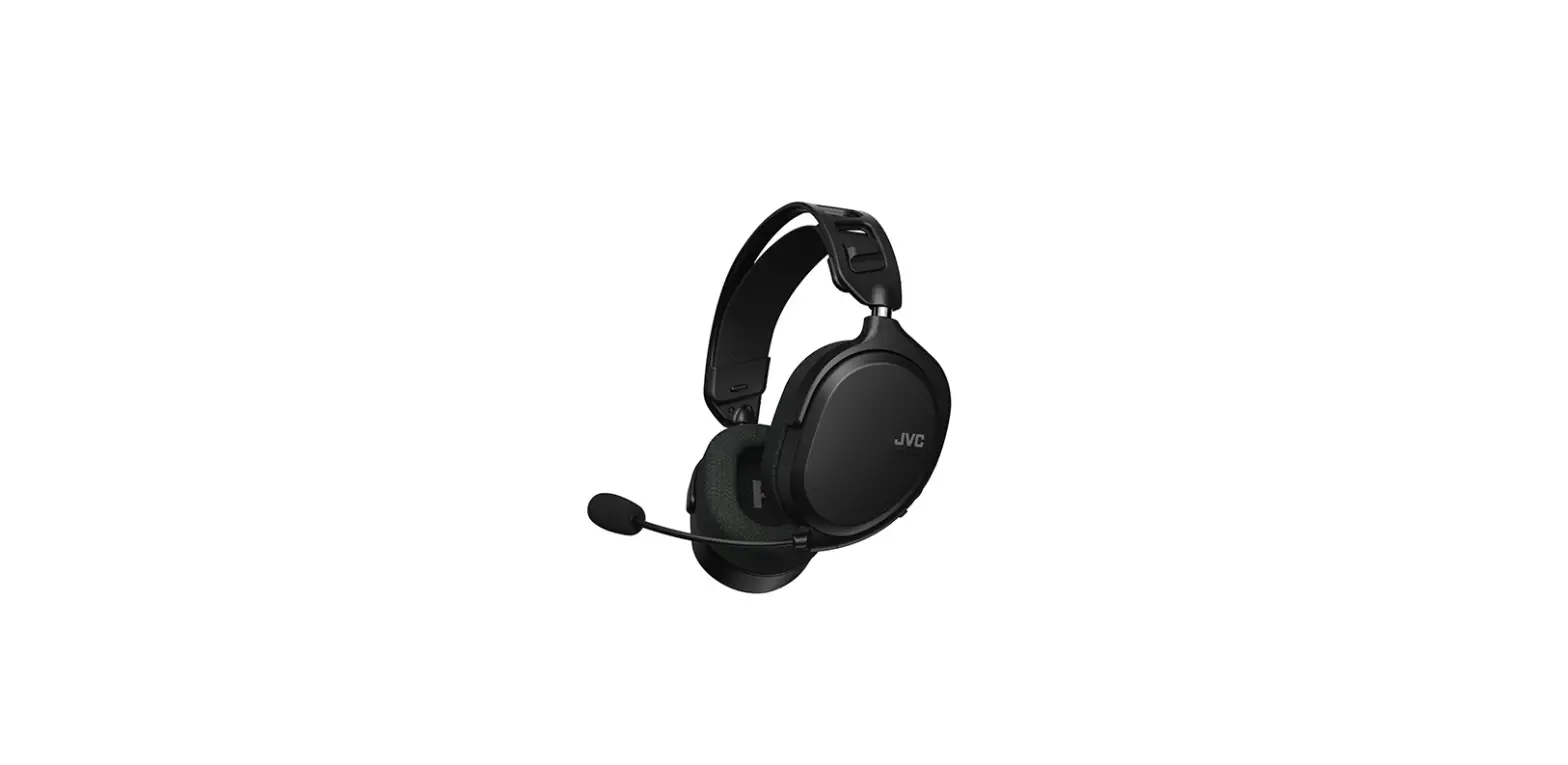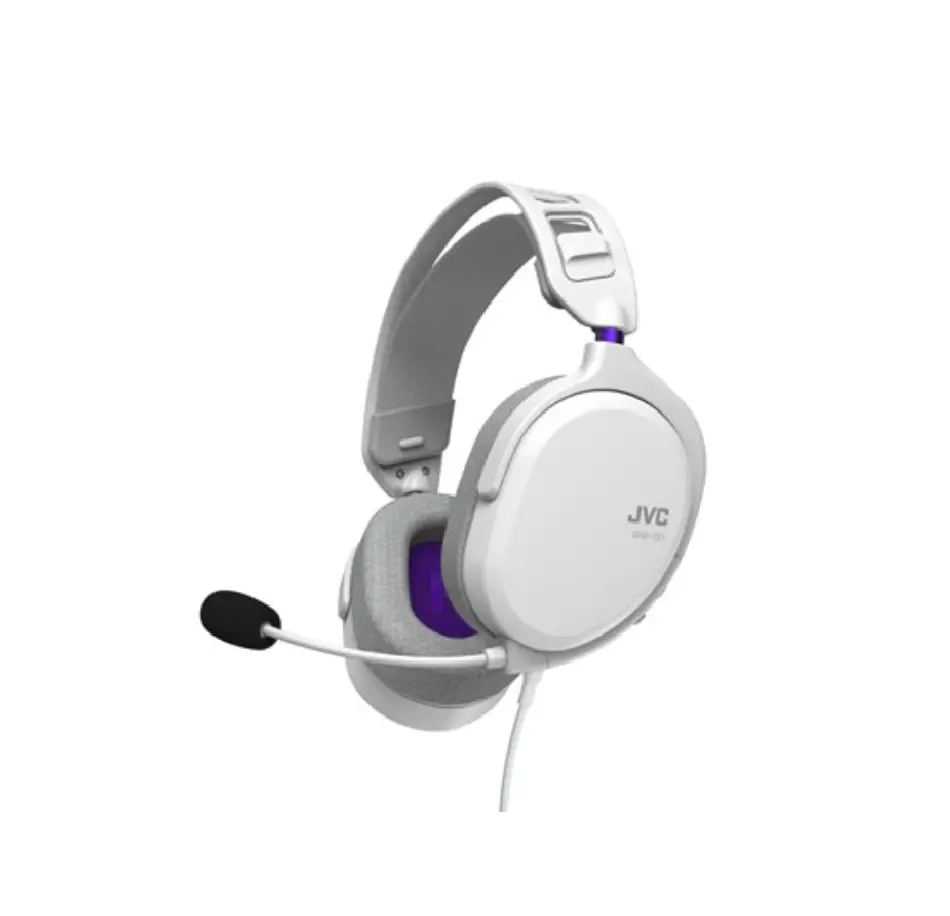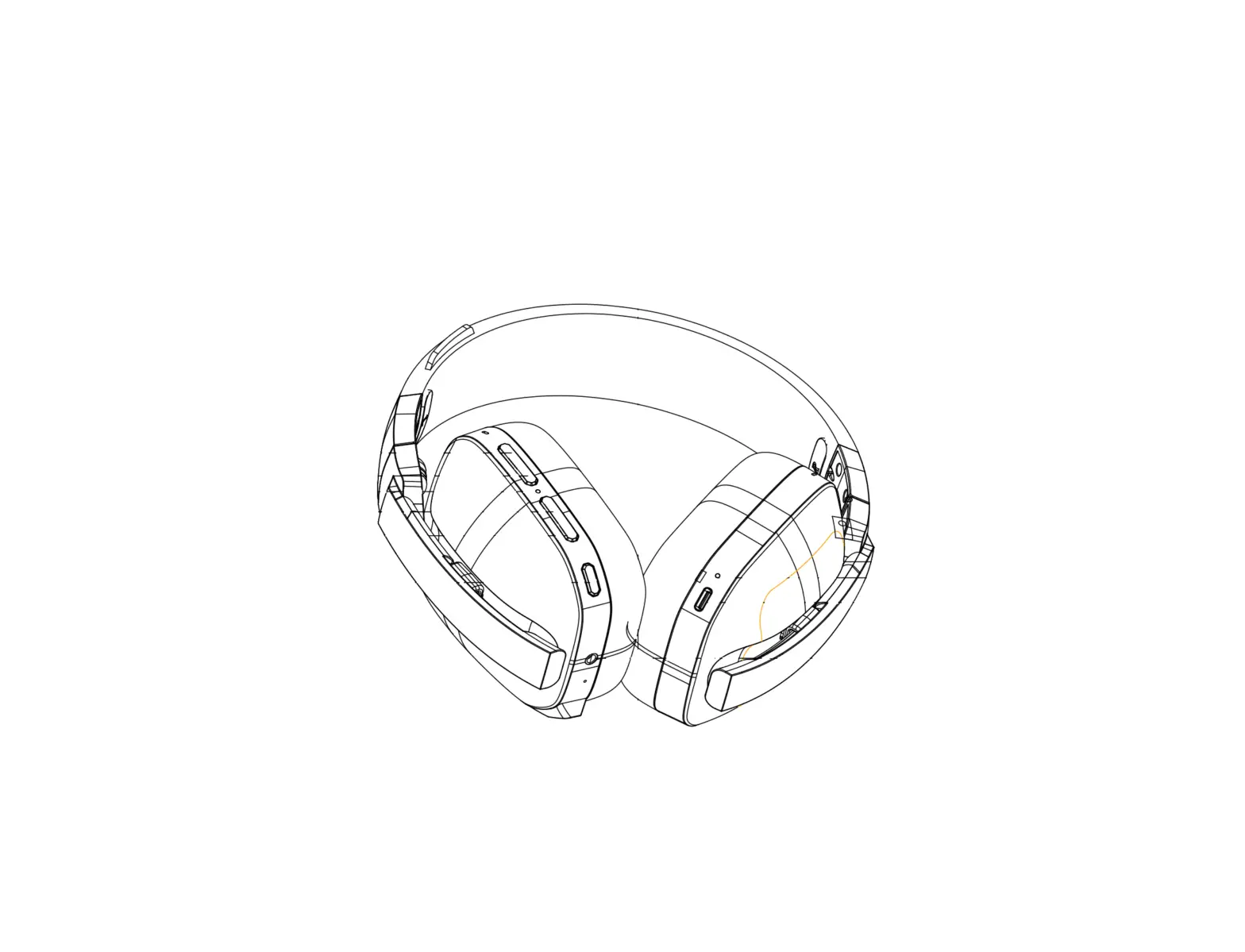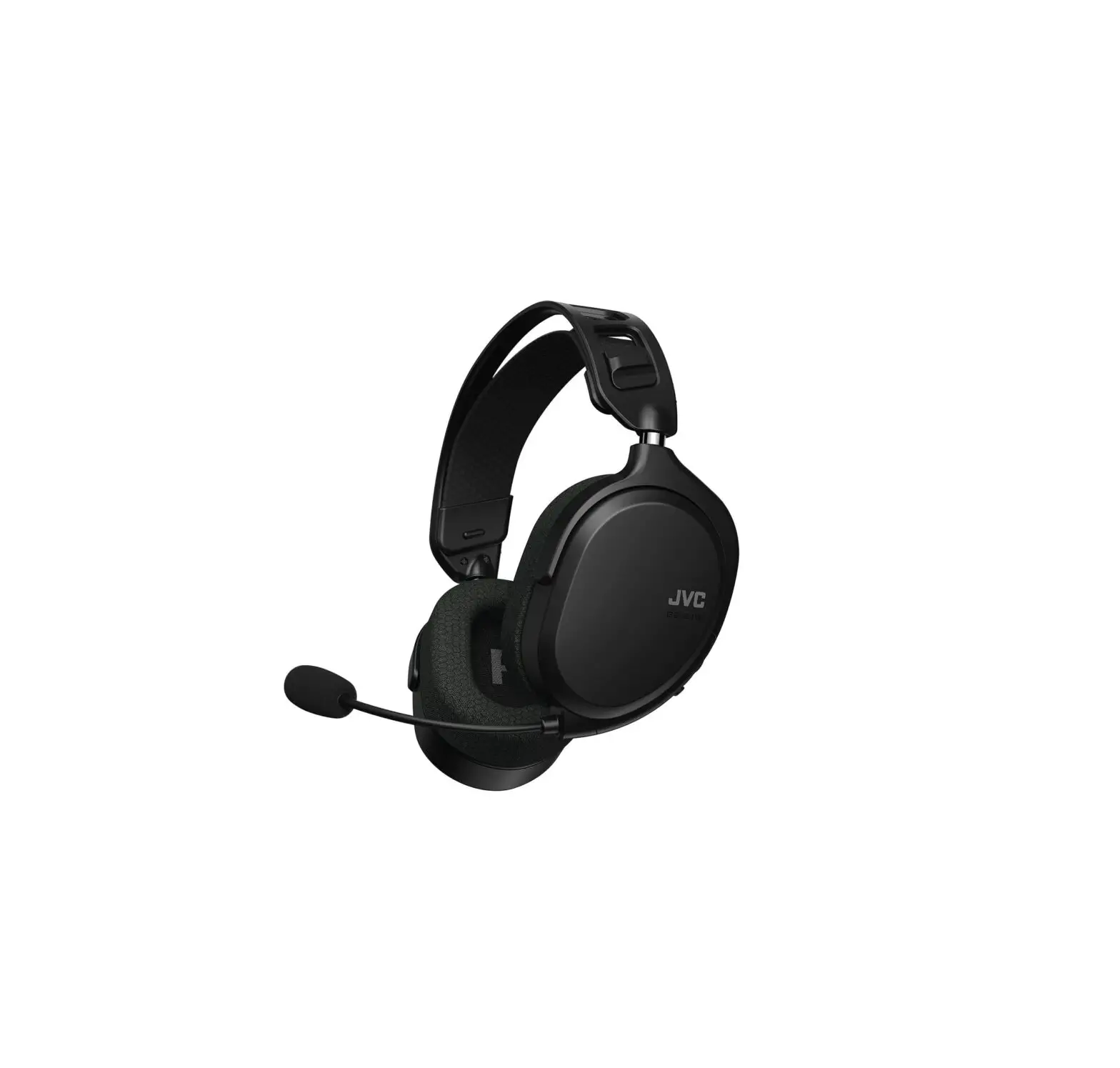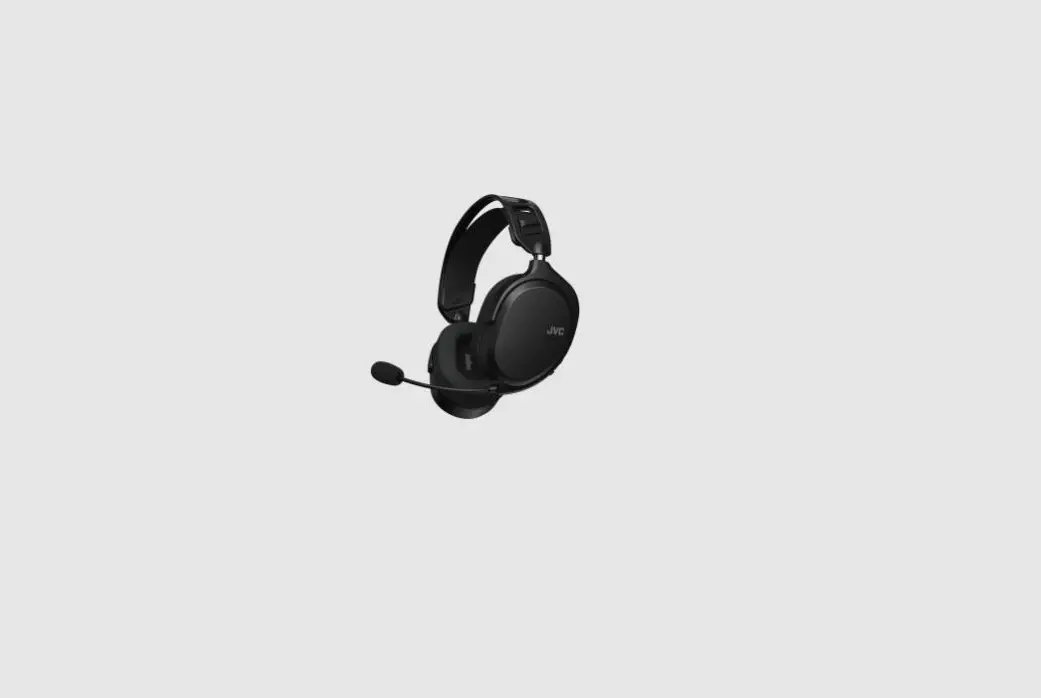
JVC GG-01W Wireless Lightweight Gaming
Headset Instruction Manual

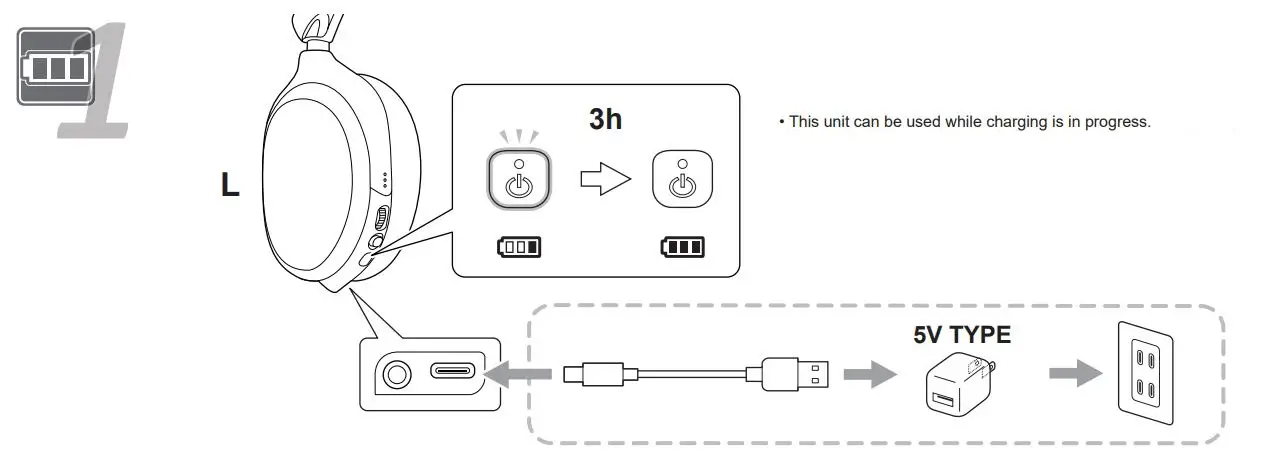
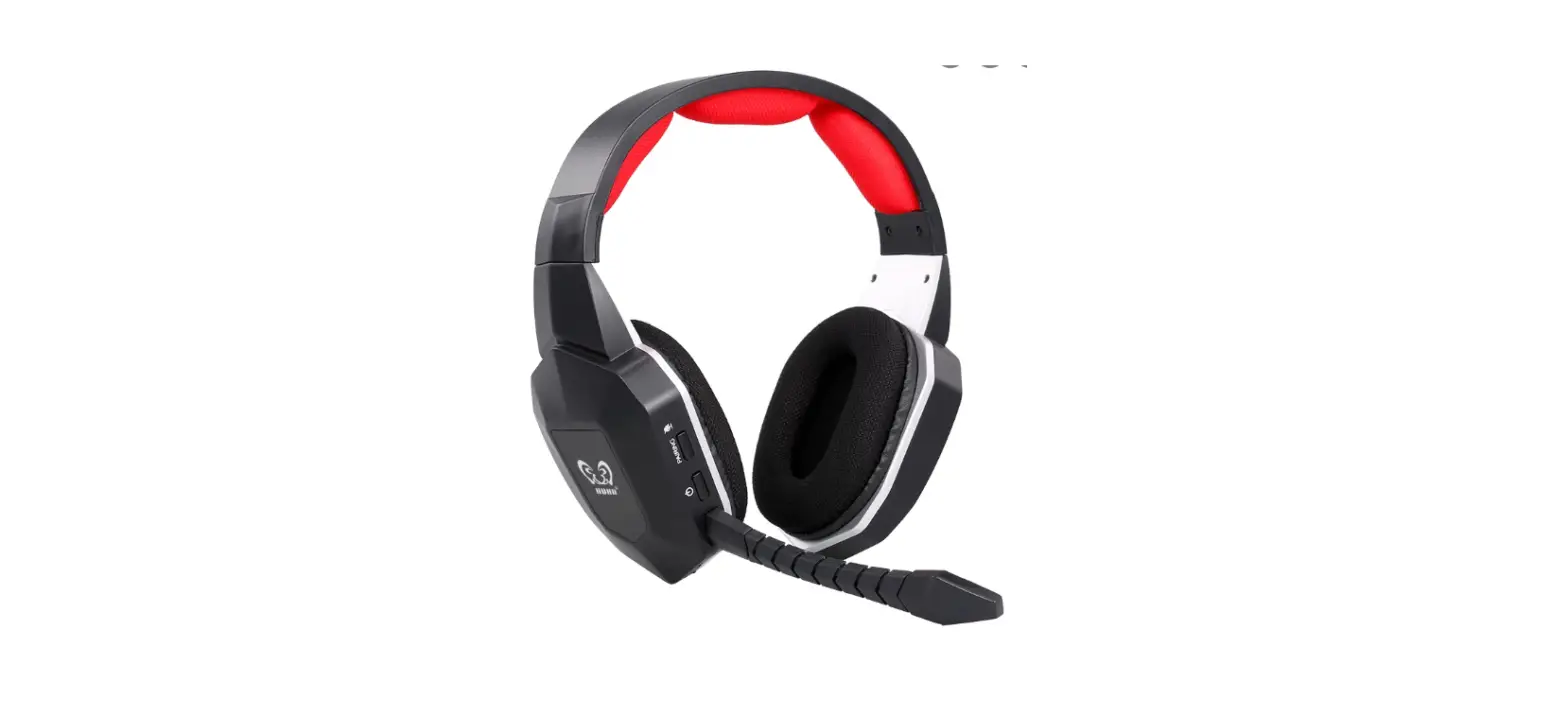
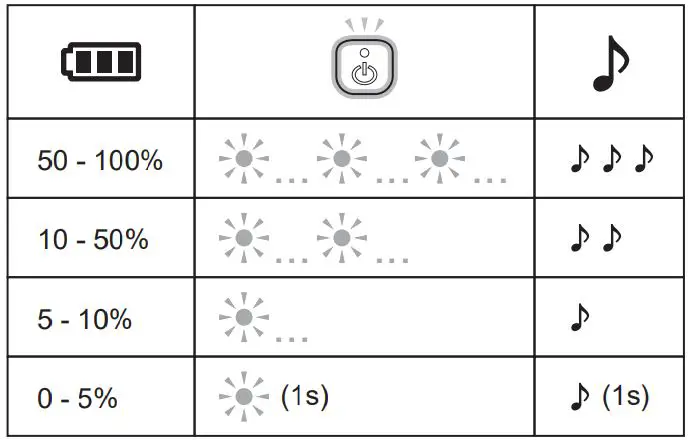
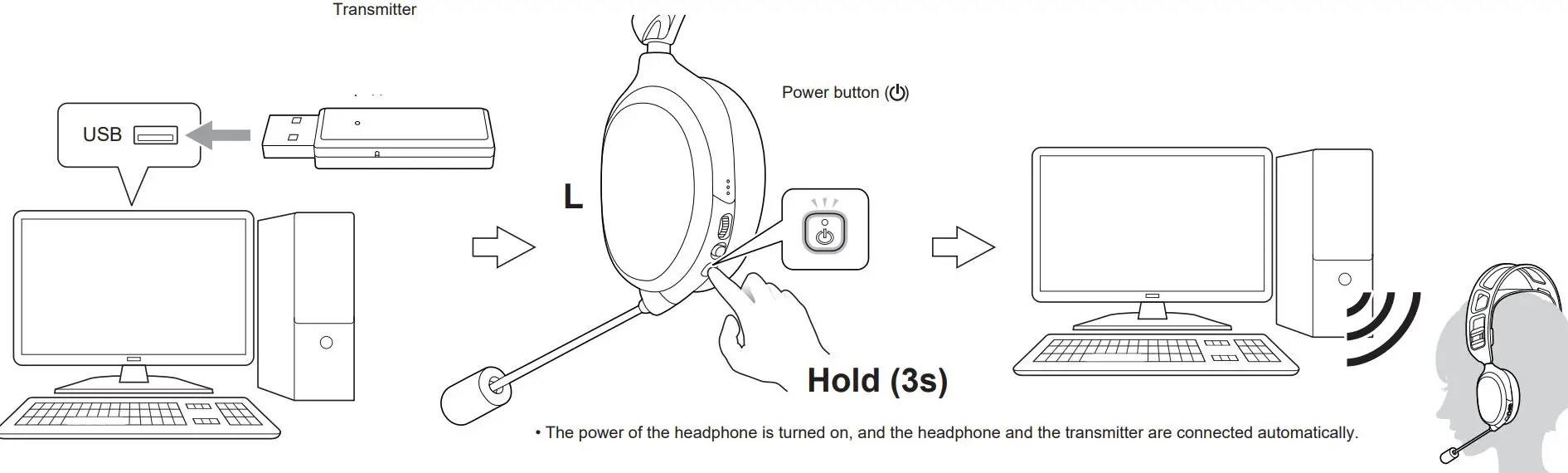
By pressing the power button  while the power of the headphone is on, the indicator flashes and a beep sounds to indicate the remaining battery level.
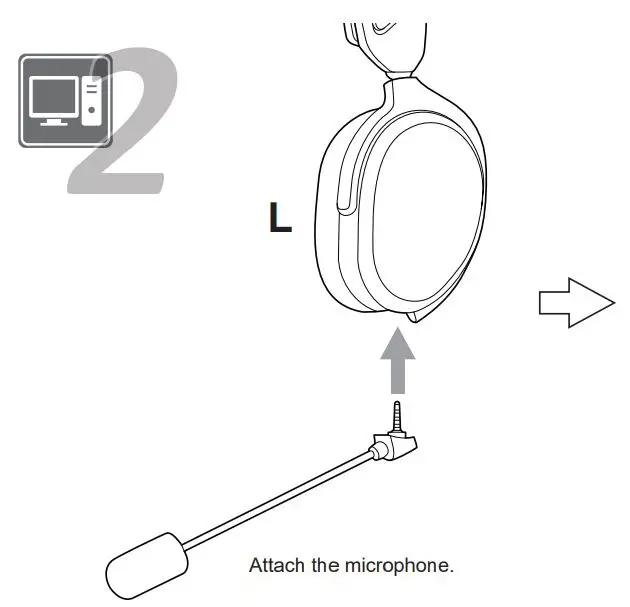
Pressing the mute button () turns on or off the microphone.
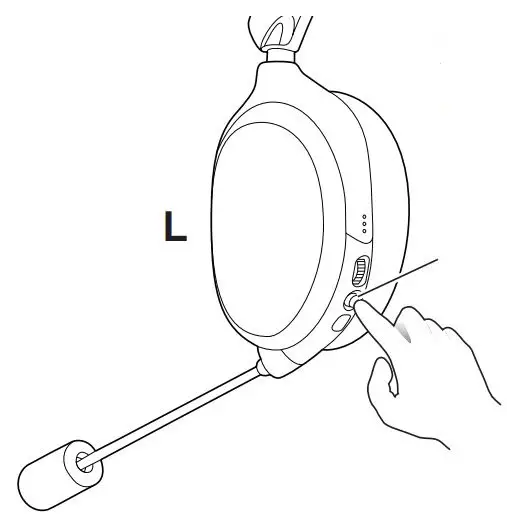
Mute button
- When the button is pressed down, the microphone is turned on. When the button is not pressed down, the microphone is turned off (muted).
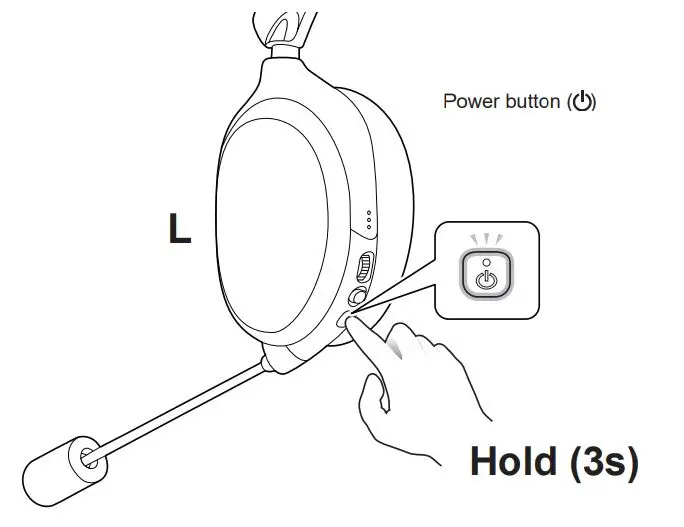
Pressing and holding the power button for 3 seconds turns off the power of the headphone.
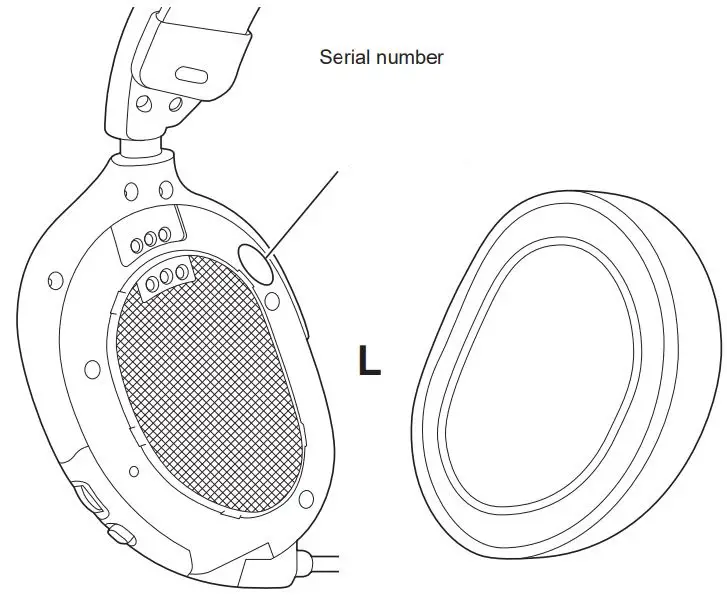
The serial number can be found by removing the ear pad on the L side.
https://manual3.jvckenwood.com/accessory/headphones/global/

For detailed operations, troubleshooting and information on the European Guarantee, please refer to the user manual.
 Manual Search
 Club JVC | JVC