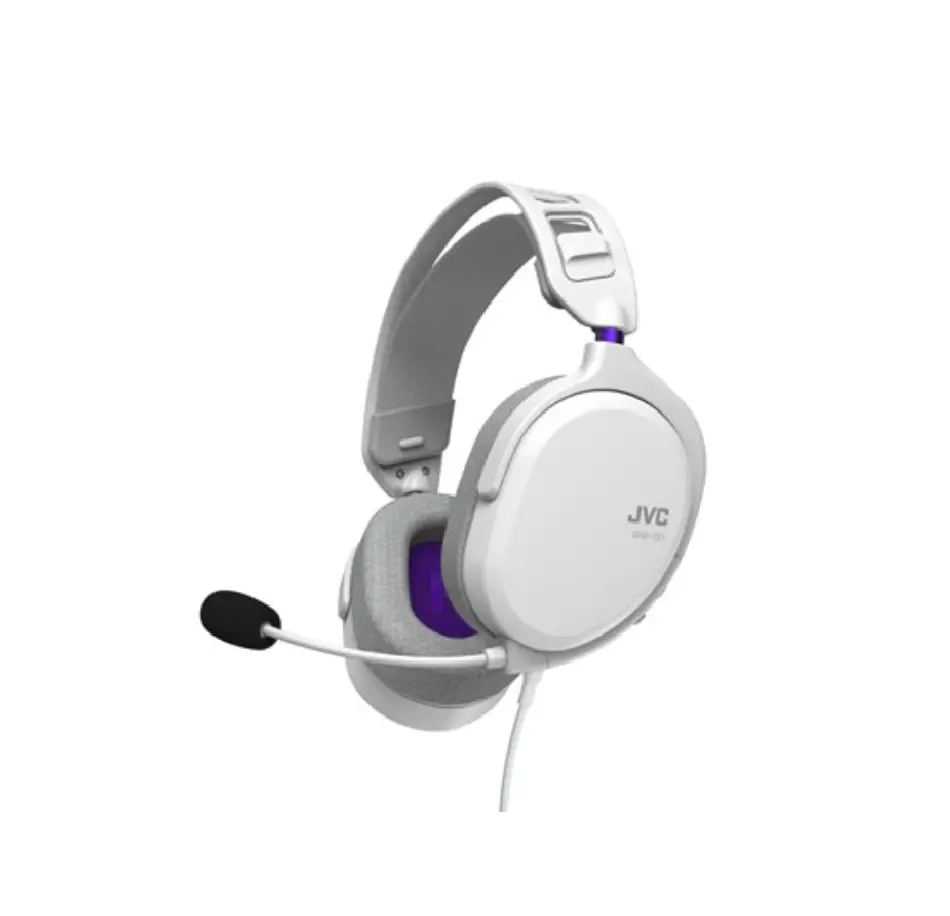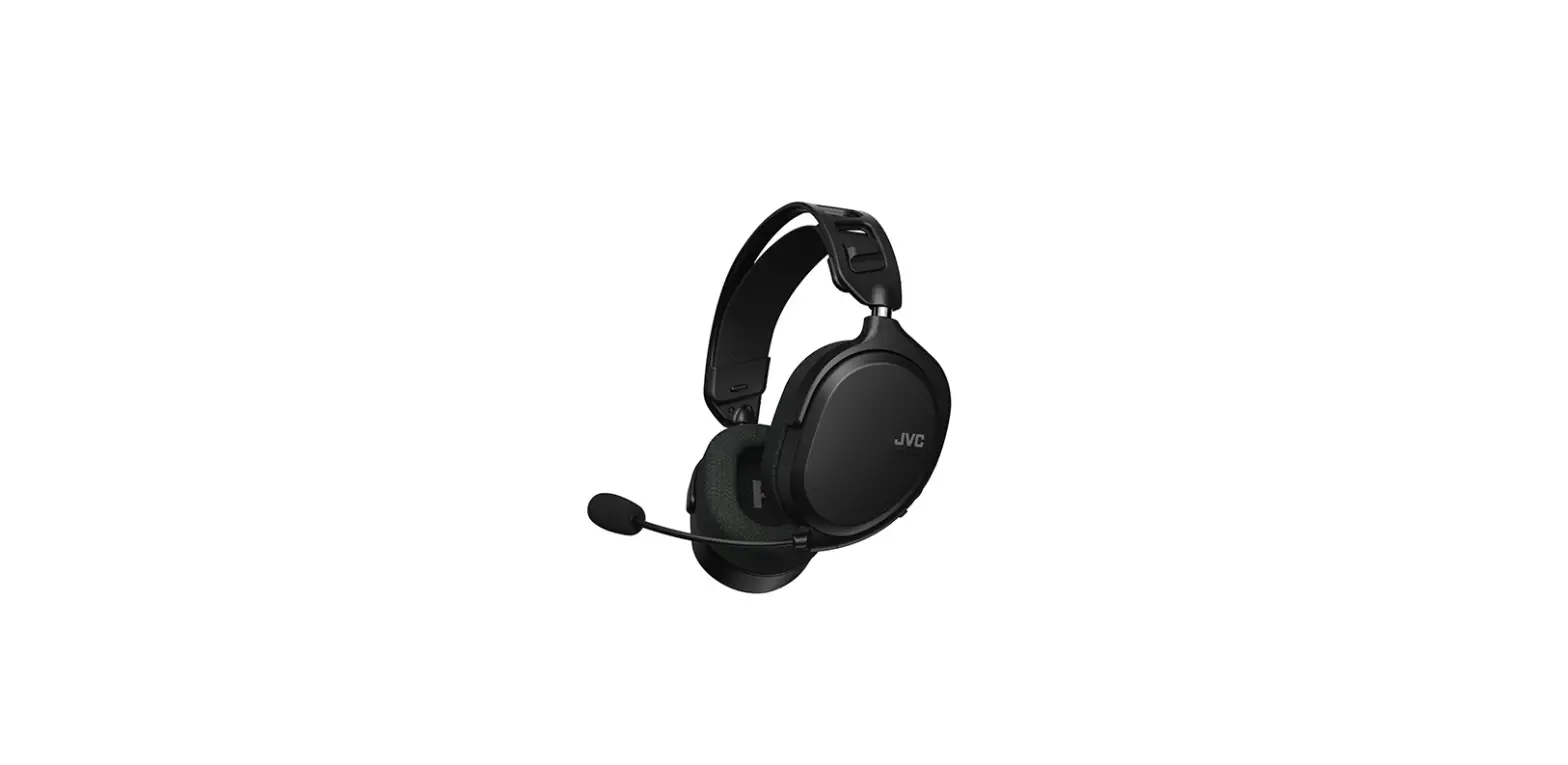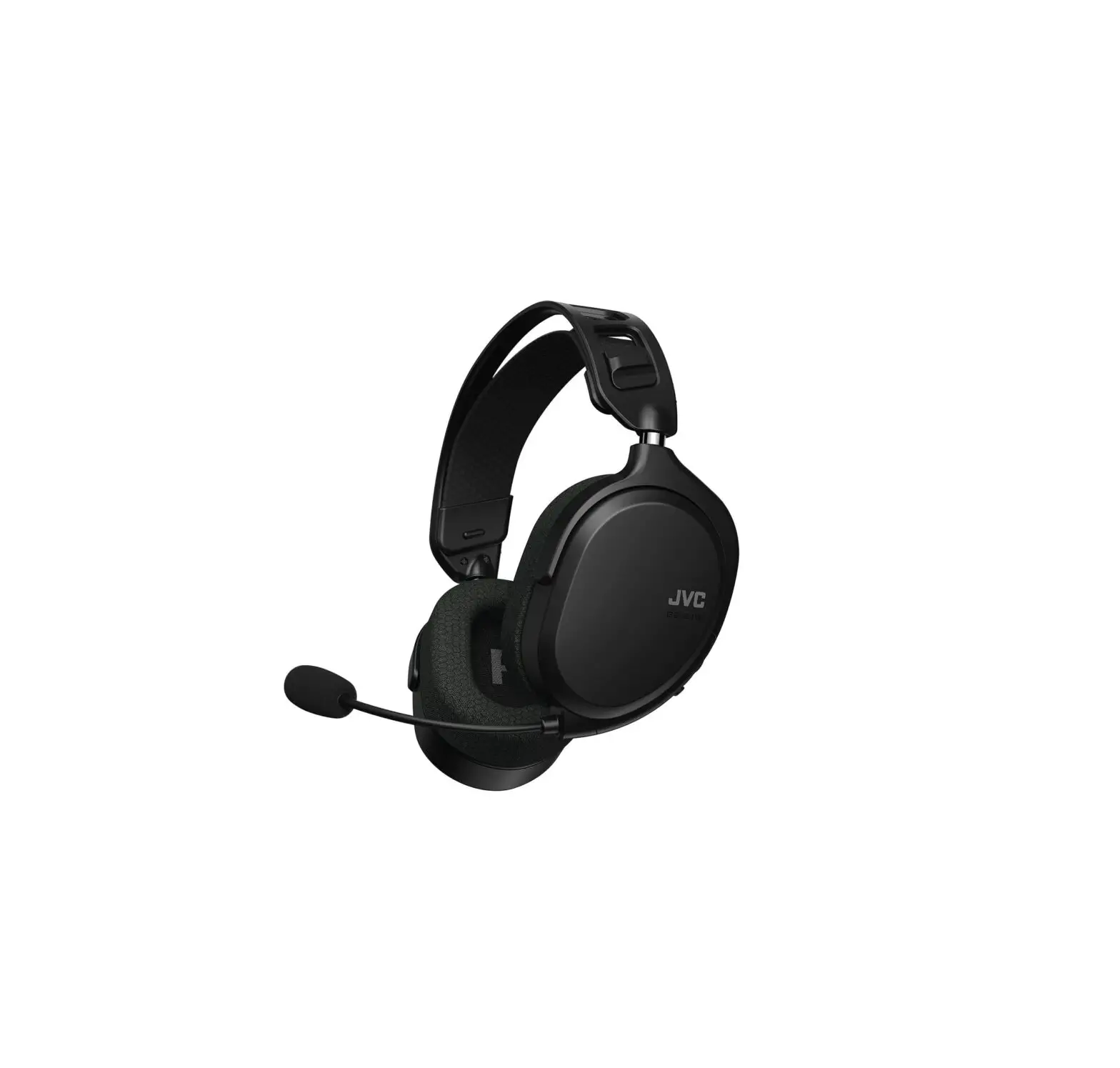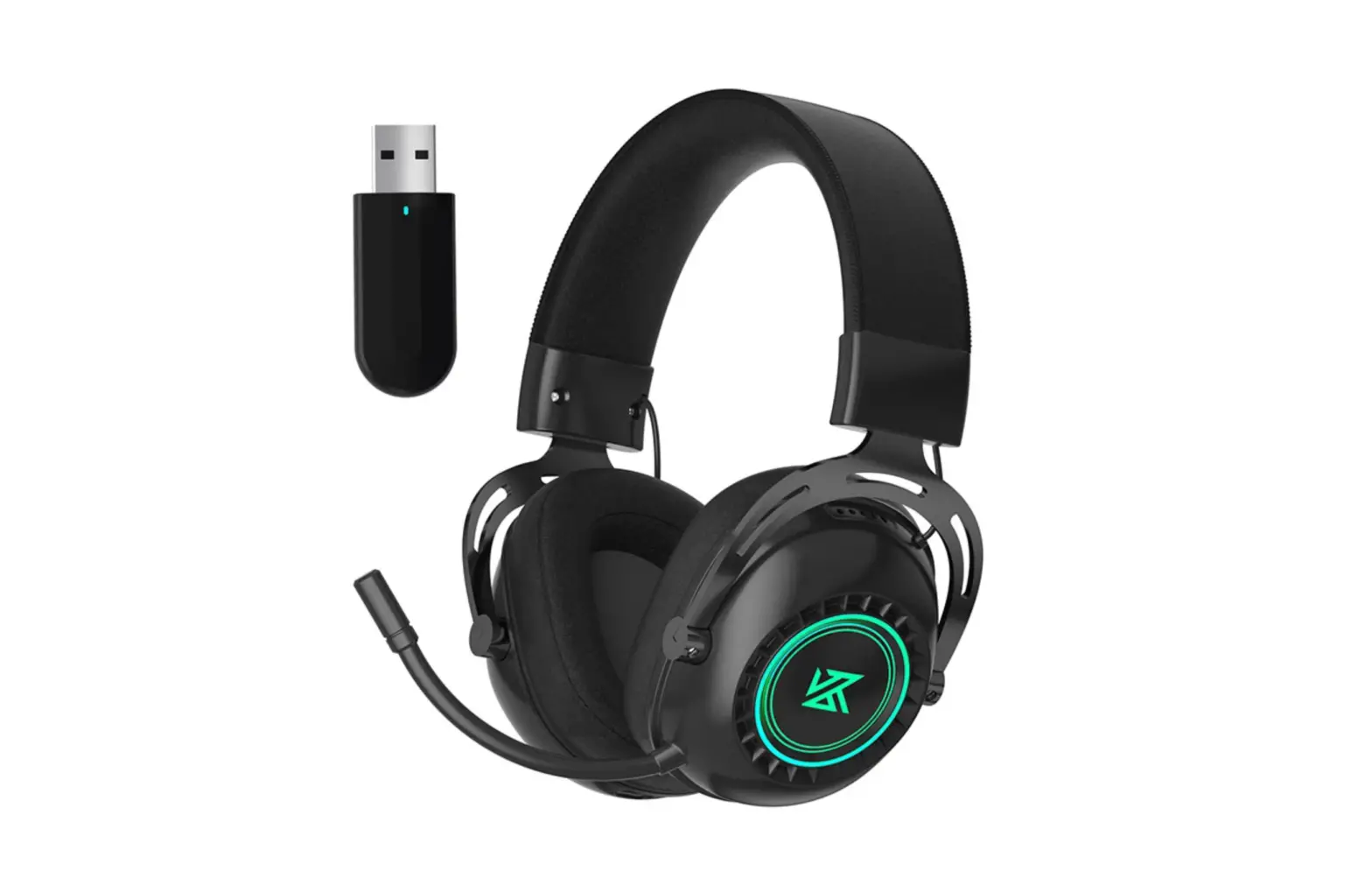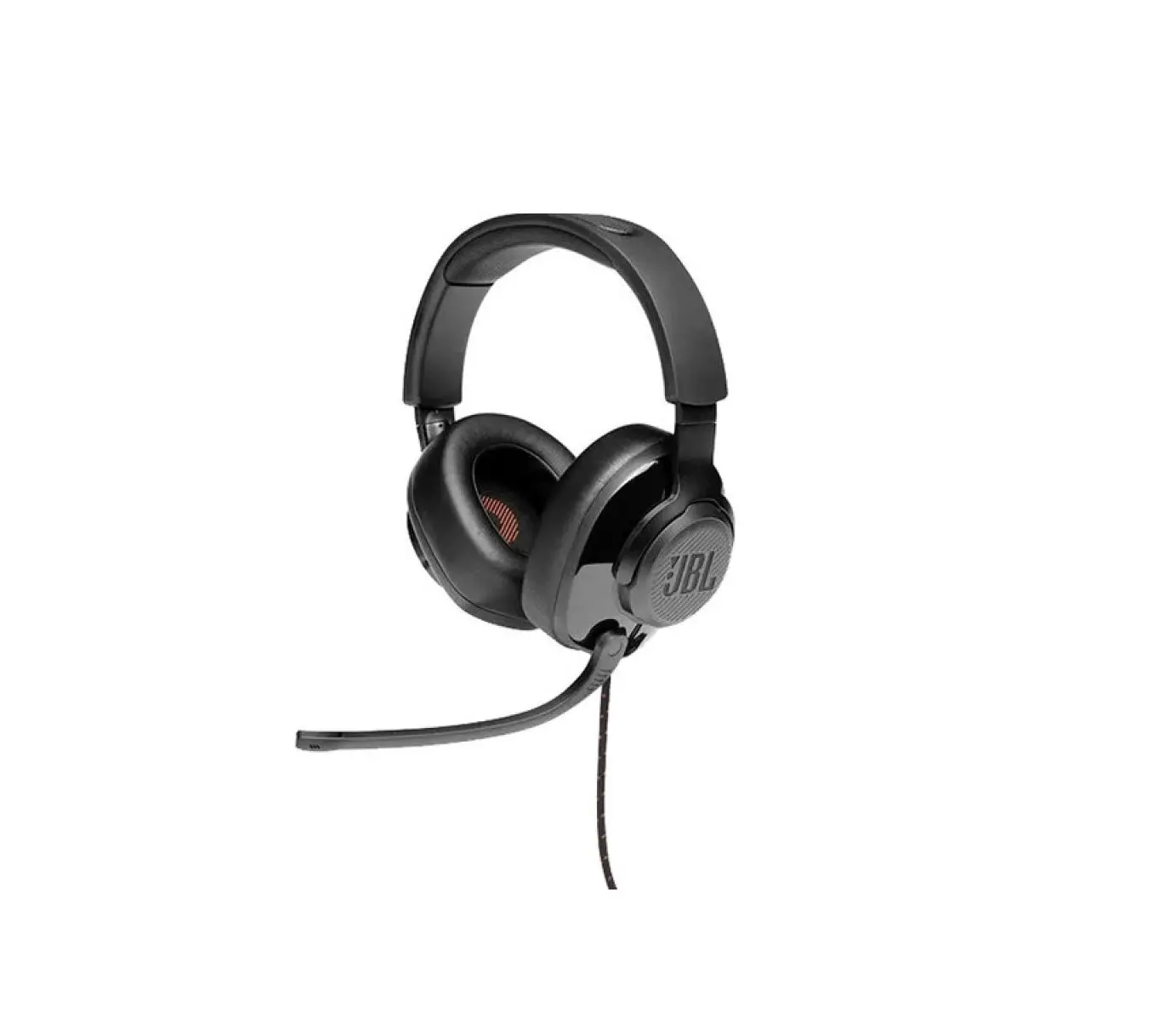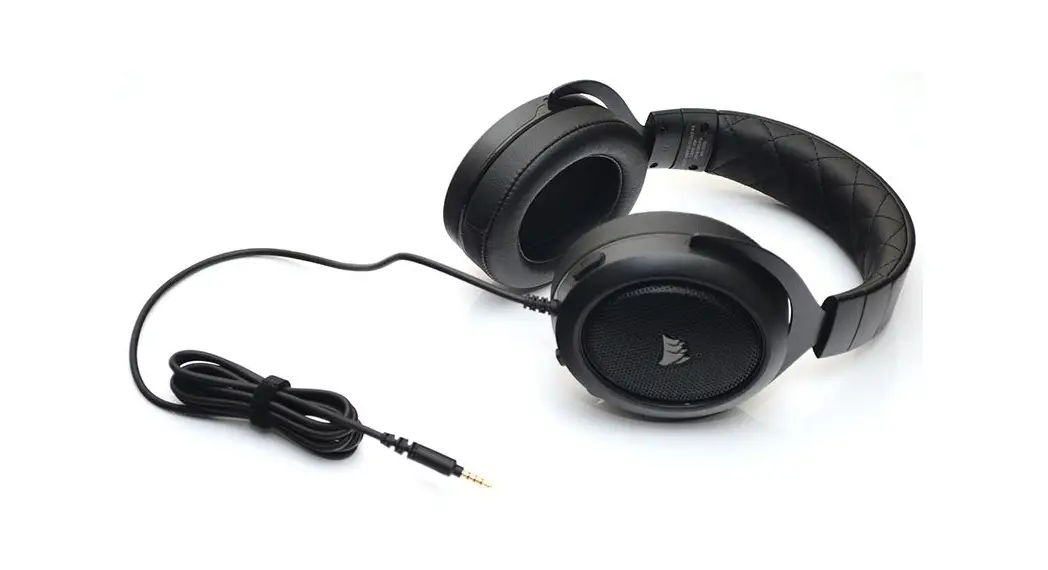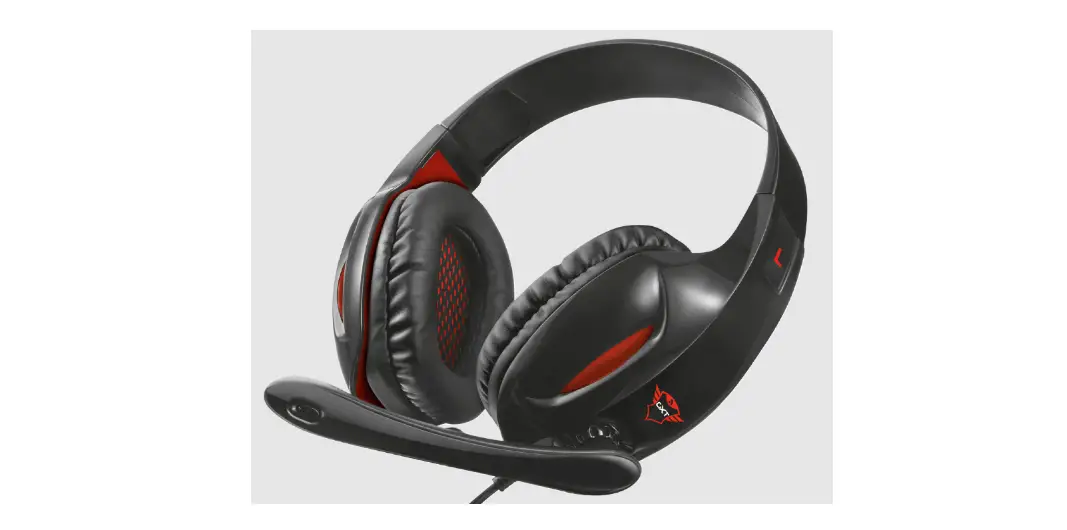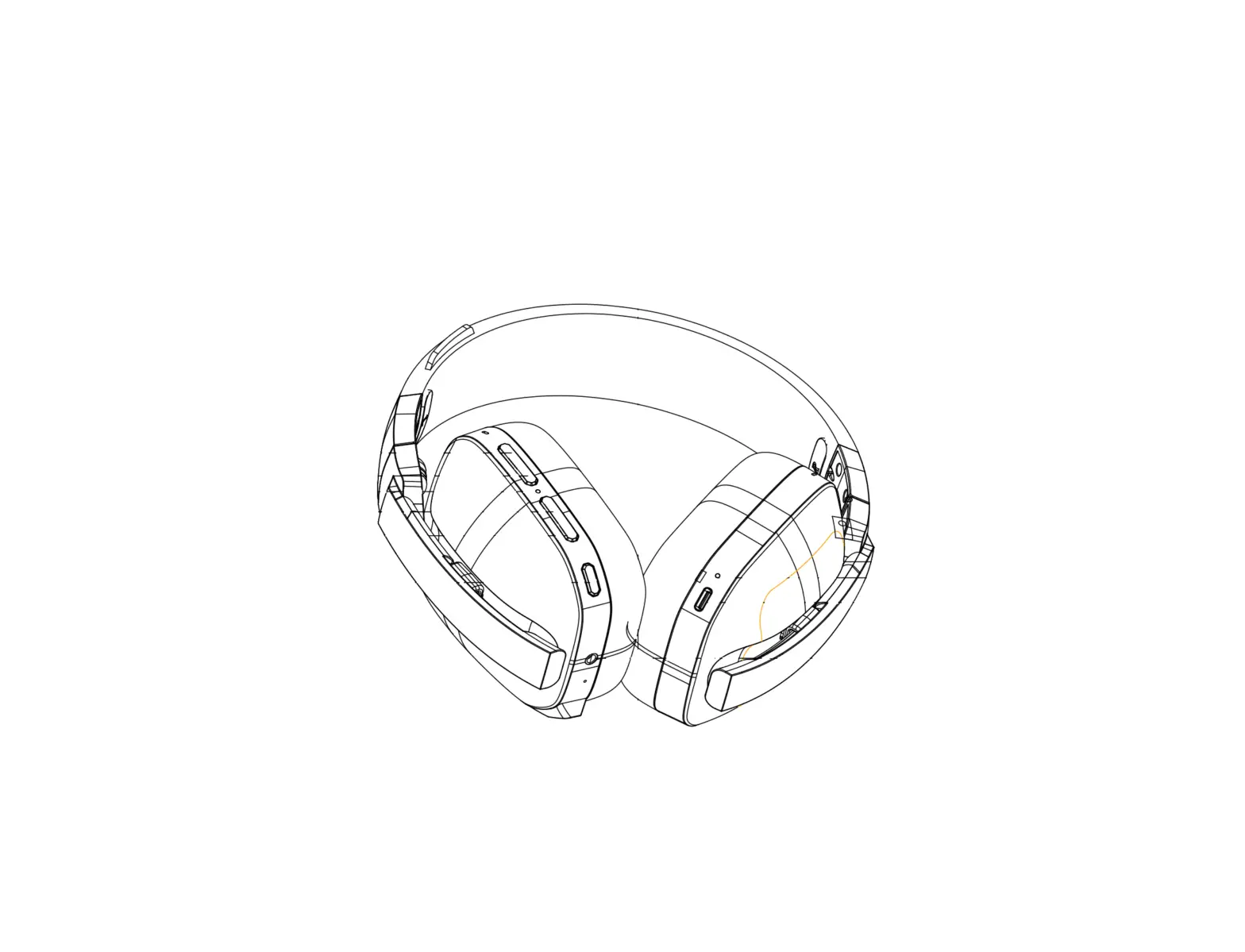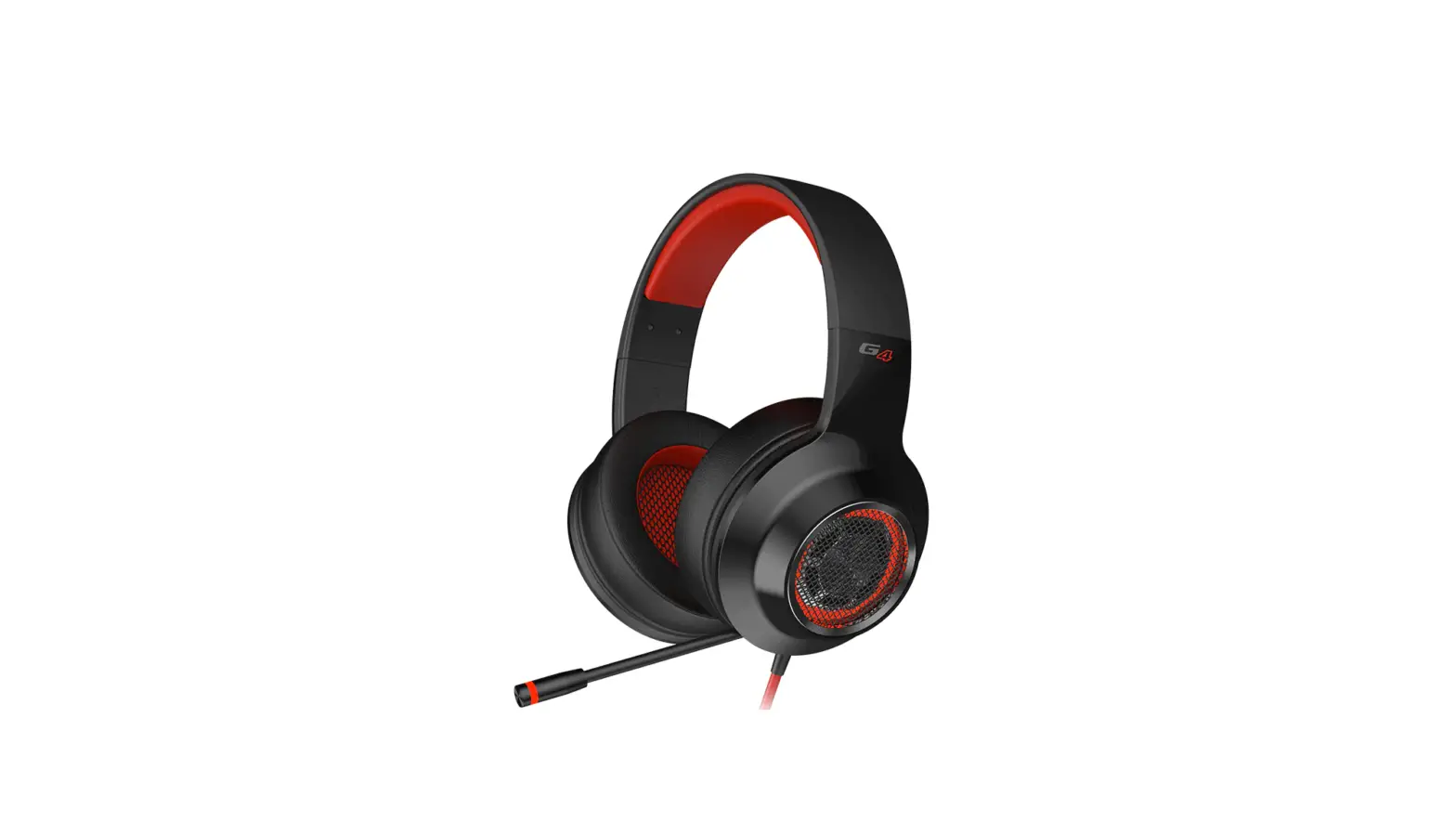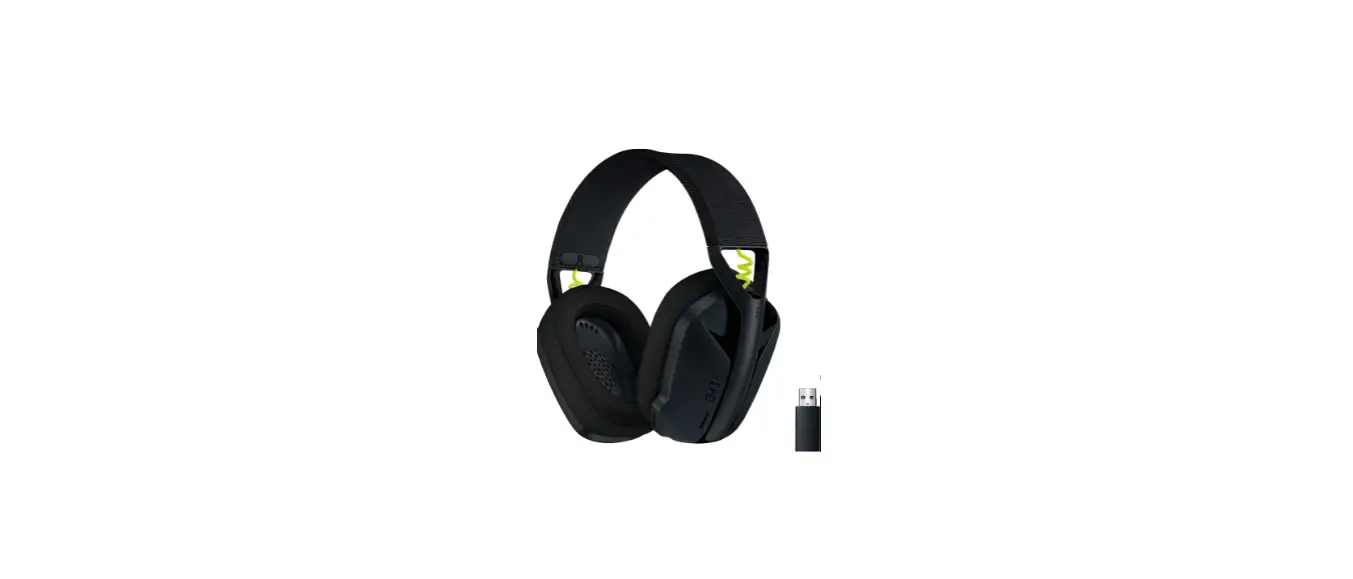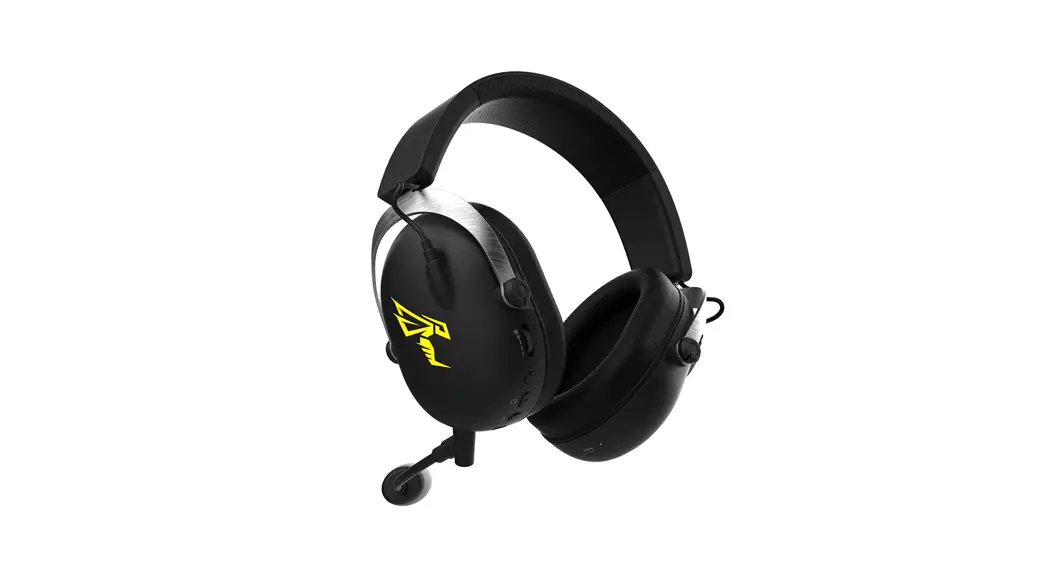

JVC GG-01 Lightweight Gaming Headset
WARNING
Hearing Comfort and Well-Being
- Do not play your personal audio at a high volume. Hearing experts advise against continuous extended play.
- If you experience a ringing in your ears, reduce volume or discontinue use.
Traffic Safety: - Do not use while operating a motorized vehicle. It may create a traffic hazard and is illegal in many areas.
- You should use extreme caution or temporarily discontinue use in potentially hazardous situations.
- Do not turn up the volume so high that you cannot hear sound around you.
CAUTION
For your safety…
- In dryer air conditions such as in winter, you may feel some static shock when using the headphones.
- Should you start to feel ill while using the headphones, you should stop using them immediately.
- Be sure that your hair or any other objects do not get caught in the headband slider (adjuster) when adjusting the headband.
Avoid using the headphones…
- in places subject to excessive humidity or dust
- in places subject to extremely high (over 40 °C or 104 °F) or low (under 5 °C or 41 °F) temperatures
DO NOT leave the headphones…
- exposed to direct sunlight
- near a heater
To protect the headphones, DO NOT…
- allow them to get wet
- shake them or drop them against hard objects
Precautions for use:
- Be careful not to apply power that exceeds the headphones’ input capacity. This may result in sound distortion and could
damage the oscillation board. - Grasp and pull the headphone plug directly when disconnecting from your device. Do not pull out by the cord.
- The ear pads will wear out earlier than the other parts even in normal use or in normal storage due to the material
characteristics. - For replacement of the ear pads, consult with the dealer where you purchased the headphones.
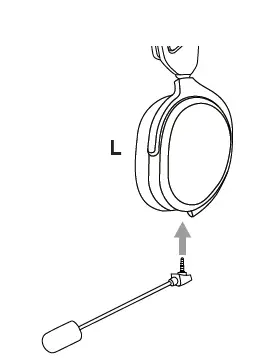
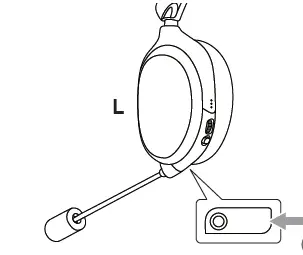
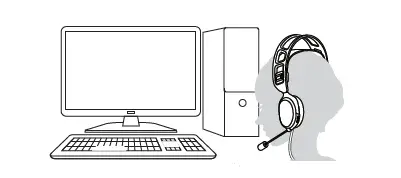
Attach the microphone
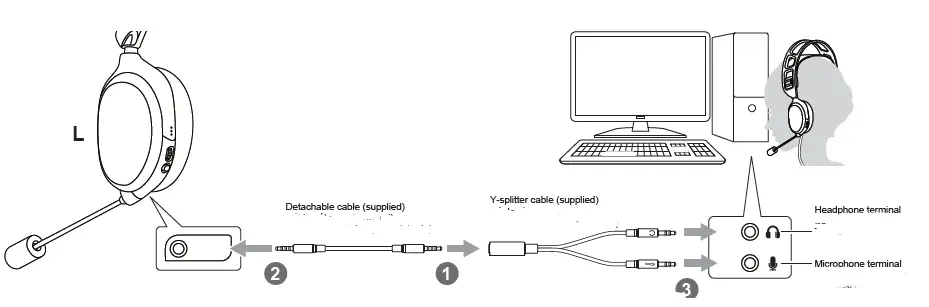
DETACHABLE CABLE (SUPPLIED)
 Terminal for microphone and headphone:

 Terminal for microphone and headphone:
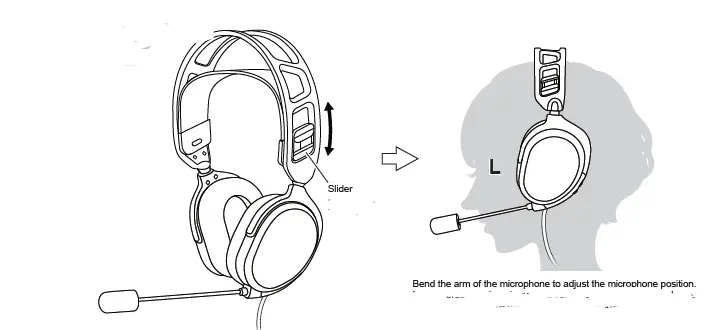
- Adjust the slider position to fit the ear pads to your ears.
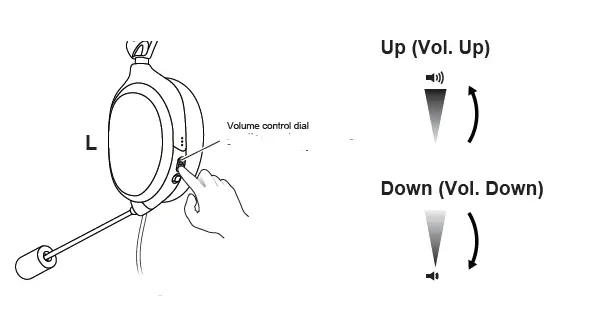
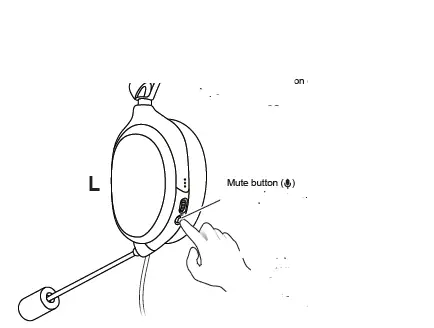
- Pressing the mute button turns on or off the microphone.
 The serial number can be found by removing the ear pad on the L side.
 The serial number can be found by removing the ear pad on the L side.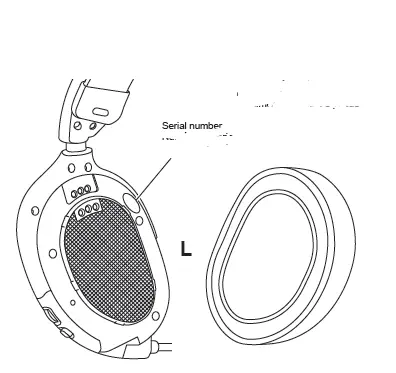
 Club JVC | JVC