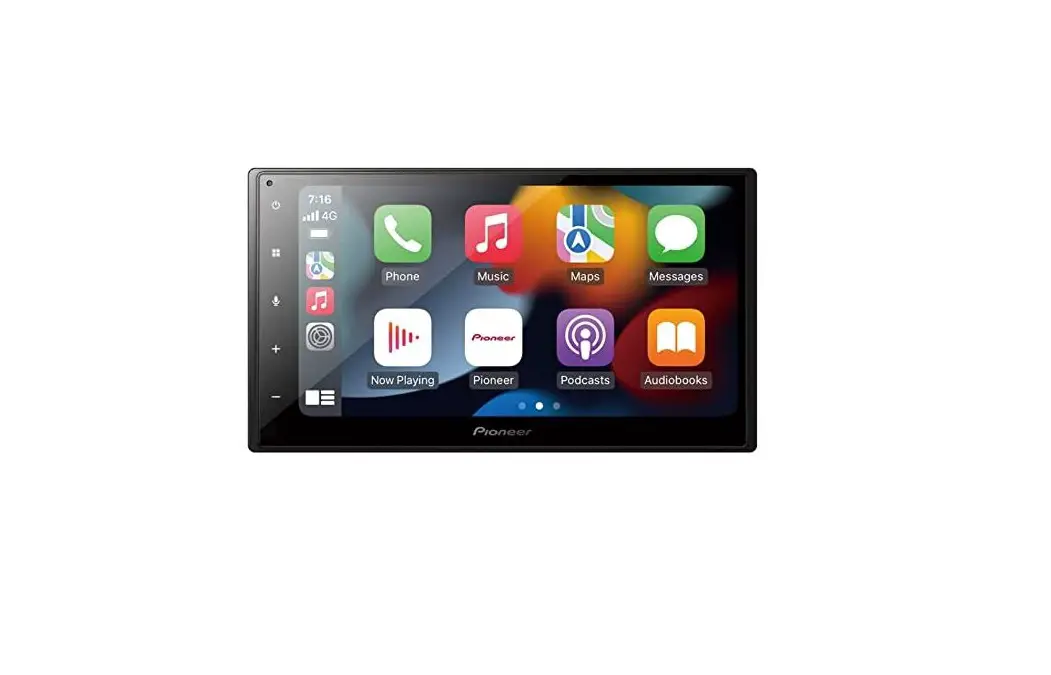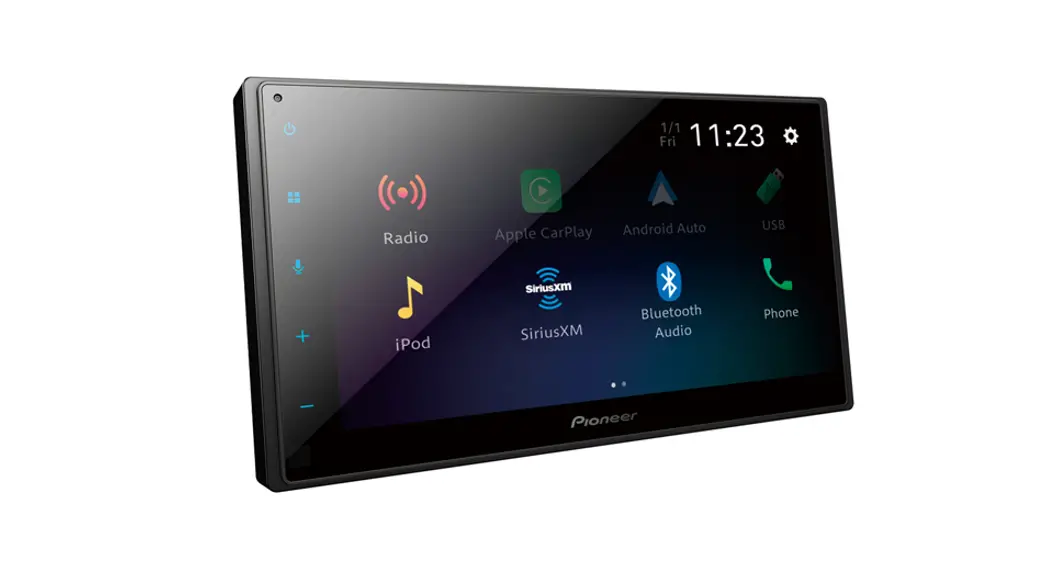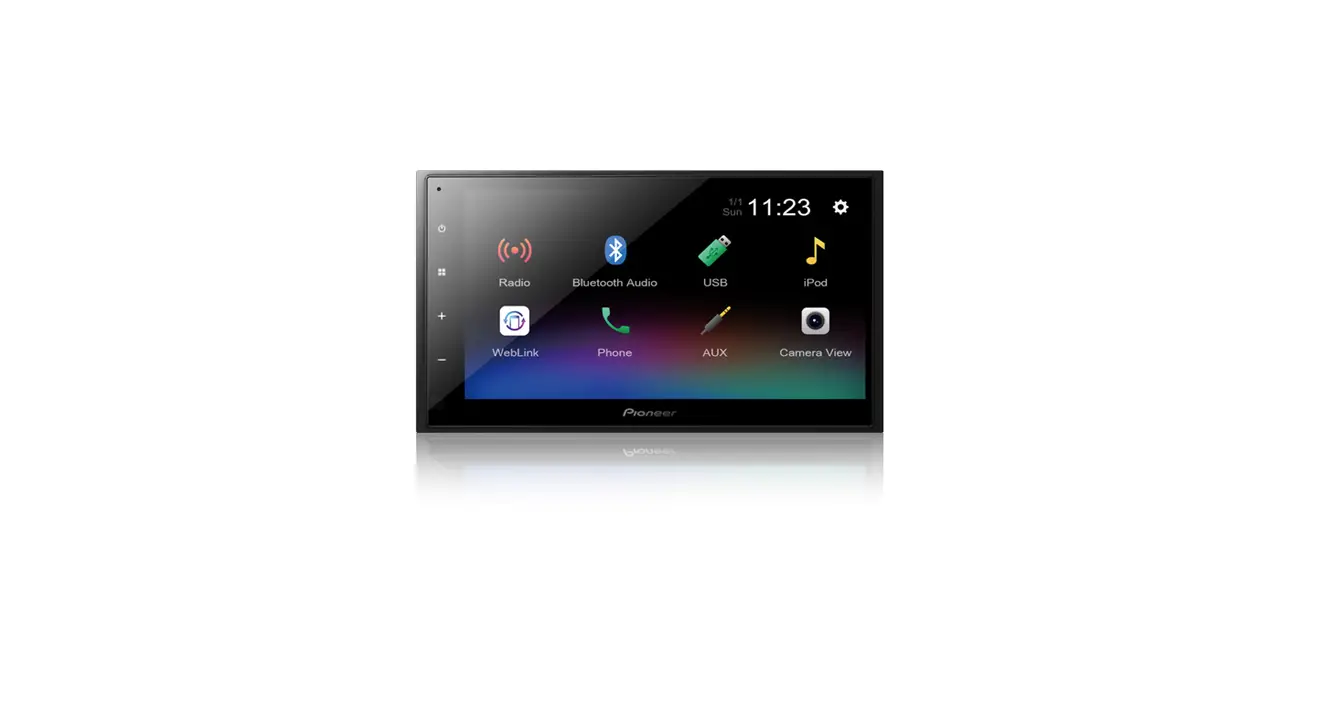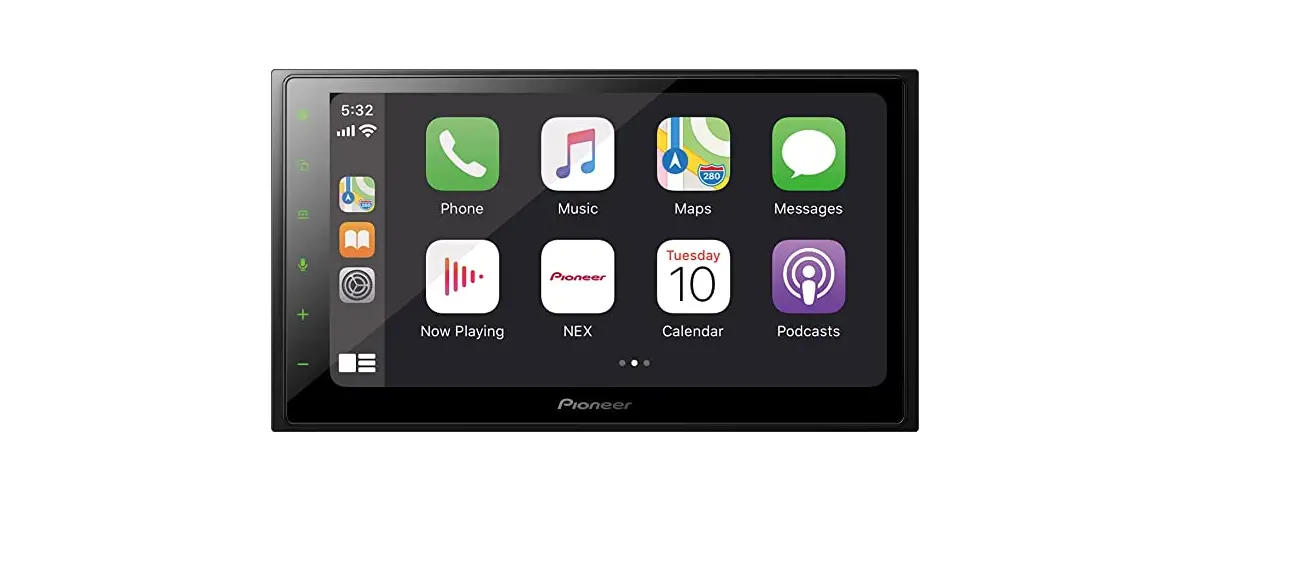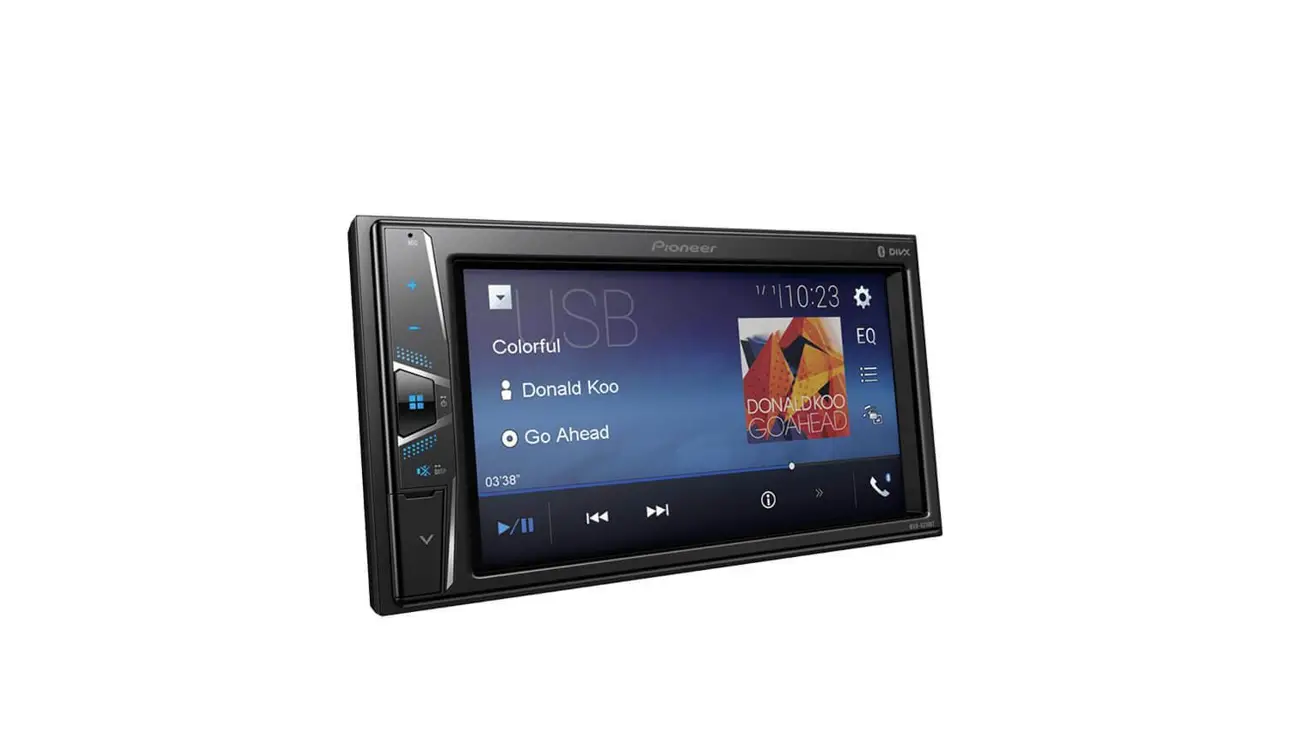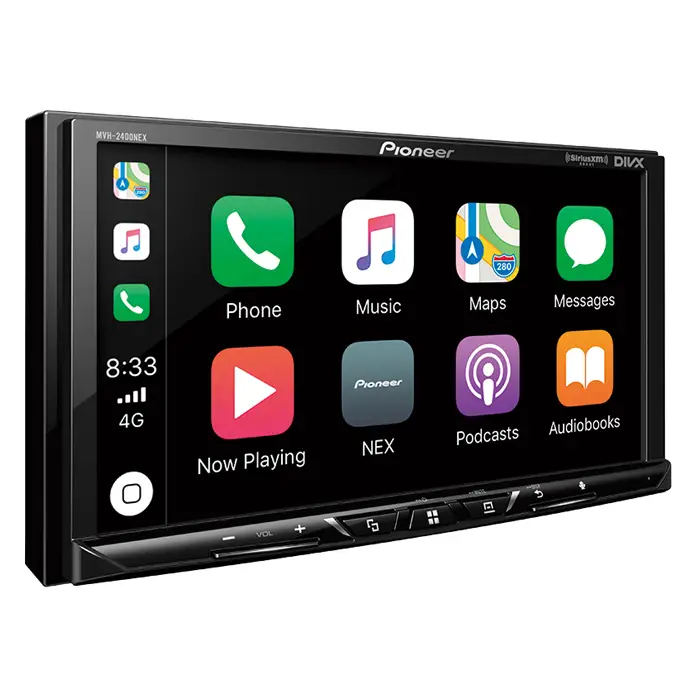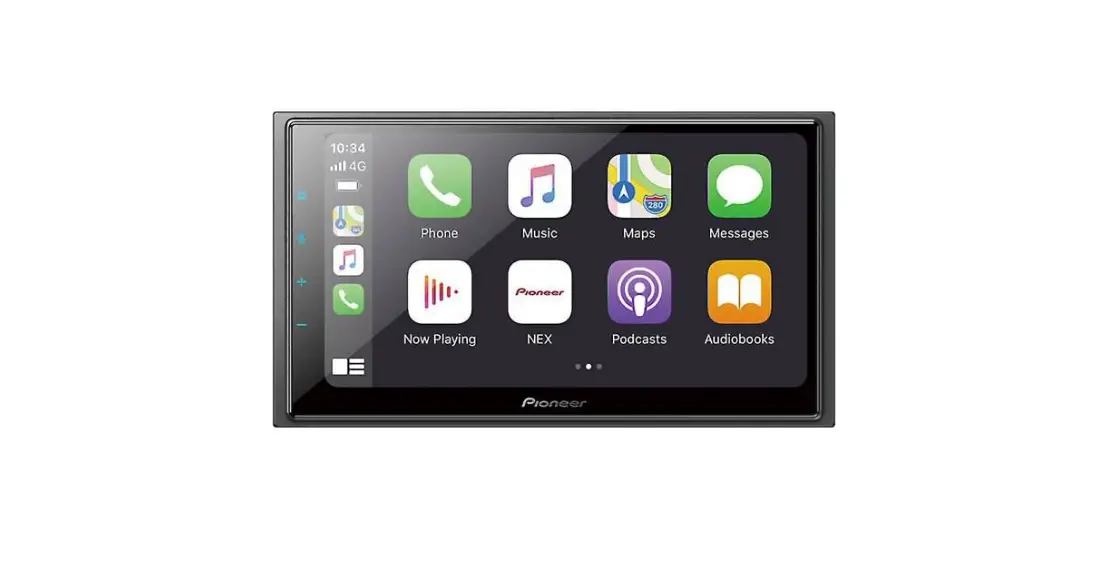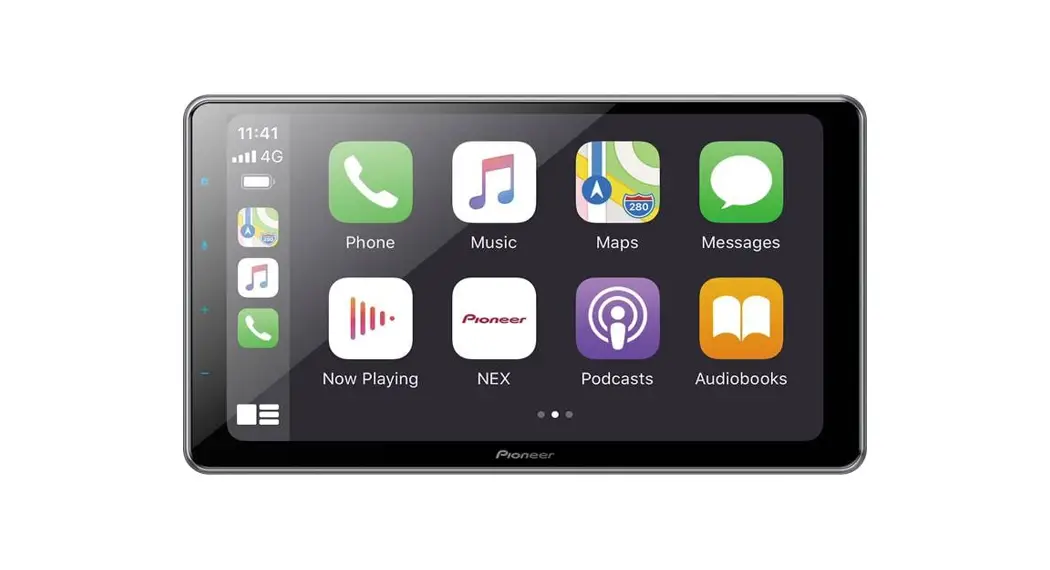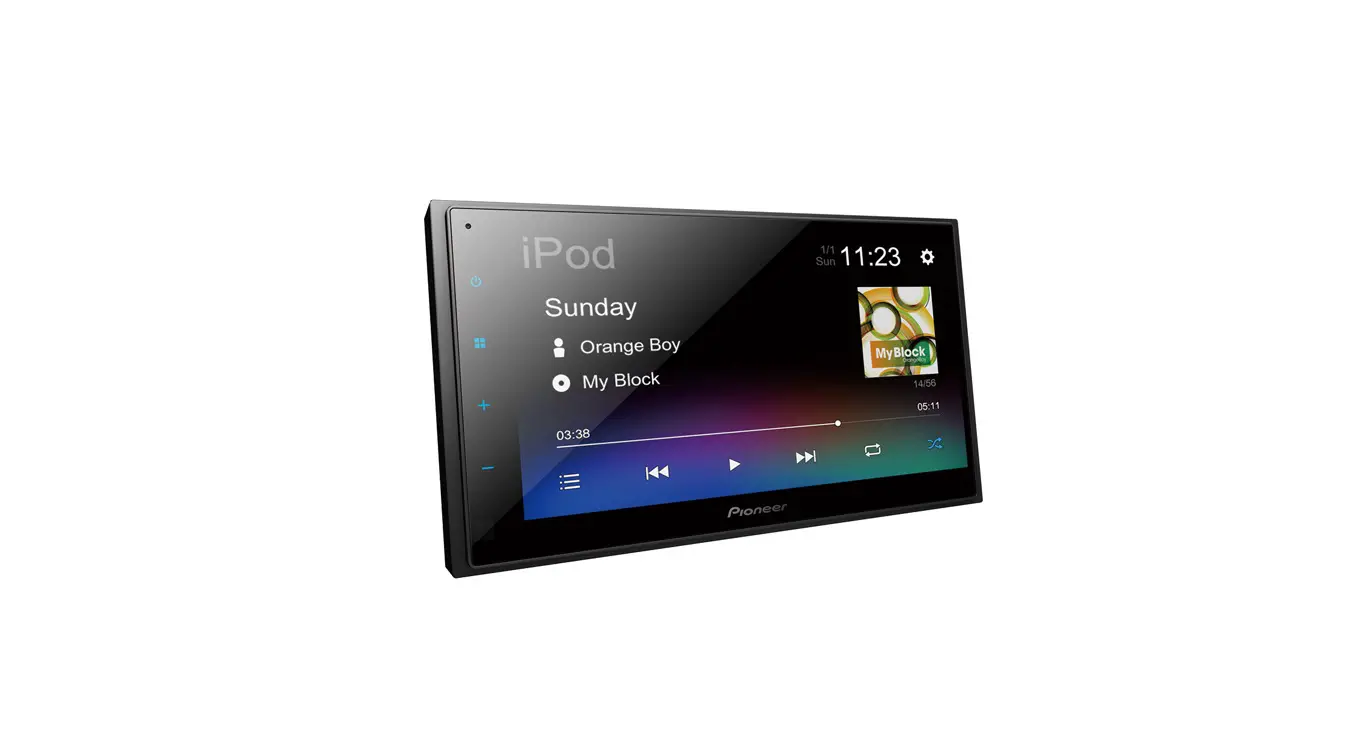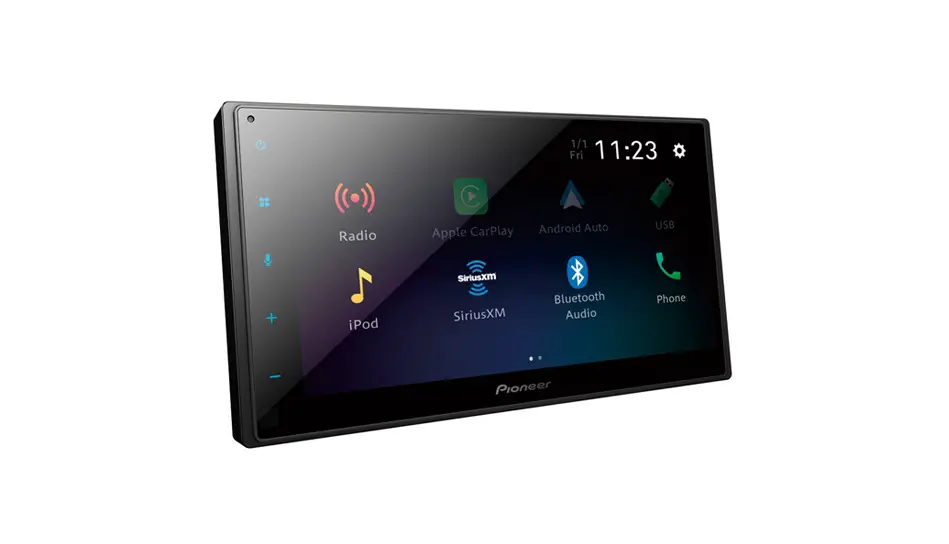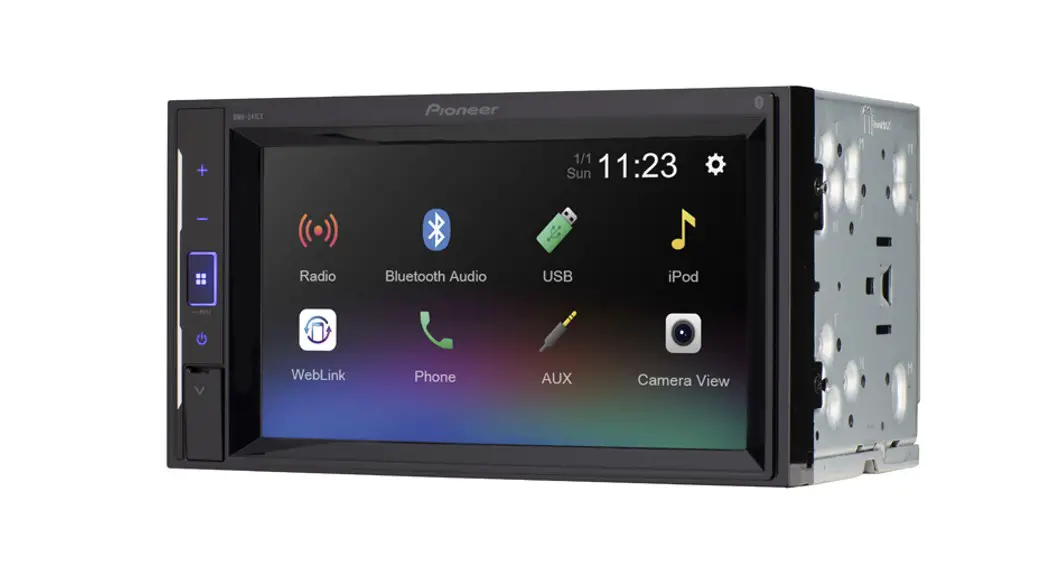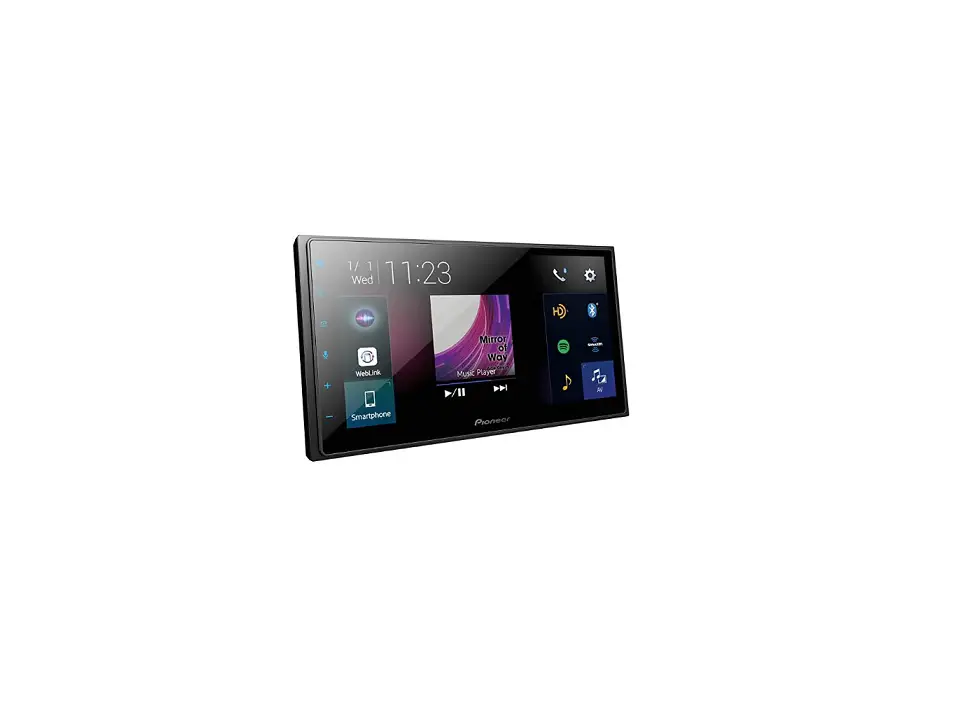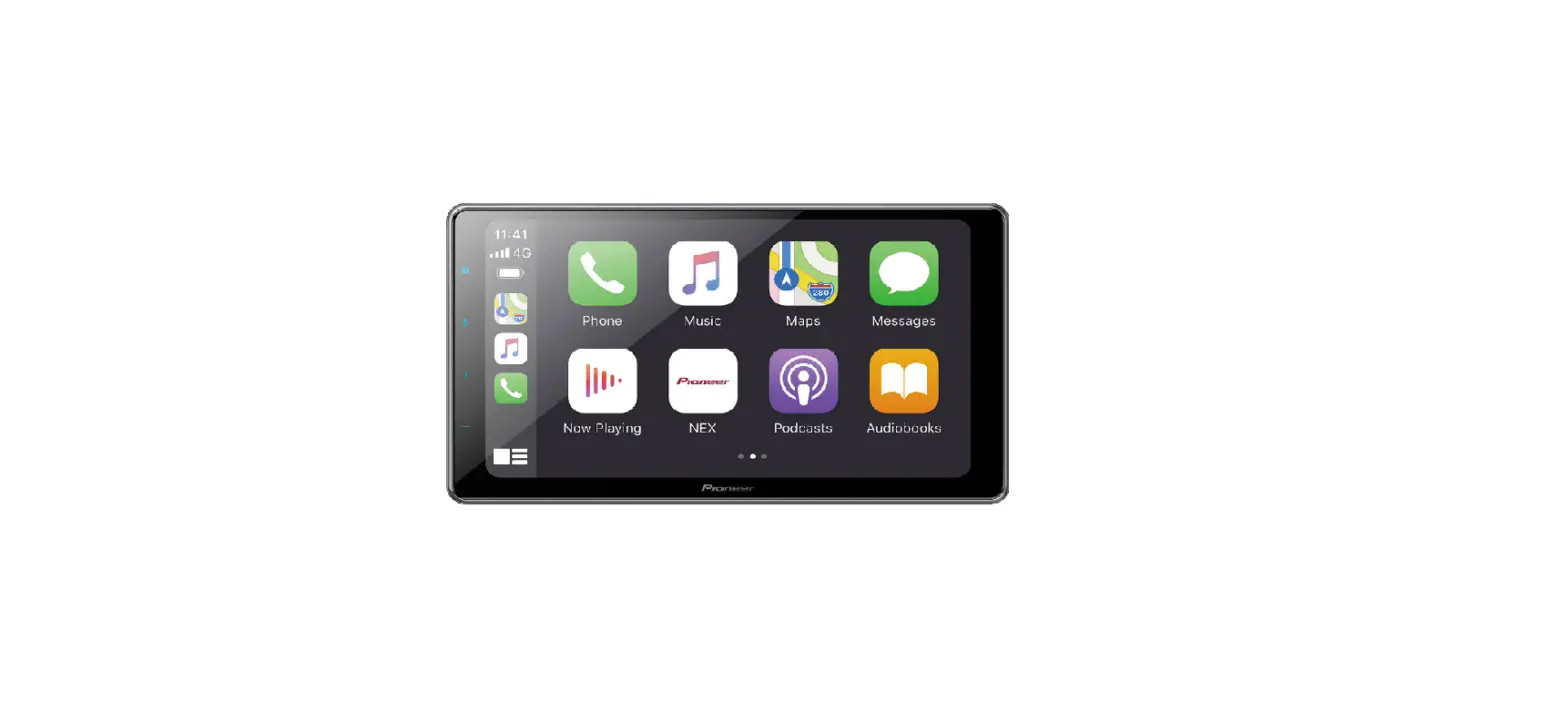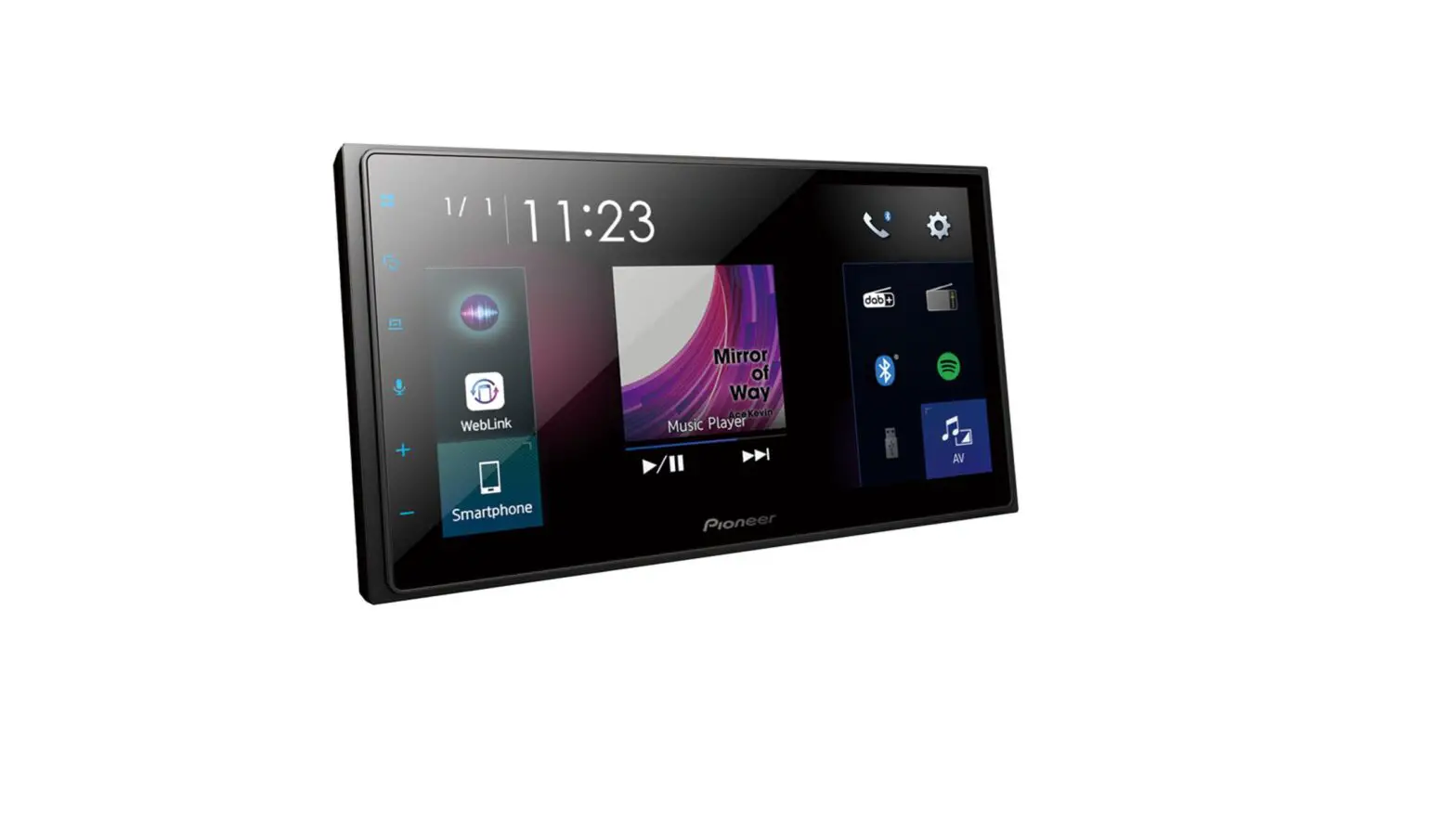

SPH-DA250DAB Quick start guide
<CRD5171-A>
 Touch
Touch 
 Touch and slide
  Touch and hold
What’s What
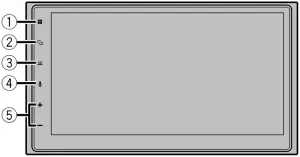
| (1) |  | Display the top menu screen
|
| (2) |  | Switch between the Application screen and the AV operation screen Turn off the display |
| (3) |  | Display the menu bar
|
| (4) |  | Activate the voice recognition mode |
| (5) | VOL (+/-) | |
Selecting the clock

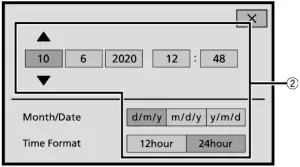
| (1) | Switch to clock adjustment display |
| (2) | Adjust the clock |
Selecting the source
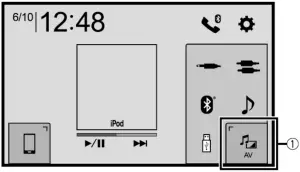
| (1) | Display the AV source selection screen and select a source |
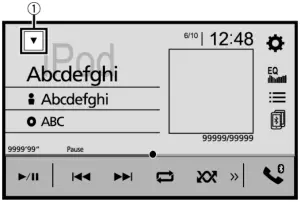
| (1) | Display the source list and select a source |
Tuner operation
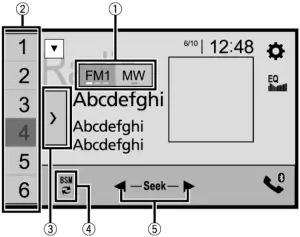
| (1) | Select a band |
| (2) | Recall the preset channel stored to a key from memory
|
| (3) | Display the preset channel list |
| (4) | Display a pop-up explaining how to start storing the strongest broadcast frequencies
|
| (5) | Tune into the next station
|
Moving images operation
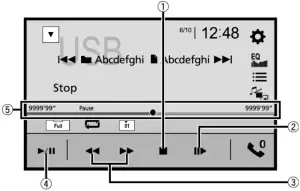
| (1) | Stop playback |
| (2) | Move ahead one frame |
| (3) | Fast forwards and reverse |
| (4) | Pause and start playback |
| (5) | Change the playback point |
Moving images operation
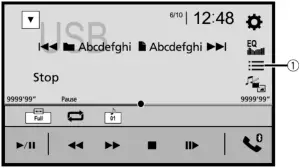
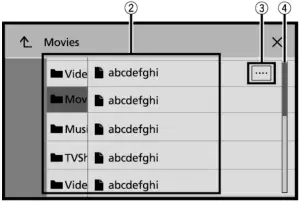
| (1) | Display the playlist screen |
| (2) | Select a list title that you want to play |
| (3) | Scroll the list title or category name |
| (4) | Scroll the list |
Audio operation
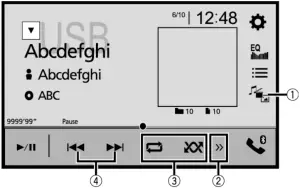
| (1) | Switch between media file types |
| (2) | Display the hidden function bar |
| (3) | Set the function for playing audio |
| (4) | Skip files forwards or backwards |
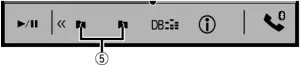
| (5) | Select a folder |
Bluetooth Connection
1 


 [Connection]
  .
.
2 the Bluetooth device name.
Bluetooth telephone operation
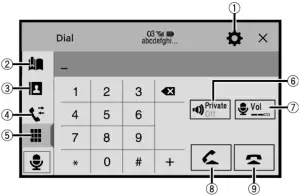
| (1) | Display the Bluetooth connection menu |
| (2) | Display the preset dial screen |
| (3) | Switch to the phone book mode |
| (4) | Switch to the call history list |
| (5) | Enter the phone number directly |
| (6) | Turn private mode on and off |
| (7) | Adjust the listening volume |
| (8) | Make an outgoing call |
| (9) | End a call |
This guide is intended to guide you through the basic functions of this unit.
For details, please refer to the Operation manual stored on the website.
Declaration of Conformity with regard to the Radio Equipment Directive 2014/53/EU
Manufacturer:
Pioneer Corporation
28-8, Honkomagome 2-chome, Bunkyo-ku,
Tokyo 113-0021, JAPAN
EU Representative’s & Importer:
Pioneer Europe NV
Haven 1087, Keetberglaan 1, 9120 Melsele, Belgium
http://www.pioneer-car.eu
[*] SPH-DA250DAB
Hereby, Pioneer declares that the radio equipment type [*] is in compliance with Directive 2014/53/EU.
The full text of the EU declaration of conformity is available at the following internet address:
http://www.pioneer-car.eu/compliance
Notepad
 Car GPS Navigation – Multimedia Receiver – Digital Bass Control | Pioneer