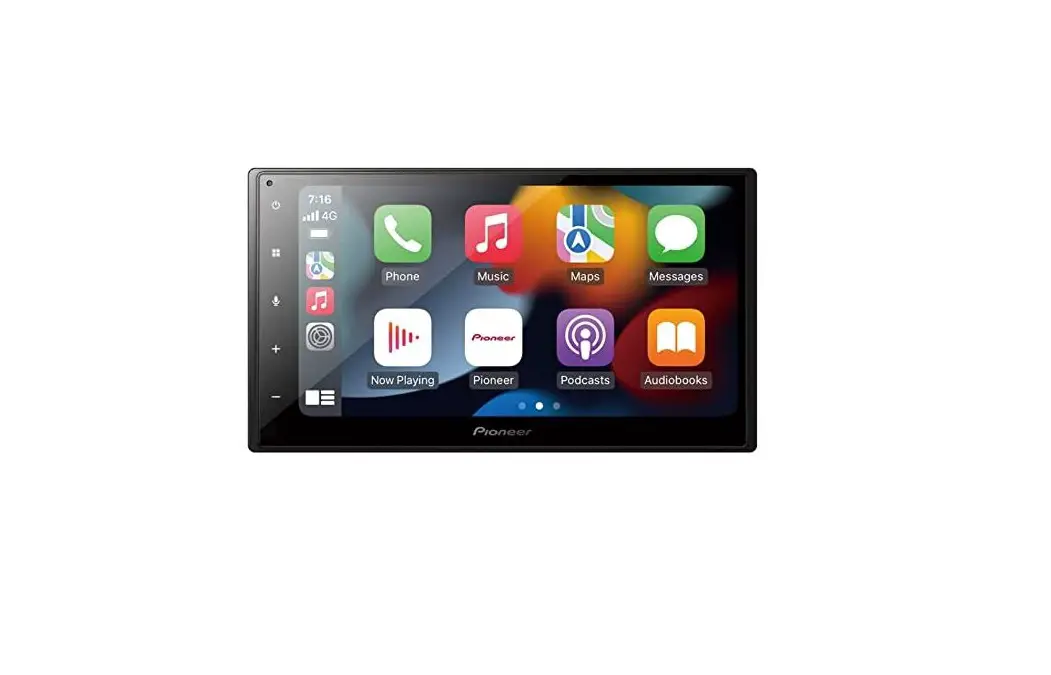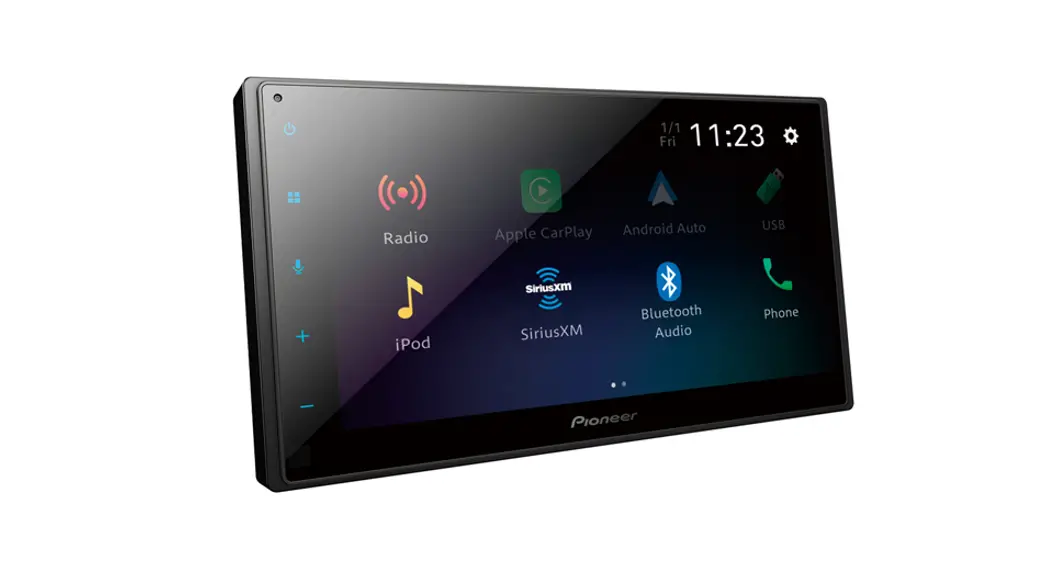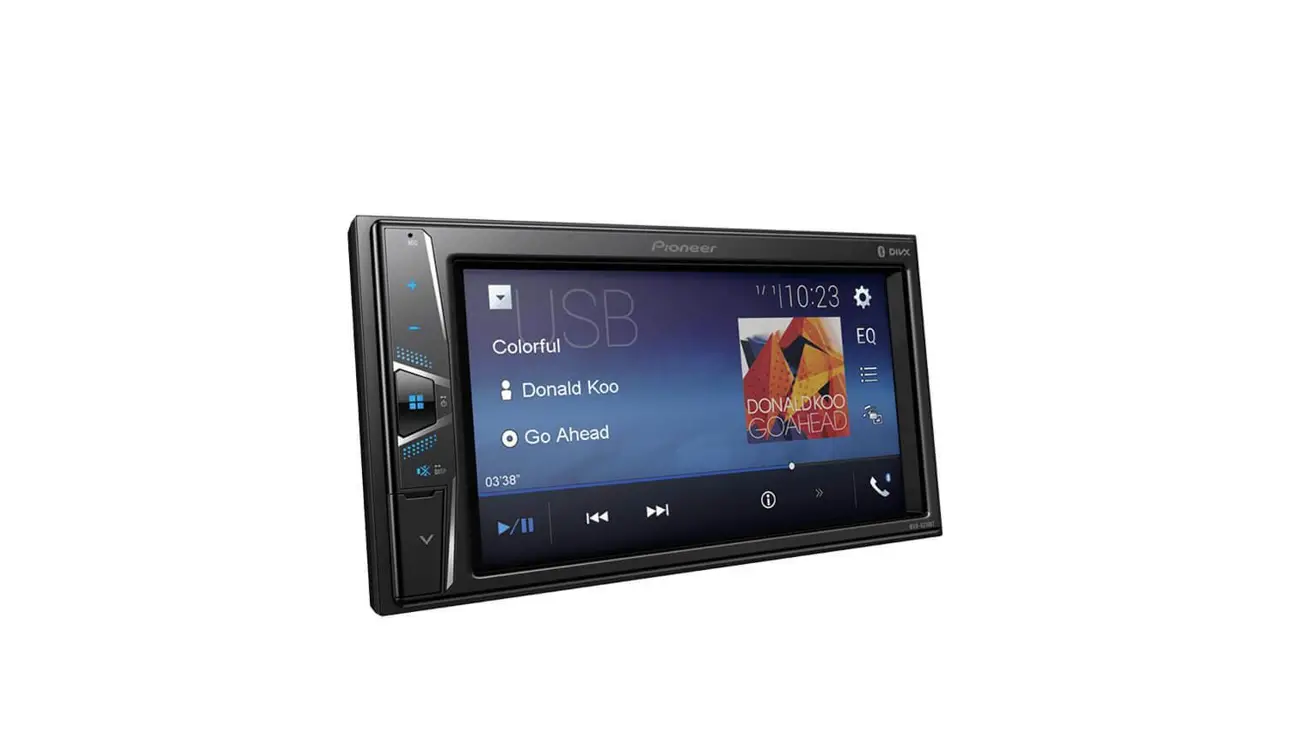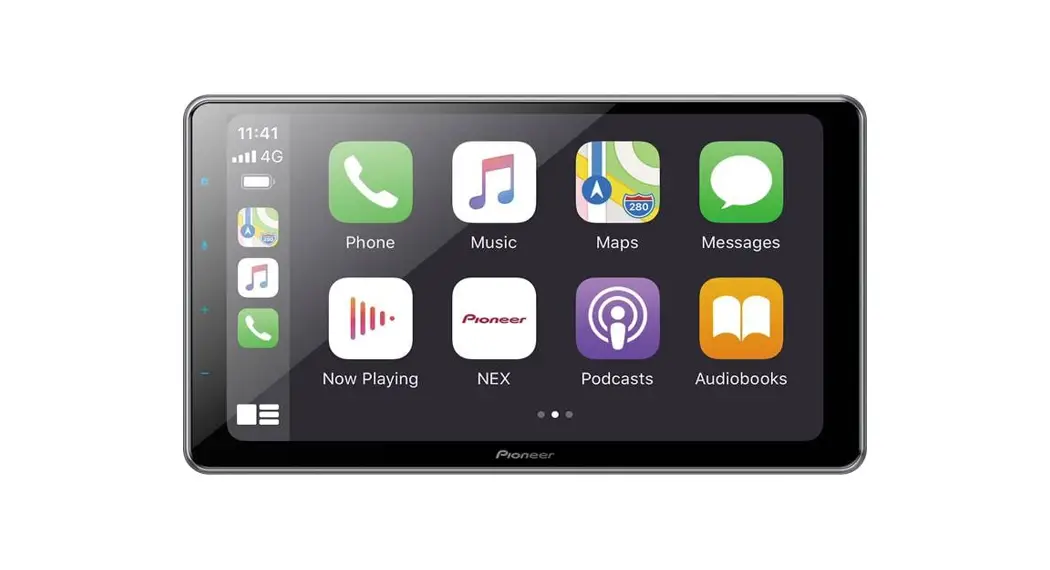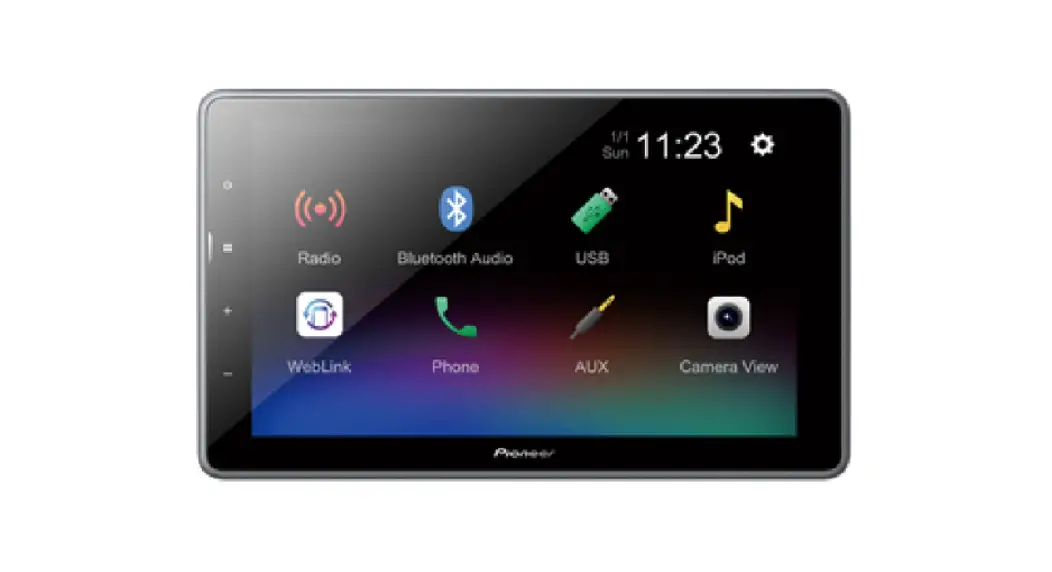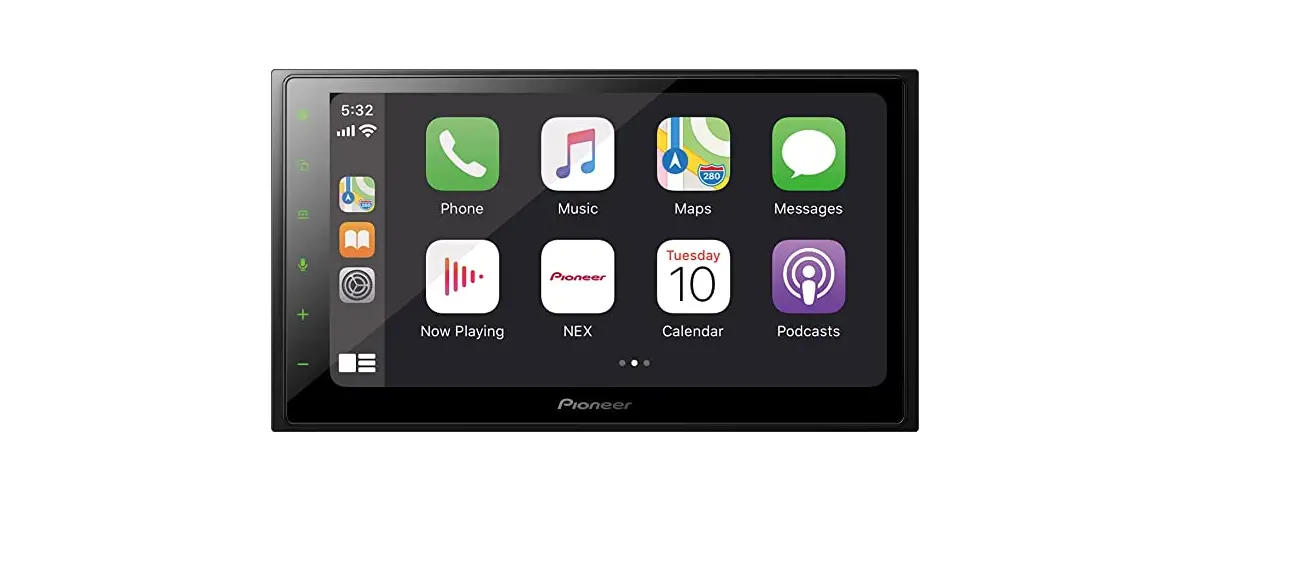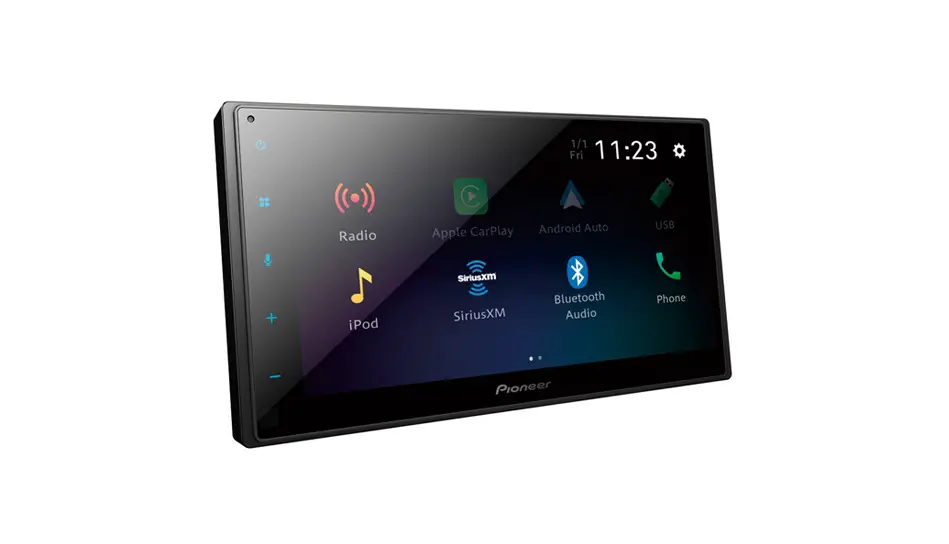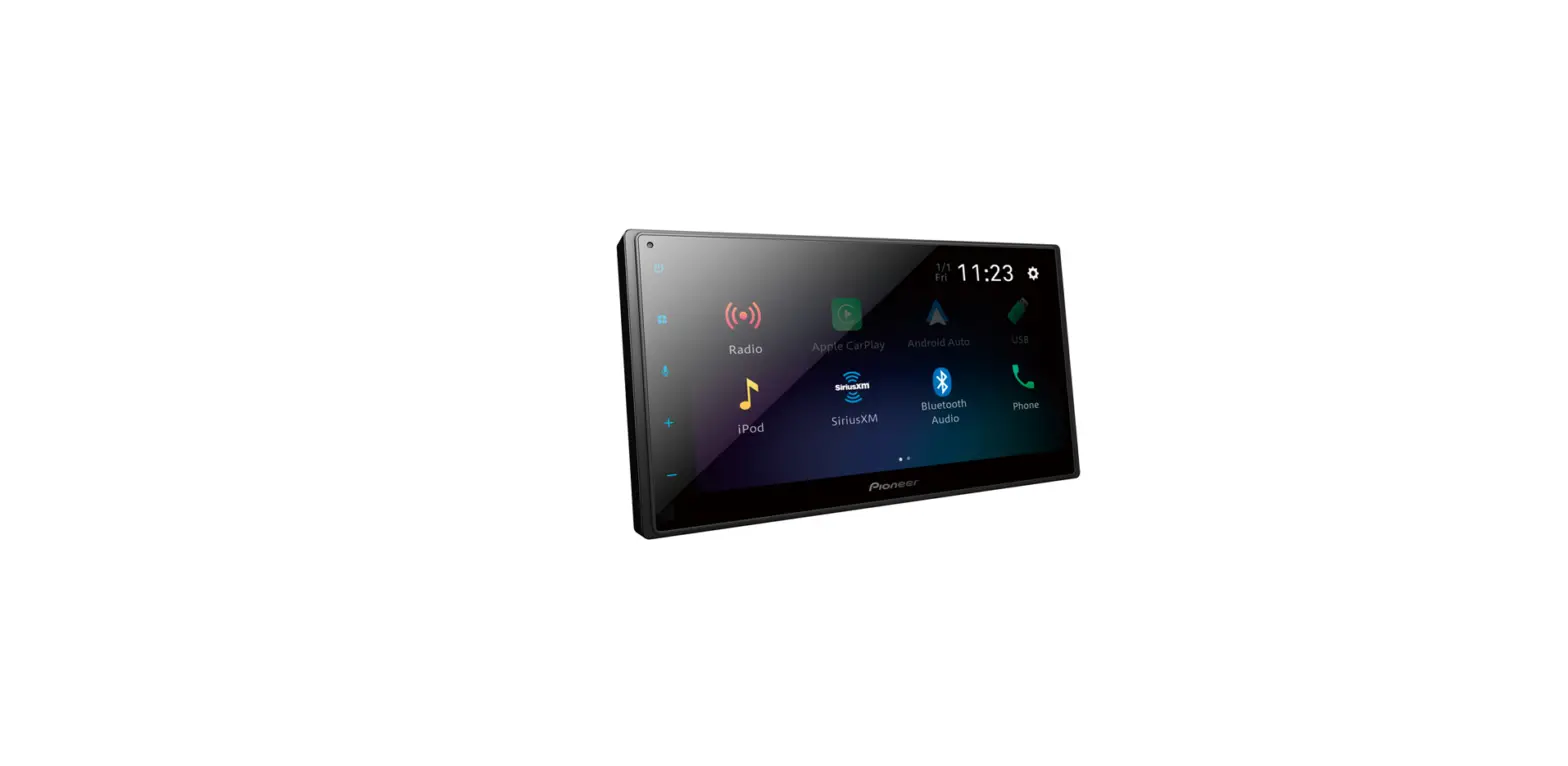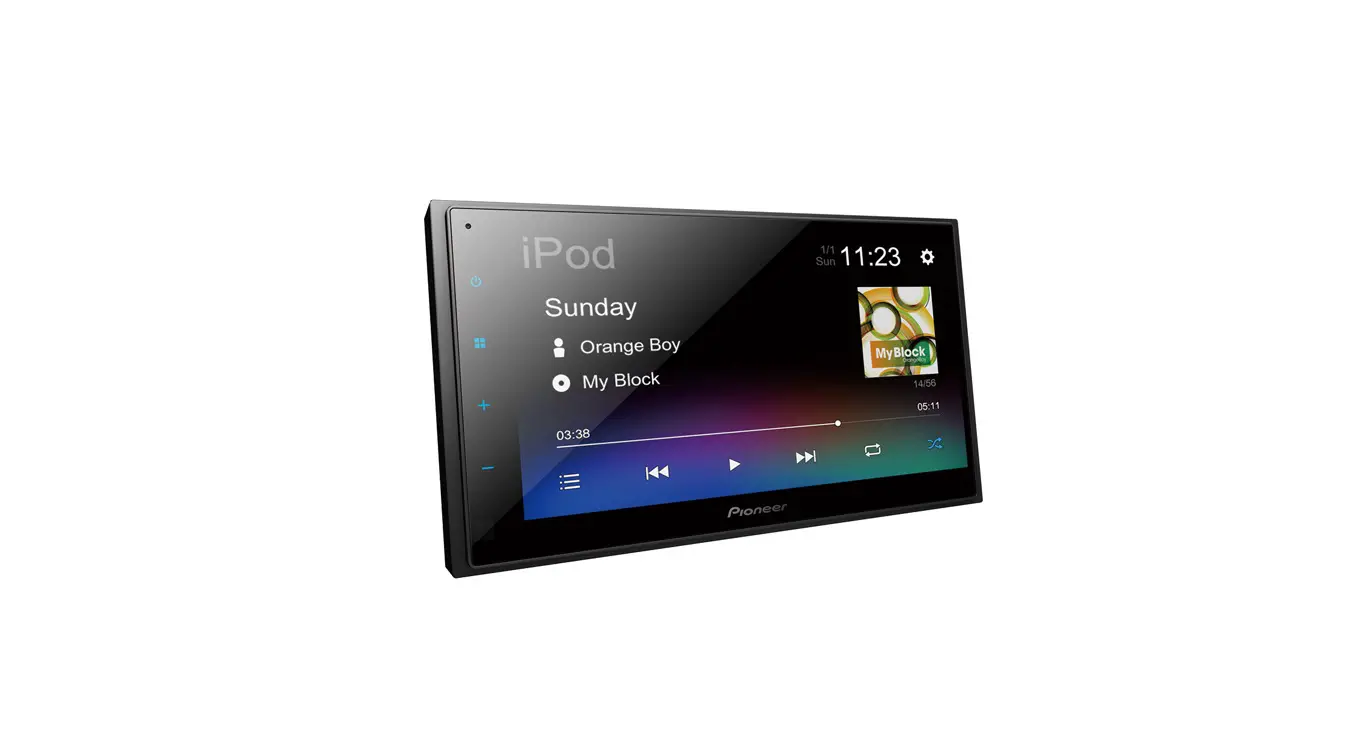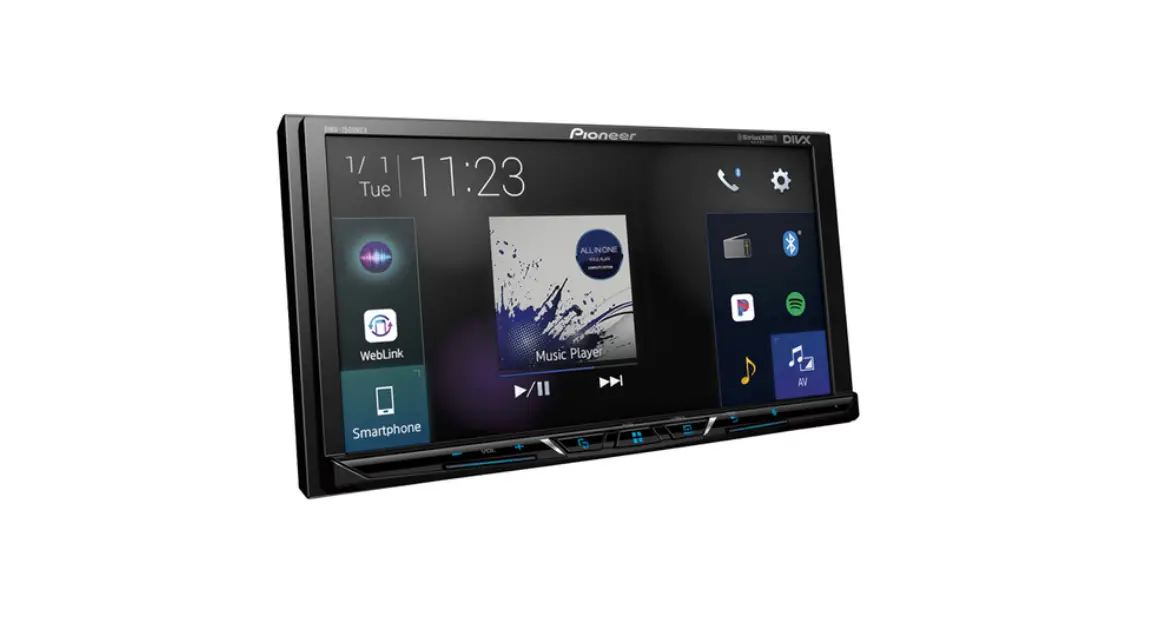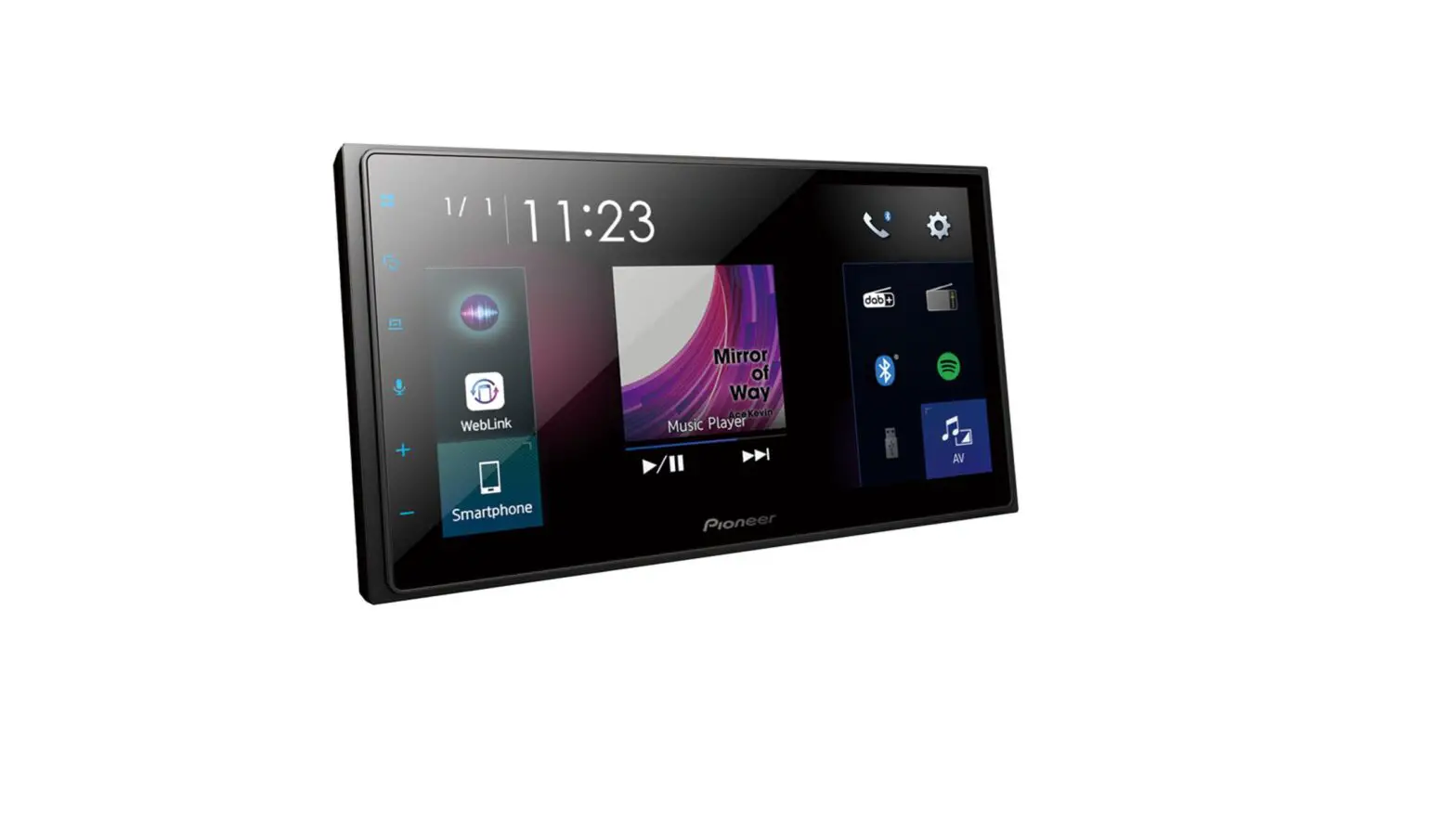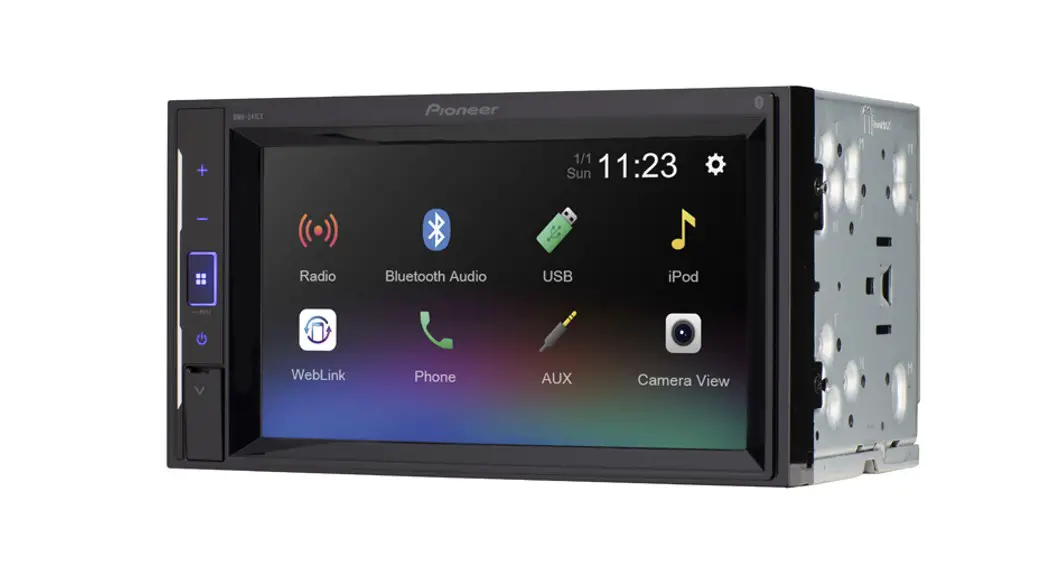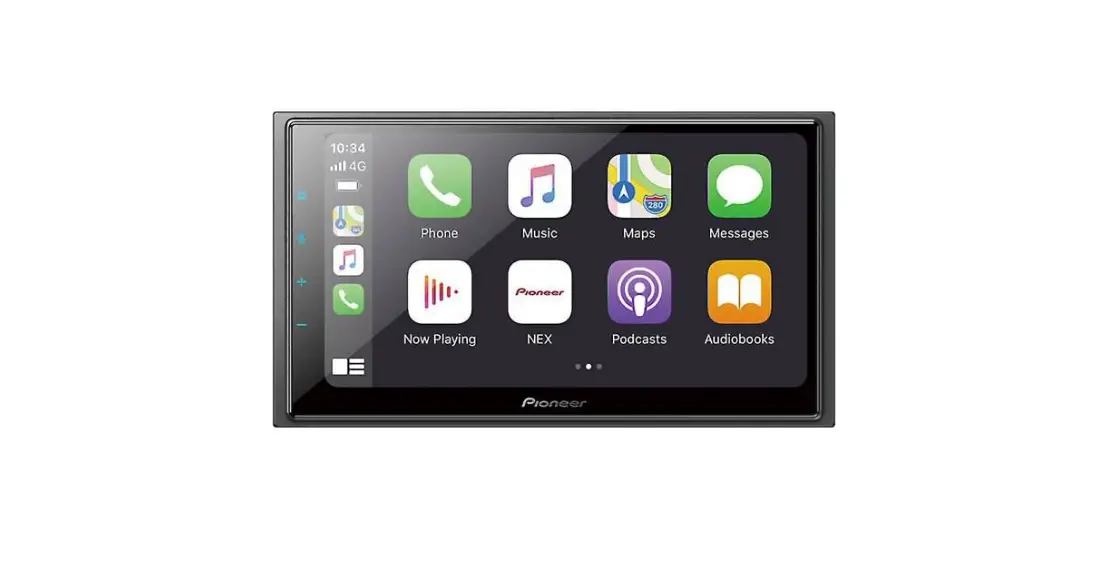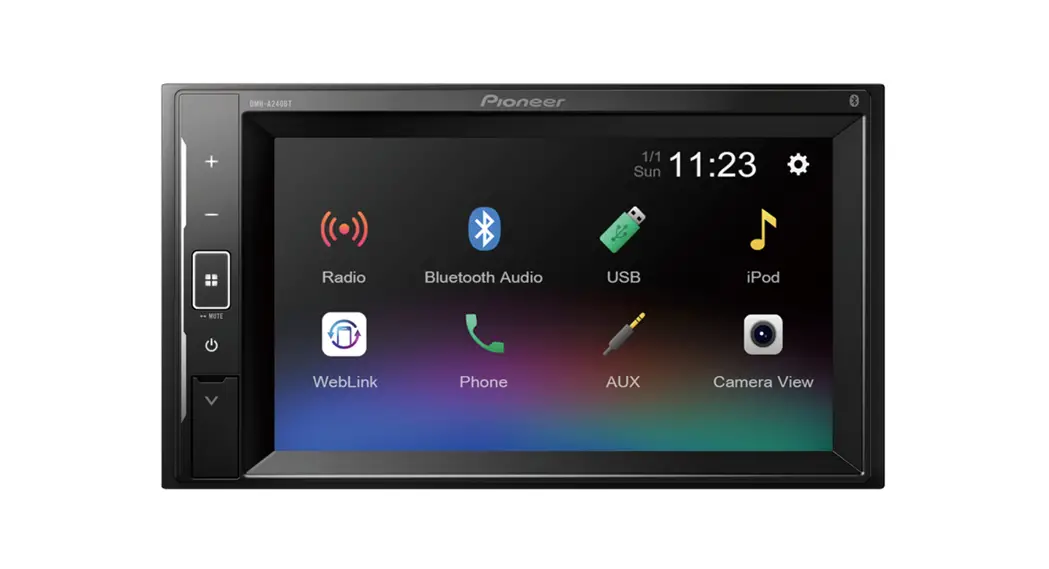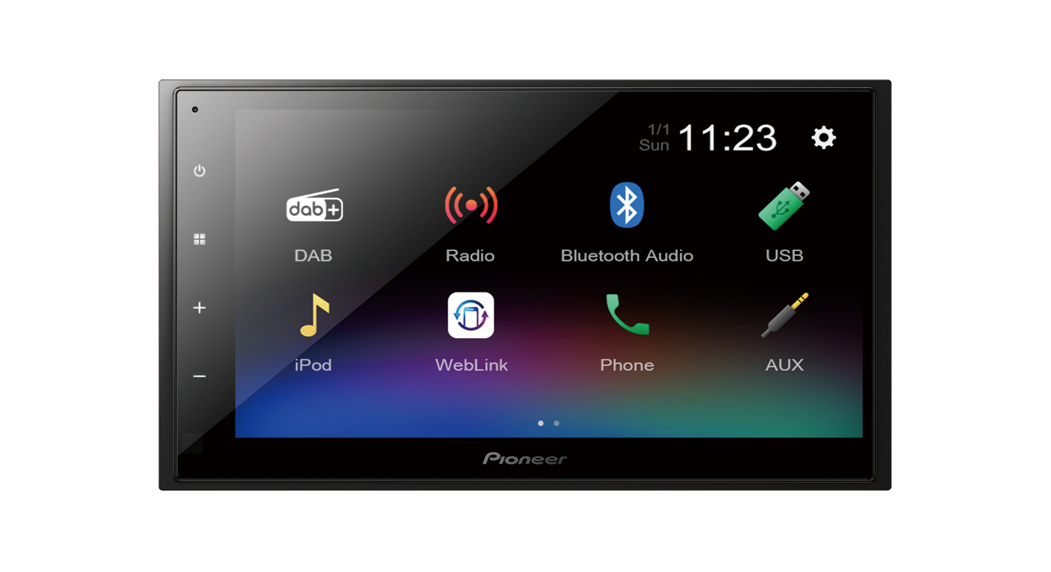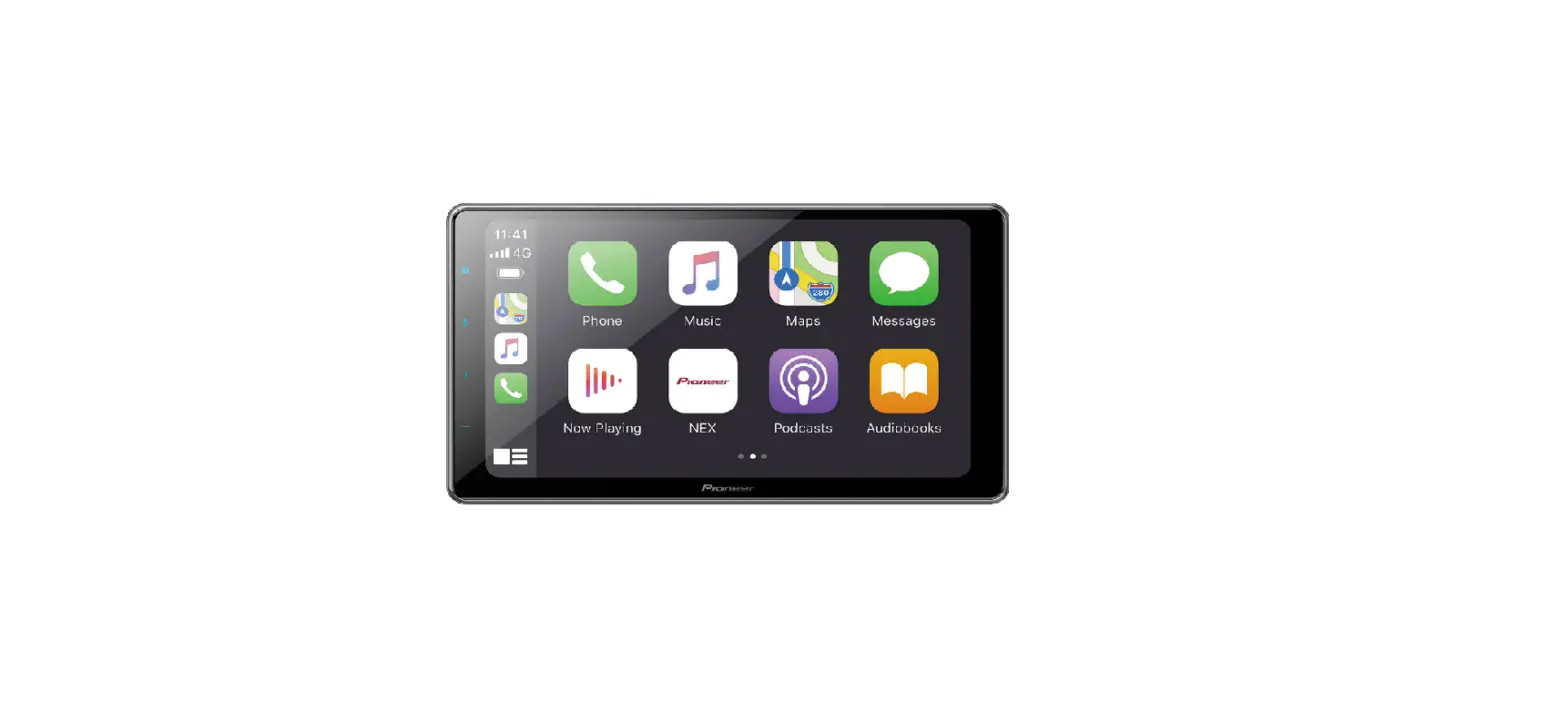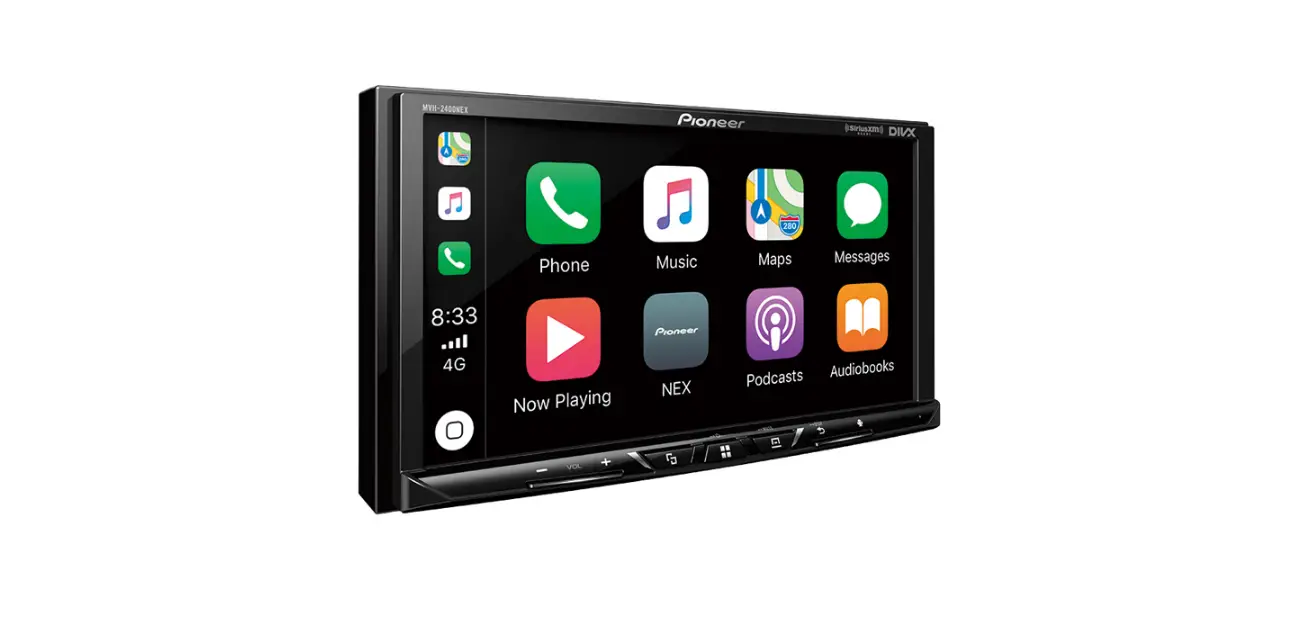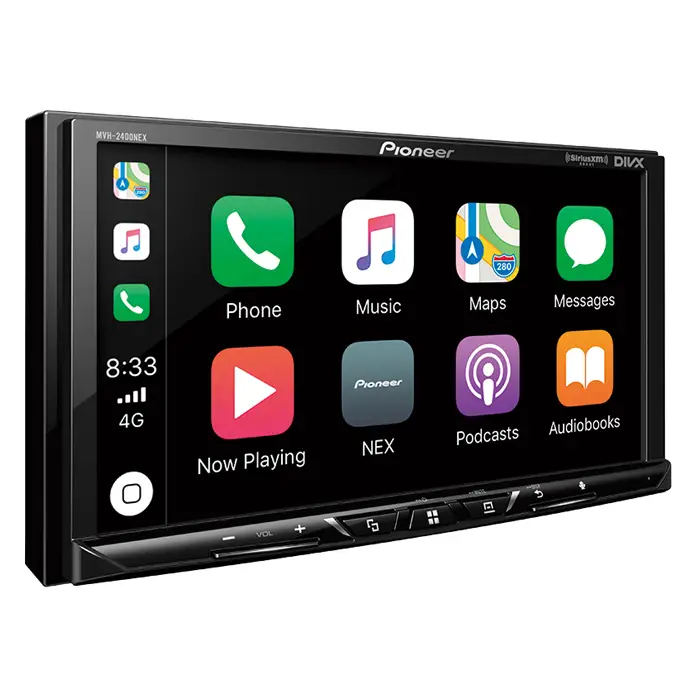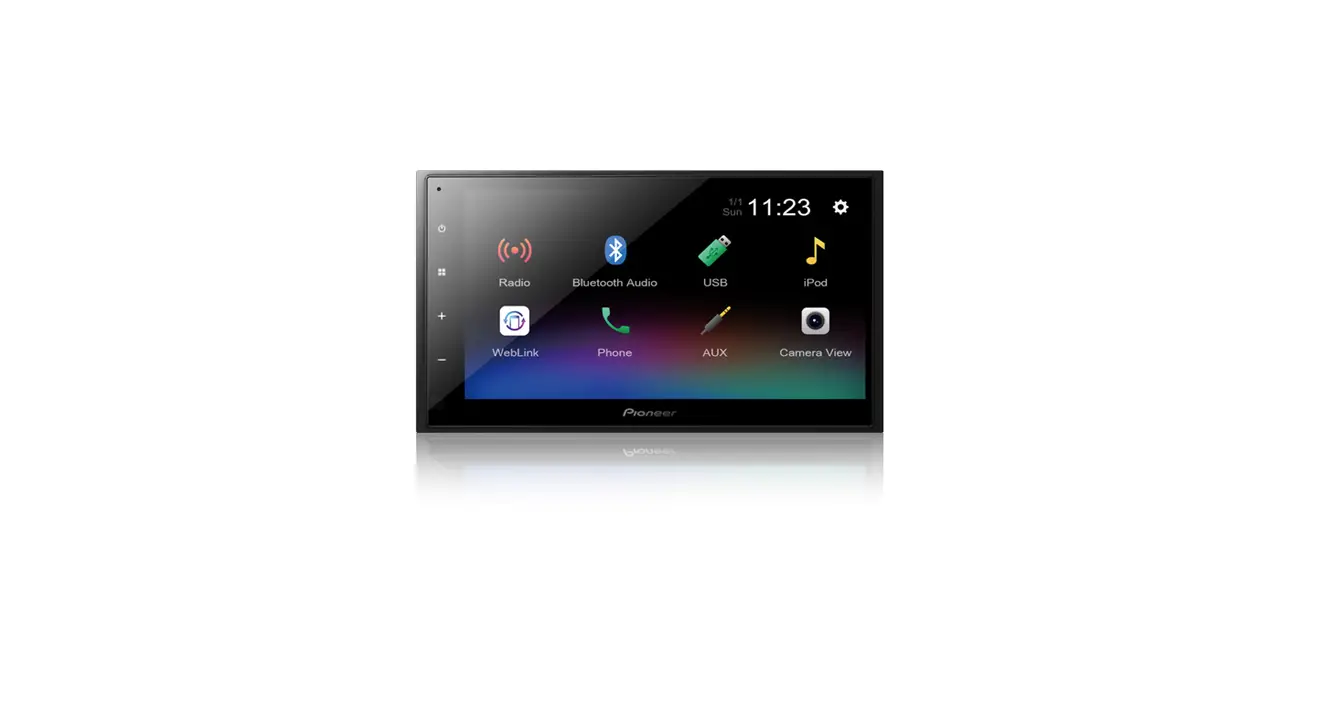
RDS AV RECEIVER
DMH-342EX
DMH-341EX
DMH-340EX
DMH-241EX
DMH-240EX
DMH-130BT
DVD RDS AV RECEIVER
AVH-241EX
AVH-240EX
CAN ICES-3 B/NMB-3 B

Quick start guide
<QSG_DMH240EXUC_A>
This guide is intended to guide you through the basic functions of this unit. For details, please refer to the Operation manual stored on the website.
https://www.pioneerelectronics.com/PUSA/

https://www.pioneerelectronics.ca/POCEN/

Precaution
Information to user
- This device contains licence-exempt transmitter(s)/receiver(s) that complies with Part 15 of FCC Rules and Innovation, Science, and Economic Development Canada licence-exempt RSS(s).
Operation is subject to the following two conditions: (1) this device may not cause interference, and (2) this device must accept any interference, including interference that may cause undesired operation of this device.
- The Bluetooth antenna cannot be removed (or replaced) by user.
- This equipment complies with FCC/ISED radiation exposure limits set forth for an uncontrolled environment and meets the FCC radio frequency (RF) Exposure Guidelines and RSS-102 of the ISED radio frequency (RF) Exposure rules.
- This transmitter must not be co-located or operated in conjunction with any other antenna or transmitter.
- Information to User – Alteration or modifications carried out without appropriate authorization may invalidate the user’s right to operate the equipment.
- NOTE: This equipment has been tested and found to comply with the limits for a Class B digital device, pursuant to Part 15 of the FCC Rules. These limits are designed to provide reasonable protection against harmful interference in a residential installation. This equipment generates, uses and can radiate radio frequency energy and, if not installed and used in accordance with the instructions, may cause harmful interference to radio communications. However, there is no guarantee that interference will not occur in a particular installation. If this equipment does cause harmful interference to radio or television reception, which can be determined by turning the equipment off and on, the user is encouraged to try to correct the interference by one or more of the following measures:
- Reorient or relocate the receiving antenna.
- Increase the separation between the equipment and receiver.
- Connect the equipment into an outlet on a circuit different from that to which the receiver is connected.
- Consult the dealer or an experienced radio/TV technician for help.
FEDERAL COMMUNICATIONS COMMISSION SUPPLIER’S DECLARATION OF CONFORMITY
Product Name: RDS AV RECEIVER, DVD RDS AV RECEIVER
Model Number: DMH-342EX, DMH-341EX, DMH-340EX, DMH-241EX, DMH-240EX, DMH-130BT, AVH-241EX, AVH-240EX
Responsible Party Name: PIONEER ELECTRONICS (USA) INC. SERVICE SUPPORT DIVISION
Address: 2050 W. 190TH STREET, SUITE 100, TORRANCE, CA 90504, U.S.A.
Phone: 1-800-421-1404
URL: http://www.pioneerelectronics.com
CAUTION:
USE OF CONTROL OR ADJUSTMENT OR PERFORMANCE OF PROCEDURES OTHER THAN THOSE SPECIFIED HEREIN MAY RESULT IN HAZARDOUS RADIATION EXPOSURE.
CAUTION:
THE USE OF OPTICAL INSTRUMENTS WITH THIS PRODUCT WILL INCREASE EYE HAZARD.
CAUTION
This product is a Class 1 laser product classified under the safety standard, IEC 60825-1:2014.
CLASS 1 LASER PRODUCT
 WARNING
Slots and openings in the cabinet are provided for ventilation to ensure reliable operation of the product, and to protect it from overheating. To prevent fire hazard, the openings should never be blocked or covered with items (such as papers, floor mat, cloths).
CAUTION
This product is evaluated in moderate and tropical climate condition under the Audio, video and similar electronic apparatus – Safety requirements, IEC 60065.
The Safety of Your Ears is in Your Hands
Get the most out of your equipment by playing it at a safe level–a level that lets the sound come through clearly without annoying blaring or distortion and, most importantly, without affecting your sensitive hearing. Sound can be deceiving.
Over time, your hearing “comfort level” adapts to higher volumes of sound, so what sounds “normal” can actually be loud and harmful to your hearing. Guard against this by setting your equipment at a safe level BEFORE your hearing adapts.
 ESTABLISH A SAFE LEVEL:
- Set your volume control at a low setting.
- Slowly increase the sound until you can hear it comfortably and clearly, without distortion.
- Once you have established a comfortable sound level, set the dial and leave it there.
BE SURE TO OBSERVE THE FOLLOWING GUIDELINES:
- Do not turn up the volume so high that you can’t hear what’s around you.
- Use caution or temporarily discontinue use in potentially hazardous situations.
- Do not use headphones while operating a motorized vehicle; the use of headphones may create a traffic hazard and is illegal in many areas.
 Touch
Touch  Touch and hold
  Swipe
Swipe
About this manual
This manual uses diagrams of actual screens to describe operations. However, the screens on some units may not match those shown in this manual depending on the model used.
What’s What
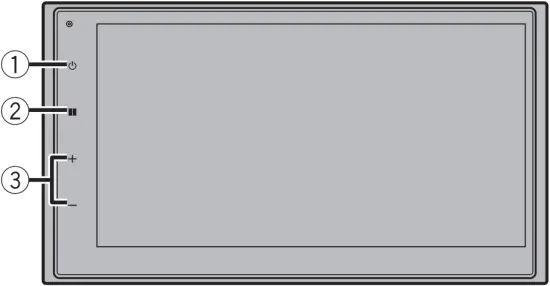
DMH-342EX/DMH-341EX/DMH-340EX/DMH-130BT
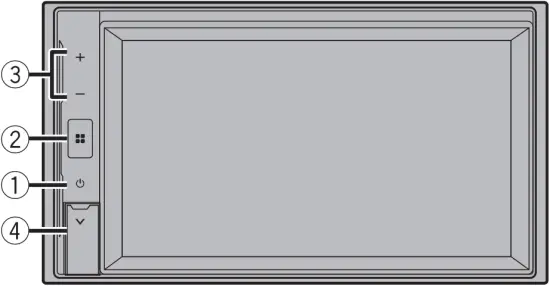
DMH-241EX/DMH-240EX
AVH-241EX/AVH-240EX
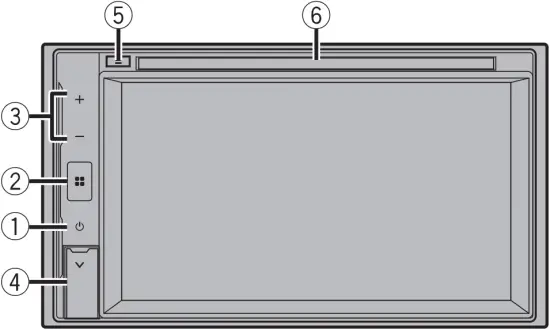
| 1 |  | Press to display off Press and hold to power off |
| 2 |  | Press to display the top menu screen Press and hold to mute or unmute |
| 3 | VOL (+/-) | |
| 4 | USB port | |
| 5 | Disc eject | |
| 6 | Disc loading slot | |
Adjusting the date and time
1 Press  .
.
2 

 [Date & Time].
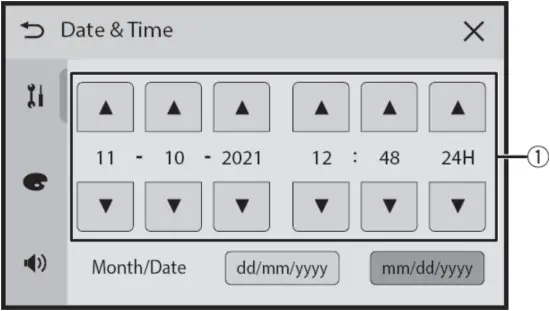
| 1 | Adjust the date and time |
Selecting the source
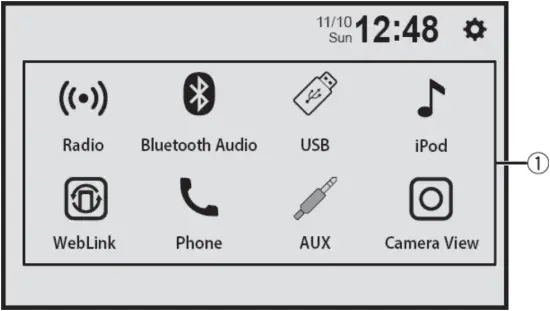 .
.
| 1 | Select a source Display hidden sources (some models) |
Tuner operation
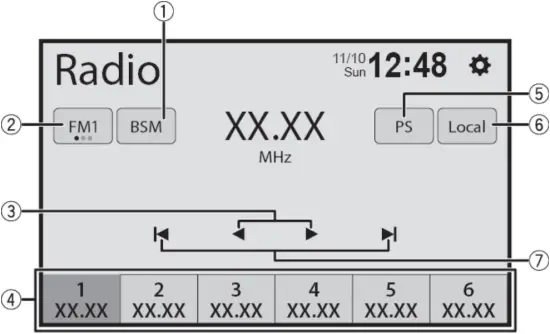
| 1 | Store the strongest broadcast frequencies |
| 2 | Select a band |
| 3 | Tune into the next station |
| 4 | Recall the preset channel stored to a key from memoryStore the current broadcast frequency to a key |
| 5 | Switch to display or hide the radio station name |
| 6 | Switch to receive only the radio stations (short range/long range) with sufficiently strong signals |
| 7 | Start seek turning |
Moving images operation
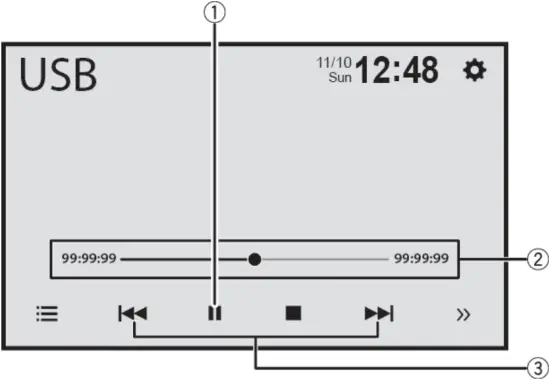
AVH-241EX/AVH-240EX
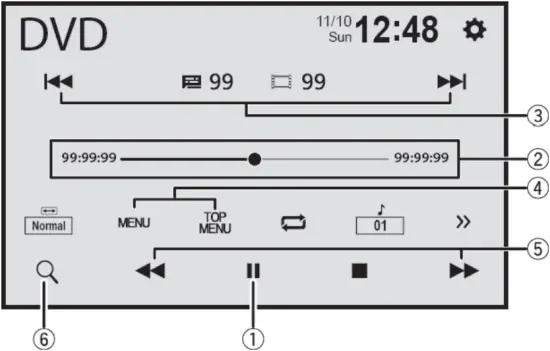
| 1 | Pause and start playback |
| 2 | Change the playback point |
| 3 | Select the previous file or the next file Fast forward or fast reverse (only for USB) |
| 4 | Display the menu |
| 5 | Fast forward or fast reverse |
| 6 | Start the search function |
Audio operation
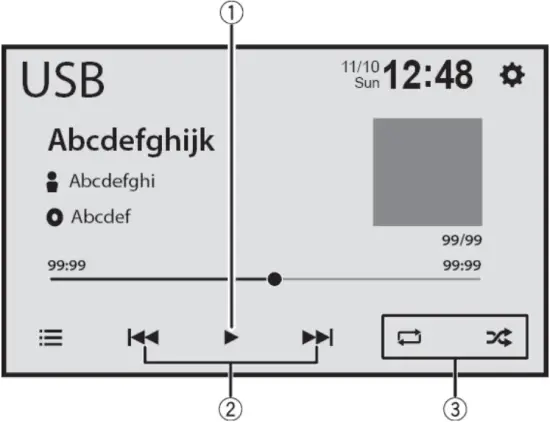
| 1 | Pause and start playback |
| 2 | Select the previous file or the next fileFast forward or fast reverse |
| 3 | Set the function for playing audio |
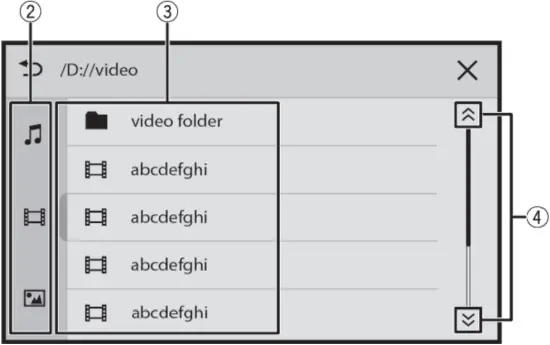
List search operation
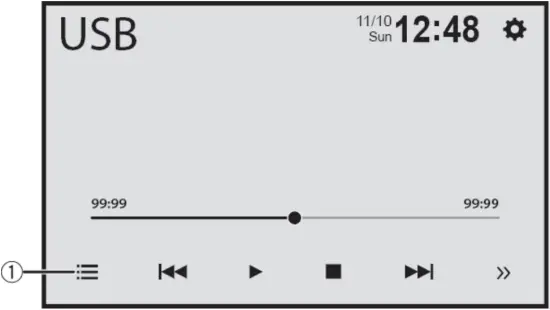
| 1 | Display the playlist screen |
| 2 | Select the media file types |
| 3 | Select a list title or folder that you want to play |
| 4 | Scroll the list |
Bluetooth® connection
1 Press .
2 [Phone].
3 Select the unit name shown in the mobile device display.
4 Perform the pairing operation by the mobile device and this unit.
NOTE
The Bluetooth® word mark and logos are registered trademarks owned by Bluetooth SIG, Inc. and any use of such marks by Pioneer Corporation is under license. Other trademarks and trade names are those of their respective owners.
Bluetooth telephone operation
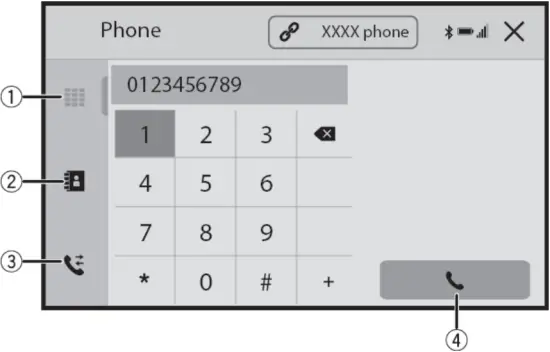
| 1 | Enter the phone number directly |
| 2 | Switch to the phone book mode |
| 3 | Switch to the call history list |
| 4 | Make an outgoing call |
 Pioneer USA, Car Stereo, Speakers, Home Theater, Navigation, DJ | Pioneer Electronics USA
 Pioneer of Canada, Car Stereo, Speakers, Home Theater, GPS Navigation | Pioneer of Canada - English