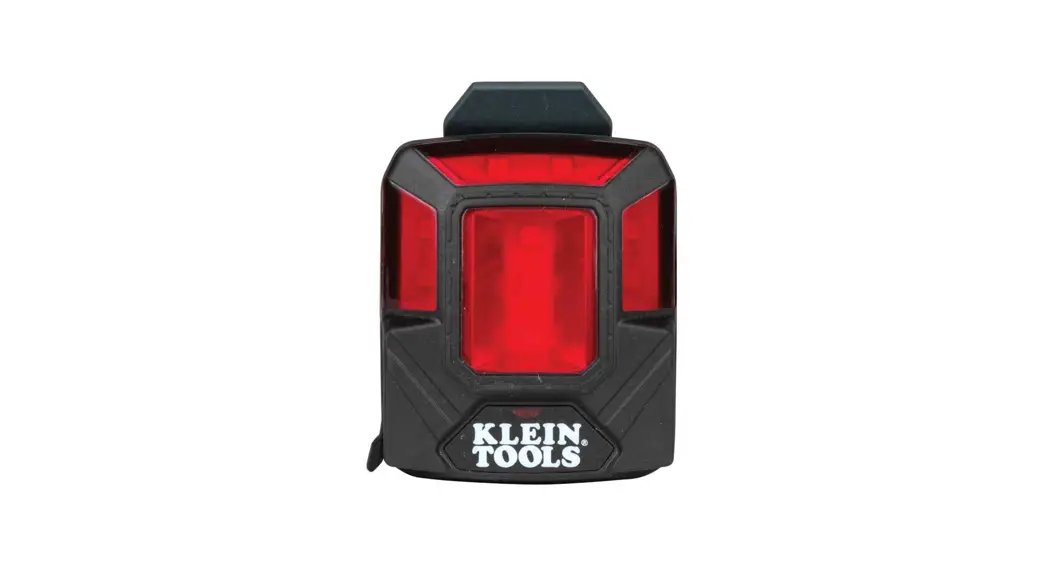

56063
Safety Lamp – Instructions
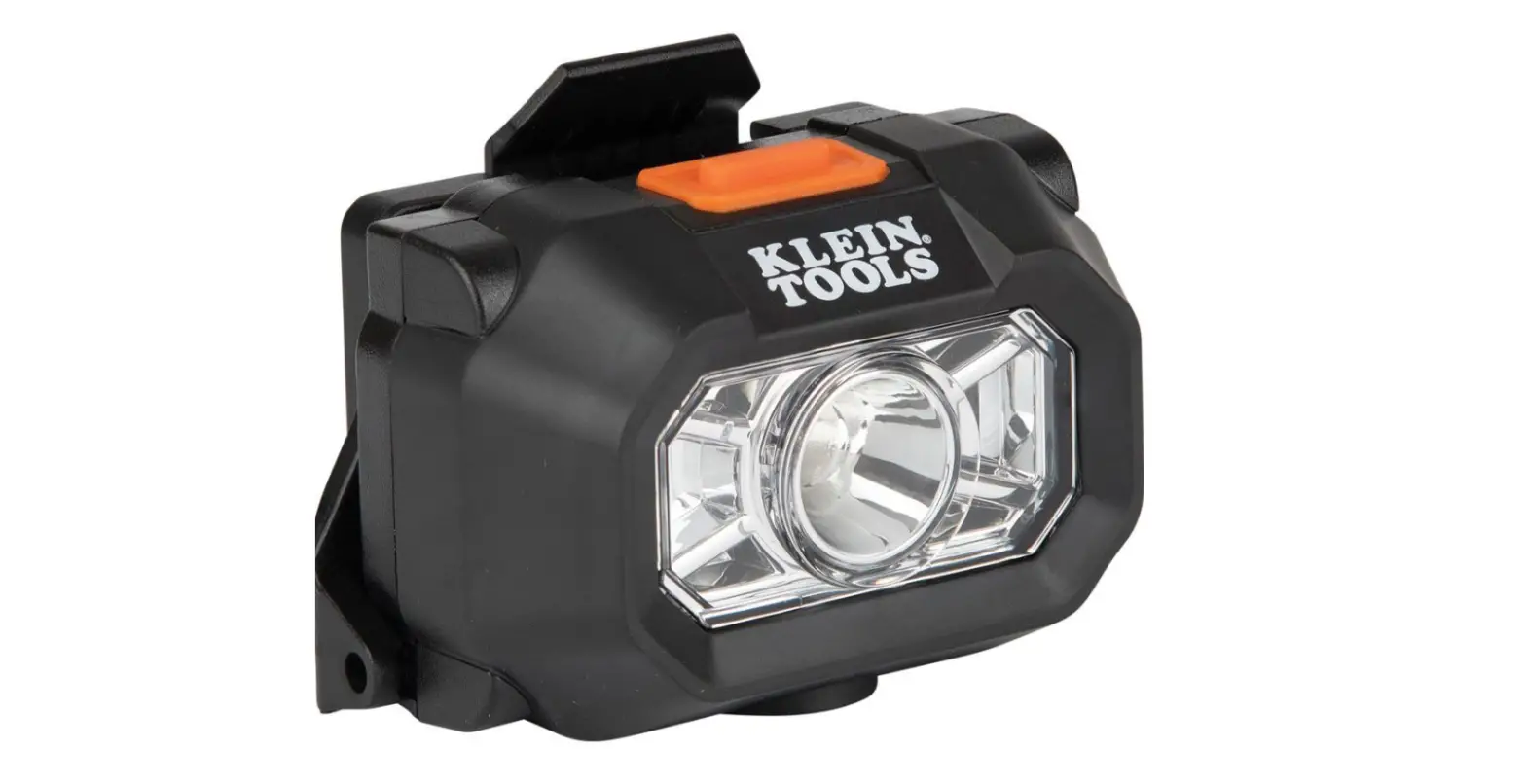
The 56063 red Safety Lamp provides supplemental visual alerts in busy, noisy, dark, and bright environments. It is designed to attach to Klein Tools’ hard hat/safety helmet front or back accessory mounts. The Safety Lamp can also be attached to magnetic surfaces to serve as a stationary alert beacon. The Safety Lamp has four user-selectable modes and is rechargeable.
CONTENTS
- 56063 Safety Lamp
- 15″ (381 mm) USB-A to USB-C Cable
- Instruction Sheet
GENERAL SPECIFICATIONS
- LED Color: Red
- Visibility: Up to 1/4 mile (0.4 km) in low light and clear weather
- Dimensions: 2.53″ × 1.87″ × 1.27″ (64.3 × 47.5 × 32.3 mm)
- Weight (Safety Lamp only): 2.34 oz. (66 g)
- Battery Type: Internal, Lithium-Ion, 3.7V / 1200mAh
- Battery Life: Low ON: 22 hrs Low PULSE: 52 hrs High ON: 5 hrs High PULSE: 10 hrs
- Lumens: Low SOLID ON / Low PULSE: 4 High SOLID ON / High PULSE: 22
- Charging Requirements: Maximum 5V DC, Minimum 0.5A
- Certifications: NRCan, CEC-BC, UL1642 (Battery)
- Operating/Charging Temperature: 32°F to 113°F (0°C to 45°C)
- Storage Temperature: 14°F to 131°F (-10°C to 55°C)
- Drop Protection: 10 ft. (3.05 m)
- Ingress Protection (IP) Rating: IP64 Specifications are subject to change.
 WARNINGS
Read, understand, and follow these instructions to ensure safe operation. Check with your safety supervisor prior to using this product. Follow local safety codes.
- This safety lamp is NOT a headlamp. Its primary purpose is to serve as a visual alert to the immediate surroundings. DO NOT use this as the primary light source.
- visibility can be impacted by environmental conditions (fog, flashing/bright lights, barriers, moving objects), the mode selected, viewing angles, and the viewer’s visual acuity.
- No user-serviceable parts. DO NOT open the enclosure or attempt to repair this safety lamp or charging cable. REPLACE SAFETY LAMPOR CABLE with new, if damaged or not functioning properly.
- This safety lamp is NOT intended to be a replacement for any personal protective equipment, high visibility apparel, reflective markers/signs, lockout-tagout devices, construction warning lights, or other safety devices.
- This product is NOT designed to be charged or used in environments where volatile gases, fumes, and fine dust are present.• Never place this safety lamp on other electrical/electronic equipment that is sensitive to magnets.
- DO NOT expose to open flame, vibration, corrosive fumes, or extreme temperature.
- NEVER immerse in water or other liquids. Avoid spilling liquids or falling foreign objects into openings on the safety lamp enclosure.
- Water-resistant cover must be properly sealed to achieve specified water & foreign object ingress protection. Keep seal free of dirt, oil, sand, or other material that interferes with proper sealing. Failure to do so can result in a risk of fire or electric shock.
- DO NOT open water-resistant cover if wet or in a wet environment. Dry the Safety lamp thoroughly and seal around the water-resistant cover completely before opening the water-resistant cover.
- Use a safety-rated power supply. Never use a power supply or charging cable that does not meet the specified charging voltage and currently listed in the specifications here or on the Safety Lamp.
FEATURE DETAILS (FIG.A)
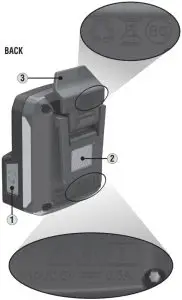 | 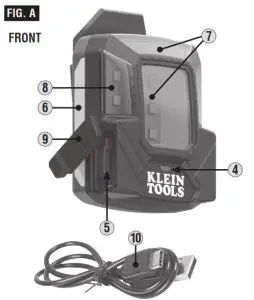 |
| 6 .Reflective Tape 7. LEDs (Top, Back) 8. LEDs (Side) 9. Charging Port Cover 10. USB Charging Cable |
SYMBOLS ON PRODUCT
Warning or Caution Risk of Electrical Shock
 WEEE – Battery disposal
Conforms with BCS regulations of the California Energy Commission Direct Current (DC)
 Read Instructions
 Recycle
CHARGING BATTERYFully charge Safety Lamp before use. The first-time charge should be at least 6 hours.
Connect USB-C cable connection to Safety Lamp, plug the other end of the cable into USB-A port (2.0 or higher) of USB power supply. USB adapter/power supply should meet specified charging voltage and current (Max. 5.0V DC, min. 0.5A) requirements. The normal charging time is approximately 6 hours.
BATTERY STATUS INDICATOR 4 :
Press the Power/Mode button 1 momentarily to check battery status (Only when the safety lamp is off):
- GREEN: 11%-100% battery charge.
- RED: 1%-10% battery charge (NOTE: when the Safety Lamp is being used and capacity is under 10%, the main LEDs will flash 3 times every 30 minutes to remind users of low battery level).
- No LEDs: The battery is fully discharged. Must leave the unit plugged in to charge for a minimum of 6 hours. If the unit is fully discharged, the battery indicator may not light up immediately when the charging adapter is inserted.
ON/OFF/MODE SELECTION: - TURN ON: Press and hold the Power/Mode button 1 button on for about 2 seconds (NOTE: The safety lamp will turn ON in the last mode selected prior to shutoff).
- CHANGE MODE: Once ON, press the power/mode button again to cycle through to the desired mode.
- TURN OFF: Press and hold the Power/Mode button 1 for 2 seconds (NOTE: The safety lamp will recall the mode in which it was turned off when turned ON again).
ATTACHING / REMOVING SAFETY LAMP ON KLEIN TOOLS HARDHAT OR SAFETY HELMET: - To release, push the Release Tab 3 above the Safety Lamp AWAY from the hard hat/safety helmet shell and lift the Safety Lamp upward.
- To reinsert the Safety Lamp, align the slot on the back of the Safety Lamp with the slot on the hardhat/safety helmet and push the Safety Lamp down until it clicks in place.
- Magnet 2 on the back of the Safety Lamp can be affixed onto magnetically attractive surfaces to use as a stationary alert beacon.
NOTE: The safety lamp is primarily designed to be attached to the back accessory slot of Klein Tools hard hats or safety helmets.
MAINTENANCE
CLEANING: Be sure the safety lamp is turned off and wipe with a clean, dry lint-free cloth. Do not use abrasive cleaners or solvents.
STORAGE: If the safety lamp is to be left unused for an extended period of time, charge for approximately 2 hours before storing, and recharge periodically during storage to maintain the battery’s charging capacity. Store in a dry and cool environment, away from direct sunlight and extreme caustic environments.
WARRANTY
DISPOSAL / RECYCLE
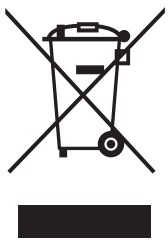 Do not place equipment and its accessories in the trash. Items must be properly disposed of in accordance with local regulations. Please see www.epa.gov or www.erecycle.org for additional information.
OPERATING INSTRUCTIONS
SEE THE OTHER SIDE.
CUSTOMER SERVICE
KLEIN TOOLS, INC.
450 Bond Street, Lincolnshire, IL 60069
1-800-553-4676
[email protected]
www.kleintools.com