
00050182
Shredder
Aktenvernichter
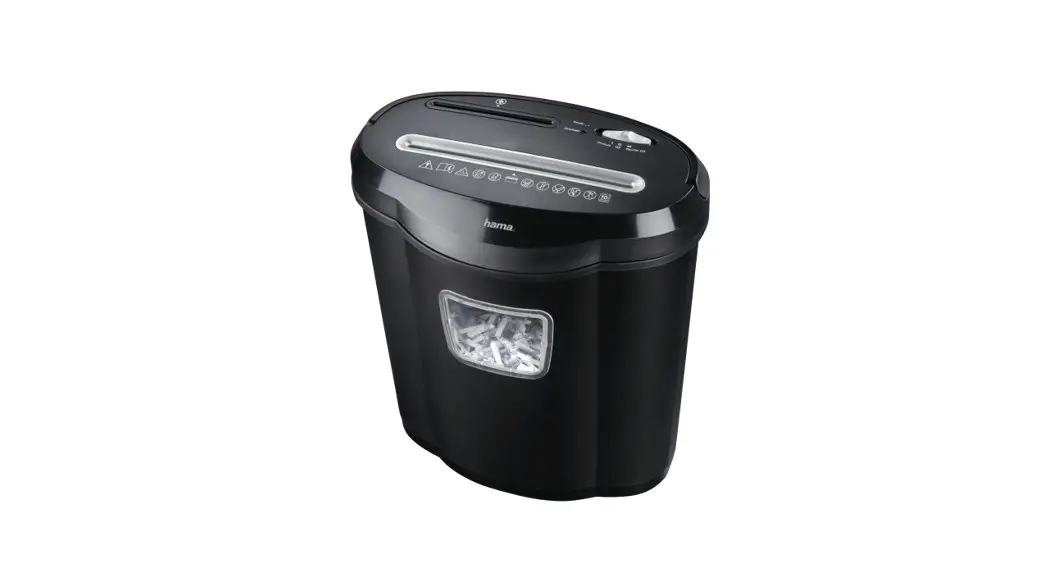
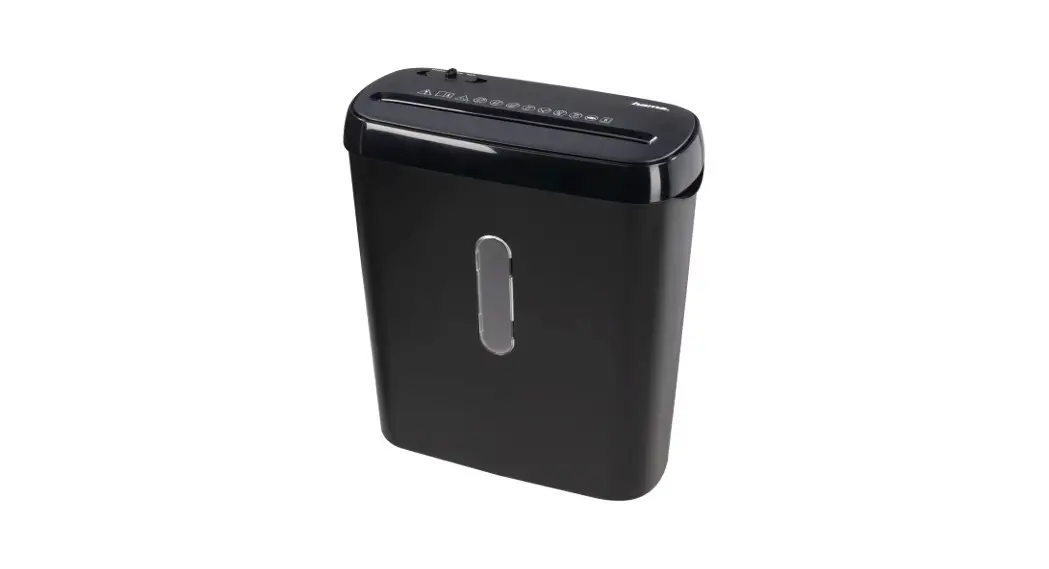
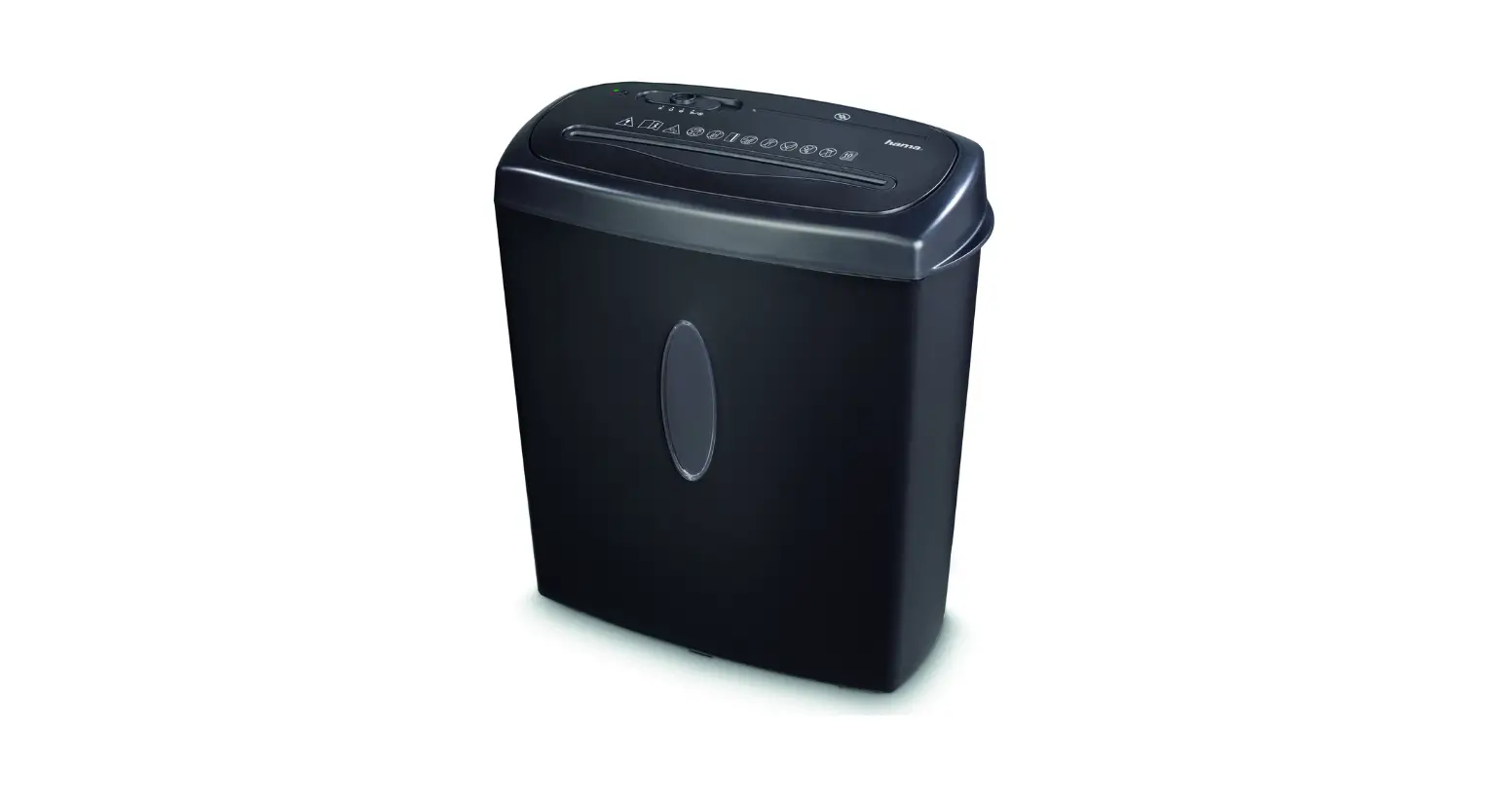
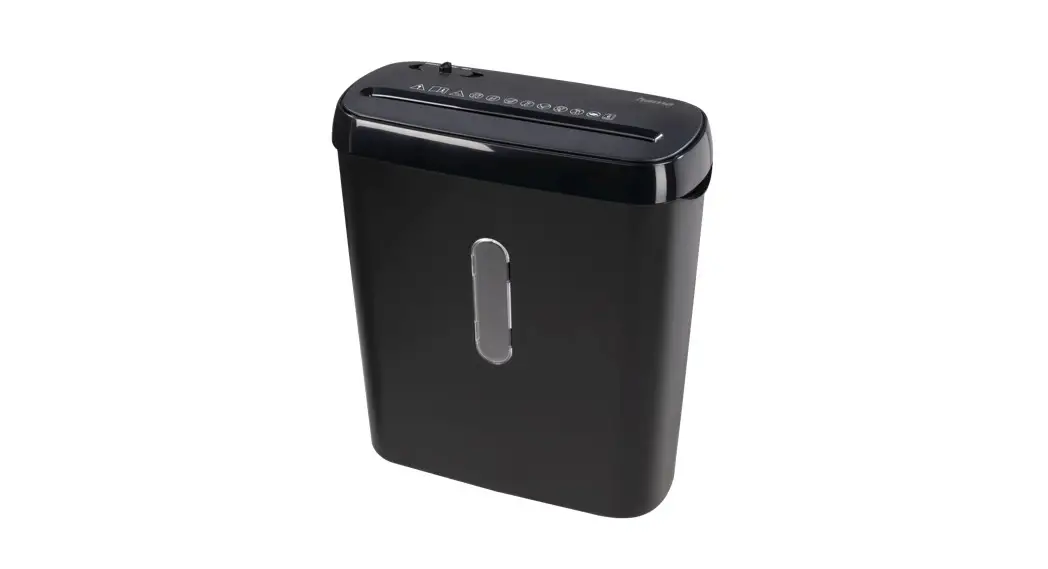
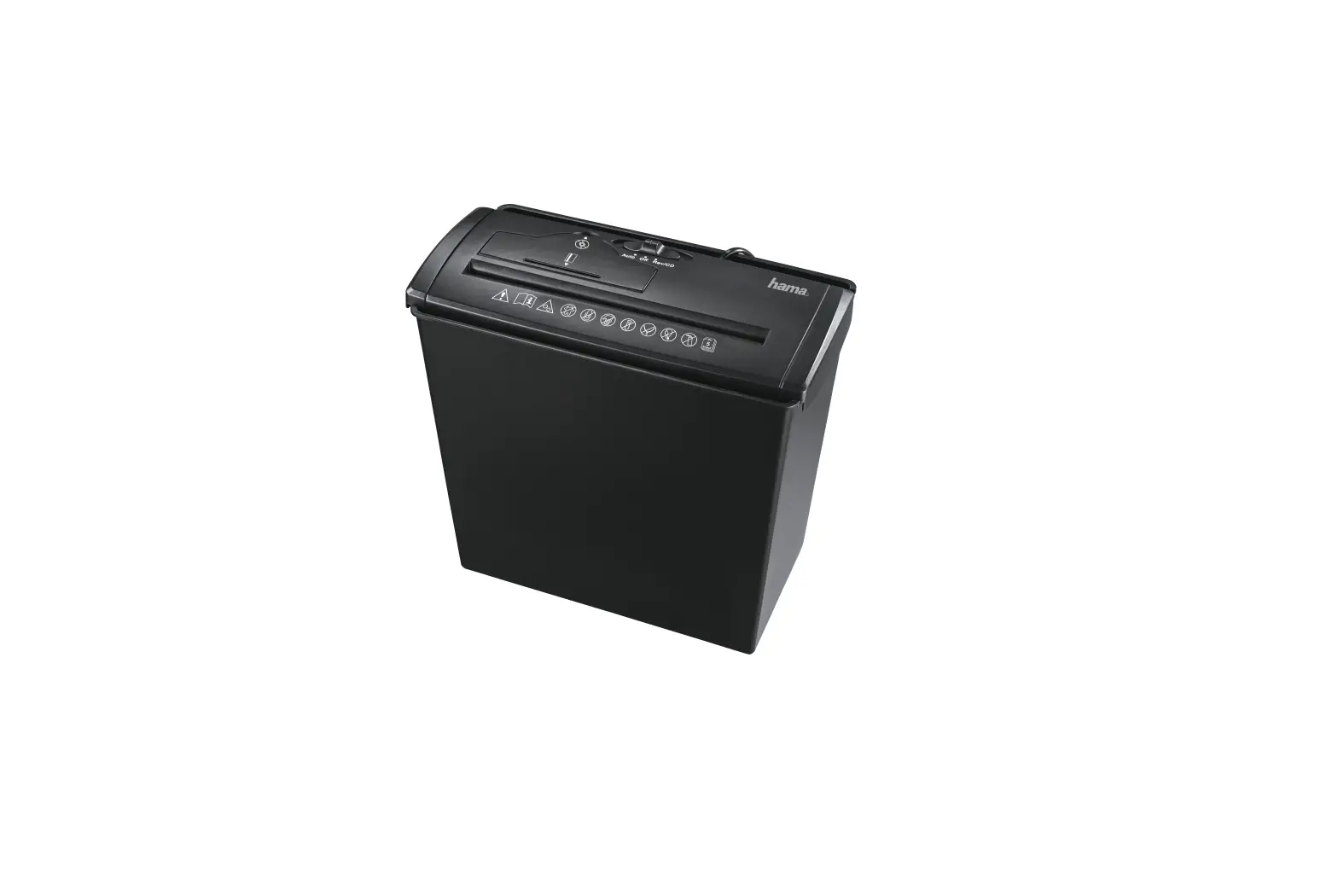
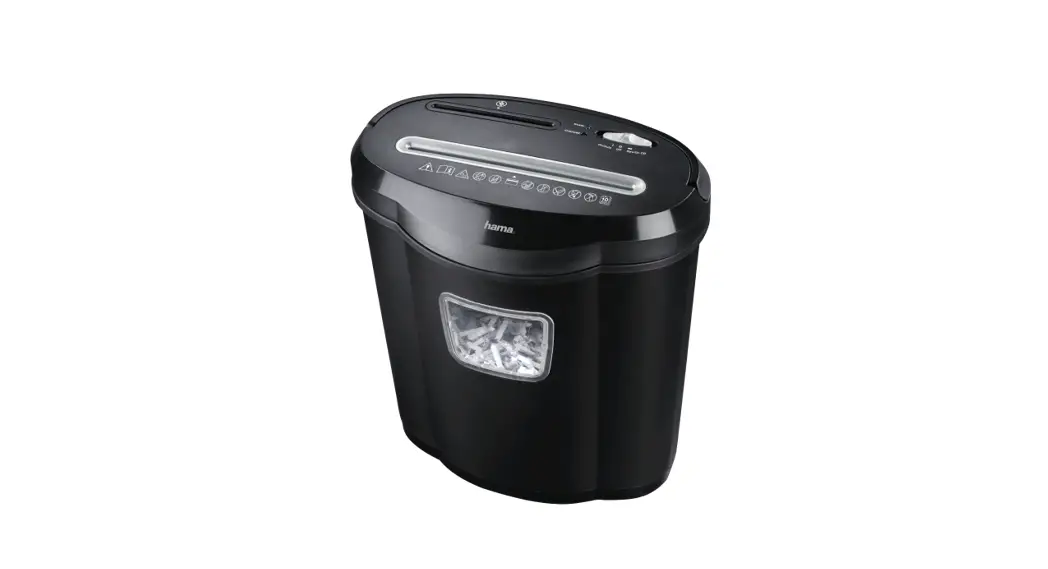
HOME X10CD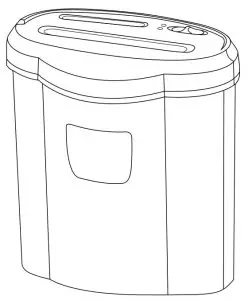
 Home X10CD
Instruction manual
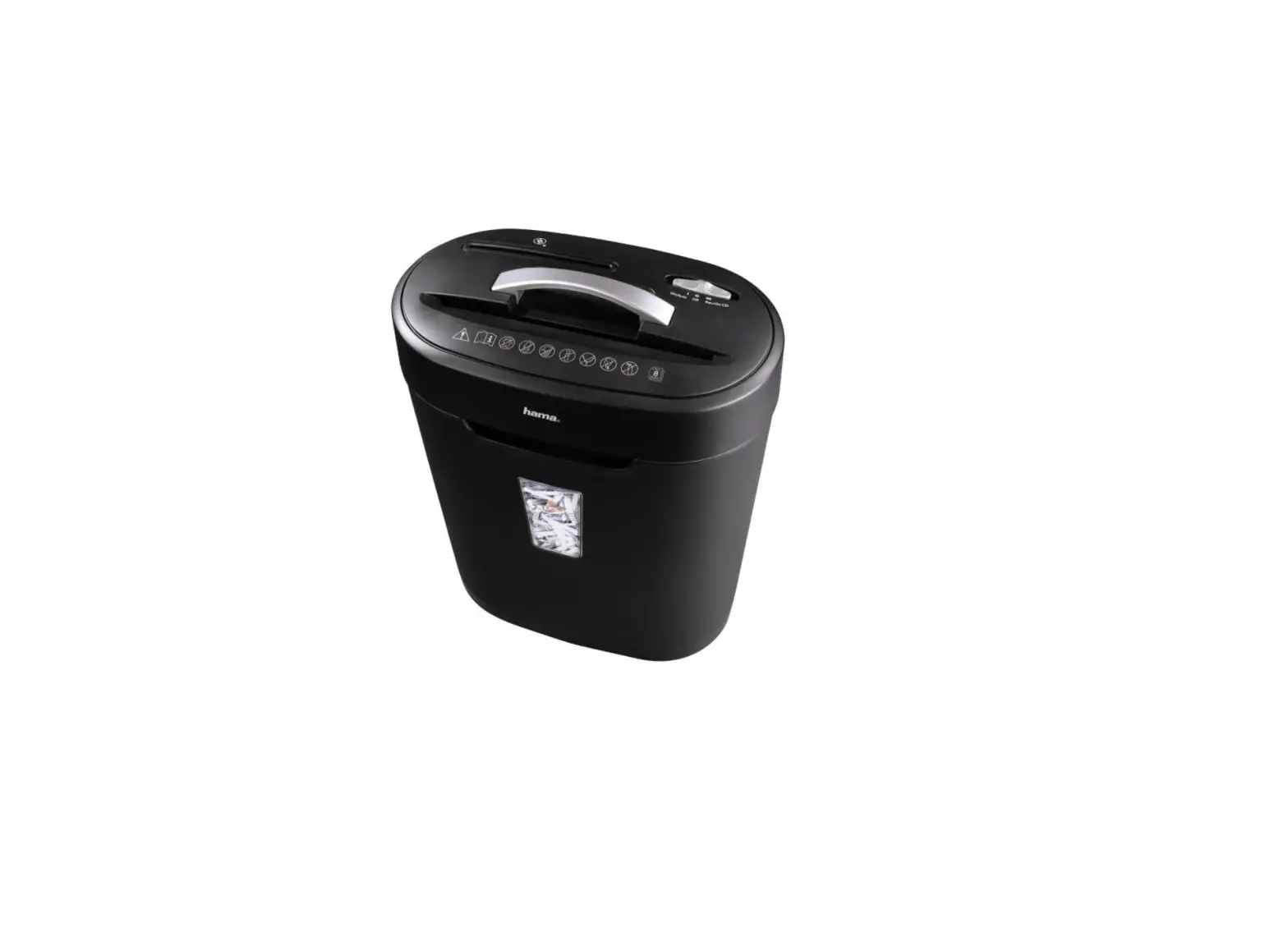
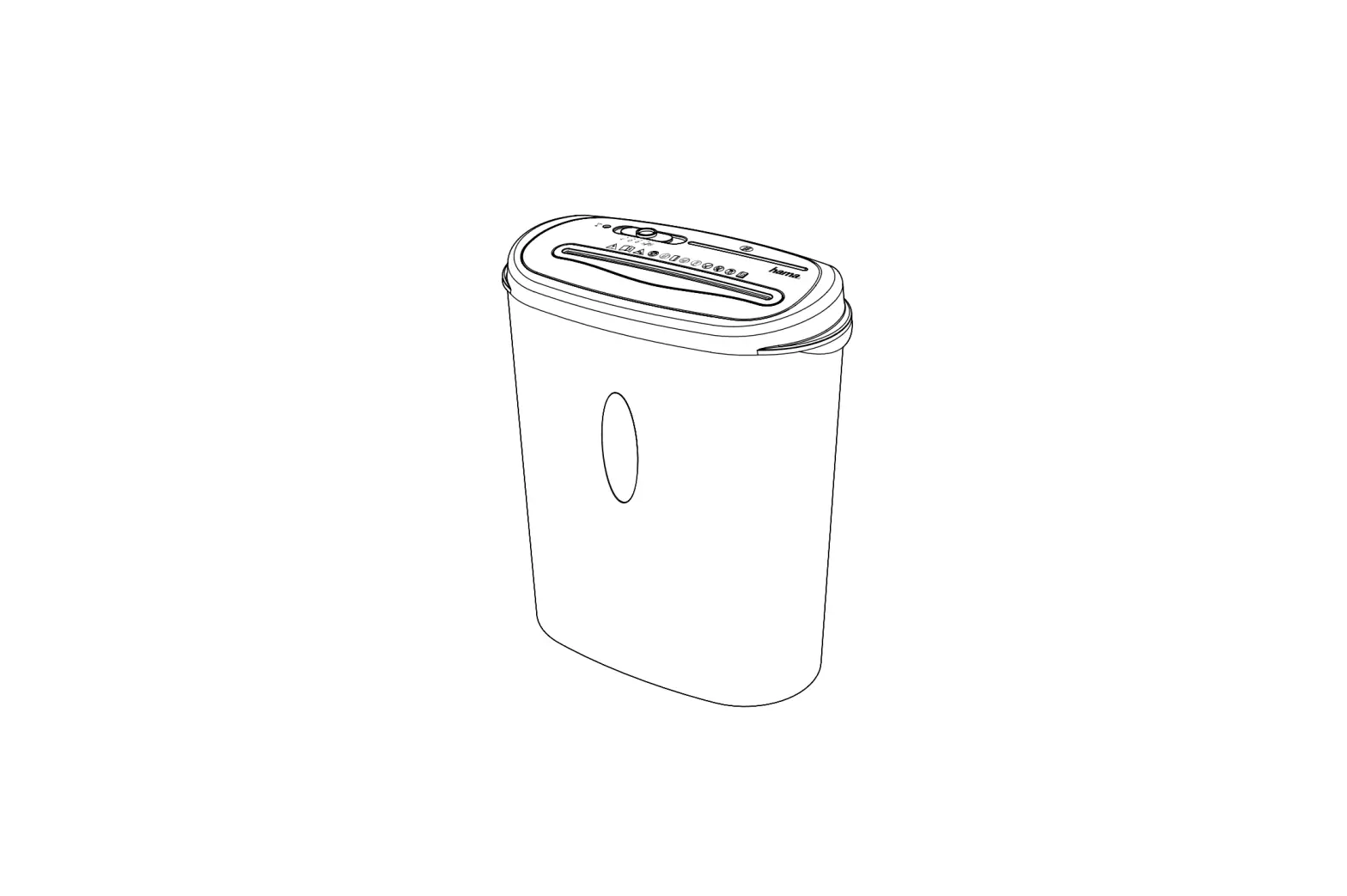
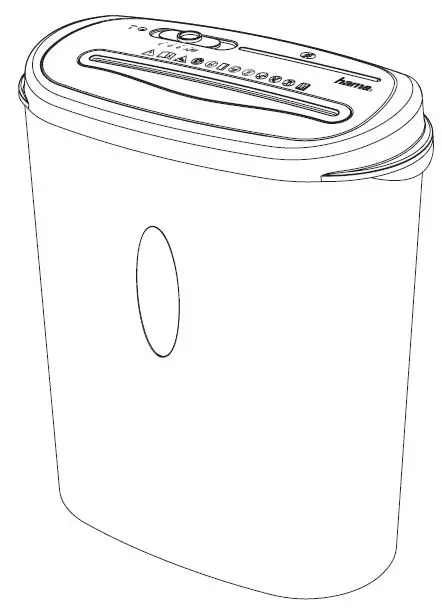
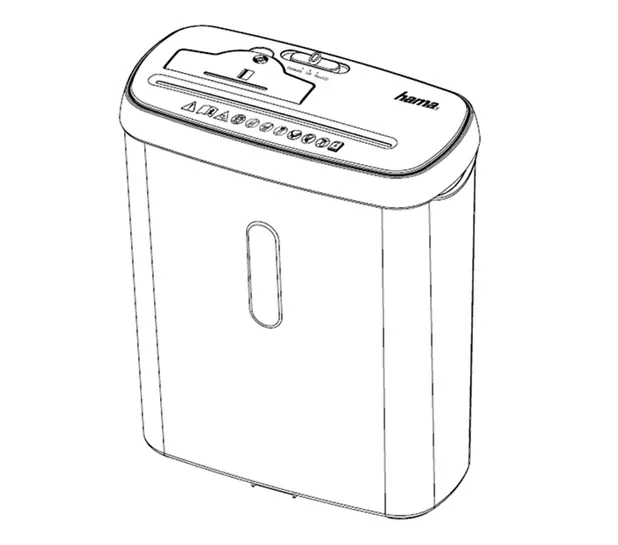
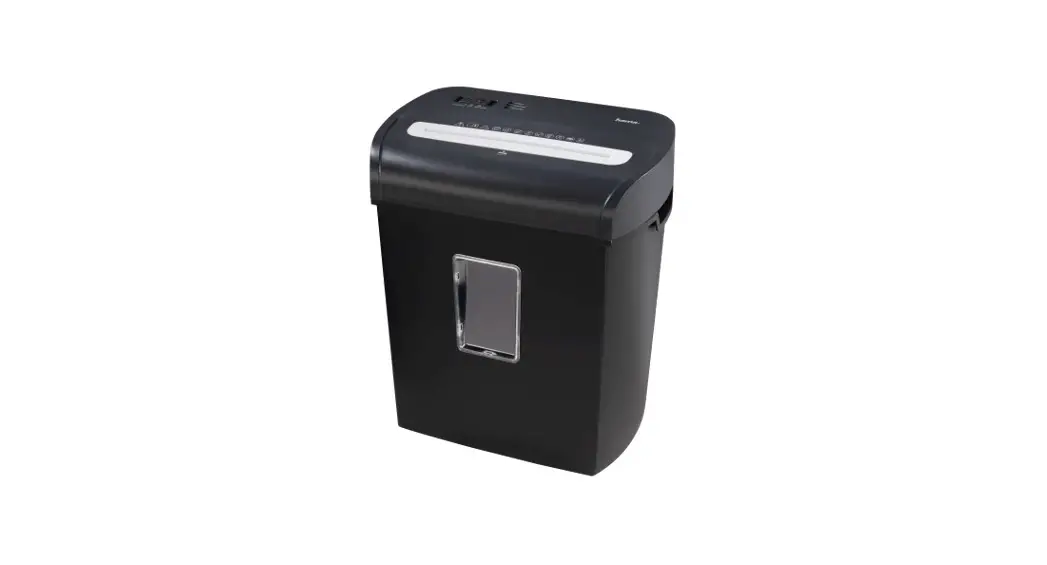
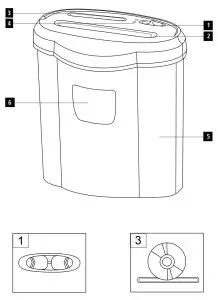
Parts
- Operating switch
- Feed shaft for paper and plastic cards
- Feed shaft for CDs, DVDs, and BluRay discs
- LED displays (“Ready” and “Overload”)
- Waste bin
- Transparent window
Introduction
1.1 Foreword
By purchasing this shredder, you have decidedinfavour on the quality product of Hama, which corresponds to the latest state of development with respect to technology and functional performance.
Please read the information contained in this booklet to familiarise yourself quickly with the unit and to be able to make full use of its functions.
This device is new and has never been used. Any cutting remnants may come from test runs performed for quality assurance during production.
Note in accordance with DIN 66399:
Every person –whether a legal entity or private individual –is responsible for destroying all confidential personal or sensitive information in order to protect privacy. Whether it is your own private information or that of another party, it is your own interest to prevent personal information, particularly your own, from falling into the wrong hands.
Hama shredders offer help you can count on.
1.2 General information on this device
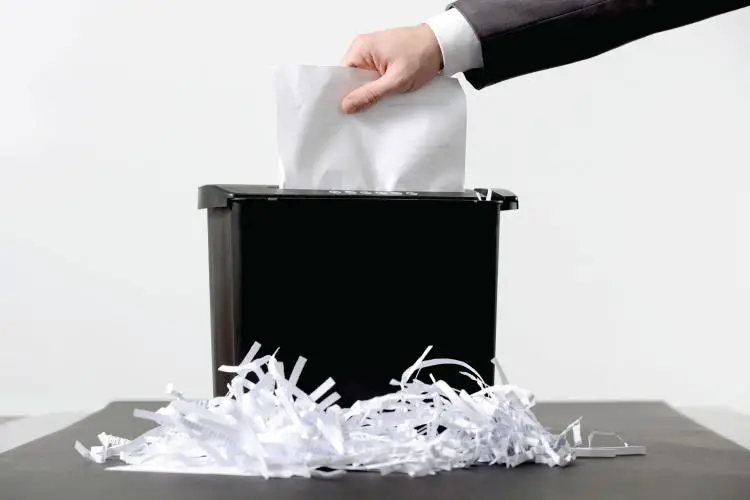
The Home X10CD shredder shreds paper, staples, magnetic stripe, and ID chip cards, as well as CDs, DVDs, and Blu-ray Discs.
You may not shred continuous stationery, adhesive labels, film, newsprint, cardboard, paper clips, laminates, or plastic (with the exception of the aforementioned items).
1.3 Information on this instruction manual
This instruction manual is part of the shredder Home X10CD (hereinafter referred to as unit) giving you important information on the intended use, safety, connection as well as operation of the unit.
The instruction manual has to be kept near the unit at all times. It has to be read and applied by all persons who use this unit or remove any faults of the unit.
Keep this instruction manual in a safe place and pass it on with the unit to any future owners.
1.4 Copyright
This piece of documentation is protected by copyright.
Any duplication or reprinting, in whole or in part, and the reproduction of the illustrations even in modified form is only permitted with the written approval of the manufacturer.
1.5 Liability disclaimer
All technical information, data, and instructions for the operation contained in this operating manual are in conformity with the last status prior to printing and shall be rendered on the basis of our previous experience and knowledge to the best of our belief.
The manufacturer assumes no liability for damage or injury resulting from failure to observe the instruction manual, use for other than the intended purpose, unprofessional repairs, unauthorized modifications, or use of non-approved spare parts.
Safety
2.1 Fundamental safety precautions
Observe the following safety instructions to ensure safe handling of the unit:
■ Inspect the unit for visible signs of damage before use. Do not use a damaged unit.
■ Persons who due to their physical, mental, or motor response abilities are unable to operate the unit may only use the unit under supervision or instruction by a responsible person.
■ Faulty components may be replaced with original spare parts only.
Only original spare parts can guarantee that applicable safety requirements are adhered to.
■ Defective parts may only be replaced with original spare parts. Only these parts guarantee that the safety requirements are satisfied.
Protect the unit against humidity and penetration of liquids and/or objects. In case of contact with liquids disconnect the unit from the power supply immediately.
■ The product is intended for indoor use only.
■ Use the product for its intended purpose only.
■ Use the item only in moderate climatic conditions.
■ Do not drop the product and do not expose it to any major shocks.
■ Do not attempt to service or repair the product yourself. Leave any and all service work to qualified experts.
■ Do not modify the product in any way. Doing so voids the warranty.
■ Keep the packaging material out of the reach of children due to the risk of suffocation.
 WARNING
► Only operate the product from the socket that has been approved for the device. The socket must be installed close to the product and must be easily accessible.
► Disconnect the product from the power supply using the On/Off switch –if this is not available, unplug the power cord from the socket.
► If you will not be using the product for a prolonged period, disconnect it from mains power.
DANGER
Electric shock hazard!
Contact with live leads or components poses a risk of serious injury or even death!
Observe the following safety precautions to avoid any electric shock hazard:
► Do not use the unit if the mains lead or mains plug is damaged.
► On no account should the housing of the unit be opened. Electric shock hazard if live connections are touched and/or the electrical and mechanical configuration is changed.
► Never immerse the unit or the mains plug in water or other liquids.
WARNING
Risk of cuts at the shredding rollers!
Observe the following safety precautions to avoid any injuries:
► Do not touch the shredding rollers.
Safety devices
The device is equipped with a safety shut-off switch and can only be operated when the document shredder attachment is properly attached to the waste bin.
Warning symbols on the unit
The following warning symbols have been attached to the unit:
 | General warning symbol |
 | Before commissioning, read the enclosed operating instructions. You must comply with the safety instructions at all times. |
 | • This device is not intended for use by children. • Avoid touching the intake opening with hands, clothing, or hair. • Unplug the device if it is not going to be used for a prolonged period. |
 | Children must be supervised when using the device. |
 | Do not insert paper clips into the intake shaft. |
 | Do not reach into the intake shaft. |
 | Keep clothing away from the intake shaft. |
 | Keep jewelry,e.g. necklaces, away from the intake shaft. |
 | Keep hair away from the intake shaft. |
 | Do not use any aerosol products on or near the device. |
 | Insert no more than 10 sheets of paper at any one time into the intake shaft (see 7. Technical Data). |
 | Intake shaft for CDs/DVDs and Blu-Rays. Only insert one CD/DVD or Blu-Ray at a time into the intake shaft. |
 | Intake shaft for credit cards. Only insert one credit card at a time into the intake shaft for credit cards. |
WARNING
Risk of injury
► Observe the warning symbols in order to prevent injury or damage to the unit.
3. Installation and Assembly
■ Remove all packaging materials from the device.
■ Do not place the device in a hot, wet, or very humid environment.
■ Place the device on a level, a horizontal surface so that it is stable.
■ The socket must be easily accessible so that the power supply can be disconnected quickly in case of an emergency.
■ Before you connect the device, compare the connection data for the device (voltage and frequency) on the type plate with that of your main power supply. This data must match to avoid damage to the device.
■ Keep the connection cable away from hot surfaces and sharp edges.
■ Lay all cables so that they do not pose a tripping hazard.
■ Do not bend or crush the cable.
4. Handling and operation
4.1 Application instructions
■ Observe that the thickness of the paper increases when folded, thus possibly exceeding the maximum page capacity.
■ Always wait for the shredding process to finish before starting a new one.
■ Never use the unit for longer than 5minutes in permanent operation.
4.2 Notes on use
4.2.1 Switching on the device
■ Slide the operating switch (1) to the “On/Auto” position. The green “Ready” LED (4) illuminates continuously and the cutting rollers switch on briefly. The device is ready for use.
4.2.2 Shred paper and plastic cards in the paper feed shaft
■ Insert the paper or the plastic card into the center of the feed shaft (2). The cutting rollers are switched on automatically.
■ Let go of the paper or plastic card. The device switches back to standby mode after shredding is completed.
4.2.3 Shredding CDs, DVDs, and BluRay discs
■ Slide the operating switch (1) to the “Rev/On CD” position. The cutting rollers begin turning continuously and the device is ready for cutting CDs, DVDs, or BluRay discs.
■ Insert the CD, DVD, or BluRay disc into the center of the feed shaft (3).
■ Let go of the CD, DVD, or BluRay disc. After the shredding is complete,
slide the operating switch (1) to the “OFF” position in order to switch the device off, or slide it to “On/Auto” to switch to standby mode for paper and plastic card shredding.
Reverse run mode
NOTE!
► These modes serve to remove any blockages in the gutter system.
■ Slide the operating switch (1) to the “Rev/On CD” position. The rollers of the paper cutting system rotate in the opposite direction.
■ Slide the operating switch (1) to the “On/Auto” position.
■ Switch approximately three times successively between the positions “Rev/On CD” and “On/Auto”.
■ Switch off the device and remove the jammed paper or plastic card from the feed shaft (2).
Emptying the bin
■ To switch the device off, slide the operating switch (1) to the “Opposition.
■ Lift the cutting attachment off of the waste bin (5).
■ Empty the bin.
■ Place the cutting attachment back onto the waste bin (5).
Switching off the device
■ Slide the operating switch (1) to the “Off” position.
Cleaning and Care
Clean the unit with a dry cloth. In case of heavy soiling, the cloth may be moistened abit.
DANGER
Danger of death due to electrical current
► Remove the mains plug from the electrical socket before cleaning the device.
WARNING
Risk of cutting injury from rollers of the cutting attachment!
Observe the following safety instructions to avoid injury:
► Do not touch the cutting rollers
CAUTION!
Moisture can damage the device!
► To prevent irreparable damage, make sure that no moisture gets into the device when you clean it.
Troubleshooting
| Error | Possible cause | Solution |
| The cutting rollers do not turn on briefly even though you slide the operating switch (1) to „On /Auto“. | The connection cable is not connected correctly. | Ensure that the mains plug is plugged into the socket. |
| No mains power The device is faulty. | Check your fuse box. Inform our customer service department. | |
| The “Overload” LED (4) is red. | Too much paper has|been inserted or it has been drawn in crookedly. | Switch the device off and let it cool off for at least 25 minutes. Then carry out the steps under 4.2.4. “Reverse run mode”. |
Technical data
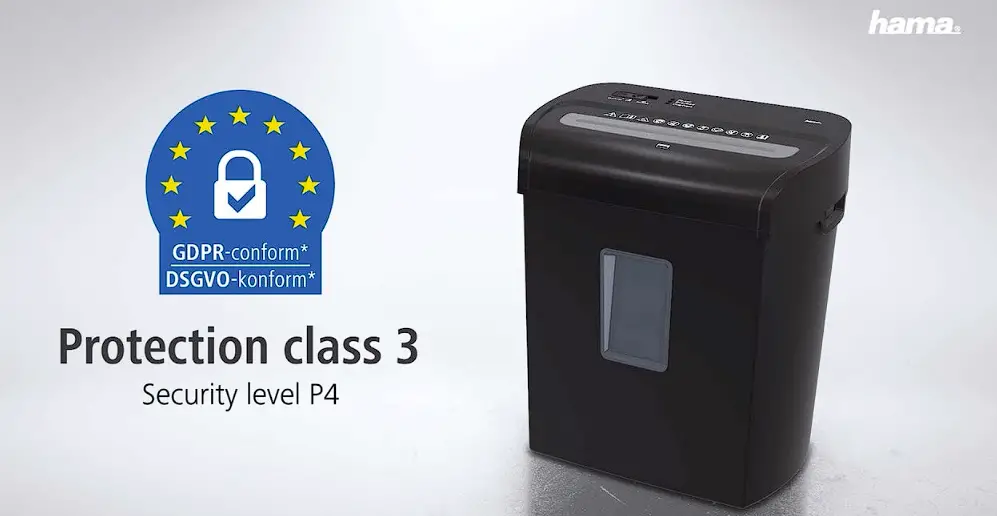
| Input voltage Mains frequency Maximum power consumption Power consumption (standby) Dimensions (L xWxH)3Weight (net) Weight (gross) Paper and plastic card bin volume CD/DVD/Blu-ray bin volume: Maximum noise level Max. cutting capacity for paper (70 g/m²) Max. cutting capacity for paper (80 g/m²) Max. cutting capacity for CDs/DVDs/ plastic cards/BluRay Shredding speed Pull-in width Feed width for CDs/DVDs/ Blu-ray Discs /plastic cards Cutting size for paper/plastic cards Cutting size for CDs/DVDs/Blu-ray Discs/plastic cards Continuous operating time Safety level (in keeping with German standard DIN 32757) Protection class (according to DIN 66399)2 Security levels (according to DIN 66399)P | 220-240 V~ 50 Hz 125 W 2.2 W )35,4 x21,1 x40cm 4,71 kg 5,20 kg 19 liter 0,8 liter 58 dB 12 sheets * 10 sheets * 1piece 1,8 m/Minute 225 mm 125 mm 5mmx34mm 15 mm max. 5Minutes 3 2 P-3 /T-3 /E-2 /O-1 |
Support and contact information
Please contact Hama Product Consulting if you have any questions about this product.
Hotline:+49 9091 502-0 (German/English)
Further support information can be found here:
www.hama.com

Hama GmbH &CoKG
86652 Monheim /Germany
www.Hama.com
 All listed brands aretrademarksofthe corresponding companies. Errors and omissions excepted, and subject changes. Our general termsofdeliveryand payment is applied.
00050182/02.21