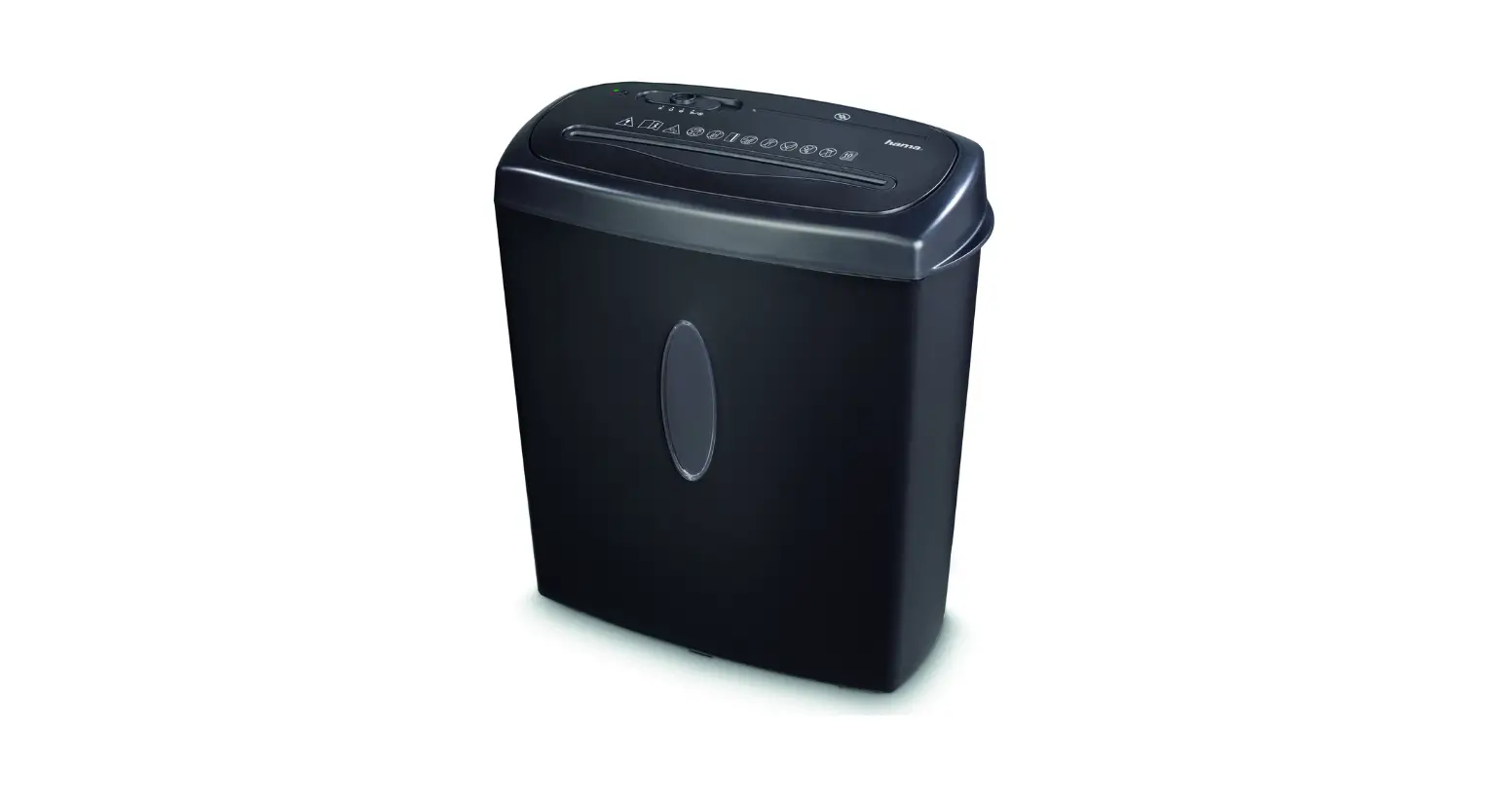
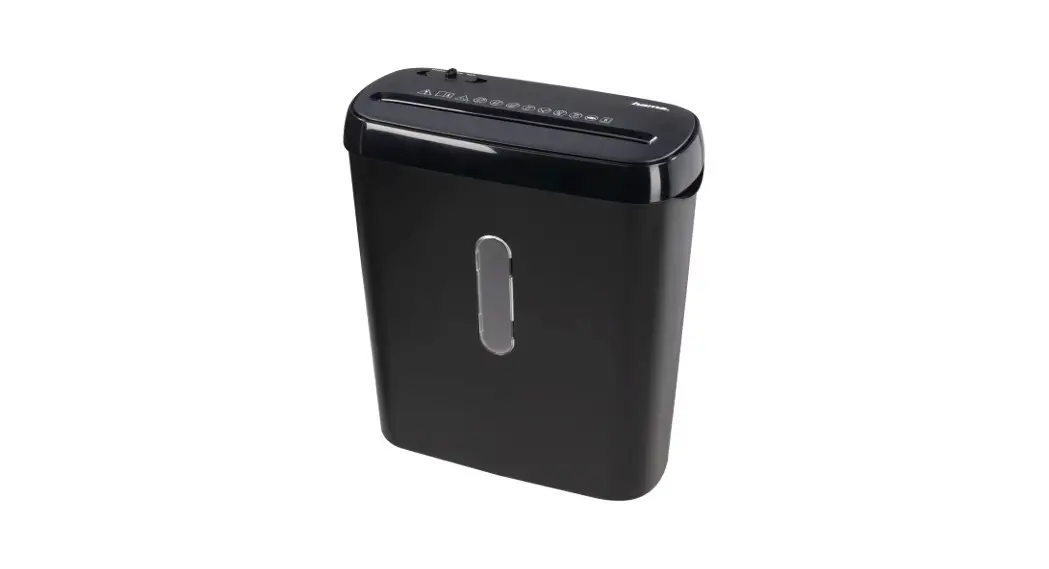
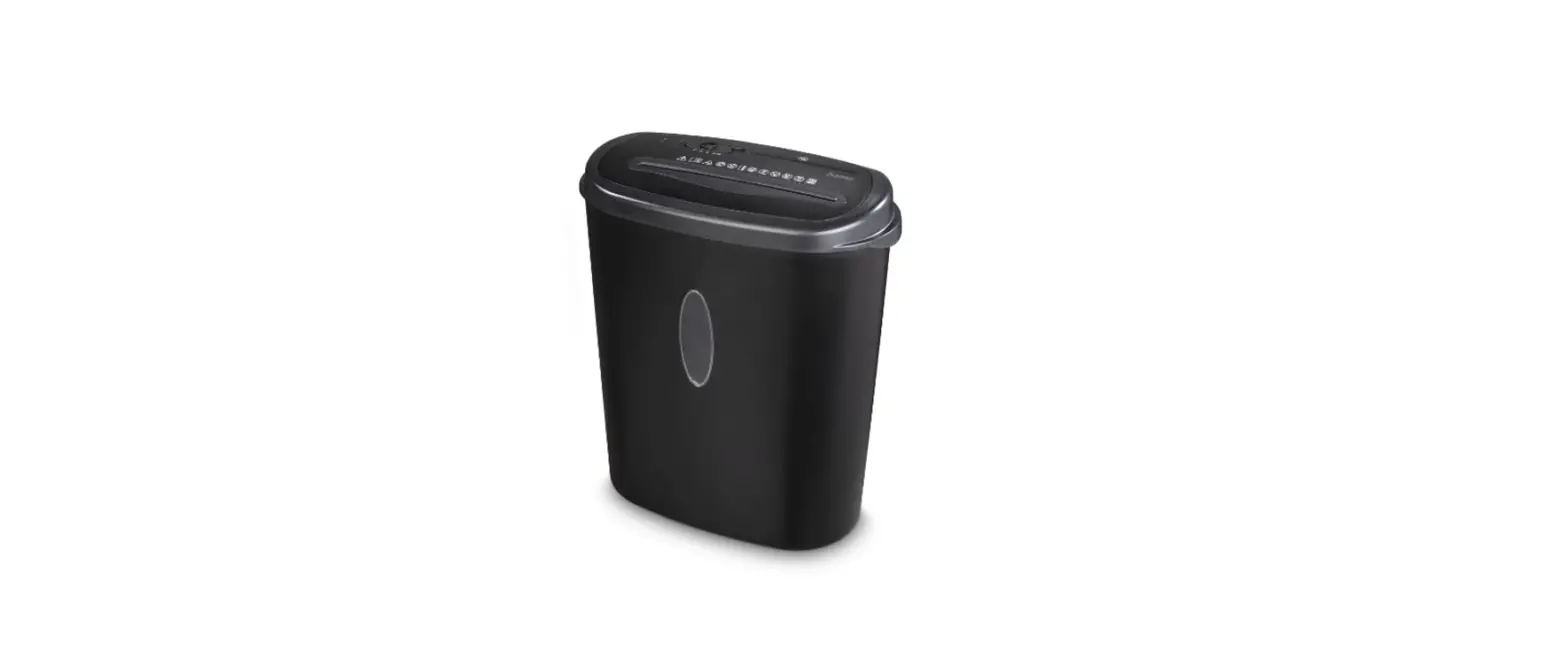
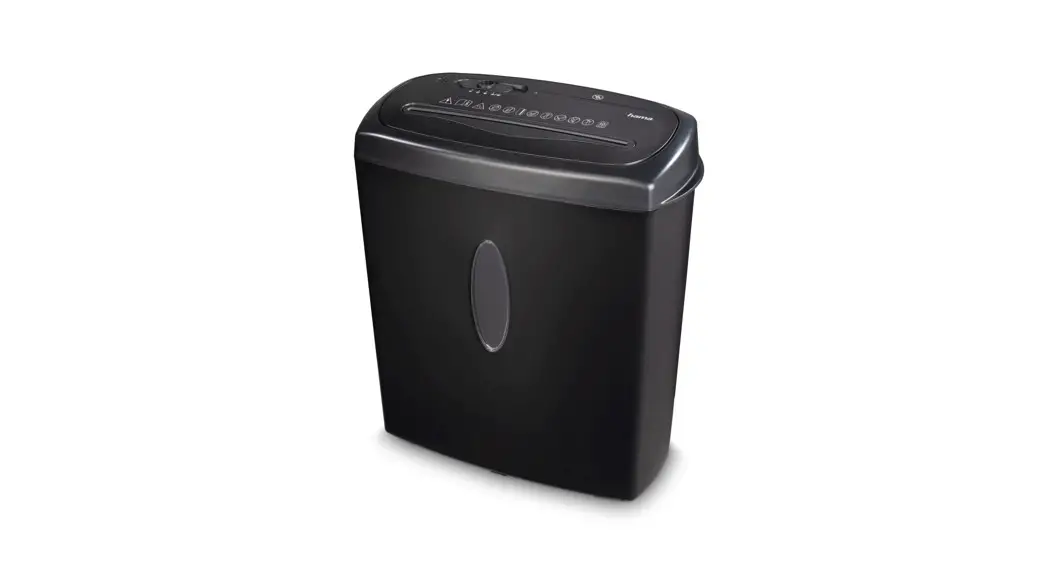
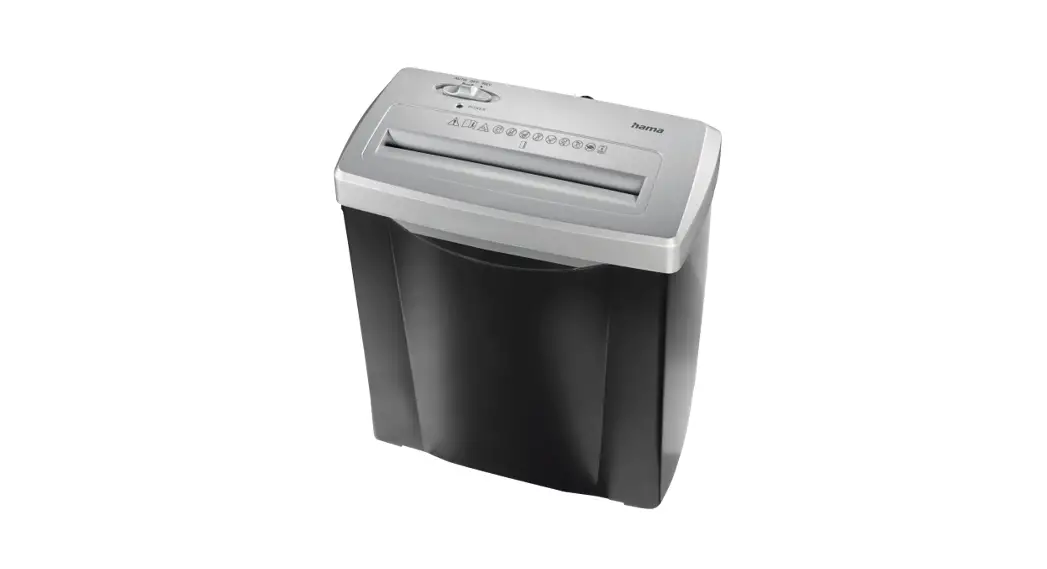
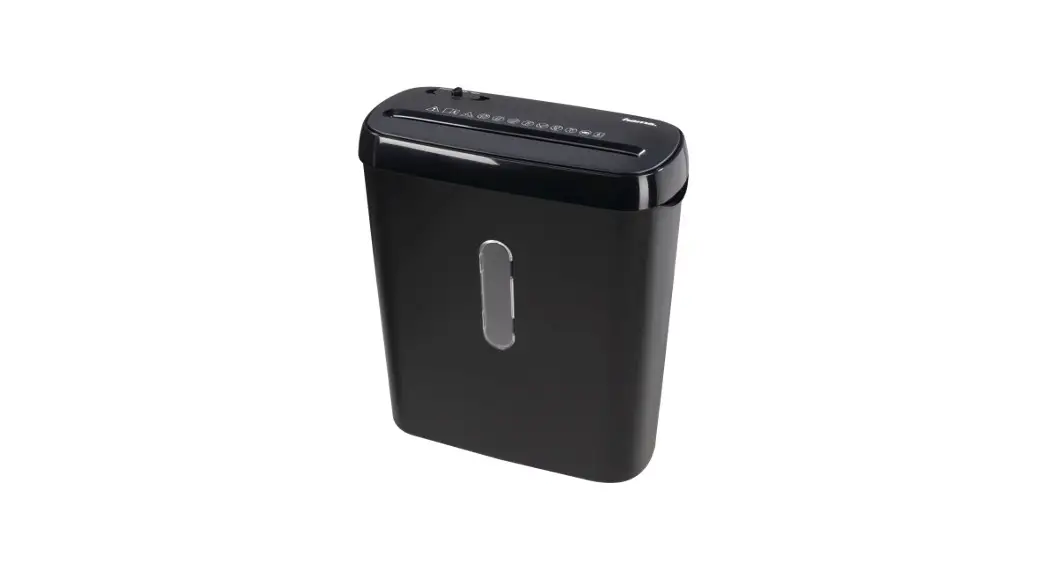
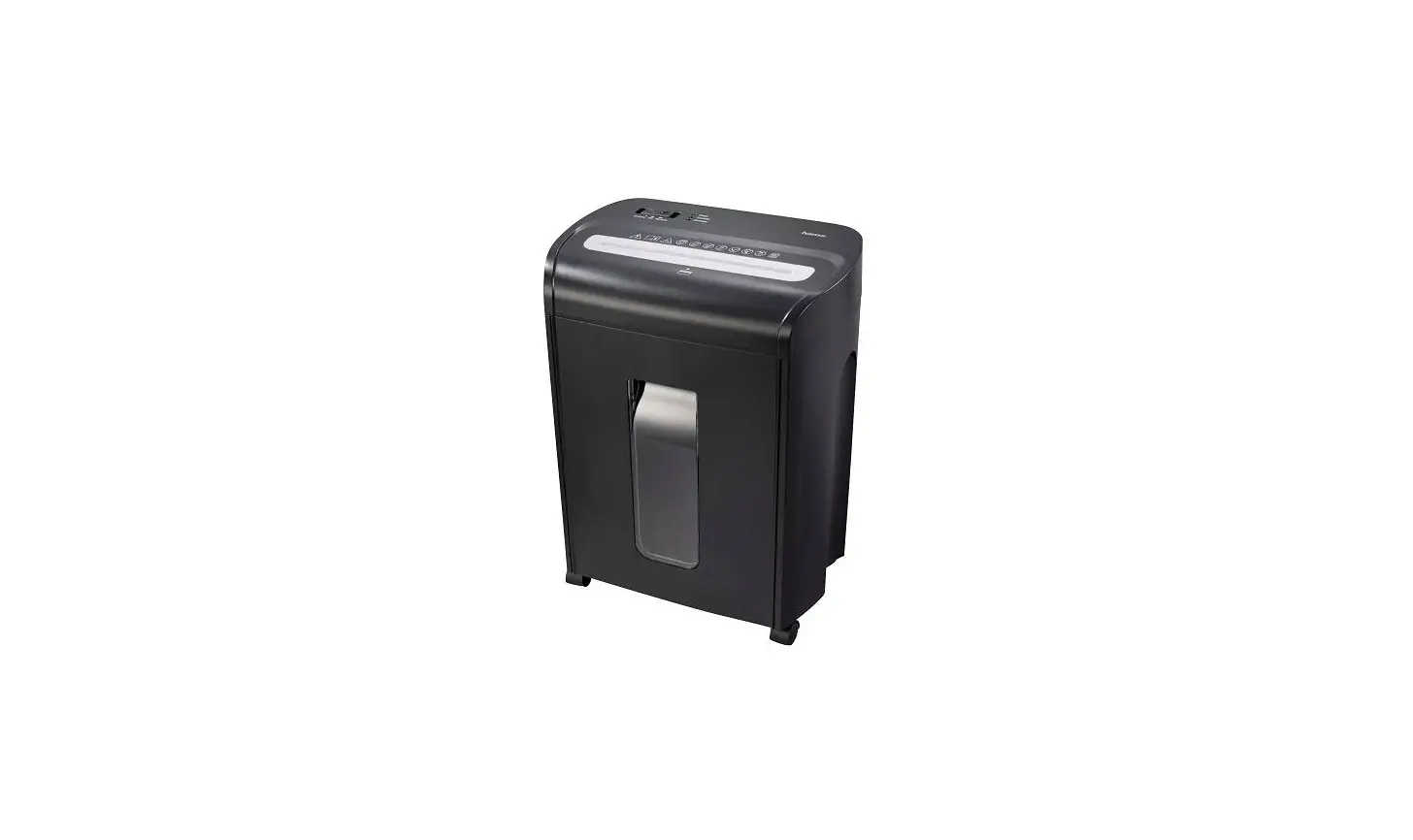
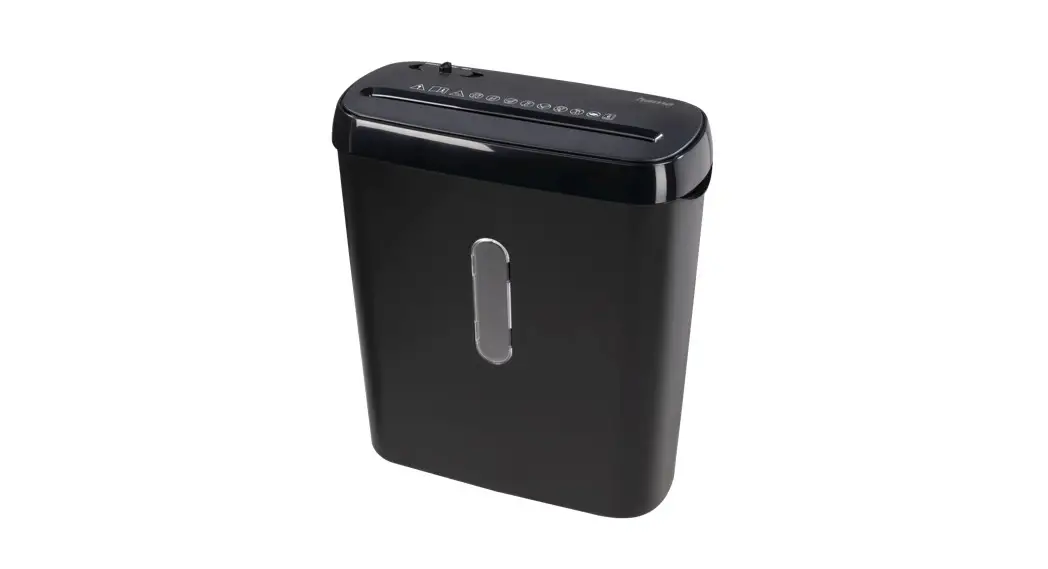
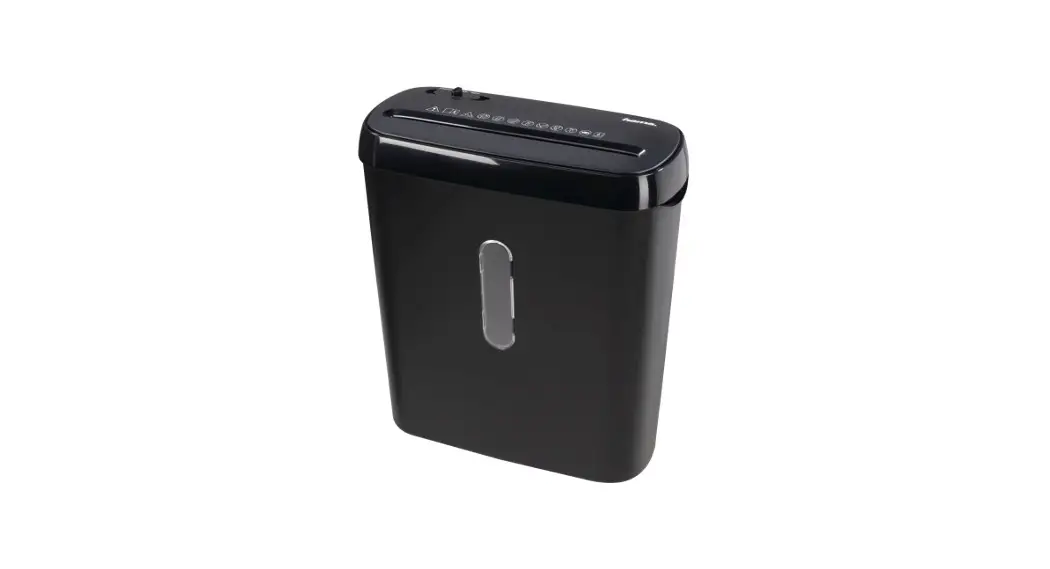
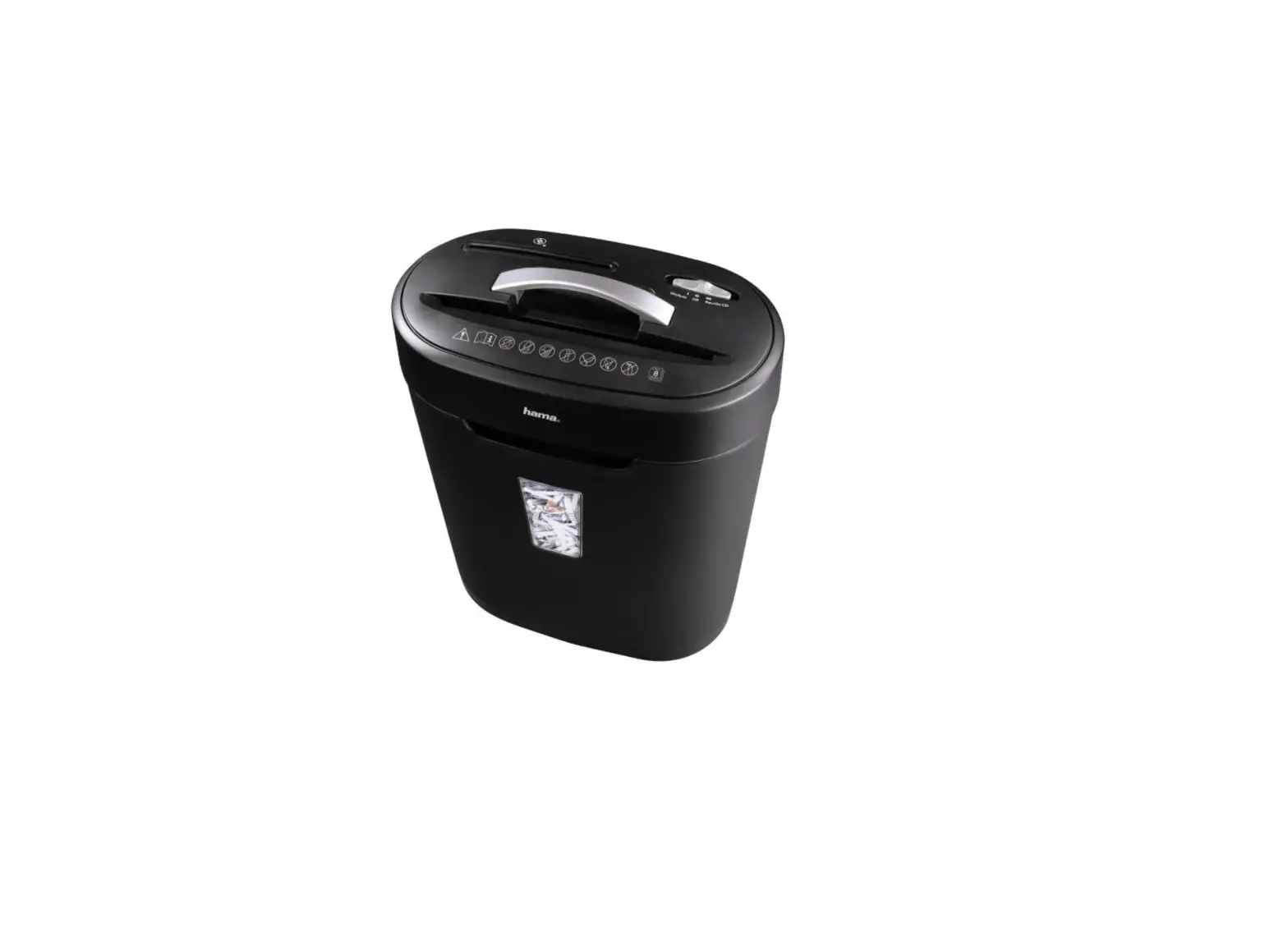
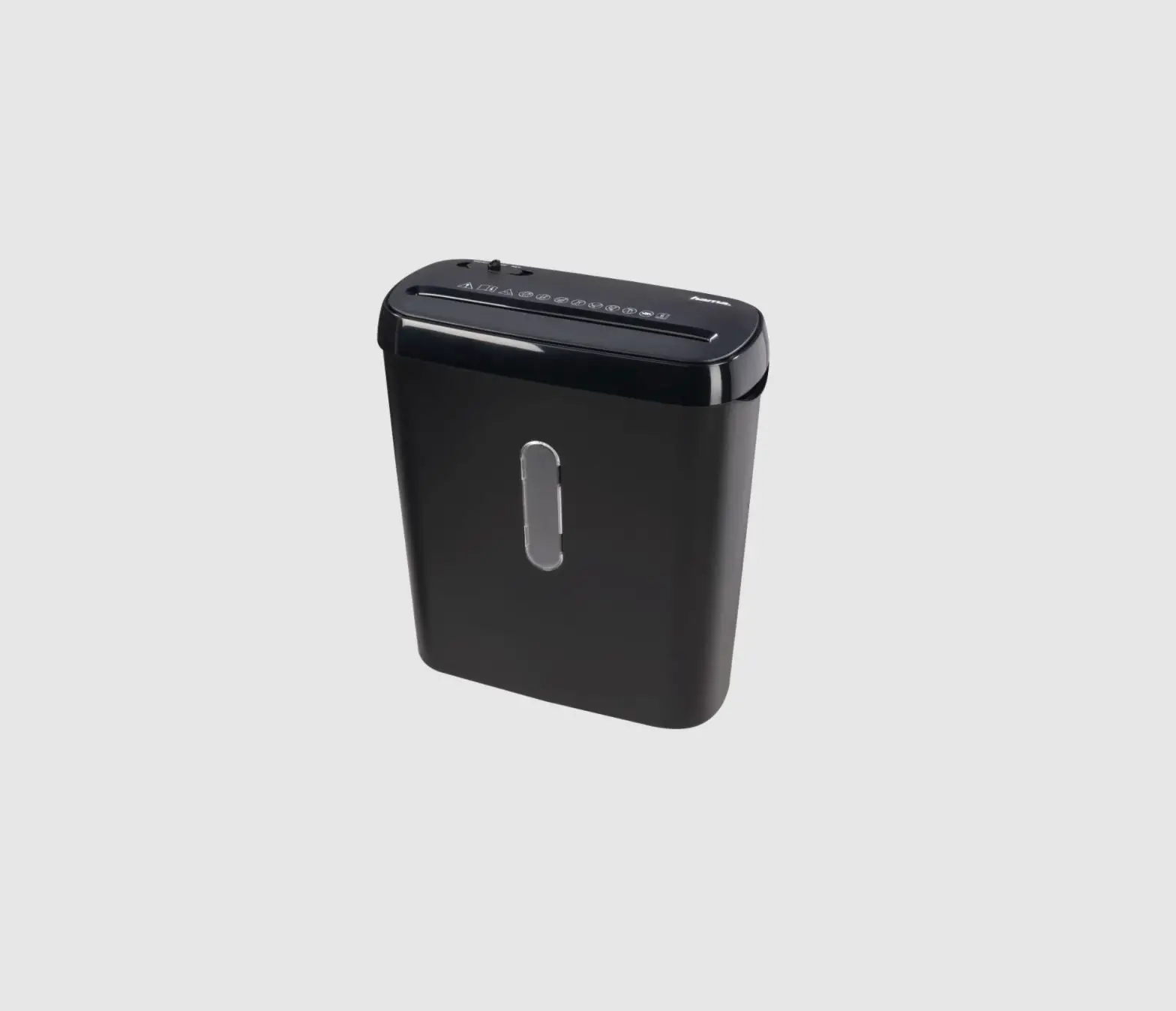
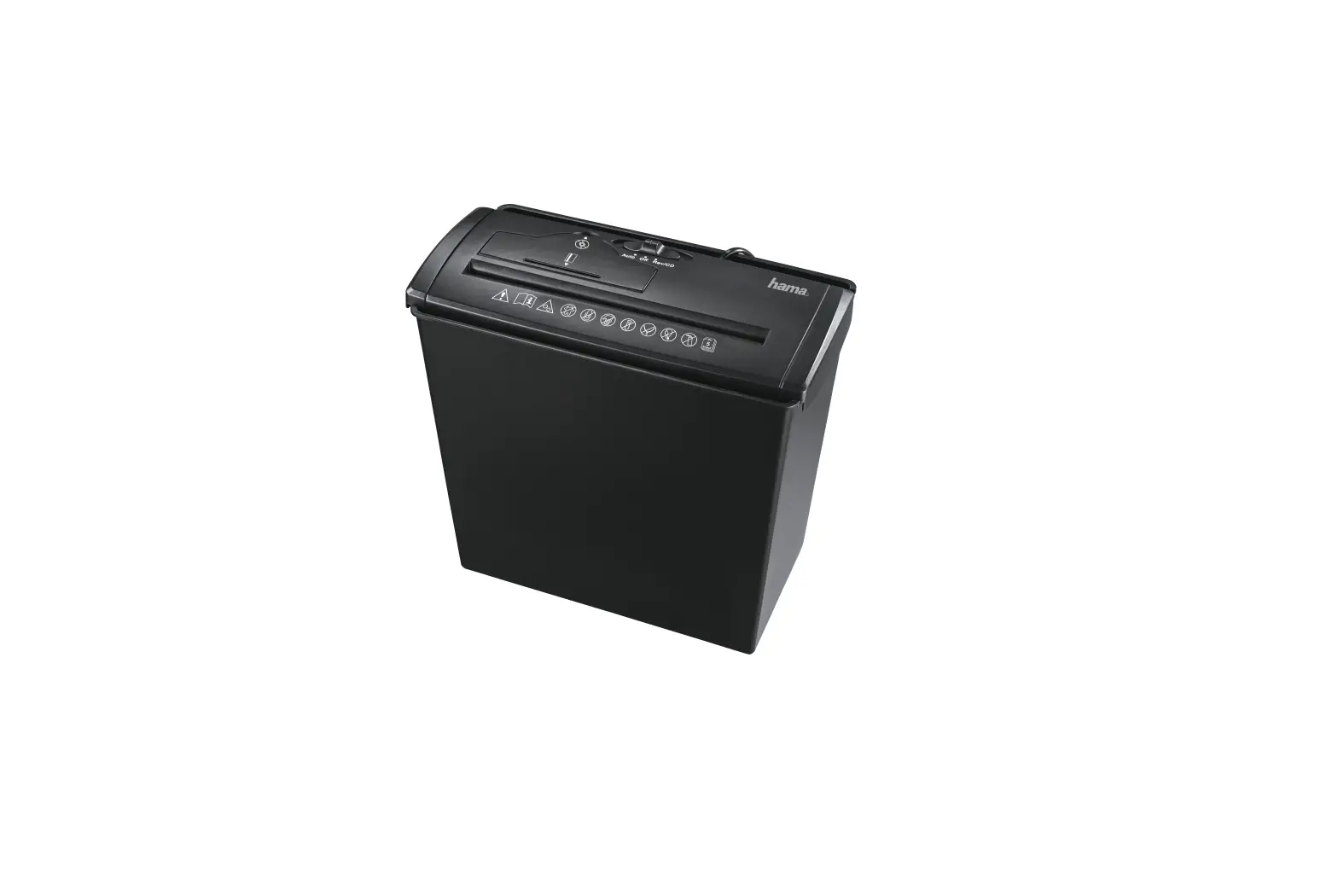
00050545 Shredder
Product Information
Product Name:
Shredder Aktenvernichter PREMIUM M8
Model Number:
00 050545
Operating Instructions:
GB (English), Bedienungsanleitung D (German), Mode d’emploi F
(French), Instrucciones de uso E (Spanish), Gebruiksaanwijzing NL
(Dutch), Bruksanvisning S (Swedish), RUS (Russian), BG (Bulgarian),
GR (Greek), Kullanma kilavuzu TR (Turkish)
Machine Setup:
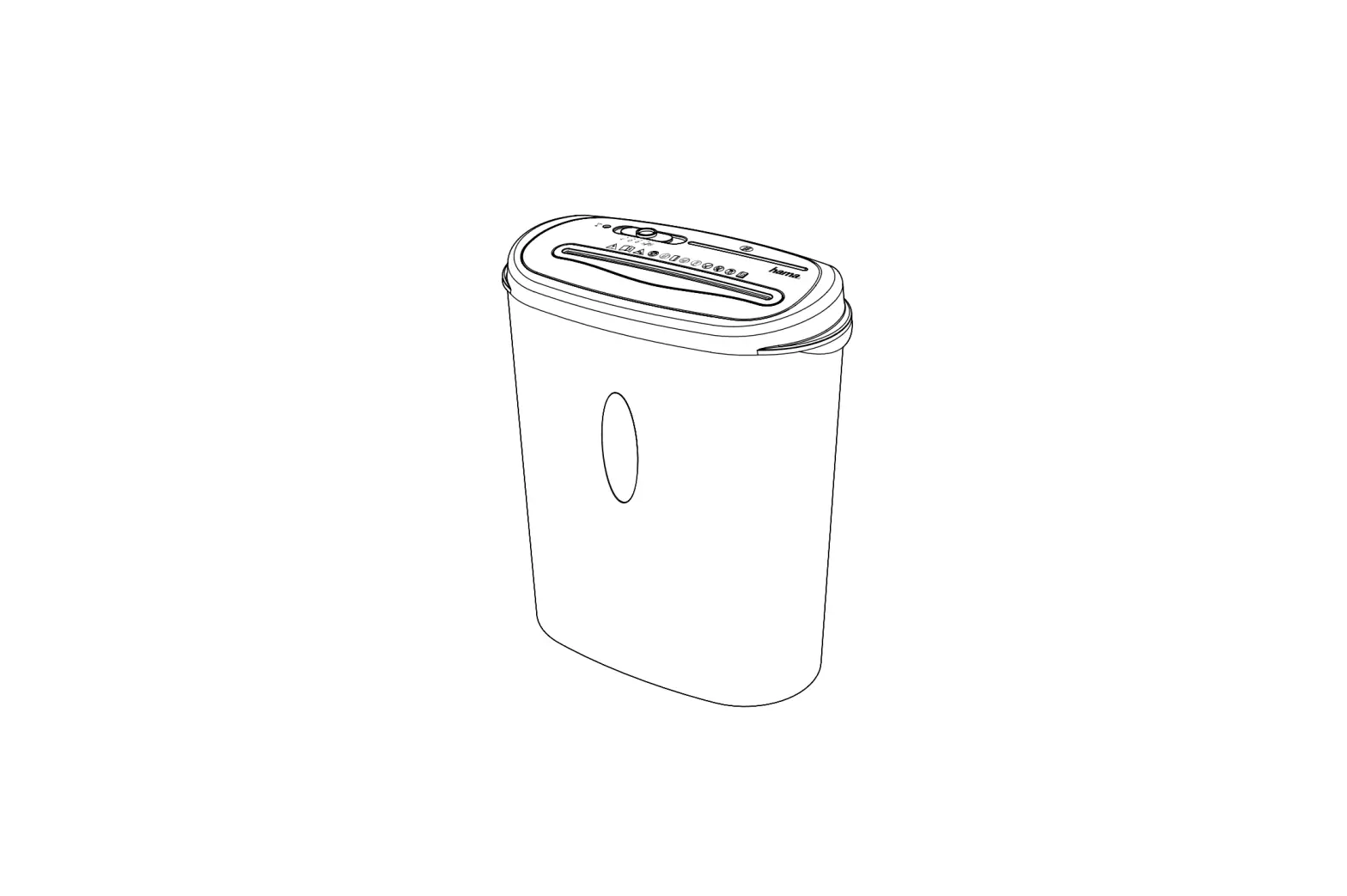
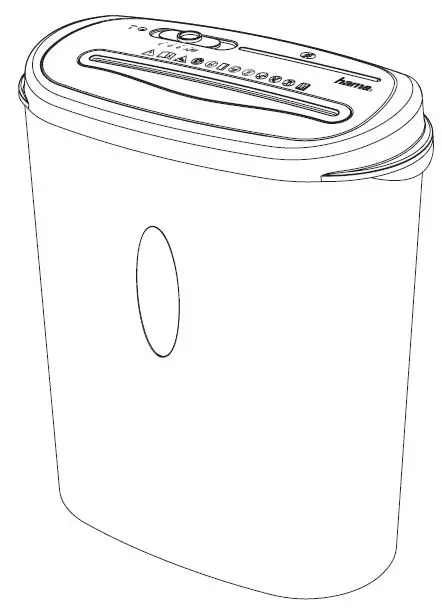
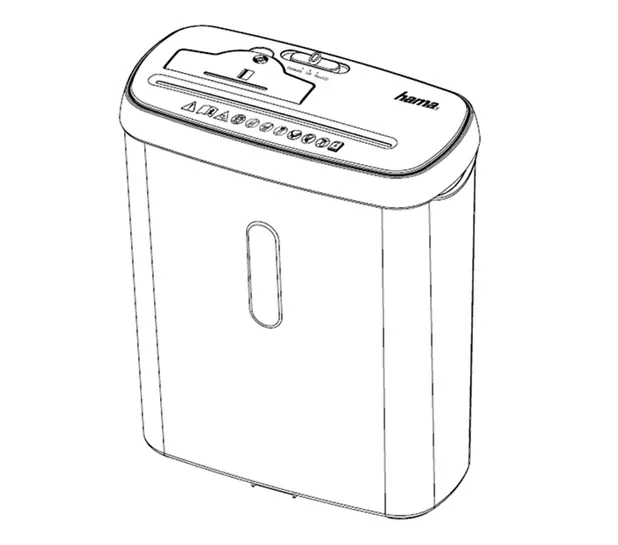
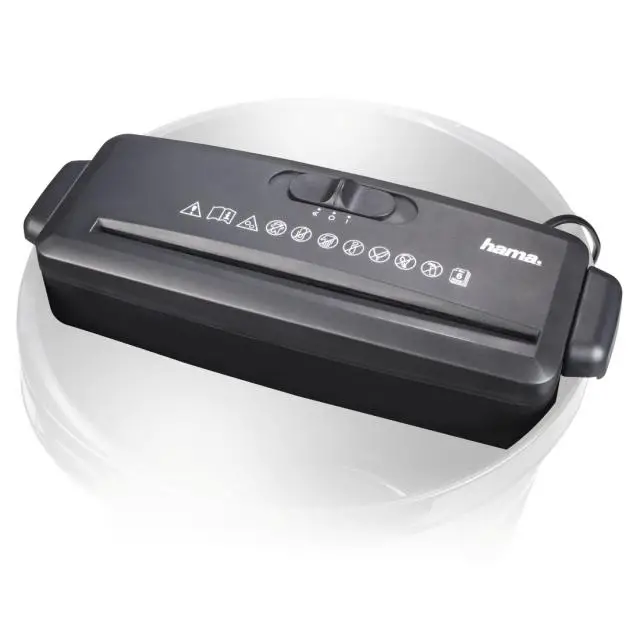
- Device head
- Intake shaft for paper and plastic cards
- Connecting cable (back of the device)
- Warning symbols
- Viewing window
- Waste container
- Slider switch
- Backwards position
- Off position
- Automatic start/stop function position
- Status LED: Ready
- Status LED: Overload
- Status LED: Overheating
Introduction:
Thank you for choosing a Hama product. Please read the following
instructions and information completely and keep them in a safe
place for future reference. If you sell the device, remember to
pass these operating instructions on to the new owner.
Security:
The following materials may be shredded:
- Paper
- Paper with staples
- Magnetic strip and ID chip cards
- CDs, DVDs, Blu-Rays
The following materials may NOT be shredded:
- Continuous paper
- Sticky labels
- Slides
- Newspaper
- Cardboard
- Paper clips
- Laminate
- Plastic (with the exception of the objects stated earlier)
Note: Do not touch the cutting rollers to avoid the risk of
cutting. If any maintenance or repair is required, please consult
qualified experts.
Operation:
Switching the Device Off:
To switch off the device, follow these steps:
- Ensure there are no papers or plastic cards being fed into the
intake shaft. - Move the slider switch to the “Off” position.
Note: Always switch off the device when not in use or during
maintenance.
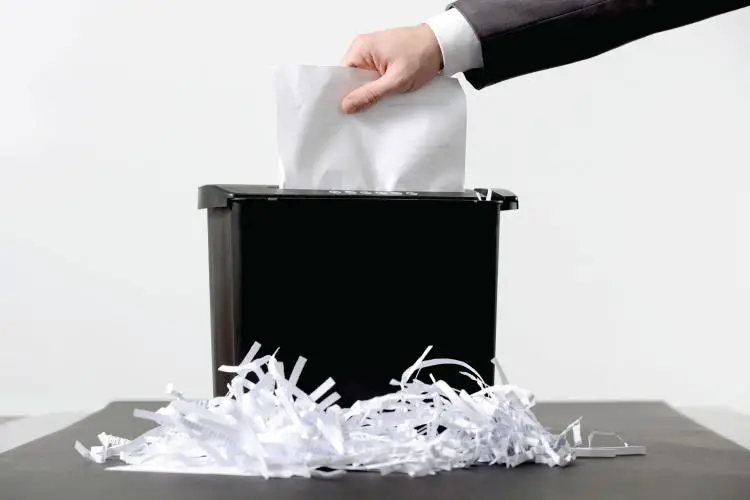
Shredding Paper:
To shred paper, follow these steps:
- Ensure the device is properly set up and switched on.
- Insert no more than 8 sheets of paper at a time into the intake
shaft. - Wait for the paper to be shredded completely before inserting
more.
Note: Do not insert paper clips into the intake shaft and keep
clothing, jewellery, and hair away from the intake shaft.
Shredding Plastic Cards:
To shred plastic cards, follow these steps:
- Ensure the device is properly set up and switched on.
- Insert one plastic card at a time into the intake shaft for
plastic cards. - Wait for the card to be shredded completely before inserting
another.
Note: Do not feed CDs/DVDs into the feed shaft.
Shredder Aktenvernichter
00 050545
PREMIUM M8
Operating Instructions GB Bedienungsanleitung D
Mode d`emploi F Instrucciones de uso E Gebruiksaanwijzing NL
Istruzioni per l`uso I Instrukcja obslugi PL Használati útmutató H Manual de utilizare RO
Návod k pouzití CZ Návod na pouzitie SK Manual de instruções P
Bruksanvisning S RUS BG
GR Kullanma kilavuzu TR
Käyttöohje FIN
7
4
3
2 1
5 6
10 9 8
11 12 13
G Operating Instructions
Machine setup
1. Device head 2. Intake shaft for paper and plastic cards 3. Connecting cable (back of the device) 4. Warning symbols 5. Viewing window 6. Waste container 7. Slider switch 8. ” ” position (Backwards) 9. ” ” position (Off) 10. “|” position (Automatic start / stop function) 11. Status LED: Ready 12. Status LED: Overload 13. Status LED: Overheating
1. Introduction
1.1 Foreword
Thank you for choosing a Hama product. Take your time and read the following instructions and information completely. Please keep these instructions in a safe place for future reference. If you sell the device, please pass these operating instructions on to the new owner.
· As with all electrical products, this device should be kept out of the reach of children. · Keep the packaging material out of the reach of children due to the risk of suffocation. · Dispose of packaging material immediately in accordance with the locally applicable
regulations. · Do not modify the product in any way. Doing so voids the warranty. · Only use the article under moderate climatic conditions. · Always pull directly on the plug when disconnecting the cable, never on the cable itself.
Note The product is only intended for volumes generated by households.
Warning Any use is permitted only with the paper container provided.
Note – Commercial use · If the device is used commercially, increased duty of care requirements apply. · Therefore, please observe the accident prevention regulations of the German
employer’s liability insurance association for electrical systems and equipment. Please also observe all accident prevention regulations from other applicable employer’s liability insurance associations and accident insurance companies, as well as any legal regulations applicable to the particular industry and/or location.
Note Importance of the operating instructions Failure to observe the operating instructions when using the product constitutes incorrect use or wilful misuse and is not permitted.
Note This device is a new, unused product. Any cutting residue present may have been left over from quality assurance tests during production.
1.2 Explanation of warning symbols and notes
Risk of electric shock This symbol indicates a risk of electric shock from touching product parts carrying hazardous voltage.
Warning This symbol is used to indicate safety instructions or to draw your attention to specific hazards and risks.
Note This symbol is used to indicate additional information or important notes.
1.3 Package contents · “Premium M8” shredder · These operating instructions
2. Security
2.1 Correct use · This product is intended for the destruction of documents both in the home and in the
commercial sector, provided the applications are comparable with typical household use (e.g. in offices, workshops and hotels, etc.). · Use the product only for the intended purpose. · The product is intended only for use inside buildings. · Protect the product from dirt, moisture and overheating and use it in dry rooms only. · Do not use the product in the immediate vicinity of heaters, other heat sources or in direct sunlight. · Do not use the product in a damp environment and avoid splashing water. · Do not operate the product outside the power limits specified in the technical data. · Do not operate the product continuously, as it is not designed for this. · Do not use the product in areas in which electronic products are not permitted. · Do not drop the product and do not expose it to any major shocks. · This product is not intended for use by persons, including children, with limited physical, sensory or mental abilities or lacking in experience or knowledge, unless they are supervised by a person responsible for their safety or have been instructed on how to use the product.
The following materials may and may NOT be shredded:
Paper
Paper with staples
Magnetic strip and ID chip cards
CDs, DVDs, Blu-Rays
Continuous paper, sticky labels, slides, newspaper, cardboard, paper clips, laminate, plastic (with the exception of the objects stated earlier)
2.2 Basic safety instructions Please note the following safety instructions in order to use the device safely. · Check the device before use for any visible external damage. Do not put a damaged
device into operation. · People who, as a result of their physical, mental or motor capacities, are unable to
operate the device safely must only use the device under supervision or after instruction by a responsible person. · Faulty components must only be replaced with original spare parts. Only these parts are guaranteed to meet the required safety standards. · Protect the device against moisture and the penetration of liquids or objects. In the event of contact with liquid, disconnect the device from the power supply immediately.
Warning – risk of cutting on the cutting rollers Do not touch the cutting rollers.
Risk of electric shock · Do not open the device or continue to operate it if it becomes damaged. · Do not use the product if the AC adapter, adapter cable or power cable is damaged. · Do not attempt to service or repair the product yourself. Leave any and all service
work to qualified experts.
2.3 Explanation of symbols used on the product label
Warning – risk of injury Note the warning symbols in order to avoid injuries or damage to the device.
2
General warning symbol Before commissioning, read the enclosed operating instructions. You must comply with the safety instructions at all times. · This device is not intended for use by children. · Avoid touching the intake opening with hands, clothing
or hair. · Unplug the device if it is not going to be used for a
prolonged period. Children must be supervised when using the device.
Do not insert paper clips into the intake shaft.
Do not reach into the intake shaft.
Keep clothing away from the intake shaft.
Keep jewellery, e.g. necklaces, away from the intake shaft.
Keep hair away from the intake shaft.
Do not use any aerosol products on or near the device.
Do not feed CDs/DVDs into the feed shaft.
Insert no more than 8 sheets of paper at any one time into the intake shaft (see 7. Technical Data). Intake shaft for credit cards. Only insert one credit card at a time into the intake shaft for credit cards.
Note · Set the product up on a level, horizontal and sufficiently stable surface. · Route all cables so that there is no risk of tripping. · Do not bend or crush the cable. · Protect the connecting cable from hot surfaces and sharp edges.
· Connect the mains cable to a properly installed and easily accessible mains socket.
4. Operation
Note · Be aware that the thickness of paper increases when it is folded, leading to the
device’s maximum page capacity being exceeded. · Always wait until one cutting operation is finished before starting the next one. · Do not use the device continuously for more than 3 minutes at a time. · Empty the container regularly in order avoid damaging the device.
4.1 Switching the device on · Move the slider switch (7) to the “|” position (10). · The status LED Ready (11) lights up solid green. · The device is now ready for use.
4.2 Switching the device off
· Move the slider switch (7) to the ” ” position (9).
4.3 Shredding paper
· Insert the paper into the centre of the intake shaft (2). The cutting rollers switch on automatically.
· Let go of the paper. Once the cutting process is complete, the device switches itself off again.
4.4 Shredding plastic cards
· Insert the plastic card into the centre of the intake shaft (2). The cutting rollers switch on automatically.
· Let go of the plastic card. Once the cutting process is complete, the device switches itself off again.
4.5 Forwards / backwards mode
Note These modes are designed to release any blockages of the cutting mechanism.
· Move the slider switch (7) to the ” ” position (8). The rollers on the cutting mechanism now rotate in the reverse direction.
· Move the slider switch (7) alternately to the ,,|” (10) and ” ” position (8). Repeat this process around three times.
· Then switch the device off – as described in 4.2 Switching the device off – and disconnect the mains plug.
· Remove the blocked cut material carefully from the intake shaft (2). · Reconnect the device – as described in 3. Installation/Setup – to the power supply.
2.4 Safety device The device is equipped with a safety switch and can only be operated if the device head (1) is correctly placed on the waste container (6).
Warning Any tampering with or modification of the safety features can result in serious injury and is not permitted.
3. Installation / Setup
Warning · Only operate the product from a socket that has been approved for the device. The
socket must be installed close to the product and must be easily accessible. · Disconnect the product from the power supply using the On/Off switch if this is not
available, unplug the power cord from the socket. · If using a multi-socket power strip, make sure that the total power consumption of
all connected devices does not exceed the power strip’s maximum throughput rating. · If you will not be using the product for a prolonged period, disconnect it from
mains power.
3
5. Care and Maintenance
Danger risk of death from electric shock Disconnect the mains plug from the socket before starting any cleaning work.
Warning – risk of cutting on the cutting rollers Do not touch the cutting rollers.
Warning – damage to the device from moisture Ensure, when cleaning, that no moisture penetrates the device in order to avoid irreparable damage to it.
5.1 Emptying the container · Switch the device off – as described in 4.2 Switching the device off – and disconnect
the mains plug. · Lift the device head (1) off the waste container (6). · Empty the container (7). · Place the device head (1) back on the waste container (6). · Reconnect the device – as described in 3. Installation/Setup – to the power supply. 5.2 Cleaning the device · Switch the device off – as described in 4.2 Switching the device off – and disconnect
the mains plug. · Clean the device with a dry cloth. In cases of heavy soiling, the cloth can be dampened
a little. · Allow the device to dry completely afterwards. · Reconnect the device – as described in 3. Installation/Setup – to the power supply. 5.3 Cleaning / oiling the cutting rollers
Note · Oil the cutting rollers after each emptying of the waste paper basket in order to
prolong the shredder’s service life. · You can find an appropriate selection of cleaning products at
www.hama.com.
· Switch the device on – as described in 4.1 Switching the device on. 5.3.1 Cleaning with Hama cleaners for shredders (item number: 113820) · Apply the Hama cleaner for shredders (item number: 113820) in several strips onto a
piece of DIN A4-size paper. · Insert the paper into the centre of the intake shaft (2). The cutting rollers switch on
automatically. · Once the cutting process is complete, the device is ready for operation again. 5.3.2 Cleaning with cleaning paper · Insert the cleaning paper into the centre of the intake shaft (2). The cutting rollers switch
on automatically. · Once the cutting process is complete, the device is ready for operation again.
6. Troubleshooting
Error
The cutting rollers do not switch on automatically when material to be shredded is inserted.
Possible cause
The slider switch (7) is in the ” ” position (9).
The connecting cable (3) is not connected correctly.
The socket is not live.
The device is faulty.
Remedy
Move the slider switch (7) to the “|” position (10).
Ensure that the mains plug is in the mains socket.
Check the domestic fuses.
Notify Customer Services.
The status LED: Overload (12) is lit up red.
Too much paper has been inserted or it has been drawn in at an angle.
Switch the device off and allow it to cool down for at least 30 minutes. Then follow the steps in 4.5 Forwards / Backwards mode.
The status LED: Overheating (13) is lit up red.
The device has become too hot.
Switch the device off and allow it to cool down for at least 30 minutes.
7. Technical data
Input voltage
220-240 V~
Mains Frequency
50 Hz
Max. power consumption
340 W
Dimensions (W x H x D)
36.0 x 41.0 x 24.5 cm
Weight (net)
6300 g
Weight (gross)
6650 g
Basket capacity for paper and plastic cards
20 litres
Max. noise level
70 dB
Max. cutting performance – paper (70 gsm)
9 sheets (DIN A4 paper)*
Max. cutting performance – paper (80 gsm)
8 sheets (DIN A4 paper)*
Max. cutting performance – plastic cards Max. cutting speed
1 2.0 m/minute
Max. feed width for paper / plastic cards
225 mm
Cutting size for paper / plastic cards Max. constant operation time
3 x 9 mm 3 minutes
Nominal rest period
Min. 30 minutes
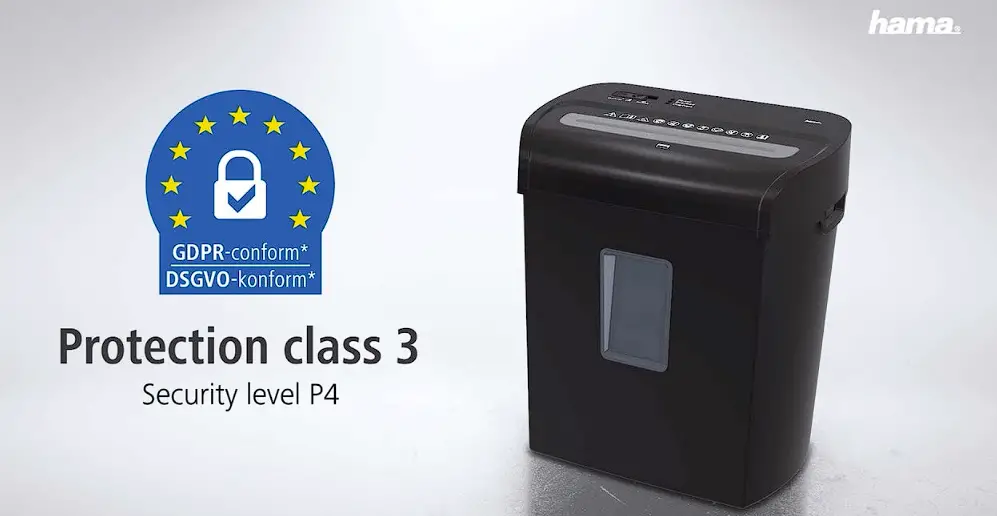
Protection class (as per DIN 66399) Safety levels (as per DIN 66399)
3 P-4 / T-5 / E-4
* Thicker paper, moisture or any voltage other than that permitted may reduce the performance.
8. Warranty Disclaimer
All of the technical information, data and instructions regarding operation contained in these operating instructions was up to date at the time of printing and is provided based on previous experience and to the best of our knowledge. Hama GmbH & Co KG assumes no liability and provides no warranty for damage resulting from improper installation/mounting, improper use of the product or from failure to observe the operating instructions and/or safety notes.
4
D Bedienungsanleitung
Maschinenaufbau
1. Gerätekopf 2. Einzugsschacht Papier und Plastikkarten 3. Anschlussleitung (Geräterückseite) 4. Warnsymbole 5. Sichtfenster 6. Abfallbehälter 7. Schiebeschalter 8. Position ,, ” (Rückwärts) 9. Position ,, ” (Aus) 10. Position ,,|” (Automatische Start-/Stopp-Funktion) 11. Status LED Bereitschaft 12. Status LED Überlastung 13. Status LED Überhitzung
1. Einführung
1.1 Vorwort
Vielen Dank, dass Sie sich für ein Hama Produkt entschieden haben! Nehmen Sie sich Zeit und lesen Sie die folgenden Anweisungen und Hinweise zunächst ganz durch. Bewahren Sie diese Bedienungsanleitung anschließend an einem sicheren Ort auf, um bei Bedarf darin nachschlagen zu können. Sollten Sie das Gerät veräußern, geben Sie diese Bedienungsanleitung an den neuen Eigentümer weiter.
· Betreiben Sie das Produkt nicht im Dauerbetrieb, es ist nicht dafür ausgelegt. · Benutzen Sie das Produkt nicht in Bereichen, in denen elektronische Produkte nicht
erlaubt sind. · Lassen Sie das Produkt nicht fallen und setzen Sie es keinen heftigen Erschütterungen aus. · Dieses Produkt ist nicht dafür bestimmt, durch Personen, einschließlich Kinder, mit
eingeschränkten physischen, sensorischen oder geistigen Fähigkeiten oder mangels Erfahrung oder mangels Wissen benutzt zu werden, es sei denn, sie werden durch eine für ihre Sicherheit zuständige Person beaufsichtigt oder erhielten von ihr Anweisungen, wie das Produkt zu benutzen ist. · Dieses Produkt gehört, wie alle elektrischen Produkte, nicht in Kinderhände! · Halten Sie Kinder unbedingt von dem Verpackungsmaterial fern, es besteht Erstickungsgefahr. · Entsorgen Sie das Verpackungsmaterial sofort gemäß den örtlich gültigen Entsorgungsvorschriften. · Nehmen Sie keine Veränderungen am Produkt vor. Dadurch verlieren Sie jegliche Gewährleistungsansprüche. · Verwenden Sie den Artikel nur unter moderaten klimatischen Bedingungen. · Ziehen Sie zum Entfernen des Kabels direkt am Stecker und niemals am Kabel.
Hinweis
Das Produkt ist nur für haushaltsübliche Mengen vorgesehen!
Warnung
Eine Verwendung ist nur mit dem vorgesehenen Papierbehälter zulässig!
Hinweis Bedeutung der Bedienungsanleitung Die Nichtbeachtung der Bedienungsanleitung beim Gebrauch des Produktes stellt eine Fehlanwendung oder eine missbräuchliche Verwendung dar und ist nicht zulässig!
Hinweis Bei diesem Gerät handelt es sich um ungebrauchte Neuware. Eventuell vorhandene Schneidereste können aus qualitätssichernden Testläufen während der Produktion stammen.
1.2 Erklärung von Warnsymbolen und Hinweisen
Gefahr eines elektrischen Schlages Dieses Symbol weist auf eine Berührungsgefahr mit nicht isolierten Teilen des Produktes hin, die möglicherweise eine gefährliche Spannung von solcher Höhe führen, dass die Gefahr eines elektrischen Schlags besteht.
Warnung Wird verwendet, um Sicherheitshinweise zu kennzeichnen oder um Aufmerksamkeit auf besondere Gefahren und Risiken zu lenken.
Hinweis – gewerblicher Einsatz
· Im gewerblichen Einsatz gilt eine erhöhte Sorgfaltspflicht. · Beachten Sie daher die Unfallverhütungsvorschriften des Verbandes der
Berufsgenossenschaften für elektrische Anlagen und Betriebsmittel und alle sonstigen auf das jeweilige Gewerbe und/oder den Einsatzort zutreffende gesetzliche Regelungen, sowie alle Unfallverhütungsvorschriften der entsprechenden Berufsgenossenschaften und Unfallversicherer!
Folgende Materialien dürfen bzw. dürfen NICHT zerkleinert werden:
Papier
Papier mit Heftklammern
Magnetstreifen- und ID-Chipkarten
CDs, DVDs, Blu-Rays
Endlospapier, Klebeetiketten, Folien, Zeitungspapier, Karton, Büroklammern, Laminate, Plastik (mit Ausnahme der vorgenannten Gegenstände)
Hinweis
Wird verwendet, um zusätzlich Informationen oder wichtige Hinweise zu kennzeichnen.
1.3 Packungsinhalt
· Aktenvernichter ,,Premium M8″ · Diese Bedienungsanleitung
2. Sicherheit
2.1 Bestimmungsgemäße Verwendung
· Dieses Produkt ist für die Vernichtung von Unterlagen sowohl im häuslichen Bereich vorgesehen, als auch im gewerblichen Bereich, sofern die Anwendungen mit der typischen Haushaltsanwendung vergleichbar sind (z.B. in Büros, Werkstätten und Hotels etc.).
· Verwenden Sie das Produkt ausschließlich für den dazu vorgesehenen Zweck. · Das Produkt ist nur für den Gebrauch innerhalb von Gebäuden vorgesehen. · Schützen Sie das Produkt vor Schmutz, Feuchtigkeit und Überhitzung und verwenden Sie
es nur in trockenen Räumen. · Betreiben Sie das Produkt nicht in unmittelbarer Nähe der Heizung, anderer Hitzequellen
oder in direkter Sonneneinstrahlung. · Verwenden Sie das Produkt nicht in einer feuchten Umgebung und vermeiden Sie
Spritzwasser. · Betreiben Sie das Produkt nicht außerhalb seiner in den technischen Daten
angegebenen Leistungsgrenzen.
2.2 Grundlegende Sicherheitshinweise
Beachten Sie für einen sicheren Umgang mit dem Gerät die folgenden Sicherheitshinweise:
· Kontrollieren Sie das Gerät vor der Verwendung auf äußere sichtbare Schäden. Nehmen Sie ein beschädigtes Gerät nicht in Betrieb.
· Personen, die aufgrund ihrer körperlichen, geistigen oder motorischen Fähigkeiten nicht in der Lage sind das Gerät sicher zu bedienen, dürfen das Gerät nur unter Aufsicht oder Anweisung durch eine verantwortliche Person benutzen.
· Defekte Bauteile dürfen nur gegen Original-Ersatzteile ausgetauscht werden. Nur bei diesen Teilen ist gewährleistet, dass sie die Sicherheitsanforderungen erfüllen.
· Schützen Sie das Gerät vor Feuchtigkeit und dem Eindringen von Flüssigkeiten bzw. Gegenständen. Bei Kontakt mit Flüssigkeit sofort das Gerät von der Stromversorgung trennen.
Warnung Schnittgefahr an den Schneidwalzen Berühren Sie nicht die Schneidwalzen.
Gefahr eines elektrischen Schlages · Öffnen Sie das Produkt nicht und betreiben Sie es bei Beschädigungen nicht weiter. · Verwenden Sie das Produkt nicht, wenn der AC-Adapter, das Adapterkabel oder die
Netzleitung beschädigt sind. · Versuchen Sie nicht, das Produkt selbst zu warten oder zu reparieren. Überlassen Sie
jegliche Wartungsarbeit dem zuständigen Fachpersonal.
5
2.3 Erklärung von Symbolen der Produktkennzeichnung Warnung Verletzungsgefahr Beachten Sie die Warnsymbole, um Verletzungen oder eine Beschädigung des Gerätes zu vermeiden.
Allgemeines Warnsymbol
Lesen Sie vor Inbetriebnahme die beiliegende Bedienungsanleitung. Beachten Sie unbedingt die Sicherheitshinweise! · Diese Einrichtung ist nicht für die Benutzung durch Kinder
vorgesehen. · Berühren der Einführungsöffnung mit den Händen, der
Kleidung oder den Haaren vermeiden. · Stecker ziehen, wenn die Einrichtung längere Zeit nicht
benutzt wird.
Gestatten Sie Kindern die Benutzung des Gerätes nur unter Aufsicht.
Keine Büroklammern in den Einzugsschacht geben.
Nicht in den Einzugsschacht greifen.
Kleidung vom Einzugsschacht fernhalten.
Schmuck, z.B. Ketten, vom Einzugsschacht fernhalten.
Haare vom Einzugsschacht fernhalten.
Keine Aerosol-Produkte am oder in der Nähe des Gerätes verwenden.
Keine CDs/DVDs in den Einzugsschacht einführen.
Stecken Sie max. 8 Blatt Papier gleichzeitig in den Einzugsschacht (siehe 7. Technische Daten).
Einzugsschacht für Kreditkarten. Geben Sie in den Kreditkarten-Einzugsschacht immer nur eine Kreditkarte einzeln ein.
2.4 Sicherheitseinrichtung Das Gerät ist mit einer Sicherheitsschaltung ausgestattet und kann nur betrieben werden, wenn der Gerätekopf (1) ordnungsgemäß auf dem Abfallbehälter (6) aufgesetzt ist.
Warnung Eine Manipulation oder Veränderung der Sicherheitseinrichtungen kann zu schweren Verletzungen führen und ist unzulässig.
3. Installation/Aufbau
Warnung · Betreiben Sie das Produkt nur an einer dafür zugelassenen Steckdose. Die Steckdose
muss in der Nähe des Produktes angebracht und leicht zugänglich sein. · Trennen Sie das Produkt mittels des Ein-/Ausschalters vom Netz wenn dieser nicht
vorhanden ist, ziehen Sie die Netzleitung aus der Steckdose. · Achten Sie bei Mehrfachsteckdosen darauf, dass die angeschlossenen Verbraucher
die zulässige Gesamtleistungsaufnahme nicht überschreiten. · Trennen Sie das Produkt vom Netz, wenn Sie es längere Zeit nicht benutzen.
Hinweis · Stellen Sie das Produkt auf einer ebenen, horizontalen und ausreichend stabilen
Fläche auf. · Verlegen Sie alle Kabel so, dass sie keine Stolpergefahr darstellen. · Knicken und quetschen Sie das Kabel nicht. · Schützen Sie die Anschlussleitung vor heißen Oberflächen und scharfen Kanten.
· Verbinden Sie das Netzkabel mit einer ordnungsgemäß installierten und leicht zugänglichen Netzsteckdose.
4. Bedienung und Betrieb
Hinweis · Beachten Sie, dass sich die Dicke des Papiers beim Falten erhöht, dadurch kann die
maximale Blattkapazität überschritten werden. · Warten Sie immer bis ein Schneidvorgang abgeschlossen ist, bevor Sie den nächsten
starten. · Benutzen Sie das Gerät nicht länger als 3 Minuten im Dauerbetrieb. · Entleeren Sie den Behälter regelmäßig, um eine Beschädigung des Gerätes zu
vermeiden.
4.1 Gerät einschalten · Stellen Sie den Schiebeschalter (7) auf die Position ,,|” (10). · Die Status LED Bereitschaft (11) leuchtet dauerhaft grün. · Das Gerät ist nun betriebsbereit.
4.2 Gerät ausschalten
· Stellen Sie den Schiebeschalter (7) auf die Position ,, ” (9).
4.3 Papier zerkleinern
· Führen Sie das Papier mittig in den Einzugsschacht (2) ein. Die Schneidwalzen werden automatisch eingeschaltet.
· Lassen Sie das Papier los. Nach Beendigung des Schneidvorganges schaltet sich das Gerät wieder aus.
4.4 Plastikkarten zerkleinern
· Führen Sie die Plastikkarte mittig in den Einzugsschacht (2) ein. Die Schneidwalzen werden automatisch eingeschaltet.
· Lassen Sie die Plastikkarte los. Nach Beendigung des Schneidvorganges schaltet sich das Gerät wieder aus.
4.5 Betriebsarten Vorwärts-/Rückwärtsbetrieb
Hinweis Diese Betriebsarten dienen dazu, eine Blockierung des Schneidwerkes wieder zu lösen.
· Stellen Sie den Schiebeschalter (7) auf die Position ,, ” (8). Die Walzen des Schneidwerks drehen sich nun in umgekehrter Richtung.
· Stellen Sie den Schiebeschalter (7) abwechselnd auf die Position ,,|” (10) und die Position ,, ” (8). Wiederholen Sie diesen Vorgang ca. drei Mal.
· Schalten Sie anschließend das Gerät wie in 4.2 Gerät ausschalten beschrieben aus und ziehen Sie den Netzstecker.
· Entfernen Sie das gestaute Schnittgut vorsichtig aus dem Einzugsschacht (2). · Verbinden Sie das Gerät anschließend wieder wie in 3. Installation/Aufbau
beschrieben mit der Stromversorgung.
6
5. Wartung und Pflege
Gefahr Lebensgefahr durch elektrischen Strom Ziehen Sie den Netzstecker aus der Steckdose, bevor Sie mit der Reinigung beginnen.
Warnung Schnittgefahr an den Schneidwalzen Berühren Sie nicht die Schneidwalzen.
Warnung Beschädigung des Gerätes durch Feuchtigkeit
Stellen Sie sicher, dass bei der Reinigung keine Feuchtigkeit in das Gerät eindringt, um eine irreparable Beschädigung des Gerätes zu vermeiden.
5.1 Behälter entleeren
· Schalten Sie das Gerät wie in 4.2 Gerät ausschalten beschrieben aus und ziehen Sie den Netzstecker.
· Heben Sie den Gerätekopf (1) vom Abfallbehälter (6) ab. · Entleeren Sie den Behälter (7). · Setzen Sie den Gerätekopf (1) wieder auf den Abfallbehälter (6) auf. · Verbinden Sie das Gerät anschließend wieder wie in 3. Installation/Aufbau
beschrieben mit der Stromversorgung.
5.2 Gerätereinigung
· Schalten Sie das Gerät wie in 4.2 Gerät ausschalten beschrieben aus und ziehen Sie den Netzstecker.
· Reinigen Sie das Gerät mit einem trockenen Tuch. Bei starker Verschmutzung kann das Tuch ein wenig angefeuchtet werden.
· Lassen Sie das Gerät anschließend vollständig trocknen. · Verbinden Sie das Gerät anschließend wieder wie in 3. Installation/Aufbau
beschrieben mit der Stromversorgung.
5.3 Schneidwalzen reinigen/ölen
Hinweis
· Ölen Sie die Schneidwalzen nach jedem Entleeren des Abfallbehälters, um die Lebensdauer des Aktenvernichters zu erhöhen.
· Eine entsprechende Auswahl passender Reinigungsmittel finden Sie unter www.hama.com.
· Schalten Sie das Gerät wie in 4.1 Gerät einschalten beschrieben ein.
5.3.1 Reinigung mit Hama Reiniger für Aktenvernichter (Artikelnummer: 113820)
· Tragen Sie den Hama Reiniger für Aktenvernichter (Artikelnummer: 113820) in mehreren Bahnen auf ein Papier der Größe DIN A4 auf.
· Führen Sie das Papier mittig in den Einzugsschacht (2) ein. Die Schneidwalzen werden automatisch eingeschaltet.
· Nach Beendigung des Schneidvorganges ist das Gerät wieder einsatzbereit.
5.3.2 Reinigung mit Reinigungspapier
· Führen Sie das Reinigungspapier mittig in den Einzugsschacht (2) ein. Die Schneidwalzen werden automatisch eingeschaltet.
· Nach Beendigung des Schneidvorganges ist das Gerät wieder einsatzbereit.
6. Fehlerbehebung
Fehler
Die Schneidwalzen schalten sich nach Eingabe von Schnittgut nicht automatisch ein.
Mögliche Ursache
Schiebeschalter (7) steht auf Position ,, ” (9).
Anschlussleitung (3) ist nicht korrekt angeschlossen.
Steckdose liefert keine Spannung.
Gerät defekt.
Behebung
Stellen Sie den Schiebeschalter (7) auf Position ,,|” (10).
Stellen Sie sicher, dass der Netzstecker in der Steckdose steckt.
Überprüfen Sie die Haussicherungen.
Benachrichtigen Sie den Kundendienst.
Fehler
Mögliche Ursache
Status LED Überlastung (12) leuchtet rot auf.
Es wurde zu viel Papier eingelegt oder dieses schräg eingezogen.
Status LED Überhitzung (13) leuchtet rot auf.
Das Gerät ist zu heiß geworden.
Behebung
Schalten Sie das Gerät aus und lassen Sie es mindestens 30 Minuten abkühlen. Danach befolgen Sie die Schritte unter 4.5 Betriebsarten Vorwärts-/ Rückwärtsbetrieb.
Schalten Sie das Gerät aus und lassen Sie es mindestens 30 Minuten abkühlen.
7. Technische Daten
Eingangsspannung
220-240 V~
Netzfrequenz
50 Hz
max. Leistungsaufnahme
340 W
Abmessungen (B x H x T)
36,0 x 41,0 x 24,5 cm
Gewicht (netto) Gewicht (brutto)
6300 g 6650 g
Korbvolumen Papier und Plastikkarten
20 Liter
max. Geräuschpegel max. Schnittleistung Papier (70g/m²)
70 dB 9 Blatt (DIN A4-Papier)*
max. Schnittleistung Papier (80g/m²)
8 Blatt (DIN A4-Papier)*
max. Schnittleistung Plastikkarten
1 Stück
max. Schnittgeschwindigkeit
2,0 m/Minute
max. Einzugsbreite Papier/Plastikkarten
225 mm
Schnittgröße Papier/Plastikkarten
3 x 9 mm
max. Dauerbetriebszeit
3 Minuten
Nennruhezeit
min. 30 Minuten
Schutzklasse (nach DIN 66399)
3
Sicherheitsstufen (nach DIN 66399)
P-4 / T-5 / E-4
* Dickeres Papier, Feuchtigkeit oder eine andere als die zugelassene Spannung können die Leistung reduzieren.
8. Haftungsausschluss
Alle in dieser Bedienungsanleitung enthaltenen technischen Informationen, Daten und Hinweise für die Bedienung, entsprechen dem letzten Stand bei Drucklegung und erfolgen unter Berücksichtigung unserer bisherigen Erfahrungen und Erkenntnisse nach bestem Wissen.
Die Hama GmbH & Co KG übernimmt keinerlei Haftung oder Gewährleistung für Schäden, die aus unsachgemäßer Installation, Montage und unsachgemäßem Gebrauch des Produktes oder einer Nichtbeachtung der Bedienungsanleitung und/oder der Sicherheitshinweise resultieren.
7
F Mode d’emploi
Constitution de la machine
1. Tête de l’appareil 2. Fente d’alimentation pour papier et cartes en plastique 3. Câble de raccordement (arrière de l’appareil) 4. Symboles d’avertissement 5. Fenêtre 6. Conteneur de déchets 7. Sélecteur 8. Position ” ” (Arrière) 9. Position ” ” (Arrêt) 10. Position “|” (Fonction de mise en marche/arrêt automatique) 11. Voyant d’état LED de disponibilité 12. Voyant d’état LED de surcharge 13. Voyant d’état LED surchauffe
1. Introduction
1.1 Préambule
Nous vous remercions d’avoir choisi un produit Hama ! Veuillez prendre le temps de lire l’ensemble des remarques et consignes suivantes. Veuillez conserver ce mode d’emploi à portée de main afin de pouvoir le consulter en cas de besoin. Transmettez-le au nouveau propriétaire avec l’appareil le cas échéant.
Remarque : importance du mode d’emploi Le non-respect du présent mode d’emploi lors de l’utilisation du produit s’apparente à une erreur d’utilisation ou à une utilisation abusive et n’est pas autorisé !
· Protégez le produit des secousses violentes et évitez tout choc ou toute chute. · Ce produit n’est pas destiné à être utilisé par des personnes (y compris des enfants)
aux capacités physiques, mentales ou motrices réduites ou dont l’expérience et le savoir présentent des lacunes, à moins que ces personnes ne soient surveillées par une personne compétente en matière de sécurité ou qu’elles aient reçu des instructions sur la manière d’utiliser ce produit. · Cet appareil, comme tout appareil électrique, doit être gardé hors de portée des enfants ! · Tenez les emballages d’appareils hors de portée des enfants, risque d’étouffement. · Recyclez les matériaux d’emballage conformément aux prescriptions locales en vigueur. · N’apportez aucune modification au produit. Des modifications vous feraient perdre vos droits de garantie. · Utilisez l’article dans des conditions climatiques modérées uniquement. · Pour retirer le câble, tirez directement au niveau de la fiche et non du câble.
Remarque
Ce produit est prévu uniquement à usage domestique !
Avertissement Son utilisation est autorisée uniquement avec le conteneur de papier prévu !
Remarque concernant une utilisation commerciale
· Une vigilance renforcée doit être observée lors d’une utilisation commerciale. · Respectez donc les règlements de prévention des accidents des associations
professionnelles en matière d’installations et d’équipements électriques, tous les règlements applicables à l’activité commerciale et/ou au lieu d’implantation concernés ainsi que tous les règlements de prévention des accidents des associations professionnelles concernées et de l’assureur accidents.
Remarque Le présent produit est un produit qui neuf. Il se peut que des résidus de découpe résultant des essais de qualité réalisés au cours de la production s’y trouvent encore.
1.2 Explication des symboles d’avertissement et des remarques
Risque d’électrocution Ce symbole indique un risque de contact avec des parties non isolées du produit susceptibles de conduire un courant électrique capable de provoquer une électrocution.
Avertissement Ce symbole est utilisé pour indiquer des consignes de sécurité ou pour attirer votre attention sur des dangers et risques particuliers.
Remarque Ce symbole est utilisé pour indiquer des informations supplémentaires ou des remarques importantes.
1.3 Contenu de l’emballage · Broyeur de documents “Premium M8” · Le présent mode d’emploi
2. Sécurité
2.1 Utilisation conforme · Ce produit est conçu pour détruire des documents que ce soit dans le domaine privé
ou commercial, dans la mesure où son utilisation est comparable à une utilisation domestique typique (par ex. bureaux, magasins et hôtels, etc.). · L’emploi du produit est exclusivement réservé à sa fonction prévue. · Le produit est exclusivement prévu pour une utilisation à l’intérieur d’un bâtiment. · Protégez le produit de toute saleté, humidité, surchauffe et utilisez-le uniquement dans des locaux secs. · N’utilisez pas l’appareil à proximité immédiate d’un chauffage, d’autres sources de chaleur ou à la lumière directe du soleil. · N’utilisez pas l’appareil dans un environnement humide et évitez les projections d’eau. · N’utilisez pas le produit en dehors des limites de puissance indiquées dans les caractéristiques techniques. · Ce produit n’est pas conçu pour être utilisé en fonctionnement continu. · N’utilisez pas le produit dans des zones où les produits électroniques ne sont pas autorisés.
Les matériaux suivants peuvent ou NE peuvent PAS être broyés :
Papier
Papier avec agrafes
Cartes magnétiques et cartes à puce d’identité
CD, DVD, Blu-ray
Papier continu, étiquettes adhésives, films plastiques, papier journal,
carton, trombones, laminés, plastique (à l’exception des objets mentionnés
préalablement)
2.2 Consignes de sécurité de base
Assurez que l’environnement de l’appareil est sécurisé en respectant les consignes de sécurité suivantes :
· Avant toute utilisation vérifiez si l’appareil comporte des dommages visibles. Ne mettez pas un appareil endommagé en marche.
· Les personnes qui, en raison de leurs capacités physiques, mentales ou moteur ne peuvent pas utiliser l’appareil en toute sécurité, ne peuvent utiliser l’appareil que sous la surveillance ou la supervision d’une personne responsable.
· Les pièces défectueuses ne doivent être remplacées que par des pièces de rechange d’origine. Seules ces pièces garantissent le respect des exigences en matière de sécurité.
· Protégez l’appareil de l’humidité et de la pénétration de liquides et d’objets. En cas de contact avec un liquide, débranchez immédiatement l’appareil de l’alimentation en électricité.
Avertissement : risque de coupure au niveau des rouleaux de découpe
Ne touchez pas les rouleaux de découpe.
Risque d’électrocution
· Ne tentez pas d’ouvrir le produit en cas de détérioration et cessez de l’utiliser.
· N’utilisez pas le produit lorsque l’adaptateur, le câble de connexion ou le câble d’alimentation sont endommagés.
· Ne tentez pas de réparer l’appareil vous-même ni d’effectuer des travaux d’entretien. Déléguez tous travaux d’entretien à des techniciens qualifiés.
8
2.3 Explication des symboles d’identification du produit Avertissement : risque de blessure Veuillez respecter les symboles d’avertissement afin d’éviter les blessures ou un endommagement de l’appareil.
Symbole d’avertissement général
Lisez le mode d’emploi joint avant toute mise en service. Veuillez impérativement respecter les consignes de sécurité ! · Cet équipement n’est pas destiné à être utilisé par des
enfants. · Évitez de toucher l’ouverture d’insertion avec les mains, les
vêtements ou les cheveux. · Débranchez l’appareil quand il ne doit pas être utilisé
pendant une période prolongée.
Autorisez l’utilisation de l’appareil par des enfants uniquement sous votre surveillance.
N’insérez aucun trombone dans la fente d’alimentation.
Ne pas mettre les mains dans la fente d’alimentation.
Maintenir les vêtements à distance de la fente d’alimentation.
Maintenir les bijoux, par exemple les chaines à distance de la fente d’alimentation.
Maintenir les cheveux à distance de la fente d’alimentation.
Ne pas vaporiser de produits aérosol sur ou à proximité de l’appareil.
N`insérez pas de CD / DVD dans la fente d`introduction.
Insérez au max. 8 feuilles de papier simultanément dans la fente d’alimentation (voir 7. Caractéristiques techniques).
Fente d’insertion pour cartes de crédit. N’insérez qu’une carte de crédit à la fois dans la fente d’insertion pour cartes de crédit.
2.4 Équipement de sécurité L’appareil est équipé d’un circuit de sécurité et ne peut être utilisé que lorsque la tête de l’appareil (1) est correctement insérée dans le conteneur de déchets (6).
Avertissement Une manipulation ou une modification des équipements de sécurité peut provoquer des blessures graves et n’est pas autorisée.
3. Installation/Mise en place
Avertissement · Branchez l’appareil uniquement à une prise de courant appropriée. La prise de
courant doit être située à proximité de l’appareil et doit être facilement accessible. · Coupez l’appareil du secteur à l’aide de l’interrupteur – débranchez la prise de
courant en cas d’absence d’interrupteur. · En cas de prises multiples, veillez à ce que les appareils consommateurs branchés ne
dépassent pas la puissance absorbée totale admissible. · Débranchez l’appareil si vous ne l’utilisez pas sur une période prolongée.
Remarque · Placez le produit sur une surface plane, horizontale et suffisamment solide. · Disposez tous les câbles de sorte à ce qu’ils ne représentent aucun de danger de
trébuchement. · Ne pliez pas et n’écrasez pas le câble. · Protégez le câble de raccordement des surfaces chaudes et des arêtes coupantes.
· Branchez le cordon d’alimentation à une prise de courant conformément installée et facile d’accès.
4. Utilisation et fonctionnement
Remarque · Tenez compte du fait que l’épaisseur du papier augmente en cas de plis, la capacité
maximale de feuilles peut ainsi être dépassée. · Attendez toujours qu’un processus de découpe doit être terminé avant de lancer
le suivant. · N’utilisez pas l’appareil plus de 3 minutes de suite. · Videz régulièrement le conteneur afin d’éviter tout endommagement du produit.
4.1 Mise en marche du produit · Faites glisser le sélecteur (7) en position “|” (10). · Le voyant LED d’état de disponibilité (11) s’allume ensuite de manière permanente
en vert. · L’appareil est alors prêt à être utilisé.
4.2 Mise hors tension de l’appareil
· Faites glisser le sélecteur (7) en position ” ” (9).
4.3 Broyer du papier
· Insérez le papier au centre de la fente d’insertion (2). Les rouleaux de découpe sont automatiquement allumés.
· Lâchez le papier. Une fois le découpage terminé, l’appareil s’éteint de nouveau.
4.4 Broyer les cartes en plastique
· Insérez la carte en plastique au centre de la fente d’insertion (2). Les rouleaux de découpe sont automatiquement allumés.
· Lâchez la carte en plastique. Une fois le découpage terminé, l’appareil s’éteint de nouveau.
4.5 Modes de fonctionnement en marche avant/arrière
Remarque Ces modes de fonctionnement servent à débloquer le dispositif de découpe.
· Faites glisser le sélecteur (7) en position ” ” (8). Les rouleaux du dispositif de découpe tournent alors dans le sens inverse.
· Placez le sélecteur (7) tour à tour en position “|” (10) et en position ” ” (8). Répétez le processus environ trois fois.
· Arrêtez ensuite l’appareil ainsi qu’il est décrit dans 4.2 Mise hors tension de l’appareil, puis débranchez la prise secteur.
· Éliminez le matériau de découpe accumulé avec précaution de la fente d’insertion (2). · Rebranchez l’appareil à l’alimentation en électricité ainsi qu’il est décrit dans 3.
Installation/Mise en place.
9
5. Soins et entretien
Danger : danger de mort en raison de l’alimentation électrique Débranchez la prise électrique avant de commencer le nettoyage.
Avertissement : risque de coupure au niveau des rouleaux de découpe
Ne touchez pas les rouleaux de découpe.
Avertissement : l’humidité risque d’endommager l’appareil
Veillez à ce qu’aucun liquide ne pénètre dans l’appareil lors du nettoyage afin d’éviter un endommagement irréversible de l’appareil.
5.1 Vider le conteneur
· Mettez l’appareil hors tension ainsi qu’il est décrit dans 4.2 Mise hors tension de l’appareil, puis débranchez la fiche secteur.
· Retirez la tête de l’appareil (1) du conteneur de déchets (6). · Videz le conteneur (7). · Replacez la tête de l’appareil (1) dans le conteneur de déchets (6). · Rebranchez l’appareil à l’alimentation en électricité ainsi qu’il est décrit dans 3.
Installation/Mise en place.
5.2 Nettoyage de l’appareil
· Mettez l’appareil hors tension ainsi qu’il est décrit dans 4.2 Mise hors tension de l’appareil, puis débranchez la fiche secteur.
· Nettoyez l’appareil avec un chiffon sec. En cas de fort encrassement, le chiffon peut être légèrement humidifié.
· Laissez ensuite l’appareil séché complètement. · Rebranchez l’appareil à l’alimentation en électricité ainsi qu’il est décrit dans 3.
Installation/Mise en place.
5.3 Nettoyer/huiler les rouleaux de découpe
Remarque
· Huilez les rouleaux de découpe après chaque vidage du conteneur de déchets afin d’augmenter la durée de vie du broyeur.
· L’entreprise Hama propose une gamme de produits de nettoyage adaptés sur www.hama.com.
· Mettez l’appareil sous tension, ainsi qu’il est décrit dans 4.1 Mise sous tension de l’appareil.
5.3.1 Nettoyage avec le nettoyant Hama pour broyeur de documents (Référence d’article : 113820)
· Appliquez le nettoyant Hama pour broyeur de documents (Référence d’article : 113820) en plusieurs lignes sur un papier au format DIN A4.
· Insérez le papier au centre de la fente d’insertion (2). Les rouleaux de découpe sont automatiquement allumés.
· Une fois le processus de découpe terminé, l’appareil est de nouveau prêt à être utilisé.
5.3.2 Nettoyage avec une feuille de nettoyage
· Insérez la feuille de nettoyage au centre de la fente d’insertion (2). Les rouleaux de découpe sont automatiquement allumés.
· Une fois le processus de découpe terminé, l’appareil est de nouveau prêt à être utilisé.
6. Dépannage
Erreur
Les rouleaux de découpe ne se mettent pas en marche automatiquement lors de l’insertion de l’objet à découper.
Cause possible
Le sélecteur (7) est sur la position ” ” (9).
Le câble de raccordement (3) n’est pas correctement branché.
La prise secteur ne délivre aucune tension.
Appareil défectueux.
Solution
Faites glisser le sélecteur (7) en position “|” (10).
Assurez-vous que la fiche secteur est bien insérée dans la prise secteur.
Vérifiez les fusibles de la maison.
Contactez le service clientèle.
Erreur
Le voyant d’état LED de surcharge (12) s’allume en rouge.
Le voyant d’état LED de surchauffe (13) s’allume en rouge.
Cause possible
Une trop grande quantité de papier a été insérée ou celui-ci est inséré en biais.
L’appareil est devenu trop chaud.
Solution
Mettez l’appareil hors tension et laissez-le refroidir au minimum pendant 30 minutes. Exécutez ensuite les étapes décrites dans 4.5 Fonctionnement en marche avant/arrière.
Mettez l’appareil hors tension et laissez-le refroidir au minimum pendant 30 minutes.
7. Caractéristiques techniques
Tension d’entrée
220 – 240 V~
Fréquence du réseau
50 Hz
Puissance absorbée max.
340 W
Dimensions (B x H x T)
36,0 x 41,0 x 24,5 cm
Poids (net) Poids (brut)
6300 g 6650 g
Volume du tiroir pour papier et cartes en plastique
20 litre
Niveau sonore max. Capacité de découpe max. papier (70 g/m²)
70 dB
9 feuilles de papier (format DIN A4)*
Capacité de découpe max. papier (80g/m²)
8 feuilles de papier (format DIN A4)*
Capacité de découpe cartes en plastique
1 pièce
Vitesse de découpe max.
2,0 m/Minute
Largeur d’insertion max. du papier/cartes en plastique 225 mm
Dimension de découpe des papiers/cartes en plastique 3 x 9 mm
Durée de fonctionnement max.
3 minutes
Durée de repos nominale
30 minutes min.
Classe de protection (conformément à la norme DIN
3
66399)
Niveaux de sécurité (conformément à la norme DIN 66399)
P-4/T-5/E-4
* Du papier trop épais, l’humidité ou une tension autre que celle autorisée peuvent réduire les performances de l’appareil.
8. Exclusion de garantie
Toutes les informations techniques contenues dans ce mode d’emploi, les données et instructions d’utilisation, correspondent à l’état actuel de la technique au moment de l’impression et sont données selon les meilleures expériences et connaissances disponibles en toute bonne foi.
La société Hama GmbH & Co KG décline toute responsabilité en cas de dommages provoqués par une installation, un montage ou une utilisation non conformes du produit ou encore provoqués par le non-respect des consignes du mode d’emploi et/ou des consignes de sécurité.
10
E Instrucciones de uso
Estructura de la máquina 1. Cabezal del aparato 2. Bandeja de inserción de papel y tarjetas de plástico 3. Cable de conexión (parte trasera del aparato) 4. Símbolos de aviso 5. Mirilla 6. Recipiente colector 7. Interruptor corredizo 8. Posición « » (retroceso) 9. Posición « » (apagar) 10. Posición «|» (función automática de inicio y parada) 11. Led de estado de modo de espera 12. Led de estado de sobrecarga 13. Led de estado de sobrecalentamiento
1. Introducción
1.1 Preámbulo Le agradecemos que se haya decidido por un producto de Hama. Tómese tiempo y léase primero las siguientes instrucciones e indicaciones. Después, guarde estas instrucciones de manejo en un lugar seguro para poder consultarlas cuando sea necesario. Si vende el aparato, entregue estas instrucciones de manejo al nuevo propietario.
Nota: importancia del manual de instrucciones La inobservancia del presente manual de instrucciones al utilizar el producto se considera un uso indebido o erróneo y, como tal, es inadmisible.
Nota Este aparato es un producto nuevo sin usar. Los posibles restos de cortes presentes pueden deberse a las pruebas de aseguramiento de la calidad que se llevan a cabo durante la fase de producción.
1.2 Explicación de los símbolos de aviso y de las indicaciones
Peligro de sufrir una descarga eléctrica Este símbolo hace referencia al peligro de contacto con partes no aisladas del producto que pueden conducir una tensión peligrosa de una intensidad tal que puede provocar una descarga eléctrica.
Aviso Se utiliza para indicar indicaciones de seguridad o para llamar la atención sobre peligros y riesgos especiales.
Nota Se utiliza para indicar información adicional o indicaciones importantes.
1.3 Contenido del paquete · Trituradora de papel «Premium M8» · Este manual de instrucciones
2. Seguridad
2.1 Uso previsto · Este producto está diseñado para destruir documentos tanto en el sector doméstico
como en el comercial, siempre que este uso sea comparable al uso doméstico típico (por ejemplo, en oficinas, talleres y hoteles, etc.). · Utilice el producto exclusivamente para el fin previsto. · Este producto solo está previsto para usarlo en el interior de edificios. · Proteja el producto de la suciedad, la humedad y el sobrecalentamiento y utilícelo solo en espacios secos. · No utilice el producto junto a sistemas de calefacción, otras fuentes de calor ni expuesto a la luz solar directa. · No utilice el producto en entornos húmedos y evite el contacto con las salpicaduras de agua. · No utilice el producto fuera de los límites de potencia indicados en los datos técnicos. · No utilice el producto en funcionamiento continuo, ya que no está diseñado para ello. · No utilice el producto en áreas donde no se permitan aparatos electrónicos.
· No deje caer el producto ni lo someta a sacudidas fuertes. · Este producto no es adecuado para ser usado por personas –inclusive niños– con
capacidades físicas, sensoriales o intelectuales limitadas o con falta de experiencia y conocimientos a no ser que sean supervisadas por la persona responsable de su seguridad o que hayan recibido instrucciones suyas sobre cómo se utiliza el producto. · Este producto, como todos los productos eléctricos, no debe estar en manos de los niños. · Mantenga el material de embalaje fuera del alcance de los niños, ya que existe peligro de asfixia. · Deseche el material de embalaje de conformidad con las normativas locales vigentes en materia de eliminación de desechos. · No realice cambios en el producto. Esto conllevaría la pérdida de todos los derechos de la garantía. · Use el artículo únicamente cuando las condiciones climáticas sean moderadas. · Para sacar el cable, tire directamente de la clavija y nunca del cable.
Nota
¡El producto está previsto únicamente para cantidades que sean habituales en el ámbito doméstico!
Aviso ¡Solo se permite usar la trituradora con el recipiente de papel!
Nota – Uso comercial
· En caso de uso comercial existe una obligación de diligencia debida. · Por ello, observe las prescripciones para la prevención de accidentes establecidas por
las asociaciones profesionales y otros reglamentos legales cualesquiera que traten sobre instalaciones eléctricas y equipos y/o al lugar de instalación y sean aplicables, además de las prescripciones para la prevención de accidentes establecidas por las mutuas profesionales y las aseguradoras proveedoras de seguros de accidentes.
A continuación le mostramos los materiales que se permiten y NO se permiten triturar:
Papel
Papel con grapas
Tarjetas de identificación de chip o banda magnética
CD, DVD y Blue-rays
Papel continuo, etiquetas adhesivas, láminas de plástico, papel de
periódico, cartón, clips, laminados y plástico (a excepción de los materiales
mencionados anteriormente)
2.2 Instrucciones básicas de seguridad
Tenga en cuenta las siguientes instrucciones de seguridad para manejar el aparato con seguridad:
· Antes de usarlo, compruebe si el aparato presenta daños externos visibles. No ponga en funcionamiento el aparato si está dañado.
· Las personas que no puedan manejar el aparato con seguridad por motivo de sus capacidades físicas, intelectuales o motoras solo podrán hacerlo bajo la supervisión o siguiendo las instrucciones de una persona responsable.
· Solo se permite sustituir los componentes defectuosos con piezas de recambio originales, puesto que solo estas pueden garantizar que cumplen con los correspondientes requisitos de seguridad.
· Proteja el aparato de la humedad y la penetración de líquidos u objetos. Si se produce un contacto con líquido, desenchufe inmediatamente el aparato del suministro eléctrico.
Aviso: peligro de corte con los rodillos de corte No toque los rodillos de corte.
Peligro de sufrir una descarga eléctrica · No abra el producto ni siga utilizándolo en caso de presentar daños. · No utilice el producto si el adaptador de corriente alterna, el cable adaptador o el
cable de alimentación están dañados. · No intente mantener ni reparar el producto por cuenta propia. Encomiende cualquier
trabajo de mantenimiento al personal especializado competente.
11
2.3 Aclaración de los símbolos de marcado del producto Aviso: riesgo de sufrir lesiones Preste atención a los símbolos de aviso para evitar lesiones o daños en el aparato.
Símbolo de aviso de carácter general
Lea el manual de instrucciones suministrado antes de poner en marcha el aparato. ¡Siga las instrucciones de seguridad! · Este equipo no está previsto para que lo utilicen los niños. · Evite tocar la abertura de inserción con las manos, la
ropa o el pelo. · Desconecte el enchufe si el equipo no va a usarse durante
un periodo de tiempo prolongado.
Solo permita que los niños utilicen el aparato bajo supervisión.
No introduzca clips en la bandeja de inserción.
No toque el interior de la bandeja de inserción.
Mantenga cualquier tipo de prenda alejada de la bandeja de inserción.
Mantenga las joyas (p. ej., cadenas) alejadas de la bandeja de inserción.
Mantenga el pelo alejado de la bandeja de inserción.
No utilice productos de aerosol junto al aparato o cerca de este.
No inserte CDs/DVDs en la ranura de entrada.
Ponga un máximo de ocho hojas de papel al mismo tiempo en la bandeja de inserción (consulte el apartado 7. Datos técnicos). Bandeja de inserción para tarjetas de crédito. No ponga más de una tarjeta de crédito al mismo tiempo en la bandeja de inserción para tarjetas de crédito.
2.4 Dispositivo de seguridad El aparato incorpora un circuito de seguridad que solo puede funcionar si el cabezal del dispositivo (1) se ha colocado correctamente sobre el recipiente colector (6).
Aviso No se permite manipular ni modificar los mecanismos de seguridad; asimismo, dicha manipulación o modificación puede provocar lesiones graves. 3. Instalación y montaje
Aviso · Utilice el producto solo conectado a una toma de corriente autorizada. La toma de
corriente debe estar colocada cerca del producto; asimismo, debe ser fácilmente accesible. · Desconecte el producto de la red eléctrica mediante el interruptor de encendido y apagado (de no existir este, desenchufe el cable de alimentación de la toma de corriente). · Si dispone de tomas de corriente múltiples, asegúrese de que los aparatos eléctricos conectados no sobrepasen el consumo total de potencia admisible. · Desconecte el producto de la red si no va a utilizarlo durante un tiempo prolongado.
Nota · Coloque el producto sobre una superficie plana, horizontal y provista de suficiente
estabilidad. · Coloque todos los cables de tal manera que se impida tropezar con ellos. · No pliegue ni aplaste el cable. · Proteja el cable de conexión frente a superficies calientes y bordes afilados.
· Conecte el cable de corriente con una toma de corriente correctamente instalada y fácilmente accesible.
4. Manejo y funcionamiento
Nota · Tenga en cuenta que al doblar el papel aumenta el grosor de este, por lo que puede
sobrepasarse la capacidad máxima de hojas. · Espere siempre a que haya terminado el proceso de corte antes de empezar con
el siguiente. · No utilice el aparato durante más de tres minutos en funcionamiento continuo. · Vacíe el recipiente con regularidad para evitar que el aparato resulte dañado.
4.1 Encendido del aparato · Ponga el interruptor corredizo (7) en la posición «|» (10). · El led de estado de modo de espera (11) se ilumina de manera permanente en color
verde. · El aparato estará operativo.
4.2 Apagado del aparato
· Ponga el interruptor corredizo (7) en la posición « » (9).
4.3 Triturado de papel
· Inserte el papel en la bandeja de inserción (2) en una posición centrada. Los rodillos de corte se activarán automáticamente.
· Suelte el papel. El aparato vuelve a apagarse al terminar el proceso de corte.
4.4 Triturado de tarjetas de plástico
· Inserte la tarjeta de plástico en la bandeja de inserción (2) en una posición centrada. Los rodillos de corte se activarán automáticamente.
· Suelte la tarjeta de plástico. El aparato vuelve a apagarse al terminar el proceso de corte.
4.5 Funcionamiento en modo de avance o retroceso
Nota Estos modos de funcionamiento sirven para desbloquear el mecanismo de corte.
· Ponga el interruptor corredizo (7) en la posición « » (8). Los rodillos del mecanismo de corte girarán en dirección inversa.
· Ponga el interruptor corredizo (7) alternando entre la posición «|» (10) y la posición « » (8). Repita este procedimiento unas tres veces.
· A continuación, apague el aparato –como se describe en el apartado 4.2 Apagado del aparato– y desconecte el enchufe.
· Retire con cuidado el objeto atascado de la bandeja de inserción (2). · A continuación, vuelva a conectar el aparato –como se describe en el apartado 3.
Instalación y montaje– al suministro eléctrico.
12
5. Mantenimiento y cuidado
Peligro: peligro de muerte por corriente eléctrica Desconecte el enchufe de la toma de corriente antes de empezar a limpiar.
Aviso: peligro de corte con los rodillos de corte No toque los rodillos de corte.
Aviso: daño en el aparato provocado por la humedad
Al limpiar, asegúrese de que no entre humedad en el aparato para evitar que este sufra un daño irreparable.
5.1 Vaciado del recipiente
· Apague el aparato –como se describe en el apartado 4.2 Apagado del aparato– y desconecte el enchufe.
· Retire el cabezal del dispositivo (1) del recipiente colector (6). · Vacíe el recipiente (7). · Vuelva a colocar el cabezal del dispositivo (1) sobre el recipiente colector (6). · A continuación, vuelva a conectar el aparato –como se describe en el apartado 3.
Instalación y montaje– al suministro eléctrico.
5.2 Limpieza del aparato
· Apague el aparato –como se describe en el apartado 4.2 Apagado del aparato– y desconecte el enchufe.
· Limpie el aparato con un paño seco. El paño puede humedecerse ligeramente si hay mucha suciedad.
· A continuación, deje que el aparato se seque por completo. · A continuación, vuelva a conectar el aparato –como se describe en el apartado 3.
Instalación y montaje– al suministro eléctrico.
5.3 Limpieza y engrase de los rodillos de corte
Nota
· Engrase los rodillos de corte cada vez que vacíe el recipiente colector para prolongar la vida útil de la trituradora de papel.
· Encontrará una selección de productos de limpieza adecuados en www.hama.com.
· Encienda el aparato (como se describe en el apartado 4.1 Encendido del aparato).
5.3.1 Limpieza con el limpiador de Hama para trituradoras de papel (número de artículo: 113820)
· Aplique el limpiador de Hama para trituradoras de papel (número de artículo: 113820) en varias trayectorias sobre un papel de tamaño DIN A4.
· Inserte el papel en la bandeja de inserción (2) en una posición centrada. Los rodillos de corte se activarán automáticamente.
· Una vez termine el proceso de corte, el aparato volverá a estar operativo.
5.3.2 Limpieza con papel limpiador
· Inserte el papel limpiador en la bandeja de inserción (2) en una posición centrada. Los rodillos de corte se activarán automáticamente.
· Una vez termine el proceso de corte, el aparato volverá a estar operativo.
6. Solución de errores
Error
Los rodillos de corte no se activan automáticamente después de introducir el objeto que va a triturarse.
Posible causa
El interruptor corredizo (7) se encuentra en la posición « » (9).
El cable de conexión (3) no está conectado correctamente.
La toma de corriente no suministra tensión.
El aparato está defectuoso.
Solución
Ponga el interruptor corredizo (7) en la posición «|» (10).
Asegúrese de que el enchufe pueda insertarse en la toma de corriente.
Compruebe los fusibles domésticos.
Informe al servicio de atención al cliente.
Error
El led de estado de sobrecarga (12) se ilumina en color rojo.
El led de estado de sobrecalentamiento (13) se ilumina en color rojo.
Posible causa
Se ha cargado demasiado papel o este se ha colocado con inclinación.
El aparato se ha calentado demasiado.
Solución
Apague el aparato y deje que se enfríe durante al menos 30 minutos. A continuación, siga los pasos descritos en el apartado 4.5 Funcionamiento en modo de avance o retroceso.
Apague el aparato y deje que se enfríe durante al menos 30 minutos.
7. Datos técnicos
Tensión de entrada
220-240 V~
Frecuencia de red
50 Hz
Potencia máx. absorbida
340 W
Dimensiones (ancho x alto x profundidad)
36,0 x 41,0 x 24,5 cm
Peso (neto) Peso (bruto)
6300 g 6650 g
Volumen de la cesta para papel y tarjetas de plástico
20 litros
Nivel máx. de ruido Rendimiento máx. de corte de papel (70 g/m²)
70 dB 9 hojas (papel DIN A4)*
Rendimiento máx. de corte de papel (80g/m²)
8 hojas (papel DIN A4)*
Rendimiento máx. de corte de tarjetas de plástico
1 unidad
Velocidad máx. de corte
2,0 m/minuto
Ancho máx. de inserción de papel o tarjetas de plástico 225 mm
Tamaño de corte de papel o tarjetas de plástico
3 x 9 mm
Tiempo máx. de funcionamiento continuo
3 minutos
Tiempo nominal de reposo
30 minutos mín.
Clase de protección (conforme a la norma DIN 66399) 3
Niveles de seguridad (conforme a la norma DIN 66399) P-4/T-5/E-4
* El rendimiento puede reducirse si se utiliza un papel grueso, hay humedad o se emplea una tensión no admisible.
8. Exclusión de responsabilidad
Toda información técnica, datos e instrucciones de manejo recogidos en el presente manual de instrucciones se corresponden con la última versión actualizada en el momento de su impresión y se han plasmado a nuestro leal saber y entender conforme a nuestra experiencia y conocimientos acumulados hasta el momento. La empresa Hama GmbH & Co KG no se responsabiliza ni concede garantía alguna por los daños que se deriven de una instalación, montaje o manejo incorrectos del producto o por la inobservancia de las instrucciones de uso o de las indicaciones de seguridad.
13
N Gebruiksaanwijzing
Machineopbouw 1. Apparaatkop 2. Invoerschacht papier en plastic kaarten 3. Aansluitkabel (achterkant apparaat) 4. Waarschuwingssymbolen 5. Kijkvenster 6. Afvalbak 7. Schuifschakelaar 8. Positie ” ” (achterwaarts) 9. Positie ” ” (uit) 10. Positie “|” (automatische start-/stop-functie) 11. Status-led bedrijfsklaar 12. Status-led overbelasting 13. Status-led oververhitting
1. Inleiding
1.1 Voorwoord Hartelijk dank dat u voor een product van Hama hebt gekozen. Neem de tijd om de volgende aanwijzingen en instructies volledig door te lezen. Berg deze gebruiksaanwijzing vervolgens op een goede plek op zodat u hem als naslagwerk kunt gebruiken. Mocht u het toestel verkopen, geeft u dan ook deze gebruiksaanwijzing aan de nieuwe eigenaar.
Aanwijzing Betekenis van de gebruiksaanwijzing Het niet-naleven van de gebruiksaanwijzing bij gebruik van het product leidt tot verkeerd of oneigenlijk gebruik en is niet toegestaan!
Aanwijzing Dit apparaat is ongebruikt en nieuw. Eventuele resten kunnen afkomstig zijn van tests tijdens de productie voor kwaliteitscontrole.
1.2 Verklaring van waarschuwingssymbolen en instructies
Gevaar voor een elektrische schok Dit symbool duidt op gevaar bij aanraking van niet-geïsoleerde onderdelen van het product, welke mogelijk onder een zodanig gevaarlijke spanning staan, dat het gevaar voor een elektrische schok aanwezig is.
Waarschuwing Wordt gebruikt om veiligheidsinstructies te markeren of om op bijzondere gevaren en risico’s te attenderen.
Aanwijzing Wordt gebruikt om extra informatie of belangrijke aanwijzingen te markeren.
1.3 Inhoud van de verpakking · Papiervernietiger “Premium M8” · Deze gebruiksaanwijzing
2. Veiligheid
2.1 Beoogd gebruik · Dit product is bedoeld voor de vernietiging van documenten zowel thuis als in
commerciële omgevingen, voor zover de toepassingen vergelijkbaar zijn met typische huishoudelijke toepassingen (bijvoorbeeld op kantoren, in werkplaatsen en hotels, etc.). · Gebruik het product alleen voor het beoogde doel. · Het product is alleen bedoeld voor gebruik binnenshuis. · Bescherm het product tegen vuil, vocht en oververhitting en gebruik het alleen in droge ruimtes. · Gebruik het product niet in de onmiddellijke nabijheid van de verwarming, andere warmtebronnen of in direct zonlicht. · Gebruik het product niet in een vochtige omgeving en vermijd spatwater. · Gebruik het product niet buiten de in de technische gegevens vermelde vermogensgrenzen. · Gebruik het product niet in continu bedrijf, het is niet daarop berekend.
· Gebruik het product niet op plaatsen waar elektronische producten niet zijn toegestaan. · Laat het product niet vallen en stel het niet bloot aan zware schokken of stoten. · Dit product is niet daarvoor bestemd, door personen, inclusief kinderen met beperkte
fysieke, sensorische of geestelijke capaciteiten of met gebrek aan ervaring of met gebrek aan kennis te worden gebruikt, behoudens, als zij door een voor hun verantwoordelijke persoon onder toezicht staan of door deze verantwoordelijke persoon werden geïnstrueerd, hoe het product dient te worden gebruikt. · Dit product dient, zoals alle elektrische producten, buiten het bereik van kinderen te worden gehouden! · Het verpakkingsmateriaal mag absoluut niet in handen van kinderen komen in verband met verstikkingsgevaar. · Voer het verpakkingsmateriaal direct en overeenkomstig de lokaal geldende afvoervoorschriften af. · Verander niets aan het product. Daardoor vervalt elke aanspraak op garantie. · Gebruik het artikel alleen in gematigde klimatologische omstandigheden. · Trek, voor het loskoppelen van de kabel, direct aan de stekker en nooit aan de kabel.
Aanwijzing
Het product is alleen bedoeld voor huishoudelijk gebruik!
Waarschuwing Gebruik is alleen toegestaan met de hiertoe bestemde papierbak!
Aanwijzing zakelijk gebruik
· Bij een zakelijk gebruik geldt een hogere mate qua zorgvuldigheidsplicht. · Neem om die reden de voorschriften ter voorkoming van ongevallen van de
beroepsorganisaties voor elektrische installaties en bedrijfsmiddelen en alle overige op het desbetreffende bedrijf en/of de plaats van gebruik van toepassing zijnde regelgevingen, alsmede alle voorschriften ter voorkoming van ongevallen van de desbetreffende beroepsorganisaties en ongevallenverzekeraars in acht!
De volgende materialen mogen NIET worden vernietigd:
Papier
Papier met nietjes
Magneetstrip- en ID-chipkaarten
Cd’s, dvd’s, Blu-rays
Continu papier, zelfklevende etiketten, foliën, krantenpapier, karton, paperclips, laminaten, plastic (m.u.v. de voornoemde voorwerpen)
2.2 Fundamentele veiligheidsinstructies
Neem voor een veilige omgang met het apparaat de volgende veiligheidsinstructies in acht:
· Controleer het apparaat vóór gebruik op zichtbare externe schade. Gebruik het apparaat niet indien het beschadigd is.
· Personen die vanwege hun fysieke, mentale of motorische vaardigheden het apparaat niet veilig kunnen bedienen, mogen het apparaat alleen gebruiken onder toezicht of instructie van een verantwoordelijke persoon.
· Defecte onderdelen mogen alleen worden vervangen door originele reserveonderdelen. Alleen deze onderdelen zorgen ervoor dat er aan de veiligheidseisen wordt voldaan.
· Bescherm het apparaat tegen vocht en het binnendringen van vloeistoffen of voorwerpen. Koppel het apparaat bij contact met vloeistof onmiddellijk los van de voeding.
Waarschuwing gevaar voor snijden aan de snijrollen Raak de snijrollen niet aan.
Gevaar voor een elektrische schok · Open het product niet en gebruik het niet meer bij beschadigingen. · Gebruik het product niet indien de adapter, de adapterkabel of de voedingskabel
is beschadigd. · Probeer het product niet zelf te onderhouden of te repareren. Laat onderhouds- en
reparatiewerkzaamheden door vakpersoneel uitvoeren.
14
2.3 Verklaring van symbolen voor productmarkering Waarschuwing Gevaar voor letsel Neem de waarschuwingssymbolen in acht om letsel of schade aan het apparaat te voorkomen.
Algemeen waarschuwingssymbool
Lees vóór de inbedrijfstelling de bijgevoegde gebruiksaanwijzing. Neem de veiligheidsinstructies altijd in acht! · Dit apparaat is niet bedoeld voor gebruik door kinderen. · Raak de invoeropening niet aan met uw handen, kleding
of haar. · Haal de stekker uit het stopcontact als het apparaat
gedurende lange tijd niet wordt gebruikt.
Laat kinderen het apparaat alleen onder toezicht gebruiken.
Doe geen paperclips in de invoerschacht.
Grijp niet in de invoerschacht.
Houd kleding uit de buurt van de invoerschacht.
Sieraden, zoals kettingen, uit de buurt van de invoerschacht houden.
Houd haar uit de buurt van de invoerschacht.
Gebruik geen aerosol-producten op of in de buurt van het apparaat.
Geen cd`s/dvd`s in de invoerschacht invoeren.
Steek 8 vellen papier tegelijk in de invoerschacht (zie 7. Technische gegevens).
Invoerschacht voor creditcards. Voer slechts één creditcard tegelijkertijd in de creditcard-invoerschacht in.
2.4 Veiligheidsvoorziening Het apparaat is uitgerust met een veiligheidsschakelaar en kan alleen worden gebruikt als de apparaatkop (1) correct op de afvalbak (6) is geplaatst.
Waarschuwing Manipulatie of aanpassing van de veiligheidsvoorzieningen kan tot ernstige verwondingen leiden en is niet toegestaan.
3. Installatie/opbouw
Waarschuwing · Sluit het product alleen aan op een daarvoor geschikt en intact stopcontact. Het
stopcontact moet in de buurt van het product zijn aangebracht en goed bereikbaar zijn. · Het product met behulp van de schakelaar in/uit van het net scheiden – indien er geen schakelaar is, trekt u de voedingskabel aan de stekker uit het stopcontact.
· Let erop dat bij meervoudige stopcontacten de aangesloten verbruikers niet het toegestane totale opgenomen vermogen overschrijden.
· Als u het product gedurende langere tijd niet gebruikt, haal dan de stekker uit het stopcontact.
Aanwijzing · Plaats het product op een vlak, horizontaal en voldoende stabiel oppervlak. · Leg alle kabels zodanig dat ze geen struikelgevaar opleveren. · Knik of klem de kabel niet. · Bescherm de aansluitkabel tegen hete oppervlakken en scherpe randen.
· Sluit de voedingskabel aan op een veilig en eenvoudig bereikbaar stopcontact.
4. Bediening en gebruik
Aanwijzing · Houd er rekening mee dat de dikte van het papier toeneemt bij vouwen; dit kan
resulteren in het overschrijden van de maximale capaciteit vellen. · Wacht altijd totdat het snijdprocedure is voltooid voordat u de volgende start. · Gebruik het apparaat niet langer dan 3 minuten in continu gebruik. · Maak de bak regelmatig leeg om schade aan het apparaat te voorkomen.
4.1 Apparaat inschakelen · Schuif de schuifschakelaar (7) in positie “|” (10). · De status-led bedrijfsklaar (11) brandt nu permanent groen. · Het apparaat is nu klaar voor gebruik. 4.2 Apparaat uitschakelen · Schuif de schuifschakelaar (7) in positie ” ” (9). 4.3 Papier versnipperen · Plaats het papier in het midden van de invoerschacht (2). De snijrollen worden
automatisch ingeschakeld. · Laat het papier los. Nadat het snijden is voltooid, schakelt het apparaat weer uit. 4.4 Plastic kaarten versnipperen · Plaats de plastic kaart in het midden van de invoerschacht (2). De snijrollen worden
automatisch ingeschakeld. · Laat de plastic kaart los. Nadat het snijden is voltooid, schakelt het apparaat weer uit. 4.5 Bedrijfsmodi voorwaarts/achterwaarts
Aanwijzing Deze modi worden gebruikt om een blokkering van het snijdmechanisme op te lossen.
· Schuif de schuifschakelaar (7) in positie ” ” (8). De rollen van de snijdmechanisme draaien nu in de tegenovergestelde richting.
· Schuif de schuifschakelaar (7) afwisselend in positie “|” (10) en positie ” ” (8). Herhaal deze procedure ongeveer drie keer.
· Schakel het apparaat vervolgens zoals in 4.2 Apparaat uitschakelen beschreven uit en haal de stekker uit het stopcontact.
· Verwijder het vastgelopen materiaal voorzichtig uit de invoerschacht (2). · Sluit het apparaat vervolgens weer zoals in 3. Installatie/opbouw beschreven met
de voeding.
15
5. Onderhoud en verzorging
Gevaar Levensgevaar door elektrische stroom Trek de stekker uit het stopcontact voordat u met de reiniging begint.
Waarschuwing gevaar voor snijden aan de snijrollen Raak de snijrollen niet aan.
Waarschuwing Schade aan het apparaat door vocht
Zorg ervoor dat er bij het schoonmaken geen vocht in het apparaat kan dringen om onherstelbare schade aan het apparaat te voorkomen.
5.1 Bak leegmaken
· Schakel het apparaat zoals in 4.2 Apparaat uitschakelen beschreven uit en haal de stekker uit het stopcontact.
· Til de apparaatkop (1) van de afvalbak (6). · Maak de bak leeg (7). · Plaats de apparaatkop (1) weer op de afvalbak (6). · Sluit het apparaat vervolgens weer zoals in 3. Installatie/opbouw beschreven met
de voeding.
5.2 Het apparaat reinigen
· Schakel het apparaat zoals in 4.2 Apparaat uitschakelen beschreven uit en haal de stekker uit het stopcontact.
· Reinig het apparaat met een droge doek. Bij sterke vervuiling kunt u de doek licht bevochtigen.
· Laat het apparaat vervolgens volledig drogen. · Sluit het apparaat vervolgens weer zoals in 3. Installatie/opbouw beschreven met
de voeding.
5.3 Snijrollen reinigen/smeren
Aanwijzing
· Smeer de snijrollen elke keer na het leegmaken van de afvalbak om de levensduur van de shredder te verlengen.
· Een bijbehorende selectie van geschikte reinigingsmiddelen vindt u op www.hama.com.
· Schakel het apparaat zoals in 4.1 Apparaat inschakelen beschreven in.
5.3.1 Reiniging met Hama reiniger voor papiervernietigers (artikelnummer: 113820)
· Breng de Hama reiniger voor papiervernietigers (artikelnummer: 113820) in meerdere banen op een A4-vel papier aan.
· Plaats het papier in het midden van de invoerschacht (2). De snijrollen worden automatisch ingeschakeld.
· Na voltooien van het snijden is het apparaat weer klaar voor gebruik.
5.3.2 Reinigen met schoonmaakpapier
· Plaats het schoonmaakpapier in het midden van de invoerschacht (2). De snijrollen worden automatisch ingeschakeld.
· Na voltooien van het snijden is het apparaat weer klaar voor gebruik.
6. Storingen verhelpen
Storing
De snijrollen schakelen na invoeren van het materiaal niet automatisch in.
Mogelijke oorzaak
Schuifschakelaar (7) staat op positie ” ” (9).
Aansluitkabel (3) is niet correct aangesloten.
Het stopcontact heeft geen spanning.
Apparaat defect.
Oplossing
Schuif de schuifschakelaar (7) in positie “|” (10).
Controleer de stekker in het stopcontact zit.
Controleer de huiszekeringen.
Neem contact op met de klantenservice.
Storing
Mogelijke oorzaak
Status-led overbelasting (12) brandt rood.
Er is teveel papier geplaatst of het papier is scheef naar binnen getrokken.
Status-led oververhitting (13) brandt rood.
Het apparaat is te heet geworden.
Oplossing
Schakel het apparaat uit en laat het minimaal 30 minuten afkoelen. Volg hierna de stappen bij 4.5 Bedrijfsmodi voorwaarts/ achterwaarts.
Schakel het apparaat uit en laat het minimaal 30 minuten afkoelen.
7. Technische gegevens
Ingangsspanning
220-240 V~
Frequentie
50 Hz
Max. vermogen
340 W
Afmetingen (B x H x D)
36,0 x 41,0 x 24,5 cm
Gewicht (netto)
6300 g
Gewicht (bruto) Bakvolume papier en plastic kaarten
6650 g 20 liter
Max. geluidsniveau
70 dB
Max. snijdvermogen papier (70g/m²) Max. snijdvermogen papier (80g/m²) Max. snijdvermogen plastic kaarten
9 vel (DIN A4-papier)* 8 vel (DIN A4-papier)* 1 stuk
Max. snijdsnelheid Max. invoerbreedte papier/plastic kaarten Snijdgrootte papier/plastic kaarten
2,0 m/minuut 225 mm 3 x 9 mm
Max. continue bedrijfsduur Nominale rusttijd
3 minuten Min. 30 minuten
Beschermingsklasse (volgens DIN 66399)
3
Beveiligingsniveaus (volgens DIN 66399)
P-4 / T-5 / E-4
* Dikker papier, vocht of een andere dan de goedgekeurde spanning kunnen de prestaties verminderen.
8. Uitsluiting aansprakelijkheid
Alle technische informatie, gegevens en instructies voor de bediening in deze gebruiksaanwijzing zijn up-to-date op het moment van ter perse gaan en gebaseerd op onze eerdere ervaring en kennis voor zover ons bekend. Hama GmbH & Co KG is niet aansprakelijk voor en verleent geen garantie op schade die het gevolg is van ondeskundige installatie, montage en ondeskundig gebruik van het product of het niet in acht nemen van de handleiding en/of veiligheidsinstructies.
16
I Istruzioni per l`uso
Struttura della macchina 1. Testa trituratrice 2. Fessura per la carta e per le schede di plastica 3. Cavo di alimentazione (lato posteriore dell’apparecchio) 4. Simboli di avvertenza 5. Oblò 6. Cestino 7. Interruttore 8. Posizione ” ” (Indietro) 9. Posizione ” ” (Spento) 10. Posizione “|” (funzione di avvio/arresto automatico:) 11. LED di stato Pronto funzionamento 12. LED di stato Sovraccarico 13. LED di stato Surriscaldamento
1. Introduzione
1.1 Prefazione Grazie per avere acquistato un prodotto Hama! Prima di iniziare a utilizzare il prodotto, si prega di prendersi il tempo necessario per leggere le istruzioni e le informazioni descritte di seguito. Custodire quindi il presente libretto in un luogo sicuro e consultarlo qualora si renda necessario. In caso di cessione dell’apparecchio, consegnare anche il presente libretto al nuovo proprietario.
Nota Importanza delle istruzioni d’uso La mancata osservanza delle istruzioni d’uso equivale a un utilizzo errato o non conforme del prodotto per cui non è ammessa!
Nota Il presente apparecchio è un prodotto nuovo non utilizzato. La presenza di eventuali residui di taglio può essere dovuta allo svolgimento di test qualitativi durante la produzione.
1.2 Spiegazione dei simboli di avvertenza e delle istruzioni
Pericolo di scarica elettrica Questo simbolo indica la presenza di pericoli dovuti al contatto con parti del prodotto sotto tensione, di entità tale da comportare il rischio di scarica elettrica.
Attenzione Contraddistingue le istruzioni di sicurezza o richiama l’attenzione su particolari rischi e pericoli.
Nota Contraddistingue informazioni supplementari o indicazioni importanti.
1.3 Contenuto della confezione · Distruggidocumenti “Premium M8” · Il presente libretto di istruzioni
2. Sicurezza
2.1 Uso conforme alla destinazione · Questo prodotto è previsto per la distruzione di documenti sia in ambito casalingo che
lavorativo, qualora ne venga fatto un uso paragonabile a quello di tipo domestico (ad es. in uffici, officine, hotel ecc.). · Utilizzare il prodotto soltanto per gli scopi previsti. · Il prodotto è previsto per l’uso in ambienti chiusi. · Proteggere il prodotto dallo sporco, dall’umidità e dal surriscaldamento e utilizzarlo solo in ambienti asciutti. · Non collocare il prodotto nelle immediate vicinanze del riscaldamento, di fonti di calore o alla luce diretta del sole. · Non utilizzare il prodotto in ambienti umidi e proteggerlo dagli spruzzi d’acqua. · Non utilizzare il prodotto oltre i limiti di potenza indicati nei dati tecnici. · Non utilizzare il prodotto a ciclo continuo poiché non è predisposto al riguardo. · Non utilizzare il prodotto in ambienti dove non è consentito l’uso di apparecchi elettronici.
· Non far cadere il prodotto e non esporlo a urti. · Questo prodotto non è destinato all’uso da parte di persone, bambini inclusi, con
ridotte capacità fisiche, psichiche, sensoriali, intellettive o non dotate della necessaria esperienza e conoscenza, a meno che essi non siano sorvegliati o istruiti su un uso corretto da parte di un responsabile addetto alla loro sicurezza. · Come tutte le apparecchiature elettriche, tenere il prodotto fuori dalla portata dei bambini! · Tenere l’imballaggio assolutamente fuori dalla portata dei bambini: pericolo di soffocamento. · Smaltire immediatamente il materiale d’imballaggio in conformità alle prescrizioni locali vigenti. · Non apportare modifiche al prodotto. In tal caso decade ogni diritto di garanzia. · Utilizzare il prodotto soltanto in condizioni climatiche moderate. · Disconnettere il prodotto dalla presa elettrica estraendo direttamente la spina e in nessun caso tirando il cavo.
Nota
Il prodotto è previsto per quantitativi domestici!
Attenzione Non utilizzare il prodotto senza il cestino della carta previsto!
Nota impiego commerciale
· Per l’impiego commerciale è richiesta una cura ancora maggiore. · Perciò occorre osservare le norme antinfortunistiche prescritte dall’associazione
di categoria professionale per i sistemi e le apparecchiature elettriche e tutte le altre norme giuridiche vigenti nell’esercizio commerciale e/o nel luogo d’impiego corrispondente, nonché tutte le altre norme antinfortunistiche prescritte dall’associazione di categoria professionale e dagli assicuratori contro gli infortuni.
Possono o NON possono essere distrutti i seguenti materiali:
Carta
Carta con punti metallici
Schede chip con striscia magnetica e ID
CD, DVD, Blu-ray
Carta a modulo continuo, etichette adesive, pellicole, carta di giornale, cartone, graffette, laminati, plastica (ad eccezione dei suddetti oggetti)
2.2 Istruzioni di sicurezza di base
Per garantire un uso sicuro dell’apparecchio, attenersi alle seguenti istruzioni di sicurezza:
· Prima dell’uso verificare se l’apparecchio presenta danneggiamenti esterni visibili. Se danneggiato, non mettere in funzione l’apparecchio.
· Questo apparecchio può essere utilizzato da persone con ridotte capacità fisiche, mentali o motorie soltanto sotto la supervisione o la guida da parte di un responsabile.
· Utilizzare soltanto pezzi di ricambio originali. L’uso di pezzi originali garantisce la conformità ai requisiti di sicurezza.
· Proteggere l’apparecchio dall’umidità e dalla penetrazione di sostanze liquide o di oggetti. Disconnettere immediatamente l’apparecchio dalla presa elettrica qualora entri in contatto con sostanze liquide.
Attenzione Pericolo di infortunio in caso di contatto con le lame Non toccare le lame.
Pericolo di scarica elettrica · Non aprire il prodotto e cessarne l’utilizzo se presenta danneggiamenti. · Non utilizzare il prodotto qualora l’adattatore AC, il cavo adattatore o quello di
alimentazione siano danneggiati. · Non effettuare interventi di manutenzione e riparazione sul prodotto di propria
iniziativa. Fare eseguire i lavori di riparazione soltanto da operatori specializzati.
17
2.3 Spiegazione dei simboli dell’etichetta del prodotto Avvertenza Pericolo di infortunio Osservare i simboli di avvertenza per evitare infortuni o danneggiamenti dell’apparecchio.
Simbolo di avvertenza generale
Prima della messa in funzione leggere il libretto di istruzioni allegato. Leggere assolutamente le istruzioni di sicurezza! · Apparecchio non previsto per l’uso da parte di bambini. · Evitare il contatto delle mani, dell’abbigliamento o dei
capelli con la fessura. · Disconnettere l’apparecchio dalla presa di corrente se non
utilizzato per periodi prolungati.
Consentire l’uso dell’apparecchio ai bambini soltanto sotto sorveglianza.
Non inserire graffette nella fessura.
Non accedere alla fessura con le mani e altre parti del corpo.
Tenere gli indumenti lontano dalla fessura.
Tenere gli accessori, quali catenine, collane, ecc. lontano dalla fessura.
Tenere i capelli lontano dalla fessura.
Non utilizzare prodotti aerosol sull’apparecchio o nelle sue vicinanze.
Non introdurre CD/DVD nel vano d`introduzione.
Non inserire oltre 8 fogli di carta alla volta nella fessura (vedere il punto 7. Dati tecnici).
Fessura per le carte di credito. Inserire una sola carta di credito alla volta.
2.4 Dispositivo di sicurezza L’apparecchio è dotato di un dispositivo di sicurezza e funziona soltanto se la testa trituratrice (1) è disposta correttamente sul cestino (6).
Attenzione La manipolazione o la modifica dei dispositivi di sicurezza non è consentita e può causare gravi infortuni.
3. Installazione/struttura
Attenzione · Utilizzare il prodotto collegandolo a una presa elettrica conforme. La presa elettrica
deve trovarsi nelle vicinanze del prodotto ed essere facilmente accessibile. · Scollegare il prodotto dalla rete elettrica tramite il pulsante di accensione/
spegnimento. Se non è disponibile, disconnettere il cavo di alimentazione dalla presa elettrica. · Se si utilizzano prese multiple, prestare attenzione che le utenze collegate non superino l’assorbimento di potenza totale consentito. · Scollegare il prodotto dalla rete elettrica in caso di inutilizzo prolungato.
Nota · Disporre il prodotto su una superficie piana, orizzontale e sufficientemente stabile. · Posare tutti i cavi in modo tale che non comportino pericoli di inciampo. · Non piegare, né schiacciare il cavo. · Proteggere il cavo di alimentazione da superfici calde e da spigoli vivi.
· Collegare il cavo di alimentazione a una presa elettrica installata a norma e di facile accesso.
4. Utilizzo e funzionamento
Nota · Si osservi che piegando la carta si accresce il suo spessore dando luogo al possibile
superamento della capacità massima. · Attendere sempre la conclusione del processo di taglio in corso prima di procedere
con il prossimo. · Utilizzare l’apparecchio a ciclo continuo per non oltre 3 minuti. · Svuotare regolarmente il cestino per evitare danneggiamenti dell’apparecchio.
4.1 Accendere l’apparecchio · Disporre l’interruttore (7) in posizione “|” (10). · Il LED di stato Pronto funzionamento (11) si accende a luce fissa verde. · L’apparecchio è pronto al funzionamento.
4.2 Spegnere l’apparecchio
· Disporre l’interruttore (7) in posizione ” ” (9).
4.3 Triturare la carta
· Inserire la carta al centro della fessura (2). Le lame si attivano automaticamente. · Lasciare la carta. Al termine del processo di taglio l’apparecchio si spegne.
4.4 Triturare le schede di plastica
· Inserire la scheda di plastica al centro della fessura (2). Le lame si attivano automaticamente.
· Lasciare la scheda di plastica. Al termine del processo di taglio l’apparecchio si spegne.
4.5 Modalità operativa avanti/indietro
Nota Queste modalità operative servono per sbloccare il gruppo di taglio.
· Disporre l’interruttore (7) in posizione ” ” (8). Le lame del gruppo di taglio ruotano in senso inverso.
· Azionare l’interruttore (7) alternandolo in posizione “|” (10) e in quella ” ” (8). Ripetere l’operazione per circa tre volte.
· Spegnere infine l’apparecchio come descritto al punto 4.2 Spegnere l’apparecchio e disconnetterlo dalla presa elettrica.
· Rimuovere la carta inceppata dalla fessura (2) facendo la dovuta attenzione. · Ricollegare l’apparecchio alla presa elettrica come descritto al punto 3. Installazione/
struttura.
18
5. Cura e manutenzione Pericolo Pericolo di morte dovuto a scarica elettrica Prima di iniziare le operazioni di pulizia disconnettere l’apparecchio dalla presa elettrica.
Attenzione Pericolo di infortunio in caso di contatto con le lame Non toccare le lame.
Danneggiamento dell’apparecchio a causa di umidità Pulire l’apparecchio assicurandosi che non vi penetri umidità per evitare danni irreparabili.
Problema
Causa possibile
Il LED di stato Sovraccarico (12) è acceso a luce rossa fissa.
Troppa carta o questa è stata inserita in senso diagonale.
Il LED di stato Surriscaldamento (13) è acceso a luce rossa fissa.
L’apparecchio si è surriscaldato.
Cosa fare
Spegnere l’apparecchio e farlo raffreddare per almeno 30 minuti. Eseguire quindi i passaggi descritti al punto 4.5 Modalità operative Modalità operativa avanti/indietro.
Spegnere l’apparecchio e farlo raffreddare per almeno 30 minuti.
5.1 Svuotare il cestino
· Spegnere l’apparecchio come descritto al punto 4.2 Spegnere l’apparecchio e disconnetterlo dalla presa elettrica.
· Sollevare la testa trituratrice (1) dal cestino (6). · Svuotare il cestino (7). · Disporre di nuovo la testa trituratrice (1) sul cestino (6). · Ricollegare l’apparecchio alla presa elettrica come descritto al punto 3. Installazione/
struttura.
5.2 Come pulire l’apparecchio
· Spegnere l’apparecchio come descritto al punto 4.2 Spegnere l’apparecchio e disconnetterlo dalla presa elettrica.
· Pulire l’apparecchio servendosi di un panno asciutto. In caso di sporco ostinato inumidire leggermente il panno.
· Lasciare quindi asciugare completamente l’apparecchio. · Ricollegare l’apparecchio alla presa elettrica come descritto al punto 3. Installazione/
struttura.
5.3 Pulire/oleare le lame
Nota
· Oleare le lame dopo ogni svuotamento del cestino per accrescere il ciclo di vita dell’apparecchio.
· Una scelta dei detergenti appropriati è disponibile sul sito web www.hama.com.
· Accendere l’apparecchio come descritto al punto 4.1 Accendere l’apparecchio.
5.3.1 Pulizia con il detergente Hama per distruggidocumenti (numero di articolo: 113820)
· Versare più strisce di detergente Hama (numero di articolo: 113820) su un foglio di carta DIN A4.
· Inserire la carta al centro della fessura (2). Le lame si attivano automaticamente. · Al termine del processo di taglio l’apparecchio è di nuovo pronto per l’uso.
5.3.2 Pulizia con carta detergente
· Inserire la carta detergente al centro della fessura (2). Le lame si attivano automaticamente.
· Al termine del processo di taglio l’apparecchio è di nuovo pronto per l’uso.
6. Risoluzione dei problemi
Problema
Le lame non si attivano automaticamente dopo avere inserito la carta.
Causa possibile
L’interruttore (7) si trova in posizione ” ” (9).
Il cavo di alimentazione (3) non è collegato correttamente.
La presa di corrente non fornisce tensione.
L’apparecchio è guasto.
Cosa fare
Disporre l’interruttore (7) in posizione “|” (10).
Assicurarsi che il connettore sia inserito nella presa elettrica.
Verificare lo stato dei fusibili dell’impianto elettrico.
Rivolgersi al servizio clienti.
7. Dati tecnici
Tensione di ingresso
220-240 V~
Frequenza
50 Hz
Assorbimento di potenza max.
340 W
Dimensioni (L x H x P)
36,0 x 41,0 x 24,5 cm
Peso (netto) Peso (lordo)
6300 g 6650 g
Volume del cestino della carta e delle schede di plastica 20 litri
Livello di emissioni sonore max. Prestazione di taglio max. della carta (70g/m²)
70 dB 9 fogli (DIN A4)*
Prestazione di taglio max. della carta (80g/m²)
8 fogli (DIN A4)*
Prestazione di taglio max. delle schede di plastica
1 pezzo
Velocità di taglio massima
2,0 m/minuto
Larghezza di ingresso max. carta/schede di plastica
225 mm
Dimensioni di taglio carta/schede di plastica
3 x 9 mm
Funzionamento continuo max.
3 minuti
Tempo di riposo nominale
min. 30 minuti
Classe di protezione (secondo DIN 66399)
3
Livelli di sicurezza (secondo DIN 66399)
P-4 / T-5 / E-4
* Carta di maggiore spessore, umidità o una tensione diversa da quella ammessa possono ridurre la prestazione.
8. Esclusione di garanzia
Le informazioni tecniche, i dati e le indicazioni relative all’uso contenuti nel presente libretto, corrispondono all’ultimo stato dell’arte al momento della messa in stampa e sono forniti in considerazione delle nostre attuali esperienze e conoscenze, secondo scienza e coscienza. Hama GmbH & Co KG declina ogni responsabilità per danni dovuti al montaggio o all’utilizzo scorretto del prodotto, nonché alla mancata osservanza delle istruzioni d’uso e/o di sicurezza.
19
P Instrukcja obslugi
Budowa maszyny 1. Glowica urzdzenia 2. Szczelina wejciowa do papieru i kart plastikowych 3. Przewód zasilania (z tylu urzdzenia) 4. Symbole ostrzegawcze 5. Okienko do wgldu 6. Pojemnik na cinki 7. Przelcznik suwakowy 8. Pozycja ” ” (do tylu) 9. Pozycja ” ” (wyl.) 10. Pozycja “|” (automatyczna funkcja start/stop) 11. Dioda LED status stan gotowoci 12. Dioda LED status przeladowanie 13. Dioda LED status przegrzanie
1. Wprowadzenie
1.1 Informacje wstpne Dzikujemy za zakup produktu firmy Hama! Prosimy powici czas na przeczytanie niniejszej instrukcji i podanych informacji w caloci. Instrukcj naley przechowywa w bezpiecznym miejscu, aby póniej móc do niej zaglda. W przypadku odsprzeday urzdzenia naley przekaza niniejsz instrukcj obslugi nowemu wlacicielowi.
Wskazówka znaczenie instrukcji obslugi Nieprzestrzeganie instrukcji obslugi podczas korzystania z produktu jest równowane z niewlaciwym uytkowaniem lub uytkowaniem niezgodnym z przeznaczeniem i jest zabronione!
Wskazówka Niniejsze urzdzenie jest nowym sprztem nieuywanym. Ewentualnie wewntrz mog znajdowa si resztki cinek powstale podczas wykonywania kontroli jakoci i uruchomie testowych w procesie produkcji.
1.2 Objanienia dotyczce uytych symboli i uwag
Ryzyko poraenia prdem Niniejszy symbol wskazuje na czci produktu znajdujce si pod napiciem na tyle wysokim, e istnieje zagroenie poraenia prdem.
Ostrzeenie Niniejszy symbol stosuje si do wskazania zalece dotyczcych bezpieczestwa lub w celu zwrócenia uwagi na konkretne zagroenia i niebezpieczestwa.
· Nie upuszcza produktu i nie naraa go na silne wstrzsy. · Niniejszy produkt nie nadaje si do uytkowania przez osoby, lcznie z dziemi, o
ograniczonych zdolnociach fizycznych, sensorycznych lub umyslowych bd bez dowiadczenia lub wiedzy, chyba e bd one nadzorowane przez osob odpowiedzialn za ich bezpieczestwo bd zostan przez ni poinstruowane w zakresie wlaciwego uywania produktu. · Ten produkt, podobnie jak wszystkie produkty elektryczne, nie jest przeznaczony do obslugi przez dzieci! · Opakowanie przechowywa w miejscu niedostpnym dla dzieci. Niebezpieczestwo uduszenia. · Opakowanie naley niezwlocznie usun zgodnie z lokalnymi przepisami dotyczcymi utylizacji. · Nie wolno w aden sposób modyfikowa produktu. Spowoduje to utrat gwarancji. · Z produktu naley korzysta wylcznie w umiarkowanych warunkach klimatycznych. · Wycigajc kabel, chwyta bezporednio za wtyczk, nigdy za kabel.
Wskazówka
Niniejszy produkt jest przeznaczony do niszczenia iloci typowych dla gospodarstwa domowego!
Ostrzeenie Uytkowanie jest dozwolone wylcznie wraz z przeznaczonym do tego pojemnikiem na papier!
Wskazówka stosowanie w rodowisku przemyslowym
· Stosowanie w rodowisku przemyslowym wymaga podwyszonej starannoci. · Przestrzega dlatego przepisów bhp branowego towarzystwa ubezpieczeniowego
ds. instalacji i urzdze elektrycznych i oraz wszystkich innych regulacji branowych i/lub postanowie ustawowych dotyczcych miejsca eksploatacji oraz wszystkich przepisów bhp odpowiednich zrzesze zawodowych i ubezpieczycieli od nastpstw nieszczliwych wypadków!
Nastpujce dokumenty nadaj si lub NIE nadaj si do niszczenia:
Papier
Papier ze zszywkami biurowymi
Paski magnetyczne kart i chipy elektroniczne dokumentów tosamoci
Dyski CD, DVD, Blu-Ray
Papier w zwoju, etykiety samoprzylepne, folie, papierowe gazety, karton,
zszywki biurowe, laminaty, plastik (za wyjtkiem wczeniej wymienionych
przedmiotów)
Wskazówka
Niniejszy symbol wskazuje na dodatkowe informacje i istotne uwagi.
1.3 Zawarto zestawu
· Niszczarka ,,Premium M8″ · Niniejsza instrukcja obslugi
2. Bezpieczestwo
2.1 Uytkowanie zgodnie z przeznaczeniem
· Niniejszy produkt do niszczenia dokumentów przeznaczony jest zarówno do uytku prywatnego, jak i komercyjnego, o ile zakres uytkowania bdzie porównywalny do typowego uytku domowego (np. w biurach, warsztatach, hotelach itp.).
· Produktu naley uywa wylcznie zgodnie z przeznaczeniem. · Produkt jest przeznaczony wylcznie do uytku w pomieszczeniach. · Chroni produkt przed brudem, wilgoci i przegrzaniem. Korzysta z produktu wylcznie
w suchych pomieszczeniach. · Nie uywa produktu w bezporednim ssiedztwie grzejnika, innych ródel ciepla lub w
bezporednim wietle slonecznym. · Nie uywa produktu w wilgotnym otoczeniu i chroni go przed bryzgami wody. · Nie uywa produktu poza granicami jego wydajnoci okrelonymi w danych technicznych. · Nie korzysta z produktu na zasadzie pracy ciglej, nie jest on do tego przystosowany. · Nie uywa produktu w miejscach, gdzie niedozwolone jest stosowanie urzdze
elektronicznych.
2.2 Podstawowe wskazówki dotyczce bezpieczestwa
W celu bezpiecznego uytkowania produktu naley przestrzega nastpujcych wskazówek bezpieczestwa:
· Przed kadym uyciem sprawdza urzdzenie pod ktem widocznych uszkodze zewntrznych. Uszkodzone urzdzenie nie moe zosta uruchomione.
· Osoby, które z powodu swoich ograniczonych zdolnoci fizycznych, umyslowych lub motorycznych, nie s w stanie bezpiecznie obslugiwa ten produkt, mog z niego korzysta wylcznie pod nadzorem odpowiedzialnej osoby lub po poinstruowaniu przez ni.
· Uszkodzone podzespoly mona wymienia wylcznie na czci oryginalne. Tylko w przypadku takich czci uytkownik ma gwarancj, e spelniaj one wymagania w zakresie bezpieczestwa.
· Naley chroni swoje urzdzenie przed wilgoci i dostawaniem si do jego wntrza cieczy lub rónych przedmiotów. Przy kontakcie z cieczami natychmiast odlczy urzdzenie od prdu.
Ostrzeenie niebezpieczestwo skaleczenia si przy kontakcie z walami noowymi
Nie dotyka walów noowych.
20
Ryzyko poraenia prdem · Nie otwiera produktu i nie kontynuowa jego obslugi, jeeli jest uszkodzony. · Nie uywa produktu, jeeli zasilacz AC, przewód zasilacza lub przewód zasilania
sieciowego s uszkodzone. · Nie próbowa samodzielnie dokonywa konserwacji lub naprawia urzdzenia.
Wszelkie prace konserwacyjne naley powierzy odpowiedniemu personelowi specjalistycznemu.
2.3 Objanienie symboli na etykiecie produktu Ostrzeenie niebezpieczestwo odniesienia obrae Naley zwraca uwag na symbole ostrzegawcze, aby unikn odniesienia obrae lub zapobiec uszkodzeniu urzdzenia.
Ogólny symbol ostrzegawczy
Przed uruchomieniem naley przeczyta dolczon instrukcj obslugi. Naley koniecznie przestrzega wskazówek bezpieczestwa! · Przyrzd ten nie jest przeznaczony do uytkowania przez
dzieci. · Naley unika kontaktu rk, odziey lub wlosów z otworem
wejciowym. · Kiedy urzdzenie nie bdzie uytkowane przez dluszy czas,
naley odlczy wtyczk zasilania.
Dzieci mog korzysta z produktu wylcznie pod nadzorem.
Nie wolno wklada zszywek biurowych do szczeliny wejciowej.
Nie wklada rk do szczeliny wejciowej.
Odzie trzyma z dala od szczeliny wejciowej.
Biuteri, np. lacuszki, trzyma z dala od szczeliny wejciowej.
Wlosy trzyma z dala od szczeliny wejciowej.
W pobliu urzdzenia nie uywa adnych produktów w aerozolach.
Nie wolno wklada do podajnika plyt CD ani DVD.
Za jednym razem mona wklada do szczeliny wejciowej maksymalnie 8 arkuszy papieru (patrz sekcja 7. Dane techniczne). Szczelina wejciowa na karty kredytowe. Do szczeliny wejciowej na karty kredytowe mona wklada tylko jedn kart kredytow jednoczenie.
2.4 Mechanizm zabezpieczajcy Urzdzenie jest wyposaone w wylcznik bezpieczestwa i moe by uytkowane wylcznie pod warunkiem, e glowica urzdzenia (1) jest prawidlowo zaloona na pojemniku na cinki (6).
Ostrzeenie Modyfikacja lub zmiana funkcjonowania mechanizmu zabezpieczajcego moe prowadzi do cikich obrae i jest zabroniona.
3. Instalacja i monta
Ostrzeenie · Podlcza produkt tylko do odpowiedniego gniazda wtykowego. Gniazdo wtykowe
musi znajdowa si w pobliu produktu i by latwo dostpne. · Odlcza produkt od sieci za pomoc wylcznika zasilania jeeli nie jest on na
wyposaeniu, wycign przewód sieciowy z gniazda wtykowego. · W przypadku wielu gniazd upewni si, e podlczone odbiorniki nie przekraczaj
dopuszczalnego calkowitego zuycia energii. · Odlczy produkt od zasilania sieciowego, jeeli nie jest uywany przez dluszy czas.
Wskazówka · Naley ustawi produkt na równej, poziomej i wystarczajco stabilnej powierzchni. · Wszystkie kable poprowadzi tak, aby nie stanowily one ryzyka potknicia si. · Nie zgina i nie zgniata kabla. · Chroni przewód zasilajcy przed gorcymi powierzchniami i ostrymi ktami.
· Podlczy przewód sieciowy do prawidlowo zamontowanego i latwo dostpnego gniazdka sieciowego.
4. Obsluga i tryb pracy
Wskazówka · Naley pamita, e w przypadku skladania papieru zwiksza si jego grubo, przez
co moe doj do przekroczenia maksymalnej liczby arkuszy. · Naley zawsze odczeka do zakoczenia procesu cicia, przed rozpoczciem
kolejnego. · Nie wolno uywa urzdzenia dluej ni przez 3 minuty w pracy ciglej. · Naley regularnie oprónia pojemnik, aby zapobiec uszkodzeniu urzdzenia.
4.1 Wlczenie urzdzenia · Ustawi przelcznik suwakowy (7) w pozycji “|”(10). · Dioda LED status stan gotowoci (11) stale wieci si na zielono. · Urzdzenie jest teraz gotowe do pracy. 4.2 Wylczenie urzdzenia · Ustawi przelcznik suwakowy (7) w pozycji ” ” (9). 4.3 Cicie papieru · Wloy papier rodkowo do szczeliny wejciowej (2). Automatycznie wlcz si walce
noowe. · Puci papier. Po zakoczeniu procesu cicia urzdzenie ponownie si wylcza. 4.4 Cicie plastikowych kart · Wloy plastikow kart rodkowo do szczeliny wejciowej (2). Automatycznie wlcz
si walce noowe. · Puci plastikow kart. Po zakoczeniu procesu cicia urzdzenie ponownie si
wylcza. 4.5 Tryby pracy: praca do przodu / praca do tylu
Wskazówka Te tryby pracy slu do odblokowania zablokowanego mechanizmu tncego.
· Ustawi przelcznik suwakowy (7) w pozycji ” ” (8). Walce mechanizmu tncego obracaj si teraz w odwrotnym kierunku.
· Ustawi przelcznik suwakowy (7) na zmian w pozycji “|”(10) i pozycji ” ” (8). Powtórzy ten proces ok. trzy razy.
· Nastpnie naley wylczy urzdzenie jak jest to opisane w sekcji 4.2 Wylczenie urzdzenia i odlczy przewód zasilania.
· Ostronie usun ze szczeliny wejciowej (2) zablokowane materialy przeznaczone do zniszczenia.
· Nastpnie ponownie podlczy urzdzenie zgodnie ze wskazówkami w sekcji 3. Instalacja i monta do sieci prdu elektrycznego.
21
5. Obsluga i konserwacja
Niebezpieczestwo zagroenie utraty ycia na skutek poraenia prdem elektrycznym Przed rozpoczciem czyszczenia naley odlczy urzdzenie od prdu.
Ostrzeenie niebezpieczestwo skaleczenia si przy kontakcie z walami noowymi
Nie dotyka walów noowych.
Ostrzeenie uszkodzenie urzdzenia na skutek wilgoci
Upewni si, e podczas czyszczenia do urzdzenia nie przedostaje si wilgo, aby unikn nieodwracalnego uszkodzenia urzdzenia.
5.1 Oprónianie pojemnika
· Naley wylczy urzdzenie jak jest to opisane w sekcji 4.2 Wylczenie urzdzenia i odlczy przewód zasilania.
· Zdj glowic urzdzenia (1) z pojemnika na cinki (6). · Opróni pojemnik (7). · Ponownie zaloy glowic urzdzenia (1) na pojemnik na cinki (6). · Nastpnie ponownie podlczy urzdzenie zgodnie ze wskazówkami w sekcji 3.
Instalacja i monta do sieci prdu elektrycznego.
5.2 Czyszczenie urzdzenia
· Naley wylczy urzdzenie jak jest to opisane w sekcji 4.2 Wylczenie urzdzenia i odlczy przewód zasilania.
· Urzdzenie naley czyci za pomoc suchej ciereczki. Przy silniejszych zabrudzeniach mona nieco nawily ciereczk.
· Nastpnie naley calkowicie osuszy urzdzenie. · Nastpnie ponownie podlczy urzdzenie zgodnie ze wskazówkami w sekcji 3.
Instalacja i monta do sieci prdu elektrycznego.
5.3 Czyszczenie/smarowanie walów noowych
Wskazówka
· Naley smarowa waly noowe po kadym oprónieniu pojemnika na cinki, aby przedluy ywotno niszczarki.
· Odpowiednie rodki do czyszczenia mona znale na stronie www.hama.com.
· Naley wlczy urzdzenie jak jest to opisane w sekcji 4.1 Wlczanie urzdzenia.
5.3.1 Czyci za pomoc rodka do czyszczenia Hama do niszczarek do dokumentów (numer produktu: 113820)
· Nasmarowa rodek do czyszczenia Hama do niszczarek do dokumentów (numer produktu: 113820) w kilku liniach na arkuszu papieru o formacie DIN A4.
· Wloy papier rodkowo do szczeliny wejciowej (2). Automatycznie wlcz si walce noowe.
· Po zakoczeniu procesu cicia urzdzenie ponownie jest gotowe do pracy.
5.3.2 Czyszczenie za pomoc papieru oczyszczajcego
· Wloy papier oczyszczajcy rodkowo do szczeliny wejciowej (2). Automatycznie wlcz si walce noowe.
· Po zakoczeniu procesu cicia urzdzenie ponownie jest gotowe do pracy.
6. Usuwanie usterek
Usterka
Moliwy powód
Przelcznik obslugi (7) jest ustawiony w pozycji ” ” (9).
Walce noowe nie wlczaj si automatycznie po wloeniu materialów przeznaczonych do cicia.
Przewód zasilajcy (3) nie jest prawidlowo podlczony.
Gniazdko nie dostarcza napicia.
Urzdzenie jest uszkodzone.
Usunicie
Ustawi przelcznik suwakowy (7) w pozycji “|” (10).
Upewni si, e wtyczka jest prawidlowo podlczona do gniazdka elektrycznego.
Sprawdzi bezpieczniki w domu.
Powiadomi dzial wsparcia klienta.
Usterka
Moliwy powód
Usunicie
Dioda LED status przeladowanie (12) wieci si w kolorze czerwonym.
Wloono za duo papieru lub zostal on krzywo wcignity.
Wylczy urzdzenie i odczeka co najmniej 30 minut, a ostygnie. Po tym wykona kroki opisane w sekcji 4.5 Tryby pracy: praca do przodu/praca do tylu.
Dioda LED status przegrzanie (13) wieci si w kolorze czerwonym.
Urzdzenie jest zbyt gorce.
Wylczy urzdzenie i odczeka co najmniej 30 minut, a ostygnie.
7. Dane techniczne
Napicie wejciowe Czstotliwo zasilania
220240 V~ 50 Hz
Maks. pobór mocy
340 W
Wymiary (szer. x wys. x gl.)
36,0 x 41,0 x 24,5 cm
Waga (netto)
6300 g
Waga (brutto) Objto kosza do papieru i kart plastikowych Maks. poziom halasu
6650 g 20 litry 70 dB
Maks. wydajno cicia papieru (70 g/m²) Maks. wydajno cicia papieru (80g/m²) Maks. wydajno cicia kart plastikowych
9 arkuszy (papier o formacie DIN A4)*
8 arkuszy (papier o formacie DIN A4)*
1 sztuka
Maks. szybko cicia
Maks. szeroko wciganego papieru / kart plastikowych
Rozmiary cinek podczas cicia papieru / kart plastikowych
2,0 m / minut 225 mm 3 x 9 mm
Maks. czas ciglej pracy
3 minuty
Znamionowy czas odpoczynku Klasa bezpieczestwa (wg. DIN 66399)
min. 30 minut 3
Poziomy bezpieczestwa (wg. DIN 66399)
P-4 / T-5 / E-4
*Grubszy papier, wilgo lub napicie inne ni dopuszczalne mog znacznie zmniejszy wydajno.
8. Wylczenie odpowiedzialnoci z tytulu gwarancji
Wszelkie zawarte w niniejszej instrukcji obslugi informacje techniczne, dane oraz wskazówki dotyczce obslugi s zgodne z aktualnymi danymi dostpnymi w momencie oddania do druku i s podane przy wziciu pod uwag naszych dowiadcze i wiedzy. Hama GmbH & Co KG nie ponosi odpowiedzialnoci i nie udziela adnej gwarancji z tytulu szkód wynikajcych z niewlaciwego montau, instalacji, niewlaciwego uytkowania urzdzenia ani z tytulu szkód wynikajcych z postpowania niezgodnie z instrukcj obslugi i wskazówkami bezpieczestwa.
22
H Használati útmutató
Készülék felépítése 1. Eszköz teteje 2. Papír és manyag kártyák behúzóaknája 3. Csatlakozóvezeték (készülék hátoldala) 4. Figyelmeztet jelzés 5. Kémlelablak 6. Hulladéktartály 7. Tolókapcsoló 8. ” ” pozíció (hátra) 9. ” ” pozíció (ki) 10. “|” pozíció (automatikus indítás-/leállítás funkció) 11. Készenléti állapotot jelz LED 12. Túlterhelést jelz LED 13. Túlmelegedést jelz LED
1. Bevezetés
1.1 Elszó Köszönjük, hogy Hama terméket választott! Szánjon rá idt, és elször olvassa végig az alábbi útmutatót és megjegyzéseket. A késbbiekben tartsa biztonságos helyen ezt az útmutatót, hogy szükség esetén bármikor megtalálja. Ha eladja ezt a terméket, vele együtt adja tovább ezt az útmutatót is az új tulajdonosnak.
Megjegyzés A használati útmutató jelentsége Ha a termék alkalmazása során nem veszi figyelembe az útmutatásokat, akkor a használat visszaélésszer, és ez tilos!
Megjegyzés Ez a készülék egy használatlan, új áru. Az esetleg meglév vágási maradékok a gyártás során végrehajtott minségbiztosítási tesztekbl eredhetnek.
1.2 Figyelmeztet jelzések és megjegyzések magyarázata
Áramütés veszélye Ez a jelzés a termék azon nem szigetelt részeinek megérintésére vonatkozó veszélyre utal, amelyek olyan magas, veszélyes feszültség alatt állhatnak, amely miatt áramütés veszélye áll fenn.
Figyelmeztetés A biztonsági utasítások jelölésére használjuk, illetve hogy felhívjuk a figyelmet a különleges veszélyekre és kockázatokra.
Megjegyzés Akkor használjuk, ha kiegészít információkat közlünk, vagy fontos tudnivalókra hívjuk fel a figyelmet.
1.3 A csomag tartalma · ,,Premium M8″ iratmegsemmisít · A használati útmutatóról
2. Biztonság
2.1 Rendeltetésszer használat · A terméket a háztartás, ill. az irodai/kereskedelmi területek (pl. irodák, mhelyek,
szállodák stb.) dokumentumainak megsemmisítésére terveztük, amennyiben a volumen nem haladja meg a szokásos háztartási volument. · A terméket kizárólag a rendeltetési céljára használja. · A termék csak épületen belüli használatra készült. · Óvja a terméket szennyezdéstl, nedvességtl és túlmelegedéstl, és kizárólag száraz helyen használja. · Ne üzemeltesse a terméket közvetlenül ftés, más hforrás közelében vagy közvetlen napsugárzásnál. · Ne használja a terméket párás környezetben, és kerülje az érintkezést fröccsen vízzel. · Ne üzemeltesse a terméket a mszaki adatokban megadott teljesítményhatárokon túl. · Ne mködtesse a terméket folyamatos üzemben, mert nem erre készült. · Ne használja a terméket olyan helyen, ahol elektronikus készülékek használata nem megengedett.
· Ne ejtse le a terméket, és ne tegye ki heves rázkódásnak. · Ez a termék nem arra készült, hogy korlátozott fizikai, érzékszervi vagy szellemi
képesség vagy hiányos tapasztalattal vagy hiányos ismeretekkel rendelkez személyek (gyermekeket is beleértve) használják, kivéve, ha a biztonságukért felels személy felügyelete alatt állnak vagy tle útmutatást kaptak, hogyan kell használni a terméket. · Ez a termék, mint minden elektromos készülék, nem gyermekek kezébe való! · Feltétlenül tartsa távol a gyermekeket a csomagolóanyagtól, mert fulladásveszély áll fenn. · Azonnal selejtezze ki a csomagolóanyagot a helyileg érvényes hulladékkezelési elírások szerint. · Ne végezzen semmilyen módosítást a készüléken. Ebben az esetben minden garanciaigény megsznik. · A terméket csak mérsékelt idjárási körülmények között használja. · A kábel eltávolításához mindig közvetlenül a dugós csatlakozót húzza, és sohasem a kábelt.
Megjegyzés
Ez a termék kizárólag háztartásokban keletkezett mennyiségek kezelésére szolgál!
Figyelmeztetés Használata csak a hozzá tartozó papírtárolóval engedélyezett!
Megjegyzés – ipari alkalmazás
· Az ipari alkalmazás során fokozott gondossági kötelezettség érvényes. · Ezért vegye figyelembe az Ipari Szakszervezetek Szövetségének elektromos
berendezésekre és üzemi eszközökre vonatkozó baleset-megelzési elírásait és valamennyi egyéb, a mindenkori iparágra és/vagy alkalmazási területre érvényes törvényi elírásokat, valamint a megfelel szakmai egyesületek és balesetbiztosítók valamennyi balesetvédelmi elírását!
A következ anyagokat szabad, ill. NEM szabad a készülékkel aprítani:
Papír
Papír tzkapcsokkal
Mágnescsíkok és azonosító chipkártyák
CD-k, DVD-k, Blu-Ray lemezek
Leporelló papír, öntapadós címkék, fóliák, újságpapír, karton, gemkapocs, laminátum, manyag (az említett tárgyak kivételével)
2.2 Alapvet biztonsági utasítások
A készülék biztonságos kezelése érdekében tartsa be a következ biztonsági utasításokat:
· Használat eltt ellenrizze a készüléket, nincs-e rajta látható sérülés. Sérült készüléket ne használjon.
· Olyan személyek, akik a testi, szellemi vagy motorikus képességeik alapján nem tudják a készüléket biztonságosan kezelni, a készüléket csak egy felels személy felügyelete vagy útmutatásai mellett használhatják.
· Meghibásodott alkatrészeket csak eredeti pótalkatrészekre szabad lecserélni. Csak ilyen alkatrészekkel garantálható a biztonsági követelmények teljesítése.
· Óvja a készüléket a nedvességtl és a folyadékok behatolásától. Ha a készülék folyadékkal érintkezik, azonnal válassza le az áramellátásról.
Figyelmeztetés vágási sérülés veszélye az aprítóhengereken Ne nyúljon az aprítóhengerekhez.
Áramütés veszélye · Ne nyissa ki a terméket, és sérülés esetén ne üzemeltesse tovább. · Ne használja a terméket, ha az AC-adapter, a csatlakozókábel vagy a hálózati
vezeték megsérült. · Ne kísérelje meg a készüléket saját kezleg karbantartani vagy megjavítani. Minden
karbantartási munkát bízzon illetékes szakemberre.
23
2.3 A termékismertetés jelöléseinek magyarázata Figyelmeztetés sérülésveszély Vegye figyelembe a figyelmeztet jelzéseket, hogy elkerülje a készülék sérülését.
Általános figyelmeztet jelzés
Üzembe helyezés eltt olvassa el a mellékelt használati útmutatót. Feltétlenül tartsa be a biztonsági utasításokat! · Ezt a berendezést gyerekek ne használják. · Ne érintse a bevezetnyílást a keze, a haja vagy a
ruházata. · Húzza ki a hálózati csatlakozót, ha a készüléket hosszabb
ideig nem használja. Gyerekeknek csak felügyelet mellett engedélyezze a készülék használatát.
Ne tegyen gemkapcsokat a behúzóaknába.
Ne nyúljon a behúzóaknába.
A ruházatát tartsa távol a behúzóaknától.
Az ékszereket, pl. láncokat tartsa távol a behúzóaknától.
A haját tartsa távol a behúzóaknától.
Ne használjon aeroszolos termékeket a készülék közelében.
Ne helyezzen CD/DVD lemezeket az adagolóba.
Egyszerre legfeljebb 8 papírlapot helyezzen a behúzóaknába (lásd: 7. Mszaki adatok). Behúzóakna hitelkártyák számára. Mindig csak egy hitelkártyát helyezzen a hitelkártya-behúzóaknába.
2.4 Biztonsági felszerelés A készülék biztonsági funkcióval rendelkezik, az csak akkor mködtethet, ha a készülék tetejét (1) megfelelen felhelyezte a hulladéktartályra (6).
Figyelmeztetés A biztonsági felszerelések manipulációja vagy módosítása súlyos sérülésekkel járhat és tilos.
3. Telepítés/felállítás
Figyelmeztetés · A terméket csak erre engedélyezett csatlakozóaljzatról mködtesse. A termék
közelében, könnyen hozzáférhet helyen lev csatlakozóaljzatot kell használni. · A fkapcsolóval válassza le a terméket a hálózatról ha nincs rajta fkapcsoló,
akkor húzza ki a hálózati kábelt a csatlakozóaljzatból. · Elosztó használata esetén ügyeljen rá, hogy a csatlakoztatott fogyasztók ne lépjék túl
a megengedett összesített teljesítményfelvételt. · Ha hosszabb ideig nem használja a terméket, válassza le a hálózatról.
Megjegyzés · A terméket sík, vízszintes és eléggé stabil felületen állítsa fel. · Úgy helyezze el az összes kábelt, hogy azok ne okozzanak botlásveszélyt. · Ne hajlítsa vagy törje meg a kábelt. · Óvja a csatlakozóvezetéket a forró felületektl és az éles szegélyektl.
· Kösse össze a hálózati kábelt egy szabályszeren szerelt és könnyen hozzáférhet hálózati csatlakozóaljzattal.
4. Kezelés és mködtetés
Megjegyzés · Vegye figyelembe, hogy a hajlításoknál megn a papír vastagsága, ezáltal túllépheti
a maximális papírlap-kapacitást. · Mindig várja meg egy vágási folyamat befejezdését, mieltt a következt elkezdi. · Ne használja a készüléket folyamatos üzemben 3 percnél hosszabb ideig. · A készülék sérülésének elkerülése érdekében rendszeresen ürítse ki a papírtartályt.
4.1 A készülék bekapcsolása · Állítsa a tolókapcsolót (7) “|” pozícióba (10). · A készenléti állapotot jelz LED (11) ekkor állandó zöld színnel világít. · A készülék üzemkész állapotban van.
4.2 A készülék kikapcsolása
· Állítsa a tolókapcsolót (7) a(z) ” ” (9) pozícióba.
4.3 Papír aprítása
· Vezesse be a papírt középen a behúzóaknába (2). Az aprítóhengerek automatikusan bekapcsolnak.
· Eressze el a papírt. Az aprítási folyamat után a készülék automatikusan újra kikapcsol.
4.4 Manyag kártyák aprítása · Vezesse be a manyag kártyát középen a behúzóaknába (2). Az aprítóhengerek
automatikusan bekapcsolnak. · Eressze el a manyag kártyát. Az aprítási folyamat után a készülék automatikusan újra
kikapcsol.
4.5 Elre/hátra üzemmód
Megjegyzés Ezek az üzemmódok arra szolgálnak, hogy kioldják a vágószerkezet elakadását.
· Állítsa a tolókapcsolót (7) a(z) ” ” (8) pozícióba. A vágószerkezet hengerei most ellenkez irányba forognak.
· Állítsa a tolókapcsolót (7) felváltva “|” (10) és ” ” (8) pozícióba. Ezt a mveletet kb. háromszor ismételje meg.
· Ezután kapcsolja ki a készüléket a 4.2. Készülék kikapcsolása c. szakaszban leírt módon és húzza ki a hálózati csatlakozódugót.
· Óvatosan vegye ki a beszorult vágási hulladékot a(z) (2) behúzóaknából. · Ezután csatlakoztassa vissza a készüléket a 3. Telepítés/felállítás fejezetben leírt
módon az elektromos hálózathoz.
24
5. Karbantartás és ápolás
Veszély az elektromos áram életveszélyes A tisztítás megkezdése eltt húzza ki a hálózati csatlakozódugót.
Figyelmeztetés vágási sérülés veszélye az aprítóhengereken Ne nyúljon az aprítóhengerekhez.
Figyelmeztetés a készüléket a nedvesség károsítja
Gondoskodjon arról, hogy tisztítás közben ne kerüljön nedvesség a készülékbe, hogy elkerülje a készülék javíthatatlan károsodását.
5.1 Papírtartály ürítése
· Kapcsolja ki a készüléket a 4.2. Készülék kikapcsolása c. szakaszban leírt módon és húzza ki a hálózati csatlakozódugót.
· Emelje le a készülék tetejét (1) a hulladéktartályról (6). · Ürítse ki a tartályt (7). · Tegye fel ismét a készülék tetejét (1) a hulladéktartályra (6). · Ezután csatlakoztassa vissza a készüléket a 3. Telepítés/felállítás fejezetben leírt
módon az elektromos hálózathoz.
5.2 Készülék tisztítása
· Kapcsolja ki a készüléket a 4.2. Készülék kikapcsolása c. szakaszban leírt módon és húzza ki a hálózati csatlakozódugót.
· Egy száraz törlkendvel tisztítsa meg a készüléket. Ha a készülék nagyon szennyezett, a törlkendt egy kissé megnedvesítheti.
· Ezután hagyja a készüléket teljesen megszáradni. · Ezután csatlakoztassa vissza a készüléket a 3. Telepítés/felállítás fejezetben leírt
módon az elektromos hálózathoz.
5.3 Aprítóhengerek tisztítása/olajozása
Megjegyzés
· Olajozza meg az aprítóhengereket a hulladéktartály minden kiürítése után, hogy meghosszabbítsa az iratmegsemmisít élettartamát.
· Az erre alkalmas tisztítószerek megfelel választékát itt találja: www.hama.com.
· Kapcsolja be a készüléket a 4.1. Készülék bekapcsolása c. szakaszban leírt módon.
5.3.1 Tisztítás iratmegsemmisítk számára kifejlesztett Hama tisztítószerrel (cikkszám: 113820)
· Vigye fel az iratmegsemmisítk számára kifejlesztett Hama tisztítószert (cikkszám: 113820) több sávban egy DIN A4 papírlapra.
· Vezesse be a papírt középen a behúzóaknába (2). Az aprítóhengerek automatikusan bekapcsolnak.
· Az aprítás befejezése után a készülék ismét felhasználásra kész.
5.3.2 Tisztítás tisztítópapírral
· Vezesse be a tisztítópapírt középen a behúzóaknába (2). Az aprítóhengerek automatikusan bekapcsolnak.
· Az aprítás befejezése után a készülék ismét felhasználásra kész.
6. Hibaelhárítás
Hiba
Az aprítóhengerek az aprítani kívánt anyag bevezetése után nem kapcsolnak be automatikusan.
Lehetséges ok
A tolókapcsoló (7) a(z) ” ” (9) pozícióban áll.
A (3) csatlakozó vezeték nem megfelelen csatlakozik.
A csatlakozóaljzat nincs feszültség alatt.
A készülék hibás.
Elhárítás
Állítsa a tolókapcsolót (7) “|” (10) pozícióba.
Gyzdjön meg arról, hogy behelyezte a hálózati csatlakozódugót a csatlakozóaljzatba.
Ellenrizze a házi biztosítékot.
Értesítse a vevszolgálatot.
Hiba
Lehetséges ok
Elhárítás
A (12) túlterhelést jelz LED pirosan világít.
Túl sok papírt helyezett be, vagy ferdén vezette be a papírt.
Kapcsolja ki a készüléket, és hagyja lehlni legalább 30 percig. Ezután kövesse a 4.5 Elre/hátra üzemmód szakaszban leírt lépéseket.
A túlmelegedést jelz LED A készülék túlságosan
(13) pirosan világít.
átforrósodott.
Kapcsolja ki a készüléket, és hagyja lehlni legalább 30 percig.
7. Mszaki adatok
Bemeneti feszültség
220240 V~
Hálózati frekvencia
50 Hz
Max. teljesítményfelvétel
340 W
Méretek (Szé x Ma x Mé)
36,0 x 41,0 x 24,5 cm
Súly (nettó)
6300 g
Súly (bruttó) Papír és manyag kártyák kosarának térfogata
6650 g 20 liter
Max. zajszint
70 dB
Max. vágási teljesítmény papír (70 g/m²) Max. vágási teljesítmény papír (80g/m²) Manyag kártyák max. vágási teljesítménye
9 lap (DIN A4-papír)* 8 lap (DIN A4-papír)* 1 db
Max. aprítási sebesség Papír/manyag kártyák max. behúzási szélessége Papír/manyag kártyák aprítási mérete
2,0 m/perc 225 mm 3 x 9 mm
Folyamatos üzem max. idtartama Névleges id Védelmi osztály (a DIN 66399 szabvány elírásai szerint)
3 perc min. 30 perc 3
Biztonsági fokozatok (a DIN 66399 szabvány elírásai szerint)
P-4 / T-5 / E-4
* A vastag papír, nedvesség vagy a megengedett értéktl eltér feszültség csökkentheti a berendezés teljesítményét.
8. Szavatosság kizárása
A használati útmutatóban megadott valamennyi mszaki információ, adat és kezeléssel összefügg megjegyzés megfelel a kiadás idején érvényes utolsó állapotnak, és a legjobb tudásunk és tapasztalataink figyelembevételével készült. A Hama GmbH & Co KG semmilyen felelsséget vagy szavatosságot nem vállal a termék szakszertlen telepítésébl, szerelésébl és szakszertlen használatából, vagy a használati útmutató és/vagy a biztonsági utasítások be nem tartásából ered károkért.
25
M Manual de utilizare
Structura mainii
1. Capul aparatului 2. Canal de tragere hârtie i cartele de plastic 3. Conductor de conexiune (partea posterioar a aparatului) 4. Simboluri de avertizare 5. Fereastr de vizitare 6. Recipientul de gunoi 7. Comutator glisant 8. Poziia ” ” (Înapoi) 9. Poziia ” ” (Oprit) 10. Poziia “|” (Funcie automat de pornire/oprire) 11. LED stare Disponibilitate 12. LED stare Suprasolicitare 13. LED stare Supraînclzire
· Acest produs nu este conceput pentru a fi folosit de persoane, inclusiv copii, cu aptitudini reduse din punct de vedere psihic, senzorial sau spiritual sau cu lips de cunotine sau experien, cu excepia cazurilor în care sunt supravegheai de persoane rspunztoare de sigurana acestora sau primesc indicaii de la acestea cum s foloseasc produsul.
· Acest produs, ca toate produsele electrice, nu are ce cuta pe mâinile copiilor! · inei copiii neaprat departe de ambalaje, deoarece exist pericol de sufocare. · Eliminai ambalajele imediat, conform prescripiilor locale valabile de eliminare a
deeurilor. · Nu aducei modificri produsului. În acest fel pierdei orice drept la garanie. · Utilizai articolul numai în condiii climaterice moderate. · Pentru scoaterea din priz tragei de tecr i niciodat de cablu.
Indicaie
Produsul este conceput numai pentru cantitile casnice uzuale!
1. Introducere
1.1 Cuvânt înainte V mulumim pentru faptul c v-ai decis în favoarea unui produs Hama! V rugm s v luai timpul necesar pentru a citi urmtoarele instruciuni i indicaii în totalitate. Pstrai aceste instruciuni de utilizare mai apoi într-un loc sigur, pentru a le putea consulta în caz de necesitate. În cazul în care dorii s înstrinai aparatul, transmitei aceste instruciuni de utilizare noului proprietar.
Indicaie Semnificaia instruciunilor de utilizare Nerespectarea instruciunilor de utilizare la utilizarea produsului reprezint o utilizare eronat i nu este admisibil!
Avertizare Utilizarea este permis numai cu recipientul de hârtie prevzut!
Indicaie – utilizare profesional
· În cazul utilizrii profesionale este valabil obligaia mrit de a avea grij i a evita pericolele.
· În acest sens v rugm s respectai prevederile pentru prevenirea accidentelor ale uniunii asociaiilor profesionale pentru instalaii electrice i mijloace de producie i toate celelalte referitoare la regulile generale corespunztoare cu legislaia legate de profesiune i/sau locul de utilizare, precum i respectarea prevederilor pentru prevenirea accidentelor ale respectivelor asociaii profesionale i asiguratorului de accidente!
Indicaie În cazul acestui produs este vorba despre un produs nou, neutilizat. Eventualele resturi de tiere ar putea proveni din procesele de testare a calitii din timpul produciei.
1.2 Explicarea simbolurilor de avertizare i a indicaiilor
Pericol de electrocutare Acest simbol atrage atenia asupra pericolului de atingere a componentelor neizolate ale produsului, care se pot afla sub o tensiune periculoas, care poate reprezenta un pericol de electrocutare.
Avertizare Este utilizat pentru a marca indicaiile de securitate sau pentru a atrage atenia asupra pericolelor i riscurilor speciale.
Indicaie Este utilizat pentru a marca suplimentar informaii sau indicaii importante.
1.3 Coninutul ambalajului · Aparat pentru distrugerea actelor ,,Professional M8″ · Aceste instruciuni de utilizare
2. Securitatea
2.1 Utilizarea conform cu destinaia · Acest produs este conceput pentru distrugerea documentelor atât în mediul casnic, cât
i în cel comercial, în msura în care utilizarea din domeniul comercial corespunde unei utilizri casnice tipice (de ex. în birouri, ateliere i hoteluri etc.). · Utilizai produsul numai pentru scopul prevzut pentru acesta. · Produsul este conceput numai pentru utilizarea în interiorul cldirilor. · Protejai produsul de murdrie, umiditate i supraînclzire i utilizai-l numai în spaii uscate. · Nu operai produsul în imediata apropiere a sistemului de înclzire, a altor surse de cldur sau în razele directe ale soarelui. · Nu folosii produsul în mediu umed i evitai stropirea cu ap. · Operai produsul numai în limita capacitilor sale indicate în cadrul datelor tehnice. · Nu exploatai produsul în funcionare continu, nu este conceput pentru aa ceva. · Nu folosii produsul în zone unde nu sunt admise aparate electronice. · Nu lsai produsul s cad i nici nu îl expunei unor vibraii puternice.
Urmtoarele materiale pot, respectiv NU pot fi mrunite:
Hârtie
Hârtie cu capse
Carduri cu benzi magnetice i chipuri
CD-uri, DVD-uri, Blu-Ray-uri
Role de hârtie, etichete adezive, folii, hârtie de ziar, carton, cleme de birou, materiale laminate, plastic (cu excepia obiectelor menionate anterior)
2.2 Indicaii fundamentale de securitate
Pentru manevrarea în siguran a aparatului, avei în vedere urmtoarele indicaii de securitate:
· Verificai aparatul înainte de utilizare cu privire la daunele exterioare vizibile. Nu punei un aparat defect în funciune.
· Persoanele incapabile s opereze aparatul, din cauza abilitilor fizice, psihice sau motrice trebuie s utilizeze aparatul numai sub supravegherea sau instruciunile unei persoane responsabile.
· Componentele defecte trebuie înlocuite numai cu piese de schimb originale. Numai în cazul acestor piese este asigurat îndeplinirea cerinelor de securitate.
· Protejai aparatul de umiditate i de ptrunderea lichidelor, respectiv a obiectelor. La contactul cu lichide, deconectai imediat aparatul de la alimentarea electric.
Avertizare Pericol de tiere la valurile de tiere Nu atingei valurile de tiere.
Pericol de electrocutare · Nu deschidei produsul i nu continuai s îl operai, dac prezint deteriorri. · Nu utilizai produsul, dac adaptorul CA, cablul adaptorului sau cablul de alimentare
sunt deteriorate. · Nu încercai s reparai sau s întreinei produsul în regie proprie. Orice lucrri de
întreinere sunt executate numai de personal de specialitate responsabil.
26
2.3 Explicarea simbolurilor denumirilor de produs Avertizare Pericol de vtmare Acordai atenie simbolurilor de avertizare, pentru evita vtmrile sau o deteriorare a aparatului.
Simbol general de avertizare
Înainte de punerea în funciune, citii instruciunile de utilizare alturate. Respectai neaprat indicaiile de securitate! · Acest dispozitiv nu este prevzut pentru a fi utilizat de
ctre copii. · Evitai atingerea deschiderii de alimentare cu mâinile,
îmbrcmintea sau prul. · Tragei tecrul, dac aparatul nu este utilizat pentru o
perioad mai îndelungat de timp.
Permitei copiilor utilizarea aparatului numai sub supraveghere.
Nu introducei agrafe de birou în canalul de tragere.
Nu introducei mâna în canalul de tragere.
inei îmbrcmintea departe de canalul de tragere.
inei bijuteriile, de ex. lanurile departe de canalul de tragere.
inei-v prul departe de canalul de tragere.
Nu utilizai produse cu aerosoli pe sau în apropiere aparatului.
Nu introducei CD-uri/DVD-uri în canalul de tragere.
Introducei max. 8 foi de hârtie simultan în canalul de tragere (consultai 7. Datele tehnice). Canal de tragere pentru carduri de credit. Introducei în canalul de tragere pentru carduri numai câte un card de credit individual.
2.4 Dispozitivul de securitate Aparatul este echipat cu un sistem de comutare de securitate i poate s fie operat numai dac a fost aezat în mod corespunztor capul aparatului (1) pe recipientul de deeuri (6).
Avertizare O manipulare sau modificare a dispozitivelor de securitate poate conduce la vtmri grave i este interzis.
3. Instalarea/Structura
Avertizare · Operai produsul numai conectat la o priz validat pentru acesta. Priza trebuie s se
afle în apropierea produsului i s fie uor accesibil. · Deconectai produsul prin intermediul butonului de conectare/deconectare de la
reea dac acesta lipsete, deconectai cablul de alimentare de la priz. · În cazul prizelor multiple, trebuie s avei în vedere ca puterea total a prizei s nu
fie depit de consumatorii conectai. · Deconectai produsul de la reea, dac nu îl utilizai o perioad mai lung de timp.
Indicaie · Aezai produsul pe o suprafa neted, orizontal, cu o suprafa stabil suficient. · Pozai cablurile în aa fel s nu v împiedicai de ele. · Nu îndoii i nu strivii cablul. · Protejai cablul de conexiune de suprafeele fierbini i de muchiile tioase.
· Conectai cablul de alimentare la o priz instalat într-un mod adecvat i uor accesibil.
4. Operarea i exploatarea
Indicaie · Avei în vedere c grosimea hârtiei se modific atunci când aceasta este pliat,
putându-se depi astfel capacitatea maxim de foi. · Ateptai întotdeauna pân ce un proces de tiere este încheiat, înainte de a începe
cu urmtorul. · Nu utilizai aparatul mai mult de 3 minute în regim permanent. · Golii recipientul la intervale regulate, pentru a evita o deteriorare a aparatului.
4.1 Pornirea aparatului · Împingei comutatorul de operare (7) în poziia “|” (10). · LED-ul de stare de disponibilitate (11) lumineaz permanent verde. · Aparatul este pregtit acum de utilizare.
4.2 Oprirea aparatului
· Împingei comutatorul de operare (7) în poziia ” ” (9).
4.3 Mrunirea hârtiei
· Introducei hârtia central în canalul de tragere (2). Valurile de tiere sunt pornite automat.
· Eliberai hârtia. Dup încheierea procesului de tiere, aparatul se oprete din nou.
4.4 Mrunirea cardurilor de plastic
· Introducei cardul de plastic central în canalul de tragere (2). Valurile de tiere sunt pornite automat.
· Eliberai cardul de plastic. Dup încheierea procesului de tiere, aparatul se oprete din nou.
4.5 Regimurile funcionale pentru deplasare înainte/înapoi
Indicaie Aceste regimuri funcionare au rolul de a desprinde blocajele din mecanismul de tiere.
· Împingei comutatorul de operare (7) în poziia ” ” (8). Valurile mecanismului de tiere se rotesc acum în sens opus.
· Aducei comutatorul glisant (7) alternativ în poziia “|” (10) i în poziia ” ” (8). Repetai acest proces de cca. trei ori.
· În încheiere oprii aparatul conform descrierii din 4.2 Oprirea aparatului i deconectai tecrul de alimentare.
· Îndeprtai materialele tiate acumulate din canalul de tragere (2) cu atenie. · În încheiere conectai aparatul din nou conform descrierii din 3. Instalarea/
Structura la alimentarea electric.
27
5. Întreinerea i îngrijirea
Pericol Pericol de moarte prin electrocutare Tragei tecrul de alimentare din priz, înainte de a începe curarea.
Avertizare Pericol de tiere la valurile de tiere Nu atingei valurile de tiere.
Avertizare Deteriorarea aparatului prin umiditate
Asigurai-v c pe parcursul procesului de curare nu ptrunde umezeal în aparat, pentru a preveni deteriorarea ireparabil a aparatului.
5.1 Golirea recipientului
· Oprii aparatul conform descrierii din 4.2 Oprirea aparatului i deconectai tecrul de alimentare.
· Ridicai capul aparatului (1) de pe recipientul de deeuri (6). · Golii recipientul (7). · Aezai capul aparatului (1) înapoi pe recipientul de deeuri (6). · În încheiere conectai aparatul din nou conform descrierii din 3. Instalarea/
Structura la alimentarea electric.
5.2 Curarea aparatului
· Oprii aparatul conform descrierii din 4.2 Oprirea aparatului i deconectai tecrul de alimentare.
· Curai aparatul cu o lavet uscat. În cazul unei murdriri puternice, laveta poate s fie umezit uor.
· În încheiere, lsai aparatul s se usuce în totalitate. · În încheiere conectai aparatul din nou conform descrierii din 3. Instalarea/
Structura la alimentarea electric.
5.3 Curarea/ungerea valurilor de tiere
Indicaie
· Ungei valurile de tiere dup fiecare golire a recipientului de deeuri, pentru a crete durata de exploatare a aparatului.
· O palet de ageni de curare adecvai putei gsi la www.hama.com.
· Pornii aparatul conform descrierii din 4.1 Pornirea aparatului.
5.3.1 Curare cu substan de curare Hama pentru aparate pentru distrugerea actelor (numrul articolului: 113820)
· Aplicai substana de curare Hama pentru aparate pentru distrugerea actelor (numrul articolului: 113820) în mai multe linii pe o hârtie de dimensiunea DIN A4.
· Introducei hârtia central în canalul de tragere (2). Valurile de tiere sunt pornite automat.
· Dup încheierea procesului de tiere, aparatul este din nou pregtit de utilizare.
5.3.2 Curarea cu hârtie de curat
· Introducei hârtia de curat central pe canalul de tragere (2). Valurile de tiere sunt pornite automat.
· Dup încheierea procesului de tiere, aparatul este din nou pregtit de utilizare.
6. Remedierea disfuncionalitilor
Eroarea
Valurile nu pornesc automat dup introducerea materialelor de tiat.
Cauza posibil
Remedierea
Comutatorul de operare (7) este în poziia ” ” (9).
Împingei comutatorul de operare (7) în poziia “|” (10).
Cablul de conectare (3) nu este racordat corect.
Asigurai-v c tecrul de alimentare este introdus în priz.
Priza nu prezint tensiune.
Verificai siguranele din cas.
Aparatul este defect.
Informai serviciul de relaii cu clienii.
Eroarea
LED-ul de stare suprasolicitare (12) lumineaz rou.
LED-ul de su
 hama.com