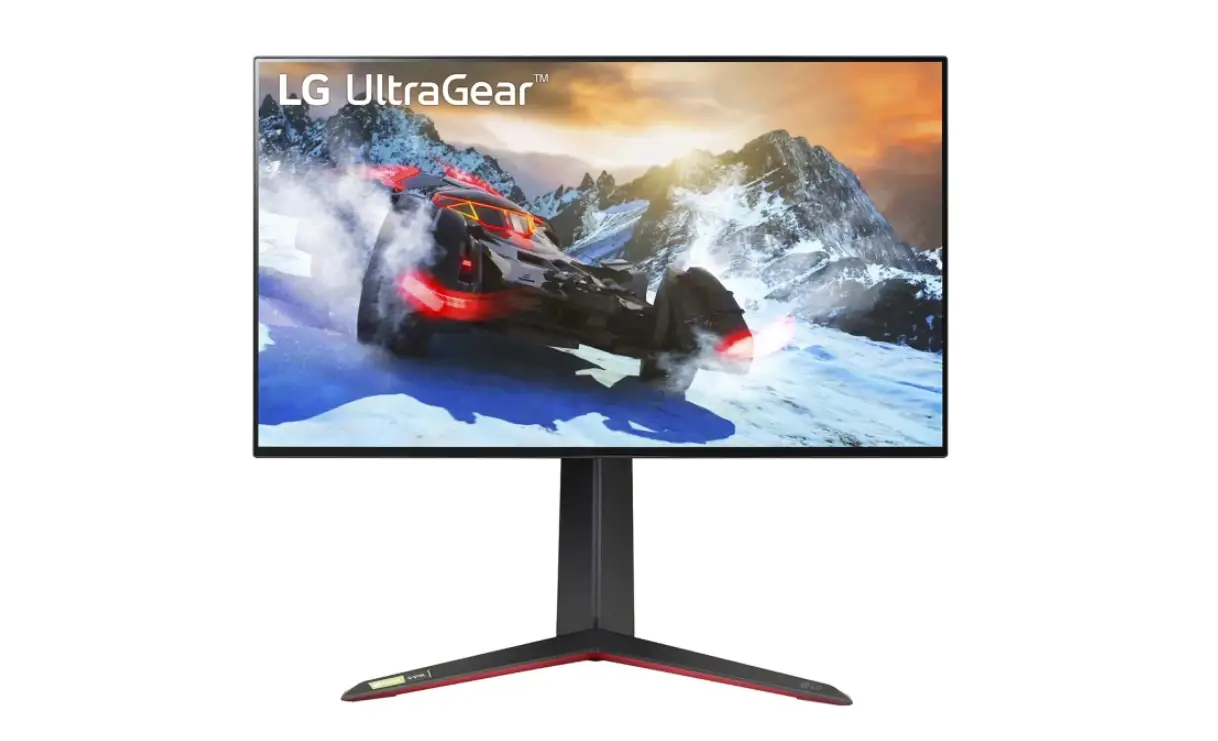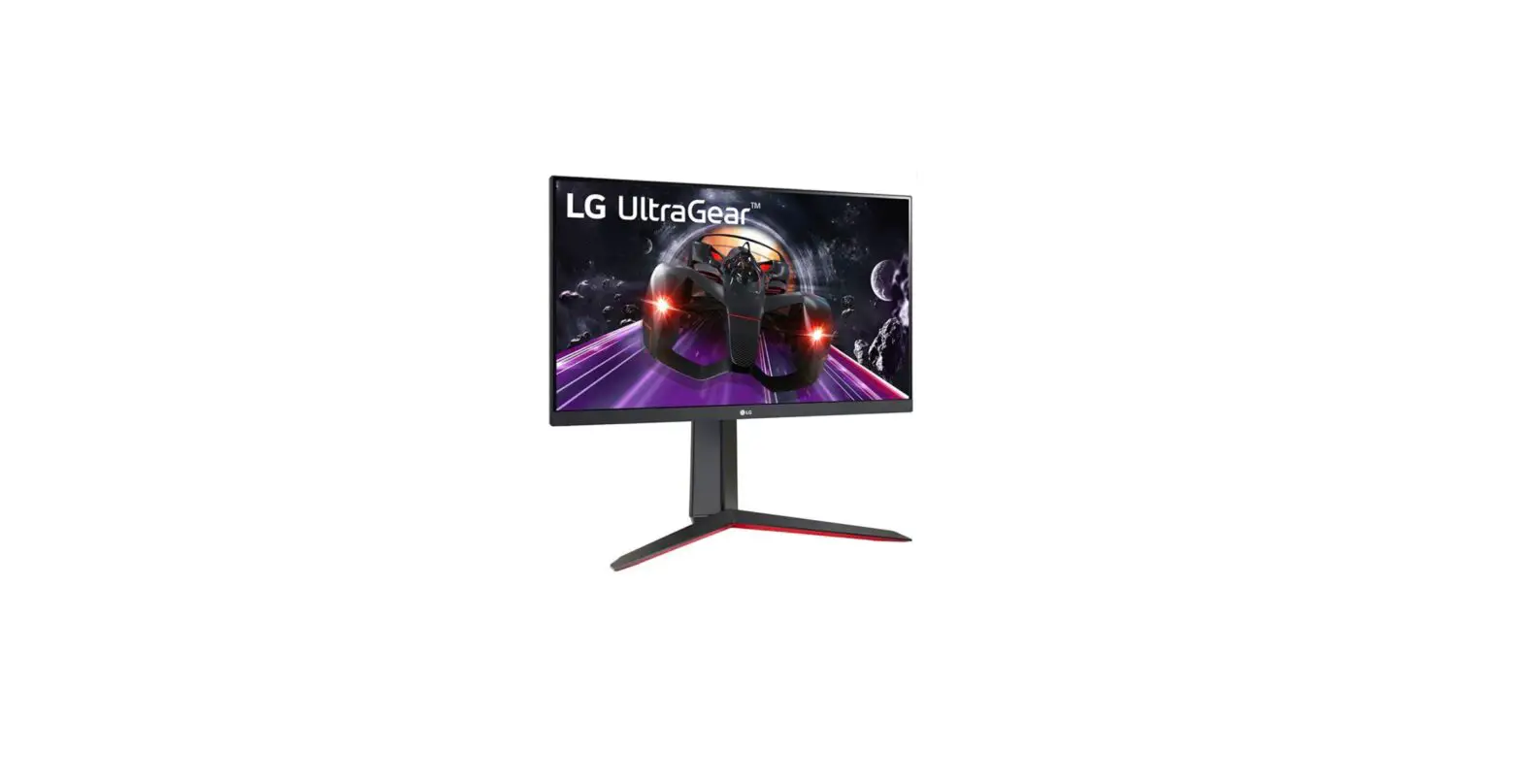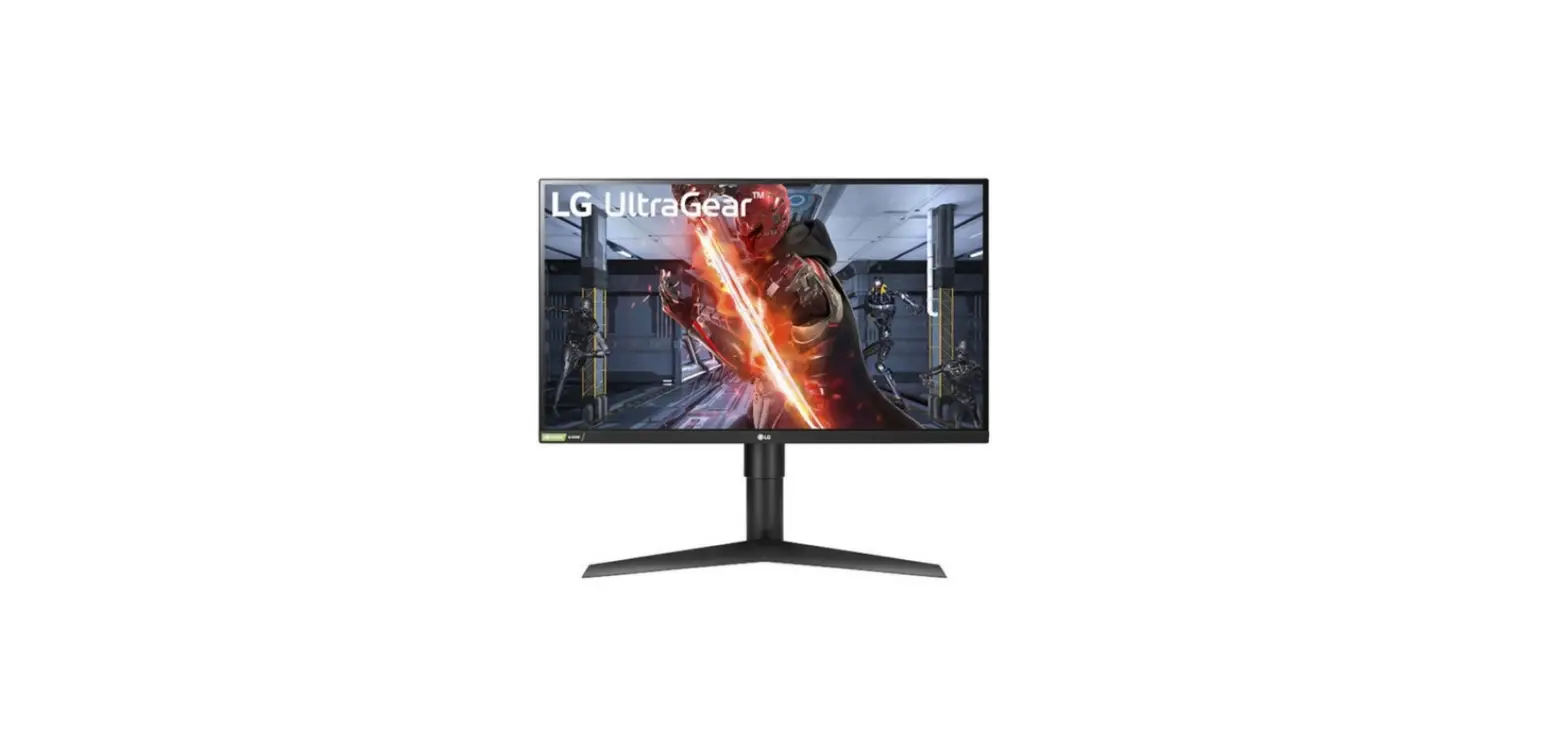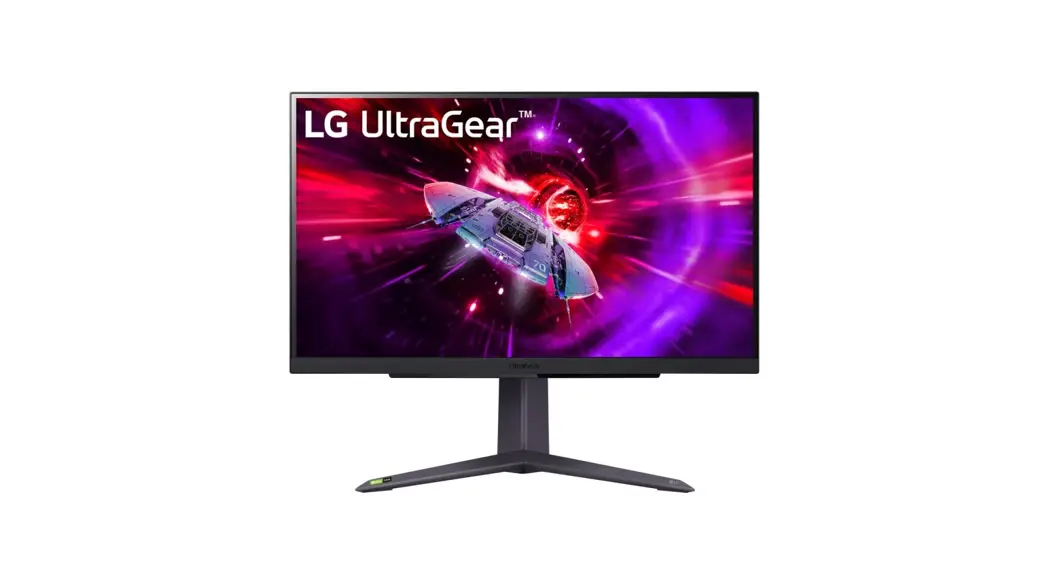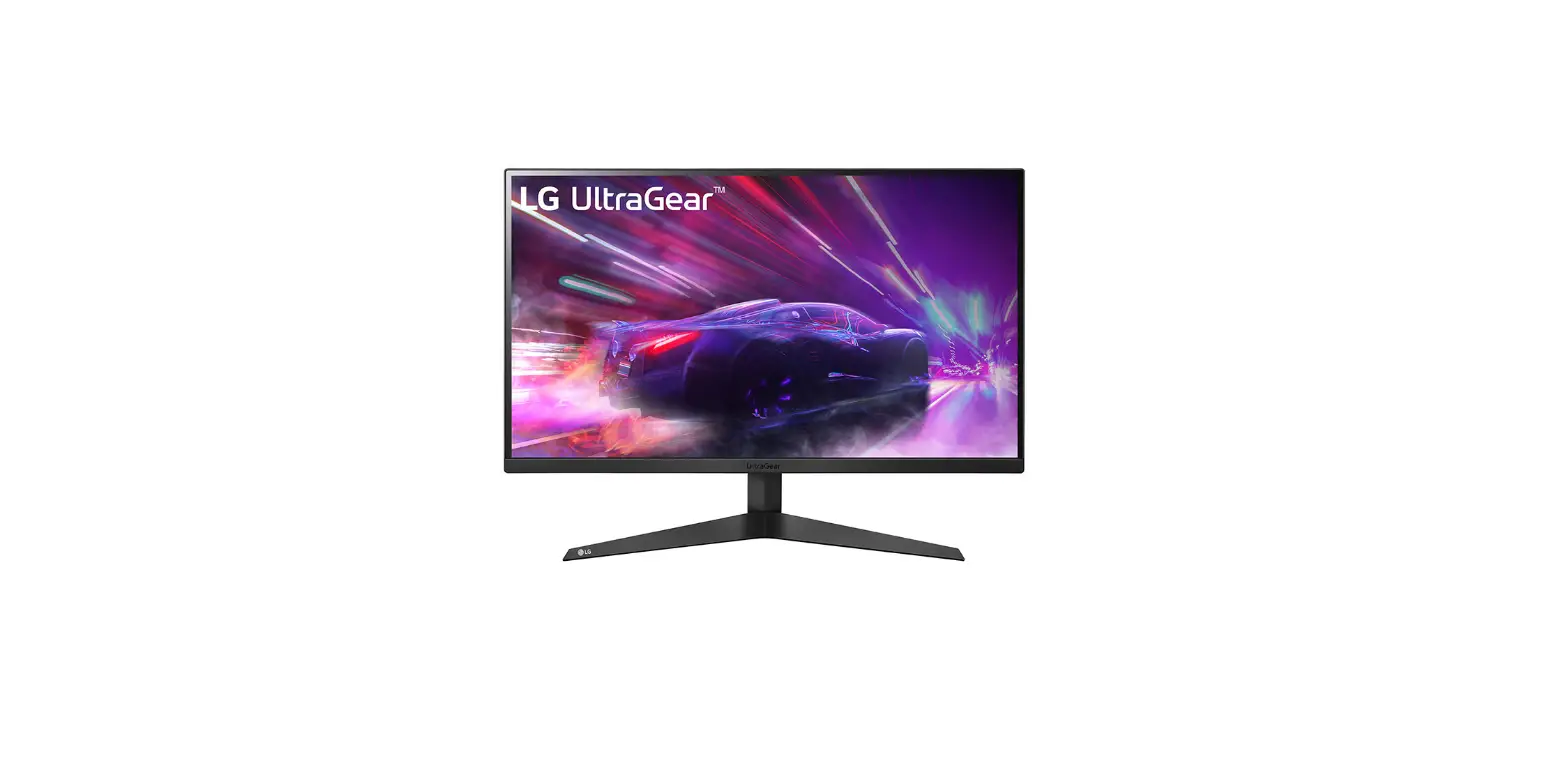
 LG 27GQ50F Smart Monitor
 LG 27GQ50F Smart Monitor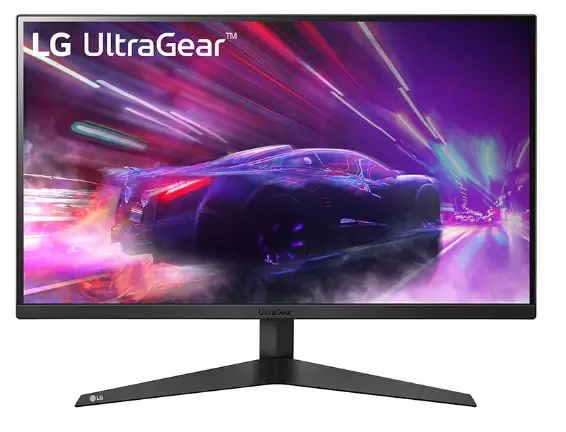
IN THE BOX
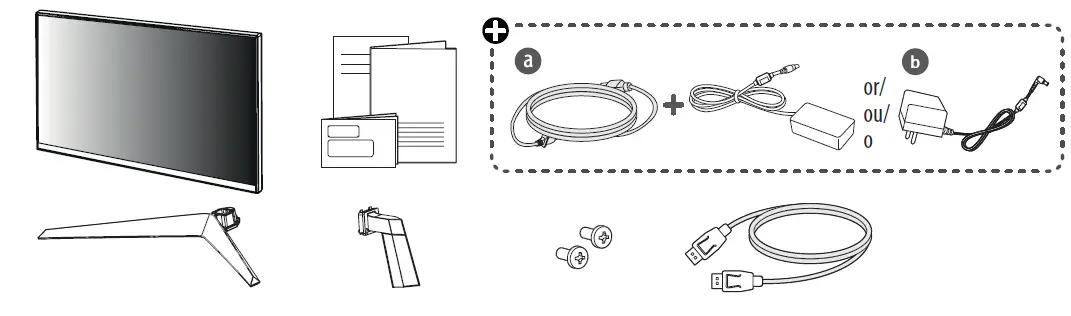
Quick Setup Guide
Please read this manual carefully before operating your set and retain it for future reference. You can download manuals from the LGE website.
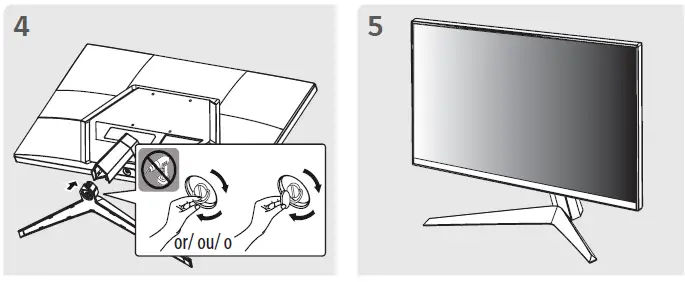
INSTALLATION INSTRUCTION
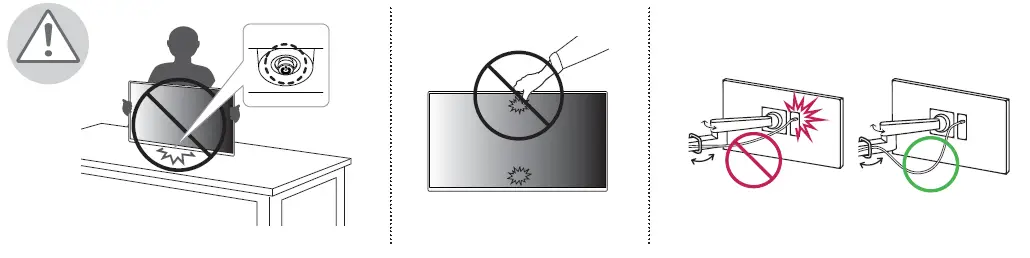
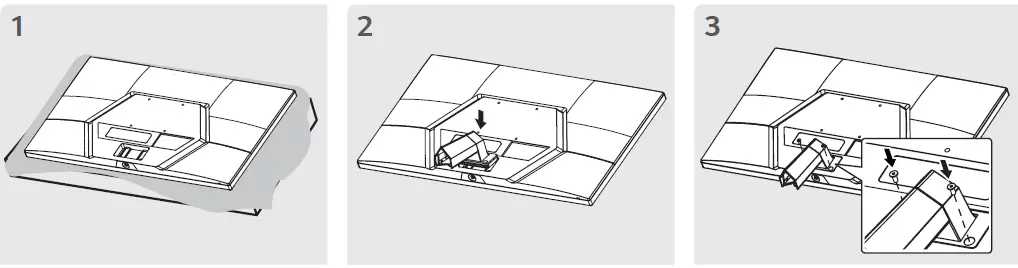
CONNECTION
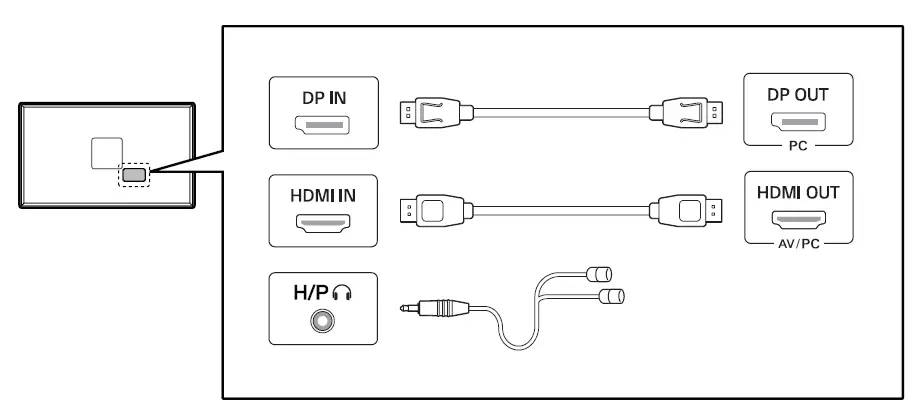
- Using a DVI to HDMI / DP (DisplayPort) to HDMI cable may cause compatibility issues.
- Make sure to use the supplied cable. Otherwise, this may cause the device to malfunction.
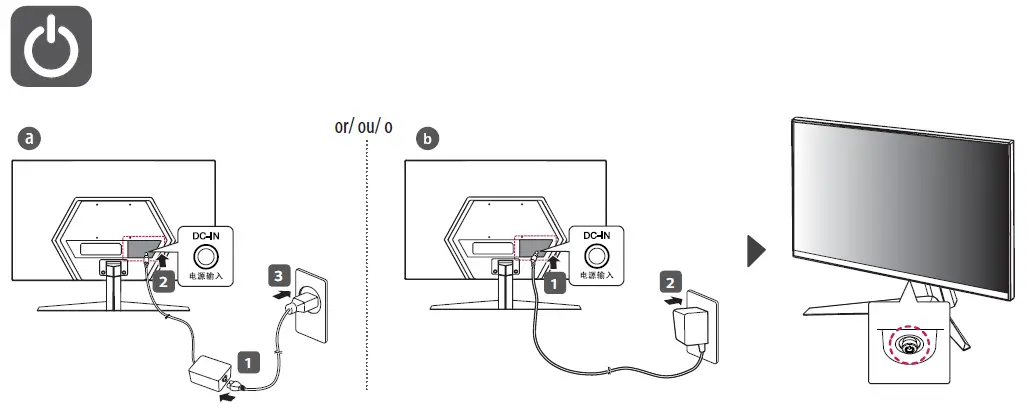
POWER
DESCRIPTION
| English | Dimensions (Width x Depth x Height) | Weight | Recommended Resolution | Vertical Frequency | ||
| With Stand 539.5 x 196.0 x 414.2 (mm) 21.2 x 7.7 x 16.3 (inches) | Without Stand 539.5 x 39 x 322.2 (mm) 21.2 x 1.5 x 12.6 (inches) | With Stand 3.57 kg (7.87 lbs) | Without Stand 2.97 kg (6.54 lbs) | 1920 x 1080 | HDMI: 144 Hz DisplayPort: 165 Hz | |
27GQ50F/ 27GQ50B/ 27GQ40W
| English | Dimensions (Width x Depth x Height) | Weight | Recommended Resolution | Vertical Frequency | ||
| With Stand 613.7 x 201.6 x 456.1 (mm) 24.1 x 7.9 x 17.9 (inches) | Without Stand 613.7 x 39.3 x 364.1 (mm) 24.1 x 1.5 x 14.3 (inches) | With Stand 3.87 kg (8.53 lbs) | Without Stand 3.25 kg (7.16 lbs) | 1920 x 1080 | HDMI: 144 Hz DisplayPort: 165 Hz | |
 LG Electronics & Home Appliances | Shop Now | LG USA